ACS Solutions FranceS BBR415 ONBOARD BANKNOTE CARD RELOADER User Manual USERS MANUAL

ACS Solutions France SAS ONBOARD BANKNOTE CARD RELOADER USERS MANUAL

USERS MANUAL

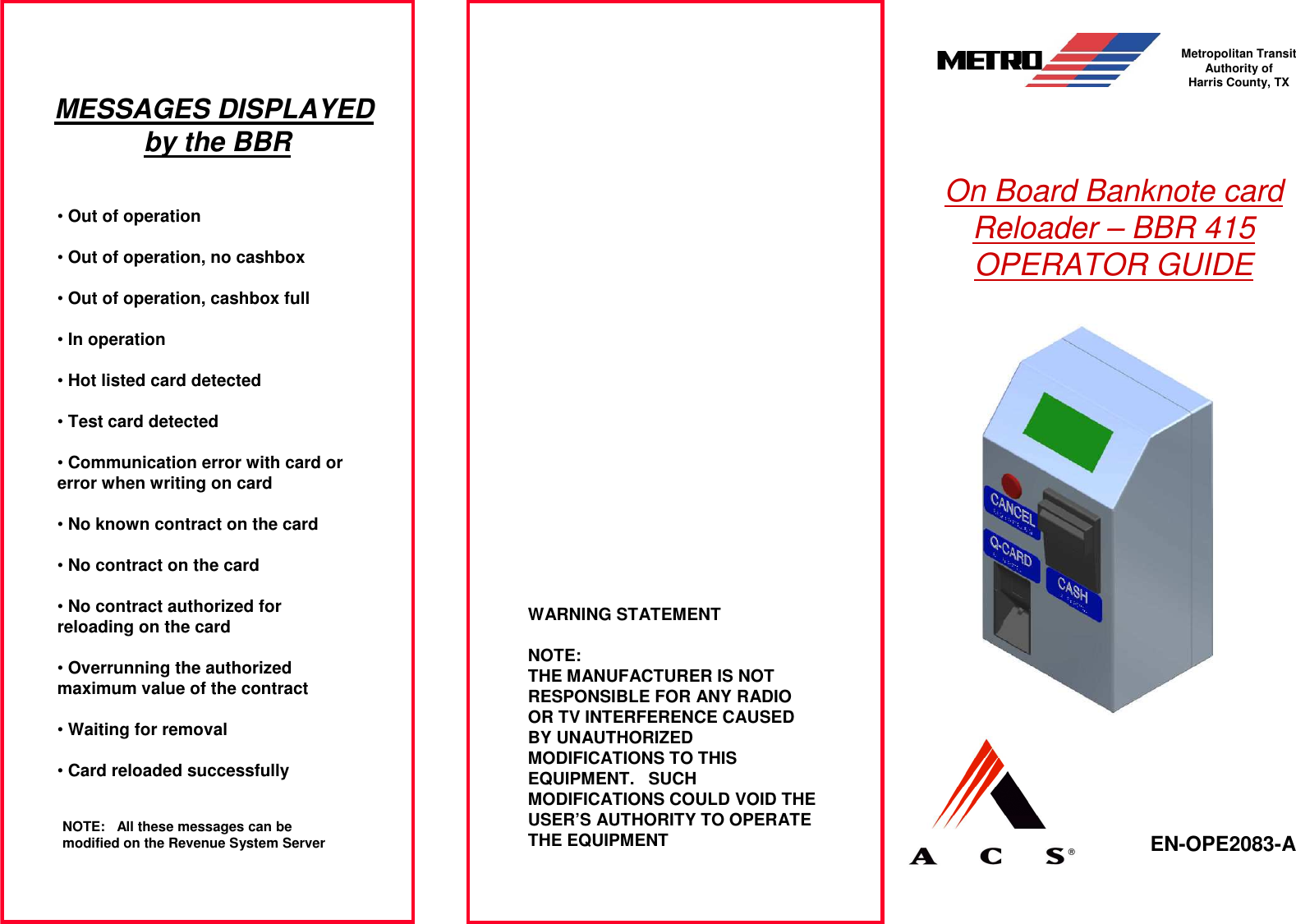
On Board Banknote card Reloader – BBR 415 OPERATOR GUIDE EN-OPE2083-A  Metropolitan Transit Authority of Harris County, TXWARNING STATEMENTNOTE:THE MANUFACTURER IS NOT RESPONSIBLE FOR ANY RADIO OR TV INTERFERENCE CAUSED BY UNAUTHORIZED MODIFICATIONS TO THIS EQUIPMENT. SUCH MODIFICATIONS COULD VOID THE USER’S AUTHORITY TO OPERATE THE EQUIPMENTMESSAGES DISPLAYED by the BBR•Out of operation•Out of operation, no cashbox•Out of operation, cashbox full•In operation•Hot listed card detected•Test card detected•Communication error with card or error when writing on card•No known contract on the card•No contract on the card•No contract authorized for reloading on the card•Overrunning the authorized maximum value of the contract•Waiting for removal•Card reloaded successfullyNOTE: All these messages can be modified on the Revenue System Server
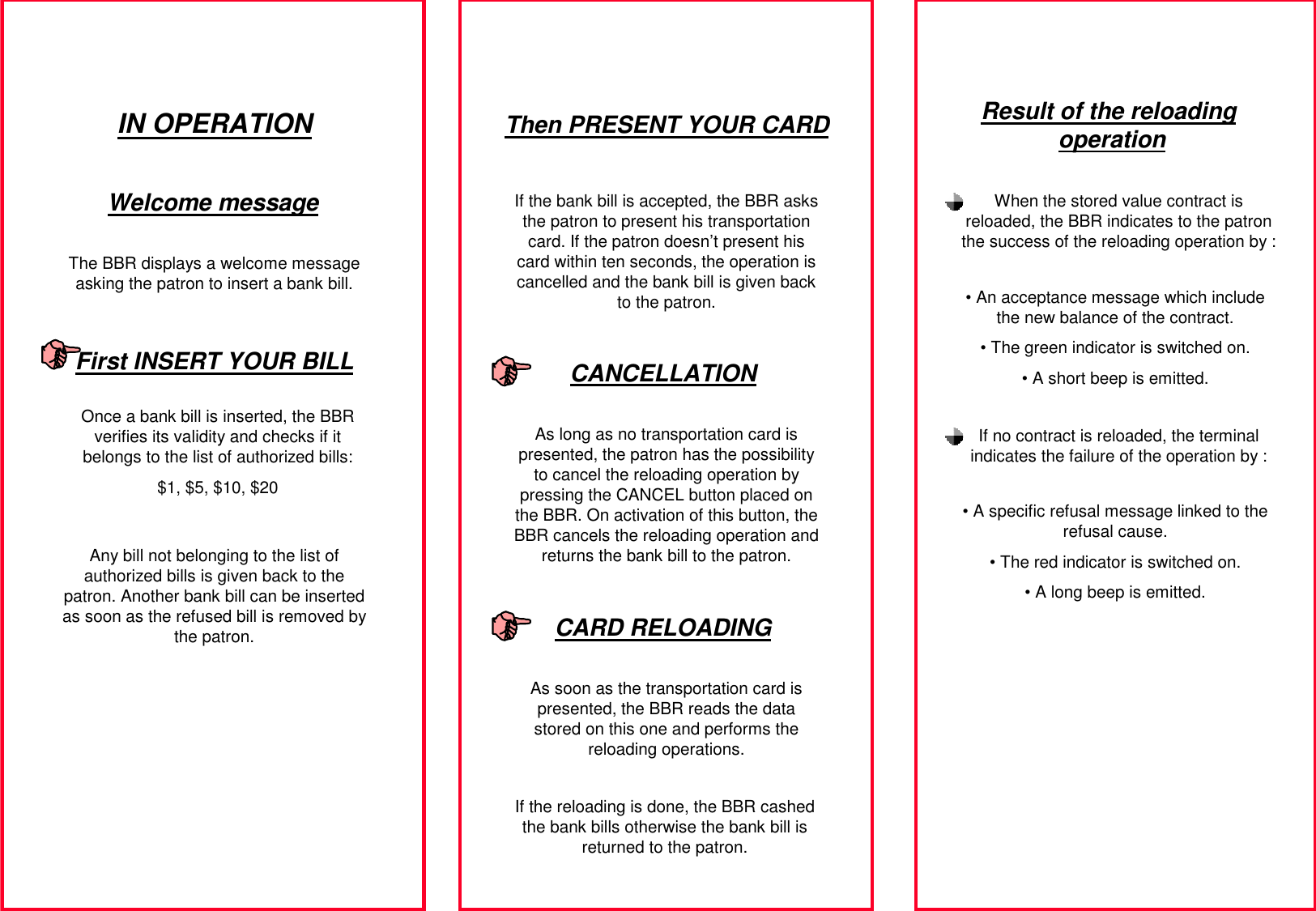
IN OPERATIONThe BBR displays a welcome message asking the patron to insert a bank bill.Once a bank bill is inserted, the BBR verifies its validity and checks if it belongs to the list of authorized bills:$1, $5, $10, $20If the bank bill is accepted, the BBR asks the patron to present his transportation card. If the patron doesn’t present his card within ten seconds, the operation is cancelled and the bank bill is given back to the patron.As long as no transportation card is presented, the patron has the possibility to cancel the reloading operation by pressing the CANCEL button placed on the BBR. On activation of this button, the BBR cancels the reloading operation and returns the bank bill to the patron.As soon as the transportation card is presented, the BBR reads the data stored on this one and performs the reloading operations.Welcome messageFirst INSERT YOUR BILLAny bill not belonging to the list of authorized bills is given back to the patron. Another bank bill can be inserted as soon as the refused bill is removed by the patron.Then PRESENT YOUR CARDCANCELLATIONCARD RELOADINGIf the reloading is done, the BBR cashed the bank bills otherwise the bank bill is returned to the patron.Result of the reloading operationWhen the stored value contract is reloaded, the BBR indicates to the patron the success of the reloading operation by :• An acceptance message which include the new balance of the contract.• The green indicator is switched on.• A short beep is emitted.If no contract is reloaded, the terminal indicates the failure of the operation by :• A specific refusal message linked to the refusal cause.• The red indicator is switched on.• A long beep is emitted.

Navigation menu