AEE Technology AEED5100001 2.4G WIRELESS AUDIO AND VIDEO TRANSMITTER MODULE User Manual

Shenzhen AEE Technology CO., LTD. 2.4G WIRELESS AUDIO AND VIDEO TRANSMITTER MODULE

User Manual

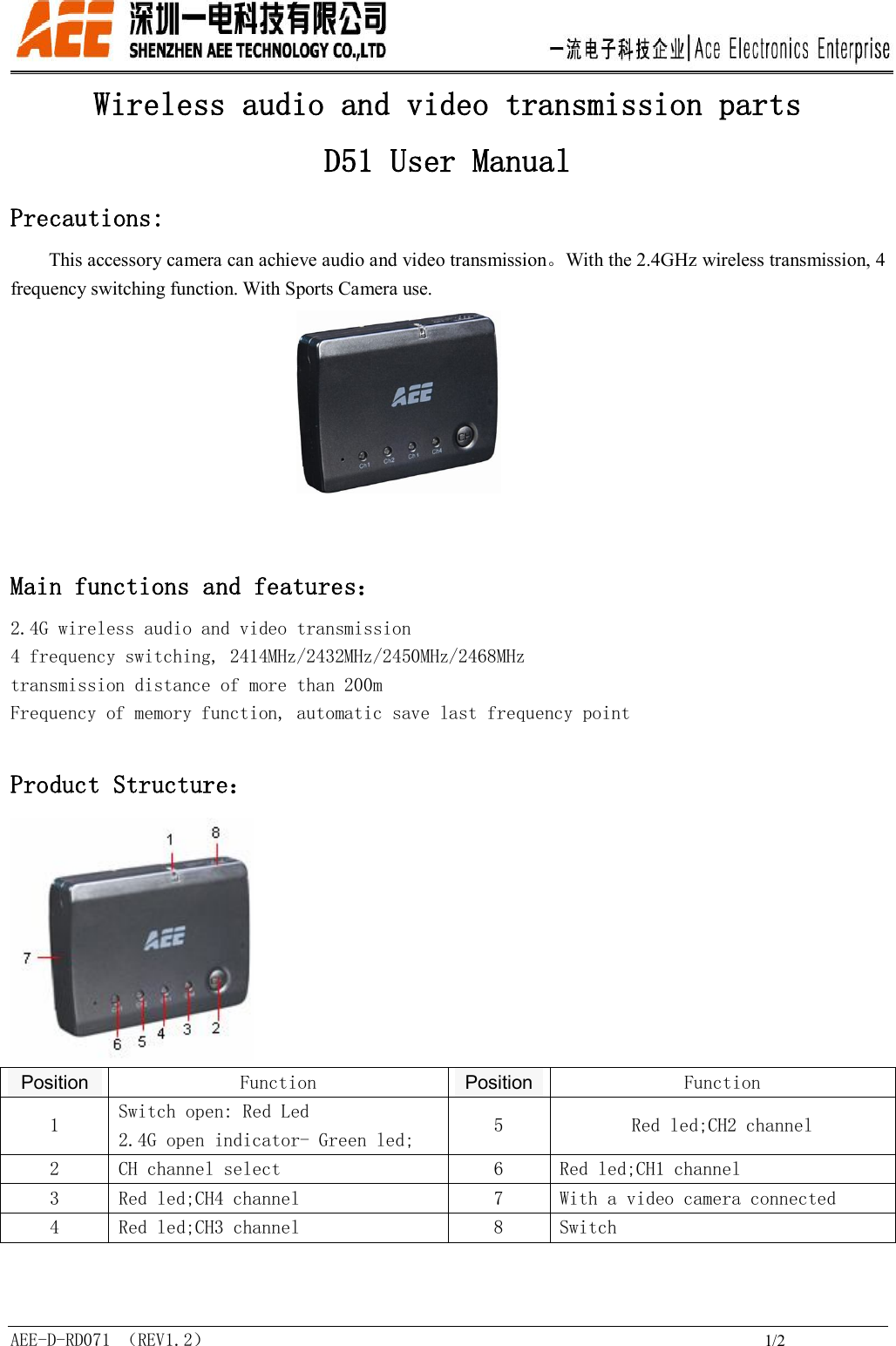
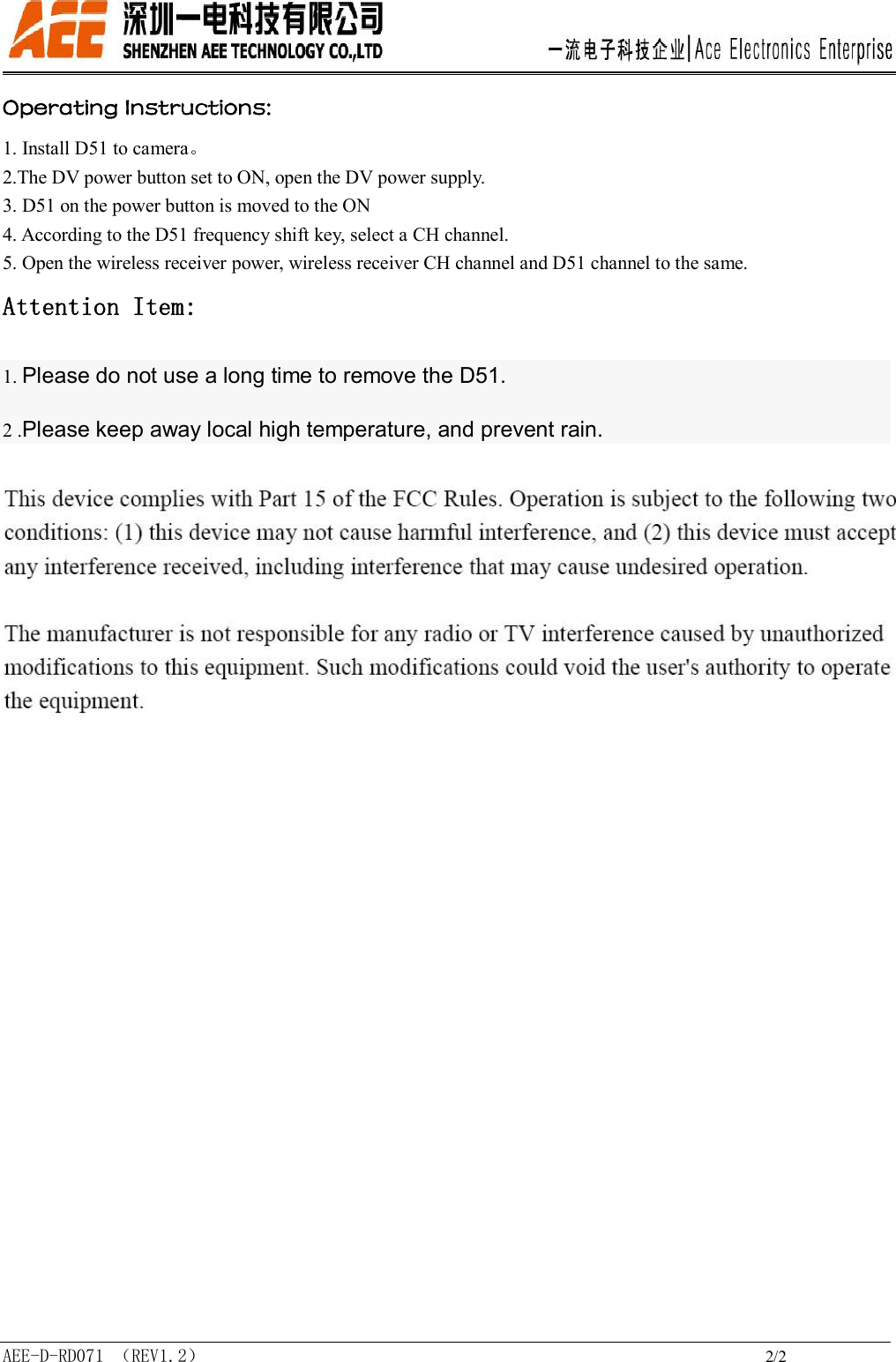
 AEE-D-RD071 (REV1.2)                                                             1/2 Wireless audio and video transmission parts D51 User Manual  Precautions: This accessory camera can achieve audio and video transmission。With the 2.4GHz wireless transmission, 4 frequency switching function. With Sports Camera use.                                  Main functions and features: 2.4G wireless audio and video transmission 4 frequency switching, 2414MHz/2432MHz/2450MHz/2468MHz transmission distance of more than 200m Frequency of memory function, automatic save last frequency point  Product Structure:  Position  Function  Position  Function 1  Switch open: Red Led 2.4G open indicator- Green led;  5  Red led;CH2 channel 2  CH channel select  6  Red led;CH1 channel 3  Red led;CH4 channel  7  With a video camera connected 4  Red led;CH3 channel  8  Switch
 AEE-D-RD071 (REV1.2)                                                             2/2 Operating Instructions:         1. Install D51 to camera。 2.The DV power button set to ON, open the DV power supply. 3. D51 on the power button is moved to the ON 4. According to the D51 frequency shift key, select a CH channel. 5. Open the wireless receiver power, wireless receiver CH channel and D51 channel to the same. Attention Item: 1. Please do not use a long time to remove the D51. 2 .Please keep away local high temperature, and prevent rain.

Navigation menu