AKUVOX EP10-433 SIP Phone Pendant User Manual

AKUVOX (XIAMEN) NETWORKS CO., LTD. SIP Phone Pendant Users Manual

Users Manual

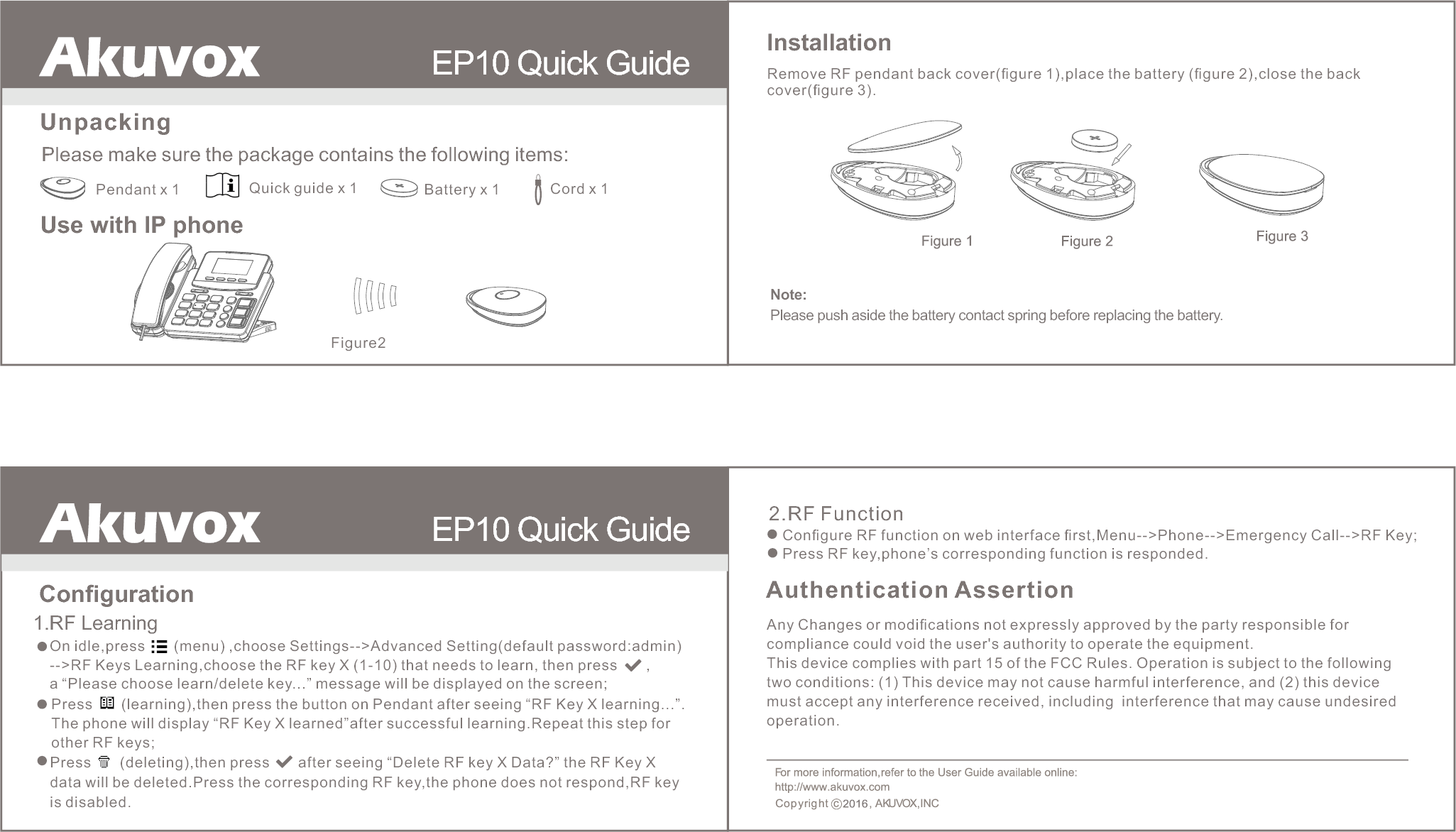
Figure2Configuration1.RF LearningEP10 Quick GuideUse with IP phoneUnpackingPlease make sure the package contains the following items:Pendant x 1 Quick guide x 1 Battery x 1 Cord x 1On idle,press       (menu) ,choose Settings-->Advanced Setting(default password:admin)-->RF Keys Learning,choose the RF key X (1-10) that needs to learn, then press       ,a “Please choose learn/delete key...” message will be displayed on the screen;Press       (learning),then press the button on Pendant after seeing “RF Key X learning...”.The phone will display “RF Key X learned”after successful learning.Repeat this step for other RF keys;Press       (deleting),then press       after seeing “Delete RF key X Data?” the RF Key X data will be deleted.Press the corresponding RF key,the phone does not respond,RF key is disabled.Configure RF function on web interface first,Menu-->Phone-->Emergency Call-->RF Key;Press RF key,phone’s corresponding function is responded.2.RF FunctionInstallationNote: Please push aside the battery contact spring before replacing the battery.Remove RF pendant back cover(figure 1),place the battery (figure 2),close the backcover(figure 3).Authentication AssertionAny Changes or modifications not expressly approved by the party responsible for compliance could void the user's authority to operate the equipment.  This device complies with part 15 of the FCC Rules. Operation is subject to the following two conditions: (1) This device may not cause harmful interference, and (2) this device must accept any interference received, including  interference that may cause undesired operation.EP10 Quick Guide

Navigation menu