BOVI ELECTRICAL APPLIANCE BVT002 Turntable User Manual BV T002

SHENZHEN BOVI ELECTRICAL APPLIANCE CO.,LTD Turntable BV T002

Contents

Users Manual

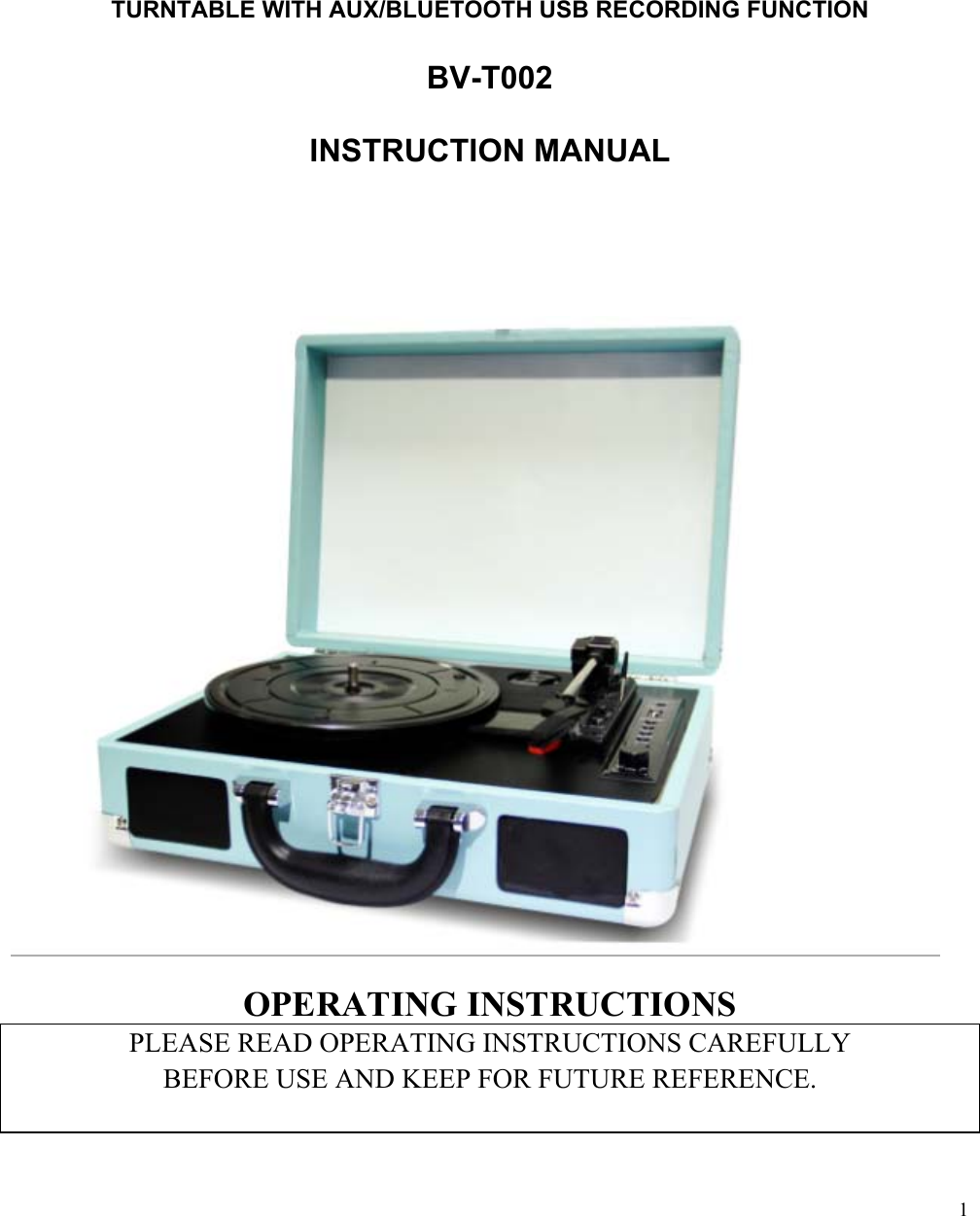
 1                                                                               TURNTABLE WITH AUX/BLUETOOTH USB RECORDING FUNCTION  BV-T002  INSTRUCTION MANUAL                          OPERATING INSTRUCTIONS PLEASE READ OPERATING INSTRUCTIONS CAREFULLY  BEFORE USE AND KEEP FOR FUTURE REFERENCE.
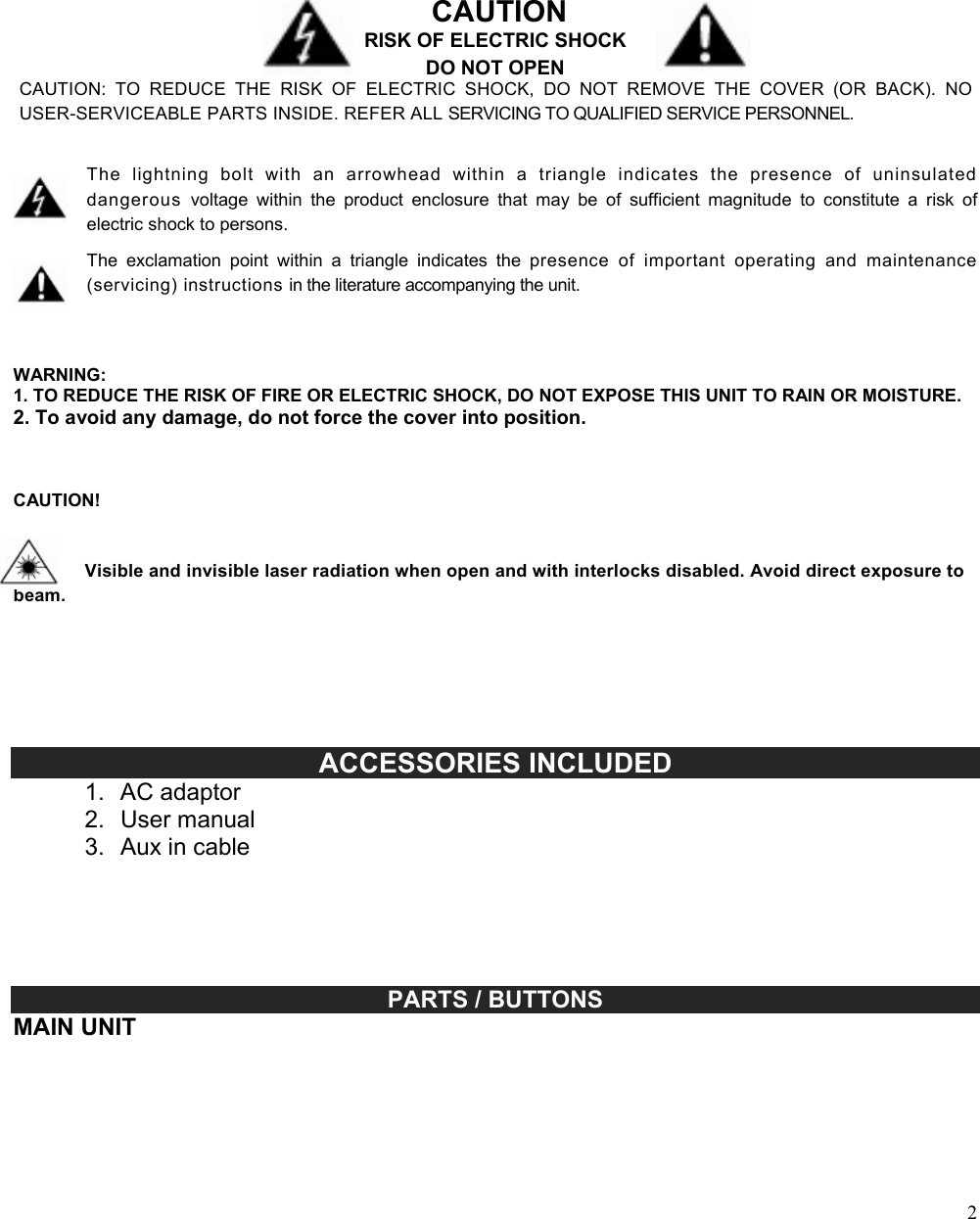
 2                                                                                                                                                                                                                                                                                                              CAUTION RISK OF ELECTRIC SHOCK DO NOT OPEN CAUTION:  TO  REDUCE  THE  RISK  OF  ELECTRIC  SHOCK,  DO  NOT  REMOVE  THE  COVER  (OR  BACK).  NO USER-SERVICEABLE PARTS INSIDE. REFER ALL SERVICING TO QUALIFIED SERVICE PERSONNEL.   The  lightning  bolt  with  an  arrowhead  within  a  triangle  indicates  the  presence  of  uninsulated dangerous  voltage  within  the  product  enclosure  that  may  be  of  sufficient  magnitude  to  constitute  a  risk  of electric shock to persons.  The  exclamation  point  within  a  triangle  indicates  the  presence  of  important  operating  and  maintenance (servicing) instructions in the literature accompanying the unit.    WARNING: 1. TO REDUCE THE RISK OF FIRE OR ELECTRIC SHOCK, DO NOT EXPOSE THIS UNIT TO RAIN OR MOISTURE. 2. To avoid any damage, do not force the cover into position.    CAUTION!    Visible and invisible laser radiation when open and with interlocks disabled. Avoid direct exposure to beam.                                        ACCESSORIES INCLUDED 1.  AC adaptor 2.  User manual 3.  Aux in cable                                                                                                                                                          PARTS / BUTTONS MAIN UNIT
 3 1.  Turntable platter 2.  Turntable Shaft 3.  45 RPM Adaptor 4.  Tone arm  5.  Lift lever 6.  Aux in jack 7.  Power and function LED indicator 8.  USB socket 9.  Play & REC button 10. Auto stop on/off switch 11. Next button 12. PREV button 13. Function mode selection 14. Speed control selection 15. Stop button 16. Charging battery led light indicator 17. Power/volume control knob 18. Stylus(needle)cartridge 19. Buit-in speaker 20. Handle 21. Lock 22. RCA line out L/R 23. DC in power jack                          GETTING STARTED POWER SUPPLY AN  AC-DC Adaptor with the output 5V DC 1A (included)is required for operating the main unit .To connect the AC-DC Adaptor to the unit and 120V~60Hz AC outlet:
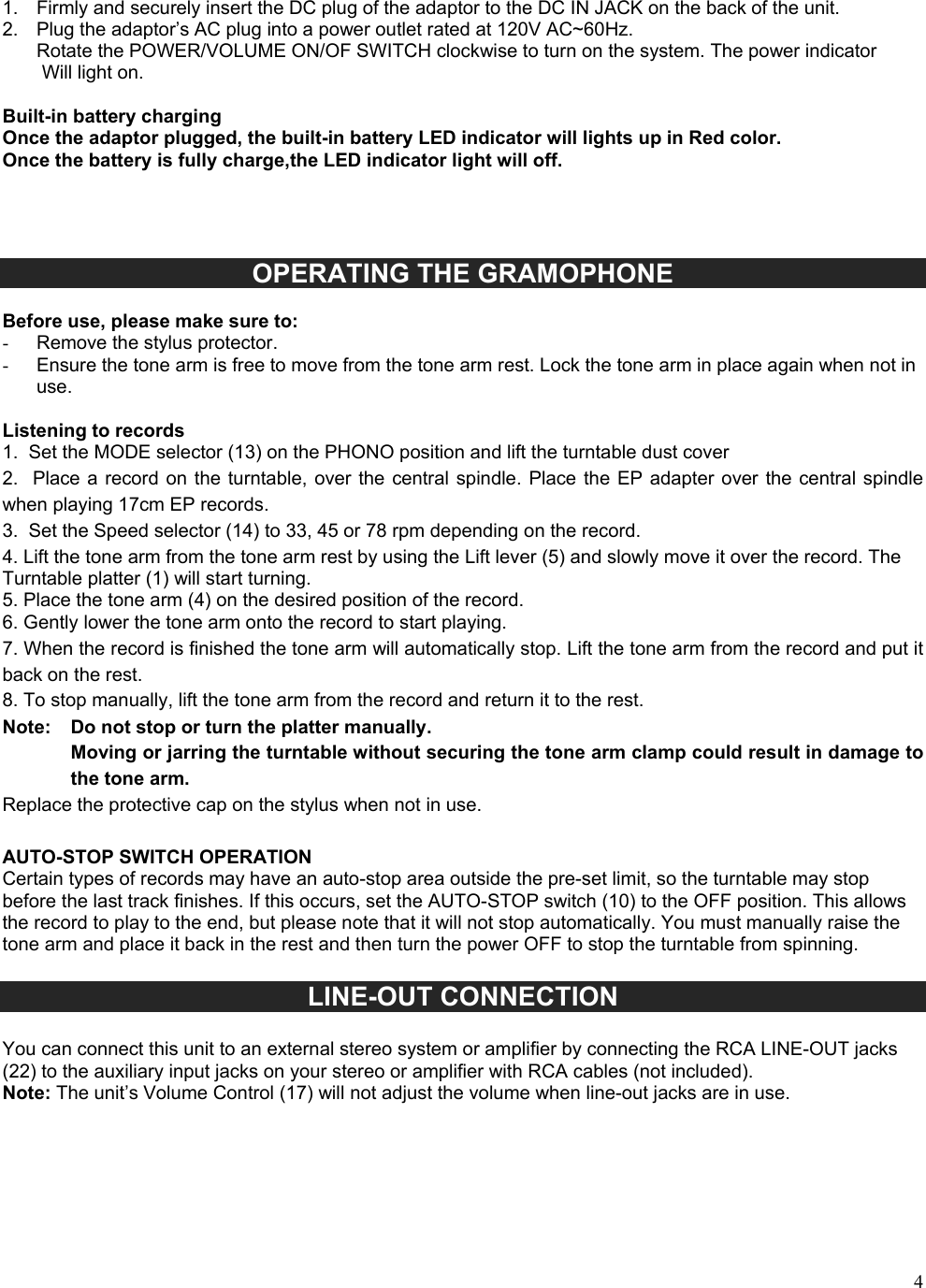
41. Firmly and securely insert the DC plug of the adaptor to the DC IN JACK on the back of the unit.2. Plug the adaptor’s AC plug into a power outlet rated at 120V AC~60Hz.Rotate the POWER/VOLUME ON/OF SWITCH clockwise to turn on the system. The power indicatorWill light on.Built-in battery charging Once the adaptor plugged, the built-in battery LED indicator will lights up in Red color. Once the battery is fully charge,the LED indicator light will off. OPERATING THE GRAMOPHONE  Before use, please make sure to: -  Remove the stylus protector. -  Ensure the tone arm is free to move from the tone arm rest. Lock the tone arm in place again when not in use. Listening to records 1. Set the MODE selector (13) on the PHONO position and lift the turntable dust cover2. Place a  record on  the turntable,  over the  central spindle.  Place the EP adapter over  the central spindlewhen playing 17cm EP records. 3. Set the Speed selector (14) to 33, 45 or 78 rpm depending on the record.4. Lift the tone arm from the tone arm rest by using the Lift lever (5) and slowly move it over the record. TheTurntable platter (1) will start turning. 5. Place the tone arm (4) on the desired position of the record.6. Gently lower the tone arm onto the record to start playing.7. When the record is finished the tone arm will automatically stop. Lift the tone arm from the record and put itback on the rest. 8. To stop manually, lift the tone arm from the record and return it to the rest.Note:   Do not stop or turn the platter manually. Moving or jarring the turntable without securing the tone arm clamp could result in damage to the tone arm. Replace the protective cap on the stylus when not in use. AUTO-STOP SWITCH OPERATION Certain types of records may have an auto-stop area outside the pre-set limit, so the turntable may stop before the last track finishes. If this occurs, set the AUTO-STOP switch (10) to the OFF position. This allows the record to play to the end, but please note that it will not stop automatically. You must manually raise the tone arm and place it back in the rest and then turn the power OFF to stop the turntable from spinning. LINE-OUT CONNECTION You can connect this unit to an external stereo system or amplifier by connecting the RCA LINE-OUT jacks (22) to the auxiliary input jacks on your stereo or amplifier with RCA cables (not included). Note: The unit’s Volume Control (17) will not adjust the volume when line-out jacks are in use.
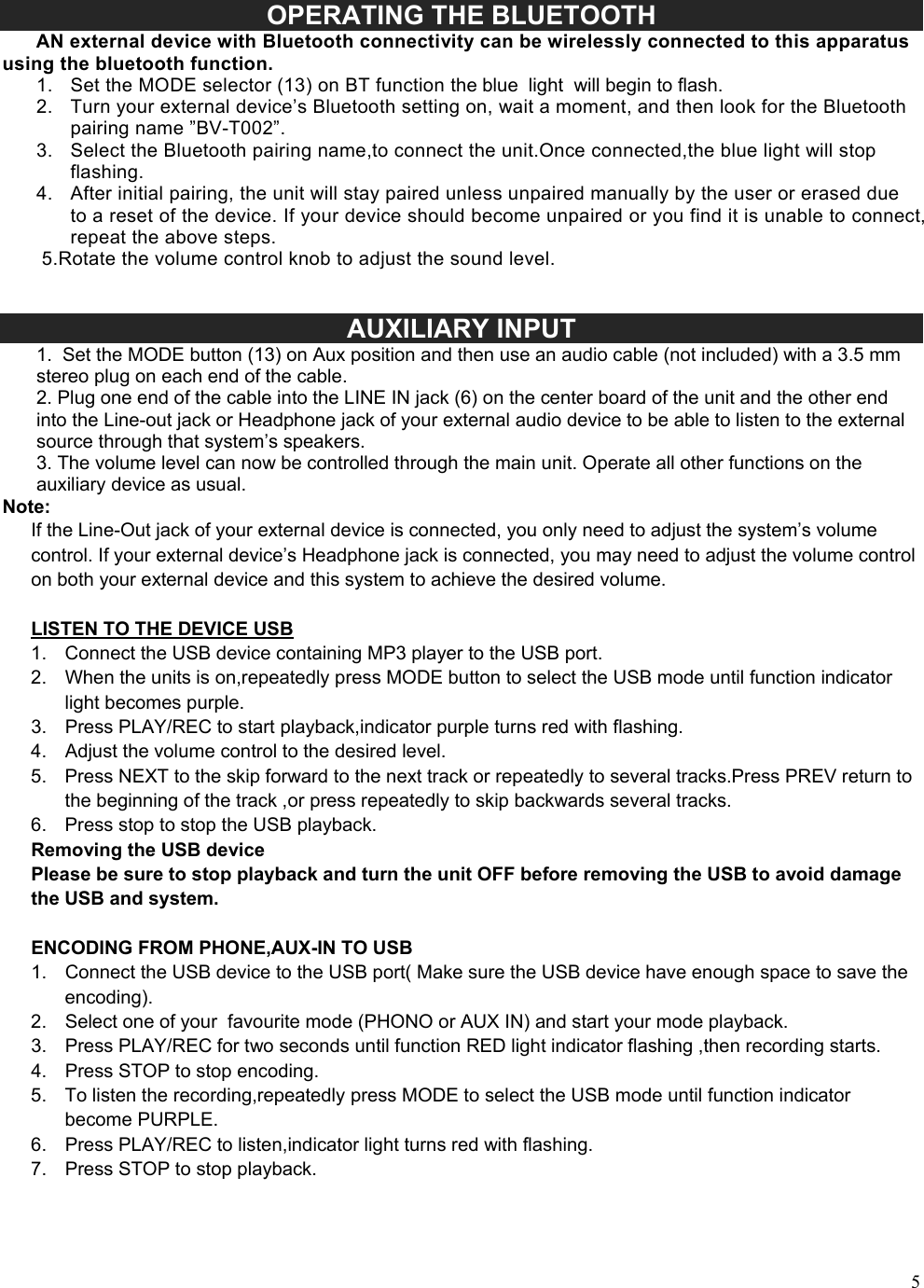
5OPERATING THE BLUETOOTH       AN external device with Bluetooth connectivity can be wirelessly connected to this apparatus using the bluetooth function. 1. Set the MODE selector (13) on BT function the blue  light  will begin to flash.2. Turn your external device’s Bluetooth setting on, wait a moment, and then look for the Bluetoothpairing name ”BV-T002”.3. Select the Bluetooth pairing name,to connect the unit.Once connected,the blue light will stopflashing.4. After initial pairing, the unit will stay paired unless unpaired manually by the user or erased dueto a reset of the device. If your device should become unpaired or you find it is unable to connect,repeat the above steps.5.Rotate the volume control knob to adjust the sound level.AUXILIARY INPUT 1. Set the MODE button (13) on Aux position and then use an audio cable (not included) with a 3.5 mmstereo plug on each end of the cable. 2. Plug one end of the cable into the LINE IN jack (6) on the center board of the unit and the other endinto the Line-out jack or Headphone jack of your external audio device to be able to listen to the external source through that system’s speakers. 3. The volume level can now be controlled through the main unit. Operate all other functions on theauxiliary device as usual. Note: If the Line-Out jack of your external device is connected, you only need to adjust the system’s volume control. If your external device’s Headphone jack is connected, you may need to adjust the volume control on both your external device and this system to achieve the desired volume.    LISTEN TO THE DEVICE USB 1. Connect the USB device containing MP3 player to the USB port.2. When the units is on,repeatedly press MODE button to select the USB mode until function indicatorlight becomes purple.3. Press PLAY/REC to start playback,indicator purple turns red with flashing.4. Adjust the volume control to the desired level.5. Press NEXT to the skip forward to the next track or repeatedly to several tracks.Press PREV return tothe beginning of the track ,or press repeatedly to skip backwards several tracks.6. Press stop to stop the USB playback.Removing the USB device Please be sure to stop playback and turn the unit OFF before removing the USB to avoid damage the USB and system. ENCODING FROM PHONE,AUX-IN TO USB 1. Connect the USB device to the USB port( Make sure the USB device have enough space to save theencoding).2. Select one of your  favourite mode (PHONO or AUX IN) and start your mode playback.3. Press PLAY/REC for two seconds until function RED light indicator flashing ,then recording starts.4. Press STOP to stop encoding.5. To listen the recording,repeatedly press MODE to select the USB mode until function indicatorbecome PURPLE.6. Press PLAY/REC to listen,indicator light turns red with flashing.7. Press STOP to stop playback.
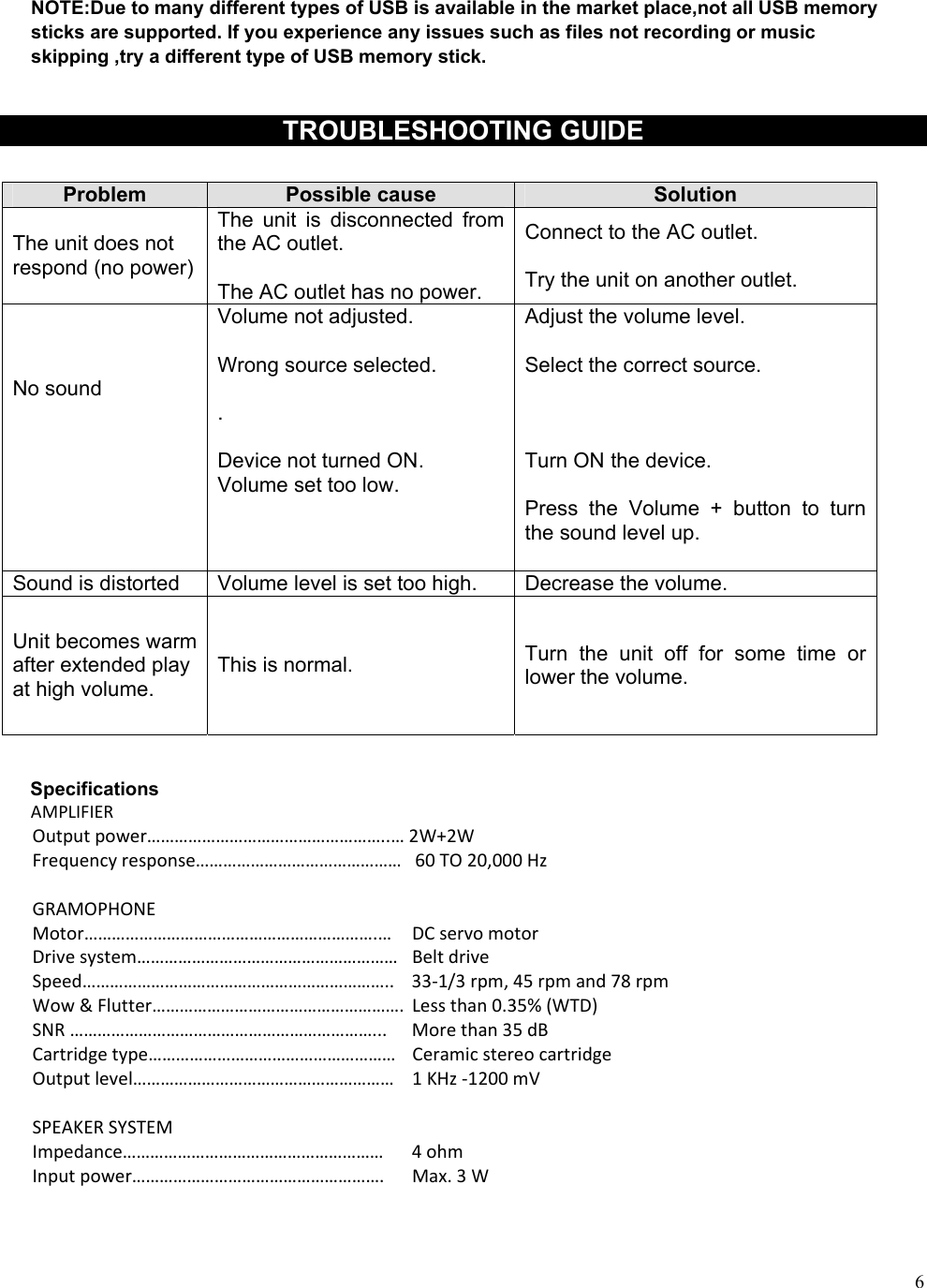
6NOTE:Due to many different types of USB is available in the market place,not all USB memory sticks are supported. If you experience any issues such as files not recording or music skipping ,try a different type of USB memory stick. TROUBLESHOOTING GUIDE Problem  Possible cause  Solution The unit does not respond (no power) The  unit  is  disconnected  from the AC outlet. The AC outlet has no power. Connect to the AC outlet. Try the unit on another outlet. No sound Volume not adjusted. Wrong source selected. . Device not turned ON. Volume set too low. Adjust the volume level. Select the correct source. Turn ON the device. Press  the  Volume  +  button  to  turn the sound level up. Sound is distorted  Volume level is set too high.  Decrease the volume. Unit becomes warm after extended play at high volume. This is normal.  Turn  the  unit  off  for  some  time  or lower the volume. Specifications AMPLIFIEROutputpower……………………………………………..…2W+2WFrequencyresponse………………………………………60TO20,000HzGRAMOPHONEMotor……………………………………………………….… DCservomotorDrivesystem………………………………………………… BeltdriveSpeed………………………………………………………….. 33‐1/3rpm,45rpmand78rpmWow&Flutter……………………………………………….Lessthan0.35%(WTD)SNR…………………………………………………………... Morethan35dBCartridgetype……………………………………………… CeramicstereocartridgeOutputlevel………………………………………………… 1KHz‐1200mVSPEAKERSYSTEMImpedance………………………………………………… 4ohmInputpower………………………………………………. Max.3W
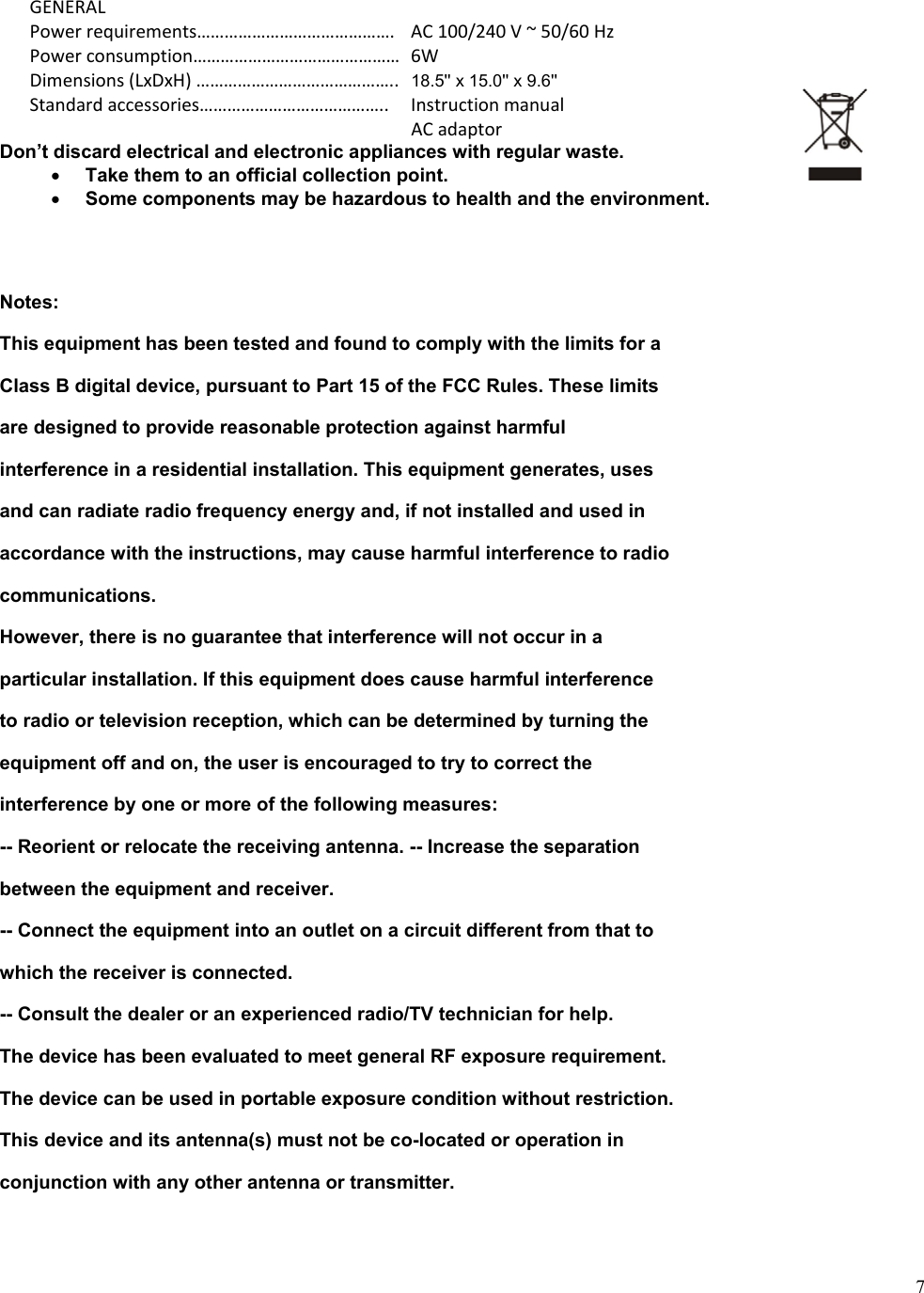
7GENERALPowerrequirements……………………………………. AC100/240V~50/60HzPowerconsumption………………………………………6WDimensions(LxDxH)…………………………………….. 18.5'' x 15.0'' x 9.6''Standardaccessories………………………………….. Instructionmanual ACadaptorDon’t discard electrical and electronic appliances with regular waste. Take them to an official collection point.Some components may be hazardous to health and the environment.Notes: This equipment has been tested and found to comply with the limits for a Class B digital device, pursuant to Part 15 of the FCC Rules. These limits are designed to provide reasonable protection against harmful interference in a residential installation. This equipment generates, uses and can radiate radio frequency energy and, if not installed and used in accordance with the instructions, may cause harmful interference to radio communications. However, there is no guarantee that interference will not occur in a particular installation. If this equipment does cause harmful interference to radio or television reception, which can be determined by turning the equipment off and on, the user is encouraged to try to correct the interference by one or more of the following measures: -- Reorient or relocate the receiving antenna. -- Increase the separation between the equipment and receiver. -- Connect the equipment into an outlet on a circuit different from that to which the receiver is connected. -- Consult the dealer or an experienced radio/TV technician for help. The device has been evaluated to meet general RF exposure requirement. The device can be used in portable exposure condition without restriction. This device and its antenna(s) must not be co-located or operation in conjunction with any other antenna or transmitter.

Navigation menu