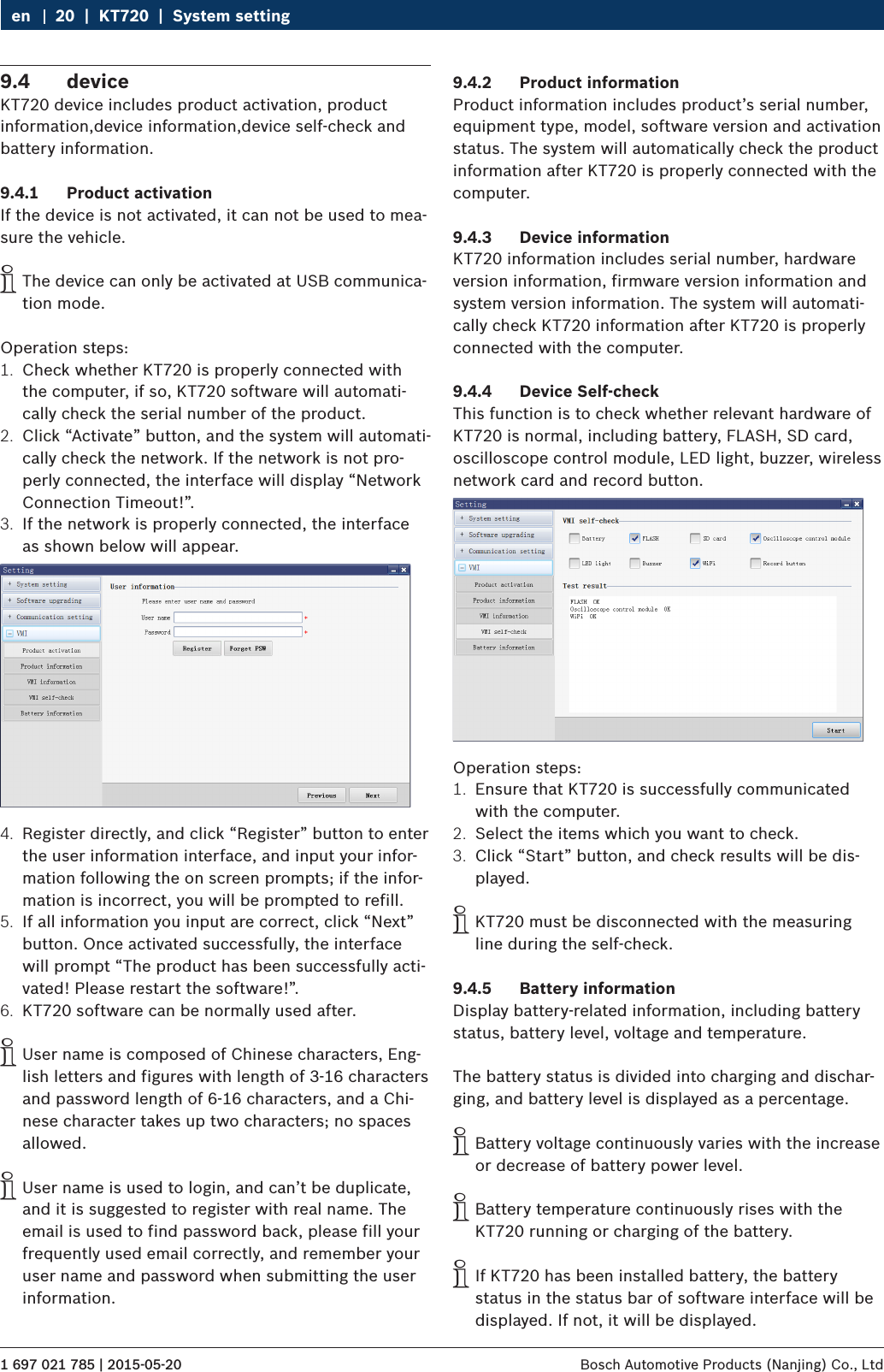
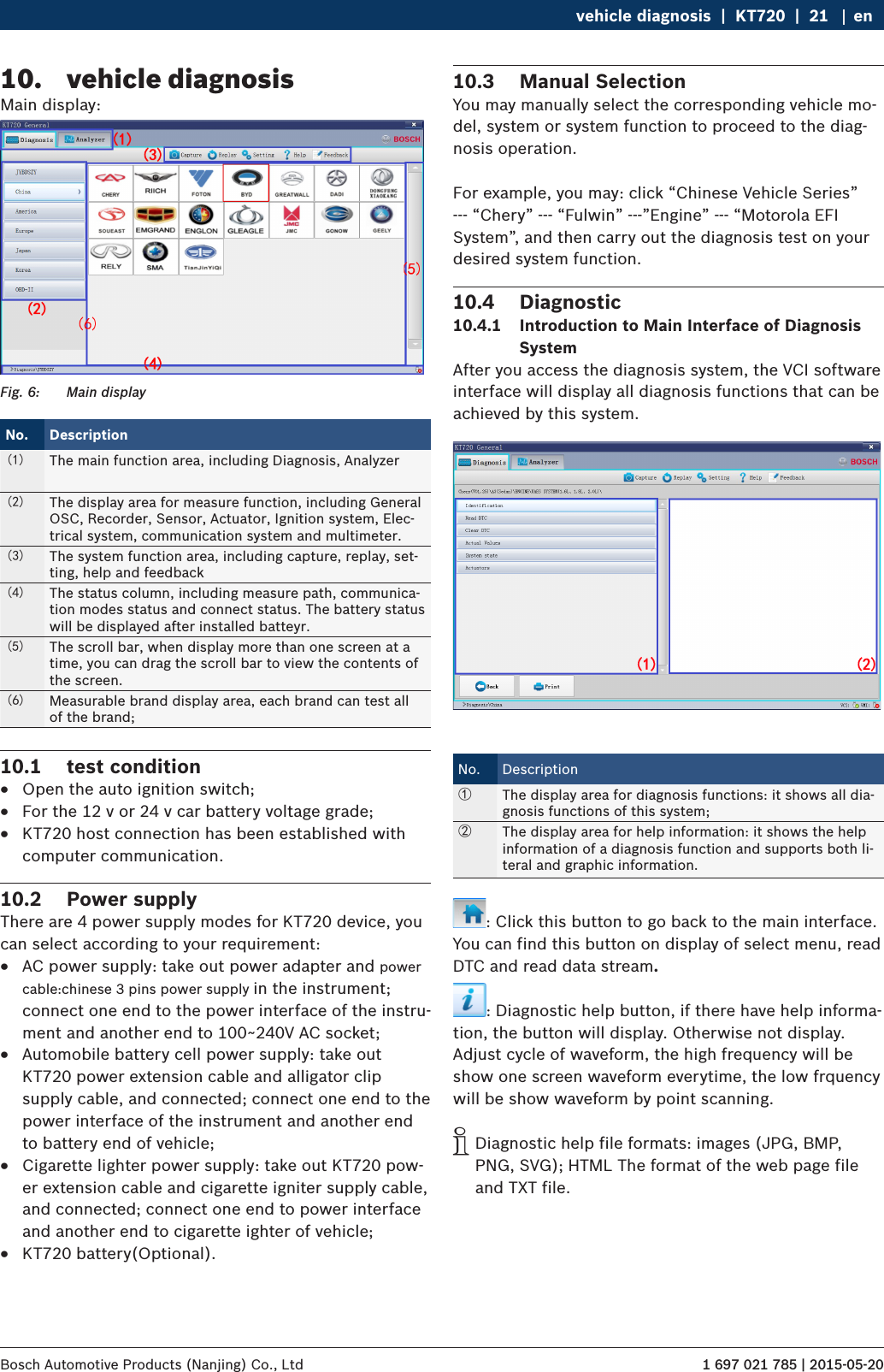
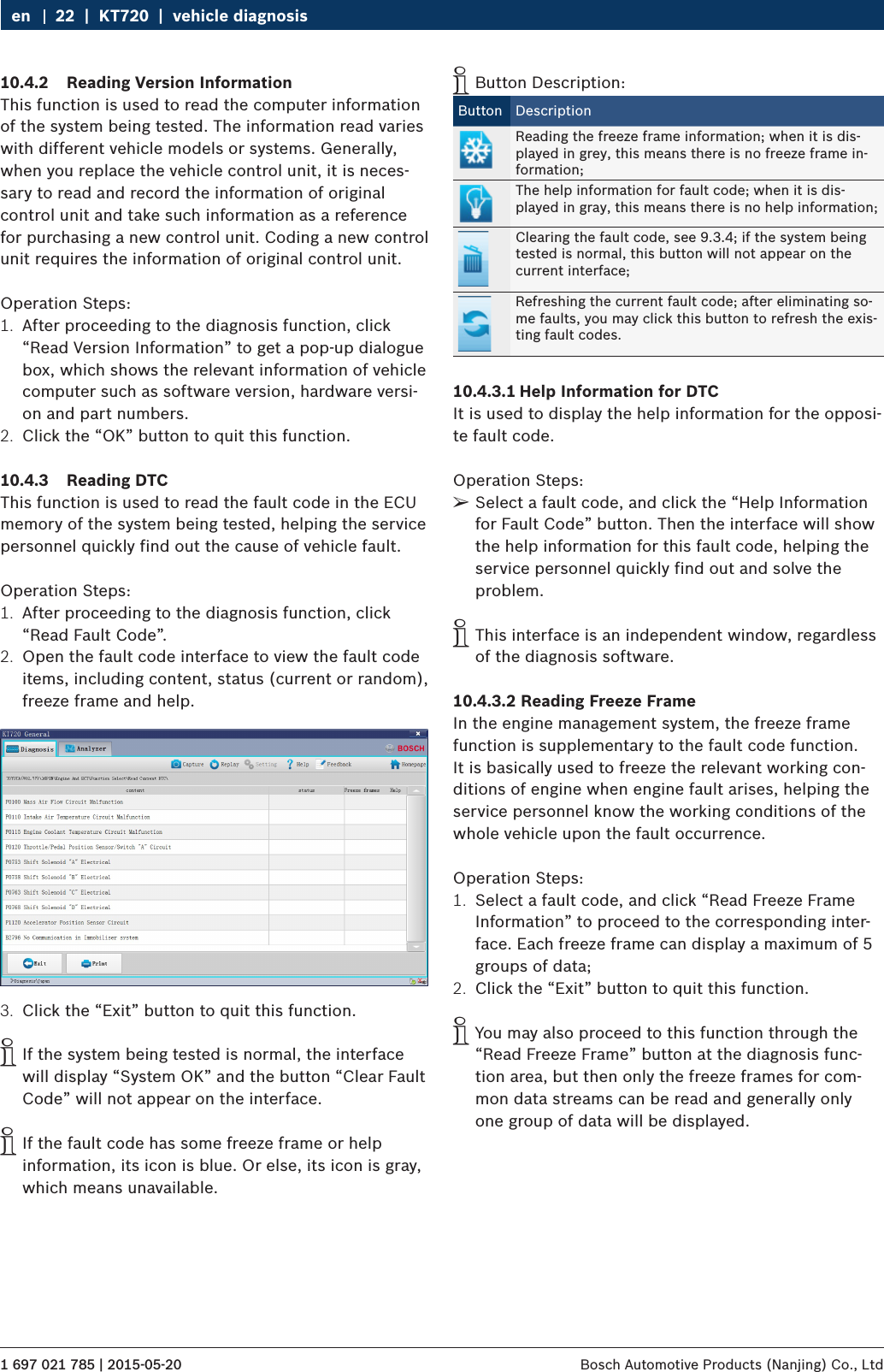
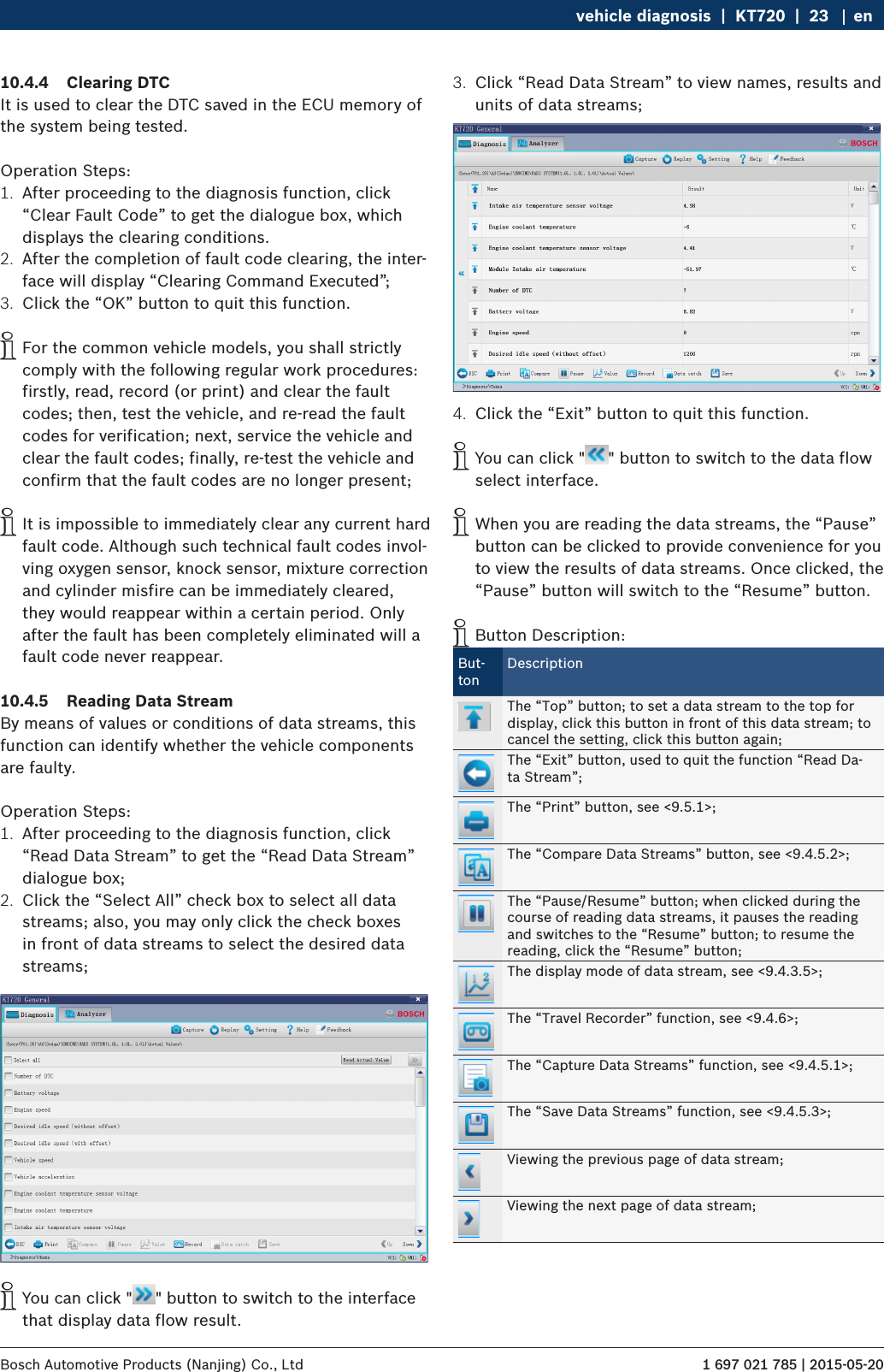
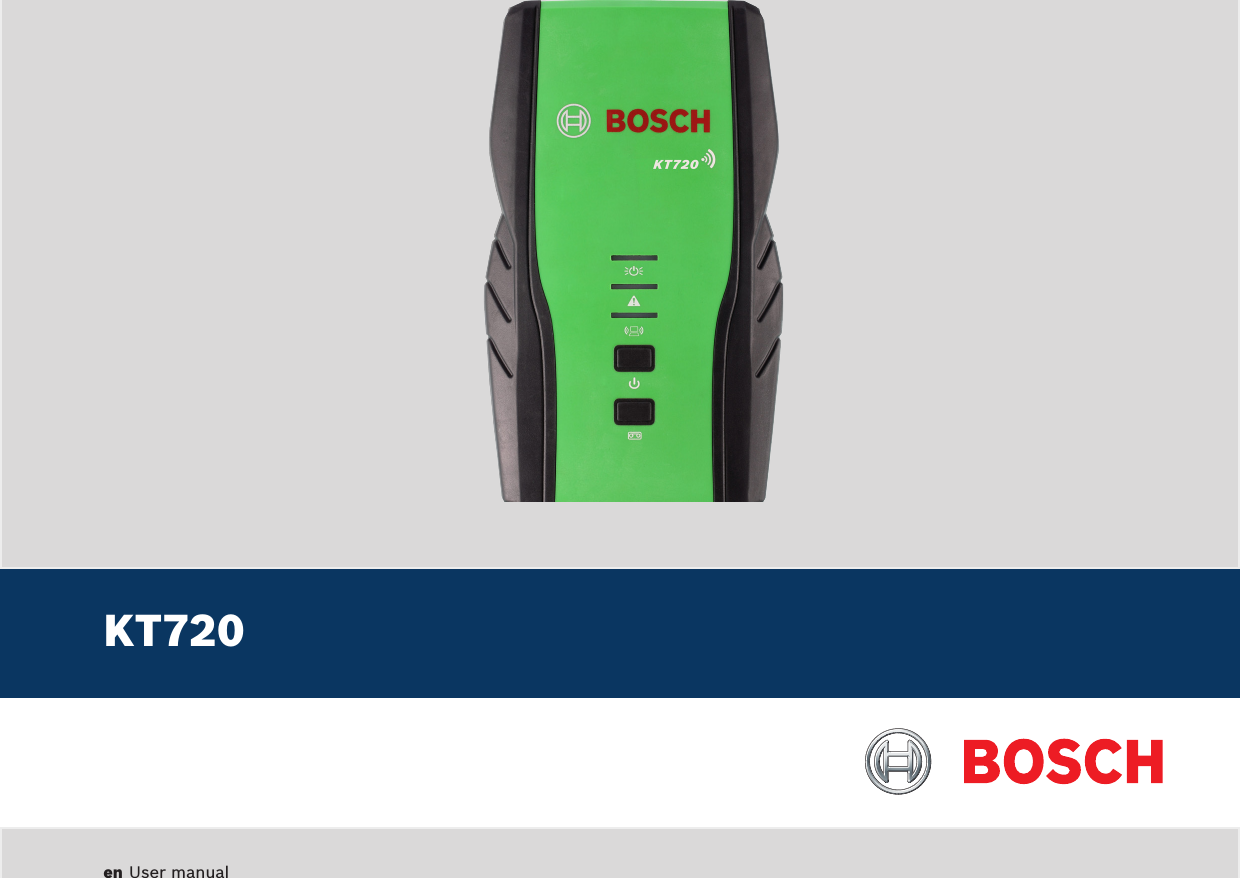
Bosch Automotive Service Solutions KT720 Automotive Diagnostics Equipment User Manual KT720 EN part 1
Bosch Automotive Service Solutions (Suzhou) Co., Ltd Shenzhen Branch Automotive Diagnostics Equipment KT720 EN part 1
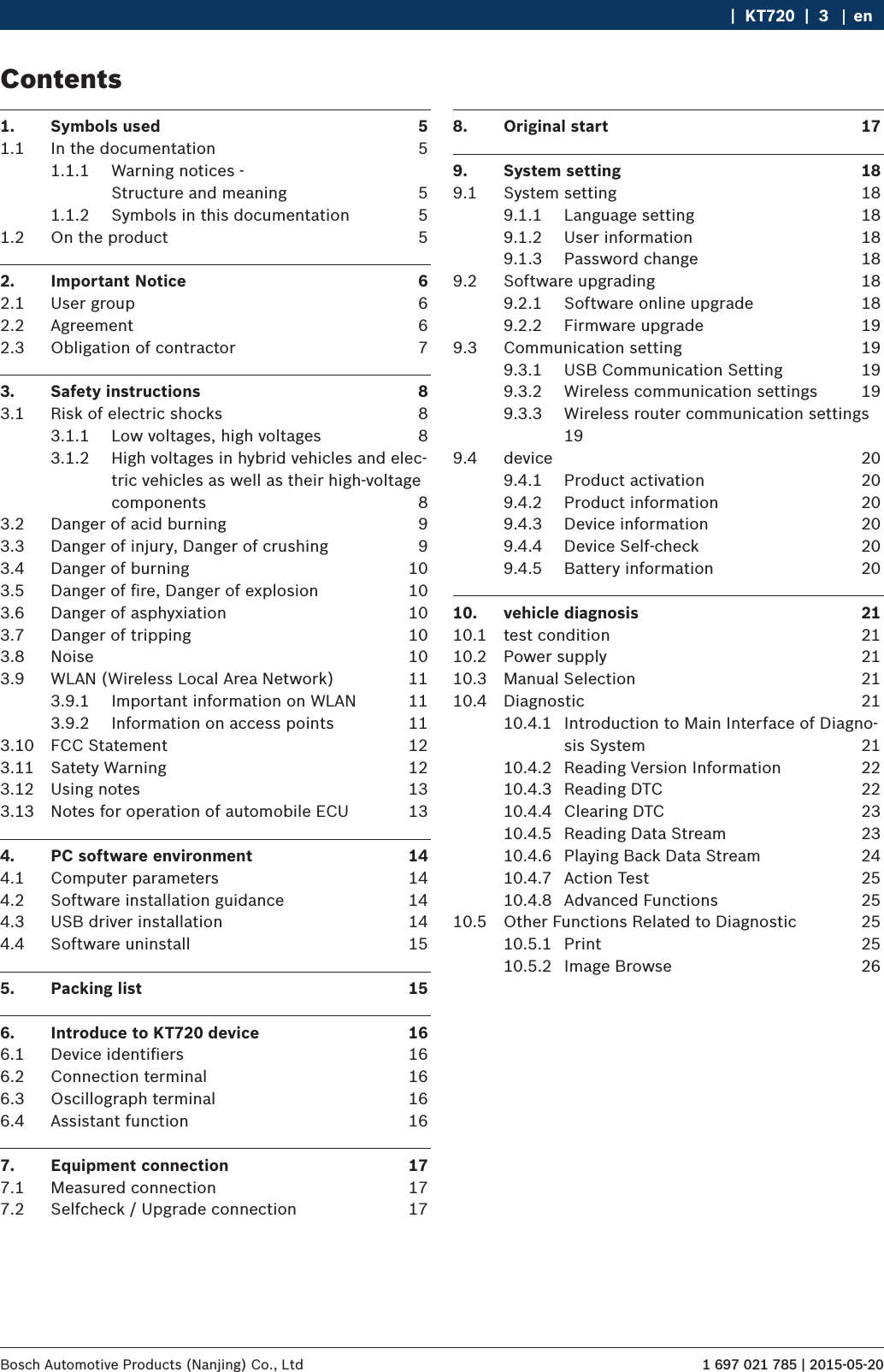
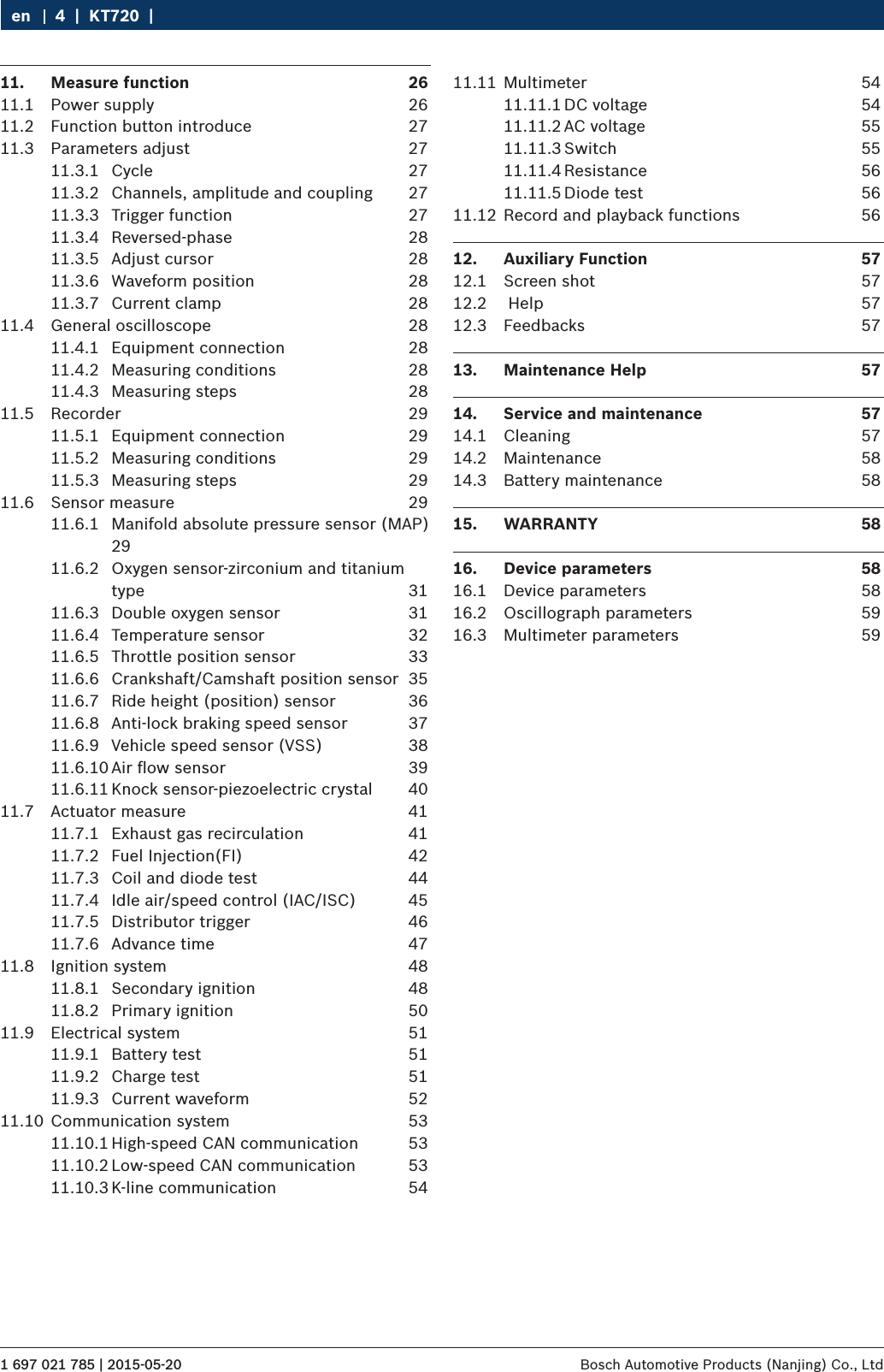
Contents
- 1. KT720 EN User Manual -part 1
- 2. KT720 EN User Manual -part 2
KT720 EN User Manual -part 1
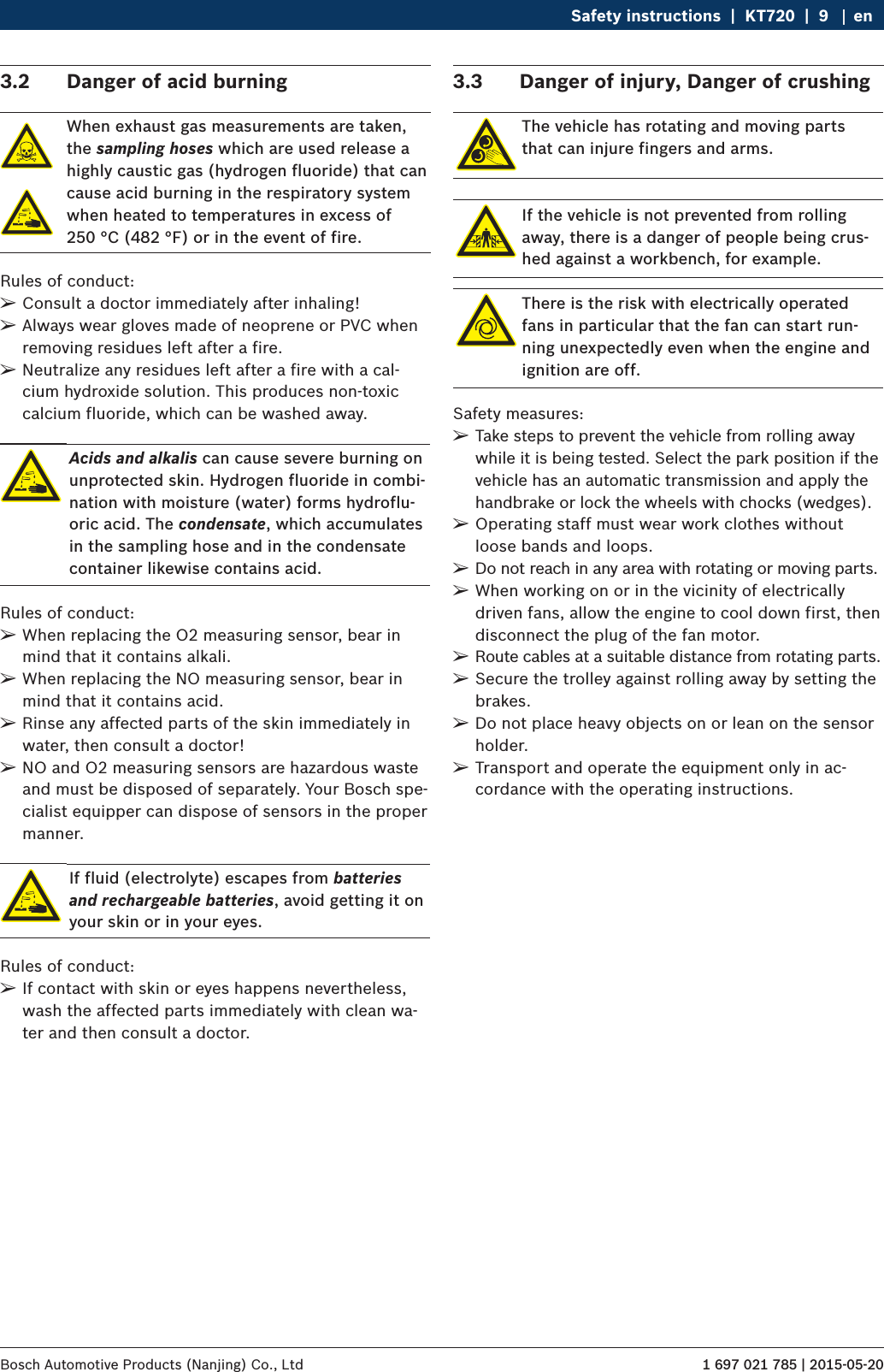
![1 697 021 785 | 2015-05-20Bosch Automotive Products (Nanjing) Co., Ltd Safety instructions | KT720 | 11 en RHave your network infrastructure installed and tes-ted in advance by a data systems expert. RKeep the SSID and the codes for the radio link in a safe place. Make sure these data are readily to hand in case faults occur. RWe recommend a thorough inspection of the pre-mises on commissioning: Establish where in the buil-ding the VCI works properly and where the operating limits are. RIf the VCI is to be used in a vehicle, radio communi-cation can be severely limited. RThe radio link is affected by weather conditions. The reception signal may therefore vary. RPlease contact your network administrator with any queries.3.9.2 Information on access pointsA wireless access point is an electronic device, which acts as an interface between a radio network and a cable-connected computer network. It provides a wi-reless connection between the KTS 340, the PC/laptop with ESI[tronic] Startcenter and a printer, for example. iWe recommend using WLAN standard IEEE 802.11b (data transmission rate max. 11 Mbps) for the access point. The "extended range" function is not supported. Please note the following: RThe access point should be located as centrally and high up as possible, ideally under the ceiling. RThe access point antenna should face downwards towards the floor. RIn the event of a poor connection it may be useful to change the set channel on the access point. If pos-sible, avoid using neighboring channels to channels that are already in use.3.9 WLAN (Wireless Local Area Network)KT720 does not have wifi capabilities, the need for ad-ditional access a certified USB wifi module to achieve this function.3.9.1 Important information on WLANWLAN stands for Wireless Local Area Network. As with Bluetooth, WLAN provides a radio link on the free 2.4 GHz ISM band (ISM: Industrial, Scientific, Medical). This frequency range is subject to government regula-tions, but may be used without a license in most coun-tries. Consequently a large number of applications and devices employ this frequency band for transmission. This can result in frequency interference.Depending on ambient conditions, the WLAN link may therefore deteriorate, e.g. in the case of Bluetooth links, cordless telephones, radio-controlled thermometers, radio-controlled garage door openers, radio-controlled light switches or radio-controlled alarm systems. iBluetooth can lead to interference in the bandwidth of the WLAN network. The antennas of Bluetooth and WLAN devices should be at least 30 centime-ters apart. Do not plug Bluetooth USB adapters and WLAN sticks into adjacent USB slots on PCs/laptops. Use the USB extension cable (special accessory) to maintain a distance between the Bluetooth USB adapter and the WLAN stick on the PC/laptop. iExercise extreme caution if wearing pacemakers or other vital electronic devices when using radio systems, as proper functioning of these items could be impaired.Note the following to ensure the best possible connec-tivity: RThe WLAN radio signal always tries to find the most direct path. When setting up the PC/laptop and access point (see section 2.6.2), make sure there are as few obstacles as possible (e.g. steel doors and concrete walls), which could interfere with the radio signal from and to the KTS 340. Inside buildings, the range of the WLAN is also greatly influenced by the construction materials used. Conventional masonry, wooden walls and certain types of dry construction wall scarcely impede radio waves. Thin gypsum walls can however cause problems, as considerable amounts of moisture may accumulate in the gypsum and result in the absorption of radio signals. Con-crete (and in particular reinforced concrete) largely blocks out radio waves. Cellar ceilings are often impenetrable. Generally speaking, walls with a lot of installed metal (e.g. pipes, wires) obstruct radio waves. RRadio reception is also impeded by large metal ob-jects such as radiators and window frames as well as active sources of interference such as DECT telepho-nes and microwave ovens.](https://usermanual.wiki/Bosch-Automotive-Service-Solutions/KT720.KT720-EN-User-Manual-part-1/User-Guide-2705584-Page-11.png)