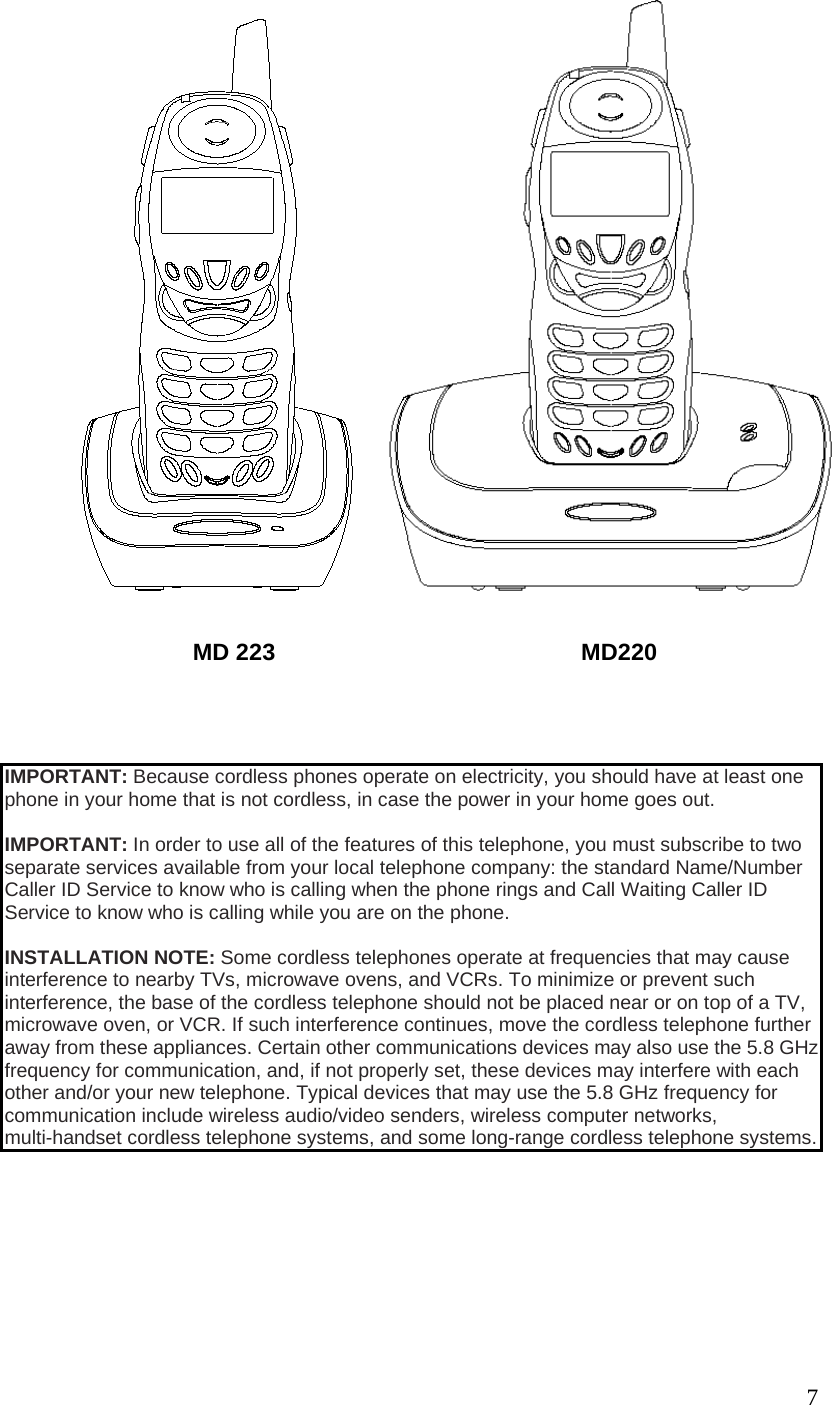
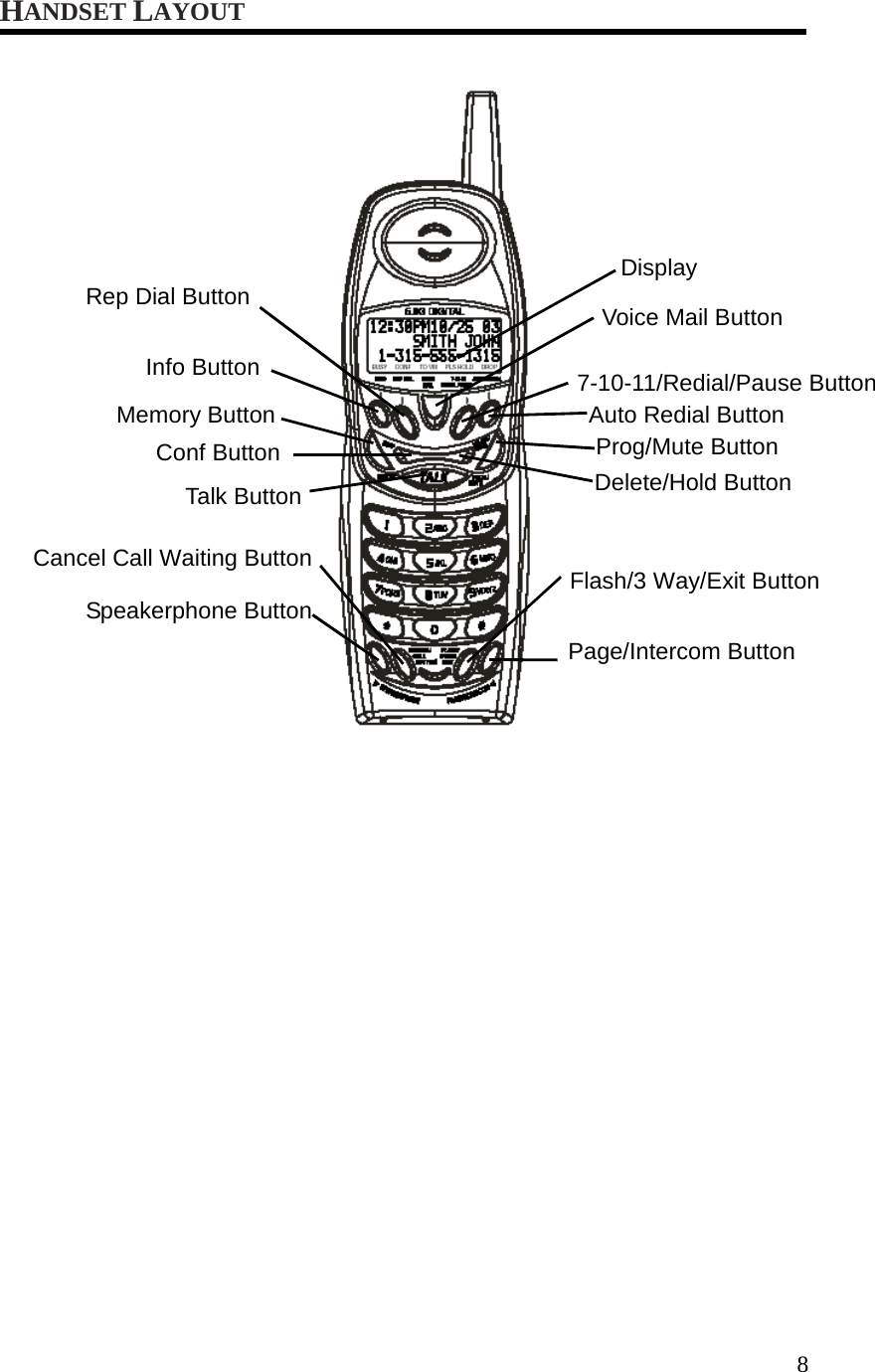
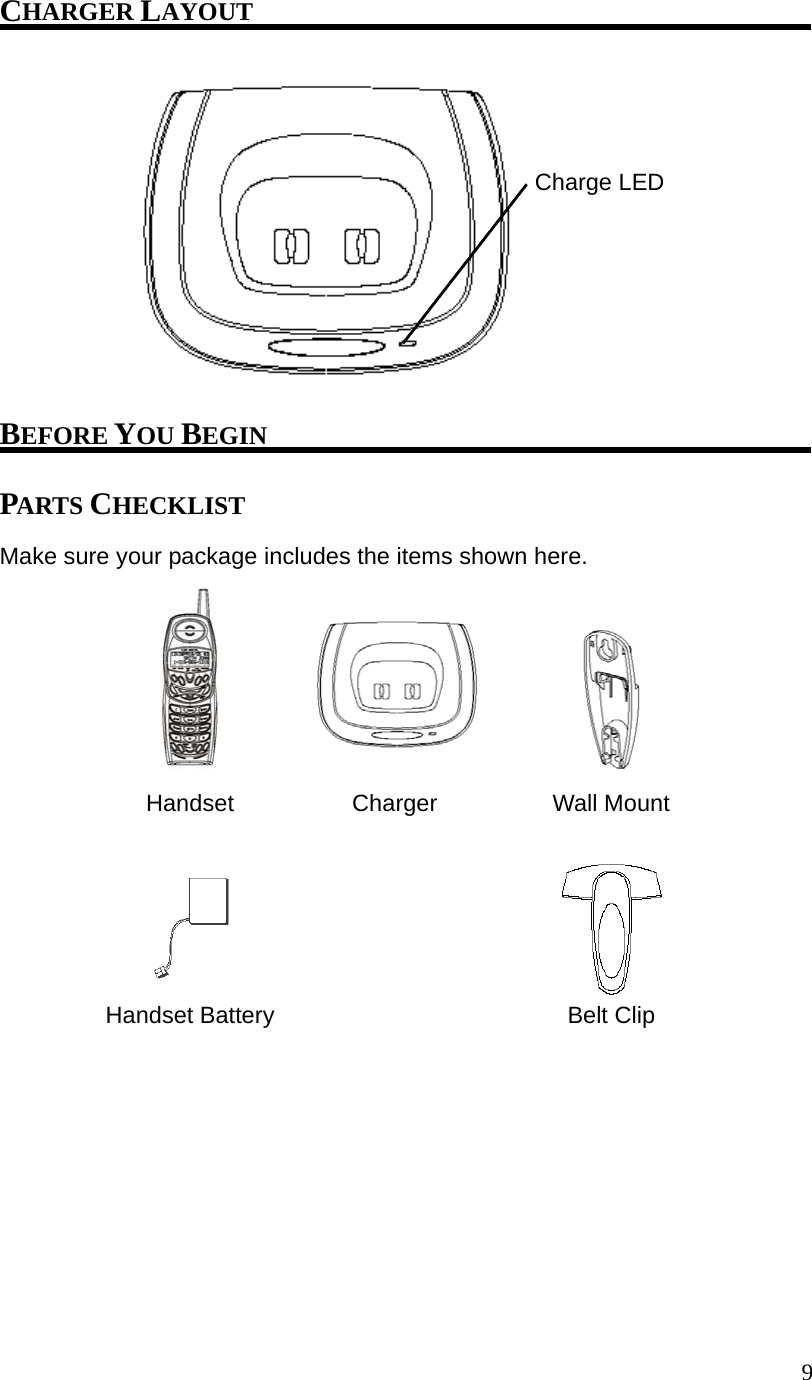
CCT Tech Advanced MD220H Digital Cordless Telephone System W/ Caller ID-HS User Manual MD223 revised 3
CCT Tech Advanced Products Limited Digital Cordless Telephone System W/ Caller ID-HS MD223 revised 3
Contents
- 1. Users Manual I
- 2. Users Manual II
Users Manual II
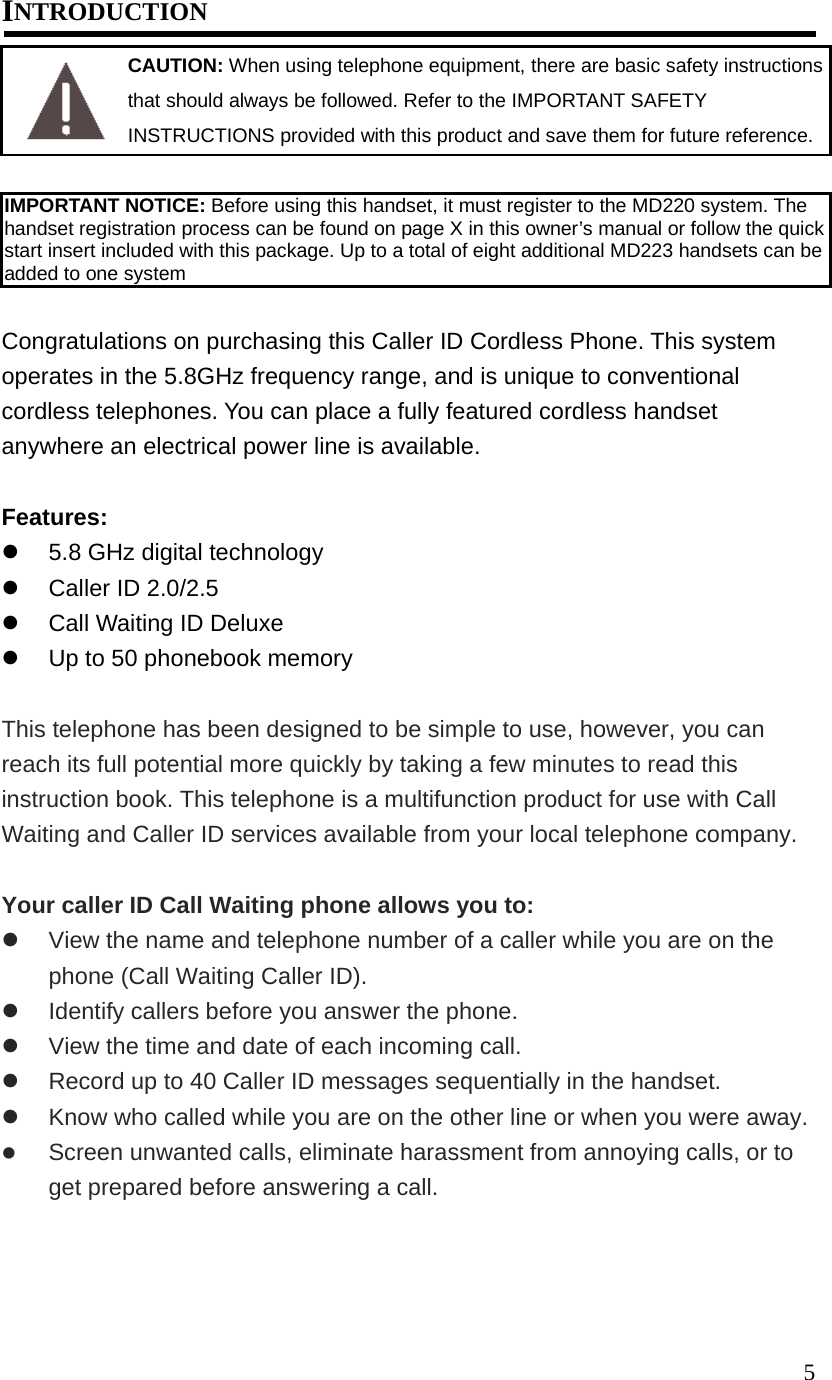
![6HANDSET REGISTRATION To register the handset, please follow the instructions outlined below: 1. Press the [PROG/MUTE] button to go into the program menu. 2. Press ▲or ▼button until ►is pointing to REGISTRATION. 3. Press the [PROG/MUTE] button again to go into the REGISTRATION sub-menu. REGISTRATION shows in the display. 4. Press 1, 2 or ▲,▼to choose between YES and NO. The ►icon will point to the latest selection. 5. If YES is selected, follow the instruction showing on the screen to register the handset. 6. Press [PROG/MUTE] button again. You will hear a confirmation tone. NOTE: Press the [FLASH/3 WAY/EXIT] button inside sub-menu will keep the current setting and return to program menu. NOTE: Press the [FLASH/3 WAY/EXIT] button inside program menu will keep the current setting and return to the standby screen. NOTE: You are recommended to register the handset before first use. NOTE: Default is NO. REGISTRATION 1 YES ►2 NO VIBRATE ALERT ► REGISTRATION DEFAULT For other detail telephone setup and operation, please refer to MD220 User’s Guide.](https://usermanual.wiki/CCT-Tech-Advanced/MD220H.Users-Manual-II/User-Guide-493224-Page-7.png)