CHIALSTAR IT Q5 Sound Bar User Manual

CHIALSTAR IT (HK) LIMITED Sound Bar

User manual

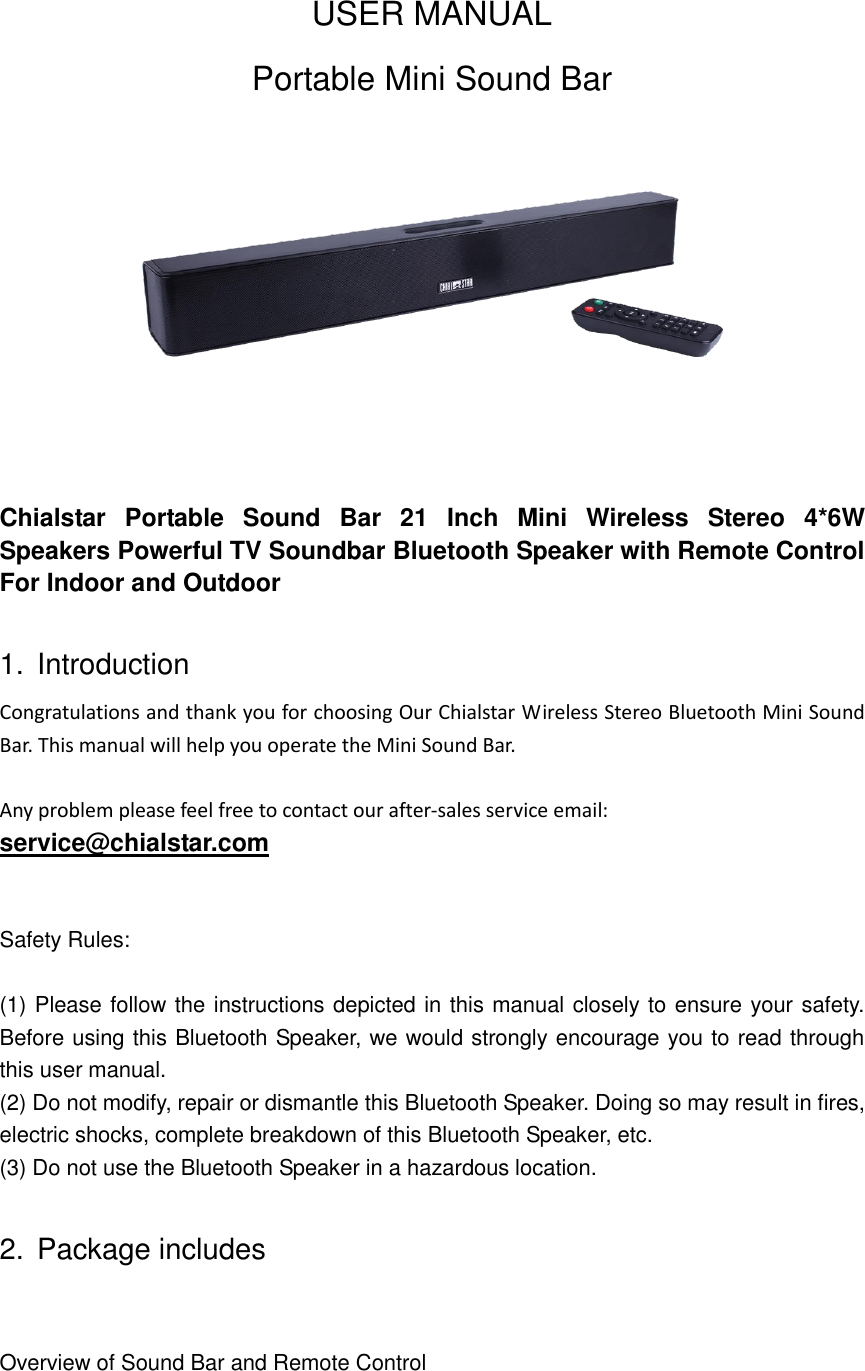
USER MANUAL Portable Mini Sound Bar     Chialstar  Portable  Sound  Bar  21  Inch  Mini  Wireless  Stereo  4*6W Speakers Powerful TV Soundbar Bluetooth Speaker with Remote Control For Indoor and Outdoor  1.  Introduction Congratulations and thank you for choosing Our Chialstar Wireless Stereo Bluetooth Mini Sound Bar. This manual will help you operate the Mini Sound Bar.  Any problem please feel free to contact our after-sales service email:   service@chialstar.com  Safety Rules:  (1) Please follow the instructions depicted in this manual closely to ensure your safety. Before using this Bluetooth Speaker, we would strongly encourage you to read through this user manual. (2) Do not modify, repair or dismantle this Bluetooth Speaker. Doing so may result in fires, electric shocks, complete breakdown of this Bluetooth Speaker, etc.   (3) Do not use the Bluetooth Speaker in a hazardous location.  2.  Package includes  Overview of Sound Bar and Remote Control
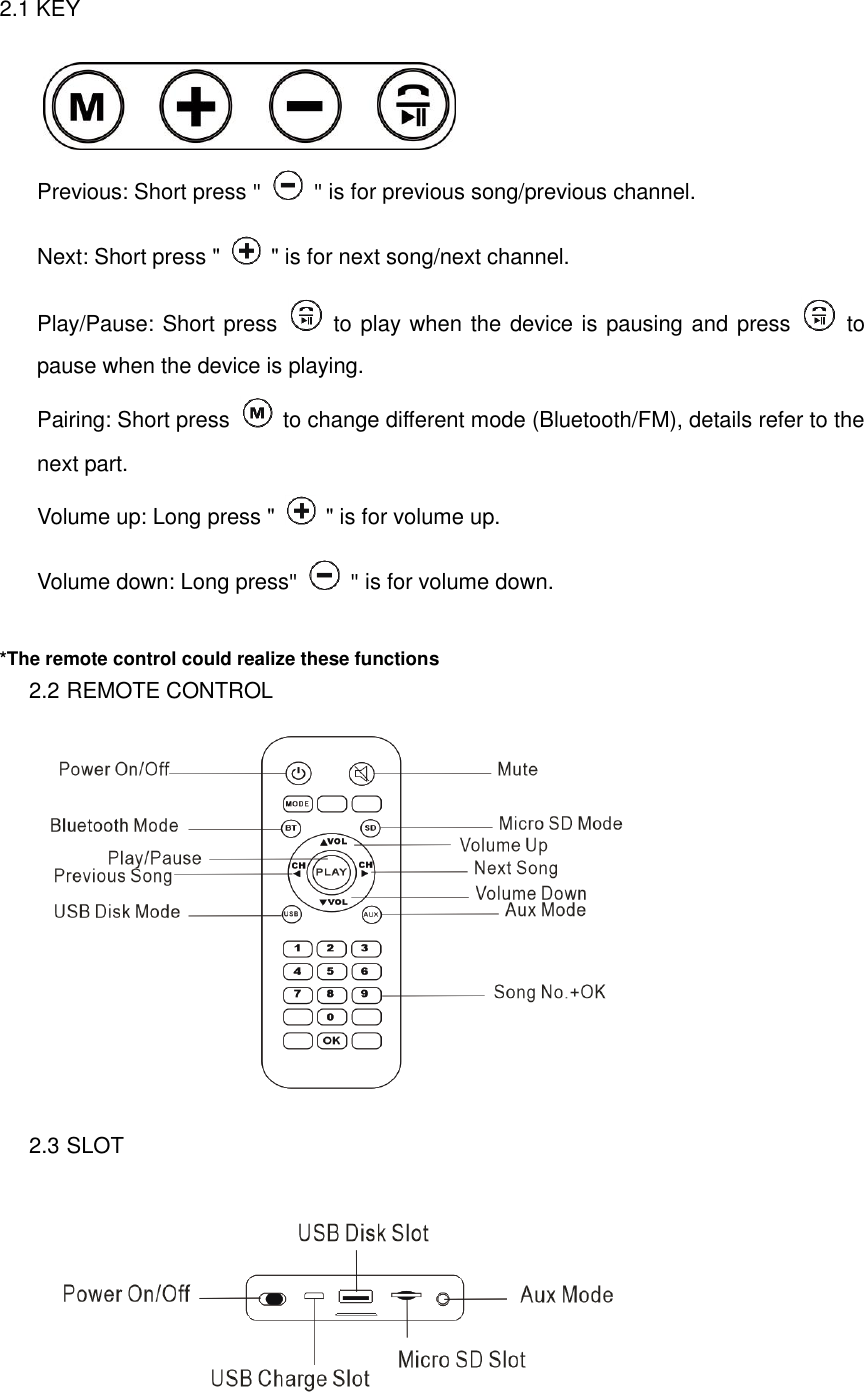
2.1 KEY     Previous: Short press "    " is for previous song/previous channel. Next: Short press "    " is for next song/next channel. Play/Pause: Short press   to play when the device is pausing and press    to pause when the device is playing. Pairing: Short press   to change different mode (Bluetooth/FM), details refer to the next part. Volume up: Long press "    " is for volume up. Volume down: Long press"    " is for volume down.  *The remote control could realize these functions 2.2 REMOTE CONTROL  2.3 SLOT
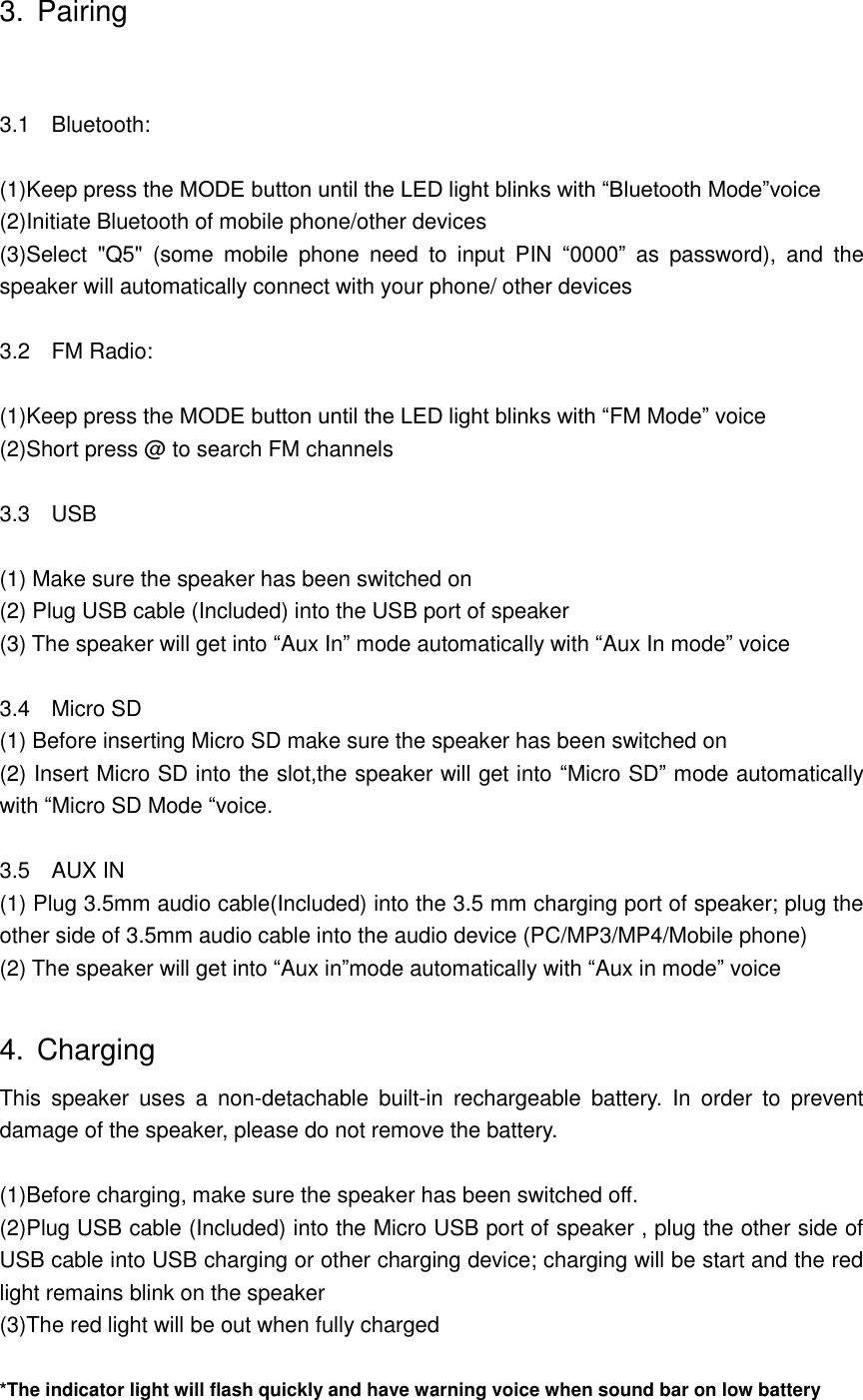
3. Pairing  3.1    Bluetooth:  (1)Keep press the MODE button until the LED light blinks with “Bluetooth Mode”voice (2)Initiate Bluetooth of mobile phone/other devices (3)Select  "Q5"  (some  mobile  phone  need  to  input  PIN  “0000”  as  password),  and  the speaker will automatically connect with your phone/ other devices  3.2    FM Radio:  (1)Keep press the MODE button until the LED light blinks with “FM Mode” voice (2)Short press @ to search FM channels  3.3    USB  (1) Make sure the speaker has been switched on (2) Plug USB cable (Included) into the USB port of speaker (3) The speaker will get into “Aux In” mode automatically with “Aux In mode” voice  3.4  Micro SD (1) Before inserting Micro SD make sure the speaker has been switched on (2) Insert Micro SD into the slot,the speaker will get into “Micro SD” mode automatically with “Micro SD Mode “voice.  3.5    AUX IN   (1) Plug 3.5mm audio cable(Included) into the 3.5 mm charging port of speaker; plug the other side of 3.5mm audio cable into the audio device (PC/MP3/MP4/Mobile phone) (2) The speaker will get into “Aux in”mode automatically with “Aux in mode” voice  4.  Charging This  speaker  uses  a  non-detachable  built-in  rechargeable  battery.  In  order  to  prevent damage of the speaker, please do not remove the battery.  (1)Before charging, make sure the speaker has been switched off. (2)Plug USB cable (Included) into the Micro USB port of speaker , plug the other side of USB cable into USB charging or other charging device; charging will be start and the red light remains blink on the speaker (3)The red light will be out when fully charged  *The indicator light will flash quickly and have warning voice when sound bar on low battery
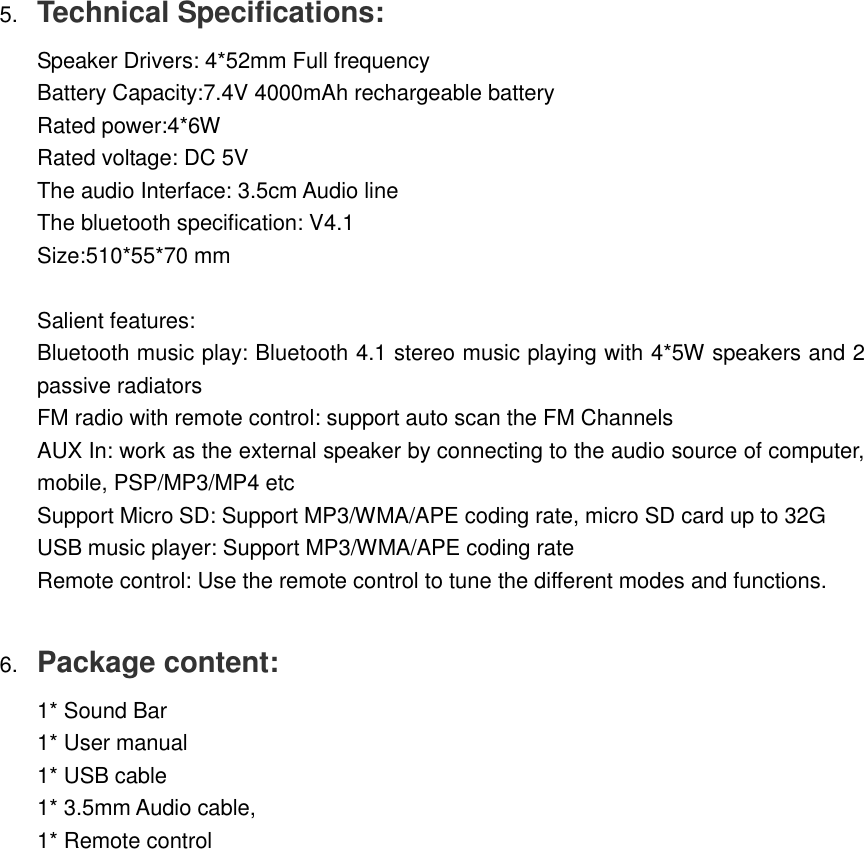
5. Technical Specifications:  Speaker Drivers: 4*52mm Full frequency  Battery Capacity:7.4V 4000mAh rechargeable battery  Rated power:4*6W  Rated voltage: DC 5V   The audio Interface: 3.5cm Audio line  The bluetooth specification: V4.1  Size:510*55*70 mm   Salient features:  Bluetooth music play: Bluetooth 4.1 stereo music playing with 4*5W speakers and 2 passive radiators  FM radio with remote control: support auto scan the FM Channels  AUX In: work as the external speaker by connecting to the audio source of computer, mobile, PSP/MP3/MP4 etc  Support Micro SD: Support MP3/WMA/APE coding rate, micro SD card up to 32G  USB music player: Support MP3/WMA/APE coding rate  Remote control: Use the remote control to tune the different modes and functions.   6. Package content:  1* Sound Bar  1* User manual  1* USB cable  1* 3.5mm Audio cable,  1* Remote control
 Federal Communications Commission (FCC) Interference Statement   This equipment has been tested and found to comply with the limits for a Class B digital device, pursuant to Part 15 of the FCC Rules.      These  limits  are  designed  to  provide  reasonable  protection  against  harmful  interference  in  a residential  installation.  This  equipment  generate,  uses  and  can  radiate  radio  frequency  energy and, if not installed and used in accordance with the instructions, may cause harmful interference to radio communications.   However, there is no guarantee that interference will not occur in a particular installation. If this equipment  does  cause  harmful  interference  to  radio  or  television  reception,  which  can  be determined by turning the equipment off  and  on, the  user  is  encouraged to try to  correct the interference by one of the following measures:        ●  Reorient or relocate the receiving antenna.     ●  Increase the separation between the equipment and receiver.     ●  Connect the equipment into an outlet on a circuit different from that to which the receiver is     connected.     ●  Consult the dealer or an experienced radio/TV technician for help.      This  device  complies  with  Part  15  of  the  FCC  Rules.  Operation  is  subject  to  the  following  two conditions:   (1)  This  device  may  not  cause  harmful  interference,  and  (2)  this  device  must  accept  any interference received, including interference that may cause undesired operation.      FCC Caution: Any changes or modifications not expressly approved by the party responsible for compliance could void the user’s authority to operate this equipment.      RF exposure warning      This  equipment  complies  with  FCC  radiation  exposure  limits  set  forth  for  an  uncontrolled environment.   The  equipment must not be  co-located  or  operating  in  conjunction with  any  other antenna  or transmitter.

Navigation menu