CLEVER BRIGHT BTEH-24 BLUETOOTH EXECUTIVE HEADSET User Manual

CLEVER BRIGHT INTERNATIONAL (H.K.) LTD. BLUETOOTH EXECUTIVE HEADSET

User manual

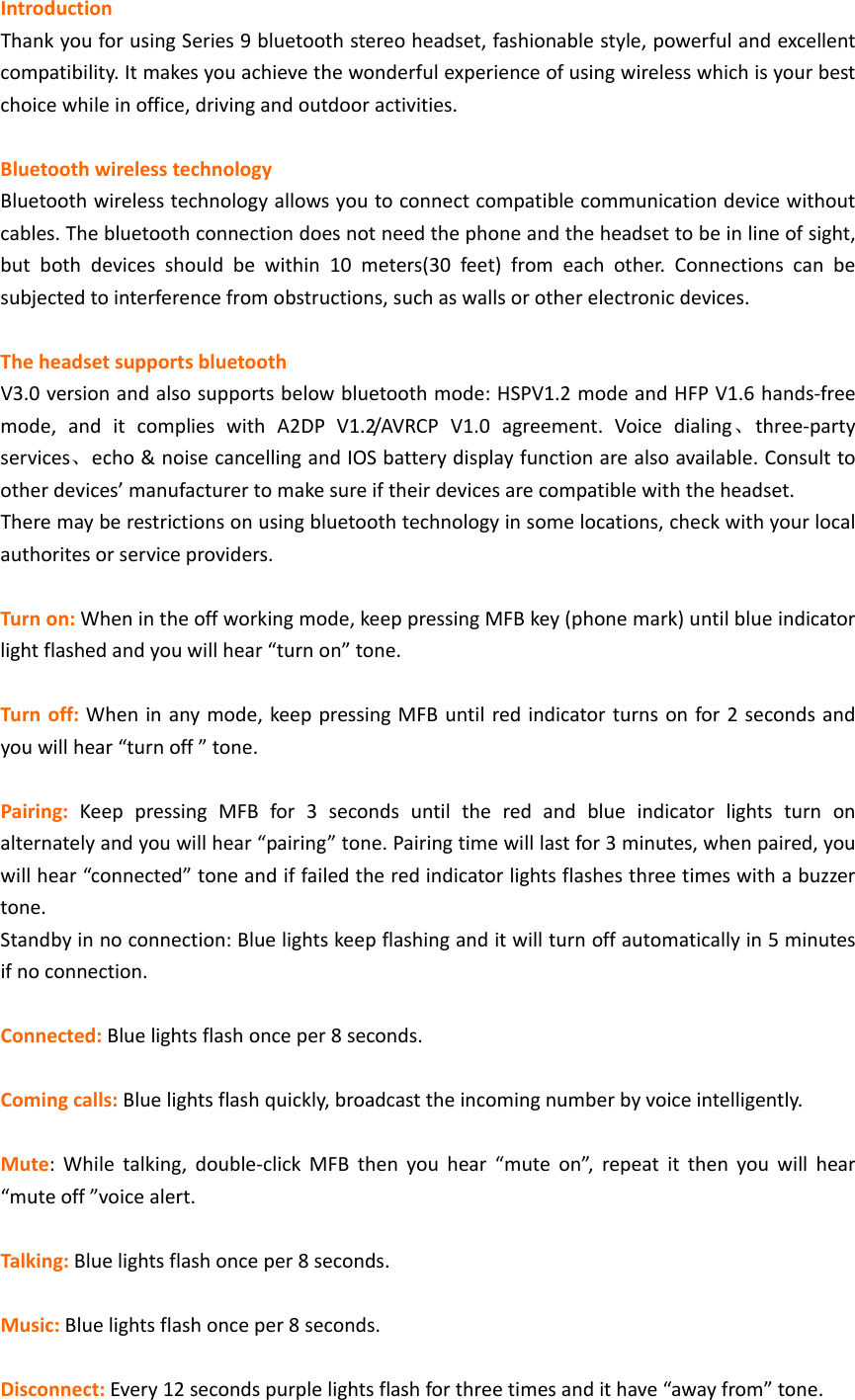
IntroductionThankyouforusingSeries9bluetoothstereoheadset,fashionablestyle,powerfulandexcellentcompatibility.Itmakesyouachievethewonderfulexperienceofusingwirelesswhichisyourbestchoicewhileinoffice,drivingandoutdooractivities.BluetoothwirelesstechnologyBluetoothwirelesstechnologyallowsyoutoconnectcompatiblecommunicationdevicewithoutcables.Thebluetoothconnectiondoesnotneedthephoneandtheheadsettobeinlineofsight,butbothdevicesshouldbewithin10meters(30feet)fromeachother.Connectionscanbesubjectedtointerferencefromobstructions,suchaswallsorotherelectronicdevices.TheheadsetsupportsbluetoothV3.0versionandalsosupportsbelowbluetoothmode:HSPV1.2modeandHFPV1.6hands‐freemode,anditcomplieswithA2DPV1.2/AVRCPV1.0agreement.Voicedialing、three‐partyservices、echo&noisecancellingandIOSbatterydisplayfunctionarealsoavailable.Consulttootherdevices’manufacturertomakesureiftheirdevicesarecompatiblewiththeheadset.Theremayberestrictionsonusingbluetoothtechnologyinsomelocations,checkwithyourlocalauthoritesorserviceproviders.Turnon:Whenintheoffworkingmode,keeppressingMFBkey(phonemark)untilblueindicatorlightflashedandyouwillhear“turnon”tone.Turnoff:Wheninanymode,keeppressingMFBuntilredindicatorturnsonfor2secondsandyouwillhear“turnoff”tone.Pairing:KeeppressingMFBfor3secondsuntiltheredandblueindicatorlightsturnonalternatelyandyouwillhear“pairing”tone.Pairingtimewilllastfor3minutes,whenpaired,youwillhear“connected”toneandiffailedtheredindicatorlightsflashesthreetimeswithabuzzertone.Standbyinnoconnection:Bluelightskeepflashinganditwillturnoffautomaticallyin5minutesifnoconnection.Connected:Bluelightsflashonceper8seconds.Comingcalls:Bluelightsflashquickly,broadcasttheincomingnumberbyvoiceintelligently.Mute:Whiletalking,double‐clickMFBthenyouhear“muteon”,repeatitthenyouwillhear“muteoff”voicealert.Talking:Bluelightsflashonceper8seconds.Music:Bluelightsflashonceper8seconds.Disconnect:Every12secondspurplelightsflashforthreetimesandithave“awayfrom”tone.
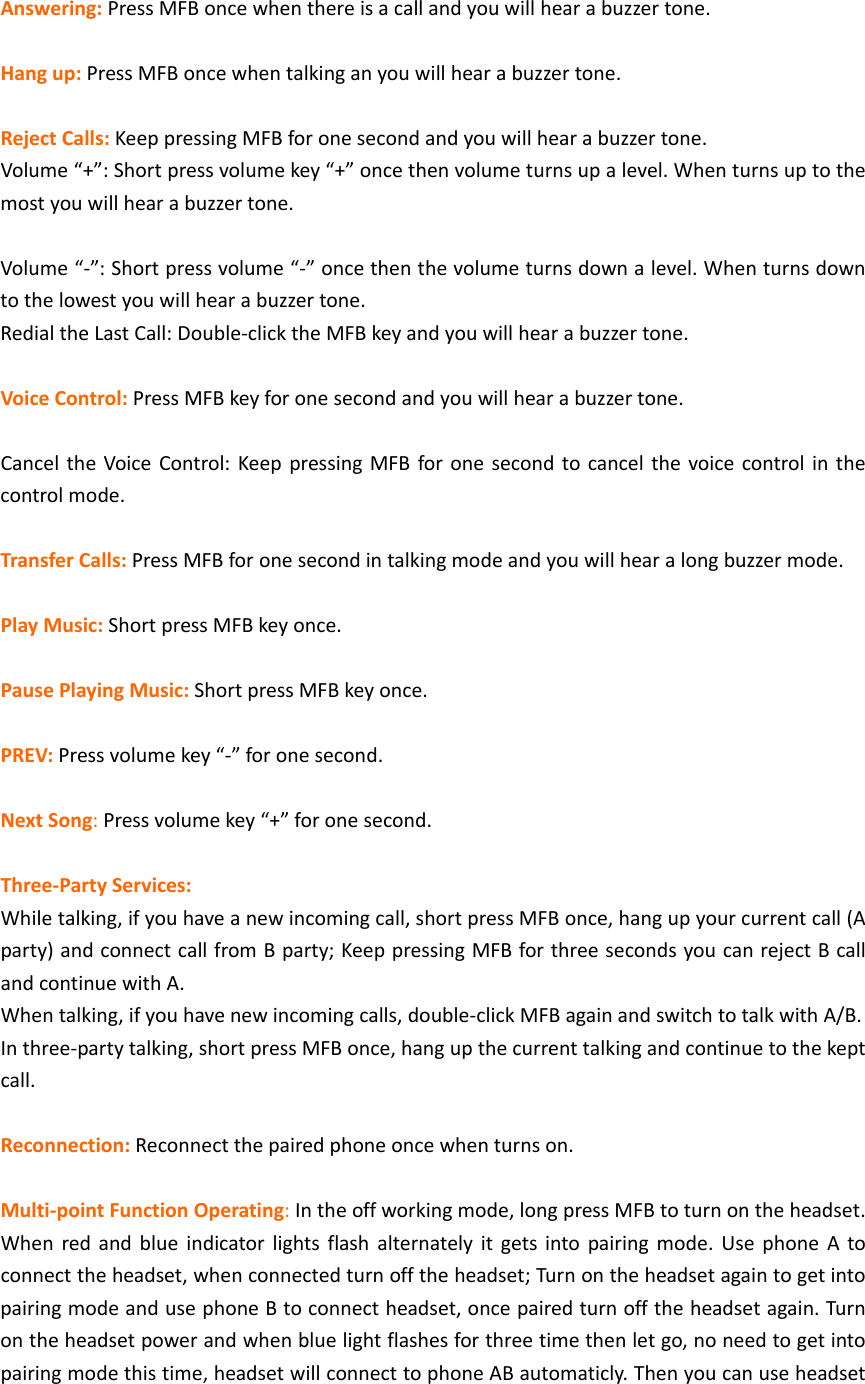
Answering:PressMFBoncewhenthereisacallandyouwillhearabuzzertone.Hangup:PressMFBoncewhentalkinganyouwillhearabuzzertone.RejectCalls:KeeppressingMFBforonesecondandyouwillhearabuzzertone.Volume“+”:Shortpressvolumekey“+”oncethenvolumeturnsupalevel.Whenturnsuptothemostyouwillhearabuzzertone.Volume“‐”:Shortpressvolume“‐”oncethenthevolumeturnsdownalevel.Whenturnsdowntothelowestyouwillhearabuzzertone.RedialtheLastCall:Double‐clicktheMFBkeyandyouwillhearabuzzertone.VoiceControl:PressMFBkeyforonesecondandyouwillhearabuzzertone.CanceltheVoiceControl:KeeppressingMFBforonesecondtocancelthevoicecontrolinthecontrolmode.TransferCalls:PressMFBforonesecondintalkingmodeandyouwillhearalongbuzzermode.PlayMusic:ShortpressMFBkeyonce.PausePlayingMusic:ShortpressMFBkeyonce.PREV:Pressvolumekey“‐”foronesecond.NextSong:Pressvolumekey“+”foronesecond.Three‐PartyServices:Whiletalking,ifyouhaveanewincomingcall,shortpressMFBonce,hangupyourcurrentcall(Aparty)andconnectcallfromBparty;KeeppressingMFBforthreesecondsyoucanrejectBcallandcontinuewithA.Whentalking,ifyouhavenewincomingcalls,double‐clickMFBagainandswitchtotalkwithA/B.Inthree‐partytalking,shortpressMFBonce,hangupthecurrenttalkingandcontinuetothekeptcall.Reconnection:Reconnectthepairedphoneoncewhenturnson.Multi‐pointFunctionOperating:Intheoffworkingmode,longpressMFBtoturnontheheadset.Whenredandblueindicatorlightsflashalternatelyitgetsintopairingmode.UsephoneAtoconnecttheheadset,whenconnectedturnofftheheadset;TurnontheheadsetagaintogetintopairingmodeandusephoneBtoconnectheadset,oncepairedturnofftheheadsetagain.Turnontheheadsetpowerandwhenbluelightflashesforthreetimethenletgo,noneedtogetintopairingmodethistime,headsetwillconnecttophoneABautomaticly.Thenyoucanuseheadset
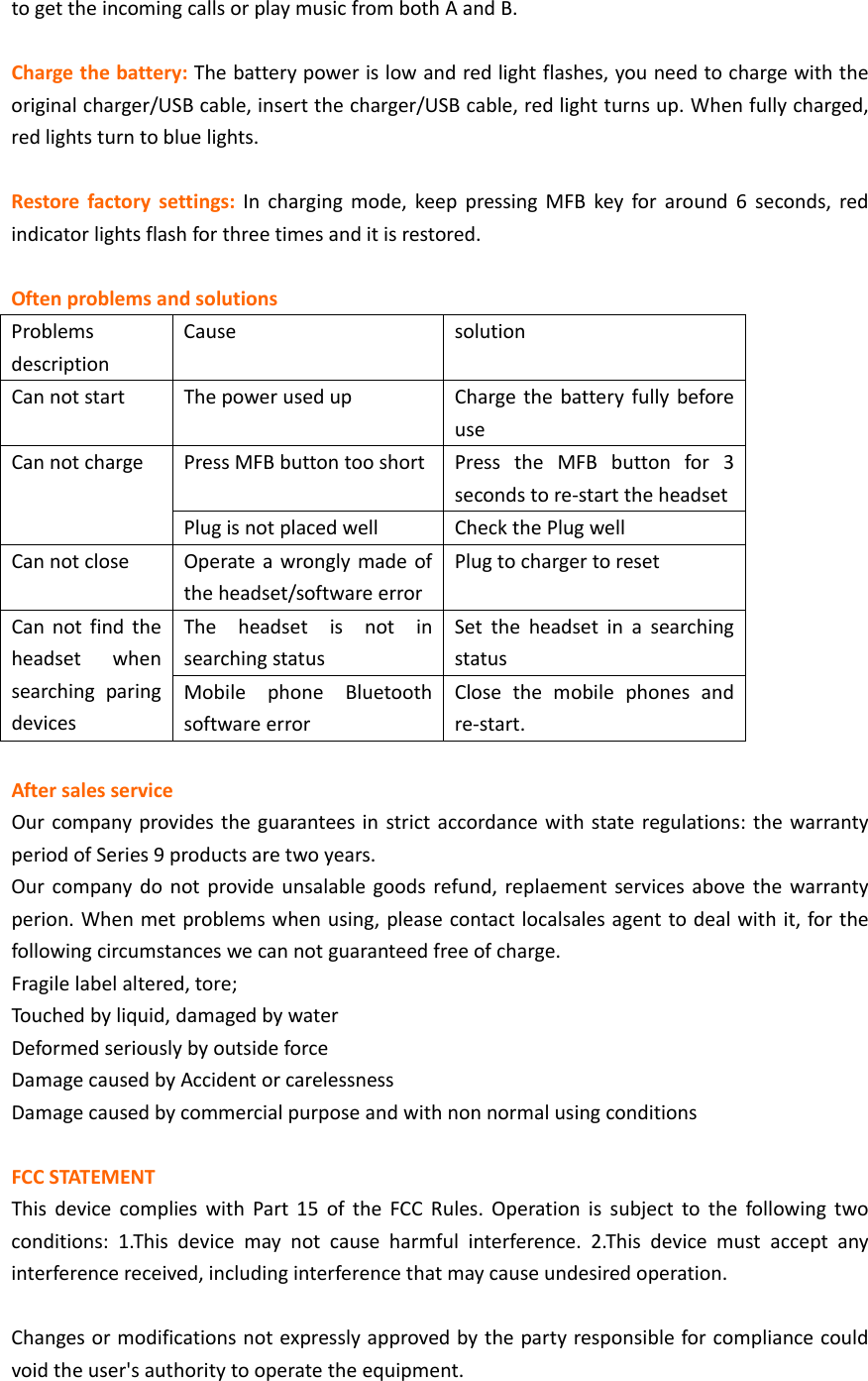
togettheincomingcallsorplaymusicfrombothAandB.Chargethebattery:Thebatterypowerislowandredlightflashes,youneedtochargewiththeoriginalcharger/USBcable,insertthecharger/USBcable,redlightturnsup.Whenfullycharged,redlightsturntobluelights.Restorefactorysettings:Inchargingmode,keeppressingMFBkeyforaround6seconds,redindicatorlightsflashforthreetimesanditisrestored.OftenproblemsandsolutionsProblemsdescriptionCausesolutionCannotstartThepowerusedupChargethebatteryfullybeforeusePressMFBbuttontooshort PresstheMFBbuttonfor3secondstore‐starttheheadsetCannotchargePlugisnotplacedwellCheckthePlugwellCannotcloseOperateawronglymadeoftheheadset/softwareerrorPlugtochargertoresetTheheadsetisnotinsearchingstatusSettheheadsetinasearchingstatusCannotfindtheheadsetwhensearchingparingdevicesMobilephoneBluetoothsoftwareerrorClosethemobilephonesandre‐start.AftersalesserviceOurcompanyprovidestheguaranteesinstrictaccordancewithstateregulations:thewarrantyperiodofSeries9productsaretwoyears.Ourcompanydonotprovideunsalablegoodsrefund,replaementservicesabovethewarrantyperion.Whenmetproblemswhenusing,pleasecontactlocalsalesagenttodealwithit,forthefollowingcircumstanceswecannotguaranteedfreeofcharge.Fragilelabelaltered,tore;Touchedbyliquid,damagedbywaterDeformedseriouslybyoutsideforceDamagecausedbyAccidentorcarelessnessDamagecausedbycommercialpurposeandwithnonnormalusingconditions FCCSTATEMENTThisdevicecomplieswithPart15oftheFCCRules.Operationissubjecttothefollowingtwoconditions:1.Thisdevicemaynotcauseharmfulinterference.2.Thisdevicemustacceptanyinterferencereceived,includinginterferencethatmaycauseundesiredoperation.Changesormodificationsnotexpresslyapprovedbythepartyresponsibleforcompliancecouldvoidtheuser'sauthoritytooperatetheequipment.
RadiationExposureStatement:ThisequipmentcomplieswithFCCradiationexposurerequirement.ThedevicecanbeusedinportableexposureconditionwithoutRFstriction

Navigation menu