Communications Development JLM051690 WIRELESS LAN User Manual The 11Mbps Wireless LAN Access Point
Communications Development LLC WIRELESS LAN The 11Mbps Wireless LAN Access Point
Contents
- 1. FRONT PAGE
- 2. USERS MANUAL 1
- 3. USERS MANUAL 2
USERS MANUAL 2
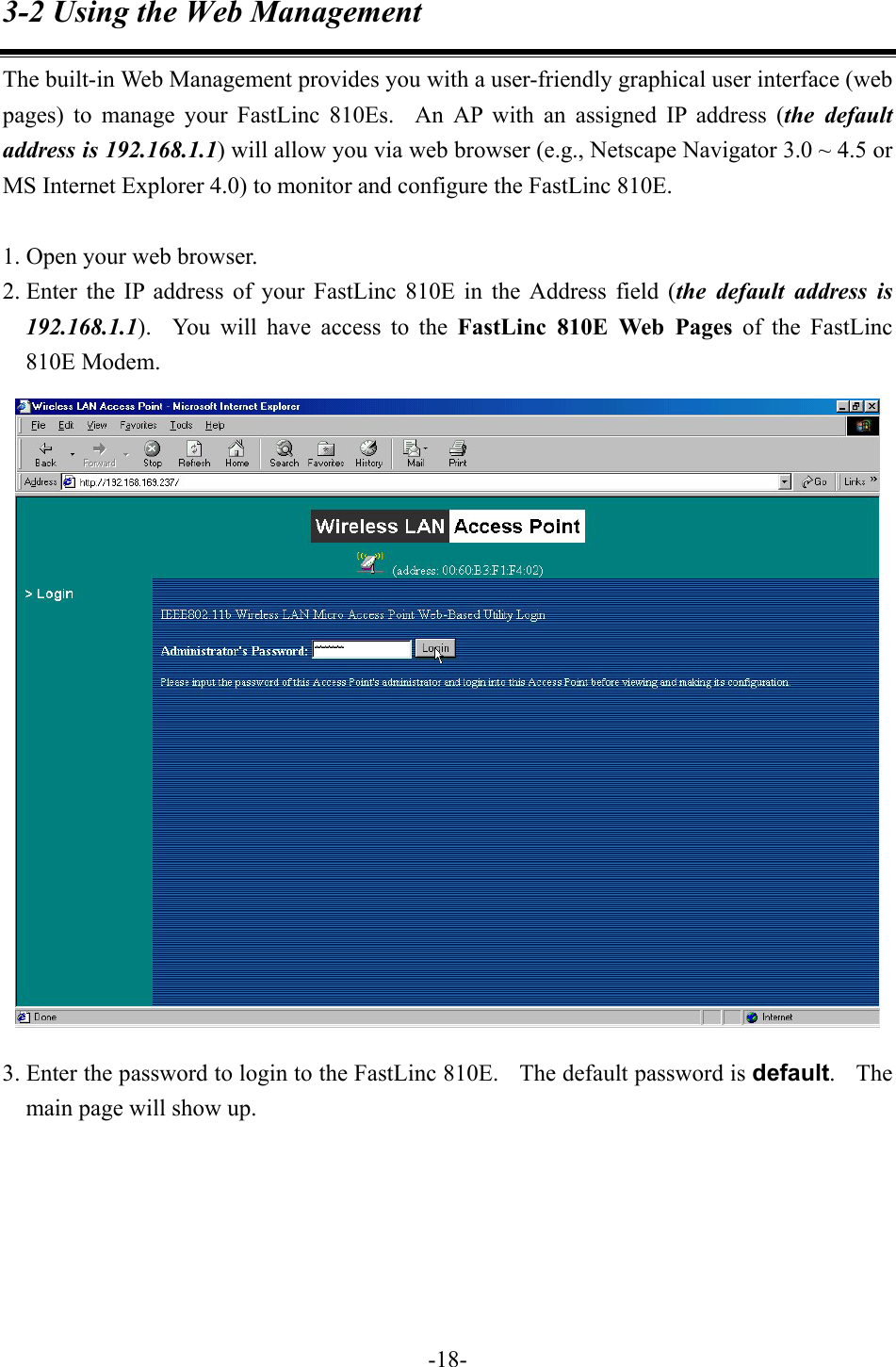
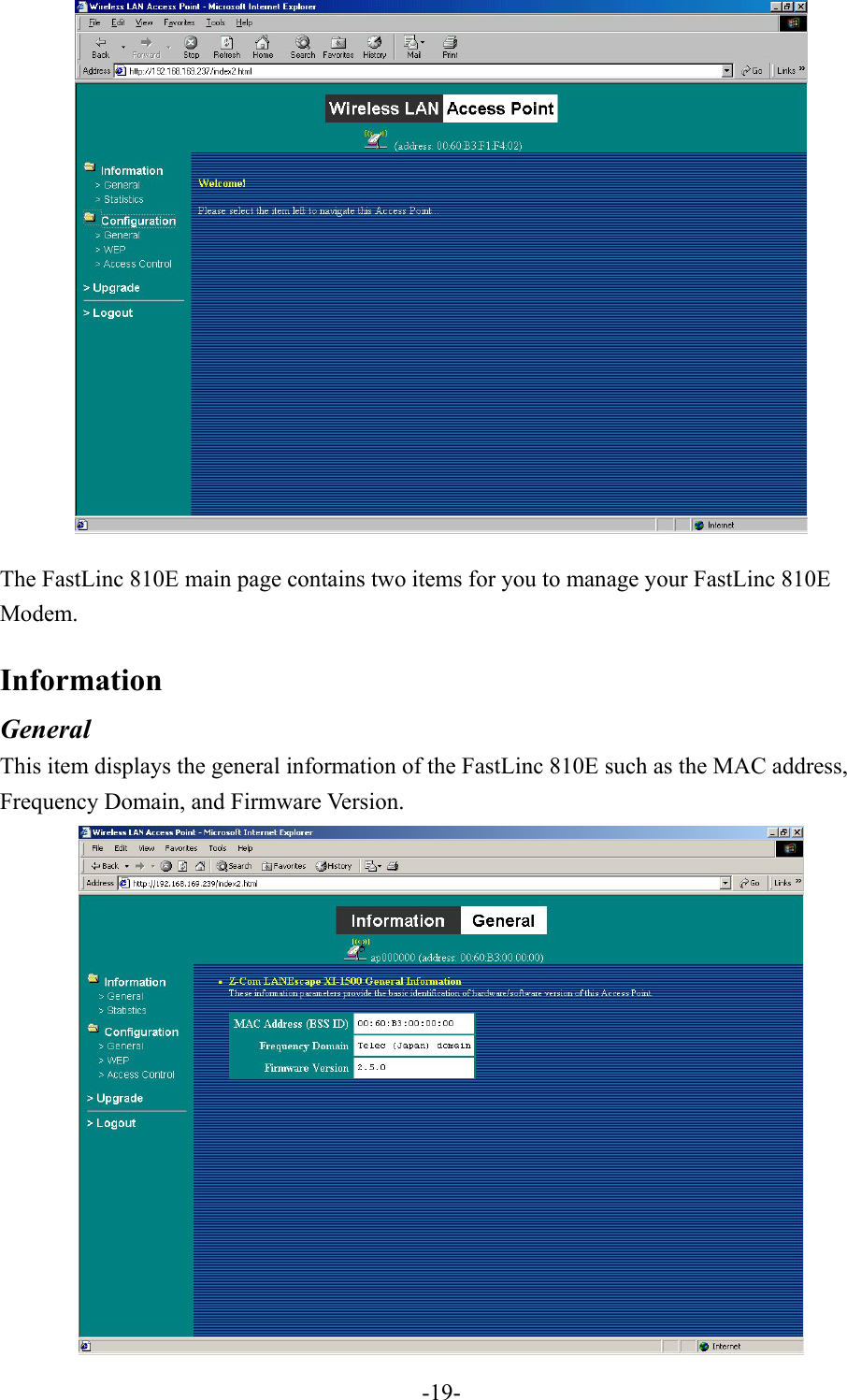
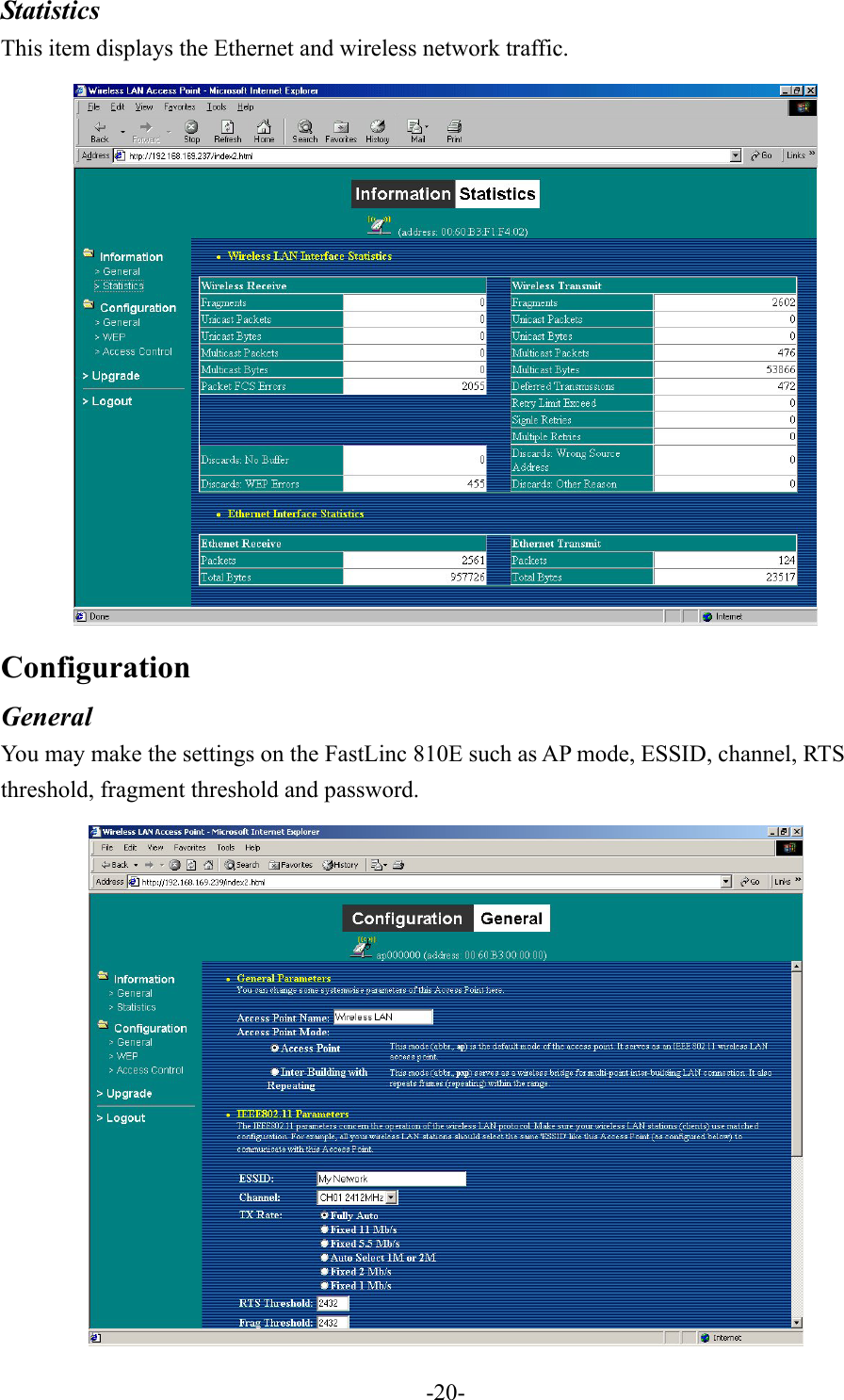
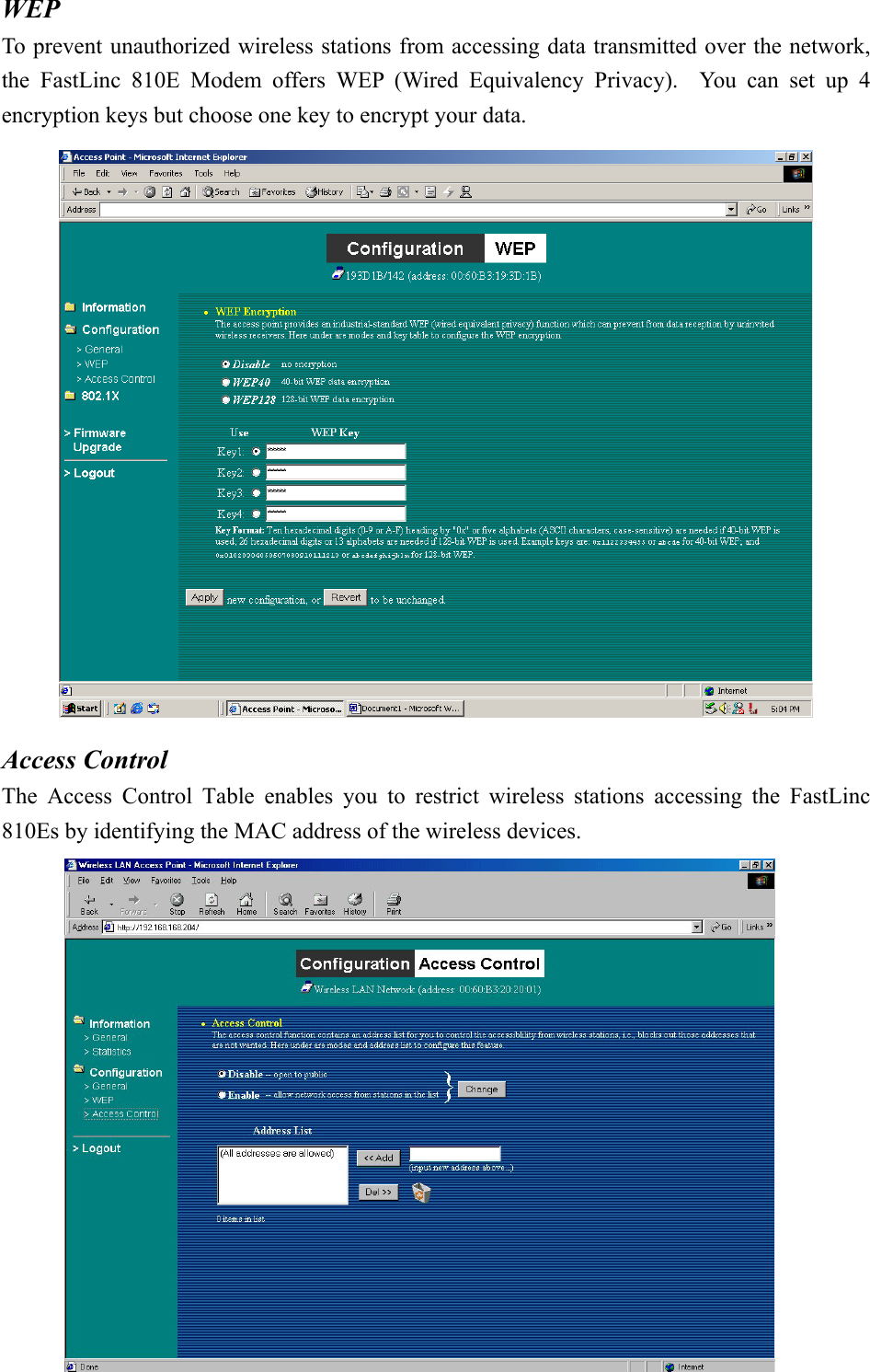
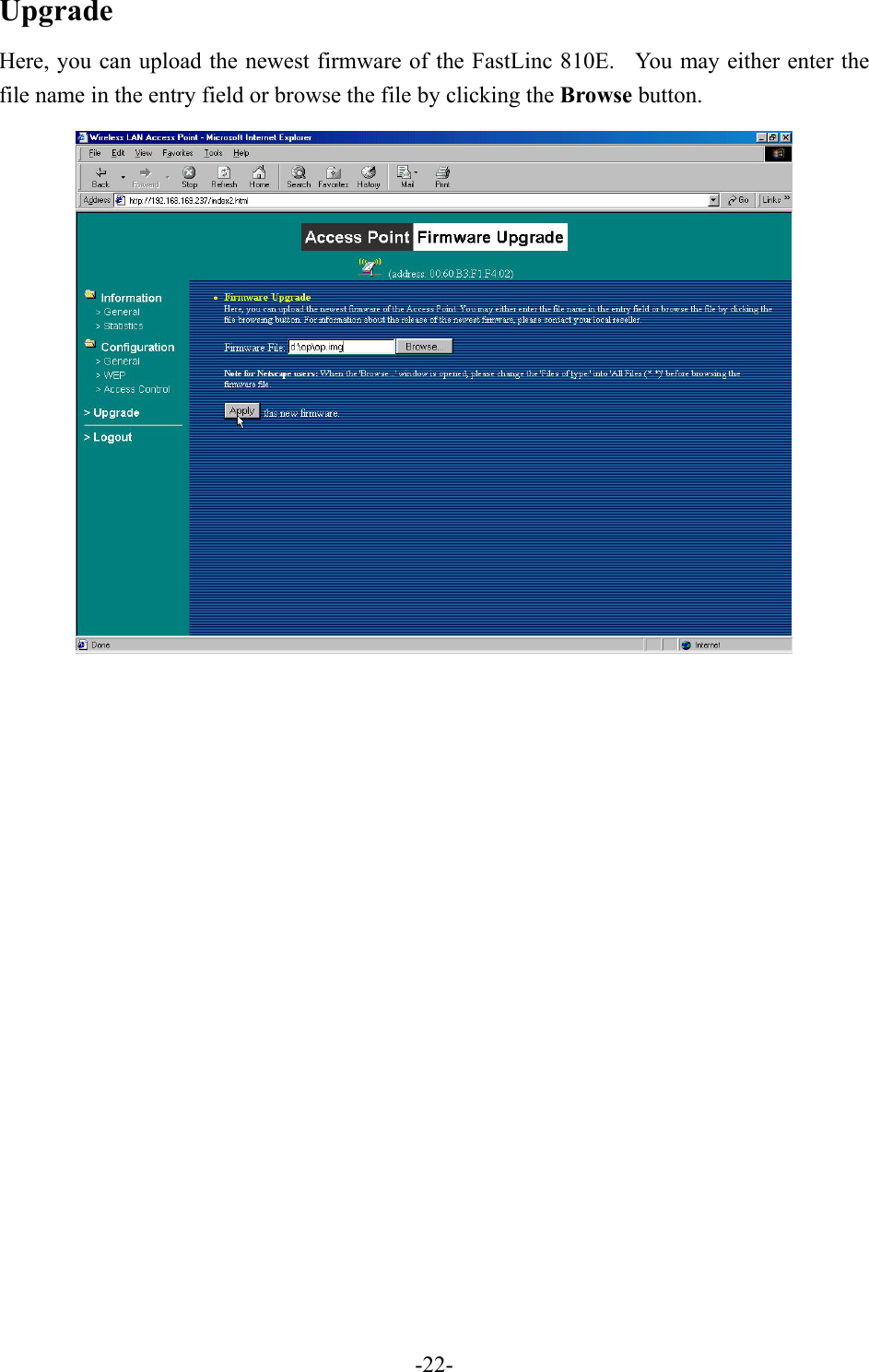
![3-3 Using the Telnet The FastLinc 810E can be configured via the command prompt console with TCP/IP: Telnet (TCP/IP) Connection: Assign an IP address to your FastLinc 810E through the Modem Utility or use the default IP address. Telnet to the FastLinc 810E to get access to the FastLinc 810E console using standard Telnet commands. 1. Telnet to your FastLinc 810E. A window will show up. 2. Enter the password. The default password is “default”. 3-2-1 Basic Commands The following are the commands provided for configuring the FastLinc 810E. In loader mode, i.e., no valid firmware in the FastLinc 810E, only the commands with an asterisk (*) are provided. NOTE: [xxx] stands for optional arguments. -23-](https://usermanual.wiki/Communications-Development/JLM051690.USERS-MANUAL-2/User-Guide-397273-Page-6.png)
![ping ip_addr [num_pings] [data_size] Ping (ICMP echo) to an ip_addr host with optional num_pings times with optional data size in a length of data_size. set List the configuration information. set apname | channel | essid | rts_threshold | frag_threshold | ip_address | ip_netmask | ip_gateway -25-](https://usermanual.wiki/Communications-Development/JLM051690.USERS-MANUAL-2/User-Guide-397273-Page-8.png)
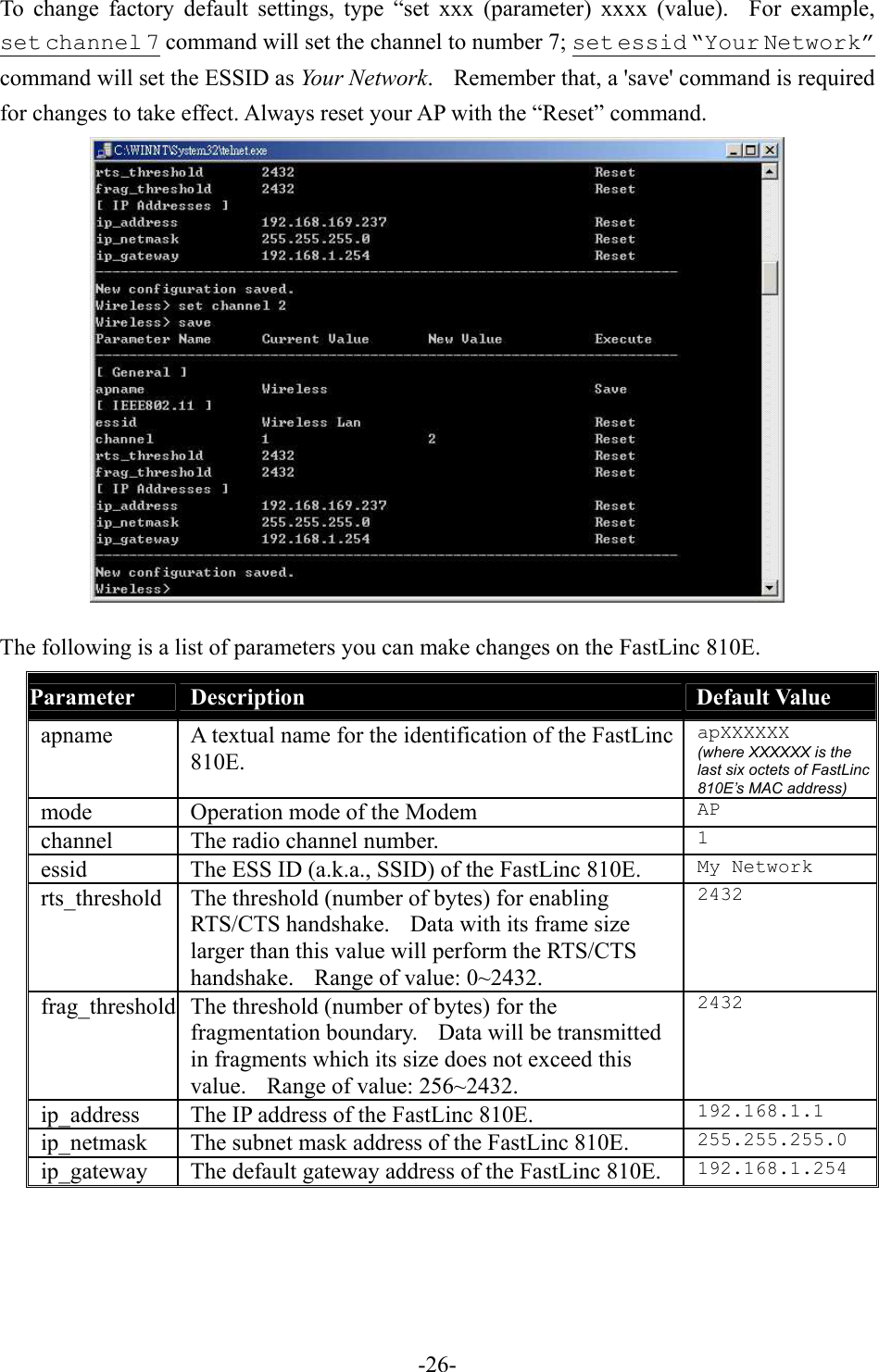
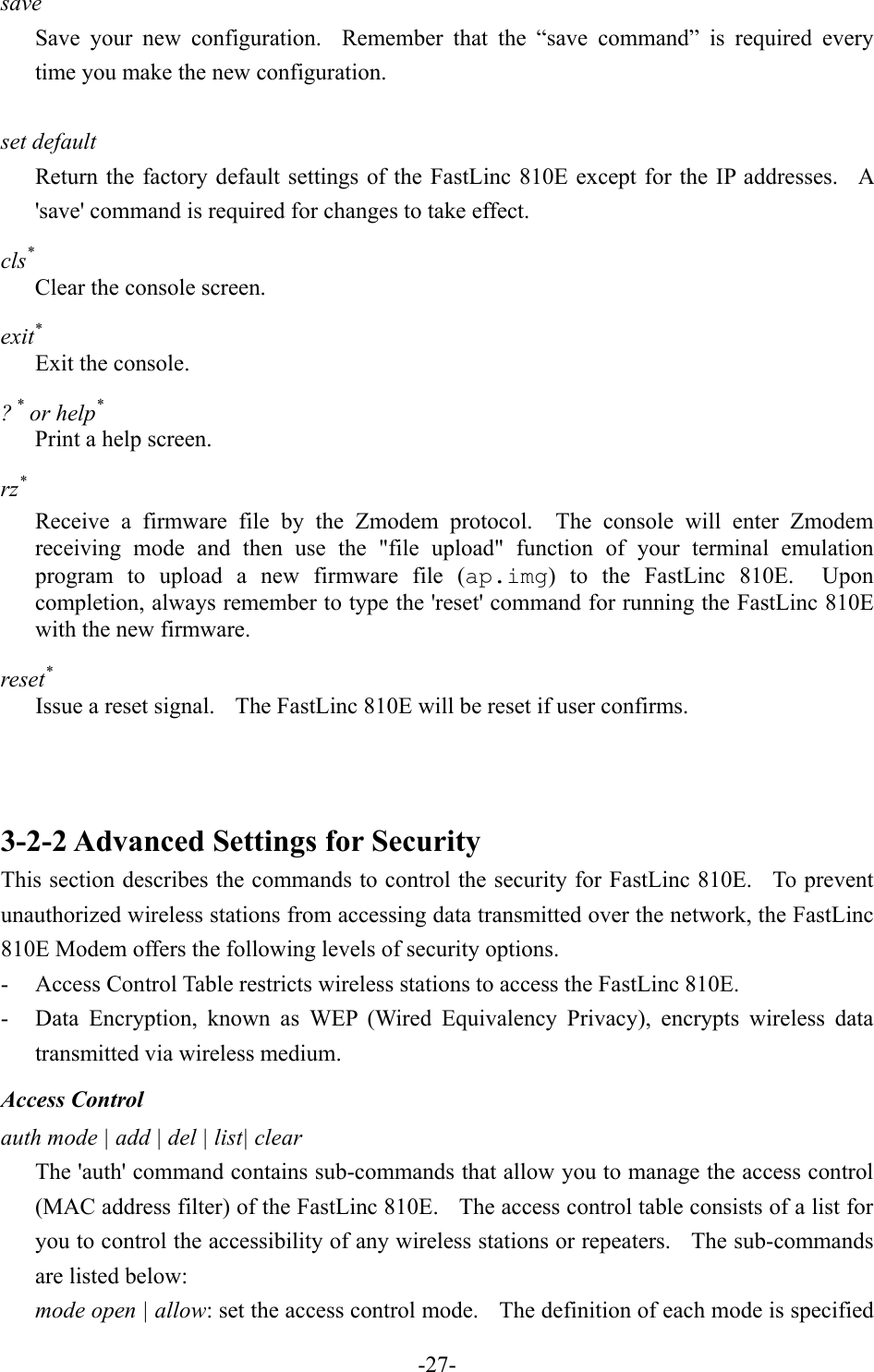
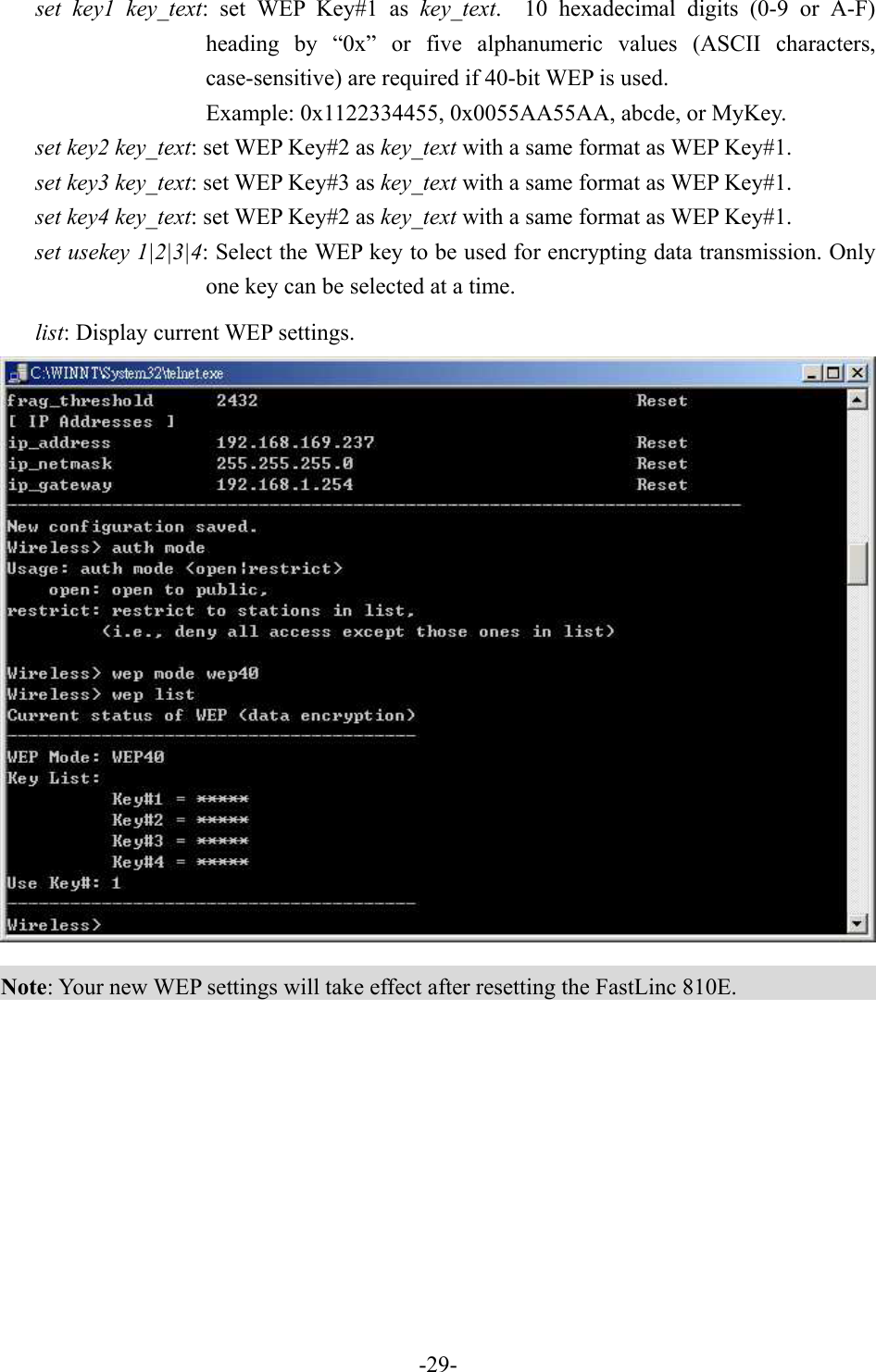
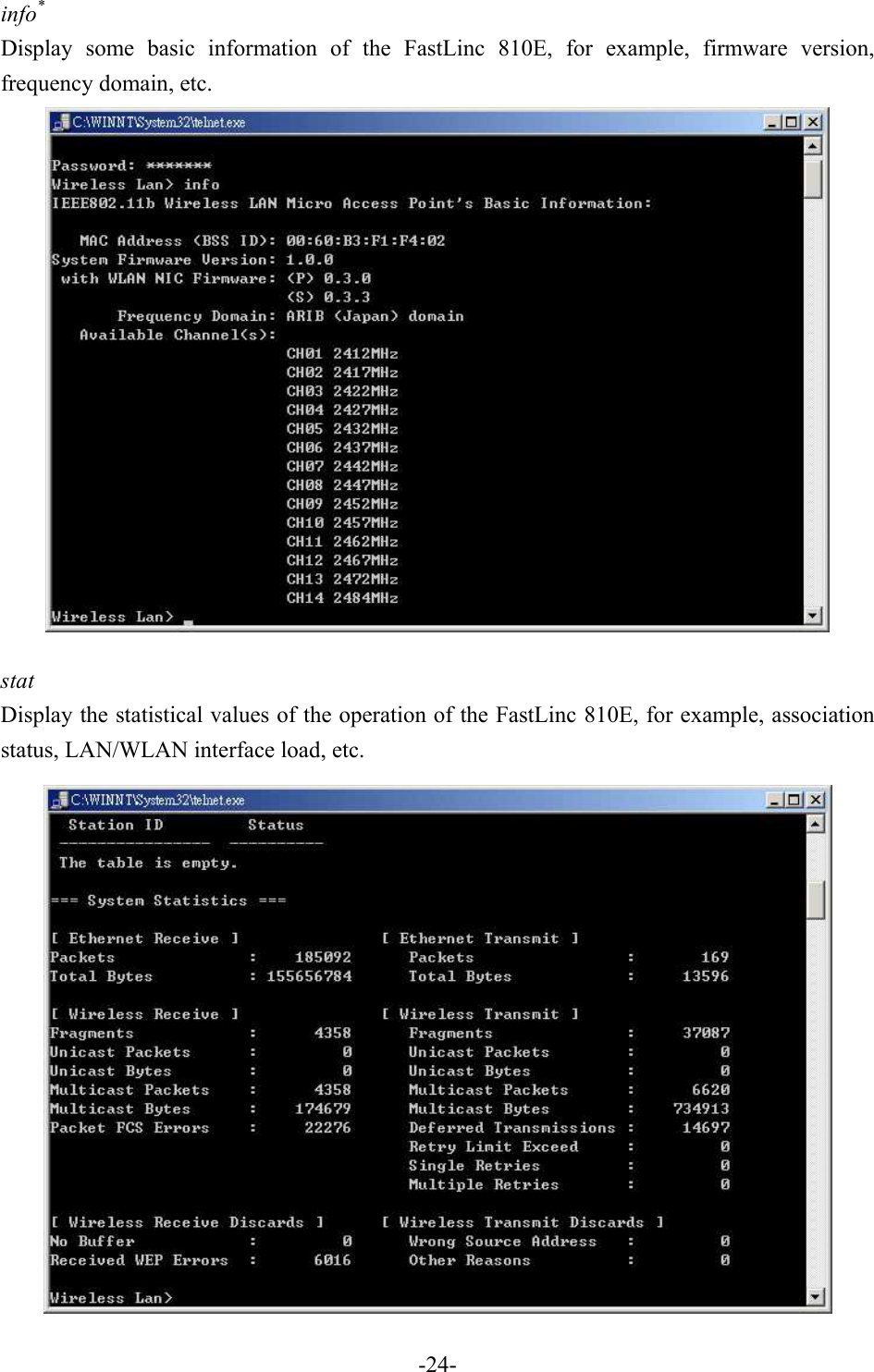
![as follows: • open: open to public (default) • restrict: only allow access of the authorized stations/repeaters in the table (no access is allowed if the list stays empty) add mac_addr: add an address into the access control table del mac_addr |index: delete a MAC address, or index an address from the access control table list [start/end]: display the content of the access control mode and the address list. The optional arguments, start and end, can be affixed to select the range of items to be listed. clear: clear all the addresses in the access control table. WEP Keys wep mode | set | list The 'wep' command contains sub-commands that allow you to manage the data encryption (WEP, wired equivalent privacy) function provided with the FastLinc 810E. The sub-commands are listed as follows: mode disable | wep40: set the access control mode. The following are the definition of each data encryption mode. • none: no encryption (default) • wep40: use 40-bit WEP data encryption -28-](https://usermanual.wiki/Communications-Development/JLM051690.USERS-MANUAL-2/User-Guide-397273-Page-11.png)