E Power BT903 Wireless charger Bluetooth speaker User Manual

E-Power Limited Wireless charger Bluetooth speaker

User Manual

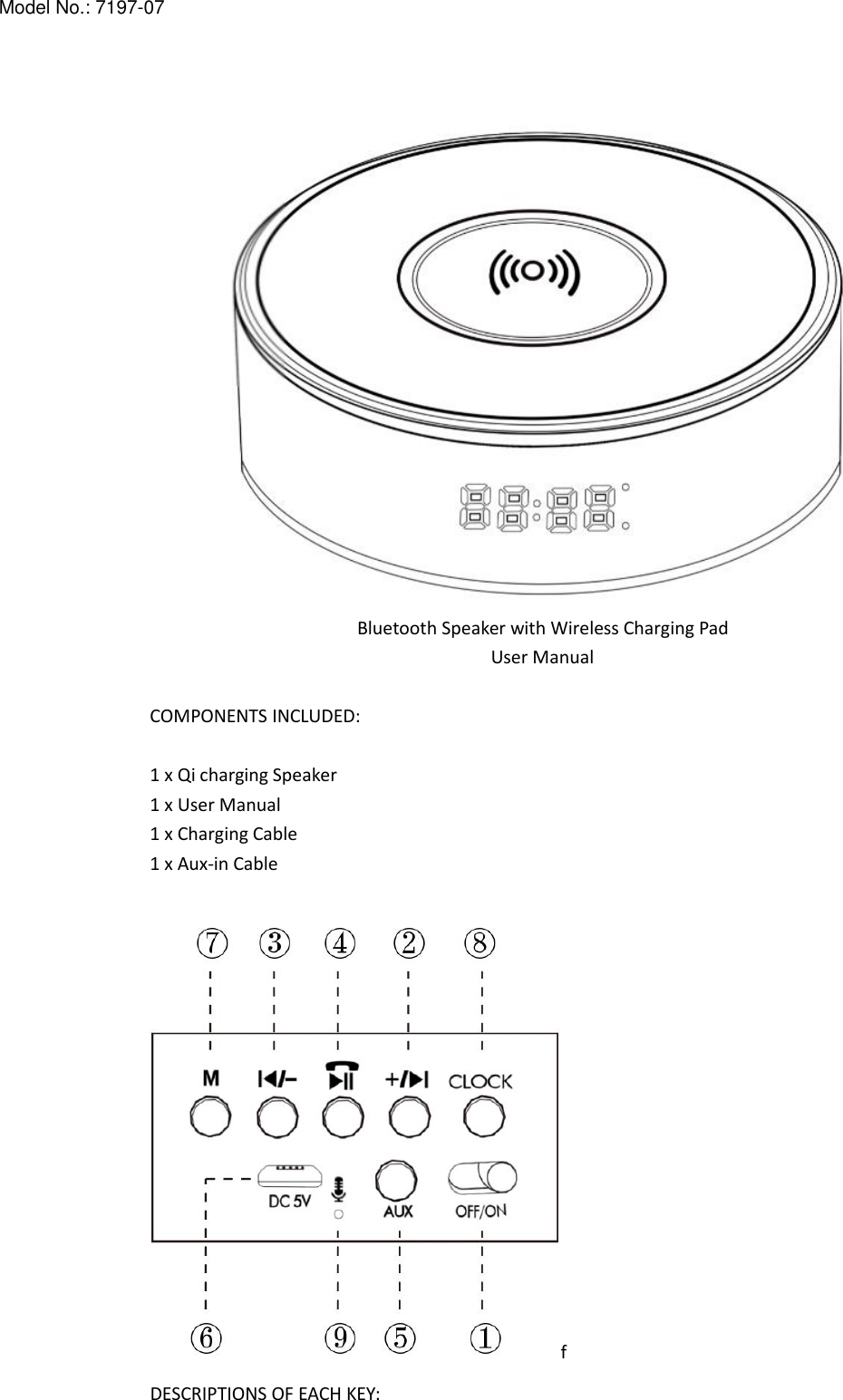
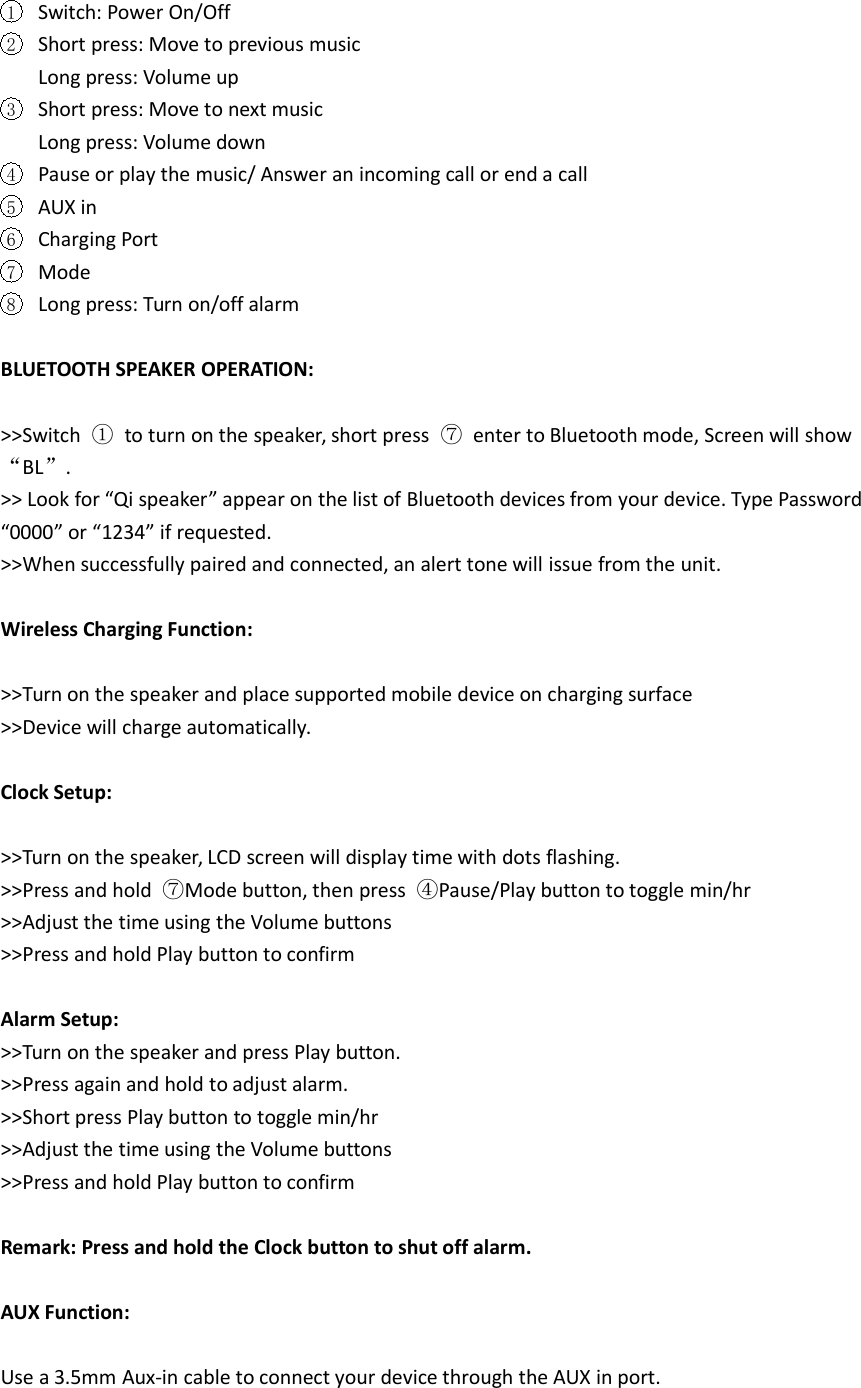
Bluetooth Speaker with Wireless Charging PadUser ManualCOMPONENTS INCLUDED:1 x Qi charging Speaker1 x User Manual1 x Charging Cable1 x Aux-in CablefDESCRIPTIONS OF EACH KEY:Model No.: 7197-07
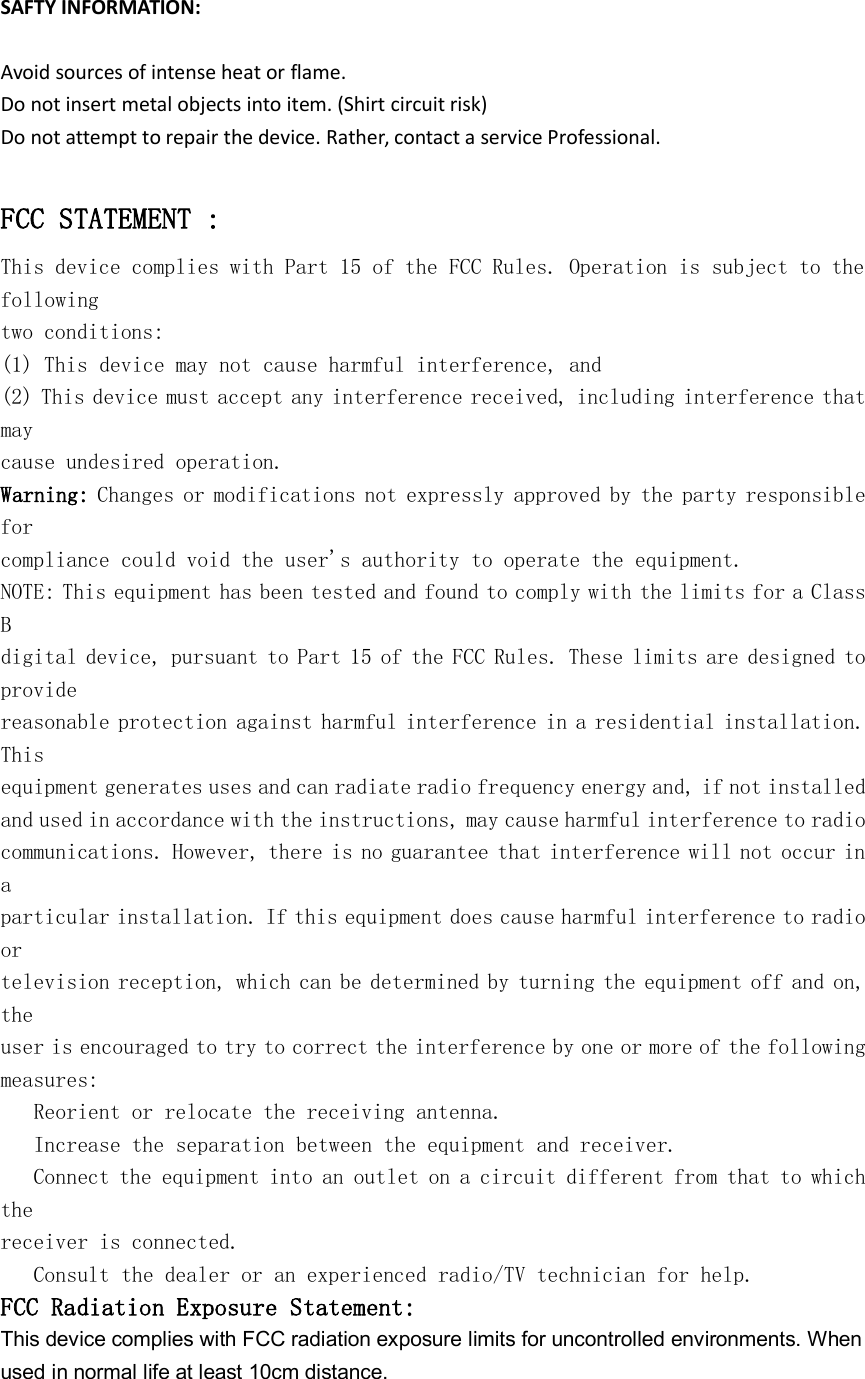
1Switch: Power On/Off2Short press: Move to previous musicLong press: Volume up3Short press: Move to next musicLong press: Volume down4Pause or play the music/ Answer an incoming call or end a call5AUX in6Charging Port7Mode8Long press: Turn on/off alarmBLUETOOTH SPEAKER OPERATION:>>Switch ①to turn on the speaker, short press ⑦enter to Bluetooth mode, Screen will show“BL”.>> Look for “Qi speaker” appear on the list of Bluetooth devices from your device. Type Password“0000” or “1234” if requested.>>When successfully paired and connected, an alert tone will issue from the unit.Wireless Charging Function:>>Turn on the speaker and place supported mobile device on charging surface>>Device will charge automatically.Clock Setup:>>Turn on the speaker, LCD screen will display time with dots flashing.>>Press and hold ⑦Mode button, then press ④Pause/Play button to toggle min/hr>>Adjust the time using the Volume buttons>>Press and hold Play button to confirmAlarm Setup:>>Turn on the speaker and press Play button.>>Press again and hold to adjust alarm.>>Short press Play button to toggle min/hr>>Adjust the time using the Volume buttons>>Press and hold Play button to confirmRemark: Press and hold the Clock button to shut off alarm.AUX Function:Use a 3.5mm Aux-in cable to connect your device through the AUX in port.
SAFTY INFORMATION:Avoid sources of intense heat or flame.Do not insert metal objects into item. (Shirt circuit risk)Do not attempt to repair the device. Rather, contact a service Professional.FCC STATEMENT :This device complies with Part 15 of the FCC Rules. Operation is subject to thefollowingtwo conditions:(1) This device may not cause harmful interference, and(2) This device must accept any interference received, including interference thatmaycause undesired operation.Warning: Changes or modifications not expressly approved by the party responsibleforcompliance could void the user's authority to operate the equipment.NOTE: This equipment has been tested and found to comply with the limits for a ClassBdigital device, pursuant to Part 15 of the FCC Rules. These limits are designed toprovidereasonable protection against harmful interference in a residential installation.Thisequipment generates uses and can radiate radio frequency energy and, if not installedand used in accordance with the instructions, may cause harmful interference to radiocommunications. However, there is no guarantee that interference will not occur inaparticular installation. If this equipment does cause harmful interference to radioortelevision reception, which can be determined by turning the equipment off and on,theuser is encouraged to try to correct the interference by one or more of the followingmeasures:Reorient or relocate the receiving antenna.Increase the separation between the equipment and receiver.Connect the equipment into an outlet on a circuit different from that to whichthereceiver is connected.Consult the dealer or an experienced radio/TV technician for help.FCC Radiation Exposure Statement:This device complies with FCC radiation exposure limits for uncontrolled environments. Whenused in normal life at least 10cm distance.

Navigation menu