Eaton HHB2BATR Wireless Sensor User Manual Temp Sensor P1

Eaton Corporation Wireless Sensor Temp Sensor P1

Contents

Manual Temp Sensor P1

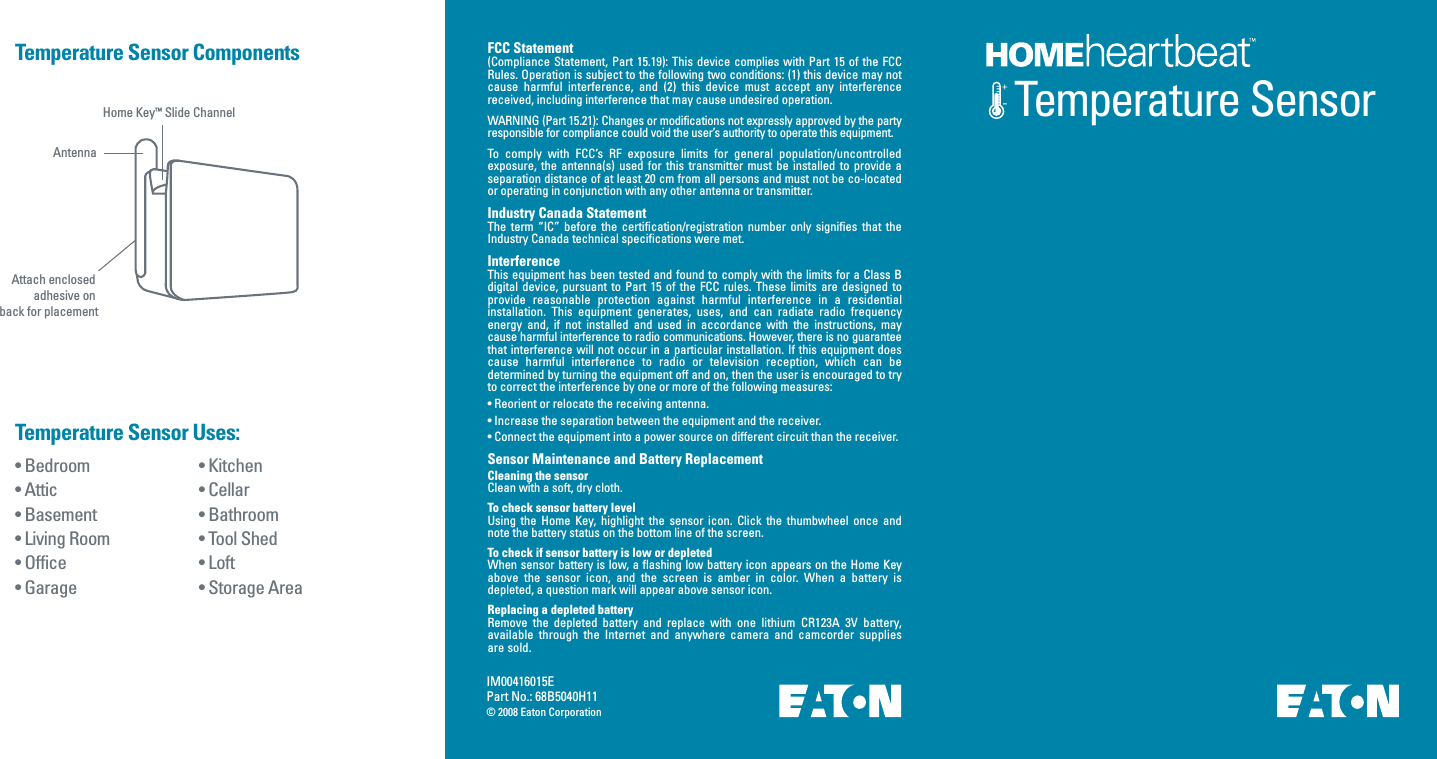
Temperature SensorIM00416015EPart No.: 68B5040H11© 2008 Eaton Corporation• Kitchen• Cellar• Bathroom• Tool Shed • Loft• Storage Area • Bedroom • Attic• Basement• Living Room • Office• Garage Temperature Sensor Uses:Temperature Sensor ComponentsHome Key™ Slide ChannelAntennaAttach enclosed adhesive on back for placementFCC Statement(Compliance Statement, Part  15.19): This device  complies with Part  15 of the  FCC Rules. Operation is subject to the following two conditions: (1) this device may not cause  harmful  interference,  and  (2)  this  device  must  accept  any  interference received, including interference that may cause undesired operation.WARNING (Part 15.21): Changes or modifications not expressly approved by the party responsible for compliance could void the user’s authority to operate this equipment.To  comply  with  FCC’s  RF  exposure  limits  for  general  population/uncontrolled exposure,  the  antenna(s)  used  for  this  transmitter  must  be  installed  to  provide  a separation distance of at least 20 cm from all persons and must not be co-located or operating in conjunction with any other antenna or transmitter.Industry Canada StatementThe  term  “IC”  before  the  certification/registration  number  only  signifies  that  the Industry Canada technical specifications were met.InterferenceThis equipment has been tested and found to comply with the limits for a Class B digital  device,  pursuant  to  Part  15  of  the  FCC  rules.  These  limits  are  designed  to provide  reasonable  protection  against  harmful  interference  in  a  residential installation.  This  equipment  generates,  uses,  and  can  radiate  radio  frequency energy  and,  if  not  installed  and  used  in  accordance  with  the  instructions,  may cause harmful interference to radio communications. However, there is no guarantee that interference will not  occur  in a particular installation.  If this equipment does cause  harmful  interference  to  radio  or  television  reception,  which  can  be determined by turning the equipment off and on, then the user is encouraged to try to correct the interference by one or more of the following measures:• Reorient or relocate the receiving antenna.• Increase the separation between the equipment and the receiver.• Connect the equipment into a power source on different circuit than the receiver.Sensor Maintenance and Battery Replacement Cleaning the sensorClean with a soft, dry cloth.To check sensor battery levelUsing  the  Home Key,  highlight  the  sensor  icon. Click  the  thumbwheel  once  and note the battery status on the bottom line of the screen.To check if sensor battery is low or depletedWhen sensor battery is low, a flashing low battery icon appears on the Home Key above  the  sensor  icon,  and  the  screen  is  amber  in  color.  When  a  battery  is depleted, a question mark will appear above sensor icon.Replacing a depleted battery Remove  the  depleted  battery  and  replace  with  one  lithium  CR123A  3V  battery, available  through  the  Internet  and  anywhere  camera  and  camcorder  supplies are sold.

Navigation menu