EmdoorVR Technology EM-DCR1 Wireless Controller User Manual

EmdoorVR Technology Co.,Ltd Wireless Controller Users Manual

Users Manual

USERMANUALWIRELESS CONTROLLERFOR ANDROID VRAVR1 AVR2SETUPPlug the wireless receiver into the VR headset’s USB input. Press [N icon] to power on the controller. A ashing blue LED signals that the controller is on and automatically searching.When connected,  the blue LED will stop ashing and remain on.12 3FUNCTIONSBlue LED Light:Connection & Power Status IndicatorTouch Panel:Select/Conrm (Press)Move Left/Right/Up/Down (Touch-sensitive)Volume +/-:Volume Up (Press)Volume Down (Press)A: BackMicro USB Port:Charging & PortN:Menu/Power On (Press)Calibrate & Sync (Hold for 1 second)Power O (Hold for 5 seconds)
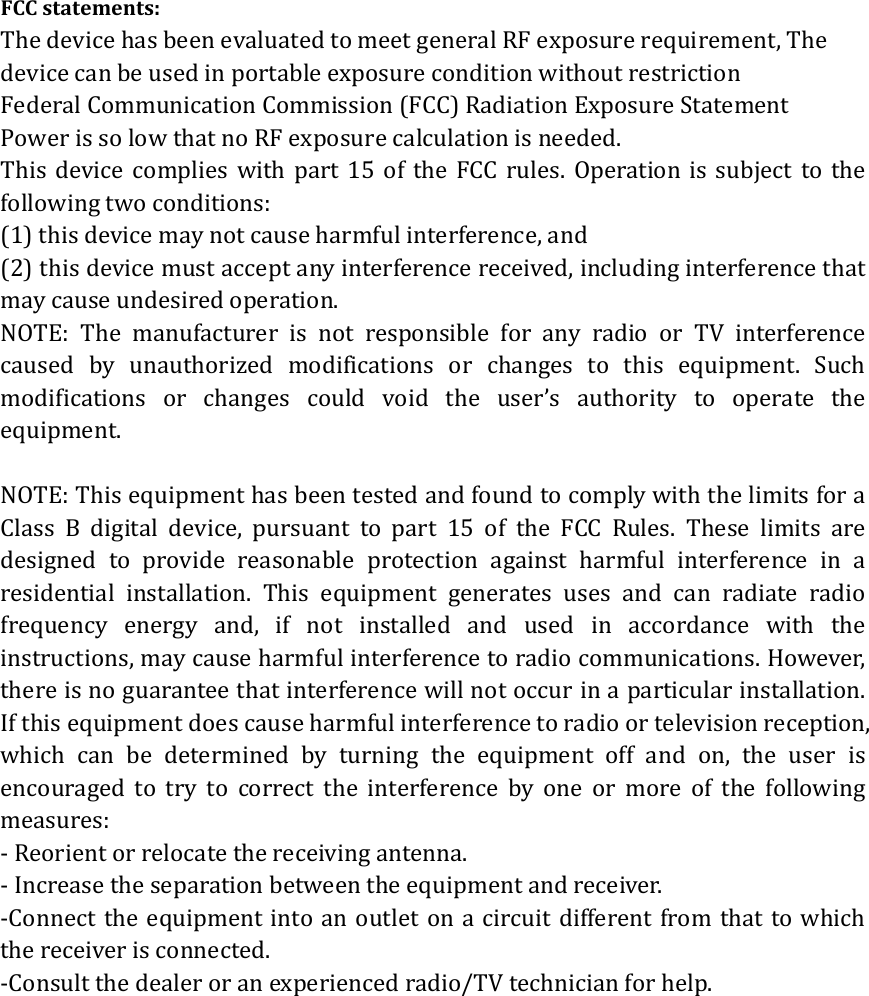
FCCstatements:ThedevicehasbeenevaluatedtomeetgeneralRFexposurerequirement,ThedevicecanbeusedinportableexposureconditionwithoutrestrictionFederalCommunicationCommission(FCC)RadiationExposureStatementPowerissolowthatnoRFexposurecalculationisneeded.This device complies with part 15 of the FCC rules. Operation is subject to thefollowingtwoconditions: (1)thisdevicemaynotcauseharmfulinterference,and (2)thisdevicemustacceptanyinterferencereceived,includinginterferencethatmaycauseundesiredoperation. NOTE: The manufacturer is not responsible for any radio or TV interferencecaused by unauthorized modifications or changes to this equipment. Suchmodificationsorchangescouldvoidtheuser’sauthoritytooperate theequipment.NOTE:ThisequipmenthasbeentestedandfoundtocomplywiththelimitsforaClass B digital device, pursuanttopart15oftheFCCRules.These limits aredesigned to provide reasonable protection against harmful interference in aresidential installation. This equipment generates uses and can radiate radiofrequencyenergyand,ifnotinstalledandusedinaccordancewith theinstructions,maycauseharmfulinterferencetoradiocommunications.However,thereisnoguaranteethatinterferencewillnotoccurinaparticularinstallation.Ifthisequipmentdoescauseharmfulinterferencetoradioortelevisionreception,which can be determined by turning the equipment off and on, the user isencouragedtotrytocorrecttheinterferencebyoneormoreofthefollowingmeasures:‐Reorientorrelocatethereceivingantenna.‐Increasetheseparationbetweentheequipmentandreceiver.‐Connecttheequipmentintoanoutletonacircuitdifferentfromthattowhichthereceiverisconnected.‐Consultthedealeroranexperiencedradio/TVtechnicianforhelp.

Navigation menu