Eyerain Technology and Industry SJ9000 Action Camera User Manual Manual

Eyerain Technology & Industry Co., Ltd Action Camera Manual

Manual

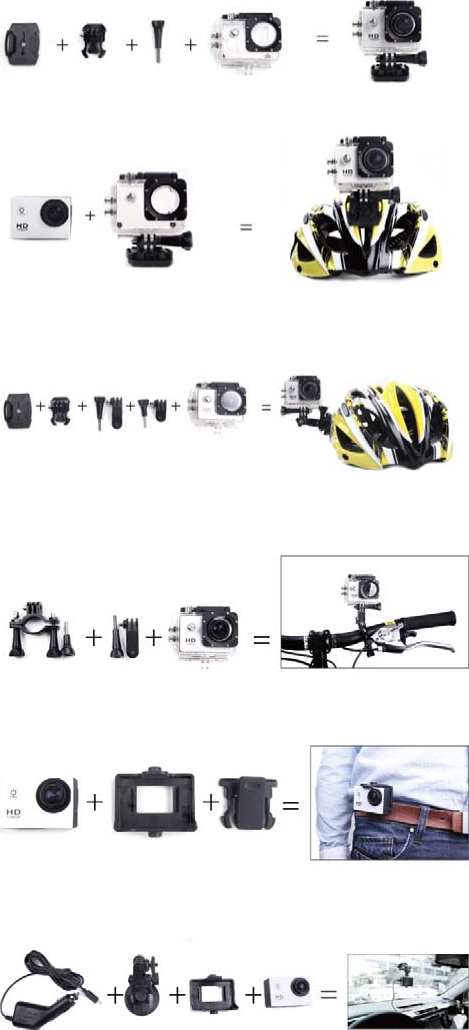
                                                        Warning   1. Keep it safe from falling and dropping   2. Keep  it  distance  from  any  strong  magnetic  interference  objects  like  electrical  machine  to avoid strong radio waves that might be damaging the product and affect the sound or image quality.   3. Don’t expose the product directly to high temperatures and strong sunlight   4. We recommend using high quality Micro SD Card for the best results.   5. Don’t place your Micro SD card near strong magnetic objects to avoid data error.   6. In  case  of  overheating,  unwanted  smoke  or  unpleasant  smell  from  the  device,  unplug  it immediately from the power outlet to prevent hazardous fire.     7. Keep it safety from children while on charging.   8. Stored the device in a cool, dry and dust free location.                                                                                     Introduction   Action Camera is a high-definition digital motion video recording device, created to reach market demand. It has a wide variety of the leading features for digital video recording, photo shooting, audio  recording  with  screen  display  and  detachable  battery.  Best  suitable  for  vehicle  recording, outdoor  sports,  home  security,  diving  and  more  related  activities.  Allowing  you  to  enjoy  the moments while capturing every scene anytime, anywhere.                                     Product Features   With a water proof casing, allowing you to film 30 meters under water scene.  HD screen display for convenient videos and image playback    Detachable battery for easy replacement and help extend product lifespan  Record videos while charging  HD 16Megapixel wide angle lens    HDMI Output  Web Camera  Supports SD card memory expandable up to 32GB (Maximum)  Supports multiple video recording formats: 4K/2K/1080P/720P/ WVGA  Supports MOV recording format  Supports multiple photo shooting modes: Single shot & Snapper  Video encryption enabled  Super lightweight, small in size and available in 8    colors
  1. Installing Micro SD Card Note: Please choose a branded Micro SD card, and then format it with the computer before use. We suggest a high quality SD card for the perfect result.    2. Installing and removing the batteries   A. Slightly press and swipe the battery cap to open it B. Correctly install the battery into the camera as indicated by +/- sign and make sure it is in the correct direction with the arrows marked on the battery before you fit it in.   C. Battery Gauge: Please refer to diagram D. Removing the Battery: Open the cap and pull out the battery  3. Charging A. You can recharge this    Action Camera by connecting it directly to the computer or with the power adapter.   B. It can be also charge with the car charger C. Action Camera can record the video while charging ( Switch to Vehicle-mounted Mode in the “Menu”) D. The camera can be charge even the power is switch off.  4. Switching the camera on and off A. Press and hold the power switch for 3 to 5 seconds to turn it on/off B. You can also switch it on/ off trough the LCD screen display 5. Mode Switching Switch between video recording/ Photo shooting/ Playback by pressing the power button as mode function.     Recording mode, while    photo shooting mode. Symbols are displayed on the top of the screen.    Refers to the function of video playback, and the last one is system settings.    6.   Video recording & Setting configuration  1.Video Recording Switch to recording  mode  and  there’ll  be  an  icon in the upper left corner of the screen.  Press  OK to start  the  recording  and  the    icon  in  the  upper  left corner  will start to flash. Press  “OK”  again if you want to stop and the    icon will disappear.    2.Photo shooting & Settings Switch the camera on and press “Mode” to select “Photo shooting Mode”, there’ll be an icon in the upper left corner of the screen display and the camera is in photo shooting mode. Press  “OK”  to take photos. Shooting Pattern: Single shot / Self-timer (2s/5s/10s)    and Continuous Shooting  3.Data Storage & Playback You can use the USB cable to transfer the file to the computer or you can remove the micro SD card with the card reader.
 7. WI-FI connection      1. can connect a mobile phone with android or IOS system or a panel computer via WIFI, the operation steps are as following: A. Install “finalcam“ software on a mobile phone or a panel computer(you can search and download on Google Play for android system, or search and download on APP Store for IOS system.     B. After power on, press WIFI key on the camera, WIFI icon displays on the screen.   C. Enable WIFI on a mobile phone or a panel computer, search WIFI account    for the camera, then connect, and the initial Password “ 12345678” will display on screen. D. When WIFI connected, WIFI Connection Ready displays on the screen, E. After “finalcam” software operates on a mobile phone or a panel computer, images recorded by the camera will be real-time displayed on a mobile phone or a panel computer. You can operate via related icons related to the software or set function parameters of the camera 2. WI-FI password change      A.  Power  on and enter WIFI  setting  menu,  the  password  can  be  set  as  per  your requirement.       Liquid Crystal Display (LCD)  2.0LTPS   Lens  170°A+ HD wide-angle lens Languages  English / German / French / Spanish / Italian   Portuguese  /  Chinese  Traditional  /  Chinese Simplified / Japanese / Russian Resolution  of  Videos Recorded 4k(3840*2160)24FPS                    2K(2560*1440)30FPS                       1920*1080 60fps 1280*720 60fps Video Format    MOV Compressed Format of Videos  H.264 Resolution of Photos    16M/14M/12M / 8M / 5M Storage  Micro SD Shooting Mode  Single  Shot  /  Self-timer  (2s  /  5s  /  10s  / Continuous Shooting Frequency of Optical Source  50Hz / 60HzUSB Interface  USB2.0 Power Source Interface  5V1A Battery Capacity  900MAH Power Dissipation  400mA@4.2V Recording Time  1080P/ About 70 minutes Charging Time  About 3hours Operating System (OS)  Windows XP/VistaorAbove/Win7/Mac os Dimension  59.27 x 41.13 x 29.28  Note:   The  original  specification  may  vary  from  time  to  time  due  to  product  upgrading  and updating.
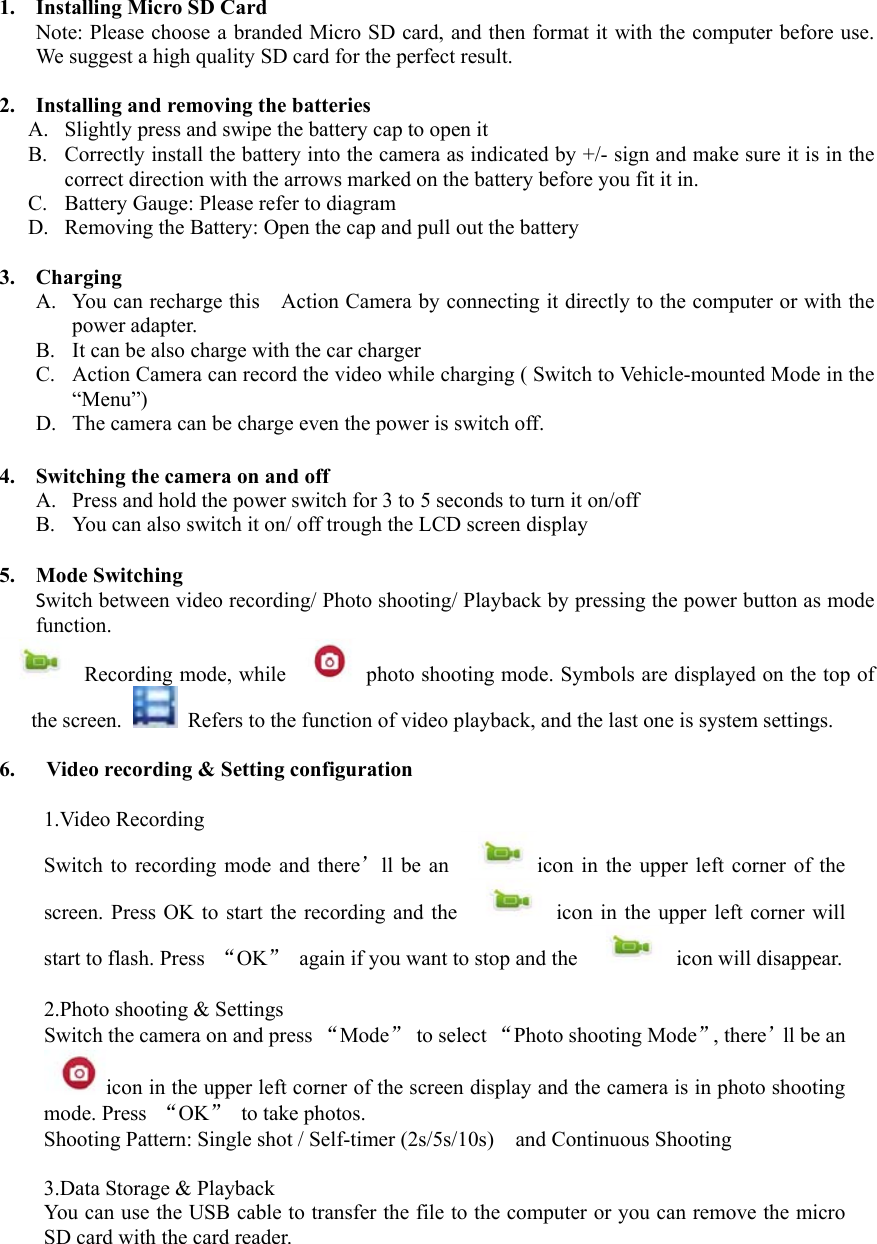
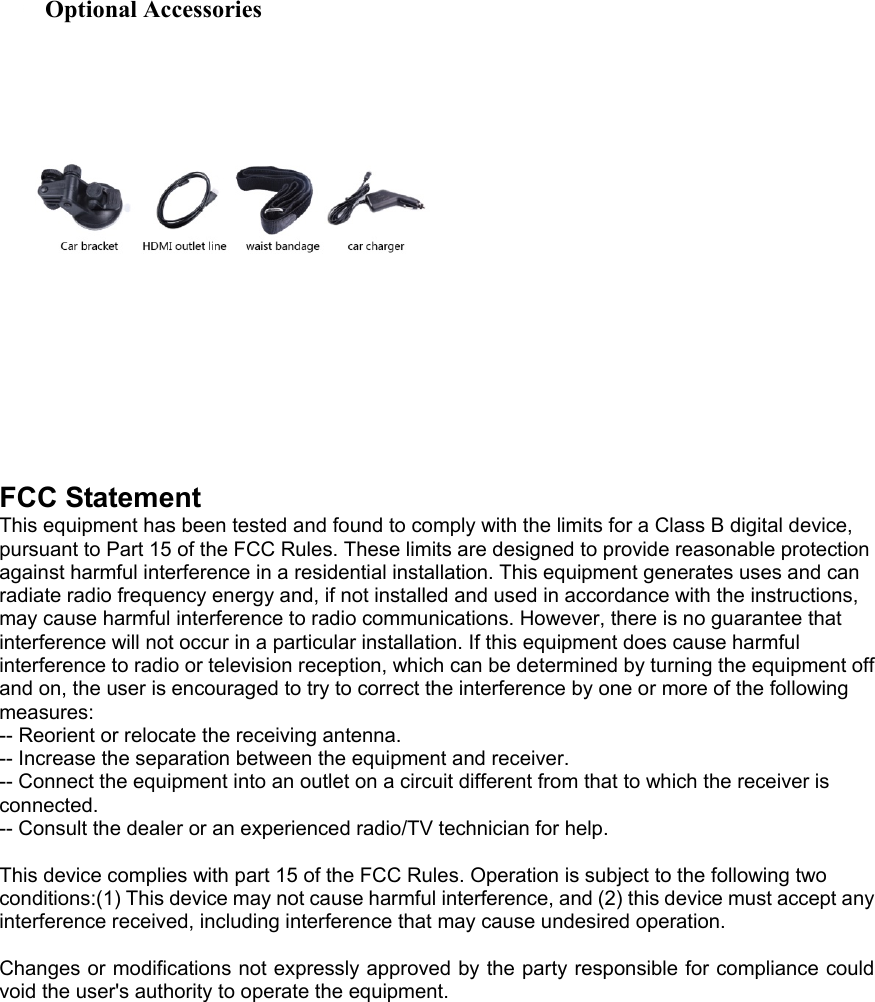
  FCC Statement This equipment has been tested and found to comply with the limits for a Class B digital device, pursuant to Part 15 of the FCC Rules. These limits are designed to provide reasonable protection against harmful interference in a residential installation. This equipment generates uses and can radiate radio frequency energy and, if not installed and used in accordance with the instructions, may cause harmful interference to radio communications. However, there is no guarantee that interference will not occur in a particular installation. If this equipment does cause harmful interference to radio or television reception, which can be determined by turning the equipment off and on, the user is encouraged to try to correct the interference by one or more of the following measures: -- Reorient or relocate the receiving antenna.     -- Increase the separation between the equipment and receiver.     -- Connect the equipment into an outlet on a circuit different from that to which the receiver is connected.     -- Consult the dealer or an experienced radio/TV technician for help.  This device complies with part 15 of the FCC Rules. Operation is subject to the following two conditions:(1) This device may not cause harmful interference, and (2) this device must accept any interference received, including interference that may cause undesired operation.  Changes or modifications not expressly approved by the party responsible for compliance could void the user's authority to operate the equipment.  Optional Accessories

Navigation menu