FALCON EYES LPS-LIGHT Remote Control for Professional LED Light User Manual

FALCON EYES LTD. Remote Control for Professional LED Light

user manual

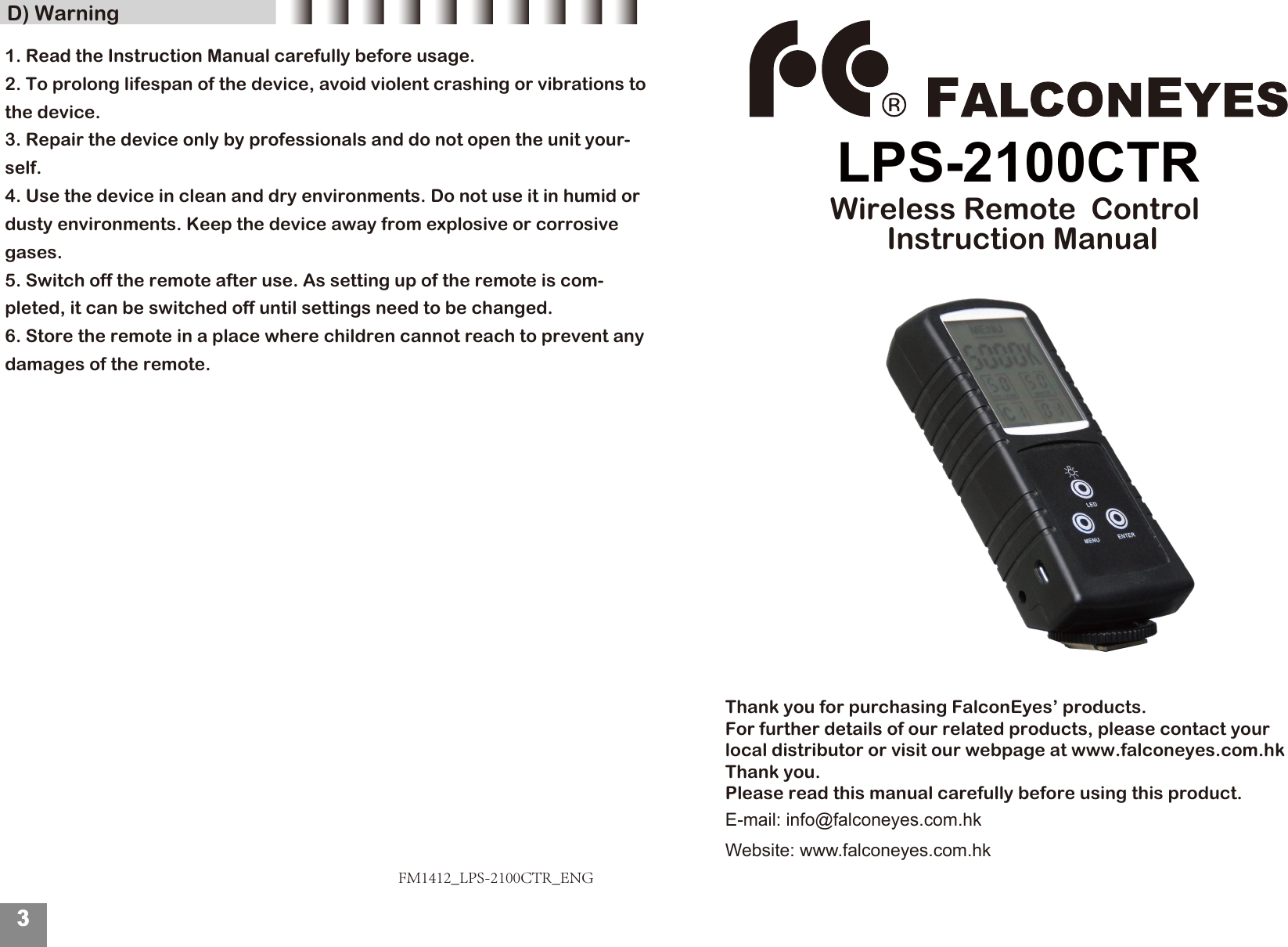
 D) WarningFM1412_LPS-2100CTR_ENG3Thank you for purchasing FalconEyes’ products.For further details of our related products, please contact your local distributor or visit our webpage at www.falconeyes.com.hkThank you. Please read this manual carefully before using this product.E-mail: info@falconeyes.com.hkWebsite: www.falconeyes.com.hkLPS-2100CTRWireless Remote  Control  Instruction Manual1. Read the Instruction Manual carefully before usage. 2. To prolong lifespan of the device, avoid violent crashing or vibrations to the device.3. Repair the device only by professionals and do not open the unit your-self.4. Use the device in clean and dry environments. Do not use it in humid or dusty environments. Keep the device away from explosive or corrosive gases.5. Switch off the remote after use. As setting up of the remote is com-pleted, it can be switched off until settings need to be changed. 6. Store the remote in a place where children cannot reach to prevent any damages of the remote.
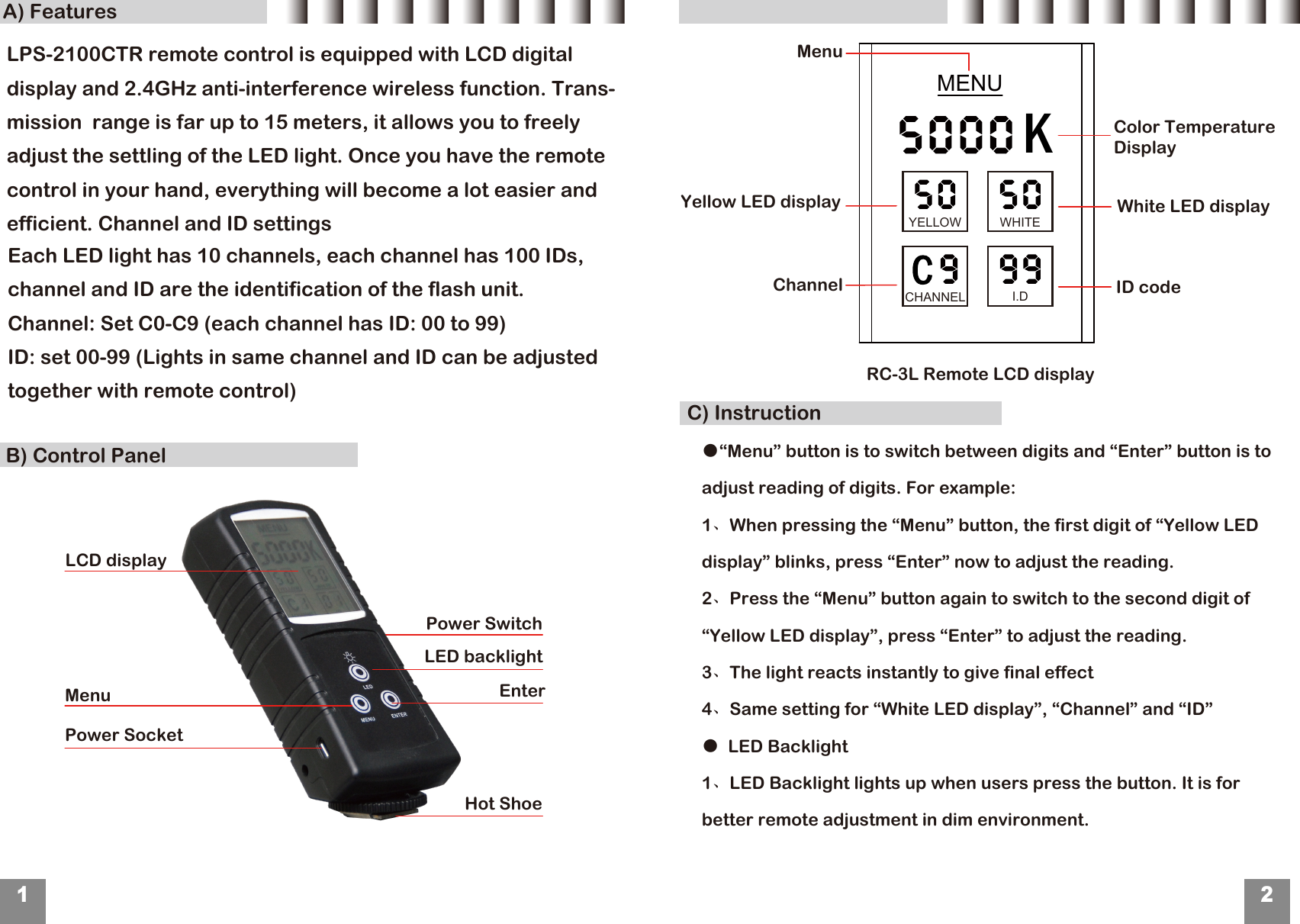
B) Control PanelA) FeaturesC) Instruction12LCD displayMenuPower SocketEnter LED backlightHot ShoeMENUChannelYellow LED displayID code White LED displayMenu RC-3L Remote LCD display Each LED light has 10 channels, each channel has 100 IDs, channel and ID are the identification of the flash unit.Channel: Set C0-C9 (each channel has ID: 00 to 99) ID: set 00-99 (Lights in same channel and ID can be adjusted together with remote control)KYELLOW WHITECHANNEL I.D Power Switch●“Menu” button is to switch between digits and “Enter” button is to adjust reading of digits. For example:1、When pressing the “Menu” button, the first digit of “Yellow LED display” blinks, press “Enter” now to adjust the reading.2、Press the “Menu” button again to switch to the second digit of “Yellow LED display”, press “Enter” to adjust the reading.3、The light reacts instantly to give final effect4、Same setting for “White LED display”, “Channel” and “ID”●  LED Backlight1、LED Backlight lights up when users press the button. It is for better remote adjustment in dim environment.Color Temperature DisplayLPS-2100CTR remote control is equipped with LCD digital display and 2.4GHz anti-interference wireless function. Trans-mission  range is far up to 15 meters, it allows you to freely adjust the settling of the LED light. Once you have the remote control in your hand, everything will become a lot easier and efficient. Channel and ID settings
FCC Statement: This device complies with part 15 of the FCC Rules. Operation is subject to the following two conditions: (1) This device may not cause harmful interference, and (2) this device must accept any interference received, including interference that may cause undesired operation. This equipment has been tested and found to comply with the limits for a Class B digital device, pursuant to part 15 of the FCC Rules. These limits are designed to provide reasonable protection against harmful interference in a residential installation. This equipment generates, uses and can radiate radio frequency energy and, if not installed and used in accordance with the instructions, may cause harmful interference to radio communications. However, there is no guarantee that interference will not occur in a particular installation. If this equipment does cause harmful interference to radio or television reception, which can be determined by turning the equipment off and on, the user is encouraged to try to correct the interference by one or more of the following measures: —Reorient or relocate the receiving antenna. —Increase the separation between the equipment and receiver. —Connect the equipment into an outlet on a circuit different from that to which the receiver is connected. —Consult the dealer or an experienced radio/TV technician for help. Caution: Any changes or modifications not expressly approved by the party responsible for compliance could void the user's authority to operate the equipment.

Navigation menu