FarmTek MI052-2RB User Manual 8903

FarmTek Inc 8903

6 page manual

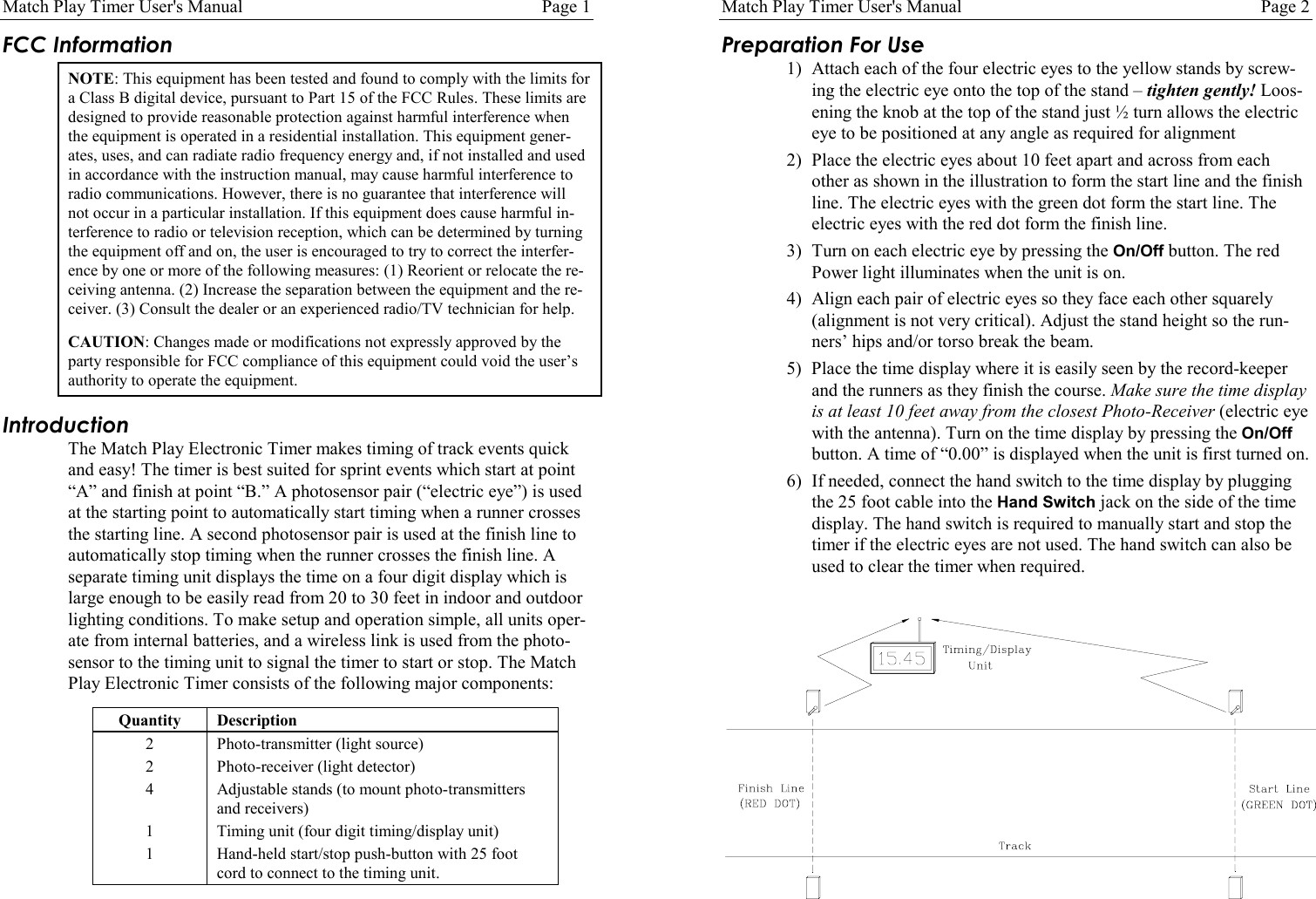
Match Play Timer User's Manual Page 1FCC InformationNOTE: This equipment has been tested and found to comply with the limits fora Class B digital device, pursuant to Part 15 of the FCC Rules. These limits aredesigned to provide reasonable protection against harmful interference whenthe equipment is operated in a residential installation. This equipment gener-ates, uses, and can radiate radio frequency energy and, if not installed and usedin accordance with the instruction manual, may cause harmful interference toradio communications. However, there is no guarantee that interference willnot occur in a particular installation. If this equipment does cause harmful in-terference to radio or television reception, which can be determined by turningthe equipment off and on, the user is encouraged to try to correct the interfer-ence by one or more of the following measures: (1) Reorient or relocate the re-ceiving antenna. (2) Increase the separation between the equipment and the re-ceiver. (3) Consult the dealer or an experienced radio/TV technician for help.CAUTION: Changes made or modifications not expressly approved by theparty responsible for FCC compliance of this equipment could void the user’sauthority to operate the equipment.IntroductionThe Match Play Electronic Timer makes timing of track events quickand easy! The timer is best suited for sprint events which start at point“A” and finish at point “B.” A photosensor pair (“electric eye”) is usedat the starting point to automatically start timing when a runner crossesthe starting line. A second photosensor pair is used at the finish line toautomatically stop timing when the runner crosses the finish line. Aseparate timing unit displays the time on a four digit display which islarge enough to be easily read from 20 to 30 feet in indoor and outdoorlighting conditions. To make setup and operation simple, all units oper-ate from internal batteries, and a wireless link is used from the photo-sensor to the timing unit to signal the timer to start or stop. The MatchPlay Electronic Timer consists of the following major components:Quantity Description2 Photo-transmitter (light source)2 Photo-receiver (light detector)4 Adjustable stands (to mount photo-transmittersand receivers)1 Timing unit (four digit timing/display unit)1 Hand-held start/stop push-button with 25 footcord to connect to the timing unit.Match Play Timer User's Manual Page 2Preparation For Use1) Attach each of the four electric eyes to the yellow stands by screw-ing the electric eye onto the top of the stand – tighten gently! Loos-ening the knob at the top of the stand just ½ turn allows the electriceye to be positioned at any angle as required for alignment2) Place the electric eyes about 10 feet apart and across from eachother as shown in the illustration to form the start line and the finishline. The electric eyes with the green dot form the start line. Theelectric eyes with the red dot form the finish line.3) Turn on each electric eye by pressing the On/Off button. The redPower light illuminates when the unit is on.4) Align each pair of electric eyes so they face each other squarely(alignment is not very critical). Adjust the stand height so the run-ners’ hips and/or torso break the beam.5) Place the time display where it is easily seen by the record-keeperand the runners as they finish the course. Make sure the time displayis at least 10 feet away from the closest Photo-Receiver (electric eyewith the antenna). Turn on the time display by pressing the On/Offbutton. A time of “0.00” is displayed when the unit is first turned on.6) If needed, connect the hand switch to the time display by pluggingthe 25 foot cable into the Hand Switch jack on the side of the timedisplay. The hand switch is required to manually start and stop thetimer if the electric eyes are not used. The hand switch can also beused to clear the timer when required.
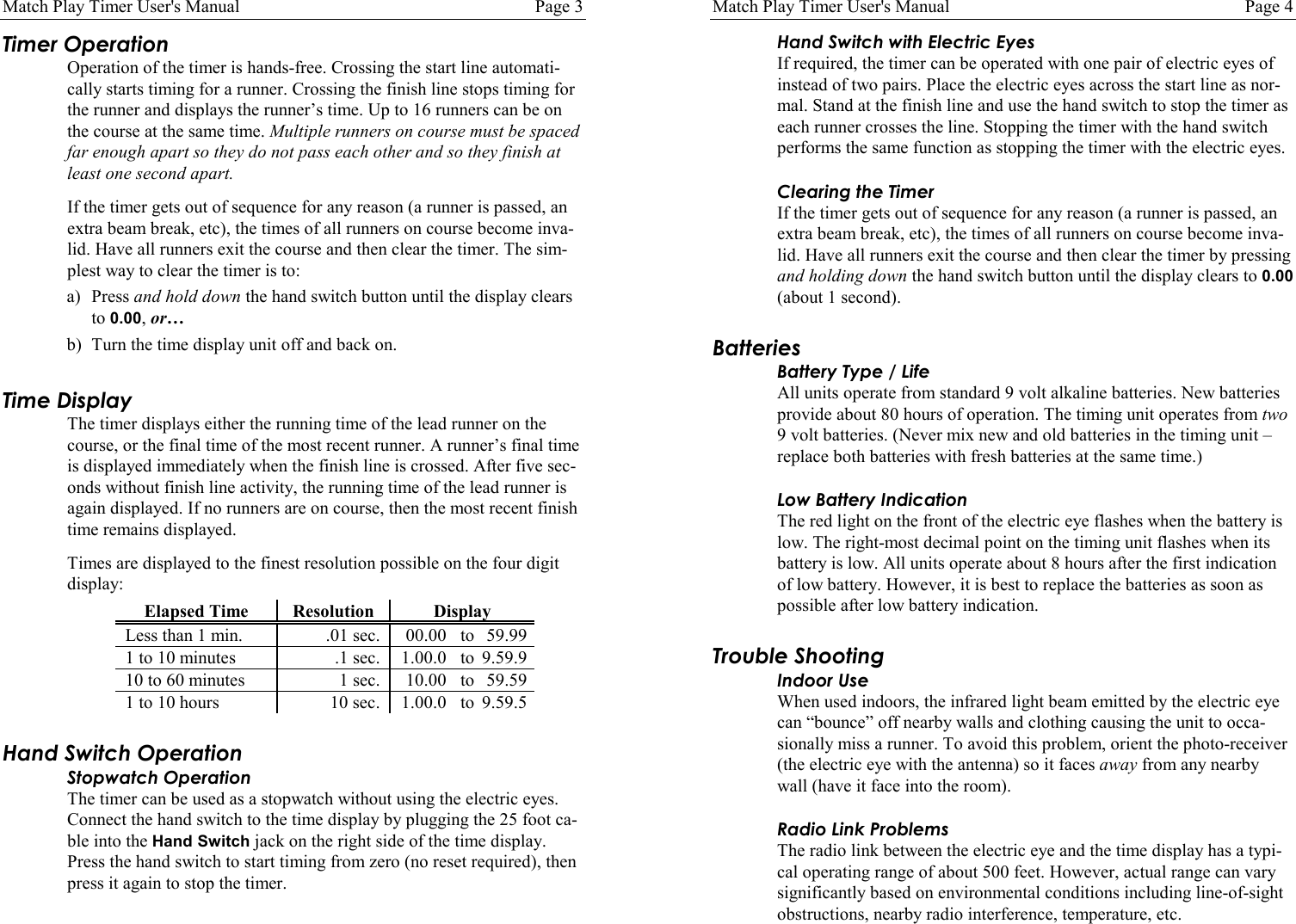
Match Play Timer User's Manual Page 3Timer OperationOperation of the timer is hands-free. Crossing the start line automati-cally starts timing for a runner. Crossing the finish line stops timing forthe runner and displays the runner’s time. Up to 16 runners can be onthe course at the same time. Multiple runners on course must be spacedfar enough apart so they do not pass each other and so they finish atleast one second apart.If the timer gets out of sequence for any reason (a runner is passed, anextra beam break, etc), the times of all runners on course become inva-lid. Have all runners exit the course and then clear the timer. The sim-plest way to clear the timer is to:a) Press and hold down the hand switch button until the display clearsto 0.00, or…b) Turn the time display unit off and back on.Time DisplayThe timer displays either the running time of the lead runner on thecourse, or the final time of the most recent runner. A runner’s final timeis displayed immediately when the finish line is crossed. After five sec-onds without finish line activity, the running time of the lead runner isagain displayed. If no runners are on course, then the most recent finishtime remains displayed.Times are displayed to the finest resolution possible on the four digitdisplay:Elapsed Time Resolution DisplayLess than 1 min. .01 sec. 00.00 to 59.991 to 10 minutes .1 sec. 1.00.0 to 9.59.910 to 60 minutes 1 sec. 10.00 to 59.591 to 10 hours 10 sec. 1.00.0 to 9.59.5Hand Switch OperationStopwatch OperationThe timer can be used as a stopwatch without using the electric eyes.Connect the hand switch to the time display by plugging the 25 foot ca-ble into the Hand Switch jack on the right side of the time display.Press the hand switch to start timing from zero (no reset required), thenpress it again to stop the timer.Match Play Timer User's Manual Page 4Hand Switch with Electric EyesIf required, the timer can be operated with one pair of electric eyes ofinstead of two pairs. Place the electric eyes across the start line as nor-mal. Stand at the finish line and use the hand switch to stop the timer aseach runner crosses the line. Stopping the timer with the hand switchperforms the same function as stopping the timer with the electric eyes.Clearing the TimerIf the timer gets out of sequence for any reason (a runner is passed, anextra beam break, etc), the times of all runners on course become inva-lid. Have all runners exit the course and then clear the timer by pressingand holding down the hand switch button until the display clears to 0.00(about 1 second).BatteriesBattery Type / LifeAll units operate from standard 9 volt alkaline batteries. New batteriesprovide about 80 hours of operation. The timing unit operates from two9 volt batteries. (Never mix new and old batteries in the timing unit –replace both batteries with fresh batteries at the same time.)Low Battery IndicationThe red light on the front of the electric eye flashes when the battery islow. The right-most decimal point on the timing unit flashes when itsbattery is low. All units operate about 8 hours after the first indicationof low battery. However, it is best to replace the batteries as soon aspossible after low battery indication.Trouble ShootingIndoor UseWhen used indoors, the infrared light beam emitted by the electric eyecan “bounce” off nearby walls and clothing causing the unit to occa-sionally miss a runner. To avoid this problem, orient the photo-receiver(the electric eye with the antenna) so it faces away from any nearbywall (have it face into the room).Radio Link ProblemsThe radio link between the electric eye and the time display has a typi-cal operating range of about 500 feet. However, actual range can varysignificantly based on environmental conditions including line-of-sightobstructions, nearby radio interference, temperature, etc.
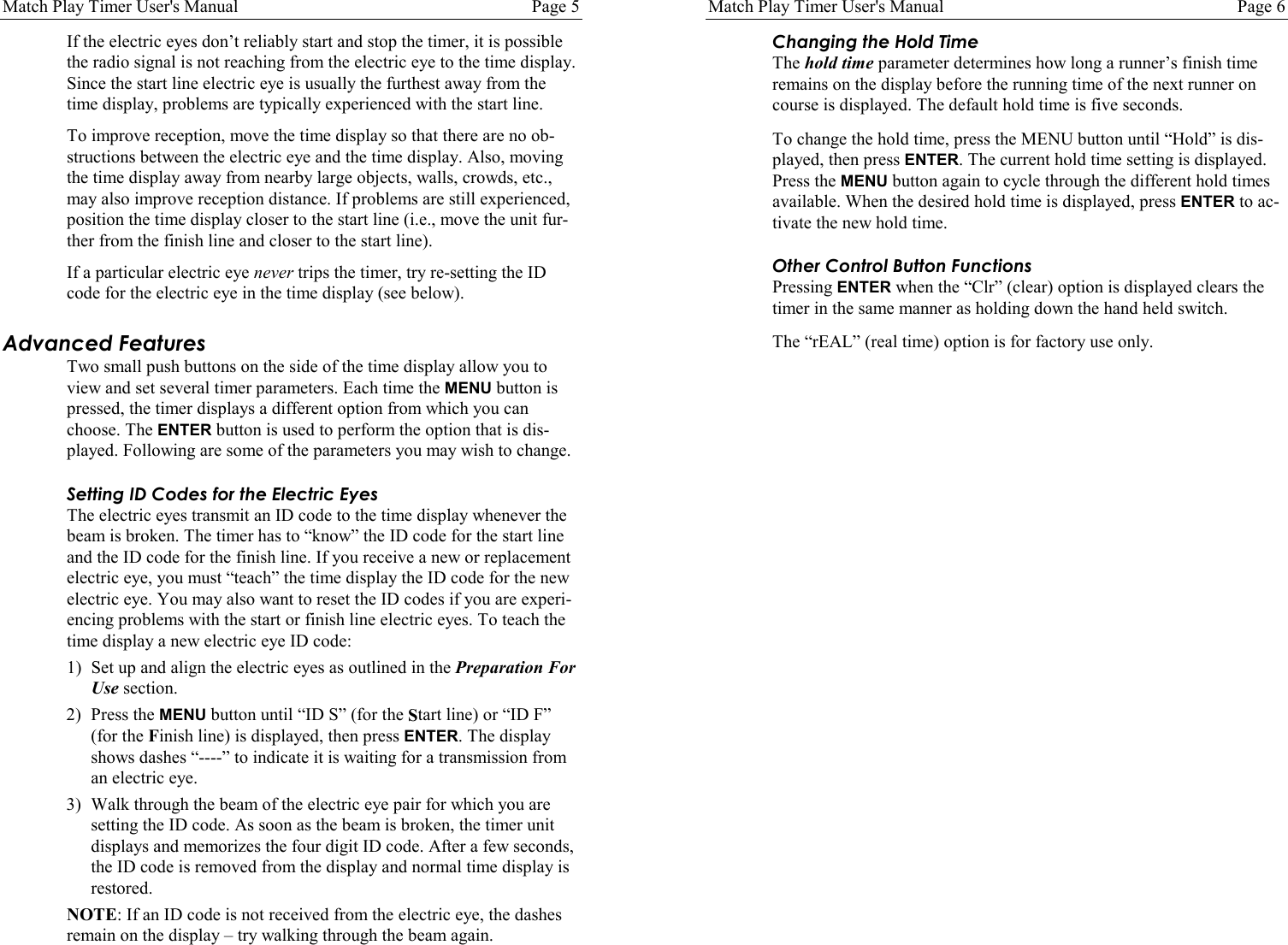
Match Play Timer User's Manual Page 5If the electric eyes don’t reliably start and stop the timer, it is possiblethe radio signal is not reaching from the electric eye to the time display.Since the start line electric eye is usually the furthest away from thetime display, problems are typically experienced with the start line.To improve reception, move the time display so that there are no ob-structions between the electric eye and the time display. Also, movingthe time display away from nearby large objects, walls, crowds, etc.,may also improve reception distance. If problems are still experienced,position the time display closer to the start line (i.e., move the unit fur-ther from the finish line and closer to the start line).If a particular electric eye never trips the timer, try re-setting the IDcode for the electric eye in the time display (see below).Advanced FeaturesTwo small push buttons on the side of the time display allow you toview and set several timer parameters. Each time the MENU button ispressed, the timer displays a different option from which you canchoose. The ENTER button is used to perform the option that is dis-played. Following are some of the parameters you may wish to change.Setting ID Codes for the Electric EyesThe electric eyes transmit an ID code to the time display whenever thebeam is broken. The timer has to “know” the ID code for the start lineand the ID code for the finish line. If you receive a new or replacementelectric eye, you must “teach” the time display the ID code for the newelectric eye. You may also want to reset the ID codes if you are experi-encing problems with the start or finish line electric eyes. To teach thetime display a new electric eye ID code:1) Set up and align the electric eyes as outlined in the Preparation ForUse section.2) Press the MENU button until “ID S” (for the Start line) or “ID F”(for the Finish line) is displayed, then press ENTER. The displayshows dashes “----” to indicate it is waiting for a transmission froman electric eye.3) Walk through the beam of the electric eye pair for which you aresetting the ID code. As soon as the beam is broken, the timer unitdisplays and memorizes the four digit ID code. After a few seconds,the ID code is removed from the display and normal time display isrestored.NOTE: If an ID code is not received from the electric eye, the dashesremain on the display – try walking through the beam again.Match Play Timer User's Manual Page 6Changing the Hold TimeThe hold time parameter determines how long a runner’s finish timeremains on the display before the running time of the next runner oncourse is displayed. The default hold time is five seconds.To change the hold time, press the MENU button until “Hold” is dis-played, then press ENTER. The current hold time setting is displayed.Press the MENU button again to cycle through the different hold timesavailable. When the desired hold time is displayed, press ENTER to ac-tivate the new hold time.Other Control Button FunctionsPressing ENTER when the “Clr” (clear) option is displayed clears thetimer in the same manner as holding down the hand held switch.The “rEAL” (real time) option is for factory use only.

Navigation menu