First Coating Technology X9 bluetooth speaker User Manual

Shenzhen First Coating Technology Co.,Ltd bluetooth speaker

User manual

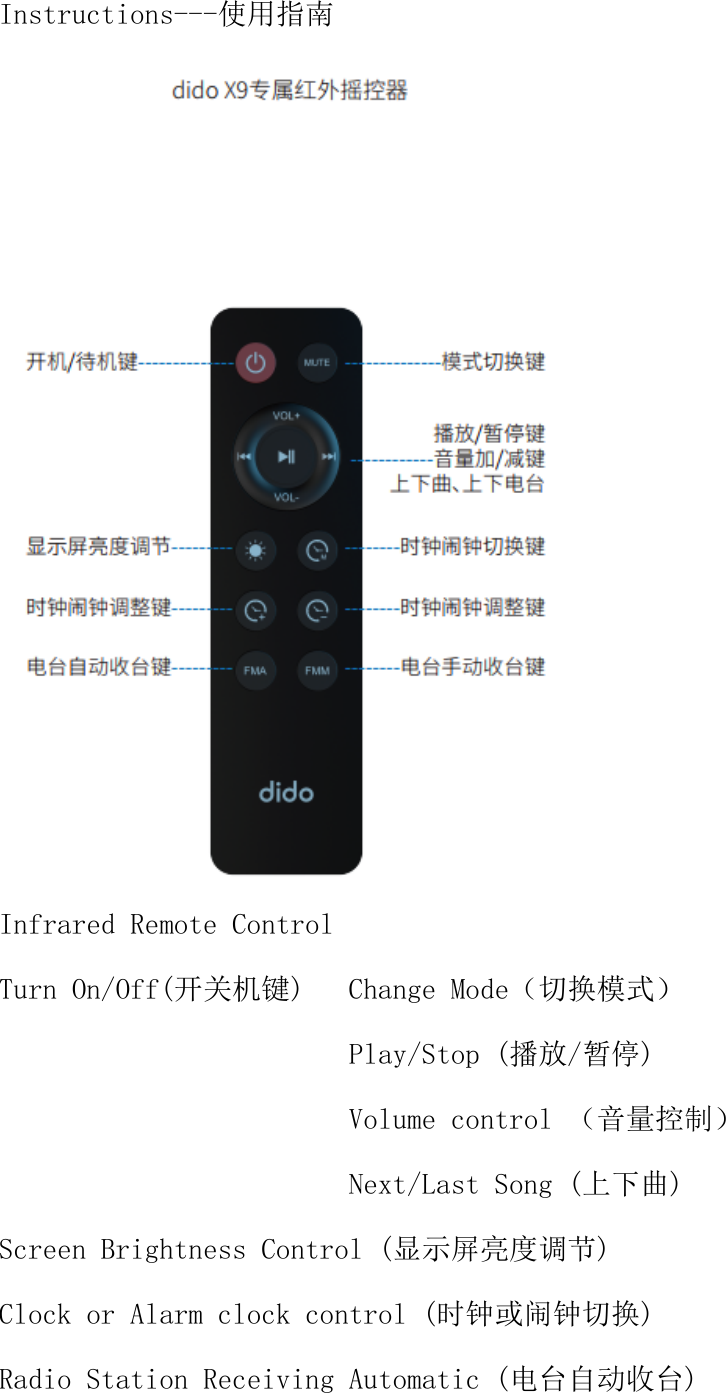
Instructions---使用指南  Infrared Remote Control Turn On/Off(开关机键)   Change Mode(切换模式)                         Play/Stop (播放/暂停)                         Volume control (音量控制)                         Next/Last Song (上下曲) Screen Brightness Control (显示屏亮度调节) Clock or Alarm clock control (时钟或闹钟切换) Radio Station Receiving Automatic (电台自动收台)
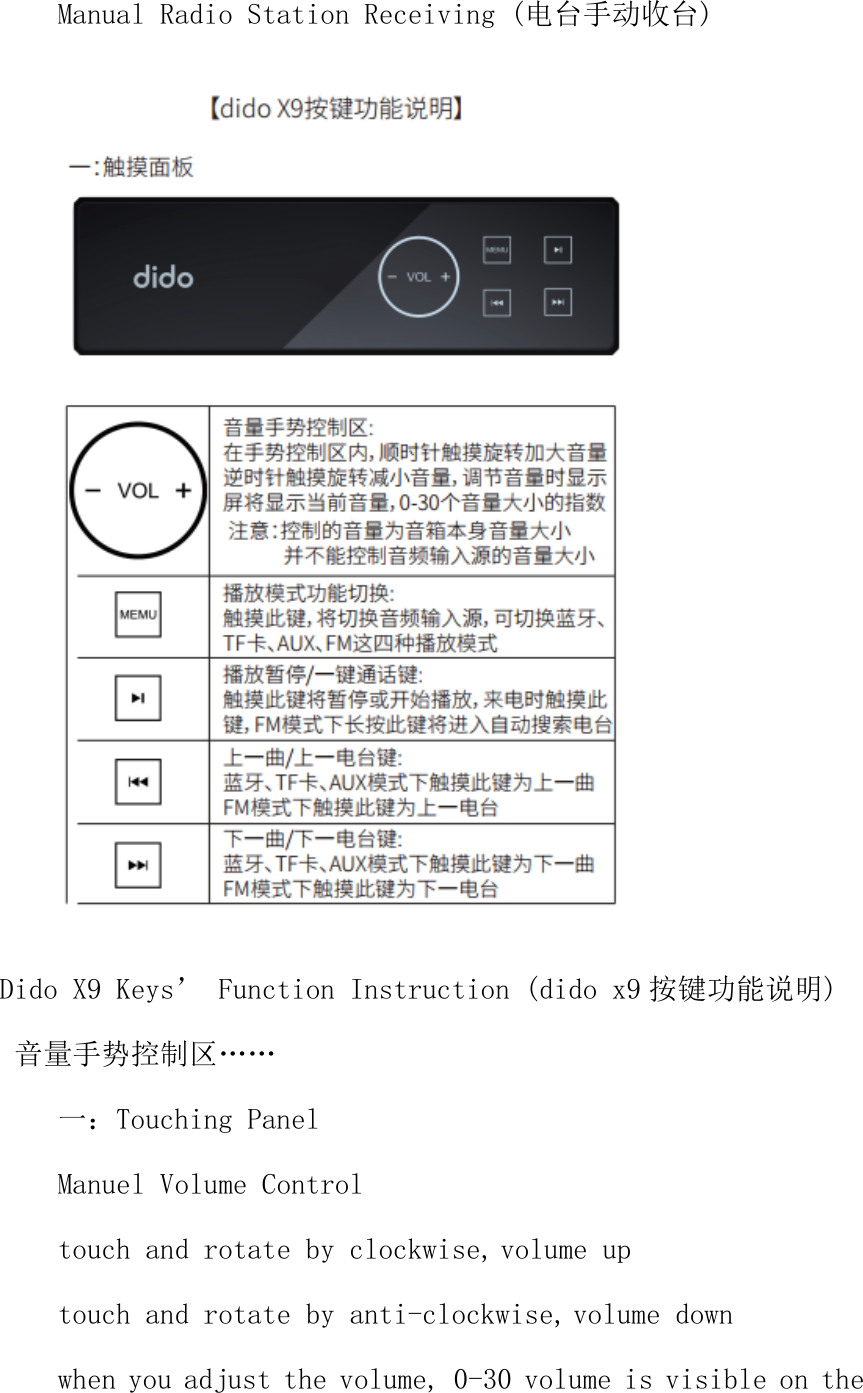
Manual Radio Station Receiving (电台手动收台)  Dido X9 Keys’ Function Instruction (dido x9 按键功能说明)  音量手势控制区…… 一:Touching Panel Manuel Volume Control  touch and rotate by clockwise,volume up touch and rotate by anti-clockwise,volume down when you adjust the volume, 0-30 volume is visible on the
screen  Please Note: You just can control the volume of speaker, can’t control the device’s volume which connect the speaker 播放模式功能切换… Playing mode switch When you touch this key, you can switch audio input source such as Bluetooth、TF card、AUX、FM 播放暂停/一键通话键: Play Stop/Calling button: When you press the button, it will play or stop music or answer the phone when receiving a call. When you hold the button for several seconds under the mode of FM, it will enter into automatic search radio station 上一曲/上一电台键: Under the mode of Bluetooth、TF card、AUX, when you press the button, it will enter into last song. Under the mode of FM, when you press the button, it will enter into last radio station. 下一曲/下一电台键: Under the mode of Bluetooth、TF card、AUX, when you press the button, it will enter into next song.
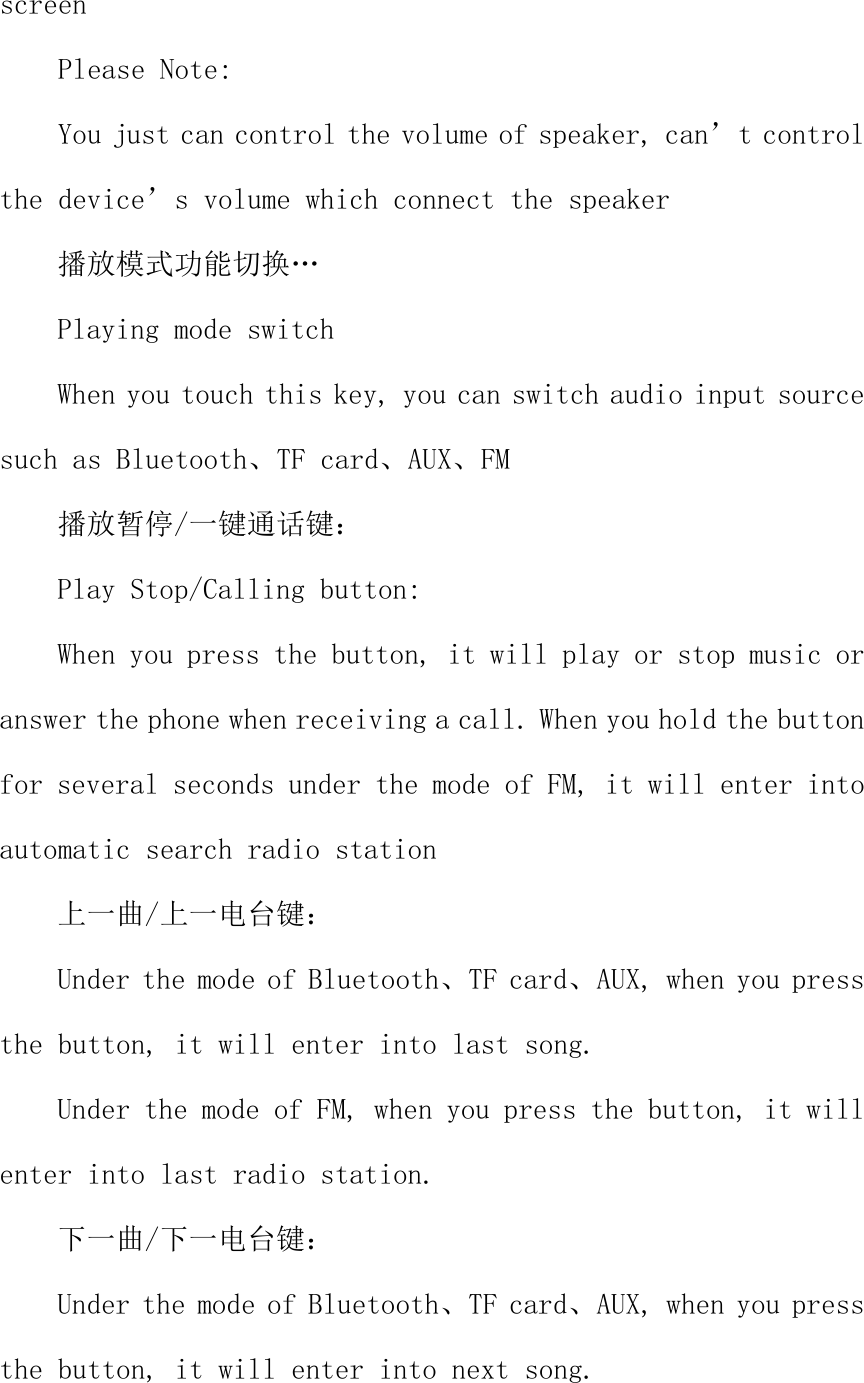
Under the mode of FM, when you press the button, it will enter into next radio station.   二:背部接口及按键 二、Interface and buttons of the back OFF/ON    Power  Button/It  will  enter  into  saving  mode automatically under the status of no using.  AUX        3.5mm Audio input socket Microphone socket  Sound input microphone when speaking
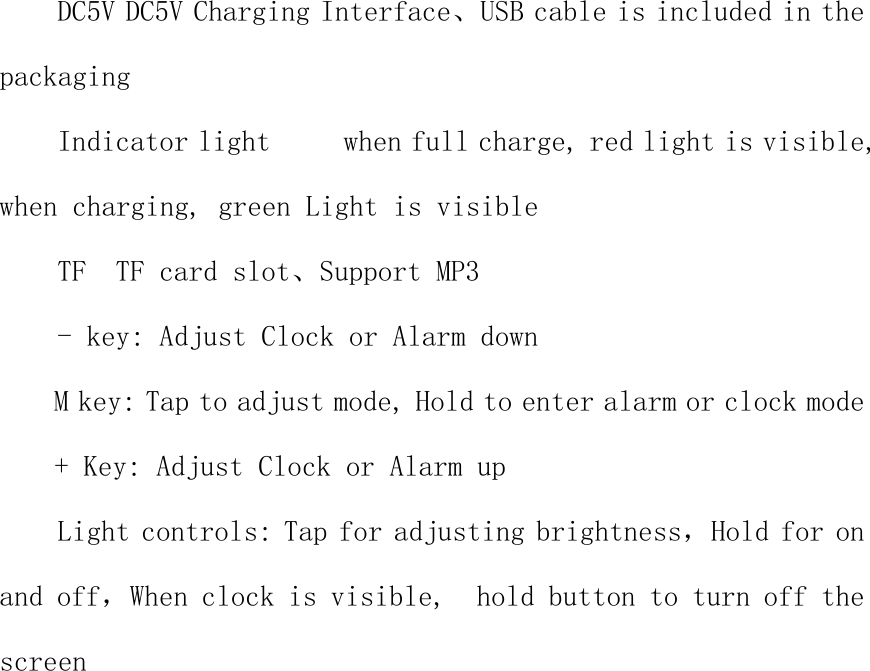
DC5V DC5V Charging Interface、USB cable is included in the packaging Indicator light     when full charge, red light is visible, when charging, green Light is visible TF  TF card slot、Support MP3 - key: Adjust Clock or Alarm down M key: Tap to adjust mode, Hold to enter alarm or clock mode + Key: Adjust Clock or Alarm up Light controls: Tap for adjusting brightness,Hold for on and off,When clock is visible,  hold button to turn off the screen
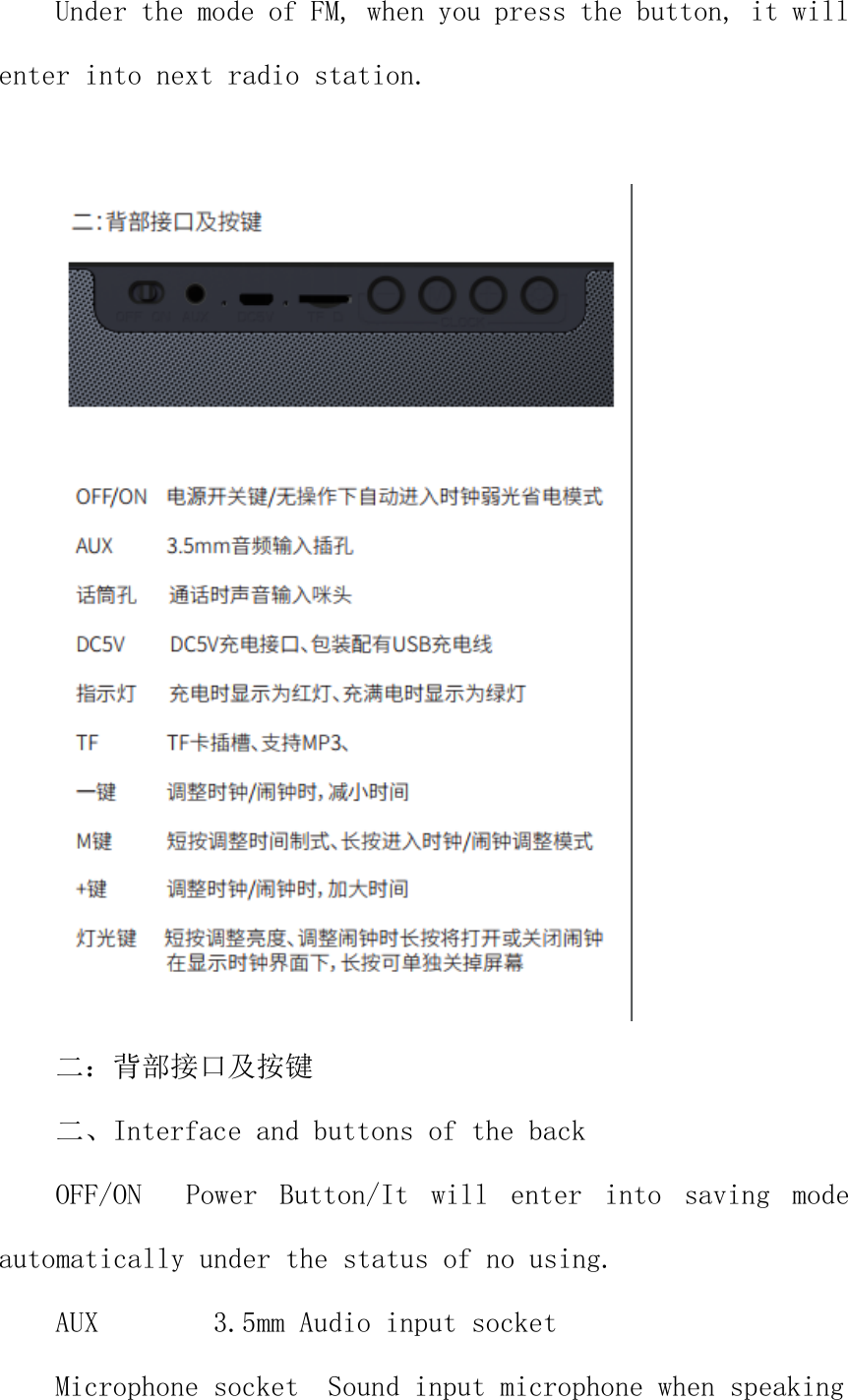
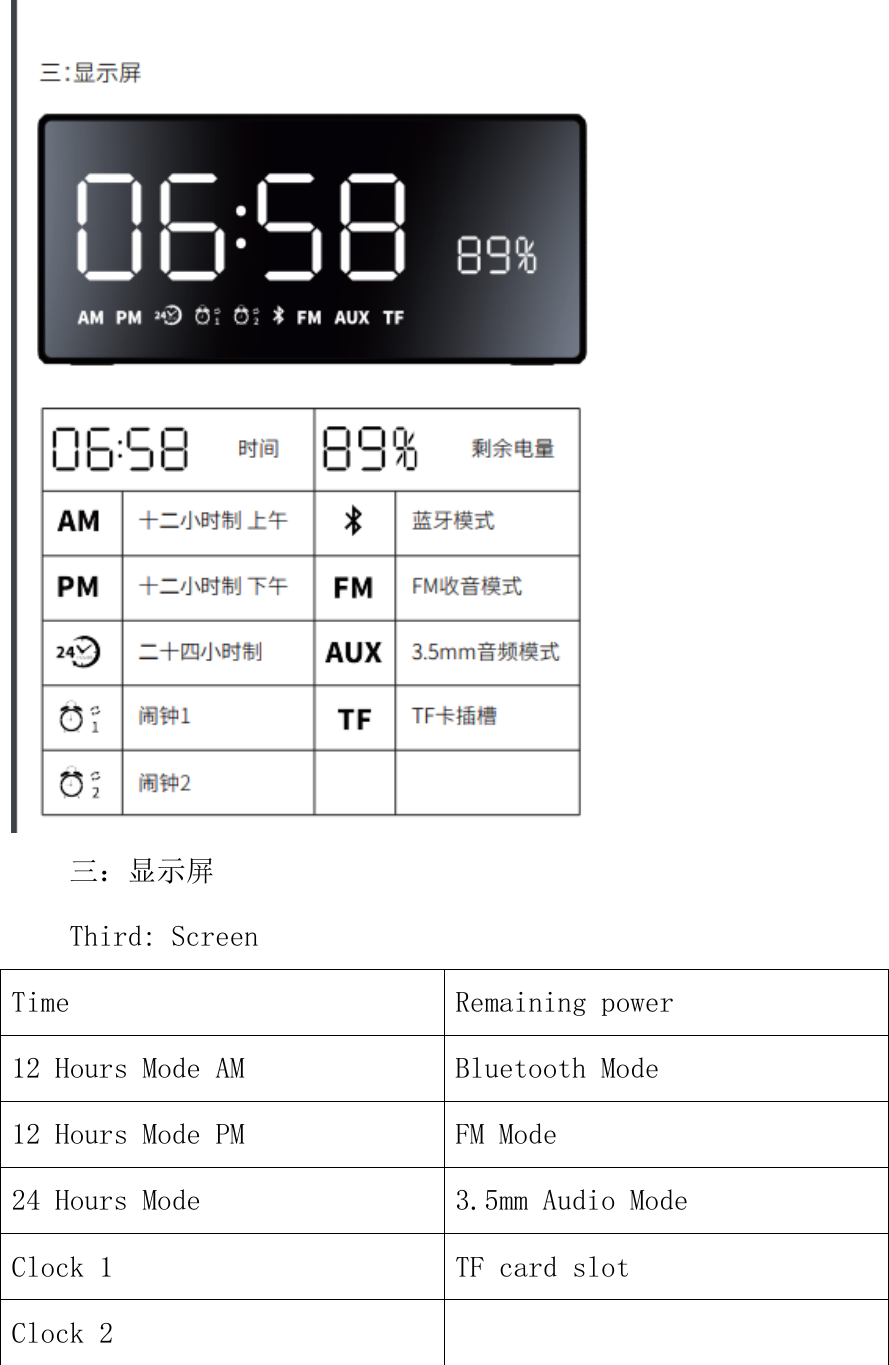
 三:显示屏 Third: Screen Time  Remaining power 12 Hours Mode AM  Bluetooth Mode 12 Hours Mode PM  FM Mode 24 Hours Mode  3.5mm Audio Mode Clock 1  TF card slot Clock 2
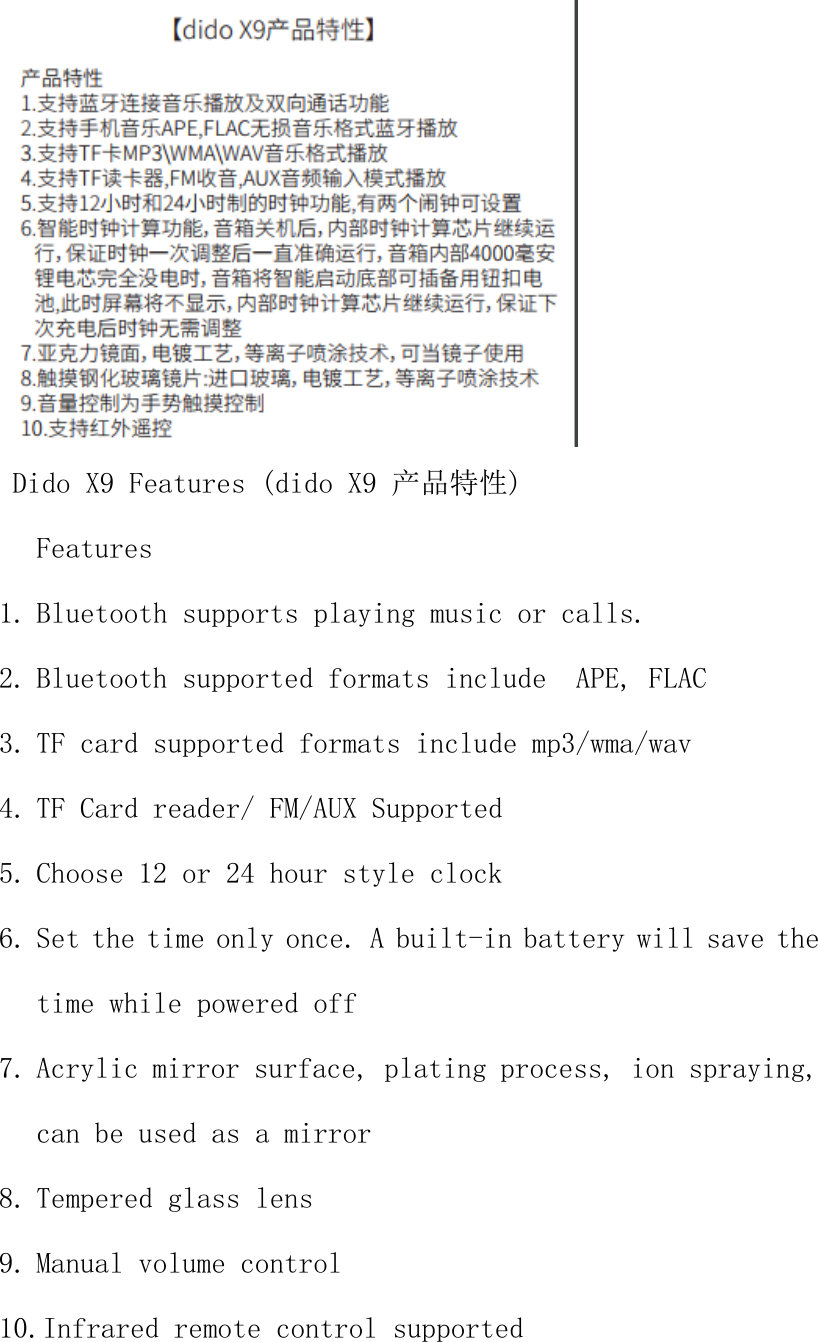
 Dido X9 Features (dido X9 产品特性) Features  1. Bluetooth supports playing music or calls. 2. Bluetooth supported formats include  APE, FLAC 3. TF card supported formats include mp3/wma/wav 4. TF Card reader/ FM/AUX Supported 5. Choose 12 or 24 hour style clock 6. Set the time only once. A built-in battery will save the time while powered off 7. Acrylic mirror surface, plating process, ion spraying, can be used as a mirror 8. Tempered glass lens 9. Manual volume control 10.Infrared remote control supported
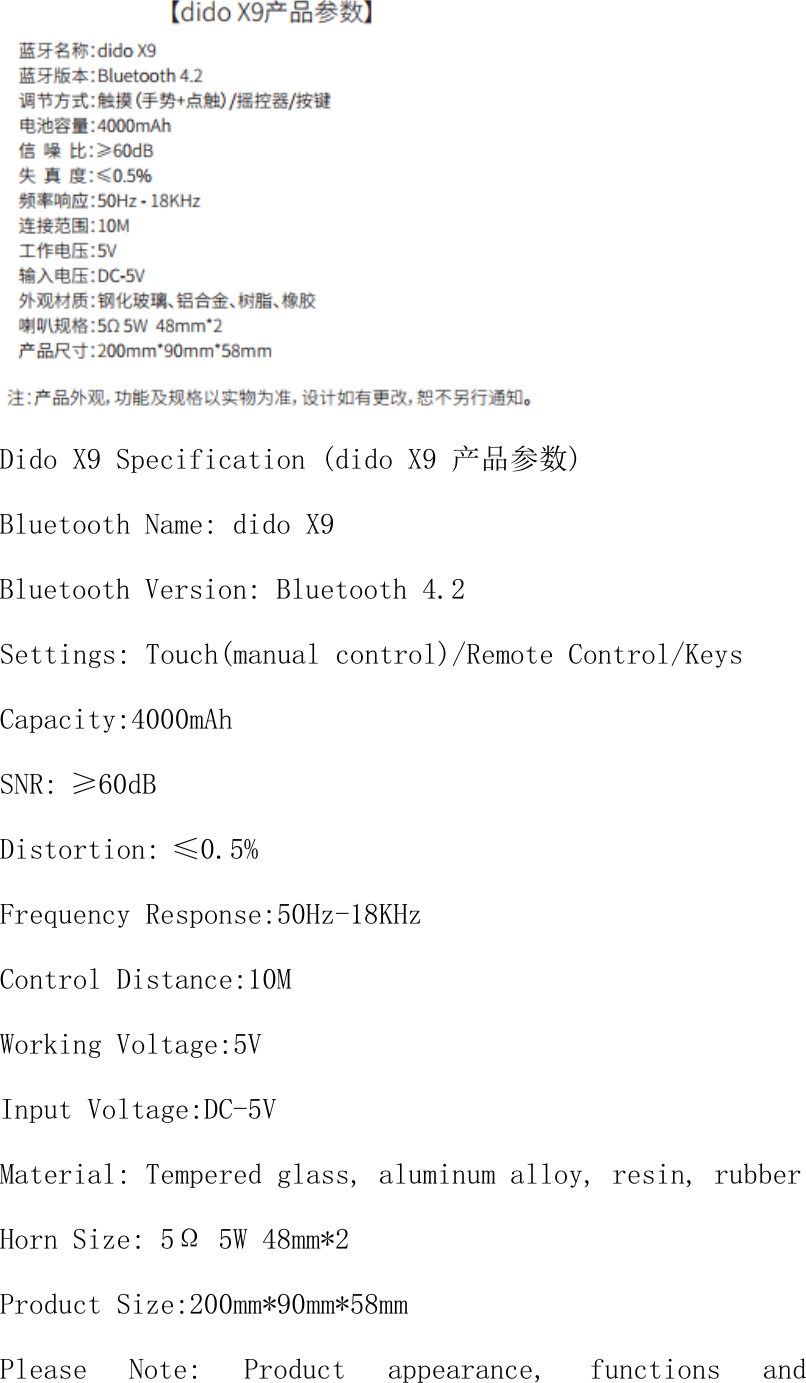
 Dido X9 Specification (dido X9 产品参数) Bluetooth Name: dido X9 Bluetooth Version: Bluetooth 4.2 Settings: Touch(manual control)/Remote Control/Keys Capacity:4000mAh SNR:≥60dB Distortion:≤0.5% Frequency Response:50Hz-18KHz Control Distance:10M Working Voltage:5V Input Voltage:DC-5V Material: Tempered glass, aluminum alloy, resin, rubber Horn Size: 5Ω 5W 48mm*2 Product Size:200mm*90mm*58mm Please  Note:  Product  appearance,  functions  and
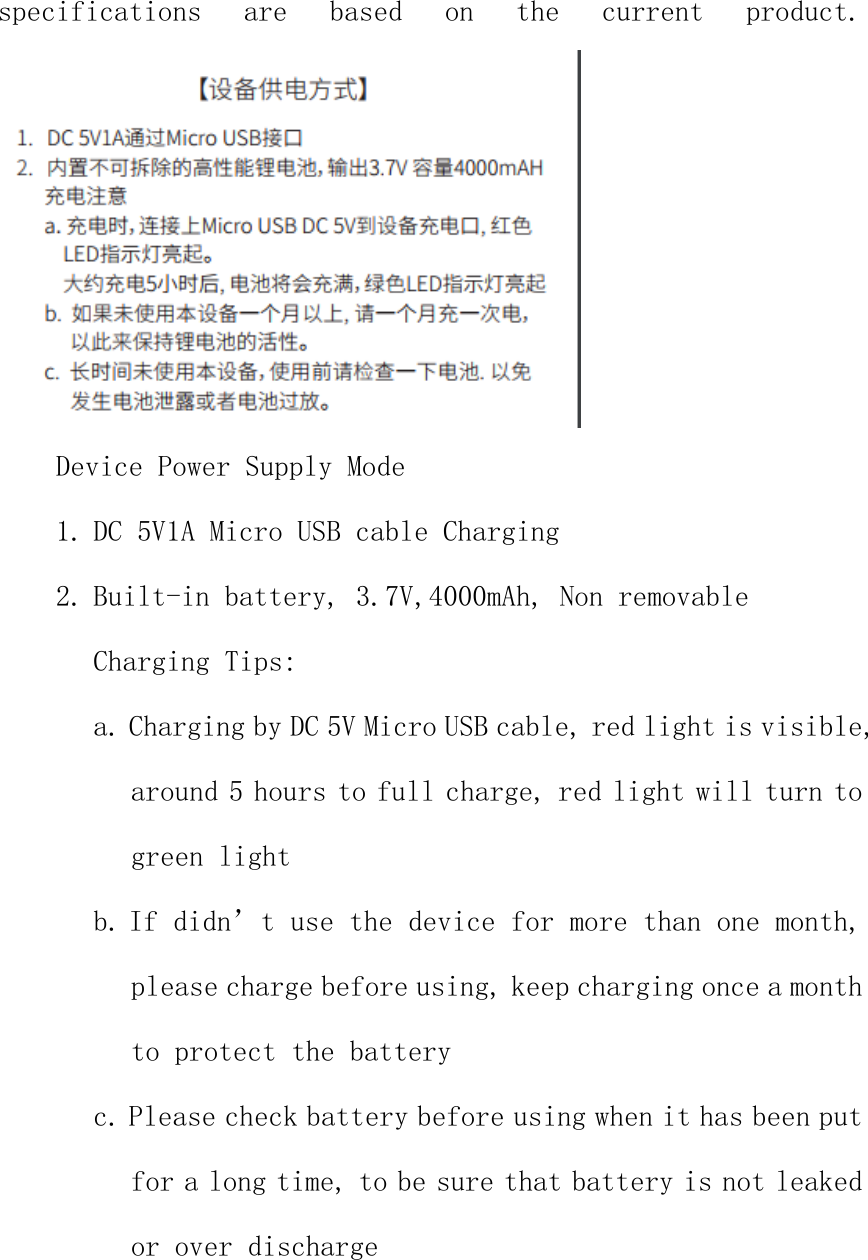
specifications  are  based  on  the  current  product.  Device Power Supply Mode 1. DC 5V1A Micro USB cable Charging 2. Built-in battery, 3.7V,4000mAh, Non removable Charging Tips: a. Charging by DC 5V Micro USB cable, red light is visible, around 5 hours to full charge, red light will turn to green light b. If didn’t use the device for more than one month, please charge before using, keep charging once a month to protect the battery c. Please check battery before using when it has been put for a long time, to be sure that battery is not leaked or over discharge
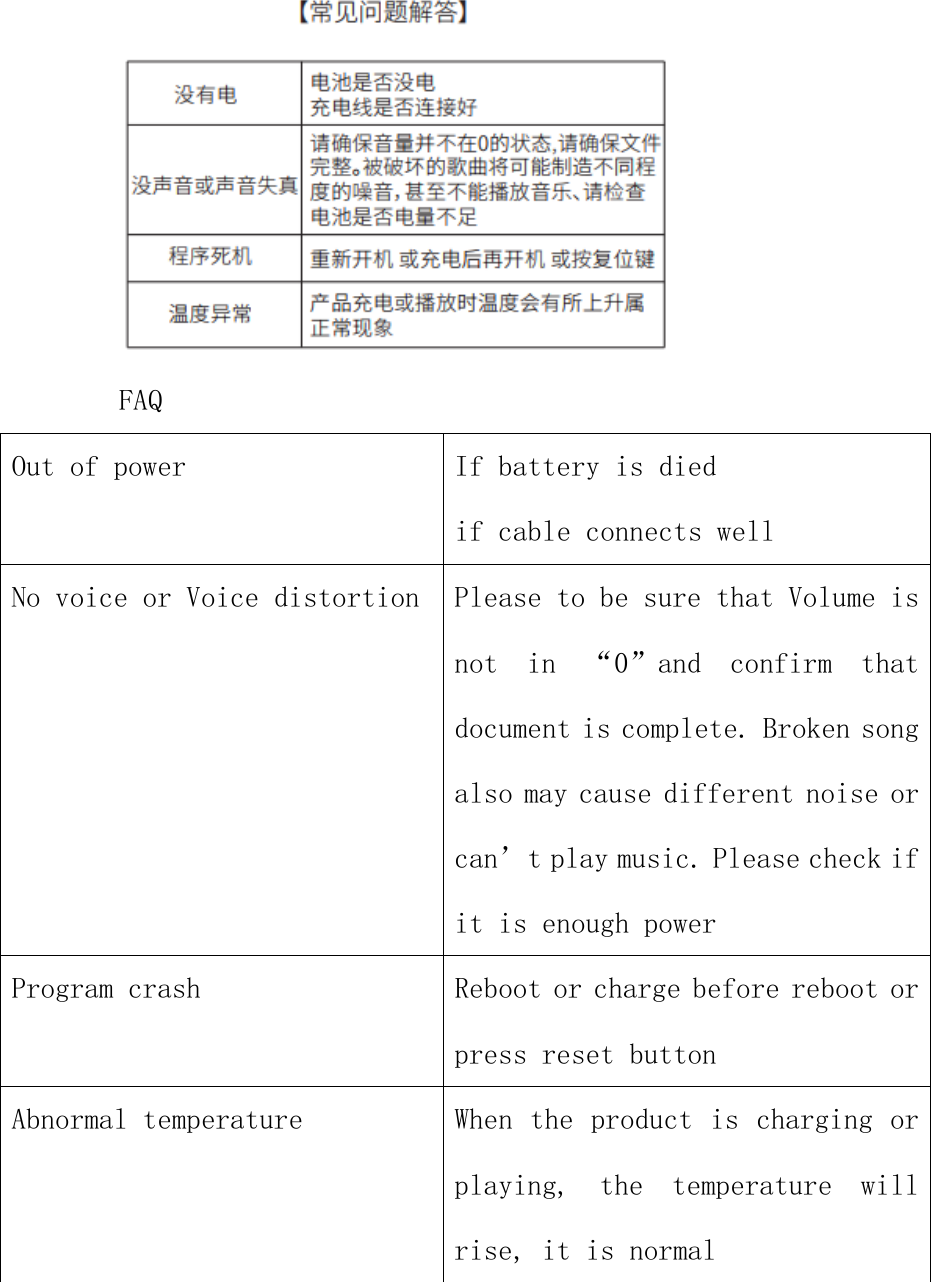
 FAQ Out of power  If battery is died if cable connects well No voice or Voice distortion  Please to be sure that Volume is not  in  “0”and  confirm  that document is complete. Broken song also may cause different noise or can’t play music. Please check if it is enough power Program crash  Reboot or charge before reboot or press reset button Abnormal temperature  When the product is charging or playing,  the  temperature  will rise, it is normal
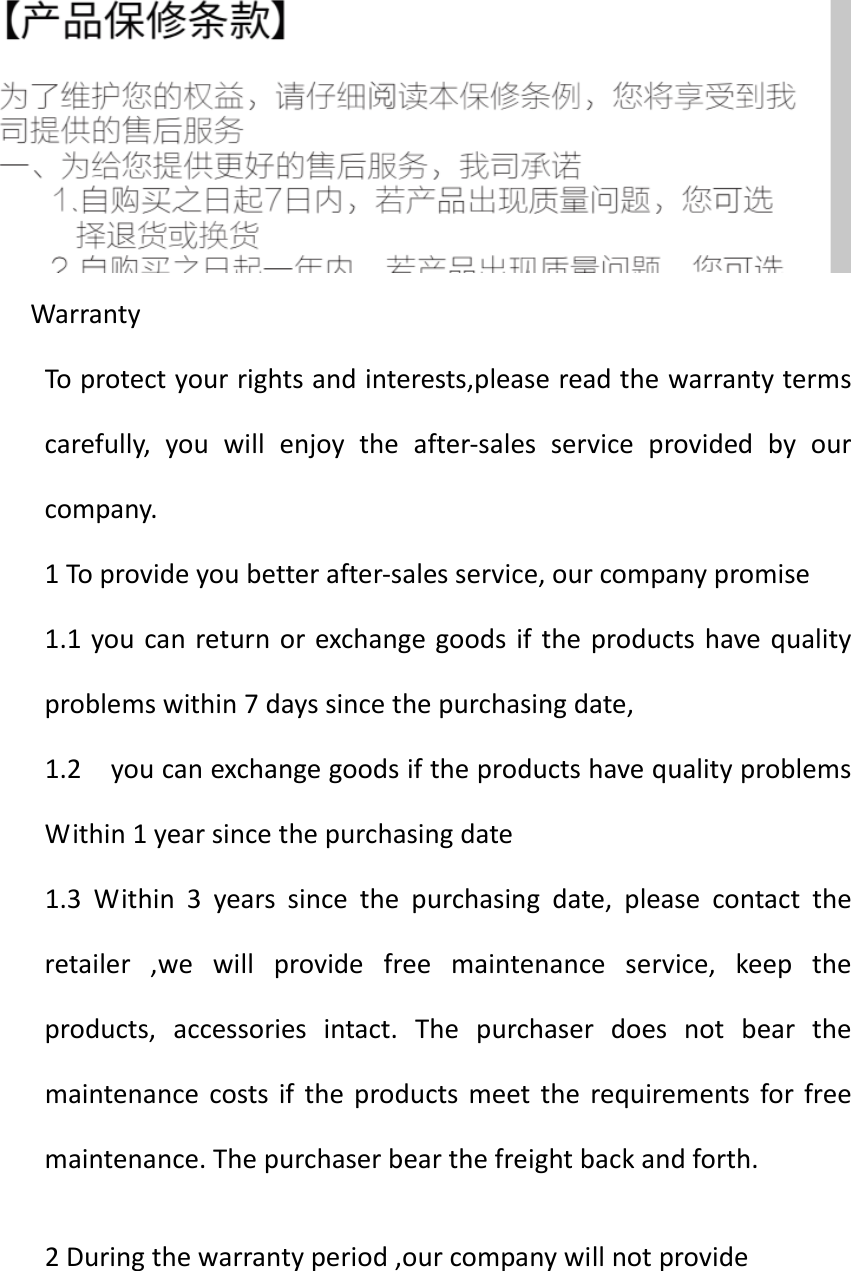
WarrantyToprotectyourrightsandinterests,pleasereadthewarrantytermscarefully,youwillenjoytheafter‐salesserviceprovidedbyourcompany.1Toprovideyoubetterafter‐salesservice,ourcompanypromise1.1youcanreturnorexchangegoodsiftheproductshavequalityproblemswithin7dayssincethepurchasingdate,1.2youcanexchangegoodsiftheproductshavequalityproblemsWithin1yearsincethepurchasingdate1.3Within3yearssincethepurchasingdate,pleasecontacttheretailer,wewillprovidefreemaintenanceservice,keeptheproducts,accessoriesintact.Thepurchaserdoesnotbearthemaintenancecostsiftheproductsmeettherequirementsforfreemaintenance.Thepurchaserbearthefreightbackandforth.2Duringthewarrantyperiod,ourcompanywillnotprovide
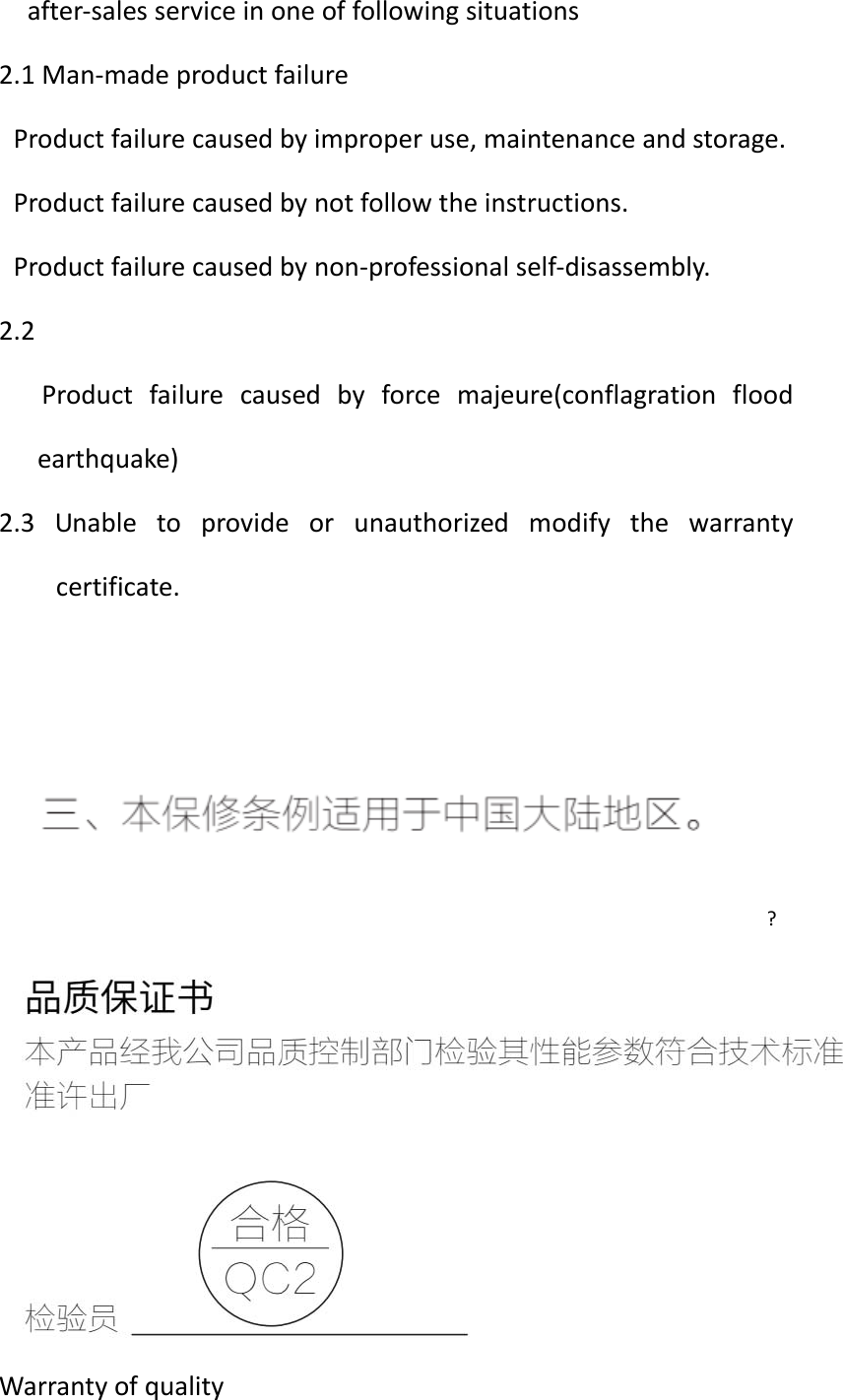
after‐salesserviceinoneoffollowingsituations2.1Man‐madeproductfailureProductfailurecausedbyimproperuse,maintenanceandstorage.Productfailurecausedbynotfollowtheinstructions.Productfailurecausedbynon‐professionalself‐disassembly.2.2Productfailurecausedbyforcemajeure(conflagrationfloodearthquake)2.3Unabletoprovideorunauthorizedmodifythewarrantycertificate.?Warrantyofquality
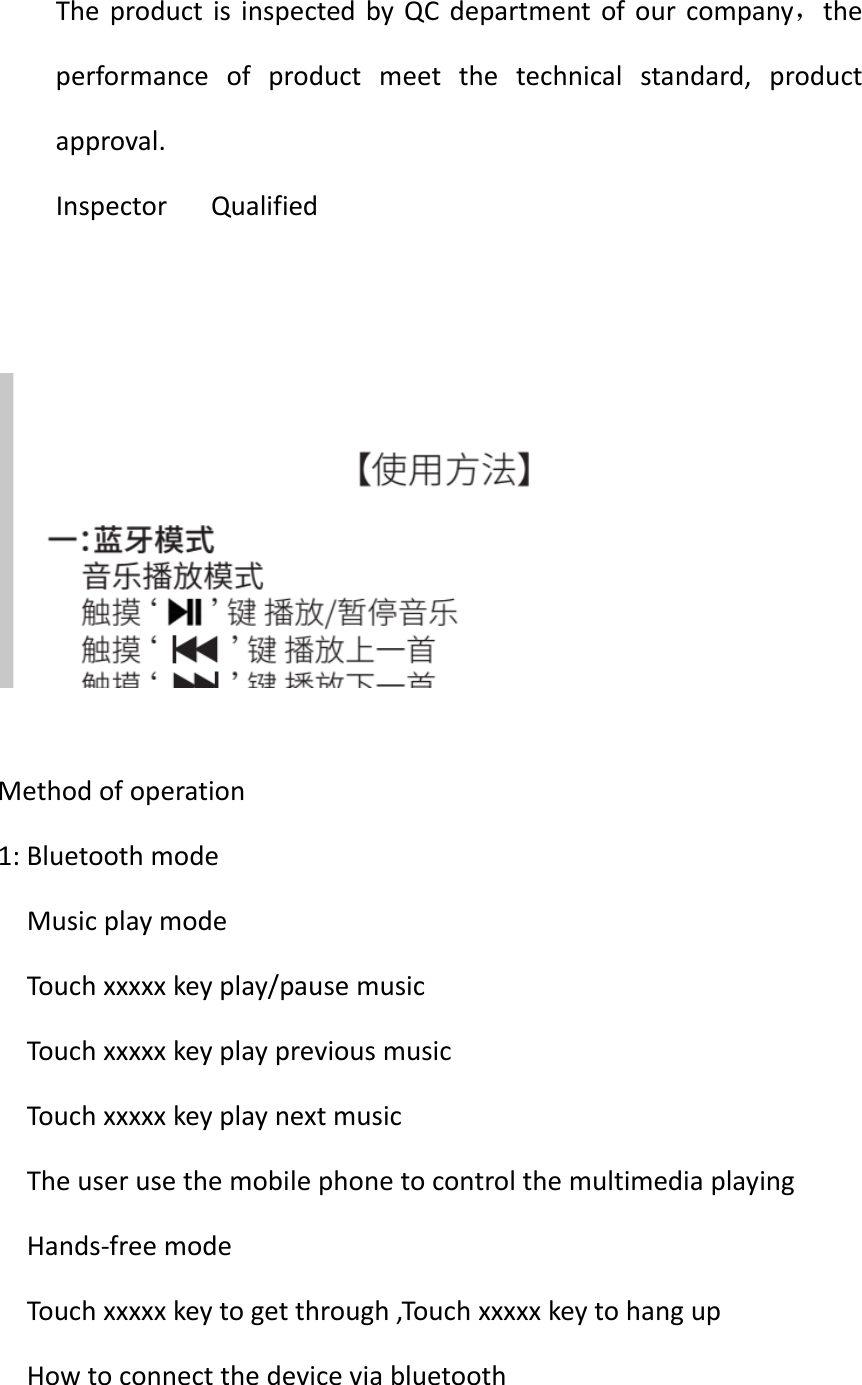
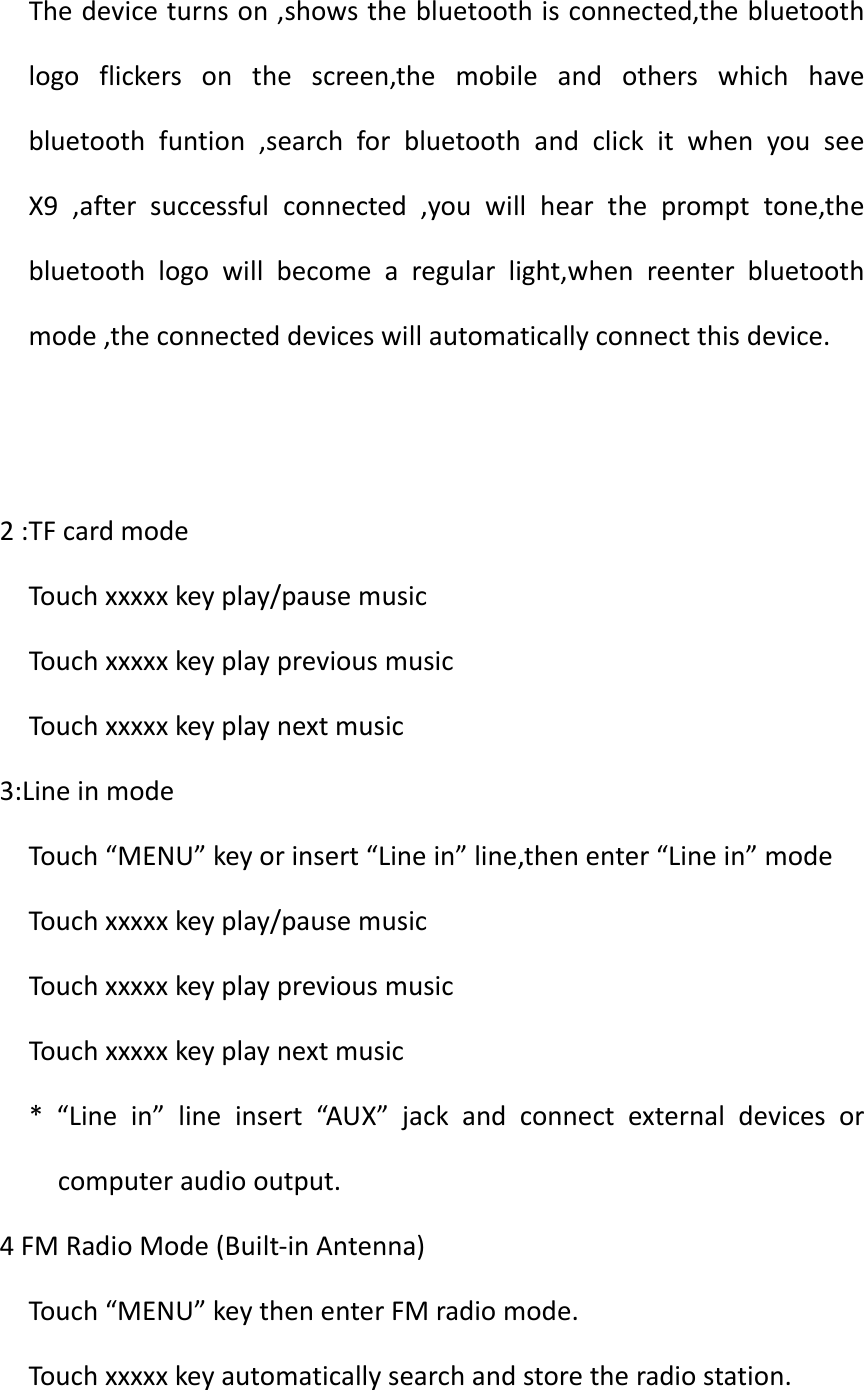
TheproductisinspectedbyQCdepartmentofourcompany,theperformanceofproductmeetthetechnicalstandard,productapproval.InspectorQualifiedMethodofoperation1:BluetoothmodeMusicplaymodeTouchxxxxxkeyplay/pausemusicTouchxxxxxkeyplaypreviousmusicTouchxxxxxkeyplaynextmusicTheuserusethemobilephonetocontrolthemultimediaplayingHands‐freemodeTouchxxxxxkeytogetthrough,TouchxxxxxkeytohangupHowtoconnectthedeviceviabluetooth
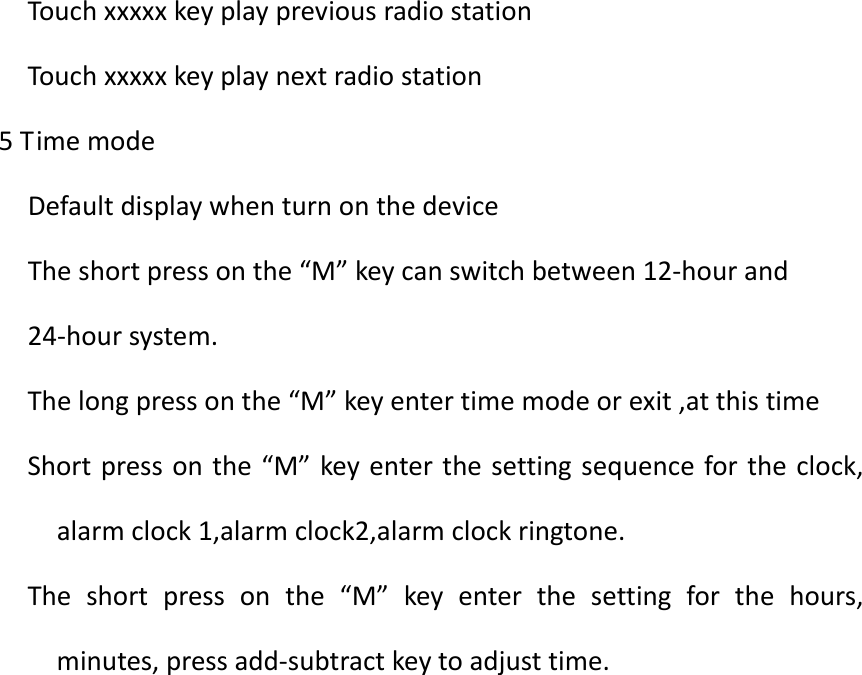
Thedeviceturnson,showsthebluetoothisconnected,thebluetoothlogoflickersonthescreen,themobileandotherswhichhavebluetoothfuntion,searchforbluetoothandclickitwhenyouseeX9,aftersuccessfulconnected,youwillheartheprompttone,thebluetoothlogowillbecomearegularlight,whenreenterbluetoothmode,theconnecteddeviceswillautomaticallyconnectthisdevice.2:TFcardmodeTouchxxxxxkeyplay/pausemusicTouchxxxxxkeyplaypreviousmusicTouchxxxxxkeyplaynextmusic3:LineinmodeTouch“MENU”keyorinsert“Linein”line,thenenter“Linein”modeTouchxxxxxkeyplay/pausemusicTouchxxxxxkeyplaypreviousmusicTouchxxxxxkeyplaynextmusic*“Linein”lineinsert“AUX”jackandconnectexternaldevicesorcomputeraudiooutput.4FMRadioMode(Built‐inAntenna)Touch“MENU”keythenenterFMradiomode.Touchxxxxxkeyautomaticallysearchandstoretheradiostation.
TouchxxxxxkeyplaypreviousradiostationTouchxxxxxkeyplaynextradiostation5TimemodeDefaultdisplaywhenturnonthedeviceTheshortpressonthe“M”keycanswitchbetween12‐hourand24‐hoursystem.Thelongpressonthe“M”keyentertimemodeorexit,atthistimeShortpressonthe“M”keyenterthesettingsequencefortheclock,alarmclock1,alarmclock2,alarmclockringtone.Theshortpressonthe“M”keyenterthesettingforthehours,minutes,pressadd‐subtractkeytoadjusttime.
 Warning:changesormodificationsnotexpresslyapprovedbythepartyresponsibleforcompliancecouldvoidtheuser’sauthoritytooperatetheequipment.ThisdevicecomplieswithPart15oftheFCCRules.Operationissubjecttothefollowingtwoconditions:(1)thisdevicemaynotcauseharmfulinterference,and(2)thisdevicemustacceptanyinterferencereceived,includinginterferencethatmaycauseundesiredoperation.changesormodificationsnotexpresslyapprovedbythepartyresponsibleforcompliancecouldvoidtheuser'sauthoritytooperatetheequipment.NOTE:ThisequipmenthasbeentestedandfoundtocomplywiththelimitsforaClassBdigitaldevice,pursuanttoPart15oftheFCCRules.Theselimitsaredesignedtoprovidereasonableprotectionagainstharmfulinterferenceinaresidentialinstallation.Thisequipmentgenerates,usesandcanradiateradiofrequencyenergyand,ifnotinstalledandusedinaccordancewiththeinstructions,maycauseharmfulinterferencetoradiocommunications.However,thereisnoguaranteethatinterferencewillnotoccurinaparticularinstallation.Ifthisequipmentdoescauseharmfulinterferencetoradioortelevisionreception,whichcanbedeterminedbyturningtheequipmentoffandon,theuserisencouragedtotrytocorrecttheinterferencebyoneormoreofthefollowingmeasures:‐‐Reorientorrelocatethereceivingantenna.‐‐Increasetheseparationbetweentheequipmentandreceiver.‐‐Connecttheequipmentintoanoutletonacircuitdifferentfromthattowhichthereceiverisconnected.‐‐Consultthedealeroranexperiencedradio/TVtechnicianforhelp.NOTE:Thisdeviceanditsantenna(s)mustnotbeco‐locatedoroperationinconjunctionwithanyotherantennaortransmitter.

Navigation menu