Forzen Technology FZ101 Car DVD player User Manual 1
Shenzhen Forzen Technology Co.,Ltd Car DVD player 1
UserManual.wiki
>
Forzen Technology
>
FZ101 User Manual
>
UserMan-3
Contents
1.
UserMan-1
2.
UserMan-2
3.
UserMan-3
UserMan-3
Navigation menu
Upload a User Manual
Namespaces
Wiki Guide
HTML
PDF
Info
Views
User Manual
Discussion / Help
Navigation
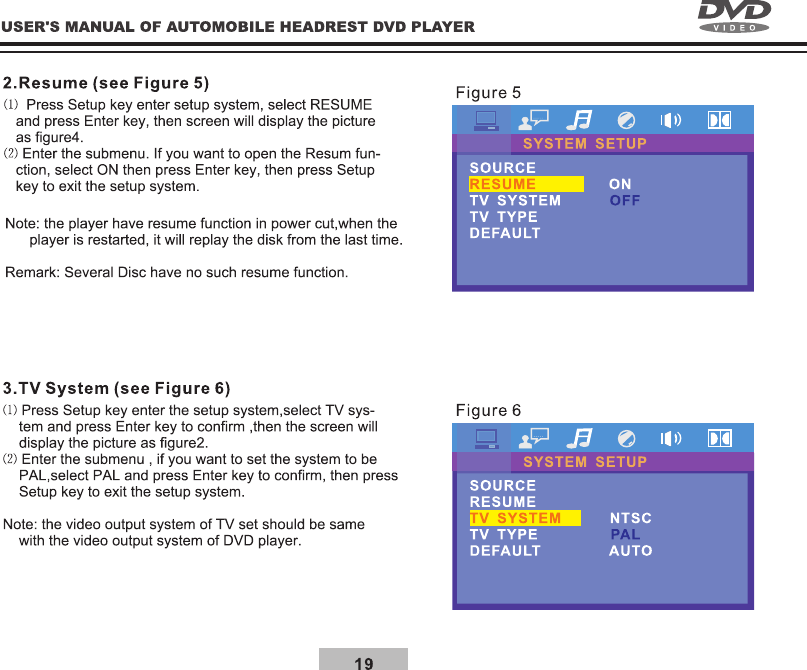
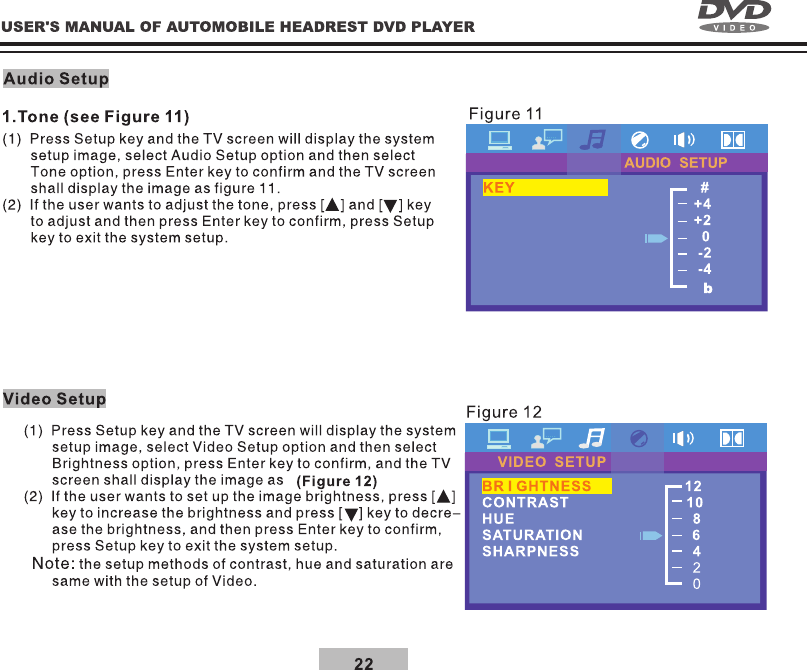
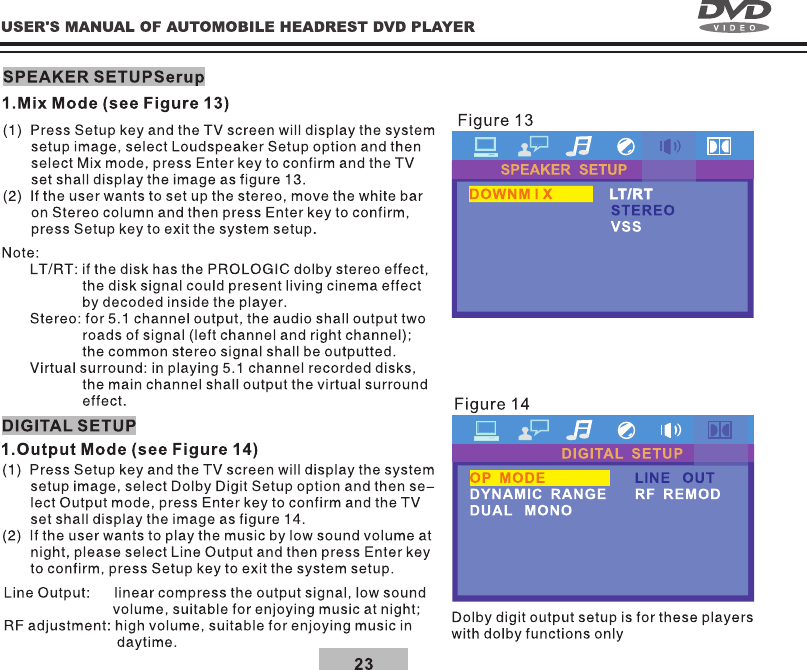
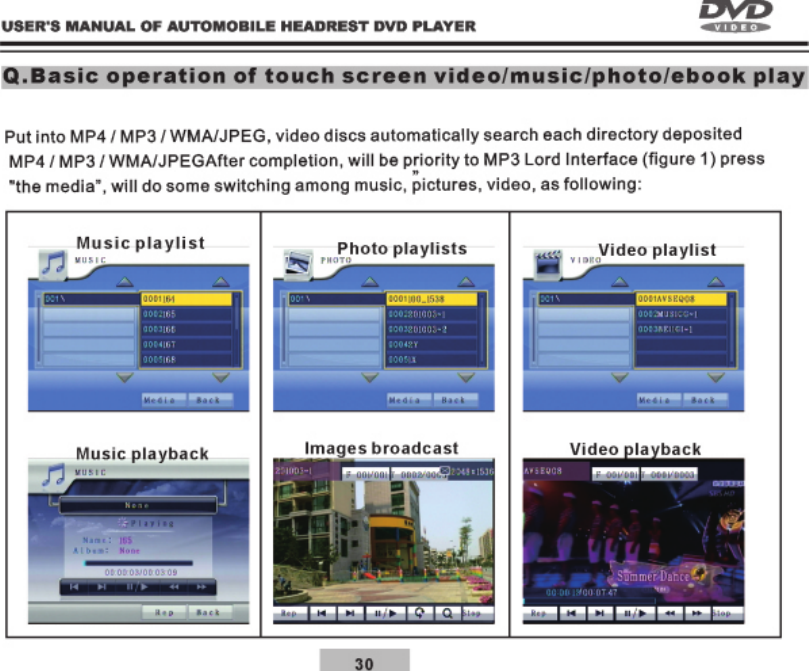
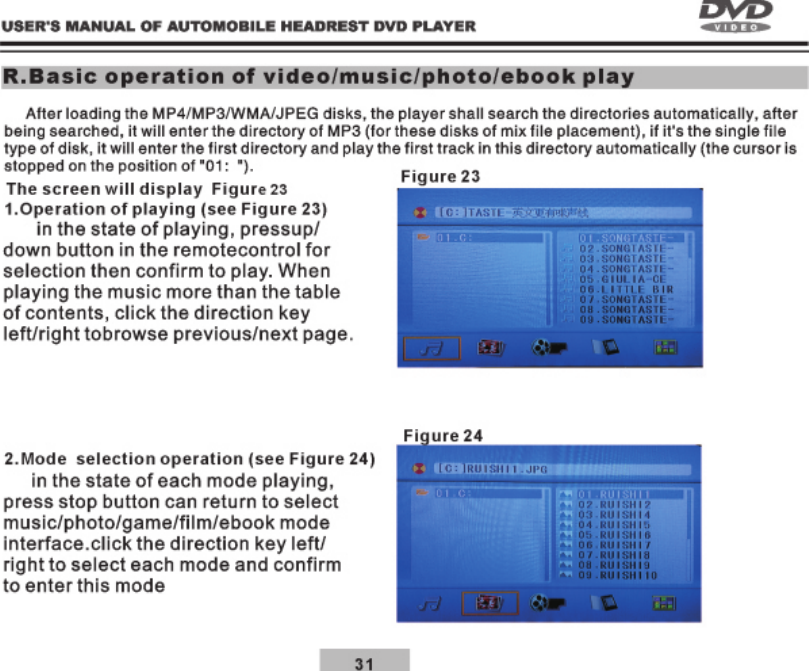
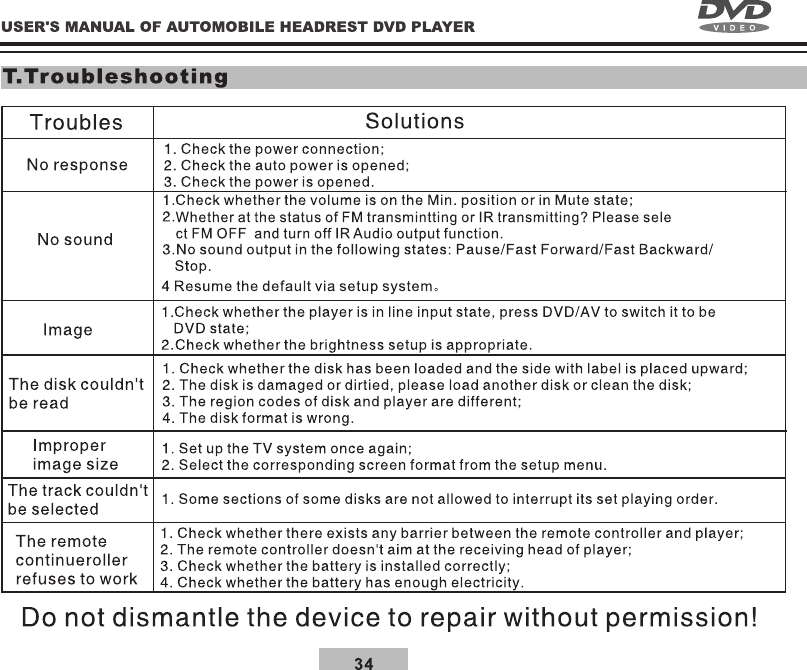
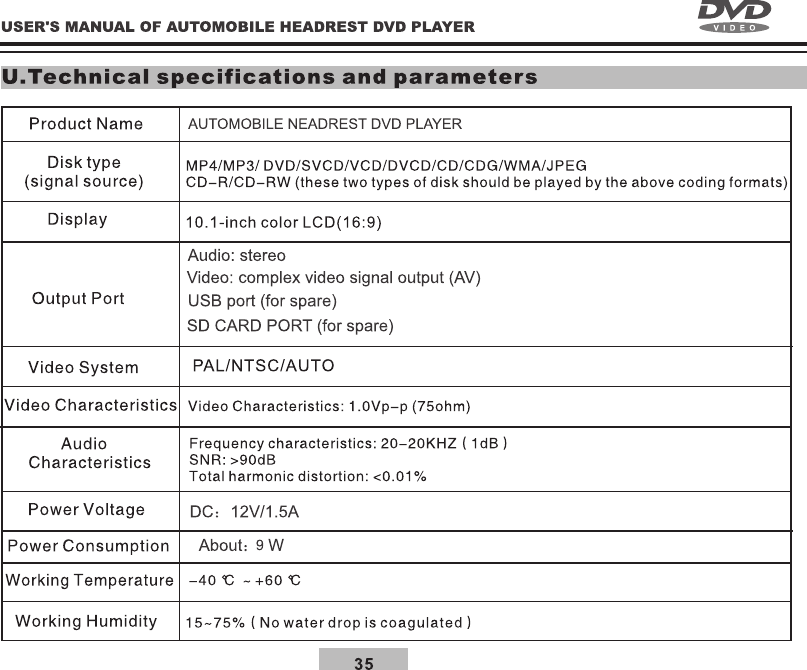
![27P.Basic operation of touch scren settingSystem Settings In the main home menu, click on [ ] icon to enter settings menuVideo Settings1.In the menu, click screen will enter the Vidco options. (see Figure 17) according to the required and then click into various again and double click system saved and update selected settings automatically, when the setting is completed, press [ ] will return to the previous and selected other options, or [ ] will exit setting menu again .Adjust Setting1.In the menu, click screen will enter the System options. (see Figure 18)Adjust In setting state , click Video then click Pane again to enter Panel, screen will enter correction menu and revise touch screen, when correction with your nger click on [ ] of the screen, and following [ ] icon click , after nish, the screen will show (Touch set OK!),Click on the [ ] exit to return to the previous page.Figure 17Figure 18BackBackBackVideoSystemAudioSpeakerDigitalAdjustPanelVideoSystemAudioSpeakerDigitalAdjustpanel](https://usermanual.wiki/Forzen-Technology/FZ101.UserMan-3/User-Guide-2615490-Page-9.png)
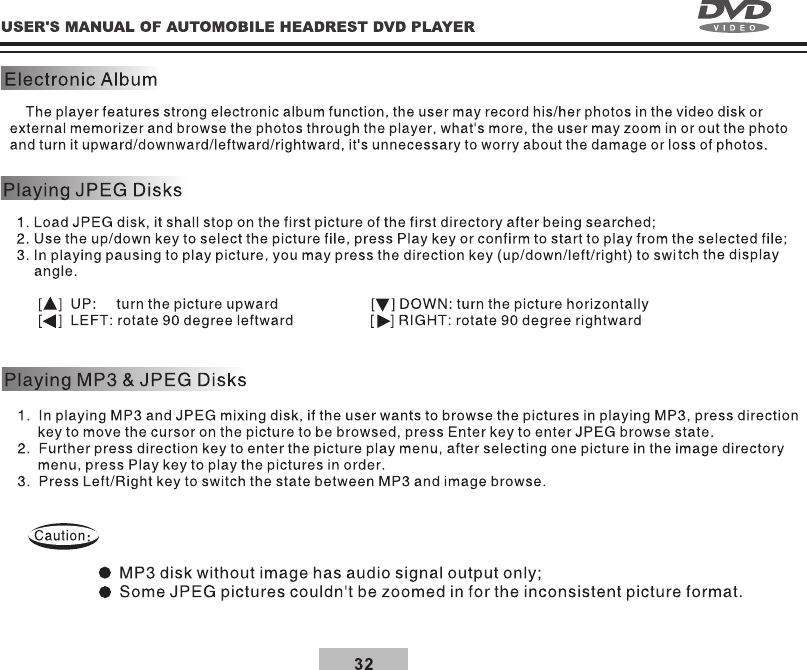
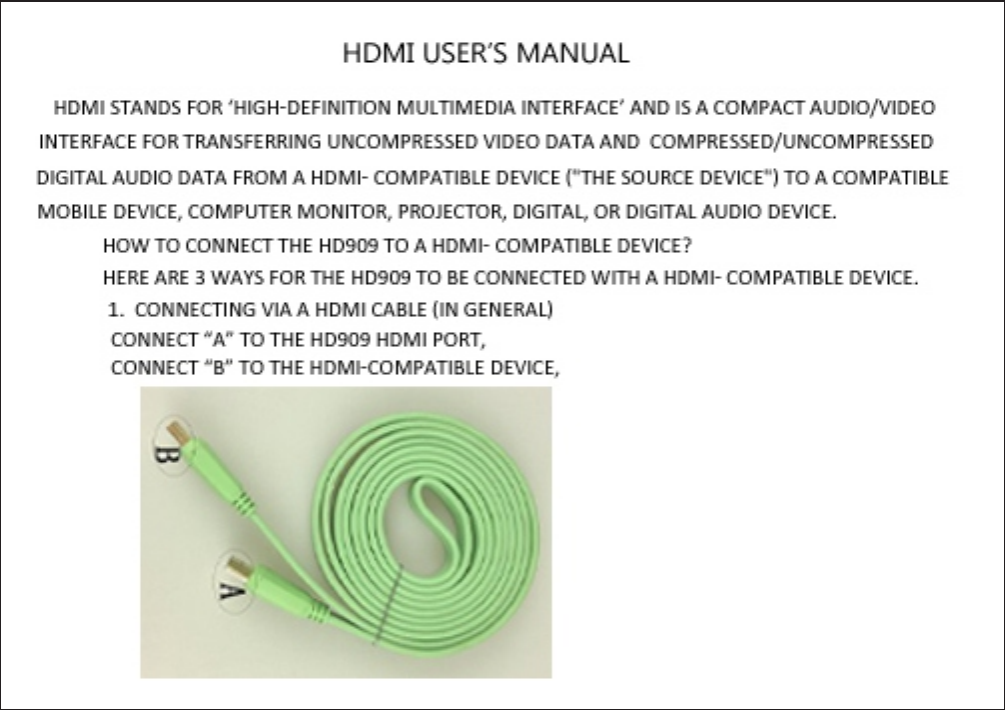
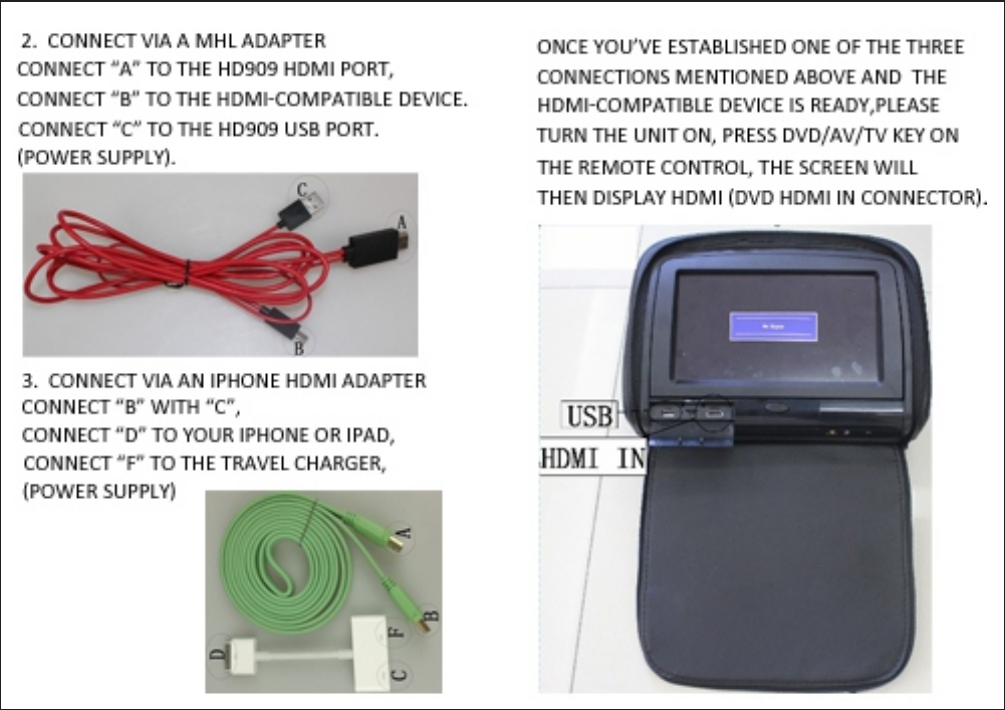
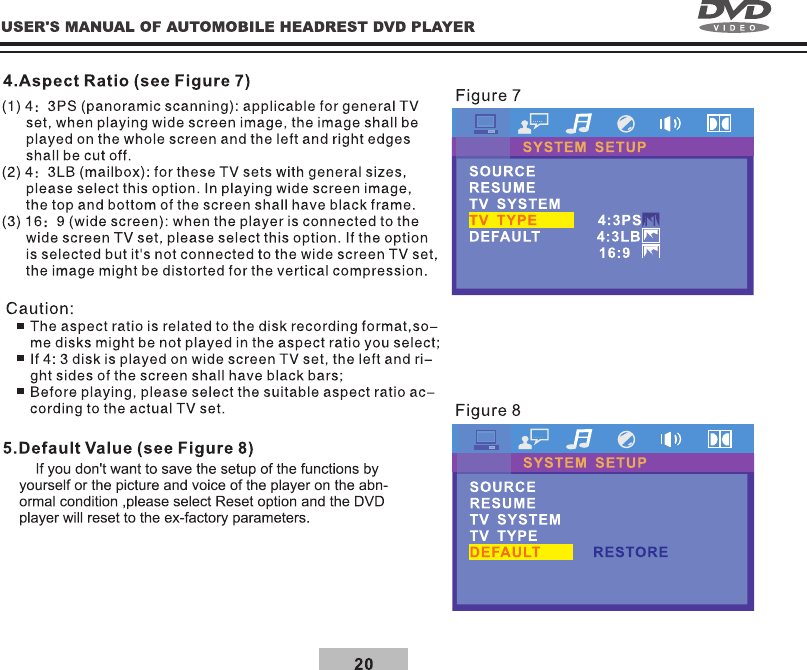
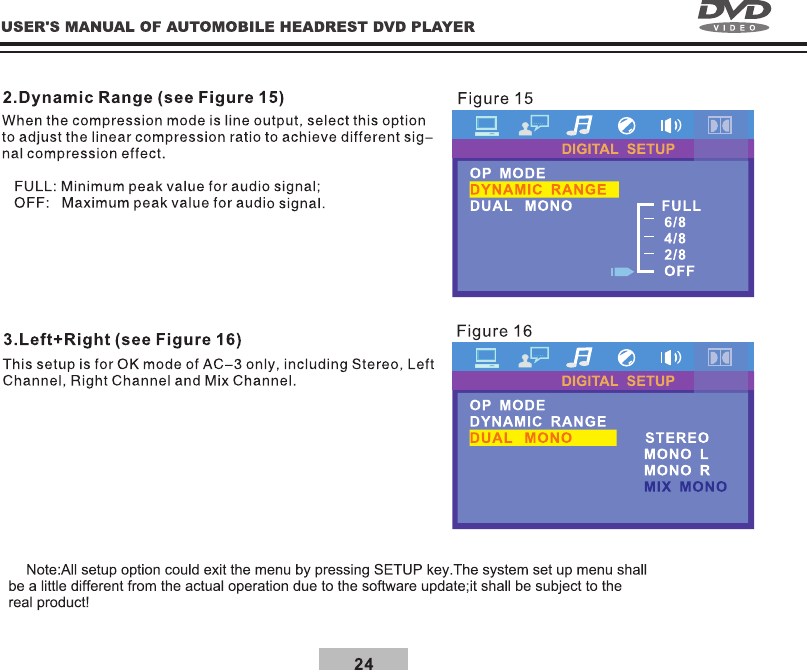
![28System Settings1.In the menu, click screen will enter the System options. (see Figure 19) according to the required and then click into various again and double click system saved and update selected settings automatically, when the setting is completed, press [ ] will return to the previous and selected other options, or [ ] will exit setting menu again .Audio Setting1.In the menu, click screen will enter the Audio options. (see Figure 20) according to the required and then click into various again and double click system saved and update selected settings automatically, when the setting is completed, press [ ] will return to the previous and selected other options, or [ ] will exit setting menu again .Figure 19Figure 20BackBackBackBackVideoSystemAudioSpeakerDigitalVideoSystemAudioSpeakerDigitalOSD LangAudio LangSubtitle LangEQ](https://usermanual.wiki/Forzen-Technology/FZ101.UserMan-3/User-Guide-2615490-Page-10.png)
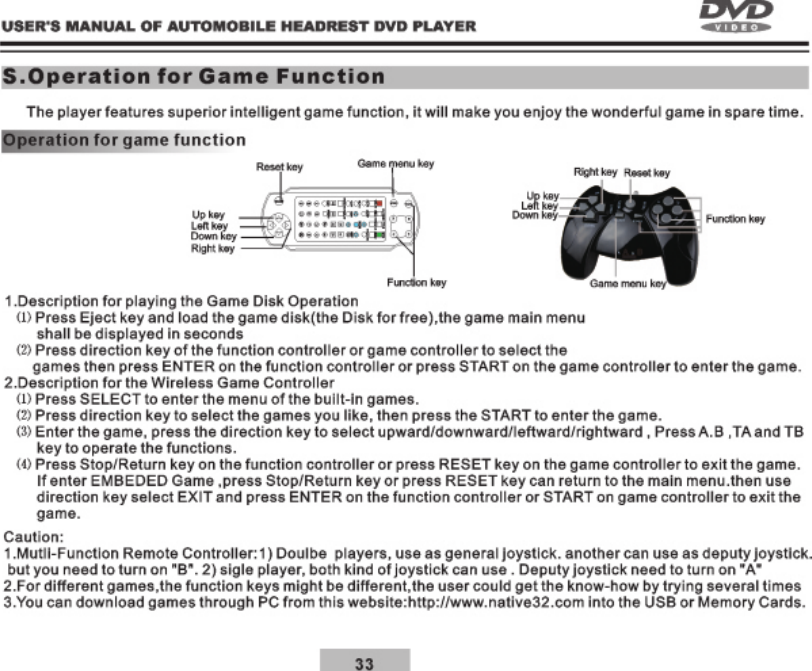
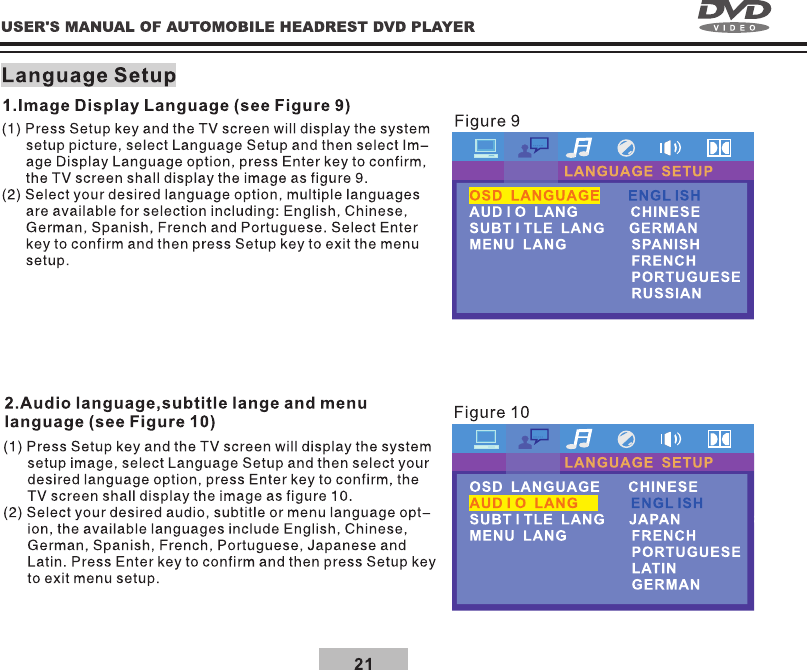
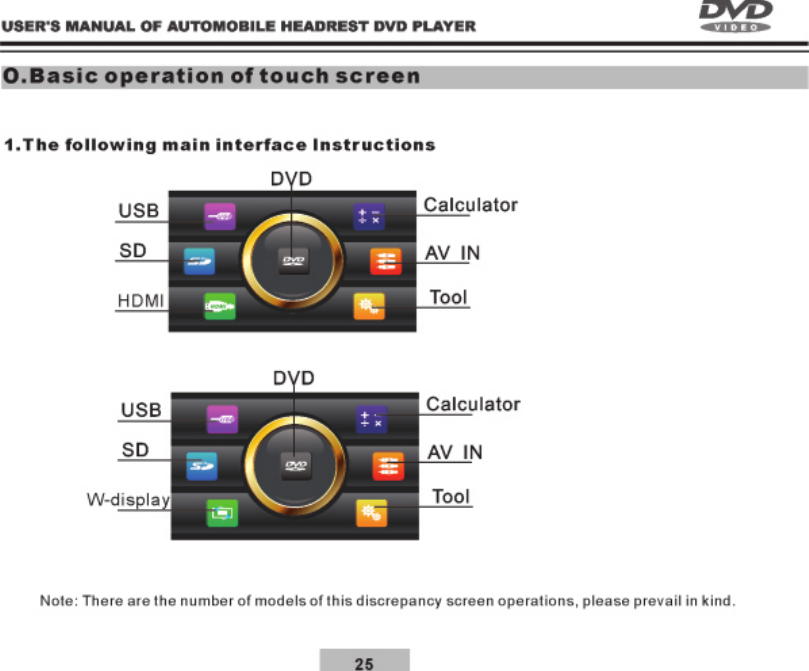
![29Speaker Settings1.In the menu, click screen will enter the Speaker options. (see Figure 21) according to the required and then click into various again and double click system saved and update selected settings automatically, when the setting is completed, press [ ] will return to the previous and selected other options, or [ ] will exit setting menu again .Digital Setting1.In the menu, click screen will enter the Digital options. (see Figure 22) according to the required and then click into various again and double click system saved and update selected settings automatically, when the setting is completed, press [ ] will return to the previous and selected other options, or [ ] will exit setting menu again .Figure 21Figure 22BackBackBackBackVideoSystemAudioSpeakerDigitalVideoSystemAudioSpeakerDigitalDown MixOP ModeDual Mono](https://usermanual.wiki/Forzen-Technology/FZ101.UserMan-3/User-Guide-2615490-Page-11.png)