Gomtel Science and Technology T9 Smart Watch User Manual

Shenzhen Gomtel Science&Technology; Co., Ltd. Smart Watch Users Manual

Users Manual

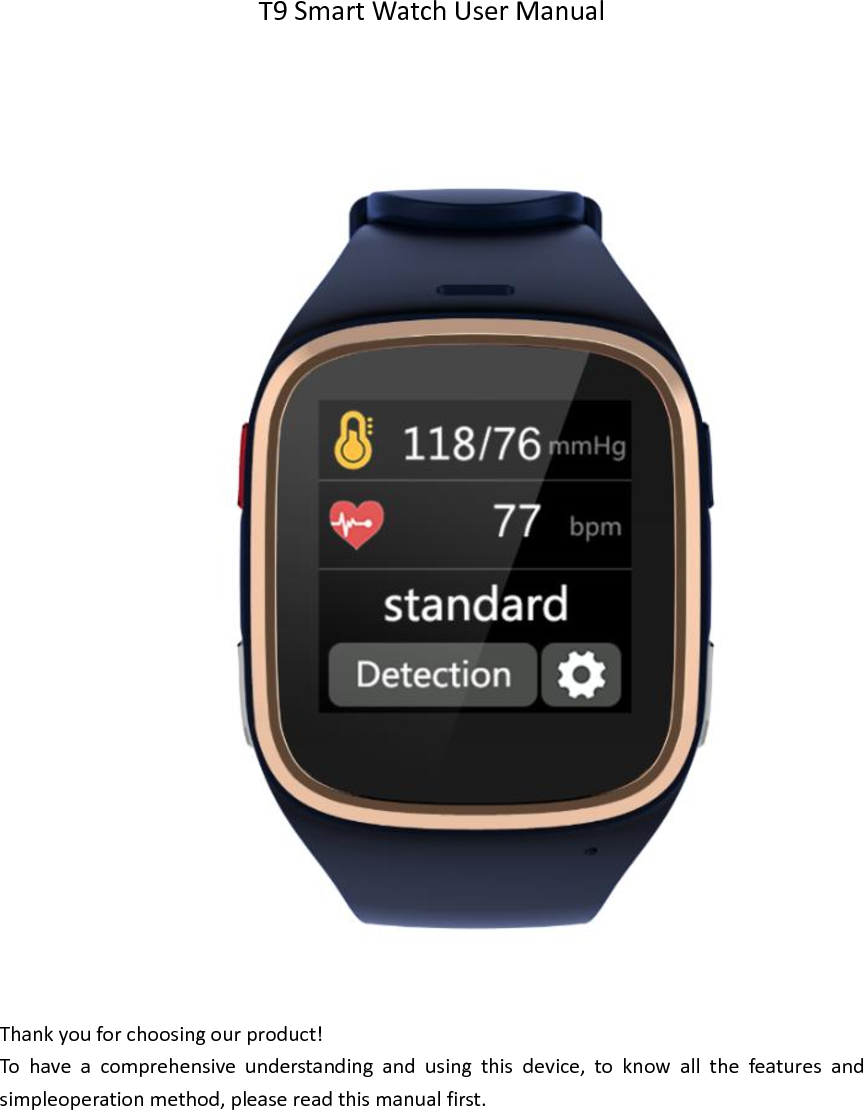
  T9 Smart Watch User Manual                               Thank you for choosing our product! To  have  a  comprehensive  understanding  and  using  this  device,  to  know  all  the  features  and simpleoperation method, please read this manual first.
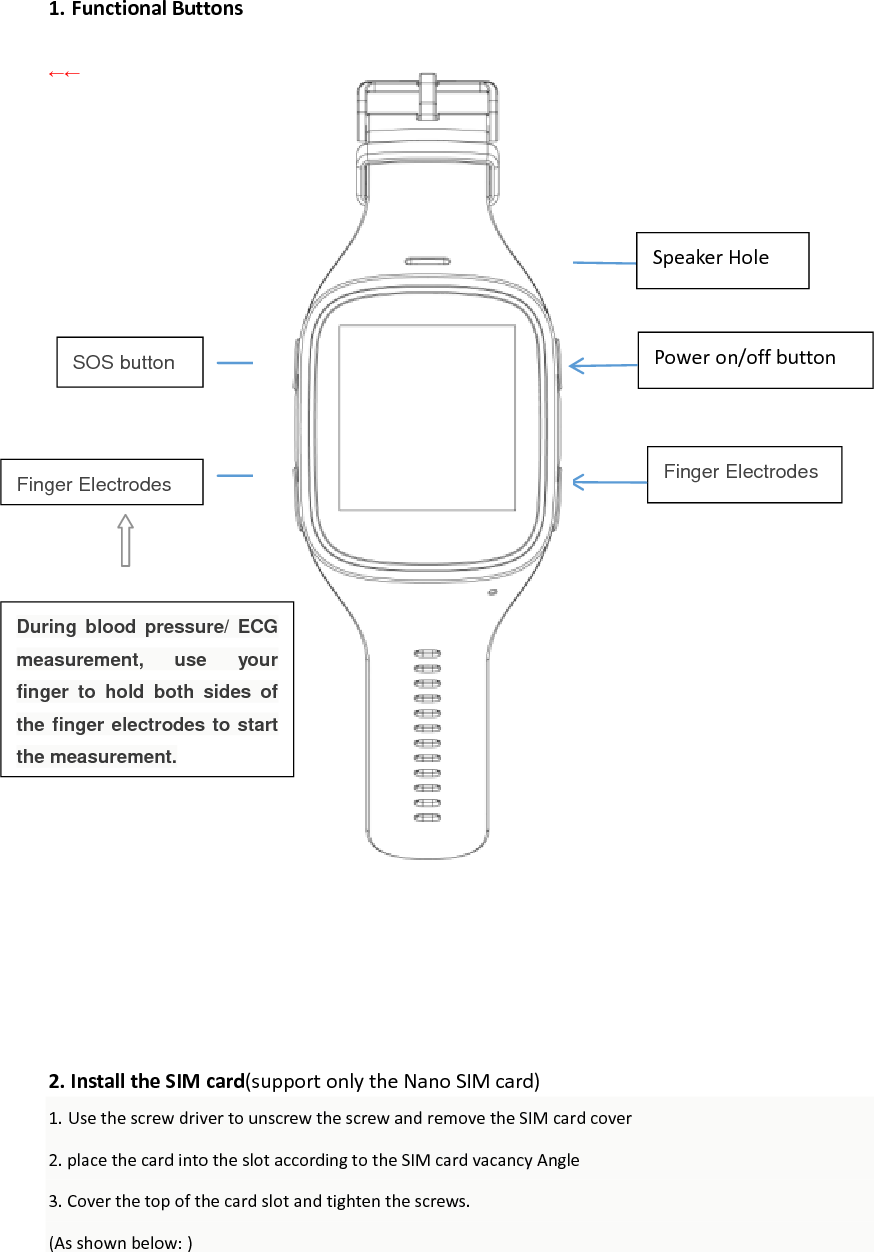
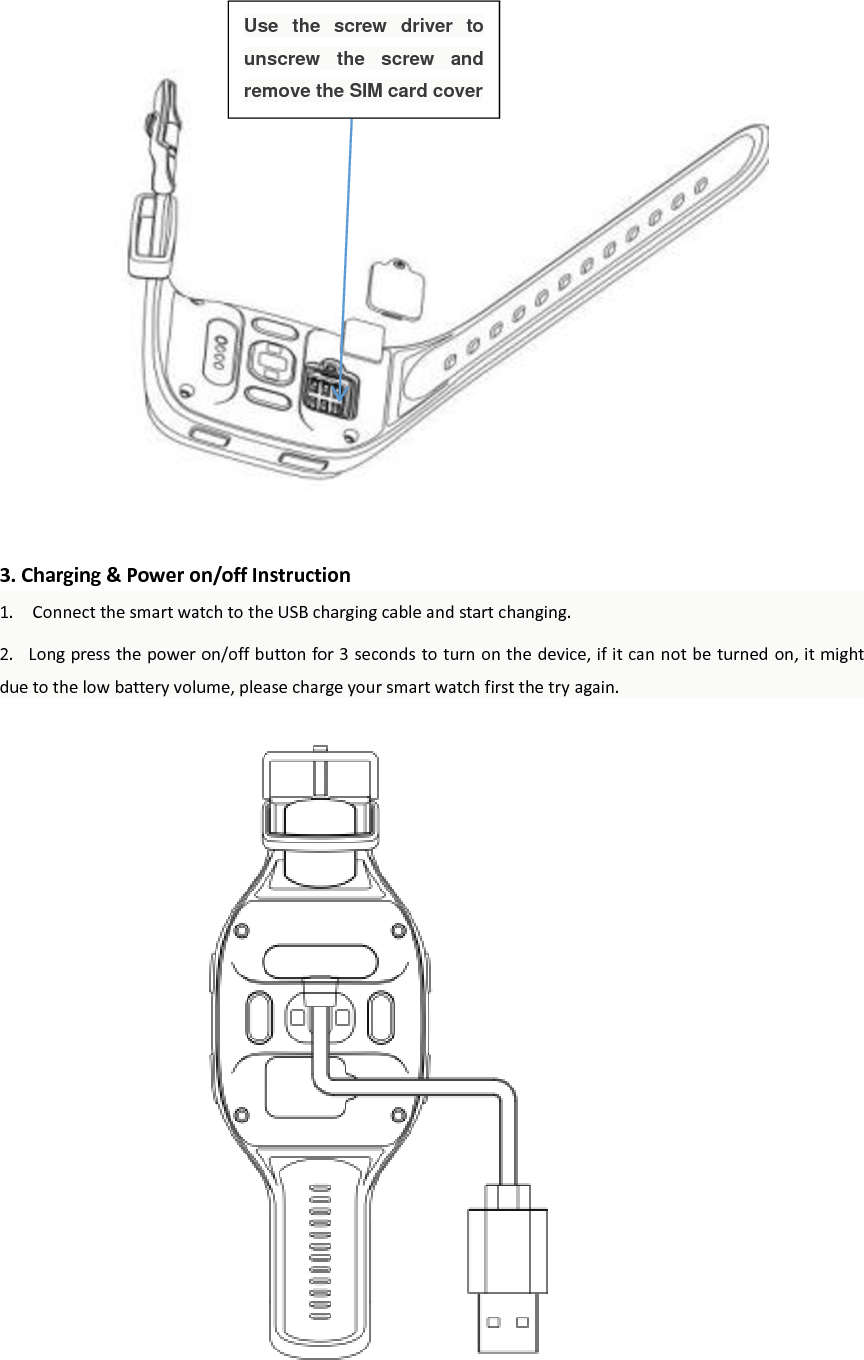
Finger Electrodes  1. Functional Buttons  ←←                               2. Install the SIM card(support only the Nano SIM card) 1. Use the screw driver to unscrew the screw and remove the SIM card cover 2. place the card into the slot according to the SIM card vacancy Angle 3. Cover the top of the card slot and tighten the screws. (As shown below: )     Speaker Hole Finger Electrodes  SOS button Power on/off button During  blood  pressure/  ECG measurement,  use  your finger  to  hold  both  sides  of the finger electrodes to start the measurement.
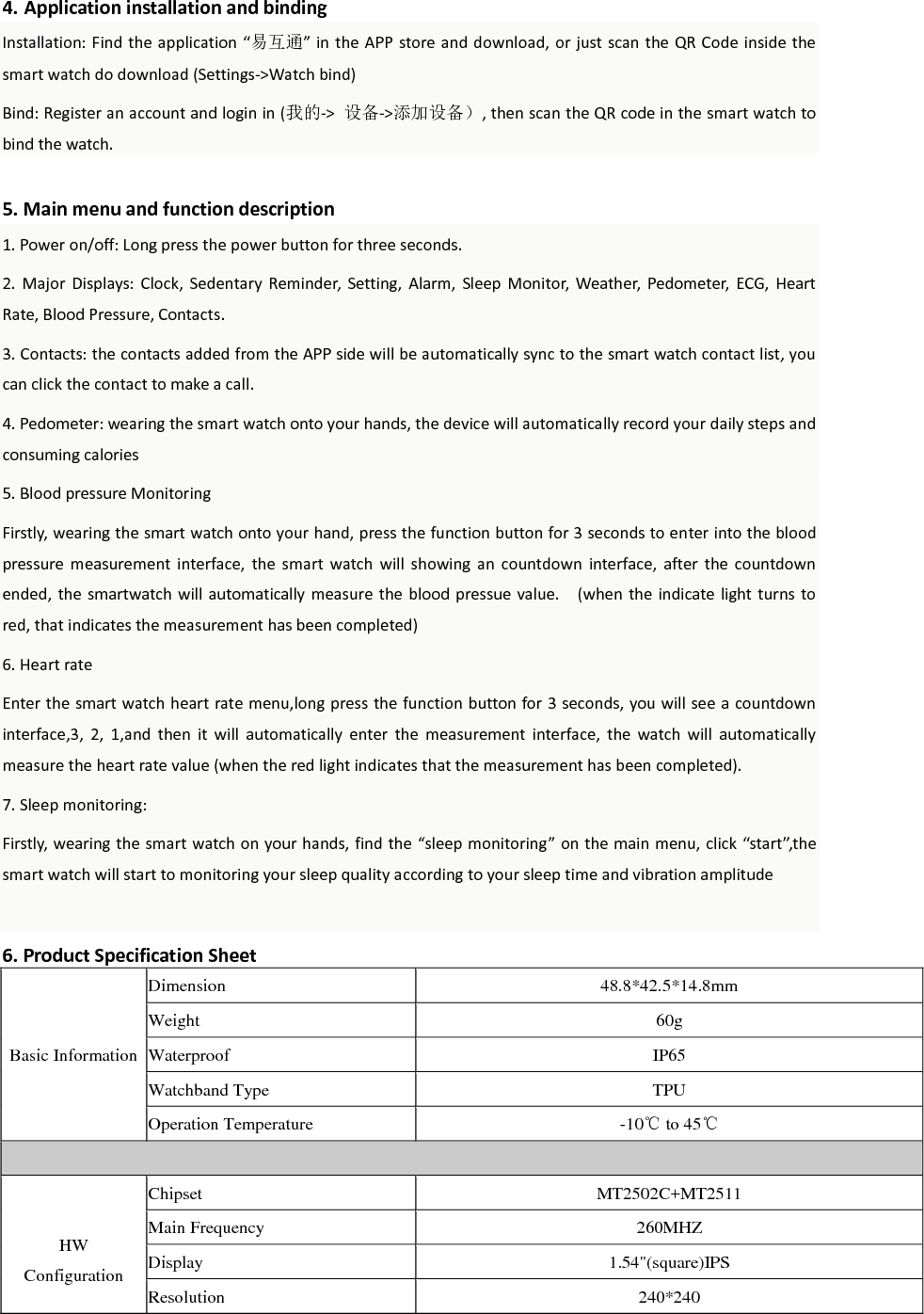
                  3. Charging & Power on/off Instruction 1.    Connect the smart watch to the USB charging cable and start changing.   2.   Long press the power on/off button for 3 seconds to turn on the device, if it can not be turned on, it might due to the low battery volume, please charge your smart watch first the try again.                       Use  the  screw  driver  to unscrew  the  screw  and remove the SIM card cover
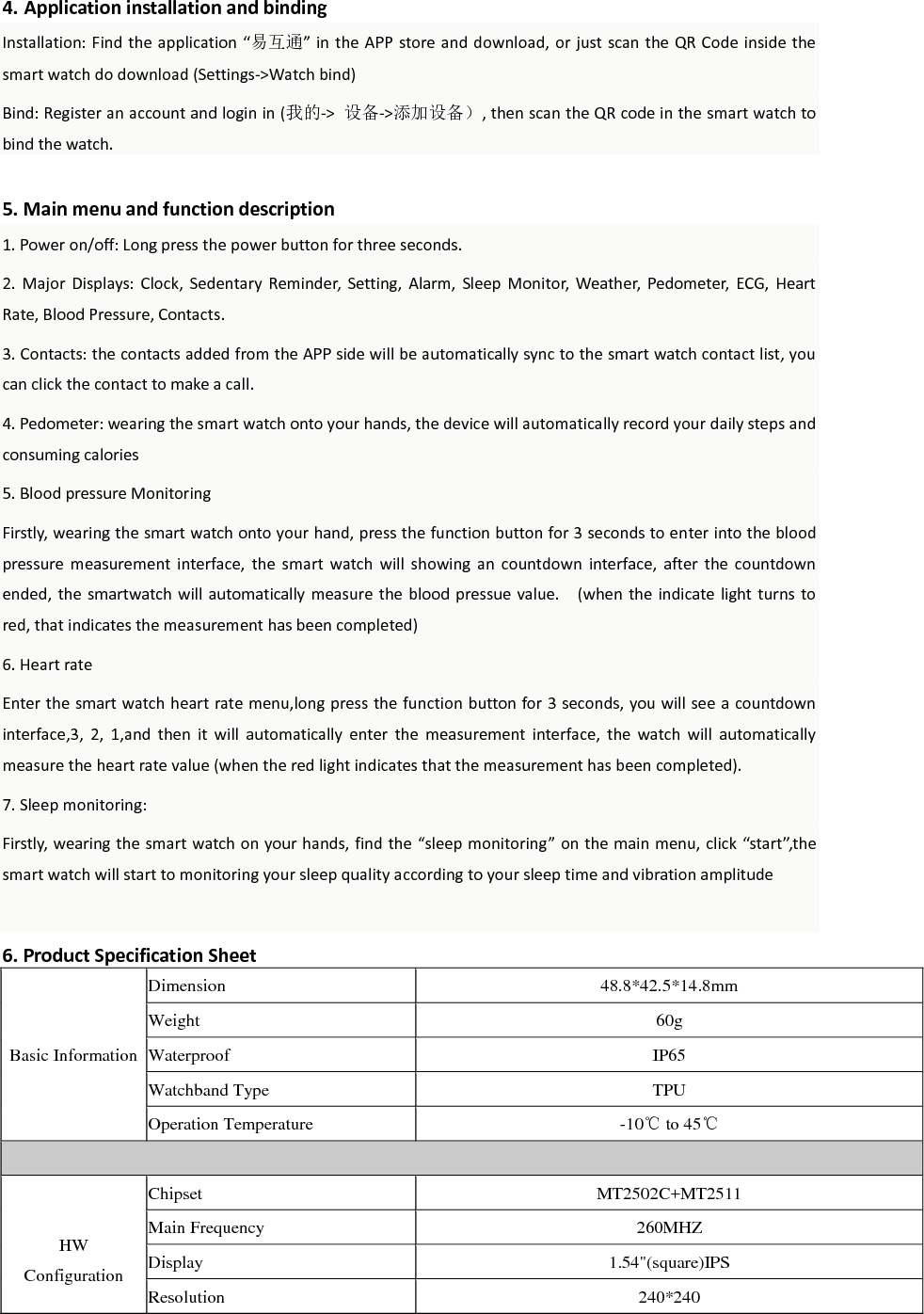
 4. Application installation and binding Installation: Find the application  “易互通” in the APP store and download, or just scan the QR  Code inside the smart watch do download (Settings->Watch bind)   Bind: Register an account and login in (我的->  设备->添加设备), then scan the QR code in the smart watch to bind the watch.    5. Main menu and function description 1. Power on/off: Long press the power button for three seconds. 2.  Major  Displays:  Clock,  Sedentary  Reminder,  Setting,  Alarm,  Sleep  Monitor,  Weather,  Pedometer,  ECG,  Heart Rate, Blood Pressure, Contacts. 3. Contacts: the contacts added from the APP side will be automatically sync to the smart watch contact list, you can click the contact to make a call. 4. Pedometer: wearing the smart watch onto your hands, the device will automatically record your daily steps and consuming calories   5. Blood pressure Monitoring Firstly, wearing the smart watch onto your hand, press the function button for 3 seconds to enter into the blood pressure  measurement  interface,  the  smart  watch  will  showing  an  countdown  interface,  after  the  countdown ended, the  smartwatch will  automatically measure the blood pressue value.    (when the indicate light turns  to red, that indicates the measurement has been completed) 6. Heart rate Enter the smart watch heart rate menu,long press the function button for 3 seconds, you will see a countdown interface,3,  2,  1,and  then  it  will  automatically  enter  the  measurement  interface,  the  watch  will  automatically measure the heart rate value (when the red light indicates that the measurement has been completed).   7. Sleep monitoring: Firstly, wearing the smart watch on your hands, find the “sleep monitoring” on the main menu, click “start”,the smart watch will start to monitoring your sleep quality according to your sleep time and vibration amplitude  6. Product Specification Sheet Basic Information Dimension 48.8*42.5*14.8mm Weight 60g Waterproof IP65 Watchband Type TPU Operation Temperature -10℃ to 45℃   HW Configuration Chipset MT2502C+MT2511 Main Frequency 260MHZ Display 1.54"(square)IPS Resolution 240*240
Memory  256Mb+64Mb Camera NO Band(MHz) GSM:900/1800 or 850/1900 BT NO WIFI WIFI Positioning Only (Data Not Available) GPS Built In GPS Battery 560mAh Li-polymer (4.2V) Stand-by Time 168Hrs  SW   Configuration OS Nucleus Language English Audio Player MIDI/MP3 Engineering Mode Yes   MD Configuration Button Power on/off, SOS Speaker Yes MIC Yes Camera N/A Vibrator Yes Watchband Type TPU  Feature Dynamic Heart Rate Monitoring Yes ECG Monitoring Yes Blood Pressure Monitoring Yes Sedentary Reminder Yes Sleep Monitoring Yes GPS/WIFI/LBS precise location Yes Proximity Sensor No Light Sensor No Gravity Sensor Yes  Connector RF Test Connector Yes SIM Card Slot Nano SIM   Audio Jack No  Accessory USB Cable Yes Charger No Giftbox Yes
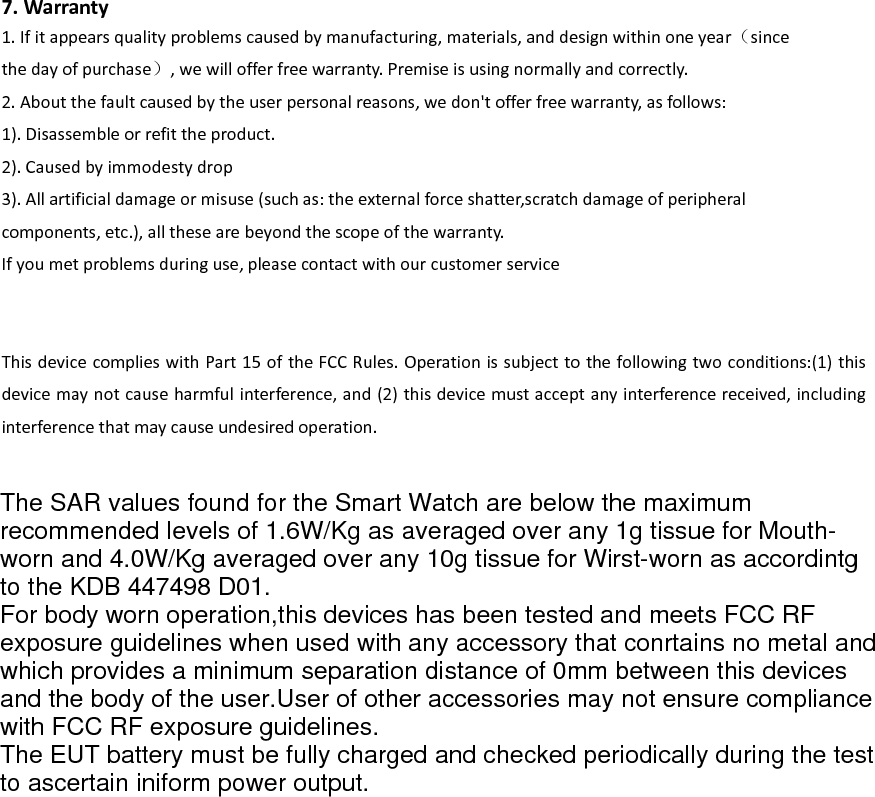
 7. Warranty 1. If it appears quality problems caused by manufacturing, materials, and design within one year(since the day of purchase), we will offer free warranty. Premise is using normally and correctly. 2. About the fault caused by the user personal reasons, we don't offer free warranty, as follows: 1). Disassemble or refit the product. 2). Caused by immodesty drop 3). All artificial damage or misuse (such as: the external force shatter,scratch damage of peripheral   components, etc.), all these are beyond the scope of the warranty. If you met problems during use, please contact with our customer service   This device complies with Part 15 of the FCC Rules. Operation is subject to the following two conditions:(1) this device may not cause harmful interference, and (2) this device must accept any interference received, including interference that may cause undesired operation. The SAR values found for the Smart Watch are below the maximumrecommended levels of 1.6W/Kg as averaged over any 1g tissue for Mouth-worn and 4.0W/Kg averaged over any 10g tissue for Wirst-worn as accordintgto the KDB 447498 D01.For body worn operation,this devices has been tested and meets FCC RFexposure guidelines when used with any accessory that conrtains no metal andwhich provides a minimum separation distance of 0mm between this devicesand the body of the user.User of other accessories may not ensure compliancewith FCC RF exposure guidelines.The EUT battery must be fully charged and checked periodically during the testto ascertain iniform power output.

Navigation menu