HIT orporated HBK001 Bluetooth Car Kit User Manual HBK 001users manual

HIT Incorporated Bluetooth Car Kit HBK 001users manual

User Manual

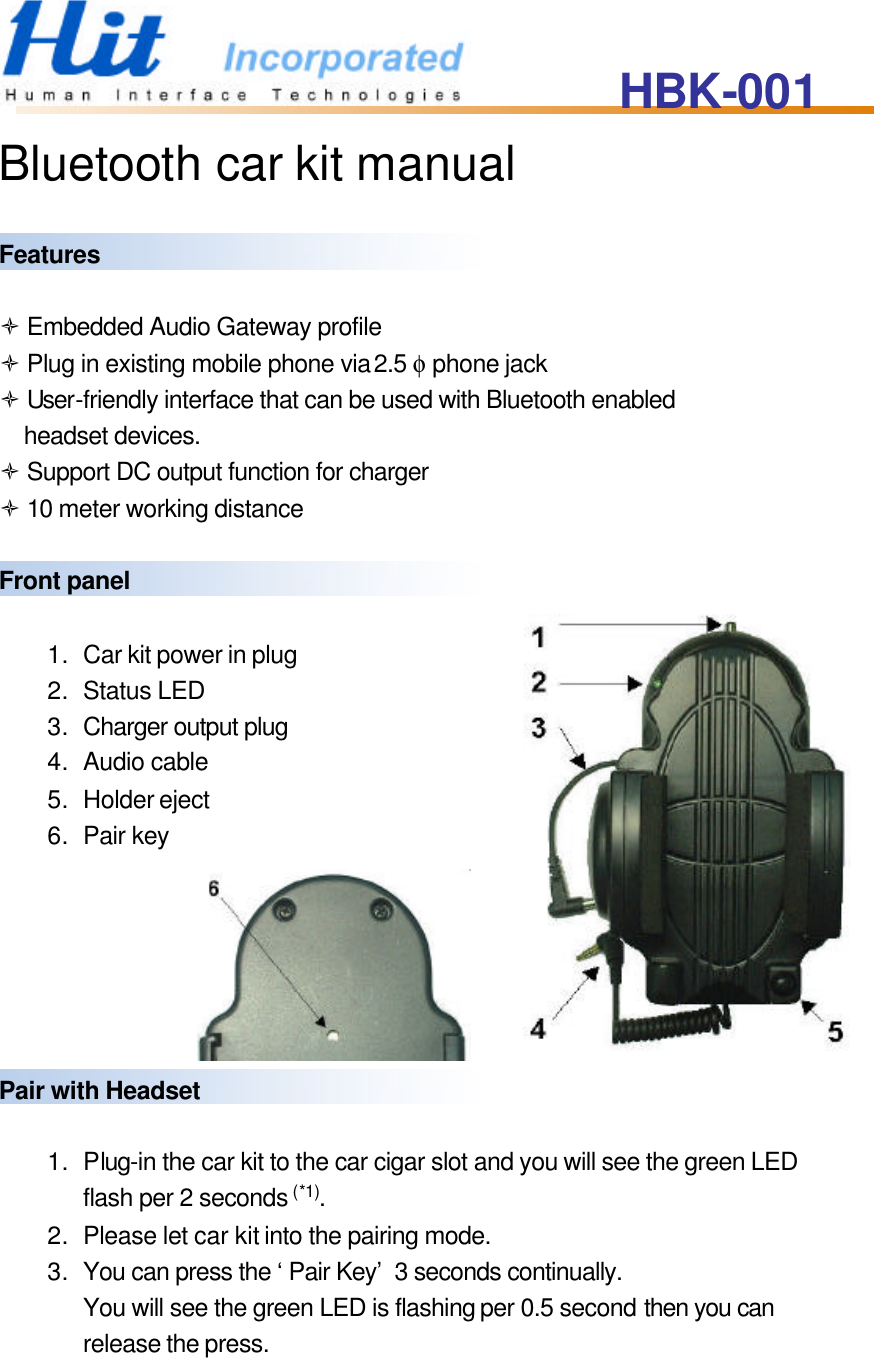
HBK-001   Bluetooth car kit manual  Features  ò Embedded Audio Gateway profile ò Plug in existing mobile phone via 2.5 φ phone jack ò User-friendly interface that can be used with Bluetooth enabled headset devices. ò Support DC output function for charger ò 10 meter working distance  Front panel  1. Car kit power in plug 2. Status LED 3. Charger output plug 4. Audio cable 5. Holder eject 6. Pair key       Pair with Headset    1. Plug-in the car kit to the car cigar slot and you will see the green LED flash per 2 seconds (*1). 2. Please let car kit into the pairing mode. 3. You can press the ‘Pair Key’ 3 seconds continually.   You will see the green LED is flashing per 0.5 second then you can release the press.
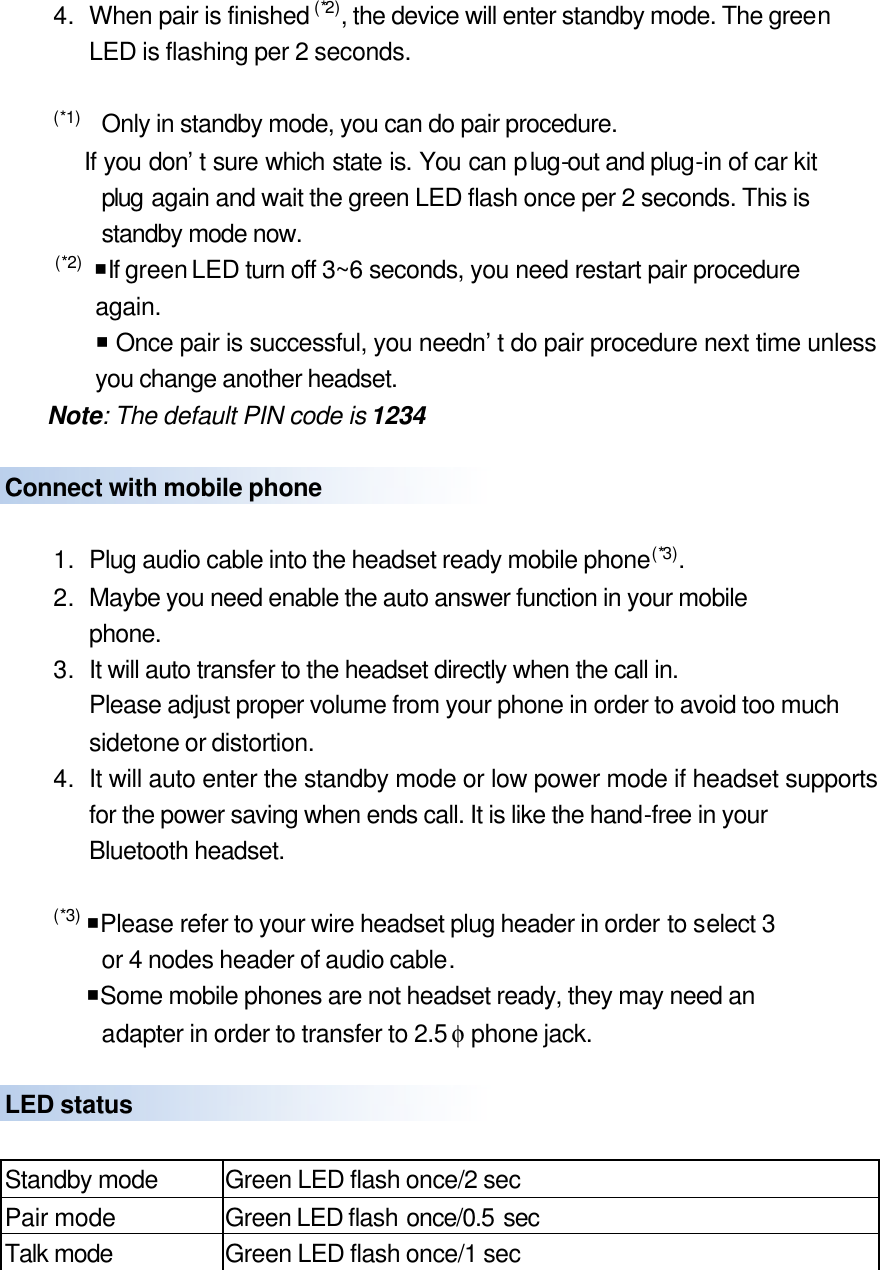
4. When pair is finished (*2), the device will enter standby mode. The green LED is flashing per 2 seconds.  (*1)   Only in standby mode, you can do pair procedure.     If you don’t sure which state is. You can plug-out and plug-in of car kit plug again and wait the green LED flash once per 2 seconds. This is standby mode now.  (*2)  ¡If green LED turn off 3~6 seconds, you need restart pair procedure again.     ¡ Once pair is successful, you needn’t do pair procedure next time unless you change another headset.   Note: The default PIN code is 1234  Connect with mobile phone    1. Plug audio cable into the headset ready mobile phone(*3). 2. Maybe you need enable the auto answer function in your mobile   phone.   3. It will auto transfer to the headset directly when the call in. Please adjust proper volume from your phone in order to avoid too much sidetone or distortion. 4. It will auto enter the standby mode or low power mode if headset supports for the power saving when ends call. It is like the hand-free in your Bluetooth headset.  (*3) ¡Please refer to your wire headset plug header in order to select 3     or 4 nodes header of audio cable.   ¡Some mobile phones are not headset ready, they may need an         adapter in order to transfer to 2.5 φ phone jack.    LED status  Standby mode Green LED flash once/2 sec Pair mode Green LED flash once/0.5 sec Talk mode Green LED flash once/1 sec
FCC Statement 1.THIS DEVICE COMPLIES WITH PART 15 OF THE FCC RULES. OPERATION IS SUBJECT TO THE FOLLOWING TWO CONDITIONS: (1) THIS DEVICE MAY NOT CAUSE HARMFUL INTERFERENCE AND (2) THIS DEVICE MUST ACCEPT ANY INTERFERENCE RECEIVED, INCLUDING INTERFERENCE THAT MAY CAUSE UNDESIRED OPERATION. 2. Notice: The changes or modifications not expressly approved by the party responsible for compliance could void the user’s authority to operate the equipment. 3. IMPORTANT NOTE: To comply with the FCC RF exposure compliance requirements, no change to the antenna or the device is permitted. Any change to the antenna or the device could result in the device exceeding the RF exposure requirements and void user’s authority to operate the device.

Navigation menu