Heui Xint Technology M5001 Bluetooth Speaker User Manual m5

Shenzhen Heui Xint Technology Co., Ltd Bluetooth Speaker m5

User Manual

  Shenzhen Heui Xint Technology Co., Ltd     Model: M5B Product: Bluetooth Speaker  Notices: 1.if  at the first time using the  product can not turn  on, it’s perhaps  not enough power for the battery please try to charge the battery then open again 2.  please  close  the  machine  when  the battery charging,  it’s  good  for  the life  of battery,  also please use the dedicated equipment for battery charging in the package attached. 3. please charge at least 4hours in the first time using, next time could be 2-3 hours. 4. long time no using product please remember to charge the battery firstly 5. please don’t put product under hot sunshine, near the temperature 45’c and nor can fire, in case the damage happened. 6. please don’t tear open the machine if you are not professional for this machine 7. input voltage of player if too high will be damaged the product, too low will not work       please don’t put the product on wet and raining side when use.    product function 1. hand free 2. Bluetooth 3. LINE IN Aux in   4. support sound notice for the function process 5 ROHS silicone sleeve  product size  :D75xH50mm            User Manual
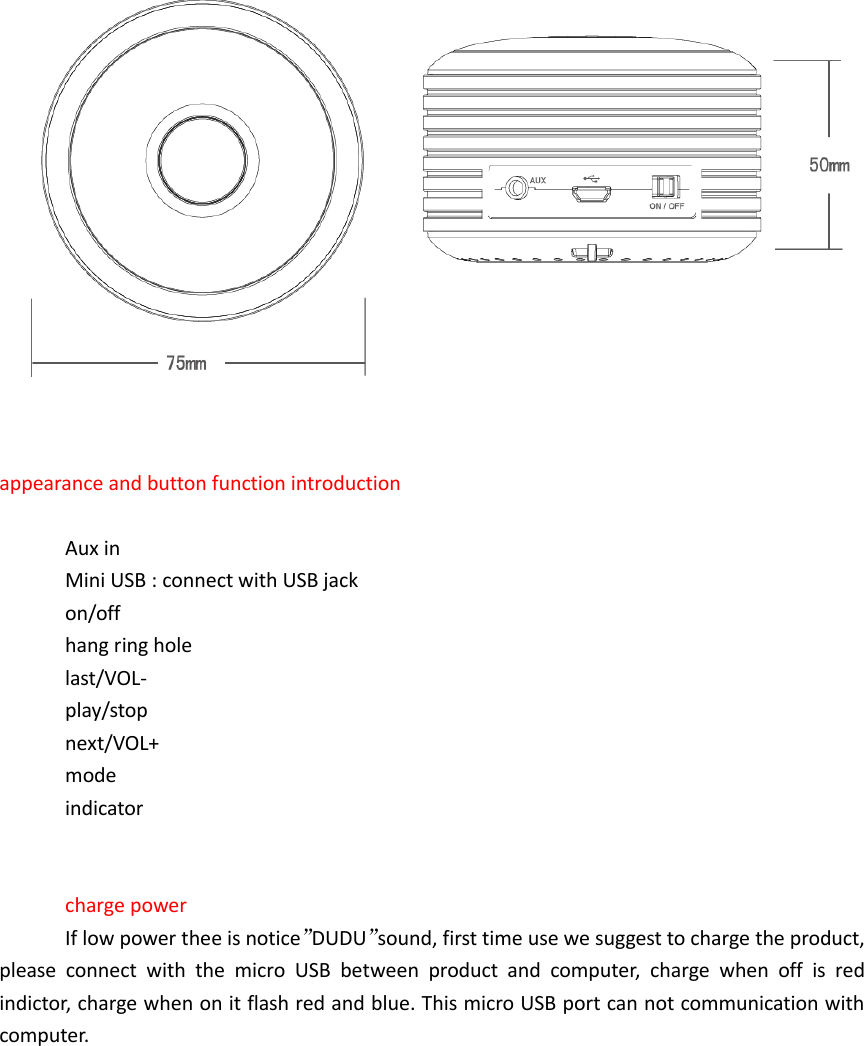
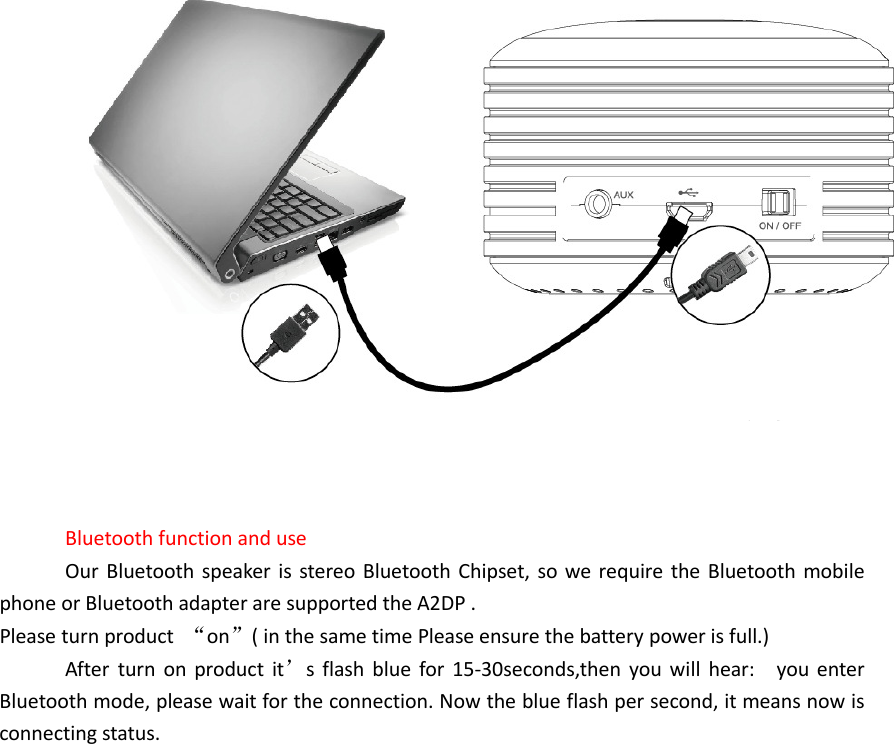
   appearance and button function introduction  Aux in   Mini USB : connect with USB jack on/off hang ring hole last/VOL- play/stop next/VOL+ mode   indicator     charge power If low power thee is notice”DUDU”sound, first time use we suggest to charge the product, please  connect  with  the  micro  USB  between  product  and  computer,  charge  when  off  is  red indictor, charge when on it flash red and blue. This micro USB port can not communication with computer.
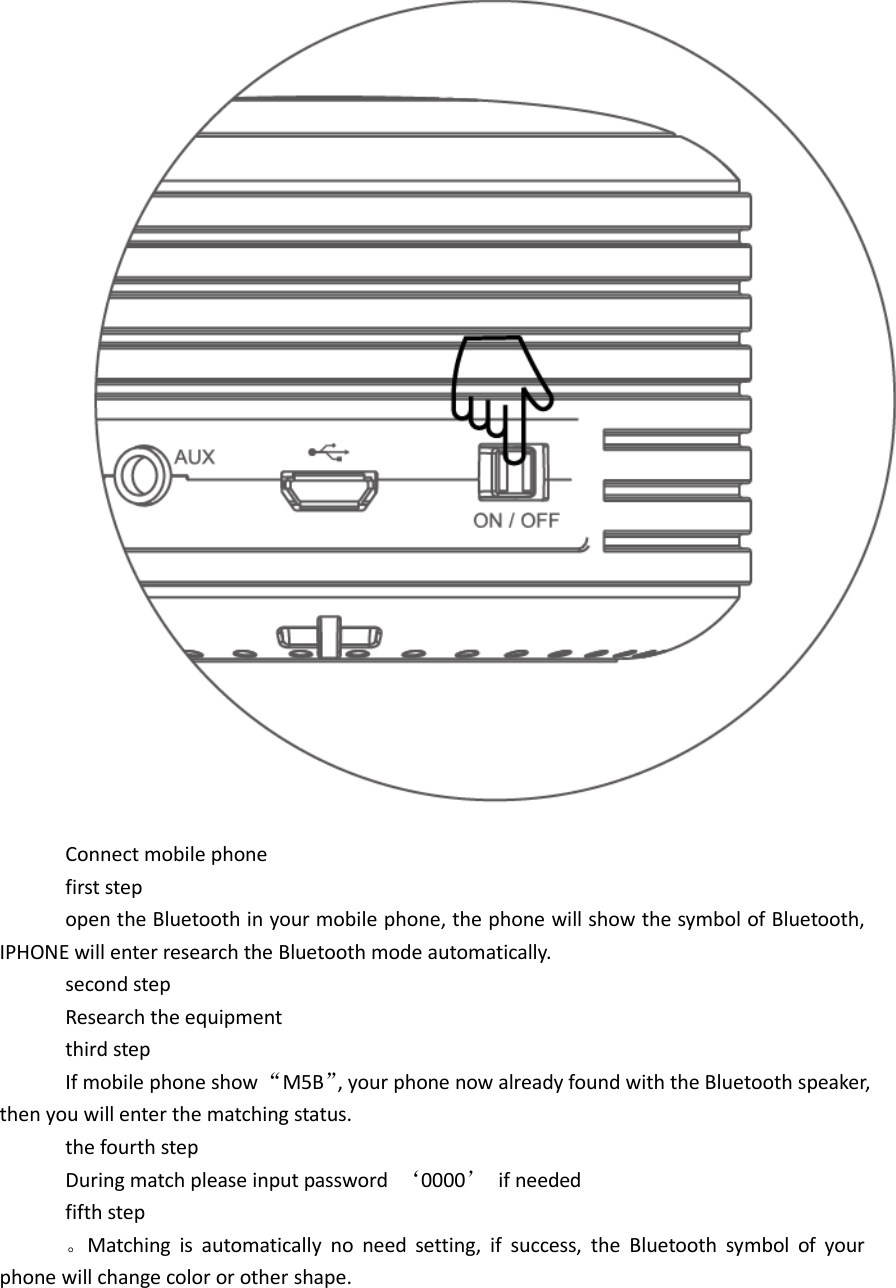
    Bluetooth function and use Our Bluetooth speaker  is stereo Bluetooth Chipset, so we  require the  Bluetooth mobile phone or Bluetooth adapter are supported the A2DP . Please turn product  “on”( in the same time Please ensure the battery power is full.) After  turn  on  product  it’s  flash  blue  for  15-30seconds,then  you will  hear:    you  enter Bluetooth mode, please wait for the connection. Now the blue flash per second, it means now is connecting status.
 Connect mobile phone first step   open the Bluetooth in your mobile phone, the phone will show the symbol of Bluetooth, IPHONE will enter research the Bluetooth mode automatically. second step Research the equipment third step If mobile phone show “M5B”, your phone now already found with the Bluetooth speaker, then you will enter the matching status. the fourth step During match please input password  ‘0000’  if needed fifth step 。Matching  is  automatically  no  need  setting,  if  success,  the  Bluetooth  symbol  of  your phone will change color or other shape.
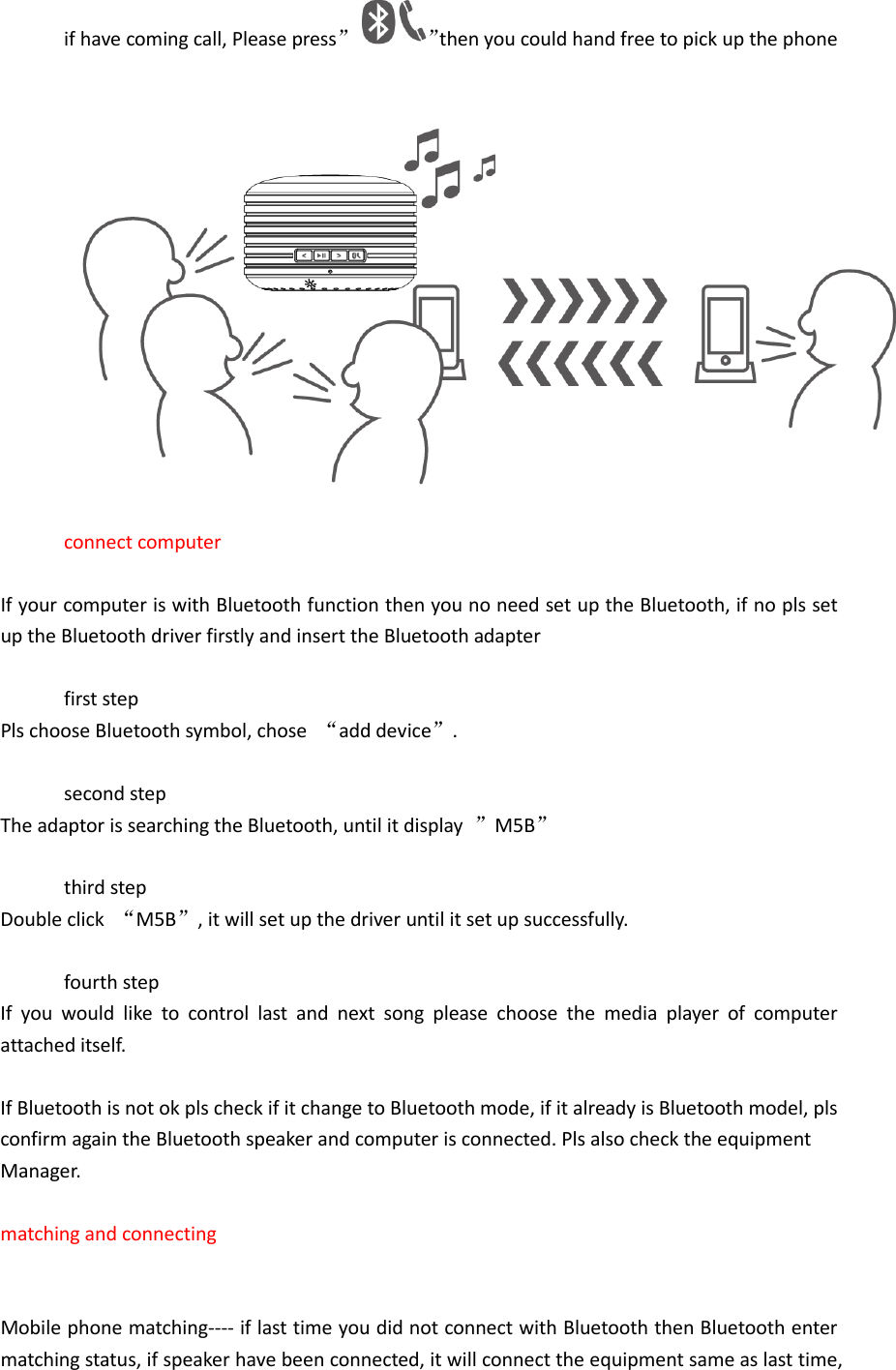
if have coming call, Please press” ”then you could hand free to pick up the phone   connect computer    If your computer is with Bluetooth function then you no need set up the Bluetooth, if no pls set up the Bluetooth driver firstly and insert the Bluetooth adapter    first step Pls choose Bluetooth symbol, chose  “add device”.  second step The adaptor is searching the Bluetooth, until it display  ”M5B”  third step Double click  “M5B”, it will set up the driver until it set up successfully.  fourth step If  you  would  like  to  control  last  and  next  song  please  choose  the  media  player  of  computer attached itself.    If Bluetooth is not ok pls check if it change to Bluetooth mode, if it already is Bluetooth model, pls confirm again the Bluetooth speaker and computer is connected. Pls also check the equipment   Manager.  matching and connecting         Mobile phone matching---- if last time you did not connect with Bluetooth then Bluetooth enter matching status, if speaker have been connected, it will connect the equipment same as last time,
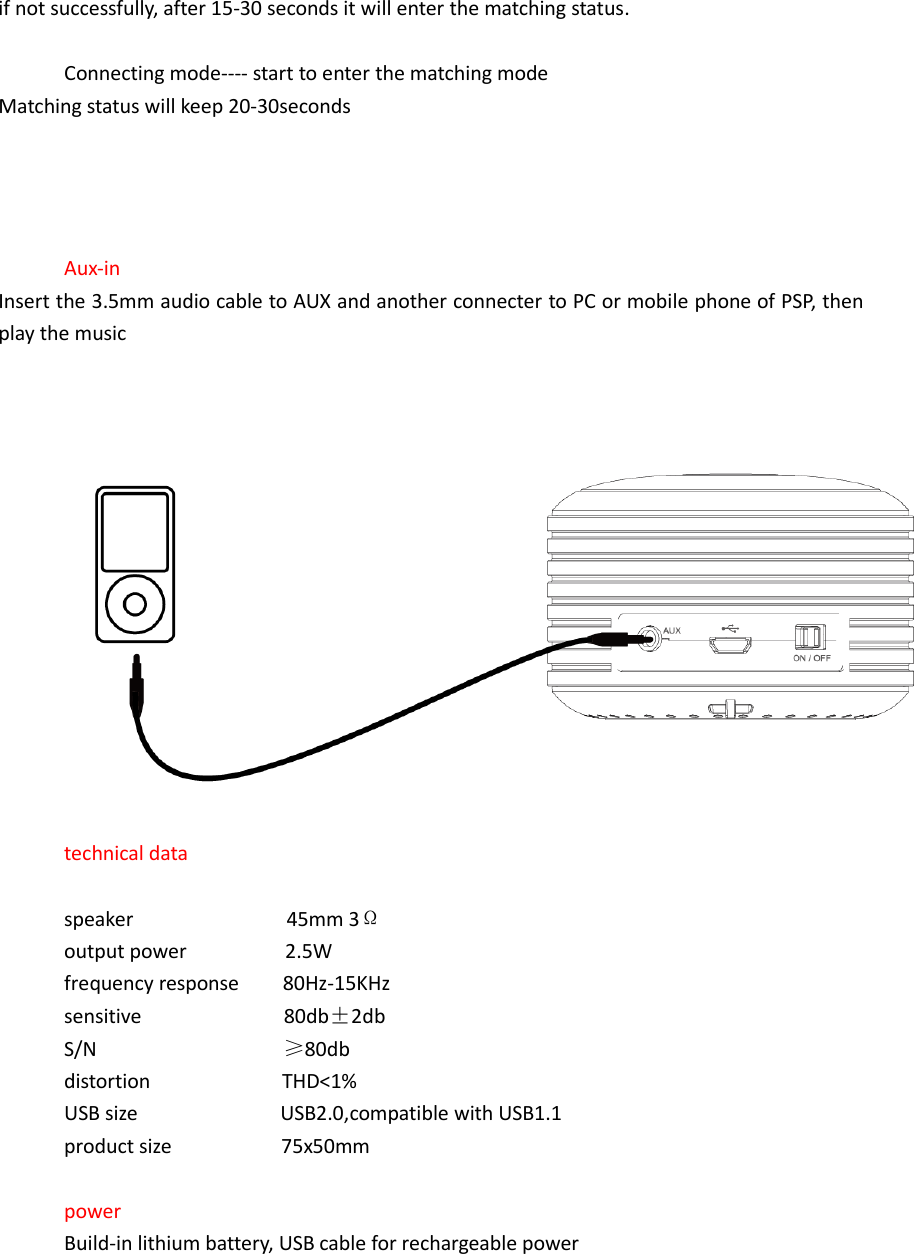
if not successfully, after 15-30 seconds it will enter the matching status.  Connecting mode---- start to enter the matching mode Matching status will keep 20-30seconds     Aux-in Insert the 3.5mm audio cable to AUX and another connecter to PC or mobile phone of PSP, then play the music      technical data  speaker                            45mm 3Ω output power                  2.5W frequency response        80Hz-15KHz sensitive                          80db±2db S/N                 ≥80db distortion                        THD<1% USB size                          USB2.0,compatible with USB1.1 product size                    75x50mm  power   Build-in lithium battery, USB cable for rechargeable power
included 1. speaker 2. 3.5mm audio cable   3. USB cable 4. manual   FCC NOTE: This  device  complies  with  Part  15  of  the  FCC  Rules.Operation  is  subject  to  the  following  two conditions: (1) this device may not cause harmful interference, and (2) this device must accept any interference received, including interference that may cause undesired operation.  THE  MANUFACTURER  IS  NOT  RESPONSIBLE FOR  ANY  RADIO  OR  TV  INTERFERENCE  CAUSED  BY UNAUTHORIZED MODIFICATIONS    OR CHANGE TO THIS EQUIPMENT. SUCH MODIFICATIONS OR CHANGE COULD VOID THE USER’S AUTHORITY TO OPERATE THE EQUIPMENT.  This equipment has been tested and found to comply with the limits for a Class B digital device, pursuant to part 15 of the FCC Rules. These limits are designed to provide reasonable protection against harmful interference in a residential installation. This equipment generates, uses and can radiate radio frequency energy and, if not installed and used in accordance with the instructions, may cause harmful  interference to radio communications. However,  there is  no guarantee that interference  will  not  occur  in  a  particular  installation.  If  this  equipment  does  cause  harmful interference to radio or television reception, which can be determined by turning the equipment off  and  on,  the  user  is  encouraged  to  try  to  correct  the  interference  by  one  or  more  of  the following measures:    -- Reorient or relocate the receiving antenna.    -- Increase the separation between the equipment and receiver.    -- Connect the equipment into an outlet on a circuit different from that to which the receiver is connected.    -- Consult the dealer or an experienced radio/TV technician for help.

Navigation menu