Home Automation 113A00 HAI Omni-Bus Wireless Wall Switch User Manual

Home Automation Inc HAI Omni-Bus Wireless Wall Switch

User Manual

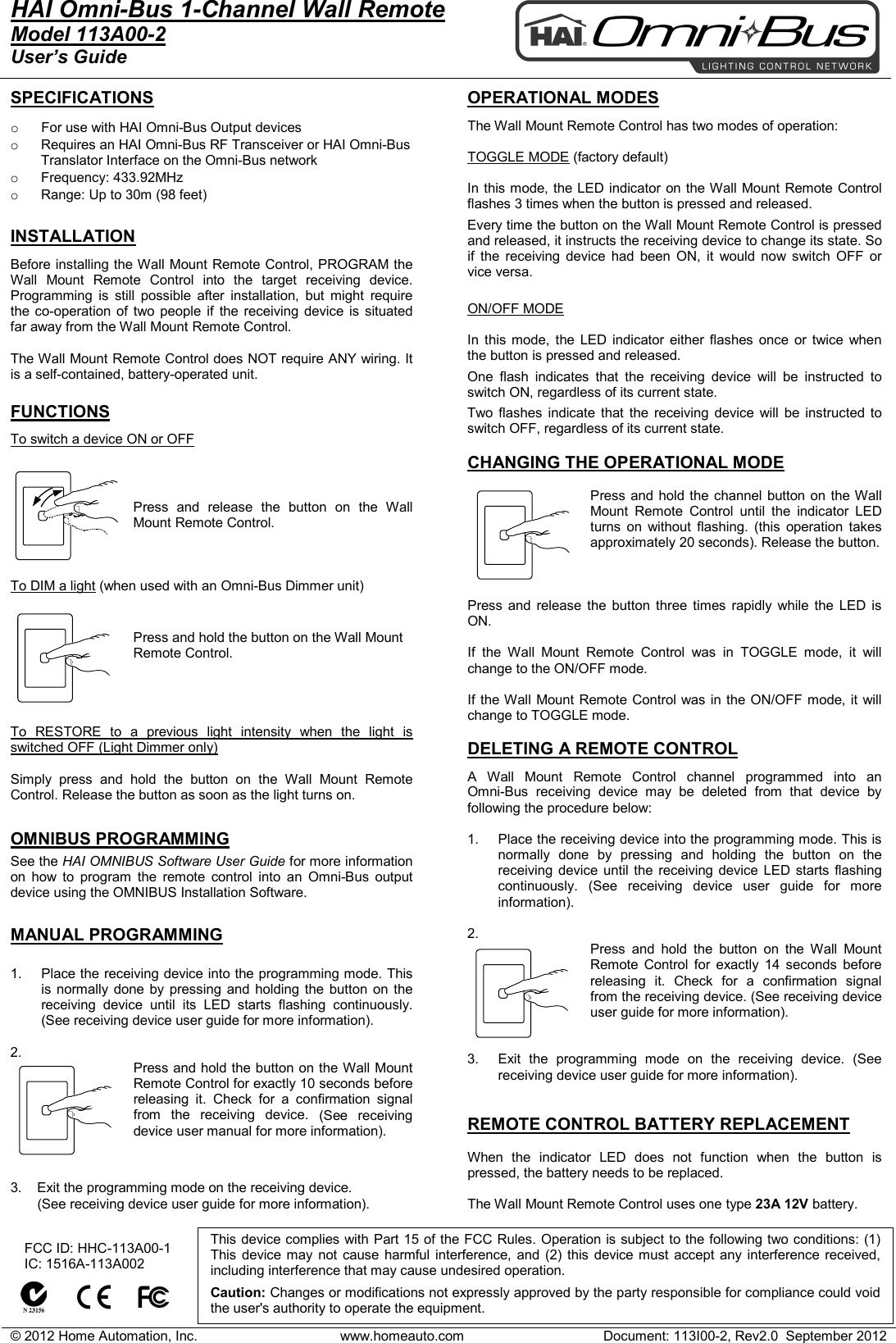
© 2012 Home Automation, Inc. www.homeauto.com Document: 113I00-2, Rev2.0  September 2012  HAI Omni-Bus 1-Channel Wall Remote     Model 113A00-2 User’s Guide    SPECIFICATIONS  o For use with HAI Omni-Bus Output devices  o Requires an HAI Omni-Bus RF Transceiver or HAI Omni-Bus Translator Interface on the Omni-Bus network o Frequency: 433.92MHz o Range: Up to 30m (98 feet)  INSTALLATION Before installing the Wall Mount Remote Control, PROGRAM the Wall  Mount Remote Control into the target receiving device. Programming is still possible after installation, but might require the co-operation of two people if the receiving device is situated far away from the Wall Mount Remote Control.  The Wall Mount Remote Control does NOT require ANY wiring. It is a self-contained, battery-operated unit.   FUNCTIONS To switch a device ON or OFF   Press and release the button on the Wall Mount Remote Control.     To DIM a light (when used with an Omni-Bus Dimmer unit)  Press and hold the button on the Wall Mount Remote Control.      To RESTORE to a previous light intensity when the light is switched OFF (Light Dimmer only)  Simply press and hold the button on the Wall  Mount Remote Control. Release the button as soon as the light turns on.  OMNIBUS PROGRAMMING See the HAI OMNIBUS Software User Guide for more information on how to program the remote control into an  Omni-Bus output device using the OMNIBUS Installation Software.  MANUAL PROGRAMMING  1. Place the receiving device into the programming mode. This is normally done by pressing and holding the button on the receiving device until its LED starts flashing continuously. (See receiving device user guide for more information).  2. Press and hold the button on the Wall Mount Remote Control for exactly 10 seconds before releasing it. Check for a confirmation signal from the receiving device. (See receiving device user manual for more information).   3.    Exit the programming mode on the receiving device.         (See receiving device user guide for more information).    OPERATIONAL MODES  The Wall Mount Remote Control has two modes of operation:  TOGGLE MODE (factory default)  In this mode, the LED indicator on the Wall Mount Remote Control flashes 3 times when the button is pressed and released. Every time the button on the Wall Mount Remote Control is pressed and released, it instructs the receiving device to change its state. So if the receiving device had been ON, it would now switch OFF or vice versa.  ON/OFF MODE  In this mode, the LED indicator either flashes once or twice when the button is pressed and released. One flash indicates that the receiving device will be instructed to switch ON, regardless of its current state. Two flashes indicate that the receiving device will be instructed to switch OFF, regardless of its current state.  CHANGING THE OPERATIONAL MODE  Press and hold the channel button on the Wall Mount  Remote Control until the indicator LED turns on without flashing. (this operation takes approximately 20 seconds). Release the button.    Press and release the button three times rapidly while the LED is ON.  If the Wall  Mount Remote Control was in TOGGLE mode, it will change to the ON/OFF mode.  If the Wall Mount Remote Control was in the ON/OFF mode, it will change to TOGGLE mode.  DELETING A REMOTE CONTROL  A Wall  Mount Remote Control channel programmed into an  Omni-Bus receiving device may be deleted from that device by following the procedure below:  1. Place the receiving device into the programming mode. This is normally done by pressing and holding the button on the receiving device until the receiving device LED starts flashing continuously. (See receiving device user guide for more information).  2.  Press and hold the button on the Wall  Mount Remote Control for exactly 14 seconds before releasing it. Check for a confirmation signal from the receiving device. (See receiving device user guide for more information).   3. Exit the programming mode on the receiving device. (See receiving device user guide for more information).   REMOTE CONTROL BATTERY REPLACEMENT  When the indicator LED does not function when the button is pressed, the battery needs to be replaced.   The Wall Mount Remote Control uses one type 23A 12V battery.       FCC ID: HHC-113A00-1    IC: 1516A-113A002          This device complies with Part 15 of the FCC Rules. Operation is subject to the following two conditions: (1) This device may not cause harmful interference, and (2) this device must accept any interference received, including interference that may cause undesired operation.   Caution: Changes or modifications not expressly approved by the party responsible for compliance could void the user's authority to operate the equipment.
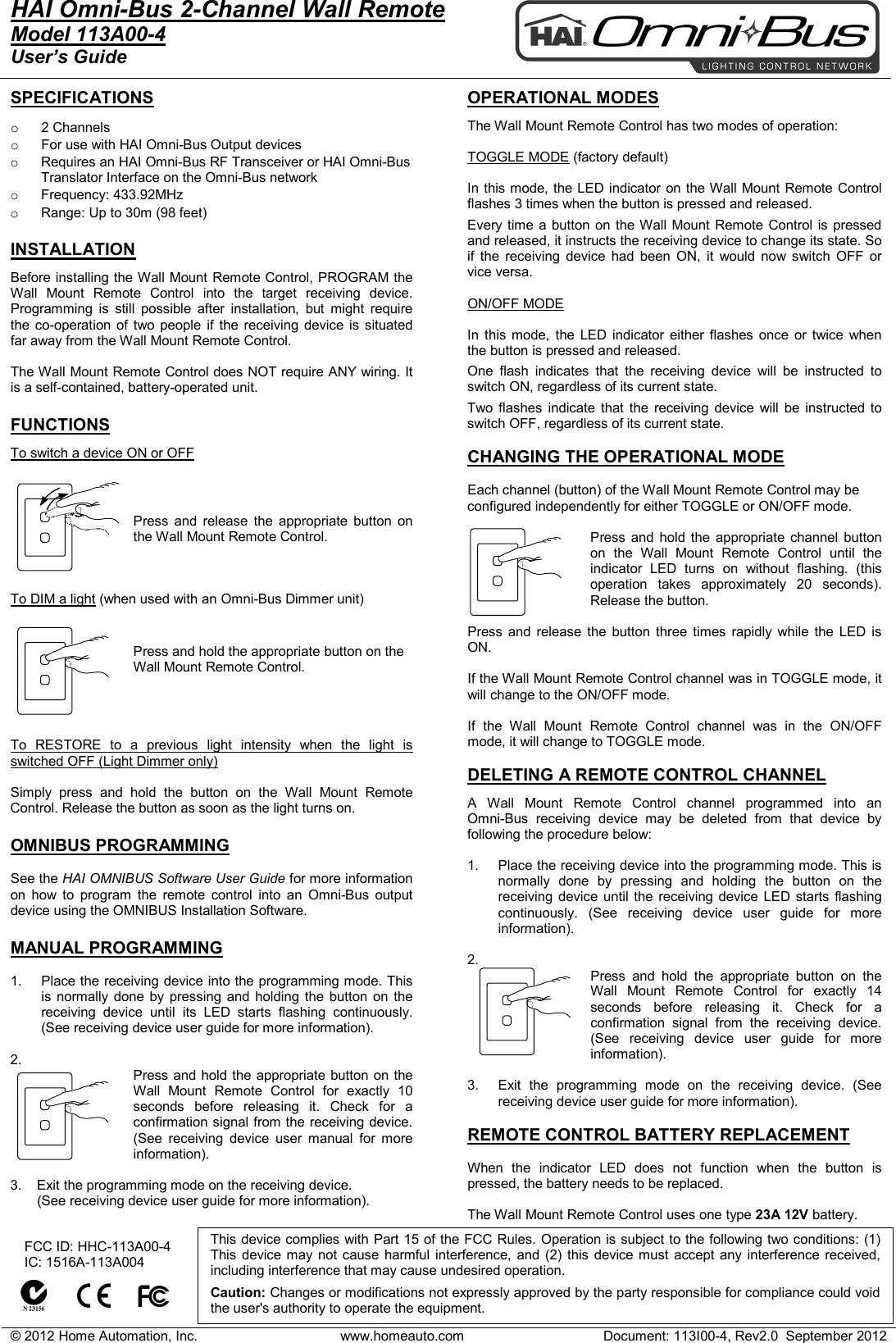
© 2012 Home Automation, Inc. www.homeauto.com Document: 113I00-4, Rev2.0  September 2012  HAI Omni-Bus 2-Channel Wall Remote     Model 113A00-4 User’s Guide    SPECIFICATIONS  o 2 Channels o For use with HAI Omni-Bus Output devices  o Requires an HAI Omni-Bus RF Transceiver or HAI Omni-Bus Translator Interface on the Omni-Bus network o Frequency: 433.92MHz o Range: Up to 30m (98 feet)  INSTALLATION Before installing the Wall Mount Remote Control, PROGRAM the Wall Mount Remote Control into the target receiving device. Programming is still possible after installation, but might require the co-operation of two people if the receiving device is situated far away from the Wall Mount Remote Control.  The Wall Mount Remote Control does NOT require ANY wiring. It is a self-contained, battery-operated unit.   FUNCTIONS To switch a device ON or OFF   Press and release the appropriate  button on the Wall Mount Remote Control.     To DIM a light (when used with an Omni-Bus Dimmer unit)  Press and hold the appropriate button on the Wall Mount Remote Control.      To RESTORE to a previous light intensity when the light is switched OFF (Light Dimmer only)  Simply press and hold the button on the Wall Mount Remote Control. Release the button as soon as the light turns on.  OMNIBUS PROGRAMMING  See the HAI OMNIBUS Software User Guide for more information on how to program the remote control into an  Omni-Bus output device using the OMNIBUS Installation Software.  MANUAL PROGRAMMING  1. Place the receiving device into the programming mode. This is normally done by pressing and holding the button on the receiving device until its LED starts flashing continuously. (See receiving device user guide for more information).  2. Press and hold the appropriate button on the Wall Mount Remote Control for exactly 10 seconds before releasing it. Check for a confirmation signal from the receiving device. (See receiving device user manual for more information).  3.    Exit the programming mode on the receiving device.         (See receiving device user guide for more information).   OPERATIONAL MODES  The Wall Mount Remote Control has two modes of operation:  TOGGLE MODE (factory default)  In this mode, the LED indicator on the Wall Mount Remote Control flashes 3 times when the button is pressed and released. Every time a button on the Wall Mount Remote Control is pressed and released, it instructs the receiving device to change its state. So if the receiving device had been ON, it would now switch OFF or vice versa.  ON/OFF MODE  In this mode, the LED indicator either flashes once or twice when the button is pressed and released. One flash indicates that the receiving device will be instructed to switch ON, regardless of its current state. Two flashes indicate that the receiving device will be instructed to switch OFF, regardless of its current state.  CHANGING THE OPERATIONAL MODE  Each channel (button) of the Wall Mount Remote Control may be configured independently for either TOGGLE or ON/OFF mode.  Press and hold the appropriate  channel button on the Wall Mount Remote Control until the indicator LED turns on without flashing. (this operation takes approximately 20 seconds). Release the button.  Press and release the button three times rapidly while the LED is ON.  If the Wall Mount Remote Control channel was in TOGGLE mode, it will change to the ON/OFF mode.  If the Wall Mount Remote Control  channel  was in the ON/OFF mode, it will change to TOGGLE mode.  DELETING A REMOTE CONTROL CHANNEL  A  Wall Mount Remote Control channel programmed into an  Omni-Bus receiving device may be deleted from that device by following the procedure below:  1. Place the receiving device into the programming mode. This is normally done by pressing and holding the button on the receiving device until the receiving device LED starts flashing continuously. (See receiving device user guide for more information).  2.  Press  and hold the appropriate  button on the Wall Mount Remote Control for exactly 14 seconds before releasing it. Check for a confirmation signal from the receiving device. (See receiving device user guide for more information).  3. Exit the programming mode on the receiving device. (See receiving device user guide for more information).  REMOTE CONTROL BATTERY REPLACEMENT  When the indicator LED does not function when the button is pressed, the battery needs to be replaced.   The Wall Mount Remote Control uses one type 23A 12V battery.      FCC ID: HHC-113A00-4    IC: 1516A-113A004          This device complies with Part 15 of the FCC Rules. Operation is subject to the following two conditions: (1) This device may not cause harmful interference, and (2) this device must accept any interference received, including interference that may cause undesired operation.   Caution: Changes or modifications not expressly approved by the party responsible for compliance could void the user's authority to operate the equipment.
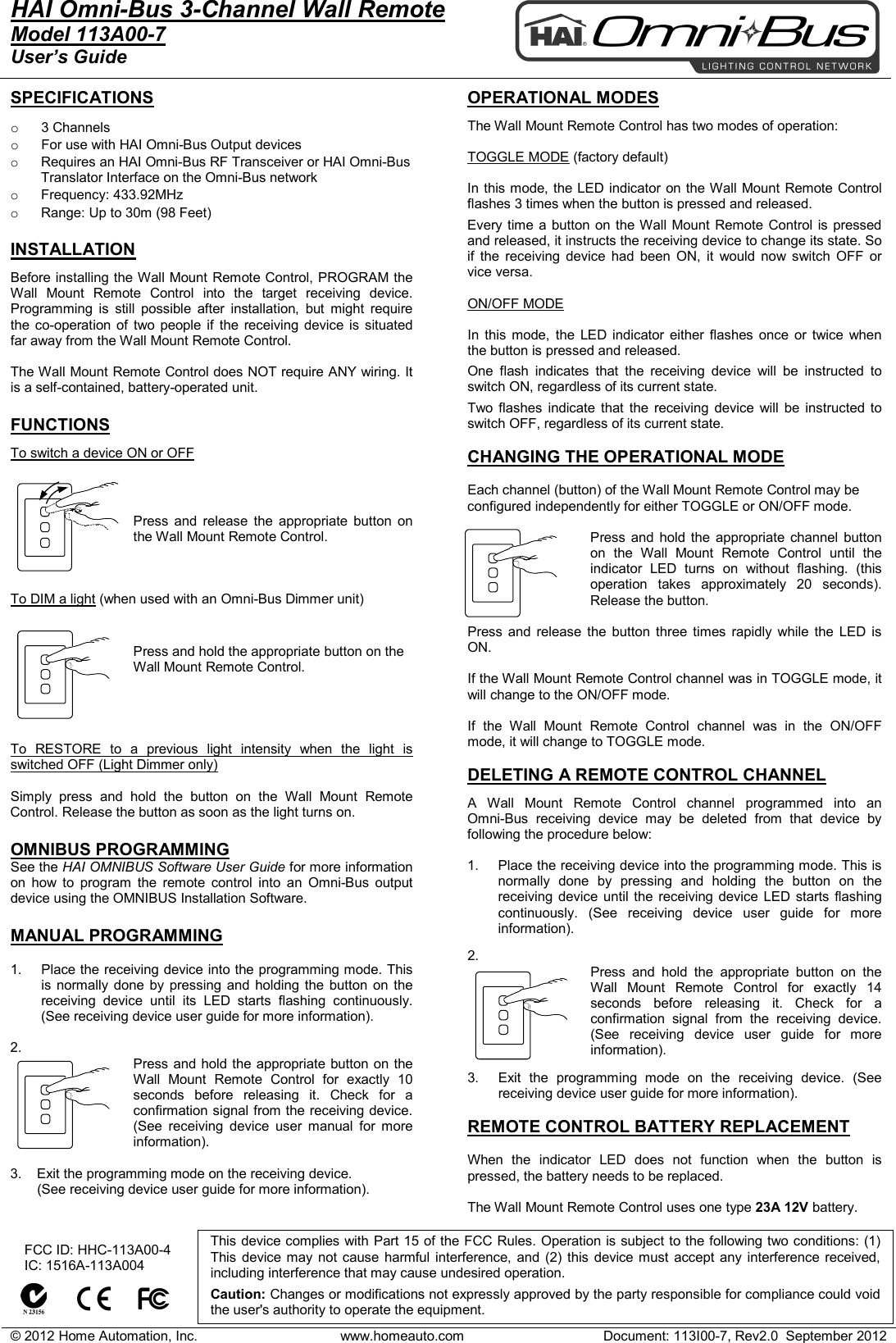
© 2012 Home Automation, Inc. www.homeauto.com Document: 113I00-7, Rev2.0  September 2012  HAI Omni-Bus 3-Channel Wall Remote     Model 113A00-7 User’s Guide    SPECIFICATIONS  o  3 Channels o For use with HAI Omni-Bus Output devices  o Requires an HAI Omni-Bus RF Transceiver or HAI Omni-Bus Translator Interface on the Omni-Bus network o Frequency: 433.92MHz o Range: Up to 30m (98 Feet)  INSTALLATION Before installing the Wall Mount Remote Control, PROGRAM the Wall Mount Remote Control into the target receiving device. Programming is still possible after installation, but might require the co-operation of two people if the receiving device is situated far away from the Wall Mount Remote Control.  The Wall Mount Remote Control does NOT require ANY wiring. It is a self-contained, battery-operated unit.   FUNCTIONS To switch a device ON or OFF   Press and release the appropriate  button on the Wall Mount Remote Control.     To DIM a light (when used with an Omni-Bus Dimmer unit)  Press and hold the appropriate button on the Wall Mount Remote Control.      To RESTORE to a previous light intensity when the light is switched OFF (Light Dimmer only)  Simply press and hold the button on the Wall Mount Remote Control. Release the button as soon as the light turns on.  OMNIBUS PROGRAMMING See the HAI OMNIBUS Software User Guide for more information on how to program the remote control into an  Omni-Bus output device using the OMNIBUS Installation Software.  MANUAL PROGRAMMING  1. Place the receiving device into the programming mode. This is normally done by pressing and holding the button on the receiving device until its LED starts flashing continuously. (See receiving device user guide for more information).  2. Press and hold the appropriate button on the Wall Mount Remote Control for exactly 10 seconds before releasing it. Check for a confirmation signal from the receiving device. (See receiving device user manual for more information).  3.    Exit the programming mode on the receiving device.         (See receiving device user guide for more information).   OPERATIONAL MODES  The Wall Mount Remote Control has two modes of operation:  TOGGLE MODE (factory default)  In this mode, the LED indicator on the Wall Mount Remote Control flashes 3 times when the button is pressed and released. Every time a button on the Wall Mount Remote Control is pressed and released, it instructs the receiving device to change its state. So if the receiving device had been ON, it would now switch OFF or vice versa.  ON/OFF MODE  In this mode, the LED indicator either flashes once or twice when the button is pressed and released. One flash indicates that the receiving device will be instructed to switch ON, regardless of its current state. Two flashes indicate that the receiving device will be instructed to switch OFF, regardless of its current state.  CHANGING THE OPERATIONAL MODE  Each channel (button) of the Wall Mount Remote Control may be configured independently for either TOGGLE or ON/OFF mode.  Press and hold the appropriate  channel button on the Wall Mount Remote Control until the indicator LED turns on without flashing. (this operation takes approximately 20 seconds). Release the button.  Press and release the button three times rapidly while the LED is ON.  If the Wall Mount Remote Control channel was in TOGGLE mode, it will change to the ON/OFF mode.  If the Wall Mount Remote Control  channel  was in the ON/OFF mode, it will change to TOGGLE mode.  DELETING A REMOTE CONTROL CHANNEL  A  Wall Mount Remote Control channel programmed into an  Omni-Bus receiving device may be deleted from that device by following the procedure below:  1. Place the receiving device into the programming mode. This is normally done by pressing and holding the button on the receiving device until the receiving device LED starts flashing continuously. (See receiving device user guide for more information).  2.  Press and hold the appropriate  button on the Wall Mount Remote Control for exactly 14 seconds before releasing it. Check for a confirmation signal from the receiving device. (See receiving device user guide for more information).  3. Exit the programming mode on the receiving device. (See receiving device user guide for more information).  REMOTE CONTROL BATTERY REPLACEMENT  When the indicator LED does not function when the button is pressed, the battery needs to be replaced.   The Wall Mount Remote Control uses one type 23A 12V battery.      FCC ID: HHC-113A00-4    IC: 1516A-113A004          This device complies with Part 15 of the FCC Rules. Operation is subject to the following two conditions: (1) This device may not cause harmful interference, and (2) this device must accept any interference received, including interference that may cause undesired operation.   Caution: Changes or modifications not expressly approved by the party responsible for compliance could void the user's authority to operate the equipment.

Navigation menu