Inoptics NFC-TIMECLEAN Wireless NFC communicator for time & attendance data collection User Manual

Inoptics Oy Wireless NFC communicator for time & attendance data collection

user manual

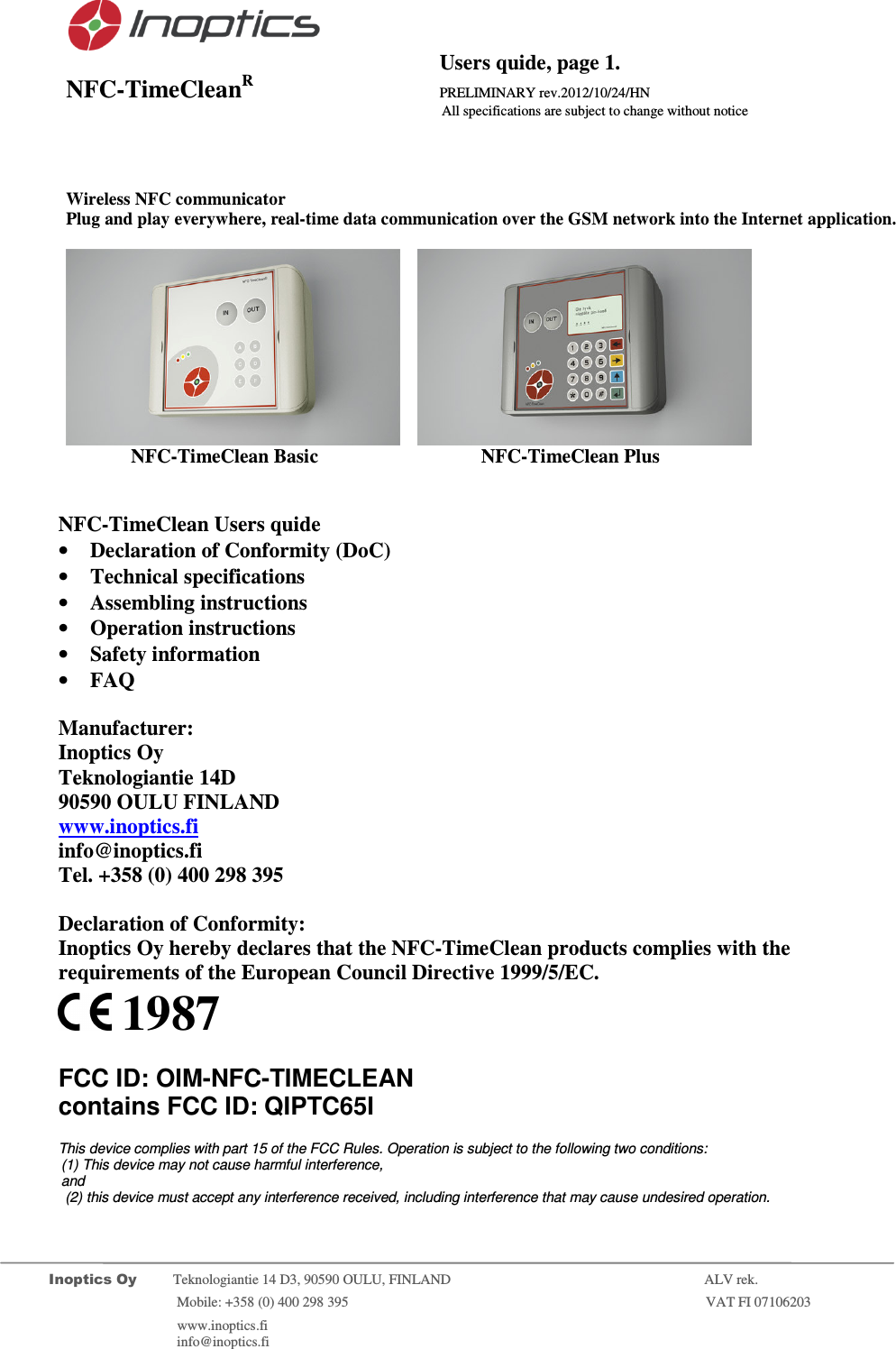
                                          Users quide, page 1. NFC-TimeCleanR                 PRELIMINARY rev.2012/10/24/HN                    All specifications are subject to change without notice         Inoptics Oy           Teknologiantie 14 D3, 90590 OULU, FINLAND    ALV rek.                        Mobile: +358 (0) 400 298 395                         VAT FI 07106203                 www.inoptics.fi              info@inoptics.fi                    Wireless NFC communicator Plug and play everywhere, real-time data communication over the GSM network into the Internet application.        NFC-TimeClean Basic     NFC-TimeClean Plus     NFC-TimeClean Users quide • Declaration of Conformity (DoC) • Technical specifications • Assembling instructions • Operation instructions • Safety information • FAQ  Manufacturer: Inoptics Oy Teknologiantie 14D 90590 OULU FINLAND www.inoptics.fi info@inoptics.fi Tel. +358 (0) 400 298 395  Declaration of Conformity: Inoptics Oy hereby declares that the NFC-TimeClean products complies with the requirements of the European Council Directive 1999/5/EC.   1987  FCC ID: OIM-NFC-TIMECLEAN  contains FCC ID: QIPTC65I  This device complies with part 15 of the FCC Rules. Operation is subject to the following two conditions: (1) This device may not cause harmful interference,  and  (2) this device must accept any interference received, including interference that may cause undesired operation.
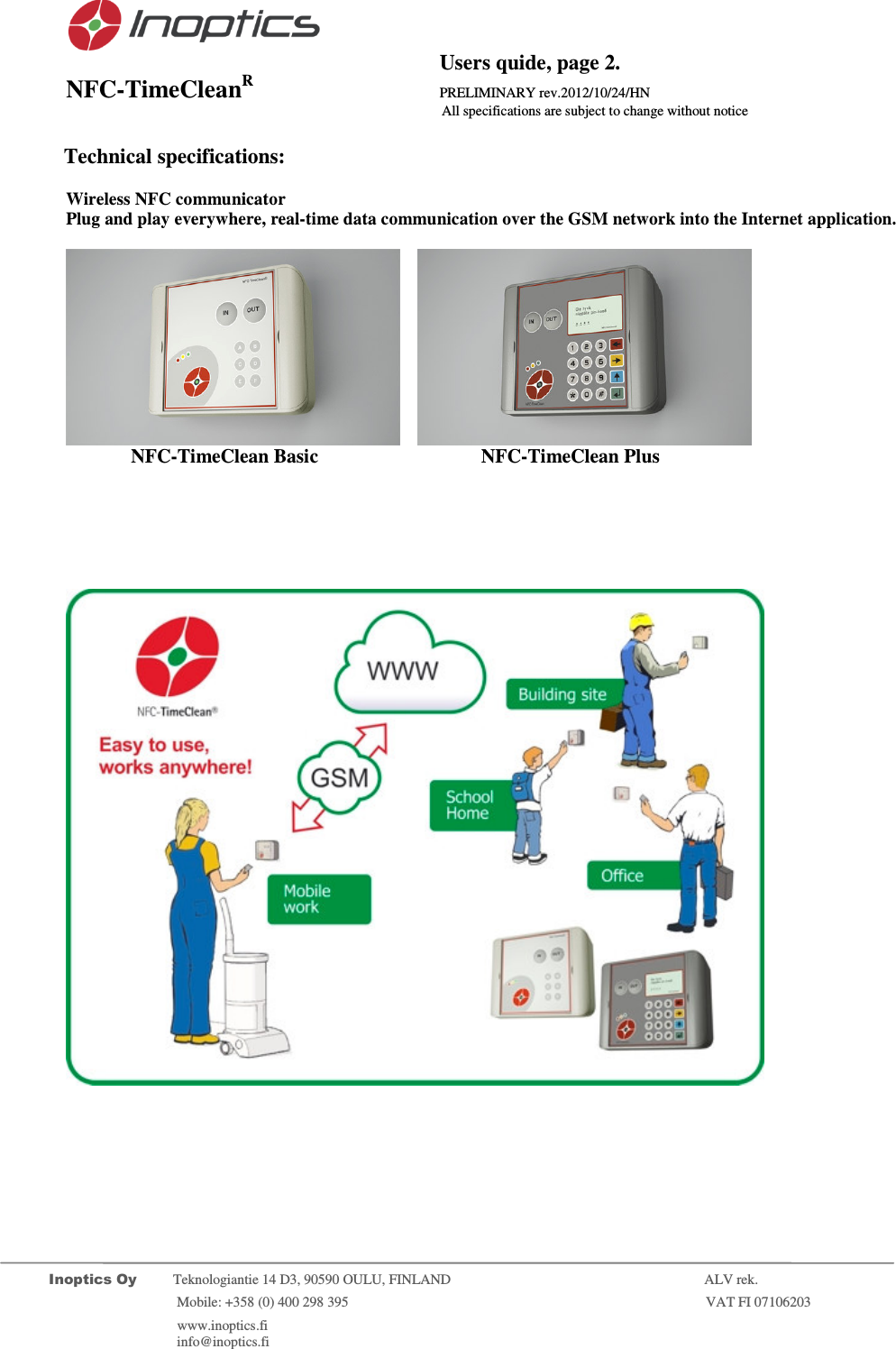
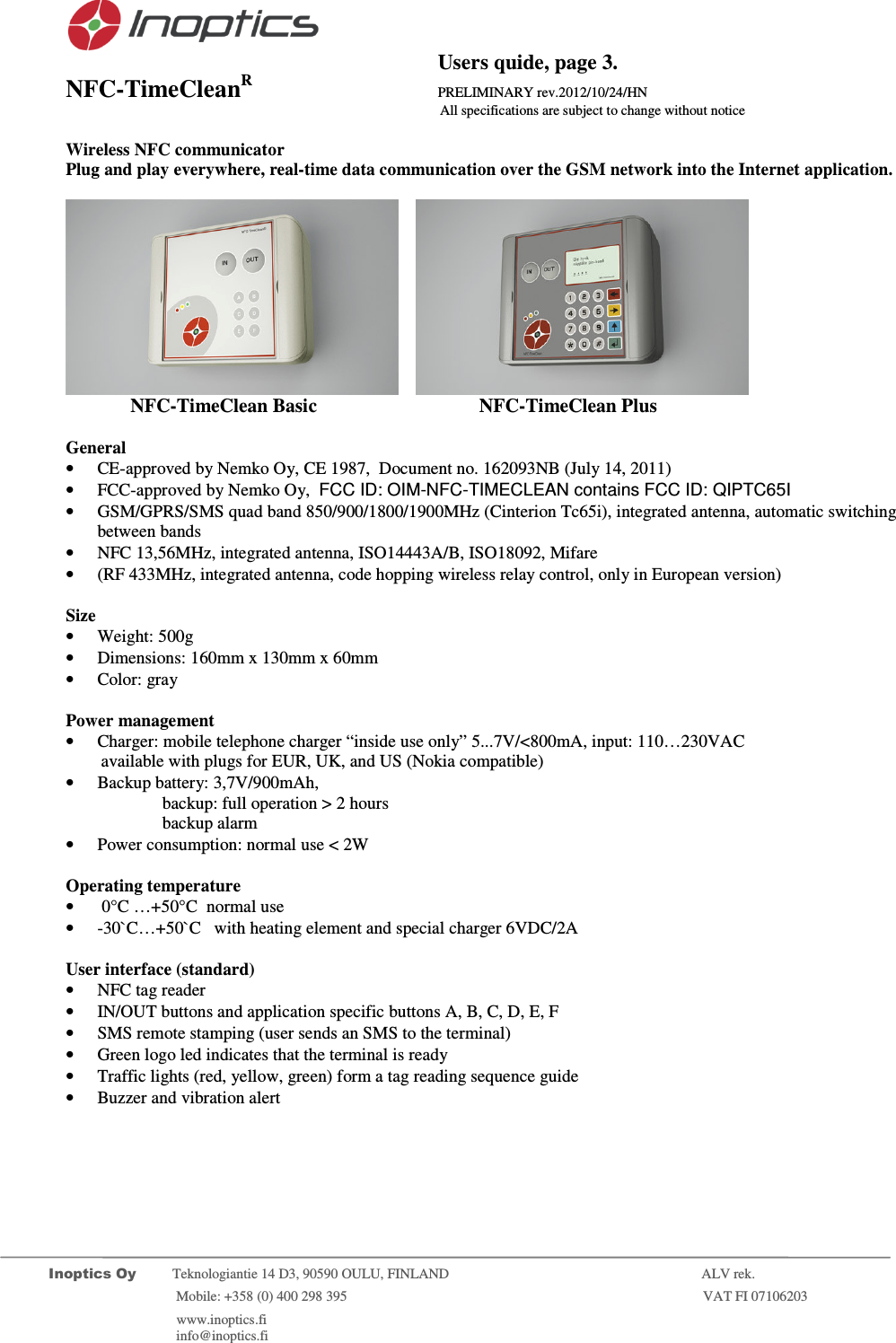
                                          Users quide, page 2. NFC-TimeCleanR                 PRELIMINARY rev.2012/10/24/HN                    All specifications are subject to change without notice         Inoptics Oy           Teknologiantie 14 D3, 90590 OULU, FINLAND    ALV rek.                        Mobile: +358 (0) 400 298 395                         VAT FI 07106203                 www.inoptics.fi              info@inoptics.fi                 Technical specifications:  Wireless NFC communicator Plug and play everywhere, real-time data communication over the GSM network into the Internet application.        NFC-TimeClean Basic     NFC-TimeClean Plus
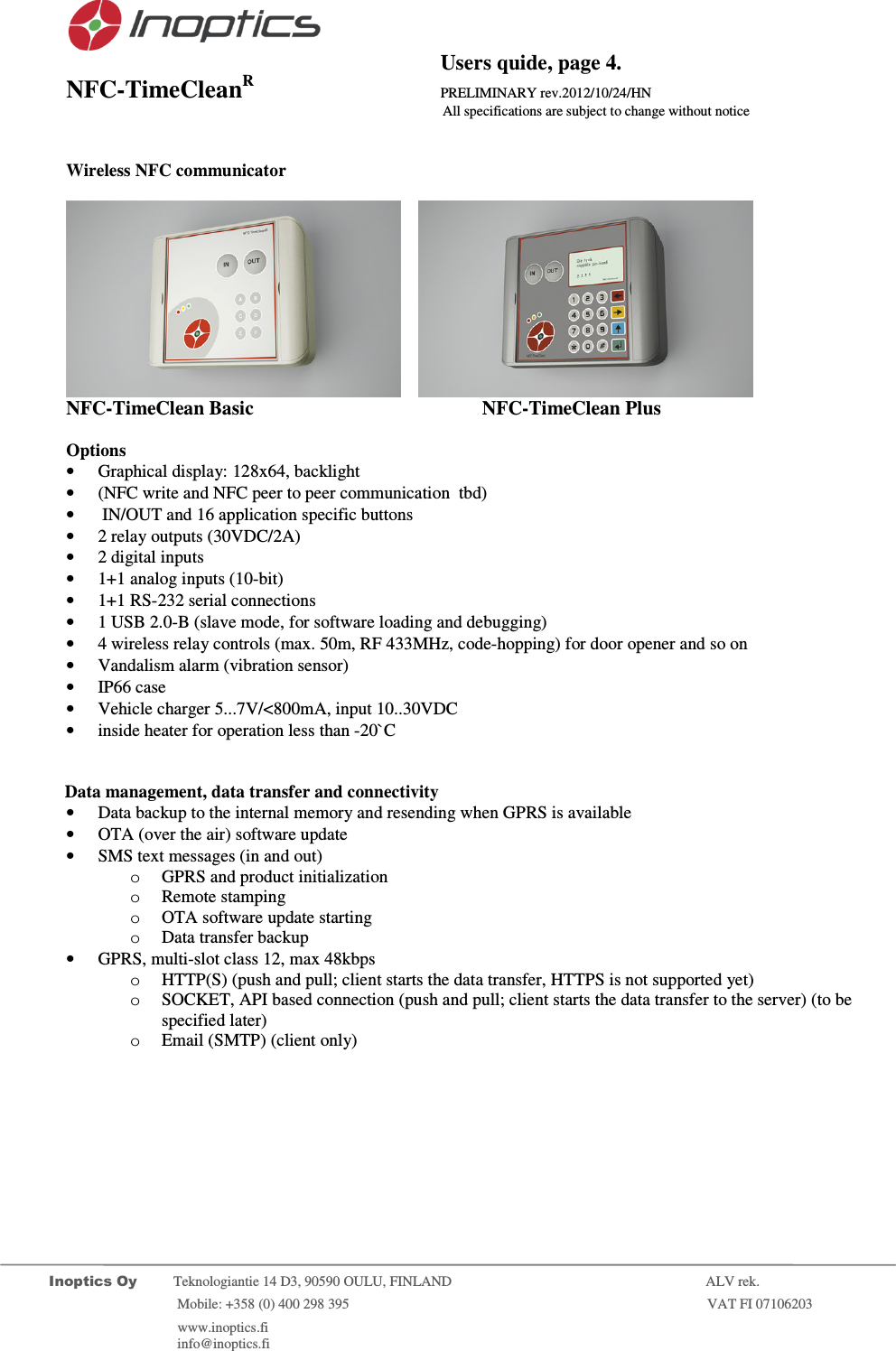
                                          Users quide, page 3. NFC-TimeCleanR                 PRELIMINARY rev.2012/10/24/HN                    All specifications are subject to change without notice         Inoptics Oy           Teknologiantie 14 D3, 90590 OULU, FINLAND    ALV rek.                        Mobile: +358 (0) 400 298 395                         VAT FI 07106203                 www.inoptics.fi              info@inoptics.fi        Wireless NFC communicator Plug and play everywhere, real-time data communication over the GSM network into the Internet application.        NFC-TimeClean Basic     NFC-TimeClean Plus    General • CE-approved by Nemko Oy, CE 1987,  Document no. 162093NB (July 14, 2011) • FCC-approved by Nemko Oy,  FCC ID: OIM-NFC-TIMECLEAN contains FCC ID: QIPTC65I • GSM/GPRS/SMS quad band 850/900/1800/1900MHz (Cinterion Tc65i), integrated antenna, automatic switching between bands • NFC 13,56MHz, integrated antenna, ISO14443A/B, ISO18092, Mifare • (RF 433MHz, integrated antenna, code hopping wireless relay control, only in European version)  Size • Weight: 500g • Dimensions: 160mm x 130mm x 60mm • Color: gray  Power management • Charger: mobile telephone charger “inside use only” 5...7V/<800mA, input: 110…230VAC          available with plugs for EUR, UK, and US (Nokia compatible) • Backup battery: 3,7V/900mAh,  backup: full operation > 2 hours  backup alarm  • Power consumption: normal use < 2W  Operating temperature •  0°C …+50°C  normal use • -30`C…+50`C   with heating element and special charger 6VDC/2A  User interface (standard) • NFC tag reader  • IN/OUT buttons and application specific buttons A, B, C, D, E, F • SMS remote stamping (user sends an SMS to the terminal) • Green logo led indicates that the terminal is ready • Traffic lights (red, yellow, green) form a tag reading sequence guide • Buzzer and vibration alert
                                          Users quide, page 4. NFC-TimeCleanR                 PRELIMINARY rev.2012/10/24/HN                    All specifications are subject to change without notice         Inoptics Oy           Teknologiantie 14 D3, 90590 OULU, FINLAND    ALV rek.                        Mobile: +358 (0) 400 298 395                         VAT FI 07106203                 www.inoptics.fi              info@inoptics.fi         Wireless NFC communicator           NFC-TimeClean Basic     NFC-TimeClean Plus  Options • Graphical display: 128x64, backlight • (NFC write and NFC peer to peer communication  tbd) •  IN/OUT and 16 application specific buttons  • 2 relay outputs (30VDC/2A) • 2 digital inputs • 1+1 analog inputs (10-bit)  • 1+1 RS-232 serial connections  • 1 USB 2.0-B (slave mode, for software loading and debugging) • 4 wireless relay controls (max. 50m, RF 433MHz, code-hopping) for door opener and so on • Vandalism alarm (vibration sensor) • IP66 case • Vehicle charger 5...7V/<800mA, input 10..30VDC • inside heater for operation less than -20`C              Data management, data transfer and connectivity • Data backup to the internal memory and resending when GPRS is available • OTA (over the air) software update • SMS text messages (in and out) o GPRS and product initialization  o Remote stamping o OTA software update starting o Data transfer backup • GPRS, multi-slot class 12, max 48kbps o HTTP(S) (push and pull; client starts the data transfer, HTTPS is not supported yet) o SOCKET, API based connection (push and pull; client starts the data transfer to the server) (to be specified later) o Email (SMTP) (client only)
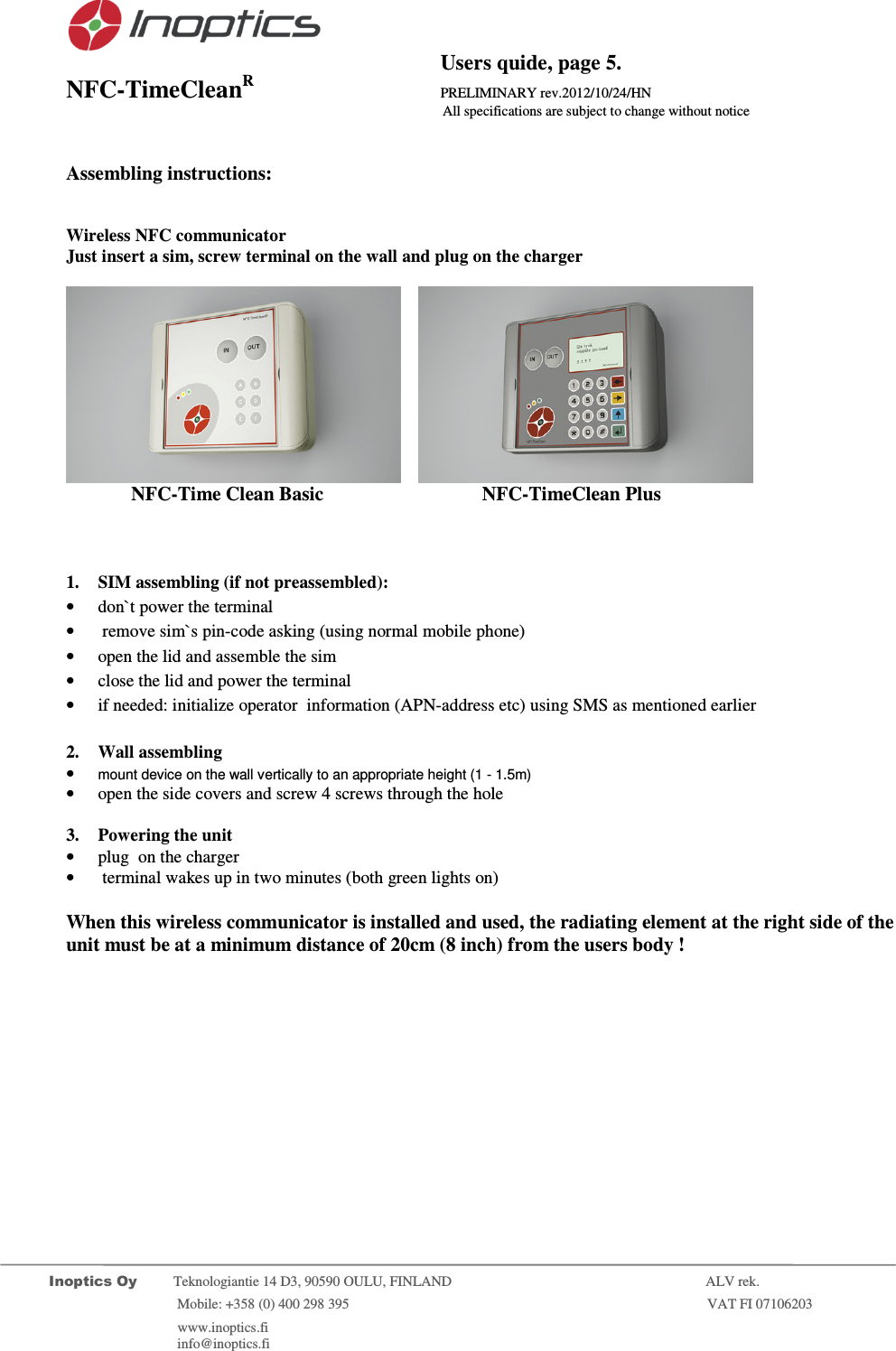
                                          Users quide, page 5. NFC-TimeCleanR                 PRELIMINARY rev.2012/10/24/HN                    All specifications are subject to change without notice         Inoptics Oy           Teknologiantie 14 D3, 90590 OULU, FINLAND    ALV rek.                        Mobile: +358 (0) 400 298 395                         VAT FI 07106203                 www.inoptics.fi              info@inoptics.fi         Assembling instructions:   Wireless NFC communicator  Just insert a sim, screw terminal on the wall and plug on the charger        NFC-Time Clean Basic     NFC-TimeClean Plus      1. SIM assembling (if not preassembled): • don`t power the terminal •  remove sim`s pin-code asking (using normal mobile phone) • open the lid and assemble the sim • close the lid and power the terminal • if needed: initialize operator  information (APN-address etc) using SMS as mentioned earlier  2. Wall assembling  • mount device on the wall vertically to an appropriate height (1 - 1.5m) • open the side covers and screw 4 screws through the hole  3. Powering the unit • plug  on the charger •  terminal wakes up in two minutes (both green lights on)  When this wireless communicator is installed and used, the radiating element at the right side of the unit must be at a minimum distance of 20cm (8 inch) from the users body !
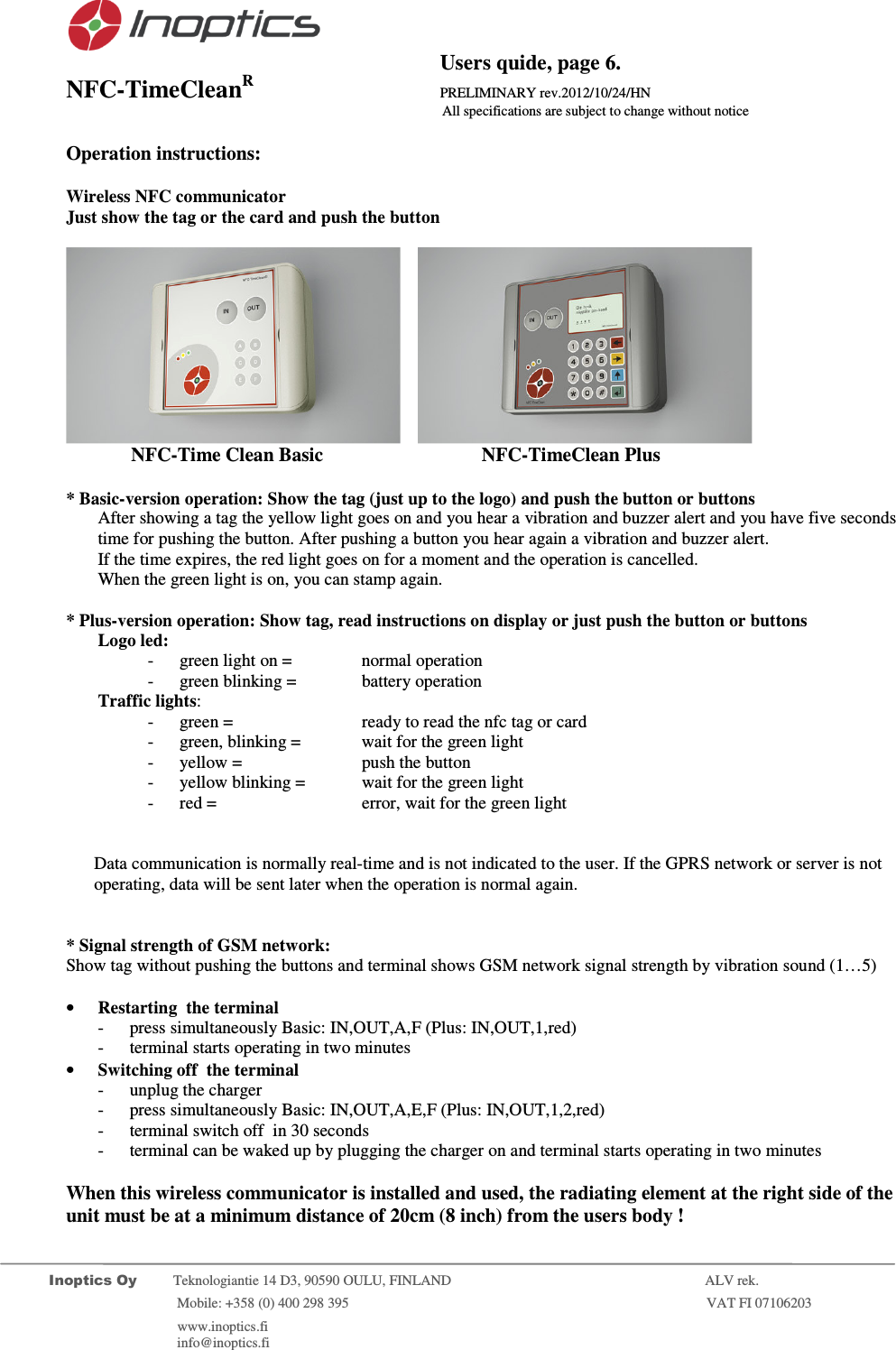
                                          Users quide, page 6. NFC-TimeCleanR                 PRELIMINARY rev.2012/10/24/HN                    All specifications are subject to change without notice         Inoptics Oy           Teknologiantie 14 D3, 90590 OULU, FINLAND    ALV rek.                        Mobile: +358 (0) 400 298 395                         VAT FI 07106203                 www.inoptics.fi              info@inoptics.fi        Operation instructions:  Wireless NFC communicator  Just show the tag or the card and push the button        NFC-Time Clean Basic     NFC-TimeClean Plus    * Basic-version operation: Show the tag (just up to the logo) and push the button or buttons After showing a tag the yellow light goes on and you hear a vibration and buzzer alert and you have five seconds time for pushing the button. After pushing a button you hear again a vibration and buzzer alert. If the time expires, the red light goes on for a moment and the operation is cancelled.  When the green light is on, you can stamp again.   * Plus-version operation: Show tag, read instructions on display or just push the button or buttons Logo led: - green light on =    normal operation - green blinking =   battery operation Traffic lights: - green =     ready to read the nfc tag or card - green, blinking =  wait for the green light - yellow =   push the button  - yellow blinking =   wait for the green light - red =     error, wait for the green light   Data communication is normally real-time and is not indicated to the user. If the GPRS network or server is not operating, data will be sent later when the operation is normal again.   * Signal strength of GSM network:   Show tag without pushing the buttons and terminal shows GSM network signal strength by vibration sound (1…5)  • Restarting  the terminal - press simultaneously Basic: IN,OUT,A,F (Plus: IN,OUT,1,red) - terminal starts operating in two minutes • Switching off  the terminal  - unplug the charger - press simultaneously Basic: IN,OUT,A,E,F (Plus: IN,OUT,1,2,red) - terminal switch off  in 30 seconds - terminal can be waked up by plugging the charger on and terminal starts operating in two minutes  When this wireless communicator is installed and used, the radiating element at the right side of the unit must be at a minimum distance of 20cm (8 inch) from the users body !
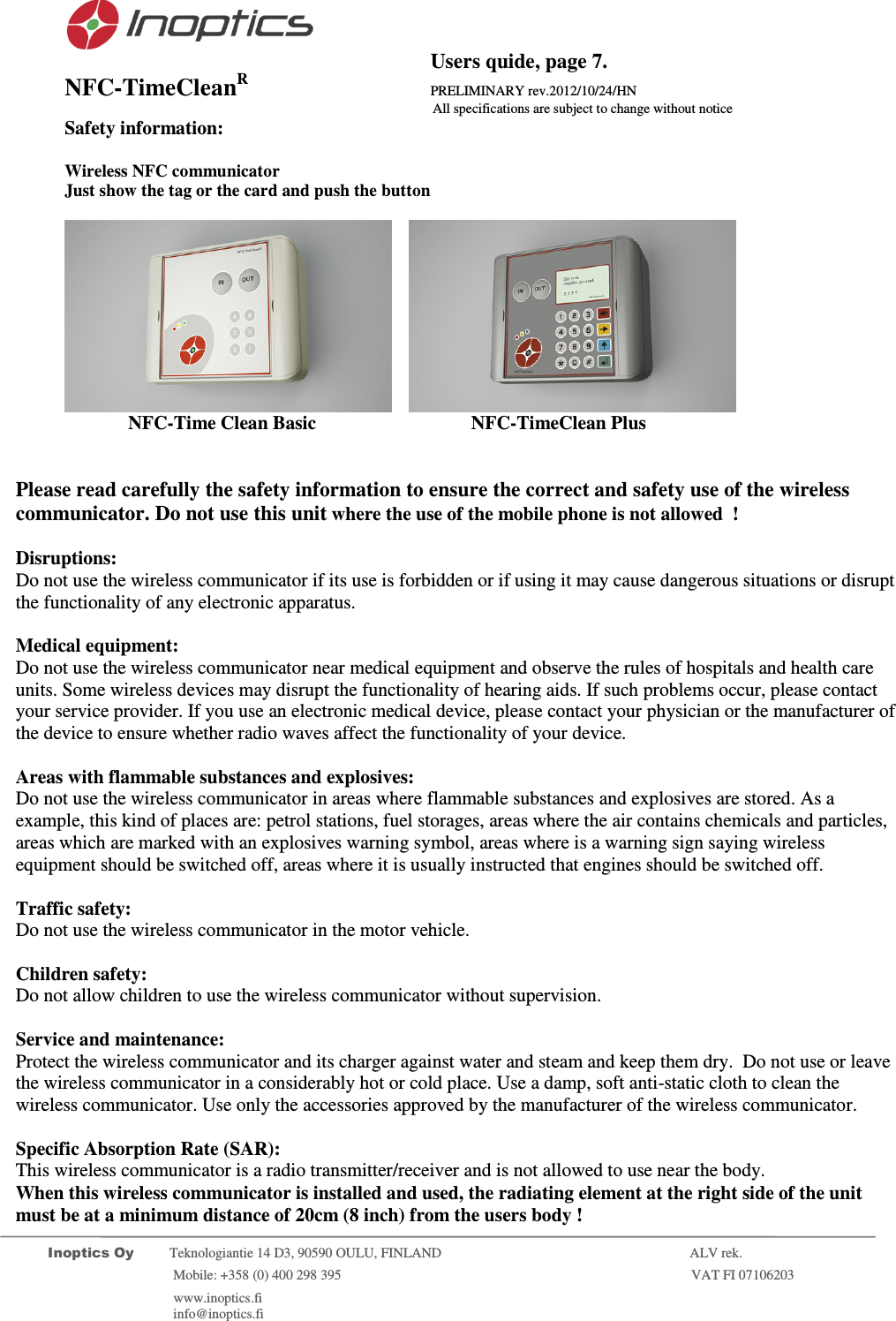
                                          Users quide, page 7. NFC-TimeCleanR                 PRELIMINARY rev.2012/10/24/HN                    All specifications are subject to change without notice         Inoptics Oy           Teknologiantie 14 D3, 90590 OULU, FINLAND    ALV rek.                        Mobile: +358 (0) 400 298 395                         VAT FI 07106203                 www.inoptics.fi              info@inoptics.fi       Safety information:  Wireless NFC communicator  Just show the tag or the card and push the button        NFC-Time Clean Basic     NFC-TimeClean Plus     Please read carefully the safety information to ensure the correct and safety use of the wireless communicator. Do not use this unit where the use of the mobile phone is not allowed  !  Disruptions: Do not use the wireless communicator if its use is forbidden or if using it may cause dangerous situations or disrupt the functionality of any electronic apparatus.  Medical equipment: Do not use the wireless communicator near medical equipment and observe the rules of hospitals and health care units. Some wireless devices may disrupt the functionality of hearing aids. If such problems occur, please contact your service provider. If you use an electronic medical device, please contact your physician or the manufacturer of the device to ensure whether radio waves affect the functionality of your device.  Areas with flammable substances and explosives: Do not use the wireless communicator in areas where flammable substances and explosives are stored. As a example, this kind of places are: petrol stations, fuel storages, areas where the air contains chemicals and particles, areas which are marked with an explosives warning symbol, areas where is a warning sign saying wireless equipment should be switched off, areas where it is usually instructed that engines should be switched off.  Traffic safety: Do not use the wireless communicator in the motor vehicle.    Children safety: Do not allow children to use the wireless communicator without supervision.  Service and maintenance: Protect the wireless communicator and its charger against water and steam and keep them dry.  Do not use or leave the wireless communicator in a considerably hot or cold place. Use a damp, soft anti-static cloth to clean the wireless communicator. Use only the accessories approved by the manufacturer of the wireless communicator.  Specific Absorption Rate (SAR): This wireless communicator is a radio transmitter/receiver and is not allowed to use near the body.  When this wireless communicator is installed and used, the radiating element at the right side of the unit must be at a minimum distance of 20cm (8 inch) from the users body !
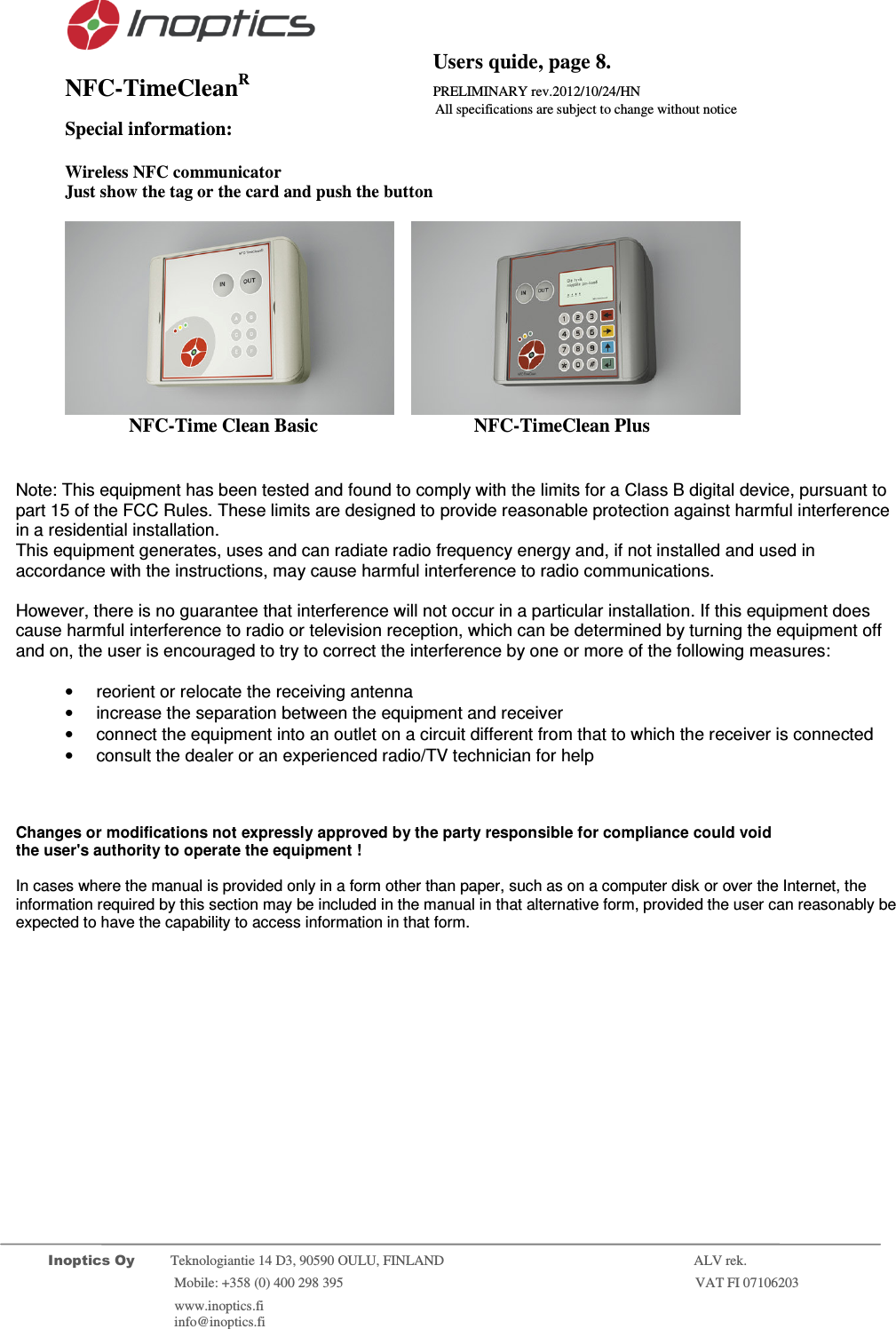
                                          Users quide, page 8. NFC-TimeCleanR                 PRELIMINARY rev.2012/10/24/HN                    All specifications are subject to change without notice         Inoptics Oy           Teknologiantie 14 D3, 90590 OULU, FINLAND    ALV rek.                        Mobile: +358 (0) 400 298 395                         VAT FI 07106203                 www.inoptics.fi              info@inoptics.fi       Special information:  Wireless NFC communicator  Just show the tag or the card and push the button        NFC-Time Clean Basic     NFC-TimeClean Plus     Note: This equipment has been tested and found to comply with the limits for a Class B digital device, pursuant to part 15 of the FCC Rules. These limits are designed to provide reasonable protection against harmful interference in a residential installation.  This equipment generates, uses and can radiate radio frequency energy and, if not installed and used in accordance with the instructions, may cause harmful interference to radio communications.  However, there is no guarantee that interference will not occur in a particular installation. If this equipment does cause harmful interference to radio or television reception, which can be determined by turning the equipment off and on, the user is encouraged to try to correct the interference by one or more of the following measures:  •  reorient or relocate the receiving antenna •  increase the separation between the equipment and receiver •  connect the equipment into an outlet on a circuit different from that to which the receiver is connected •  consult the dealer or an experienced radio/TV technician for help      Changes or modifications not expressly approved by the party responsible for compliance could void the user's authority to operate the equipment !  In cases where the manual is provided only in a form other than paper, such as on a computer disk or over the Internet, the information required by this section may be included in the manual in that alternative form, provided the user can reasonably be expected to have the capability to access information in that form.
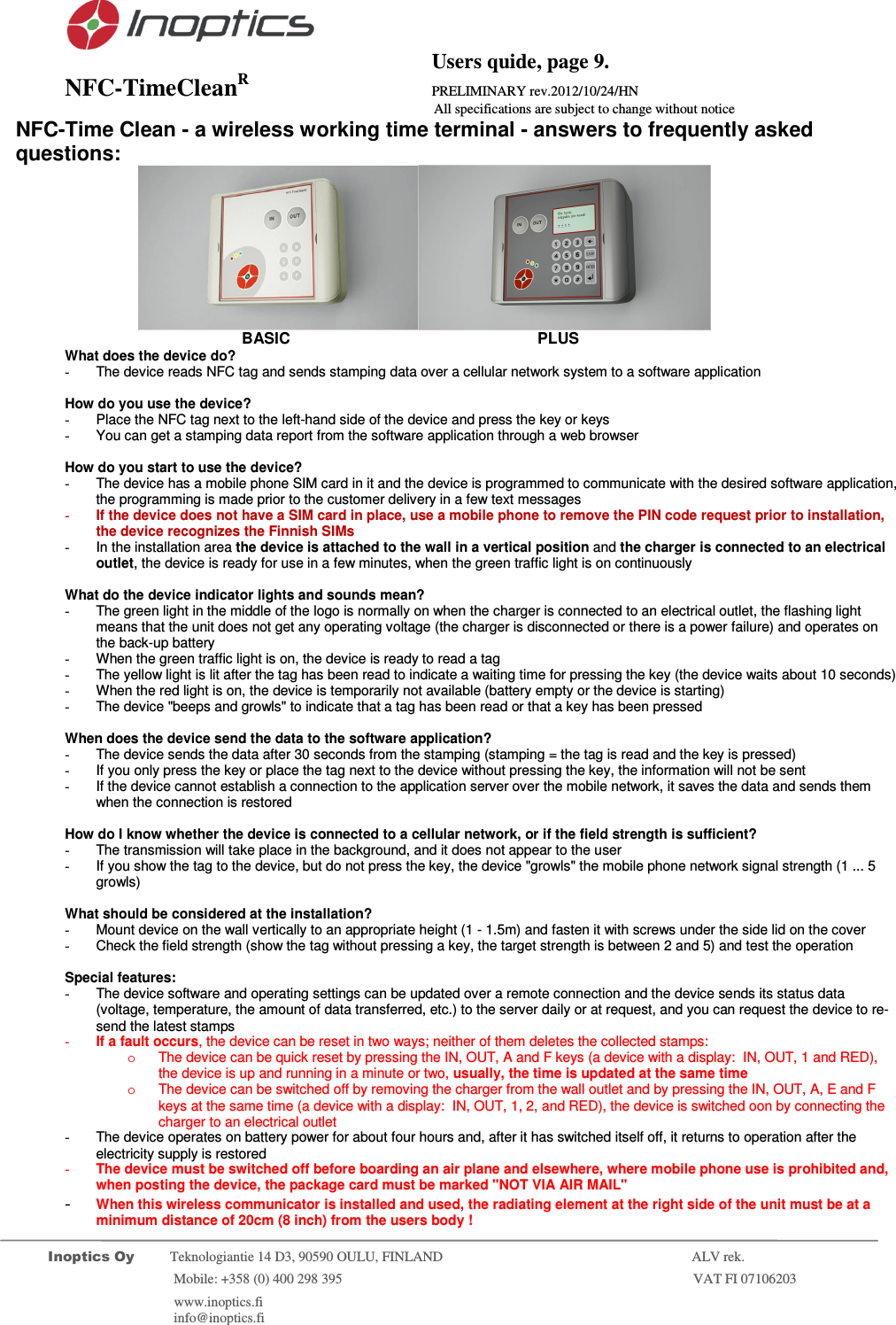
                                          Users quide, page 9. NFC-TimeCleanR                 PRELIMINARY rev.2012/10/24/HN                    All specifications are subject to change without notice         Inoptics Oy           Teknologiantie 14 D3, 90590 OULU, FINLAND    ALV rek.                        Mobile: +358 (0) 400 298 395                         VAT FI 07106203                 www.inoptics.fi              info@inoptics.fi       NFC-Time Clean - a wireless working time terminal - answers to frequently asked questions:                            BASIC                    PLUS What does the device do? -  The device reads NFC tag and sends stamping data over a cellular network system to a software application   How do you use the device? -  Place the NFC tag next to the left-hand side of the device and press the key or keys -  You can get a stamping data report from the software application through a web browser   How do you start to use the device? -  The device has a mobile phone SIM card in it and the device is programmed to communicate with the desired software application, the programming is made prior to the customer delivery in a few text messages  - If the device does not have a SIM card in place, use a mobile phone to remove the PIN code request prior to installation, the device recognizes the Finnish SIMs  -  In the installation area the device is attached to the wall in a vertical position and the charger is connected to an electrical outlet, the device is ready for use in a few minutes, when the green traffic light is on continuously  What do the device indicator lights and sounds mean? -  The green light in the middle of the logo is normally on when the charger is connected to an electrical outlet, the flashing light means that the unit does not get any operating voltage (the charger is disconnected or there is a power failure) and operates on the back-up battery  -  When the green traffic light is on, the device is ready to read a tag -  The yellow light is lit after the tag has been read to indicate a waiting time for pressing the key (the device waits about 10 seconds) -  When the red light is on, the device is temporarily not available (battery empty or the device is starting) -  The device "beeps and growls" to indicate that a tag has been read or that a key has been pressed   When does the device send the data to the software application? -  The device sends the data after 30 seconds from the stamping (stamping = the tag is read and the key is pressed) -  If you only press the key or place the tag next to the device without pressing the key, the information will not be sent -  If the device cannot establish a connection to the application server over the mobile network, it saves the data and sends them when the connection is restored  How do I know whether the device is connected to a cellular network, or if the field strength is sufficient? -  The transmission will take place in the background, and it does not appear to the user -  If you show the tag to the device, but do not press the key, the device "growls" the mobile phone network signal strength (1 ... 5 growls)  What should be considered at the installation? -  Mount device on the wall vertically to an appropriate height (1 - 1.5m) and fasten it with screws under the side lid on the cover -  Check the field strength (show the tag without pressing a key, the target strength is between 2 and 5) and test the operation  Special features: -  The device software and operating settings can be updated over a remote connection and the device sends its status data (voltage, temperature, the amount of data transferred, etc.) to the server daily or at request, and you can request the device to re-send the latest stamps - If a fault occurs, the device can be reset in two ways; neither of them deletes the collected stamps: o  The device can be quick reset by pressing the IN, OUT, A and F keys (a device with a display:  IN, OUT, 1 and RED), the device is up and running in a minute or two, usually, the time is updated at the same time  o  The device can be switched off by removing the charger from the wall outlet and by pressing the IN, OUT, A, E and F keys at the same time (a device with a display:  IN, OUT, 1, 2, and RED), the device is switched oon by connecting the charger to an electrical outlet -  The device operates on battery power for about four hours and, after it has switched itself off, it returns to operation after the electricity supply is restored - The device must be switched off before boarding an air plane and elsewhere, where mobile phone use is prohibited and, when posting the device, the package card must be marked "NOT VIA AIR MAIL" - When this wireless communicator is installed and used, the radiating element at the right side of the unit must be at a minimum distance of 20cm (8 inch) from the users body !

Navigation menu