Jablotron RC87 Wireless wrist button- Component of alarm system User Manual Exhibit 7 Instruction manual RC87

Jablotron Ltd Wireless wrist button- Component of alarm system Exhibit 7 Instruction manual RC87

User Manual

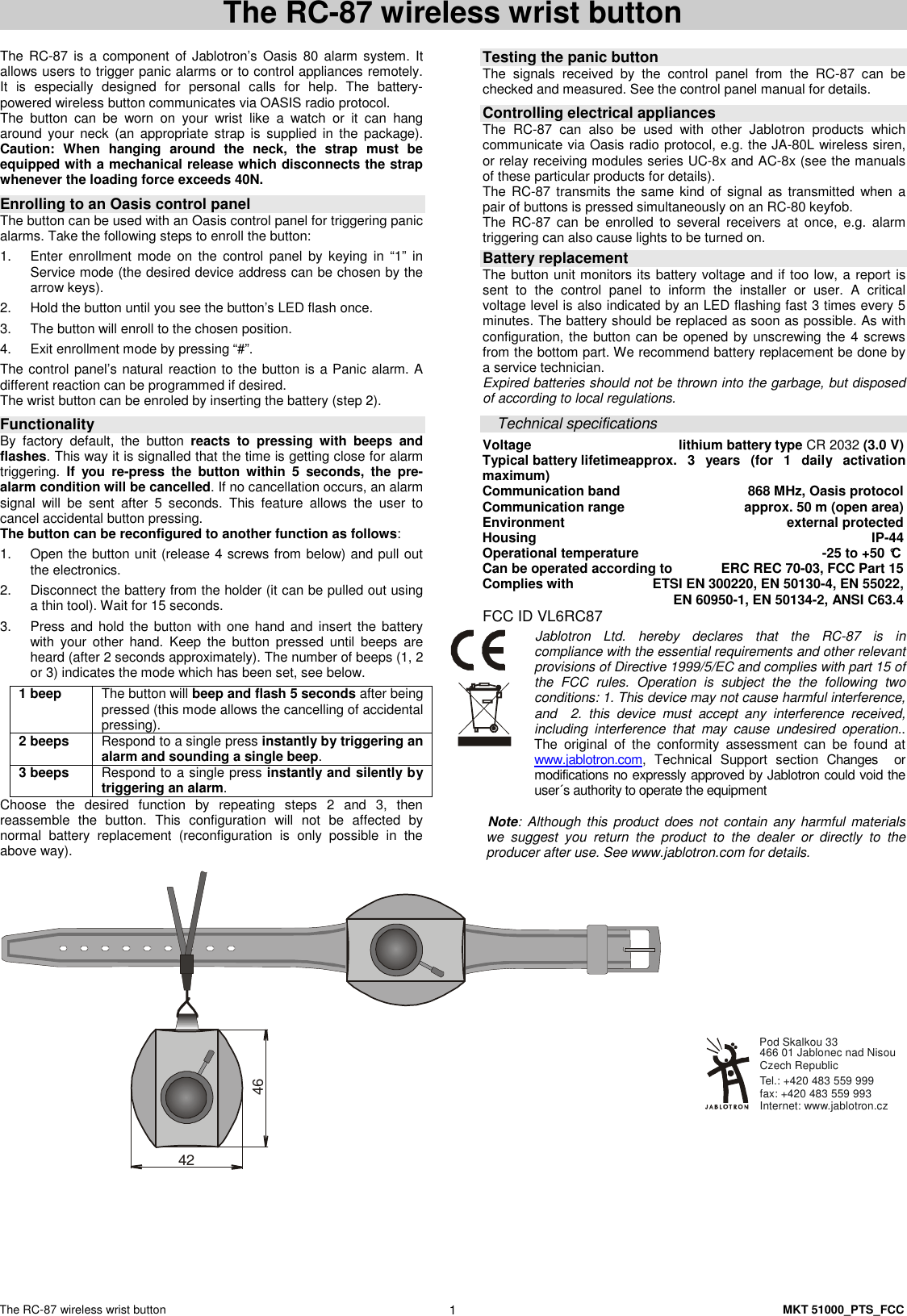
The RC-87 wireless wrist button    MKT 51000_PTS_FCC 1 The RC-87 wireless wrist button   The RC-87 is a component of Jablotron’s  Oasis 80 alarm system.  It allows users to trigger panic alarms or to control appliances remotely. It  is  especially  designed  for  personal  calls  for  help.  The  battery-powered wireless button communicates via OASIS radio protocol. The  button  can  be  worn  on  your  wrist  like  a  watch  or  it  can  hang around your  neck  (an  appropriate  strap  is  supplied in  the  package). Caution:  When  hanging  around  the  neck,  the  strap  must  be equipped with a mechanical release which disconnects the strap whenever the loading force exceeds 40N.   Enrolling to an Oasis control panel The button can be used with an Oasis control panel for triggering panic alarms. Take the following steps to enroll the button: 1.  Enter  enrollment  mode  on  the  control  panel  by  keying  in  “1”  in Service mode (the desired device address can be chosen by the arrow keys).  2.  Hold the button until you see the button’s LED flash once. 3.  The button will enroll to the chosen position. 4.  Exit enrollment mode by pressing “#”. The control panel’s natural reaction to the button is a Panic alarm. A different reaction can be programmed if desired. The wrist button can be enroled by inserting the battery (step 2).  Functionality  By  factory  default,  the  button  reacts  to  pressing  with  beeps  and flashes. This way it is signalled that the time is getting close for alarm triggering.  If  you  re-press  the  button  within  5  seconds,  the  pre-alarm condition will be cancelled. If no cancellation occurs, an alarm signal  will  be  sent  after  5  seconds.  This  feature  allows  the  user  to cancel accidental button pressing. The button can be reconfigured to another function as follows: 1.  Open the button unit (release 4 screws from below) and pull out the electronics. 2.  Disconnect the battery from the holder (it can be pulled out using a thin tool). Wait for 15 seconds. 3.  Press and hold  the button with one hand and insert the battery with  your  other  hand.  Keep  the  button  pressed  until  beeps  are heard (after 2 seconds approximately). The number of beeps (1, 2 or 3) indicates the mode which has been set, see below. 1 beep    The button will beep and flash 5 seconds after being pressed (this mode allows the cancelling of accidental pressing). 2 beeps  Respond to a single press instantly by triggering an alarm and sounding a single beep. 3 beeps  Respond to a single press instantly and silently by triggering an alarm. Choose  the  desired  function  by  repeating  steps  2  and  3,  then reassemble  the  button.  This  configuration  will  not  be  affected  by normal  battery  replacement  (reconfiguration  is  only  possible  in  the above way).   Testing the panic button  The  signals  received  by  the  control  panel  from  the  RC-87  can  be checked and measured. See the control panel manual for details.  Controlling electrical appliances The  RC-87  can  also  be  used  with  other  Jablotron  products  which communicate via Oasis radio protocol, e.g. the JA-80L wireless siren, or relay receiving modules series UC-8x and AC-8x (see the manuals of these particular products for details).     The RC-87 transmits the same kind of signal as transmitted when a pair of buttons is pressed simultaneously on an RC-80 keyfob. The  RC-87  can  be  enrolled  to  several  receivers  at  once,  e.g.  alarm triggering can also cause lights to be turned on.  Battery replacement The button unit monitors its battery voltage and if too low, a report is sent  to  the  control  panel  to  inform  the  installer  or  user.  A  critical voltage level is also indicated by an LED flashing fast 3 times every 5 minutes. The battery should be replaced as soon as possible. As with configuration, the button can be opened by unscrewing the 4 screws from the bottom part. We recommend battery replacement be done by a service technician. Expired batteries should not be thrown into the garbage, but disposed of according to local regulations.  Technical specifications Voltage  lithium battery type CR 2032 (3.0 V) Typical battery lifetimeapprox.  3  years  (for  1  daily  activation maximum) Communication band  868 MHz, Oasis protocol Communication range  approx. 50 m (open area) Environment  external protected Housing  IP-44 Operational temperature  -25 to +50 °C Can be operated according to  ERC REC 70-03, FCC Part 15  Complies with   ETSI EN 300220, EN 50130-4, EN 55022,   EN 60950-1, EN 50134-2, ANSI C63.4 FCC ID VL6RC87 Jablotron  Ltd.  hereby  declares  that  the  RC-87  is  in compliance with the essential requirements and other relevant provisions of Directive 1999/5/EC and complies with part 15 of the  FCC  rules.  Operation  is  subject  the  the  following  two conditions: 1. This device may not cause harmful interference, and    2.  this  device  must  accept  any  interference  received, including  interference  that  may  cause  undesired  operation.. The  original  of  the  conformity  assessment  can  be  found  at www.jablotron.com,  Technical  Support  section  Changes    or modifications no expressly approved by Jablotron could void the user´s authority to operate the equipment   Note: Although this product does not contain any harmful materials we  suggest  you  return  the  product  to  the  dealer  or  directly  to  the producer after use. See www.jablotron.com for details. 4246  Internet: www.jablotron.czTel.: +420 483 559 999  fax: +420 483 559 993Pod Skalkou 33 466 01 Jablonec nad NisouCzech Republic

Navigation menu