K Mark QUADBT Razor Quad BT Muff User Manual 120516 instruction artwork v2

K-Mark Industrial Limited. Razor Quad BT Muff 120516 instruction artwork v2

User Manual

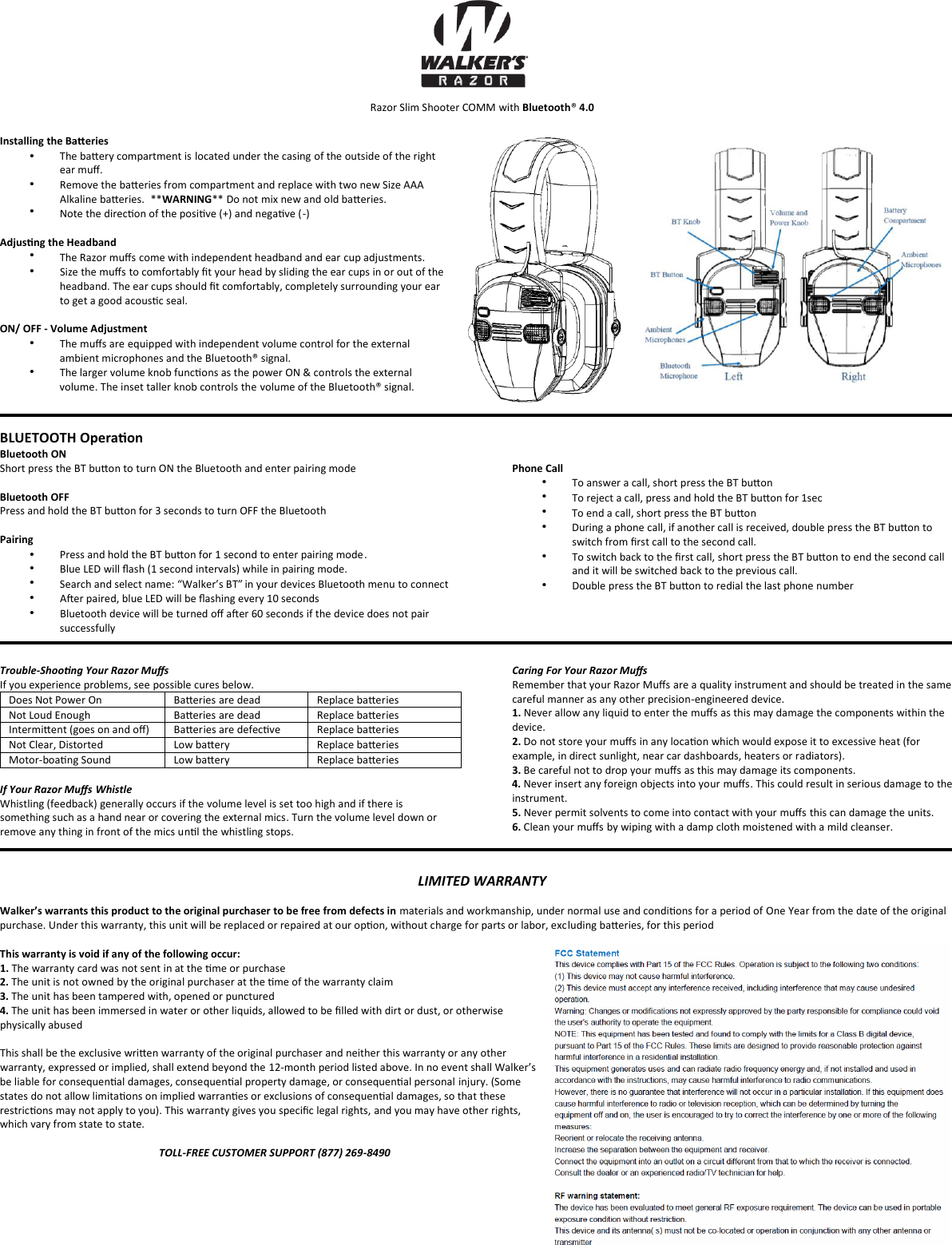
Razor Slim Shooter COMM with Bluetooth® 4.0 Installing the Baeries •The baery compartment is located under the casing of the outside of the right ear muff.  Remove the baeries from compartment and replace with two new Size AAA Alkaline baeries.  **WARNING** Do not mix new and old baeries. Note the direcon of the posive (+) and negave (-)  Adjusng the Headband The Razor muffs come with independent headband and ear cup adjustments. Size the muffs to comfortably fit your head by sliding the ear cups in or out of the headband. The ear cups should fit comfortably, completely surrounding your ear to get a good acousc seal. ON/ OFF - Volume Adjustment The muffs are equipped with independent volume control for the external ambient microphones and the Bluetooth® signal.  The larger volume knob funcons as the power ON & controls the external volume. The inset taller knob controls the volume of the Bluetooth® signal. BLUETOOTH Operaon  Bluetooth ON  Short press the BT buon to turn ON the Bluetooth and enter pairing mode Bluetooth OFF  Press and hold the BT buon for 3 seconds to turn OFF the Bluetooth Pairing  •Press and hold the BT buon for 1 second to enter pairing mode. Blue LED will flash (1 second intervals) while in pairing mode. Search and select name: “Walker’s BT” in your devices Bluetooth menu to connect  Aer paired, blue LED will be flashing every 10 seconds Bluetooth device will be turned off aer 60 seconds if the device does not pair successfully Phone Call  To answer a call, short press the BT buon  To reject a call, press and hold the BT buon for 1sec  To end a call, short press the BT buon  During a phone call, if another call is received, double press the BT buon to switch from first call to the second call.  To switch back to the first call, short press the BT buon to end the second call and it will be switched back to the previous call.  Double press the BT buon to redial the last phone number   Trouble-Shoong Your Razor Muffs  If you experience problems, see possible cures below. Does Not Power On Baeries are dead Replace baeries Not Loud Enough Baeries are dead Replace baeries Intermient (goes on and off) Baeries are defecve  Replace baeries Not Clear, Distorted Low baery Replace baeries Motor-boang Sound Low baery Replace baeries If Your Razor Muffs Whistle Whistling (feedback) generally occurs if the volume level is set too high and if there is something such as a hand near or covering the external mics. Turn the volume level down or remove any thing in front of the mics unl the whistling stops.  Caring For Your Razor Muffs Remember that your Razor Muffs are a quality instrument and should be treated in the same careful manner as any other precision-engineered device. 1. Never allow any liquid to enter the muffs as this may damage the components within the device. 2. Do not store your muffs in any locaon which would expose it to excessive heat (for example, in direct sunlight, near car dashboards, heaters or radiators). 3. Be careful not to drop your muffs as this may damage its components.4. Never insert any foreign objects into your muffs. This could result in serious damage to theinstrument. 5. Never permit solvents to come into contact with your muffs this can damage the units.6. Clean your muffs by wiping with a damp cloth moistened with a mild cleanser.LIMITED WARRANTY Walker’s warrants this product to the original purchaser to be free from defects in materials and workmanship, under normal use and condions for a period of One Year from the date of the original purchase. Under this warranty, this unit will be replaced or repaired at our opon, without charge for parts or labor, excluding baeries, for this period This warranty is void if any of the following occur: 1. The warranty card was not sent in at the me or purchase2. The unit is not owned by the original purchaser at the me of the warranty claim3. The unit has been tampered with, opened or punctured4. The unit has been immersed in water or other liquids, allowed to be filled with dirt or dust, or otherwise physically abused This shall be the exclusive wrien warranty of the original purchaser and neither this warranty or any other warranty, expressed or implied, shall extend beyond the 12-month period listed above. In no event shall Walker’s  be liable for consequenal damages, consequenal property damage, or consequenal personal injury. (Some states do not allow limitaons on implied warranes or exclusions of consequenal damages, so that these restricons may not apply to you). This warranty gives you specific legal rights, and you may have other rights, which vary from state to state. TOLL-FREE CUSTOMER SUPPORT (877) 269-8490 ••••••••••••••••

Navigation menu