KatchAll Technology Group TT02 Base Station Transceiver to collect Temperature Da User Manual

KatchAll Technology Group Base Station Transceiver to collect Temperature Da Users Manual

Users Manual

TempTrakCommanderWireless Data Base StationOperating InstructionsRevision AKatchall Technology Group5800 Creek RoadCincinnati, Ohio  45242(800) 533-6900
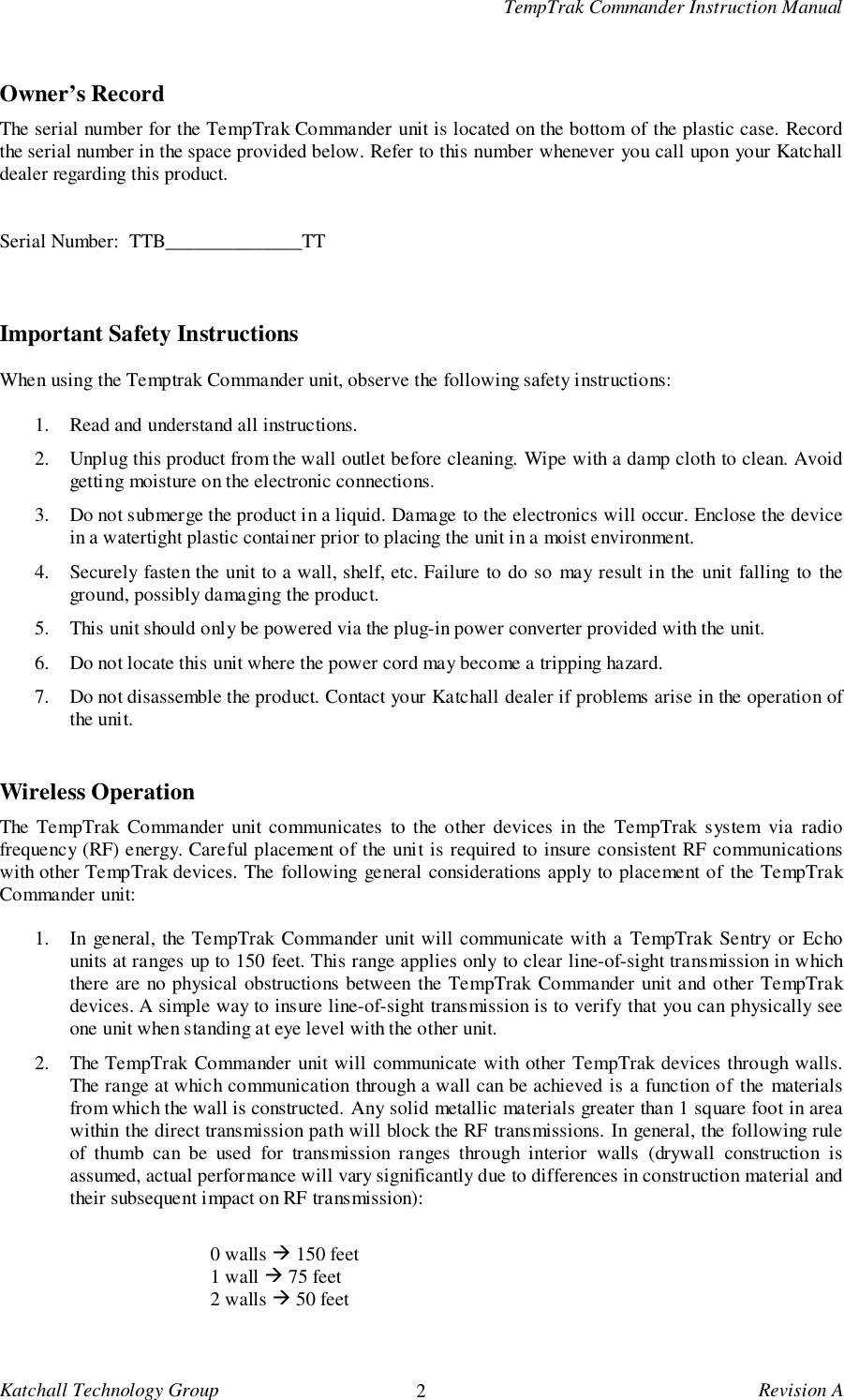
TempTrak Commander Instruction ManualKatchall Technology Group 2Revision AOwner’s RecordThe serial number for the TempTrak Commander unit is located on the bottom of the plastic case. Recordthe serial number in the space provided below. Refer to this number whenever you call upon your Katchalldealer regarding this product.Serial Number:  TTB______________TTImportant Safety InstructionsWhen using the Temptrak Commander unit, observe the following safety instructions:1. Read and understand all instructions.2. Unplug this product from the wall outlet before cleaning. Wipe with a damp cloth to clean. Avoidgetting moisture on the electronic connections.3. Do not submerge the product in a liquid. Damage to the electronics will occur. Enclose the devicein a watertight plastic container prior to placing the unit in a moist environment.4. Securely fasten the unit to a wall, shelf, etc. Failure to do so may result in the unit falling to theground, possibly damaging the product.5. This unit should only be powered via the plug-in power converter provided with the unit.6. Do not locate this unit where the power cord may become a tripping hazard.7. Do not disassemble the product. Contact your Katchall dealer if problems arise in the operation ofthe unit.Wireless OperationThe TempTrak Commander unit communicates to the other devices in the TempTrak system via radiofrequency (RF) energy. Careful placement of the unit is required to insure consistent RF communicationswith other TempTrak devices. The following general considerations apply to placement of the TempTrakCommander unit:1. In general, the TempTrak Commander unit will communicate with a TempTrak Sentry or Echounits at ranges up to 150 feet. This range applies only to clear line-of-sight transmission in whichthere are no physical obstructions between the TempTrak Commander unit and other TempTrakdevices. A simple way to insure line-of-sight transmission is to verify that you can physically seeone unit when standing at eye level with the other unit.2. The TempTrak Commander unit will communicate with other TempTrak devices through walls.The range at which communication through a wall can be achieved is a function of the materialsfrom which the wall is constructed. Any solid metallic materials greater than 1 square foot in areawithin the direct transmission path will block the RF transmissions. In general, the following ruleof thumb can be used for transmission ranges through interior walls (drywall construction isassumed, actual performance will vary significantly due to differences in construction material andtheir subsequent impact on RF transmission):0 walls ! 150 feet1 wall ! 75 feet2 walls ! 50 feet
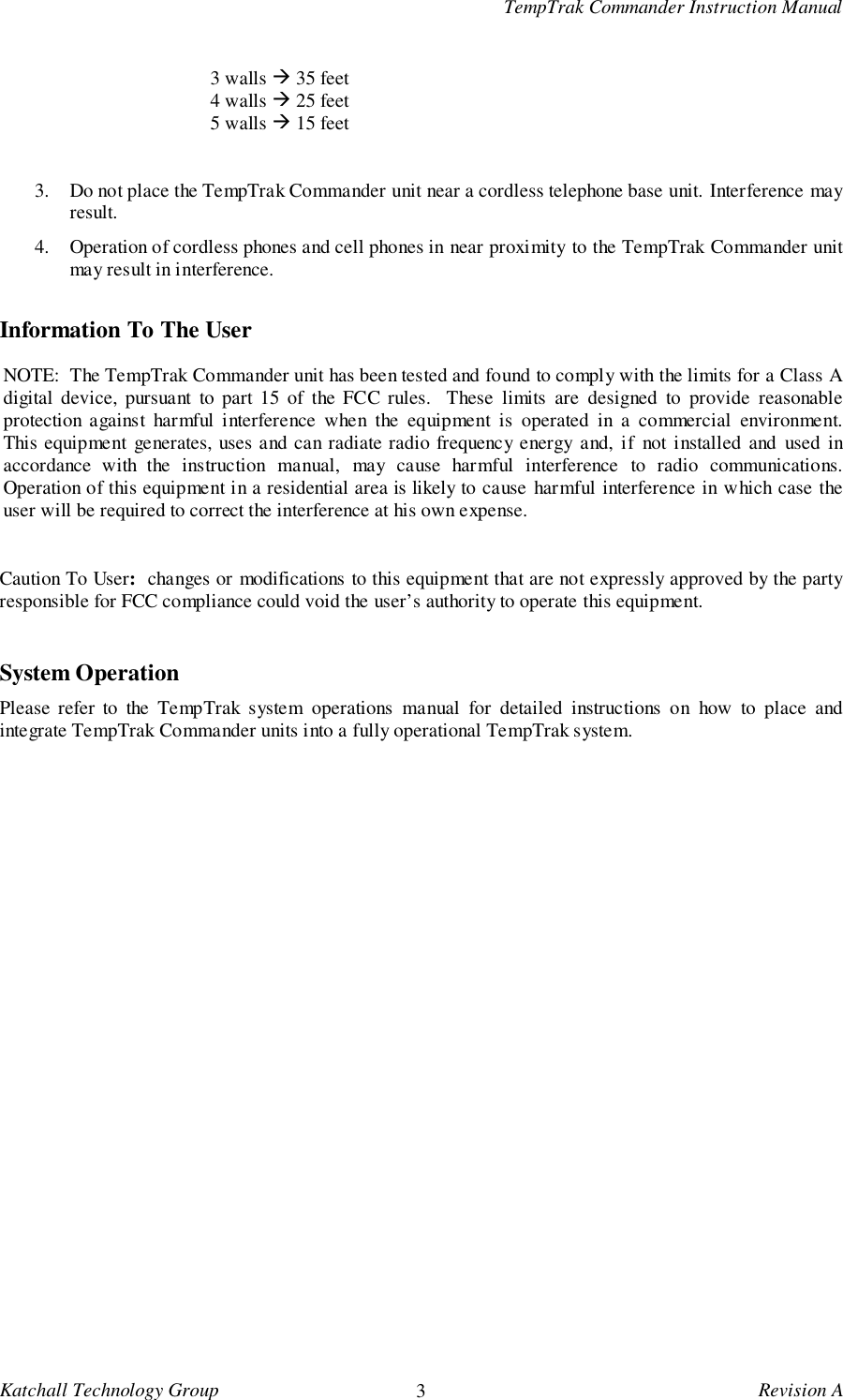
TempTrak Commander Instruction ManualKatchall Technology Group 3Revision A3 walls ! 35 feet4 walls ! 25 feet5 walls ! 15 feet3. Do not place the TempTrak Commander unit near a cordless telephone base unit. Interference mayresult.4. Operation of cordless phones and cell phones in near proximity to the TempTrak Commander unitmay result in interference.Information To The UserNOTE:  The TempTrak Commander unit has been tested and found to comply with the limits for a Class Adigital device, pursuant to part 15 of the FCC rules.  These limits are designed to provide reasonableprotection against harmful interference when the equipment is operated in a commercial environment.This equipment generates, uses and can radiate radio frequency energy and, if not installed and used inaccordance with the instruction manual, may cause harmful interference to radio communications.Operation of this equipment in a residential area is likely to cause harmful interference in which case theuser will be required to correct the interference at his own expense.Caution To User:  changes or modifications to this equipment that are not expressly approved by the partyresponsible for FCC compliance could void the user’s authority to operate this equipment.System OperationPlease refer to the TempTrak system operations manual for detailed instructions on how to place andintegrate TempTrak Commander units into a fully operational TempTrak system.

Navigation menu