LibreStream Technologies MCD1000 MOBILE COLLABORATION DEVICE 1000 User Manual MVCS Usr Manu rev2

LibreStream Technologies Inc. MOBILE COLLABORATION DEVICE 1000 MVCS Usr Manu rev2

Contents

USERS MANUAL 2

          LibreStream’s Mobile Video Collaboration System Model: MCD1000  User Manual  LibreStream Technologies Inc. Unit 200 – 55 Rothwell Rd Winnipeg, MB, CAN R3P 2M5
 Page 1       Notice...................................................................................................................2 Introduction.........................................................................................................2 About n_sight .......................................................................................................................... 2 Applications and Benefits........................................................................................................ 2 Specifications......................................................................................................2 System Architecture................................................................................................................ 2 Physical Characteristics.......................................................................................................... 2 Optical Performance ............................................................................................................... 3 Video Standard ....................................................................................................................... 3 User Interface & Features....................................................................................................... 3 Collaboration Features............................................................................................................ 3 Audio Features........................................................................................................................ 3 Audio Standards ..................................................................................................................... 4 Security ................................................................................................................................... 4 External Interfaces .................................................................................................................. 4 Communications ..................................................................................................................... 4 Power ...................................................................................................................................... 4 Operating Environment ........................................................................................................... 4 PC Client Software.................................................................................................................. 4 FCC Information to Users ..................................................................................5 Contents
 Page 2  Notice  Copyright © 2006 LibreStream Technologies Inc. All rights reserved. No part of this document may be transmitted or reproduced without the expressed written consent of LibreStream Technologies Inc.  Introduction About n_sight This innovative product is the first mobile device that incorporates all the components necessary to participate in a wireless, full duplex voice and video collaboration session with a remote user. n_sight extends the reach and leverages the benefits of an organization’s conferencing infrastructure into the workplace, where mission critical issues need to be reviewed and dealt with on a real-time basis. It provides collaboration capabilities to locations previously inaccessible to real-time conferencing, such as test labs, health care facilities, factory floors, service departments, remote suppliers, first article inspection areas, customer facilities, and other remote work team locations. Applications and Benefits The n_sight system enhances productivity by allowing technical experts and remote operators to jointly view, consult, diagnose and resolve issues in the shortest amount of time, at the lowest possible cost. n_sight transports high-resolution video, sound and still images through streaming multimedia from the scene right to your office desktop for quick and easy collaboration. Using a stylus for on-screen graphic marking, the telestration function instantly highlights areas of interest. n_sight brings you there in real-time: saving downtime and travel expense, and improves productivity and customer satisfaction. Specifications System Architecture • High performance, multiprocessor architecture optimized for realtime multimedia processing and communications in a hand-held form factor • Microsoft WinCE 5.0 • SIP-based session control • Windows-based PC Client allowing for easy call initiation and camera control Physical Characteristics • Size – 174 (6.86”) mm wide x 96.0 (3.78”) mm high x 87.1 (3.43”) mm deep • Weight – 720 grams (1.59 pounds) • Non slip hand grips • Integrated LED-based illumination
 Page 3  • Integrated water resistant doors for all external connectors Optical Performance • CCD image sensor – capable of high precision close-up video • 10x optical zoom, f=4.2 mm (wide) to 42 mm (tele), F1.8 to F2.9 • 10 mm minimum working distance (wide end) • 1000 mm minimum working distance (tele end) • 1.5 lx (50 IRE) minimum illumination • Automatic white balance • Manual or automatic focus Video Standard • MPEG-4 Simple Profile @ L3 • Up to 2.5 Mbps • User selectable resolutions and frame rates up to D1 (720 x 480) at 30 fps User Interface & Features • VGA (640 x 480) display/viewfinder • Integrated touch screen • User friendly graphical user interface • Dedicated call send and end buttons – simple end-user experience much like a cellular telephone • Freeze frame button • Stream button – video stream can be started and stopped by pushing one button • Four-way, context sensitive cursor pad buttons (includes volume controls, microphone mute, and illumination control) • Media record button • Manual focus button • OSD (On Screen Display) button for easy access to status and other information • Integrated contacts directory • End user selectable streaming parameters • LED indicators for power, stream/record, power/charging, and network link Collaboration Features • Form factor and software optimized to allow real time voice and video collaboration related to subject matter being filmed by the camera • Telestration: allowing both the camera operator and PC operator to draw on top of the video or frozen image – both “ends” of the conversation see the drawing simultaneously • Remote control of major camera features – zoom, focus, freeze frame, illumination, and stream parameters Audio Features • Omni-directional microphone for VoIP support
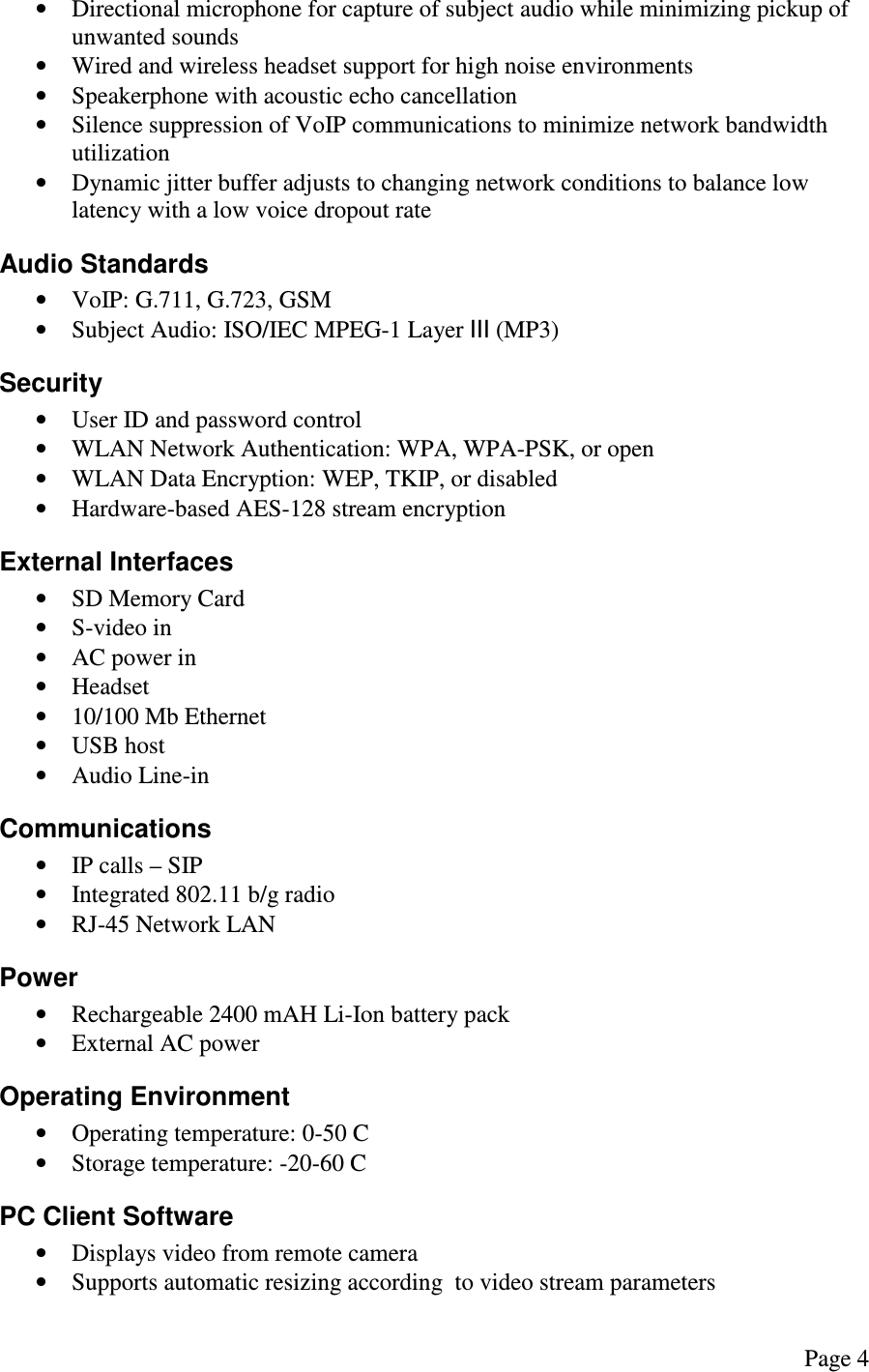
 Page 4  • Directional microphone for capture of subject audio while minimizing pickup of unwanted sounds • Wired and wireless headset support for high noise environments • Speakerphone with acoustic echo cancellation • Silence suppression of VoIP communications to minimize network bandwidth utilization • Dynamic jitter buffer adjusts to changing network conditions to balance low latency with a low voice dropout rate Audio Standards • VoIP: G.711, G.723, GSM • Subject Audio: ISO/IEC MPEG-1 Layer III (MP3) Security • User ID and password control  • WLAN Network Authentication: WPA, WPA-PSK, or open • WLAN Data Encryption: WEP, TKIP, or disabled • Hardware-based AES-128 stream encryption External Interfaces • SD Memory Card • S-video in • AC power in • Headset • 10/100 Mb Ethernet • USB host • Audio Line-in Communications • IP calls – SIP • Integrated 802.11 b/g radio • RJ-45 Network LAN Power • Rechargeable 2400 mAH Li-Ion battery pack • External AC power Operating Environment • Operating temperature: 0-50 C • Storage temperature: -20-60 C PC Client Software • Displays video from remote camera • Supports automatic resizing according  to video stream parameters
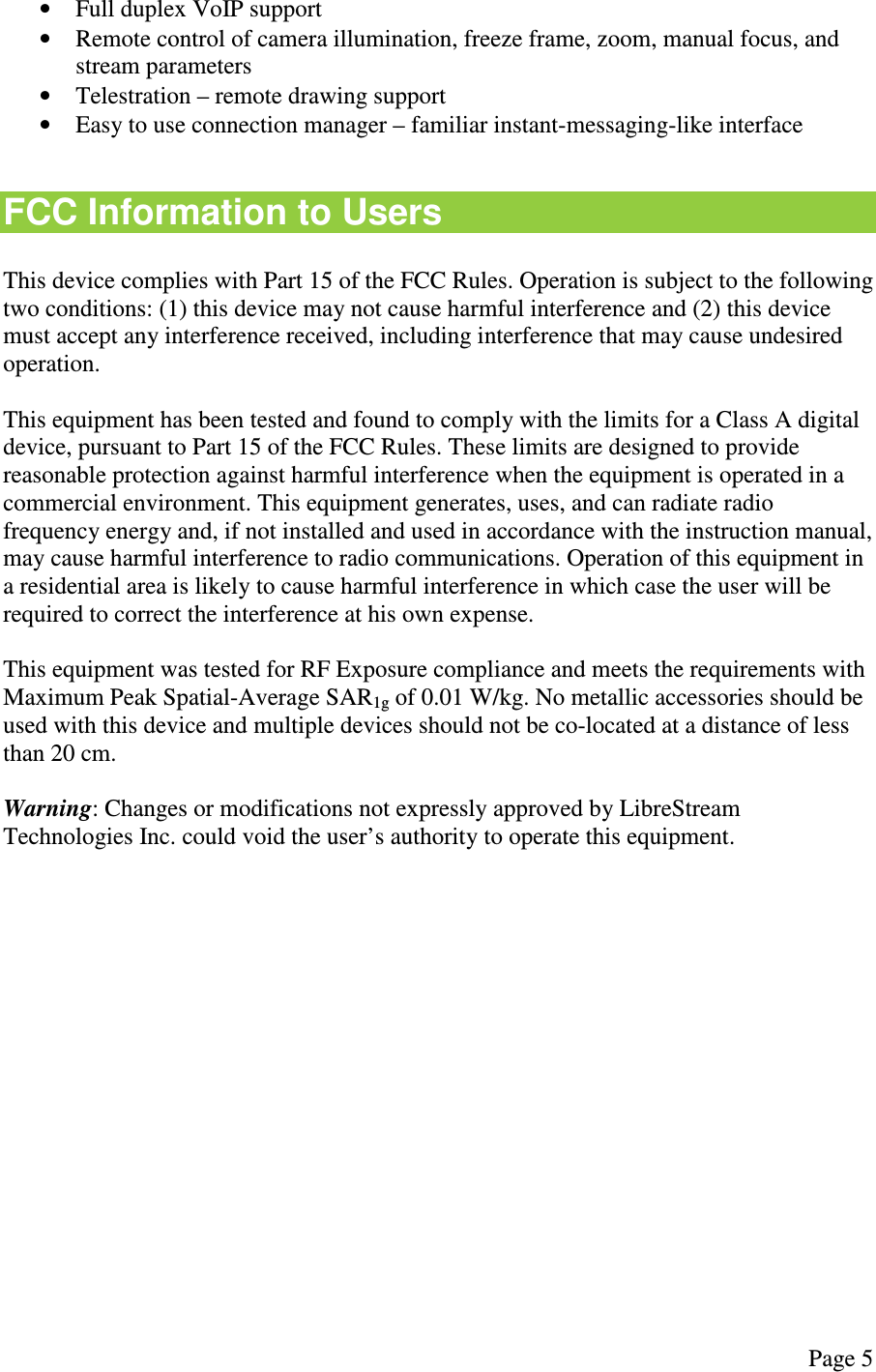
 Page 5  • Full duplex VoIP support • Remote control of camera illumination, freeze frame, zoom, manual focus, and stream parameters • Telestration – remote drawing support • Easy to use connection manager – familiar instant-messaging-like interface  FCC Information to Users  This device complies with Part 15 of the FCC Rules. Operation is subject to the following two conditions: (1) this device may not cause harmful interference and (2) this device must accept any interference received, including interference that may cause undesired operation.  This equipment has been tested and found to comply with the limits for a Class A digital device, pursuant to Part 15 of the FCC Rules. These limits are designed to provide reasonable protection against harmful interference when the equipment is operated in a commercial environment. This equipment generates, uses, and can radiate radio frequency energy and, if not installed and used in accordance with the instruction manual, may cause harmful interference to radio communications. Operation of this equipment in a residential area is likely to cause harmful interference in which case the user will be required to correct the interference at his own expense.  This equipment was tested for RF Exposure compliance and meets the requirements with Maximum Peak Spatial-Average SAR1g of 0.01 W/kg. No metallic accessories should be used with this device and multiple devices should not be co-located at a distance of less than 20 cm.  Warning: Changes or modifications not expressly approved by LibreStream Technologies Inc. could void the user’s authority to operate this equipment.

Navigation menu