Mobile Communications BRM120 DUAL-BAND SINGLE DIRECTION PCS/CDMA AMPLIFIER User Manual BRM120UserManFront RearPageonlyJun15 09

Mobile Communications Inc. DUAL-BAND SINGLE DIRECTION PCS/CDMA AMPLIFIER BRM120UserManFront RearPageonlyJun15 09

Users Manual
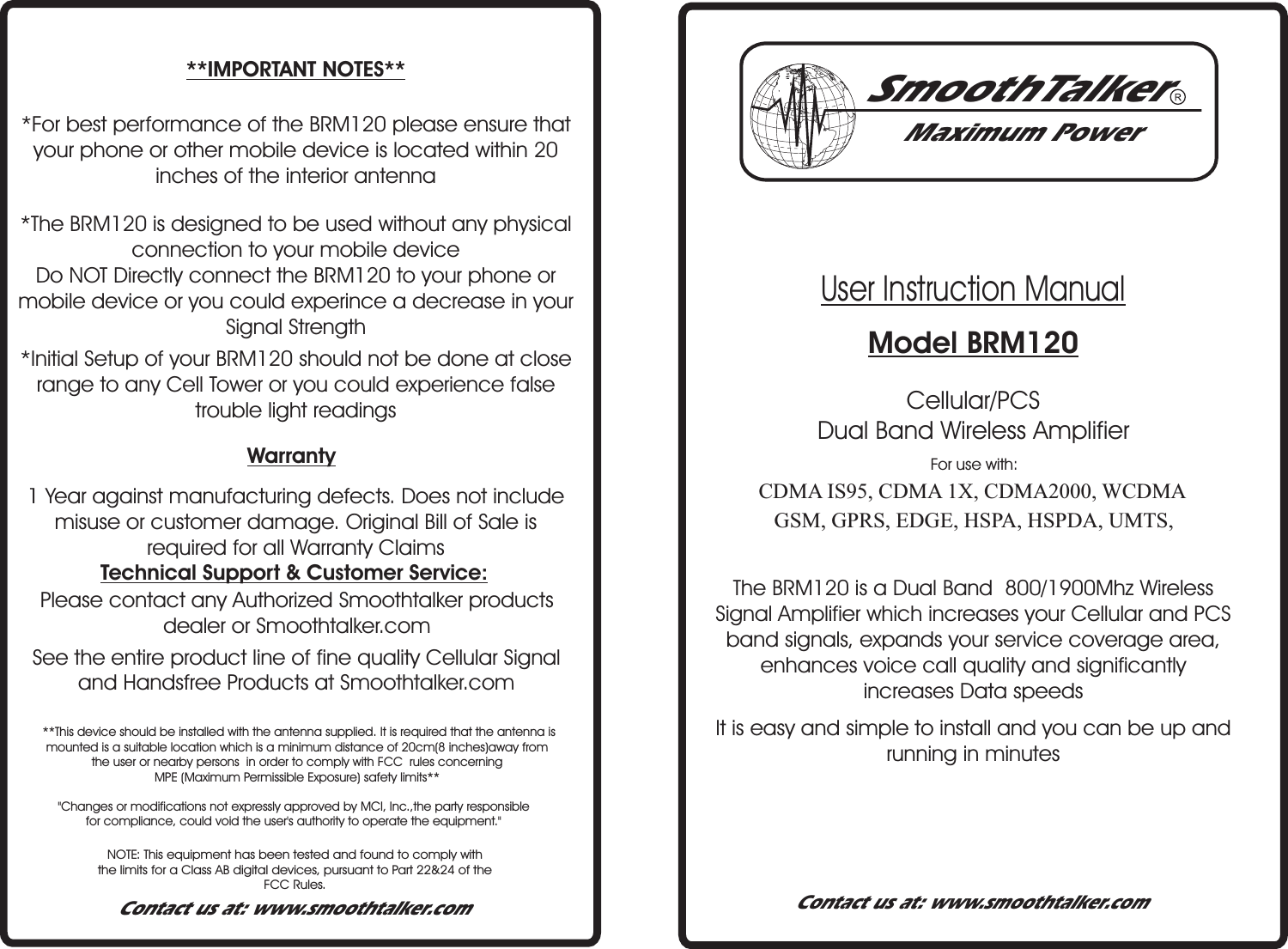
User Instruction Manual Model BRM120Maximum PowerContact us at: www.smoothtalker.comContact us at: www.smoothtalker.comooTerSam thlkCDMA IS95, CDMA 1X, CDMA2000, WCDMAGSM, GPRS, EDGE, HSPA, HSPDA, UMTS,Cellular/PCS Dual Band Wireless AmplifierFor use with:The B 120 is a Dual Band  800/1900Mhz   Signal Amplifier which increases your Cellular and PCS band signal , expands your service coverage area, enhances voice call quality and significantly increases Data speedsRM WirelesssSee the entire product line of fine quality Cellular Signal and Handsfree Products at Smoothtalker.com Please contact any Authorized Smoothtalker products dealer or Smoothtalker.comTechnical Support & Customer Service:1 Year against manufacturing defects. Does not include misuse or customer damage. Original Bill of Sale is required for all Warranty Claims Warranty*Initial Setup of your BRM120 should not be done at close range to any Cell Tower or you could experience false trouble light readings*The BRM120 is designed to be used without any physical connection to your mobile device Do NOT Directly connect the BRM120 to your phone or mobile device or you could experince a decrease in your Signal Strength*For best performance of the BRM120 please ensure that your phone or other mobile device is located within 20 inches of the interior antenna**IMPORTANT NOTES**NOTE: This equipment has been tested and found to comply withthe limits for a Class AB digital devices, pursuant to Part 22&24 of the FCC Rules."Changes or modifications not expressly approved by MCI, Inc.,the party responsible for compliance, could void the user's authority to operate the equipment."It is easy and simple to install and you can be up and running in minutes **This device should be installed with the antenna supplied. It is required that the antenna is mounted is a suitable location which is a minimum distance of 20cm(8 inches)away from the user or nearby persons  in order to comply with FCC  rules concerning MPE (Maximum Permissible Exposure) safety limits**
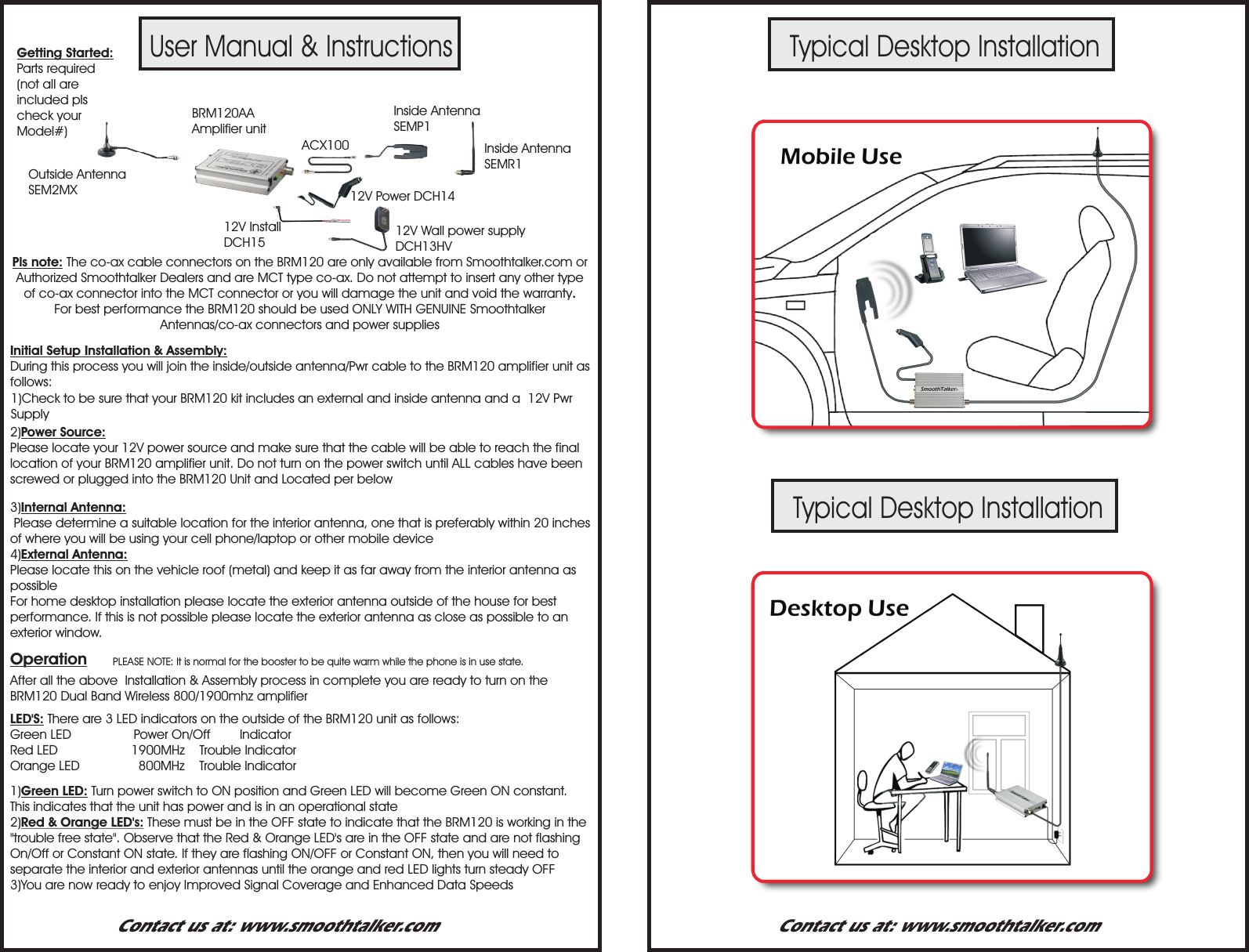
User Manual & InstructionsTypical Desktop InstallationTypical Desktop InstallationPLEASE NOTE: It is normal for the booster to be quite warm while the phone is in use state.Getting Started:Parts required (not all are included pls check your Model#)Pls note: The co-ax cable connectors on the BRM120 are only available from Smoothtalker.com or Authorized Smoothtalker Dealers and are MCT type co-ax. Do not attempt to insert any other type of co-ax connector into the MCT connector or you will damage the unit and void the warranty.For best performance the BRM120 should be used ONLY WITH GENUINE Smoothtalker  Antennas/co-ax connectors and power suppliesInitial Setup Installation & Assembly:  During this process you will join the inside/outside antenna/Pwr cable to the BRM120 amplifier unit as follows: 1)Check to be sure that your BRM120 kit includes an external and inside antenna and a  12V Pwr Supply 2)Power Source:Please locate your 12V power source and make sure that the cable will be able to reach the final location of your BRM120 amplifier unit. Do not turn on the power switch until ALL cables have been screwed or plugged into the BRM120 Unit and Located per below3)Internal Antenna: Please determine a suitable location for the interior antenna, one that is preferably within 20 inches  of where you will be using your cell phone/laptop or other mobile device4)External Antenna:Please locate this on the vehicle roof (metal) and keep it as far away from the interior antenna as possibleFor home desktop installation please locate the exterior antenna outside of the house for best performance. If this is not possible please locate the exterior antenna as close as possible to an exterior window.After all the above  Installation & Assembly process in complete you are ready to turn on the BRM120 Dual Band Wireless 800/1900mhz amplifierOperation1)Green LED: Turn power switch to ON position and Green LED will become Green ON constant. This indicates that the unit has power and is in an operational state2)Red & Orange LED's: These must be in the OFF state to indicate that the BRM120 is working in the "trouble free state". Observe that the Red & Orange LED's are in the OFF state and are not flashing On/Off or Constant ON state. If they are flashing ON/OFF or Constant ON, then you will need to separate the interior and exterior antennas until the orange and red LED lights turn steady OFF3)You are now ready to enjoy Improved Signal Coverage and Enhanced Data SpeedsLED'S: There are 3 LED indicators on the outside of the BRM120 unit as follows:Green LED                 Power On/Off        IndicatorRed LED                    1900MHz    Trouble IndicatorOrange LED                800MHz    Trouble IndicatorContact us at: www.smoothtalker.com Contact us at: www.smoothtalker.comBRM120AA  Amplifier unit12V Power DCH14ACX10012V Install DCH15 12V Wall power supply DCH13HVInside Antenna SEMP1Inside Antenna SEMR1Outside AntennaSEM2MX

Navigation menu