Nimbus WIMI310 mini-PCIe WiFi Module User Manual

Nimbus, Inc. mini-PCIe WiFi Module Users Manual

User manual

   WiMi310 User Manual v1.0     Wired/Wireless Multi-media interface WiMi310 User Manual         Ver. 1.0  2017. 1. 16© 2017 NIMBUS INC. All rights reserved. 1/10 www.nimbus.kr
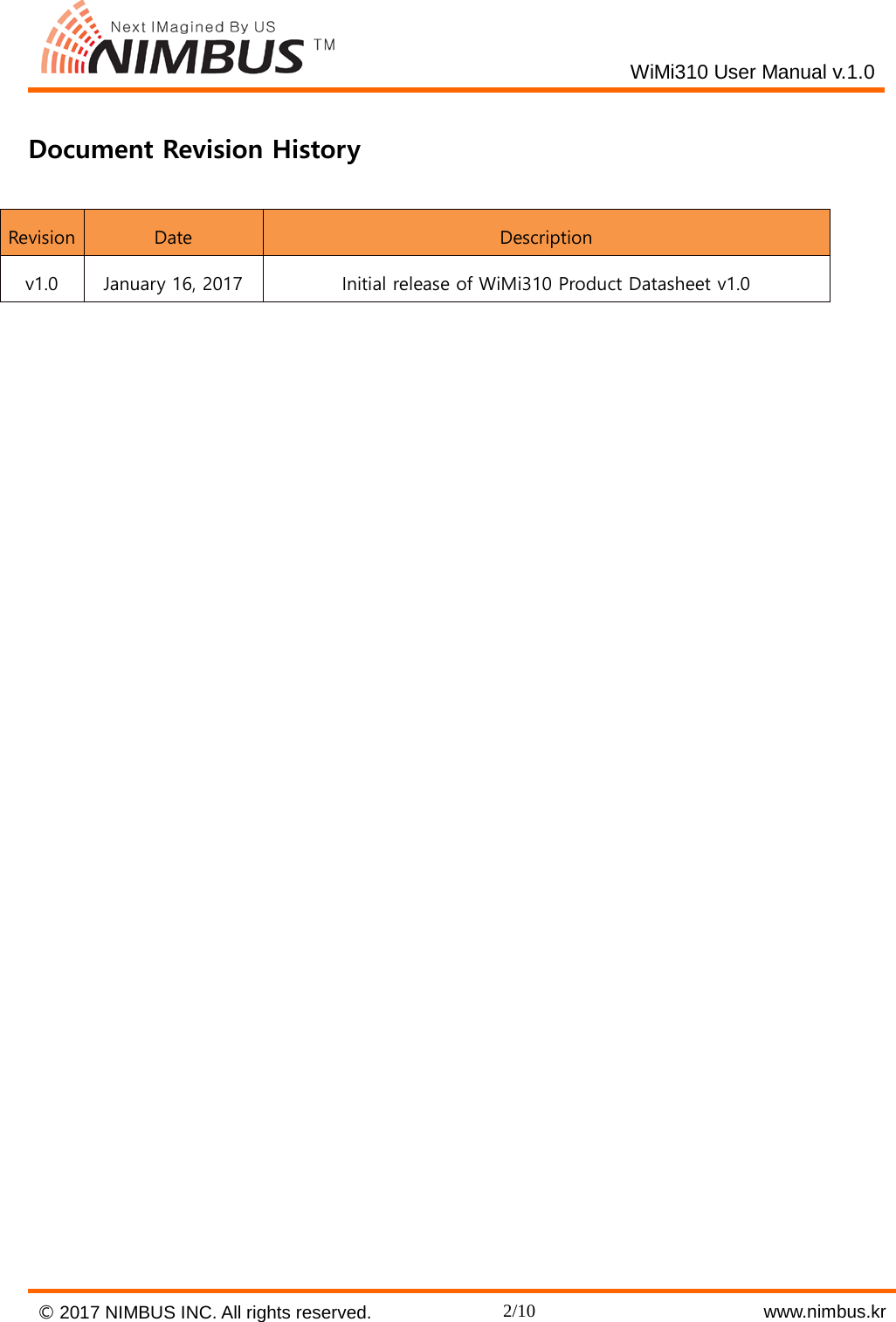
   WiMi310 User Manual v.1.0  Document Revision History Revision Date Description v1.0 January 16, 2017 Initial release of WiMi310 Product Datasheet v1.0     © 2017 NIMBUS INC. All rights reserved. 2/10    www.nimbus.kr
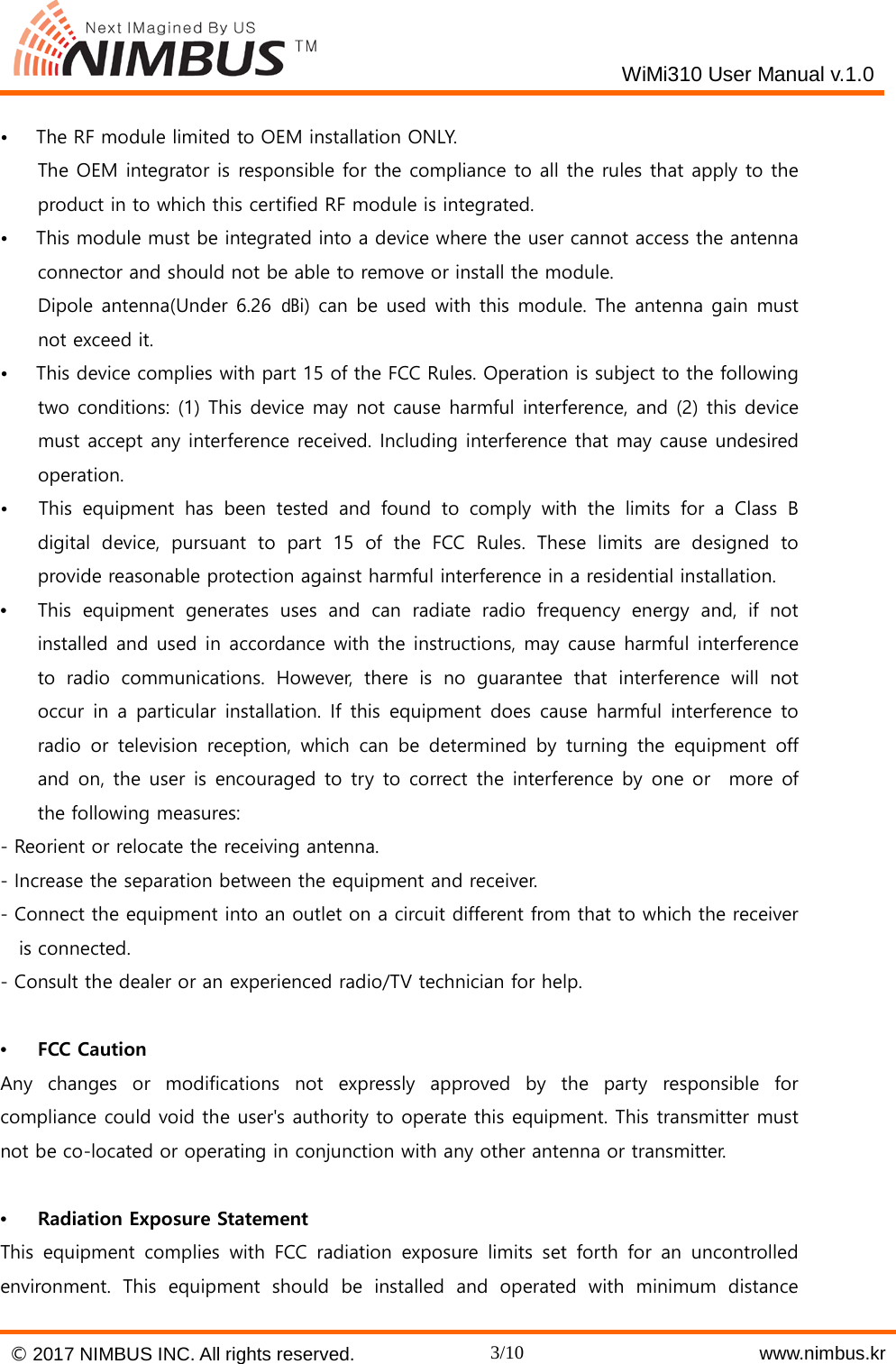
   WiMi310 User Manual v.1.0  •   The RF module limited to OEM installation ONLY.     The OEM integrator is responsible for the compliance to all the rules that apply to the product in to which this certified RF module is integrated. •   This module must be integrated into a device where the user cannot access the antenna connector and should not be able to remove or install the module.     Dipole antenna(Under 6.26 ㏈i) can be used with this module. The antenna gain must not exceed it. •   This device complies with part 15 of the FCC Rules. Operation is subject to the following two conditions: (1) This device may not cause harmful interference, and (2) this device must accept any interference received. Including interference that may cause undesired operation. •   This equipment has been tested and found to comply with the limits for a Class B digital device, pursuant to part 15 of the FCC Rules. These limits are designed to provide reasonable protection against harmful interference in a residential installation. •  This equipment generates uses and can radiate radio frequency energy and, if not installed and used in accordance with the instructions, may cause harmful interference to radio communications. However, there is no guarantee that interference will not occur in a particular installation. If this equipment does cause harmful interference to radio or television reception, which can be determined by turning the equipment off and on, the user is encouraged to try to correct the interference by one or  more of the following measures: - Reorient or relocate the receiving antenna. - Increase the separation between the equipment and receiver. - Connect the equipment into an outlet on a circuit different from that to which the receiver is connected. - Consult the dealer or an experienced radio/TV technician for help.  •  FCC Caution Any changes or modifications not expressly approved by the party responsible for compliance could void the user's authority to operate this equipment. This transmitter must not be co-located or operating in conjunction with any other antenna or transmitter.  •  Radiation Exposure Statement This equipment complies with FCC radiation exposure limits set forth for an uncontrolled environment. This equipment should be installed and operated with minimum distance © 2017 NIMBUS INC. All rights reserved. 3/10    www.nimbus.kr
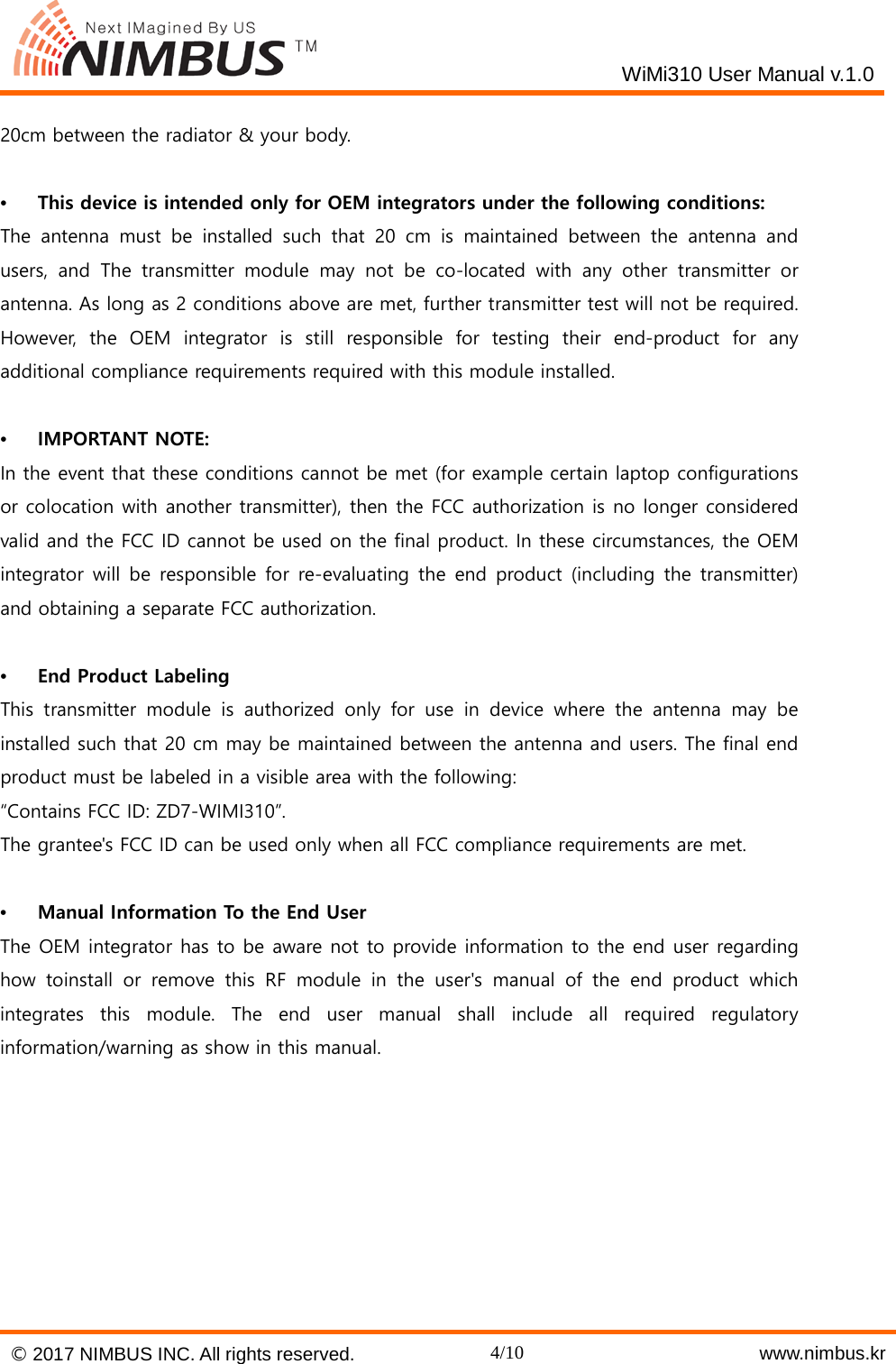
   WiMi310 User Manual v.1.0  20cm between the radiator & your body.  •  This device is intended only for OEM integrators under the following conditions: The antenna must be installed such that 20 cm is maintained between the antenna and users, and The transmitter module may not be co-located with any other transmitter or antenna. As long as 2 conditions above are met, further transmitter test will not be required. However, the OEM integrator is still responsible for testing their end-product  for any additional compliance requirements required with this module installed.  •  IMPORTANT NOTE: In the event that these conditions cannot be met (for example certain laptop configurations or colocation with another transmitter), then the FCC authorization is no longer considered valid and the FCC ID cannot be used on the final product. In these circumstances, the OEM integrator will be responsible for re-evaluating the end product (including the transmitter) and obtaining a separate FCC authorization.  •  End Product Labeling This transmitter module is authorized only for use in device where the antenna may be installed such that 20 cm may be maintained between the antenna and users. The final end product must be labeled in a visible area with the following: “Contains FCC ID: ZD7-WIMI310”. The grantee's FCC ID can be used only when all FCC compliance requirements are met.  •  Manual Information To the End User The OEM integrator has to be aware not to provide information to the end user regarding how toinstall or remove this RF module in the user's manual of the end product which integrates this module. The end user manual shall include all required regulatory information/warning as show in this manual.        © 2017 NIMBUS INC. All rights reserved. 4/10    www.nimbus.kr
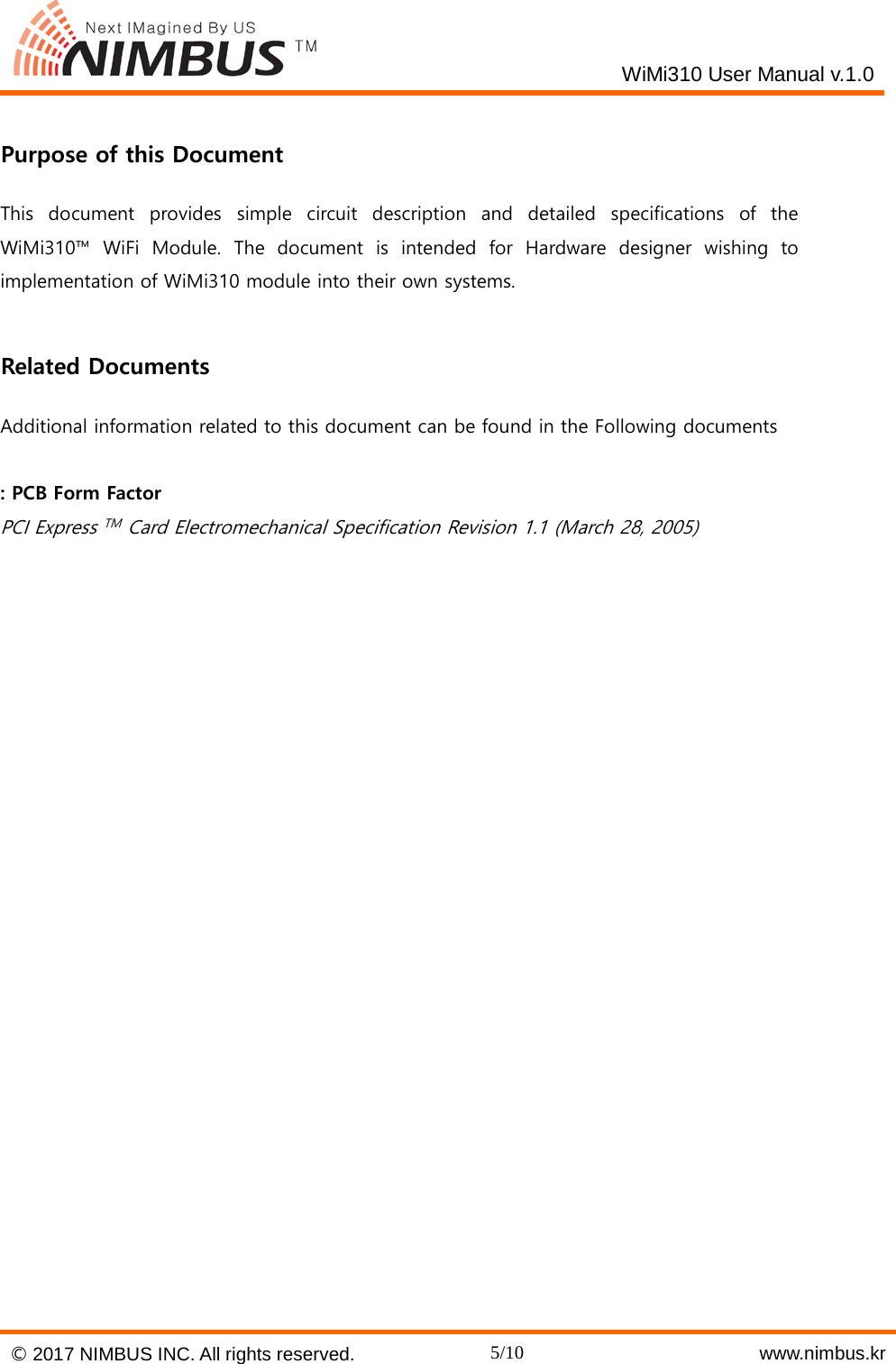
   WiMi310 User Manual v.1.0   Purpose of this Document This document provides simple circuit description and detailed specifications of the WiMi310™  WiFi Module. The document is intended for Hardware designer wishing to implementation of WiMi310 module into their own systems.    Related Documents Additional information related to this document can be found in the Following documents  : PCB Form Factor PCI Express TM  Card Electromechanical Specification Revision 1.1 (March 28, 2005)    © 2017 NIMBUS INC. All rights reserved. 5/10    www.nimbus.kr
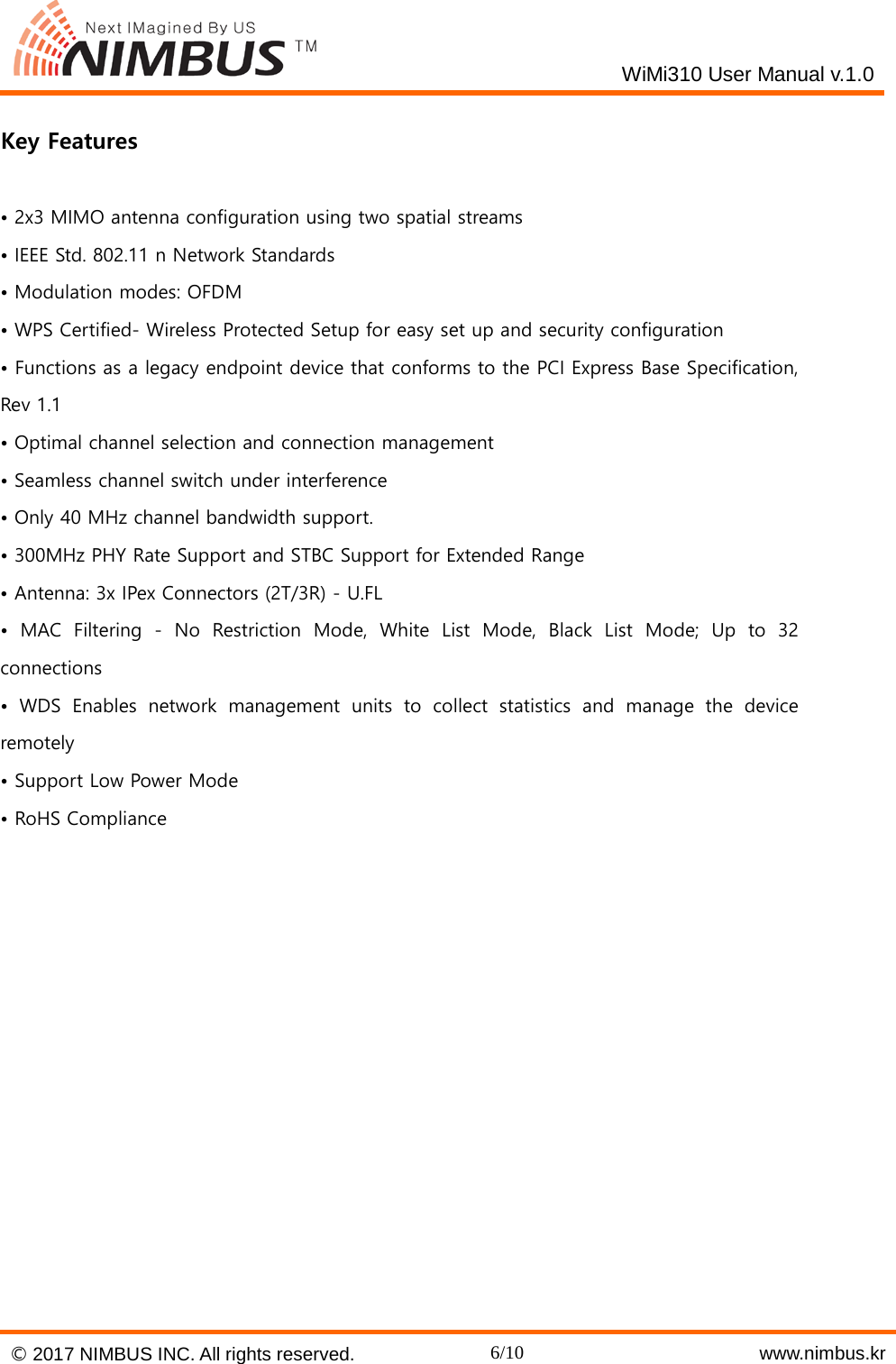
   WiMi310 User Manual v.1.0   Key Features  • 2x3 MIMO antenna configuration using two spatial streams • IEEE Std. 802.11 n Network Standards • Modulation modes: OFDM • WPS Certified- Wireless Protected Setup for easy set up and security configuration • Functions as a legacy endpoint device that conforms to the PCI Express Base Specification, Rev 1.1 • Optimal channel selection and connection management • Seamless channel switch under interference • Only 40 MHz channel bandwidth support. • 300MHz PHY Rate Support and STBC Support for Extended Range • Antenna: 3x IPex Connectors (2T/3R) - U.FL • MAC Filtering -  No  Restriction Mode, White List Mode, Black List Mode; Up to 32 connections • WDS Enables network management units to collect statistics and manage the device remotely • Support Low Power Mode • RoHS Compliance     © 2017 NIMBUS INC. All rights reserved. 6/10    www.nimbus.kr
   WiMi310 User Manual v.1.0  Electrical Specifications  Parameter Symbol Value Unit Note Min. Typ. Max. Supply Voltage VDD 5.0V -0.3    +6.0 V  Input voltage to digital pins Vin   +3.6 V  Storage temperature TSTG -20  +50 ℃  Table 2. Absolute Maximum Ratings Attention : Stress above the Max. values listed here may cause permanent damage to the device. Exposure to absolute maximum rating conditions for extended periods may affect device reliability. Maximum ratings are absolute ratings : exceeding only one of these value may cause irreversible damage to the integrated circuit.   The Following Table is defined in typical conditions:Ta=25℃, unless otherwise specified. Parameter Symbol Value Unit Note/Test Condition Min. Typ. Max. Supply Voltage VDD 5.0V 3.9 5.0 5.5 V  Input high voltage VIH 2.0  5.5 V  Input low voltage VIL -0.3  0.8 V  Output high voltage VOH 2.4     V without DC load Output low voltage VOL   0.4 V without DC load Tri-State Output leakage current IOZ   ±10 uA  Pull-up resistor Rpu 26 38 59 KΩ  Pull-down resistor Rpd 33 47 81 KΩ  I/O pins input capacitance CI   4  pF  Total Power Consumption     5.5   W  Table 3. DC Parameters Information   © 2017 NIMBUS INC. All rights reserved. 7/10    www.nimbus.kr
   WiMi310 User Manual v.1.0   Pinout Description PIN # Name Type Description 1 WAKE# In Link reactivation 45,47,49,51 +5.0V   Power +5.0V Power 3,5,8,10,12,14, 16,17,19,20, 45,47,49,51 Reseved Reserved Leave unconnected 4,9,15,18,21, 26,27,29,34, 35,37,40,43,50 GND Power Ground 6,28,48 +1.5V (Reserved) Reserved Not used until now, leave unconnected. 7 CLKREQ# Out Reference clock request   11 REFCLKn In Reference Clock, Differential Pair Negative 13 REFCLKp In Reference Clock, Differential Pair Positive 22 PERST# In Functional reset 23 PERn In PCI Express x1 data Input, negative 25 PERp In PCI Express x1 data Input, positive 30 SMB_CLK In SMBus Clock 32 SMB_DATA In/Out SMBus Data 31 PETn Out PCI Express x1 data Output, negative 33 PETp Out PCI Express x1 data Output, positive 36 USB_Dn In/Out USB Serial Data, negative 38 USB_Dp In/Out USB Serial Data, positive 42 LED_WWAN# Out Status Indication LED signal, active low 44 LED_WLAN# Out Status Indication LED signal, active low 46 LED_WPAN# Out Status Indication LED signal, active low Table 4. Pinout Description © 2017 NIMBUS INC. All rights reserved. 8/10    www.nimbus.kr
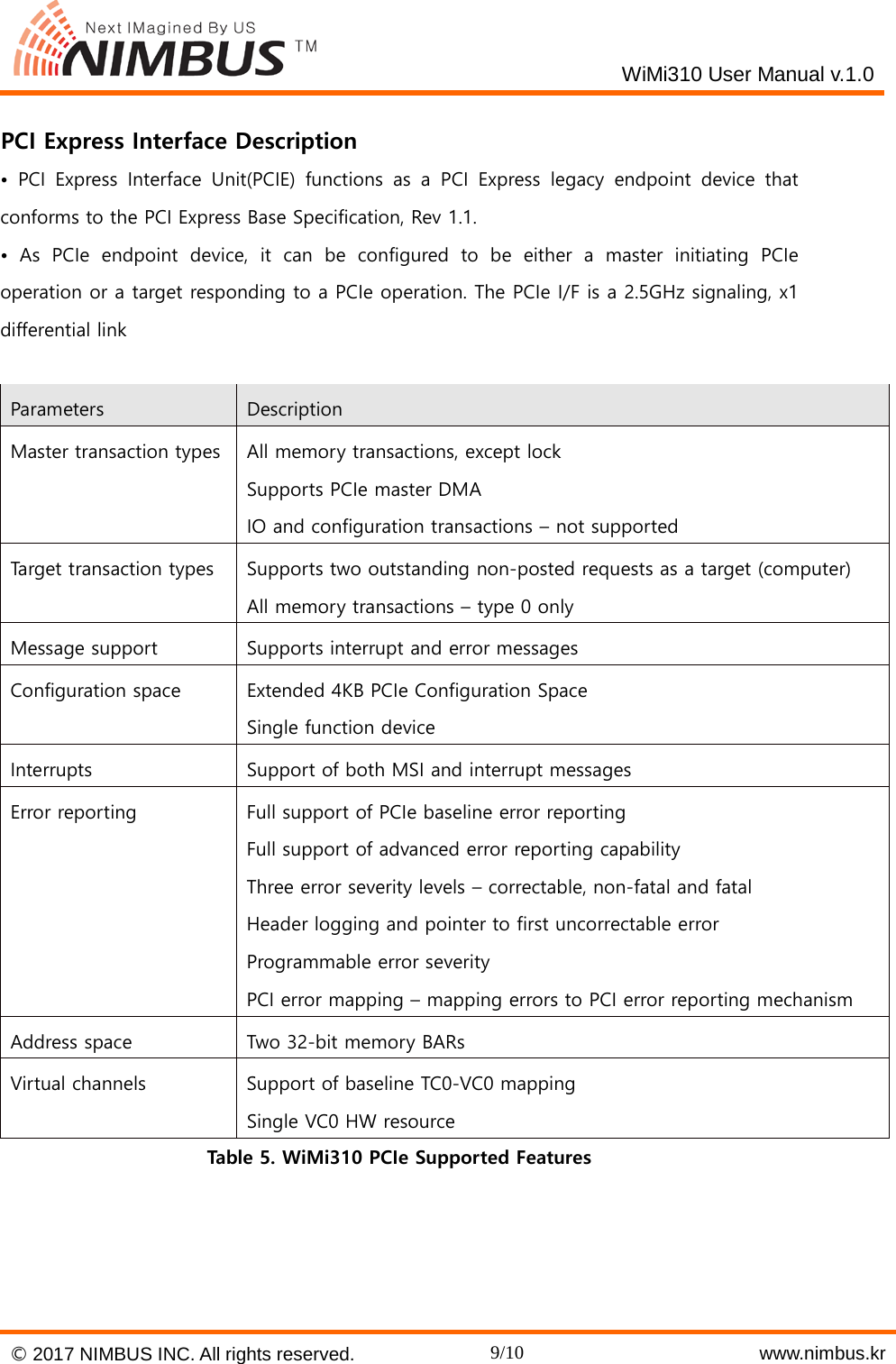
   WiMi310 User Manual v.1.0   PCI Express Interface Description • PCI Express Interface Unit(PCIE) functions as a PCI Express legacy endpoint device that conforms to the PCI Express Base Specification, Rev 1.1. • As PCIe endpoint device, it can be configured to be either a master initiating PCIe operation or a target responding to a PCIe operation. The PCIe I/F is a 2.5GHz signaling, x1 differential link  Parameters Description Master transaction types All memory transactions, except lock Supports PCIe master DMA IO and configuration transactions – not supported Target transaction types Supports two outstanding non-posted requests as a target (computer) All memory transactions – type 0 only Message support Supports interrupt and error messages Configuration space Extended 4KB PCIe Configuration Space Single function device Interrupts Support of both MSI and interrupt messages Error reporting Full support of PCIe baseline error reporting Full support of advanced error reporting capability Three error severity levels – correctable, non-fatal and fatal Header logging and pointer to first uncorrectable error Programmable error severity PCI error mapping – mapping errors to PCI error reporting mechanism Address space Two 32-bit memory BARs Virtual channels Support of baseline TC0-VC0 mapping Single VC0 HW resource Table 5. WiMi310 PCIe Supported Features  © 2017 NIMBUS INC. All rights reserved. 9/10    www.nimbus.kr
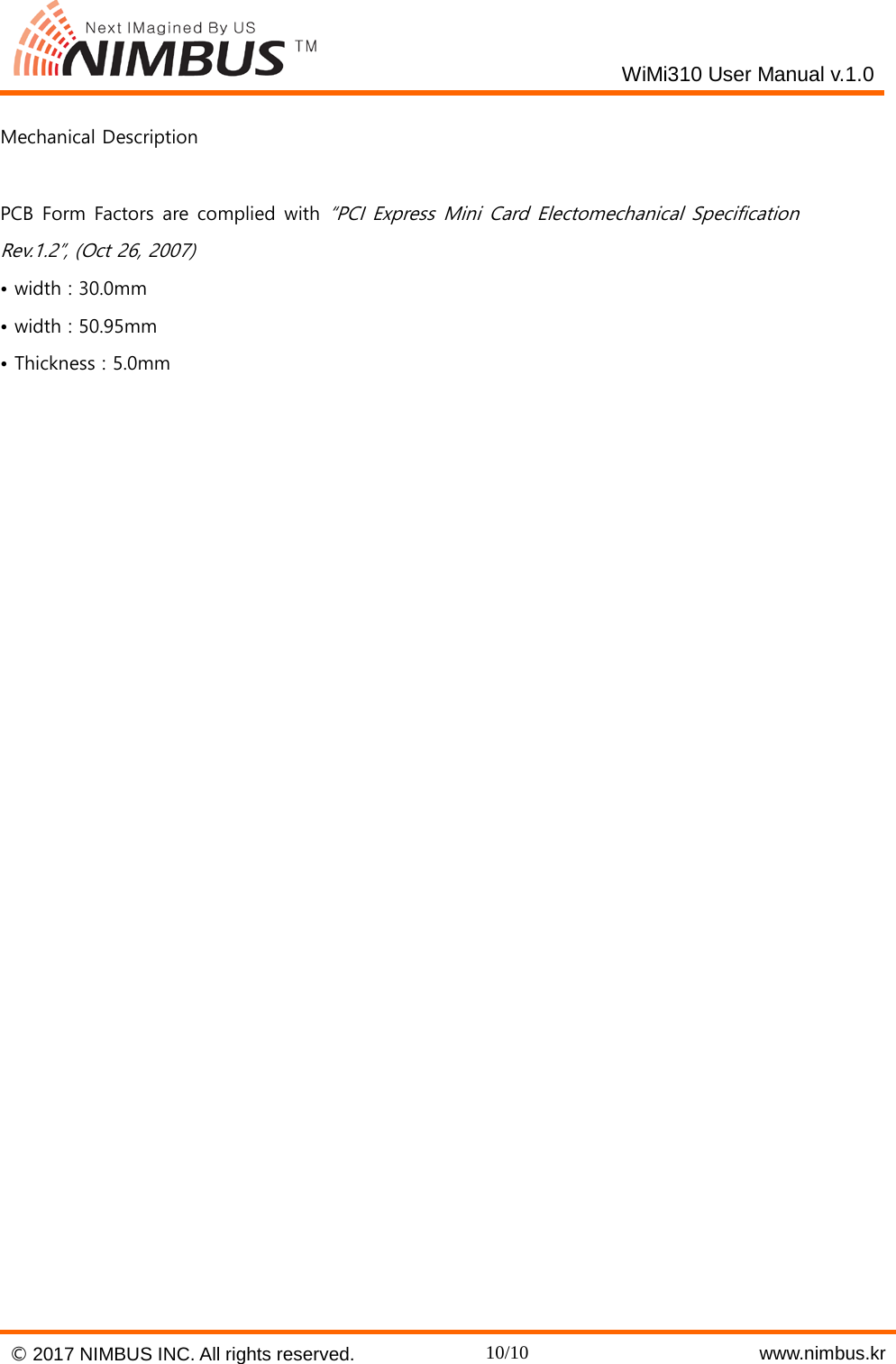
   WiMi310 User Manual v.1.0  Mechanical Description  PCB Form Factors are complied with “PCI Express Mini Card Electomechanical Specification Rev.1.2”, (Oct 26, 2007) • width : 30.0mm • width : 50.95mm • Thickness : 5.0mm    © 2017 NIMBUS INC. All rights reserved. 10/10    www.nimbus.kr

Navigation menu