ORIGINAL SOUNDTRACK TECHNOLOGY 70060 Bluetooth Speaker User Manual Guess BT speaker manualx

ORIGINAL SOUNDTRACK TECHNOLOGY(SHENZHEN)LIMITED Bluetooth Speaker Guess BT speaker manualx

User manual

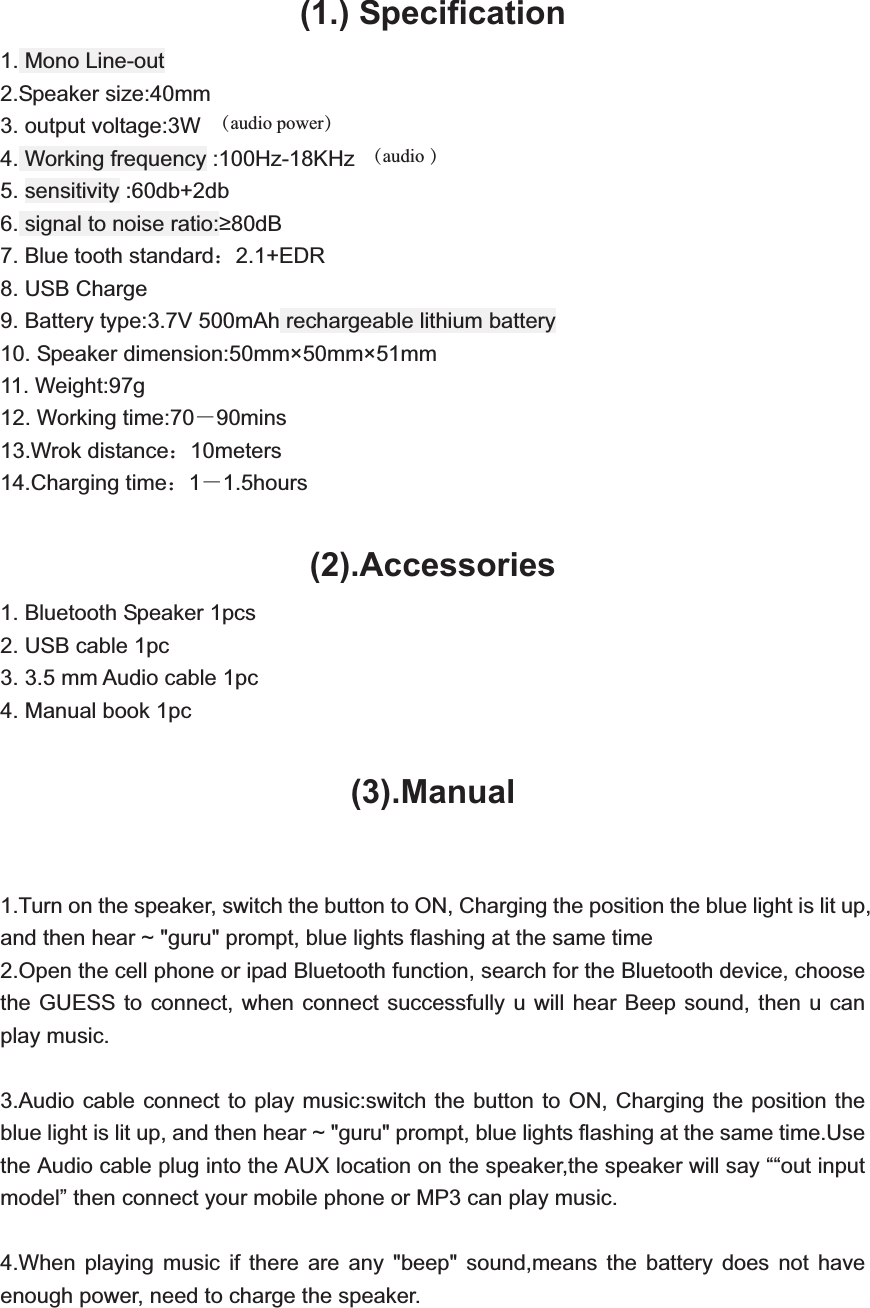
 (1.) Specification 1. Mono Line-out 2.Speaker size:40mm 3. output voltage:3W 4. Working frequency :100Hz-18KHz     5. sensitivity :60db+2db   6. signal to noise ratio:80dB   7. Blue tooth standard˖2.1+EDR  8. USB Charge     9. Battery type:3.7V 500mAh rechargeable lithium battery   10. Speaker dimension:50mm×50mm×51mm   11. Weight:97g   12. Working time:70ˉ90mins 13.Wrok distance˖10meters 14.Charging time˖1ˉ1.5hours  (2).Accessories1. Bluetooth Speaker 1pcs 2. USB cable 1pc 3. 3.5 mm Audio cable 1pc 4. Manual book 1pc  (3).Manual1.Turn on the speaker, switch the button to ON, Charging the position the blue light is lit up, and then hear ~ "guru" prompt, blue lights flashing at the same time 2.Open the cell phone or ipad Bluetooth function, search for the Bluetooth device, choose the GUESS to connect, when connect successfully u will hear Beep sound, then u can play music.  3.Audio cable connect to play music:switch the button to ON, Charging the position the blue light is lit up, and then hear ~ "guru" prompt, blue lights flashing at the same time.Use the Audio cable plug into the AUX location on the speaker,the speaker will say ““out input model” then connect your mobile phone or MP3 can play music.  4.When playing music if there are any "beep" sound,means the battery does not have enough power, need to charge the speaker.   (audio power)(audio )
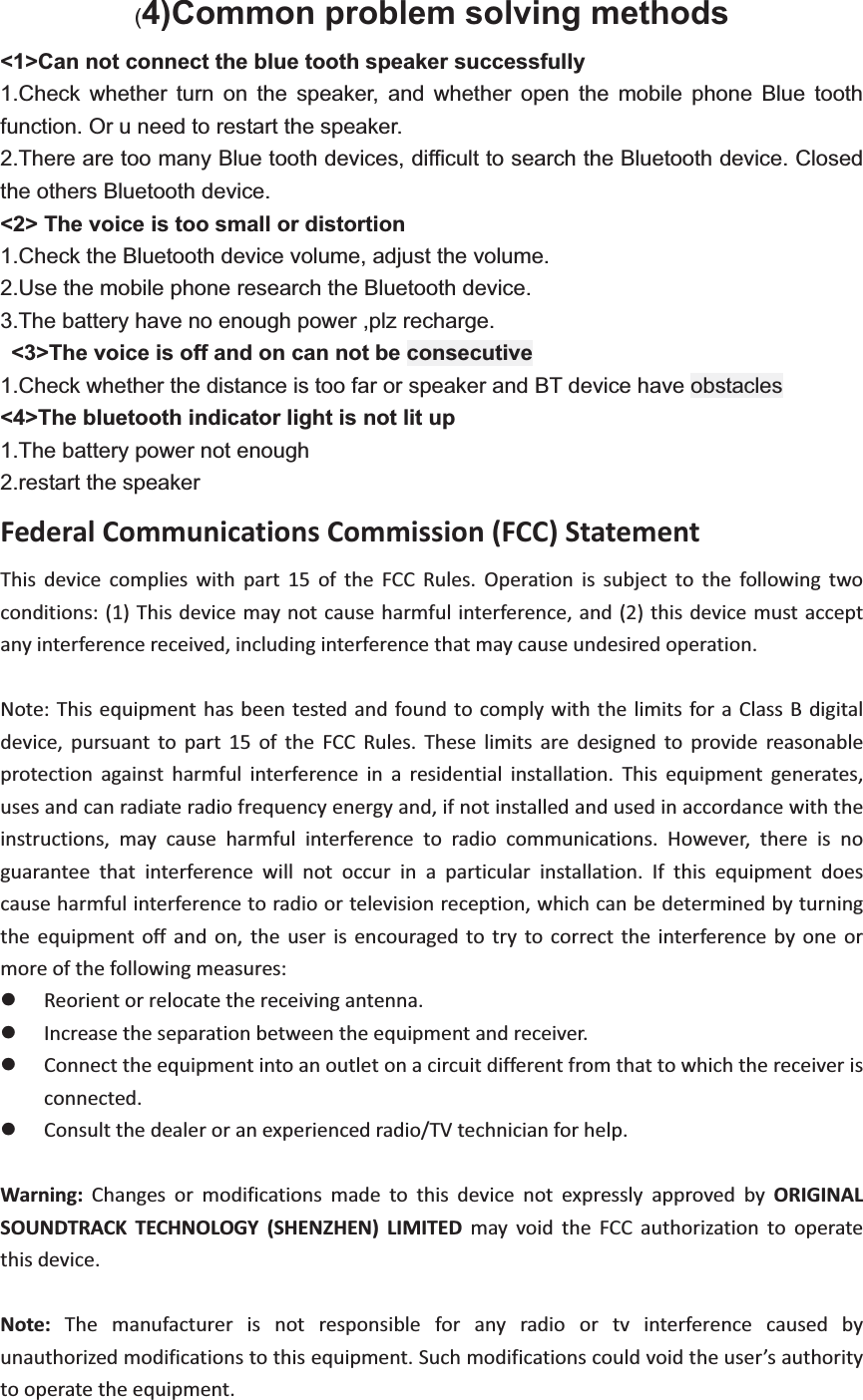
(4)Common problem solving methods <1>Can not connect the blue tooth speaker successfully 1.Check whether turn on the speaker, and whether open the mobile phone Blue tooth function. Or u need to restart the speaker. 2.There are too many Blue tooth devices, difficult to search the Bluetooth device. Closed the others Bluetooth device. <2> The voice is too small or distortion 1.Check the Bluetooth device volume, adjust the volume. 2.Use the mobile phone research the Bluetooth device. 3.The battery have no enough power ,plz recharge.  <3>The voice is off and on can not be consecutive 1.Check whether the distance is too far or speaker and BT device have obstacles <4>The bluetooth indicator light is not lit up 1.The battery power not enough 2.restart the speaker FederalCommunicationsCommission(FCC)Statement  This device complies with part 15 of the FCC Rules. Operation is subject to the following twoconditions:(1)Thisdevicemaynotcauseharmfulinterference,and(2)thisdevicemustacceptanyinterferencereceived,includinginterferencethatmaycauseundesiredoperation.    Note:Thisequipmenthasbeentestedandfound to comply with thelimits foraClassBdigitaldevice, pursuant to part 15 of the FCC Rules. These limits are designed to provide reasonableprotection against harmful interference in a residential installation. This equipment generates,usesandcanradiateradiofrequencyenergyand,ifnotinstalledandusedinaccordancewiththeinstructions, may cause harmful interference to radio communications. However, there is noguarantee that interference will not occur in a particular installation. If this equipment doescauseharmfulinterferencetoradioortelevisionreception,whichcanbedeterminedbyturningthe equipment off and on, the user is encouraged to try to correct the interference by one ormoreofthefollowingmeasures:  z Reorientorrelocatethereceivingantenna.    z Increasetheseparationbetweentheequipmentandreceiver.z Connecttheequipmentintoanoutletonacircuitdifferentfromthattowhichthereceiverisconnected.    z Consultthedealeroranexperiencedradio/TVtechnicianforhelp.   Warning: Changes or modifications made to this device not expressly approved by ORIGINALSOUNDTRACK TECHNOLOGY (SHENZHEN) LIMITED may void the FCC authorization to operatethisdevice.  Note: The manufacturer is not responsible for any radio or tv interference caused byunauthorizedmodificationstothisequipment.Suchmodificationscouldvoidtheuser’sauthoritytooperatetheequipment.

Navigation menu