OUTWARDS Z3 Trail Watcher User Manual

OUTWARDS LLC Trail Watcher

User manual

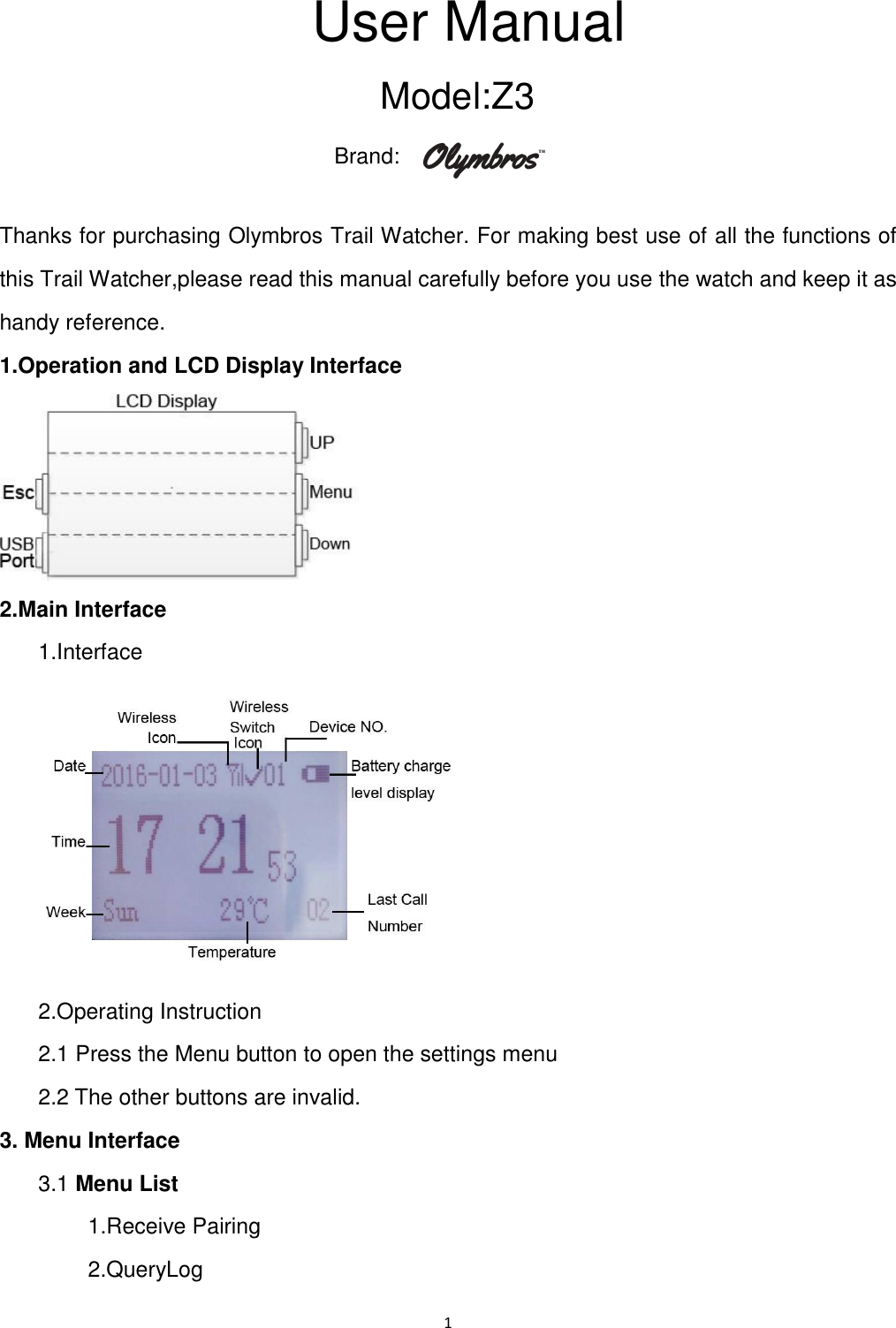
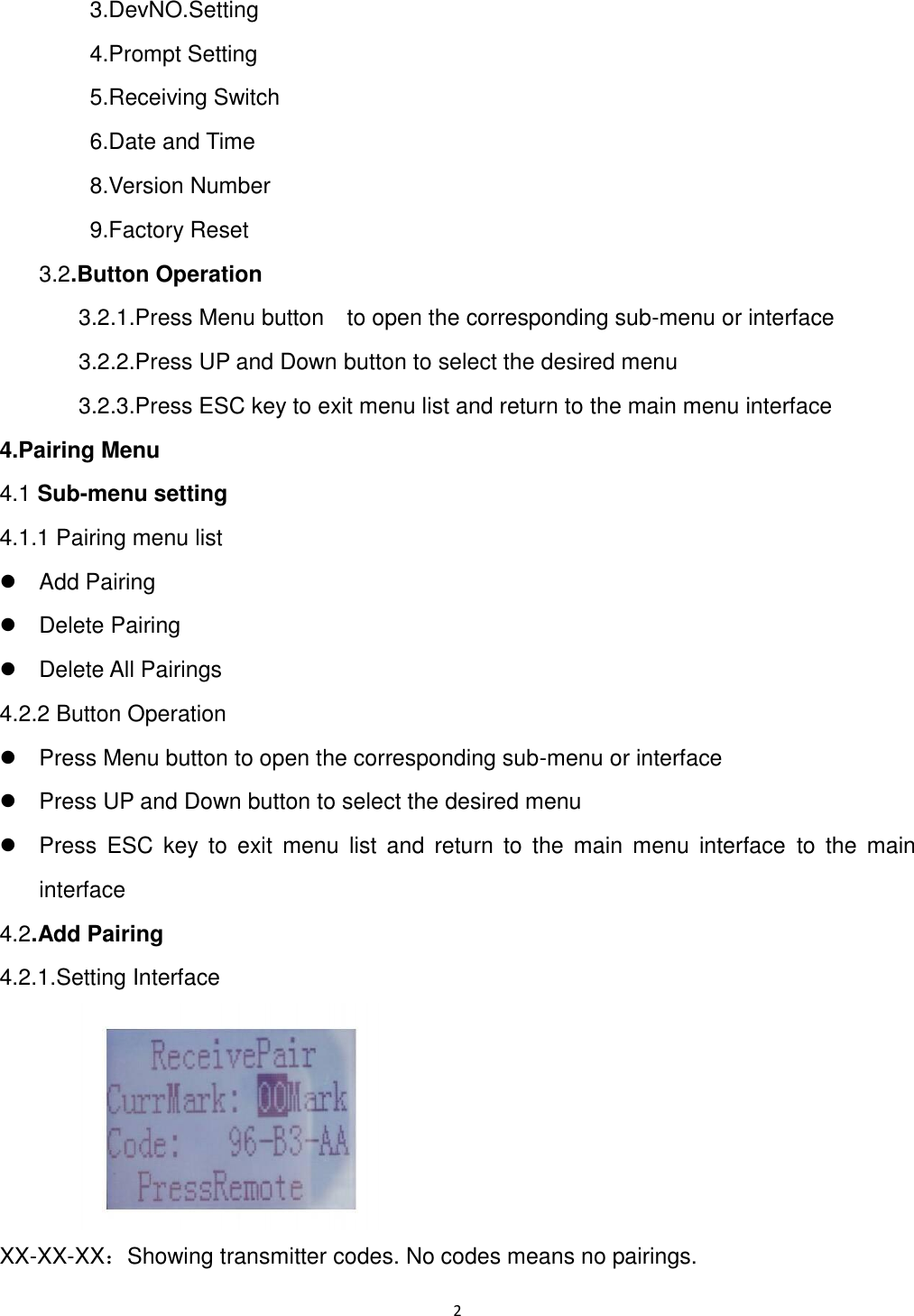
1  User Manual Model: Z3 Brand:   Thanks for purchasing Olymbros Trail Watcher. For making best use of all the functions of this Trail Watcher,please read this manual carefully before you use the watch and keep it as handy reference. 1.Operation and LCD Display Interface    2.Main Interface   1.Interface    2.Operating Instruction   2.1 Press the Menu button to open the settings menu   2.2 The other buttons are invalid. 3. Menu Interface     3.1 Menu List           1.Receive Pairing         2.QueryLog
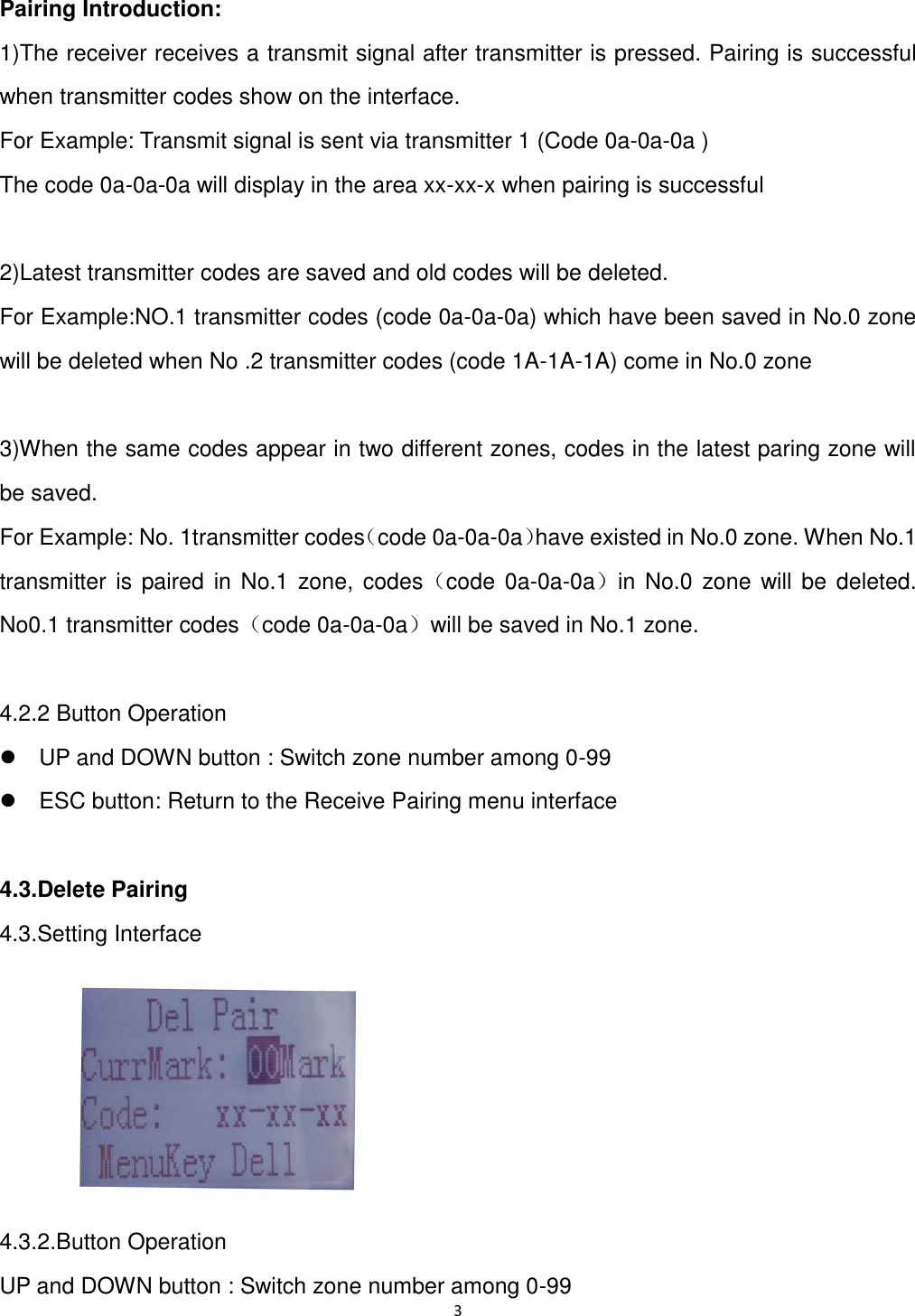
2          3.DevNO.Setting         4.Prompt Setting         5.Receiving Switch         6.Date and Time           8.Version Number         9.Factory Reset      3.2.Button Operation       3.2.1.Press Menu button    to open the corresponding sub-menu or interface       3.2.2.Press UP and Down button to select the desired menu       3.2.3.Press ESC key to exit menu list and return to the main menu interface 4.Pairing Menu 4.1 Sub-menu setting 4.1.1 Pairing menu list   Add Pairing   Delete Pairing     Delete All Pairings 4.2.2 Button Operation     Press Menu button to open the corresponding sub-menu or interface     Press UP and Down button to select the desired menu     Press  ESC  key  to  exit  menu  list  and  return  to  the  main  menu  interface  to  the  main interface 4.2.Add Pairing 4.2.1.Setting Interface      XX-XX-XX:Showing transmitter codes. No codes means no pairings.
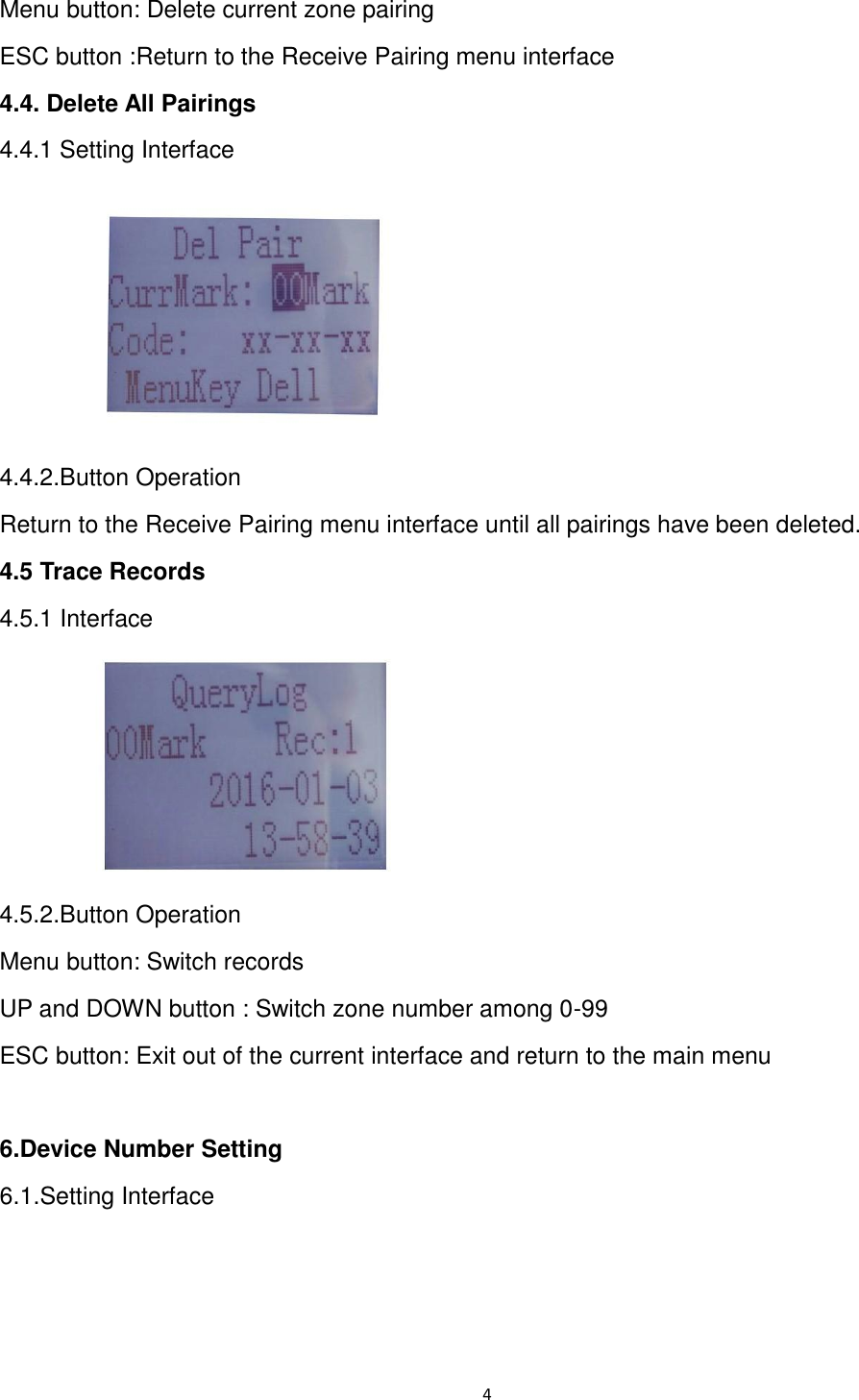
3  Pairing Introduction:   1)The receiver receives a transmit signal after transmitter is pressed. Pairing is successful when transmitter codes show on the interface. For Example: Transmit signal is sent via transmitter 1 (Code 0a-0a-0a )   The code 0a-0a-0a will display in the area xx-xx-x when pairing is successful  2)Latest transmitter codes are saved and old codes will be deleted. For Example:NO.1 transmitter codes (code 0a-0a-0a) which have been saved in No.0 zone will be deleted when No .2 transmitter codes (code 1A-1A-1A) come in No.0 zone  3)When the same codes appear in two different zones, codes in the latest paring zone will be saved.   For Example: No. 1transmitter codes(code 0a-0a-0a)have existed in No.0 zone. When No.1 transmitter  is paired in  No.1 zone,  codes(code 0a-0a-0a)in No.0 zone will be  deleted.   No0.1 transmitter codes(code 0a-0a-0a)will be saved in No.1 zone.  4.2.2 Button Operation   UP and DOWN button : Switch zone number among 0-99   ESC button: Return to the Receive Pairing menu interface  4.3.Delete Pairing 4.3.Setting Interface  4.3.2.Button Operation UP and DOWN button : Switch zone number among 0-99
4  Menu button: Delete current zone pairing ESC button :Return to the Receive Pairing menu interface 4.4. Delete All Pairings 4.4.1 Setting Interface  4.4.2.Button Operation Return to the Receive Pairing menu interface until all pairings have been deleted. 4.5 Trace Records 4.5.1 Interface      4.5.2.Button Operation Menu button: Switch records UP and DOWN button : Switch zone number among 0-99 ESC button: Exit out of the current interface and return to the main menu  6.Device Number Setting 6.1.Setting Interface
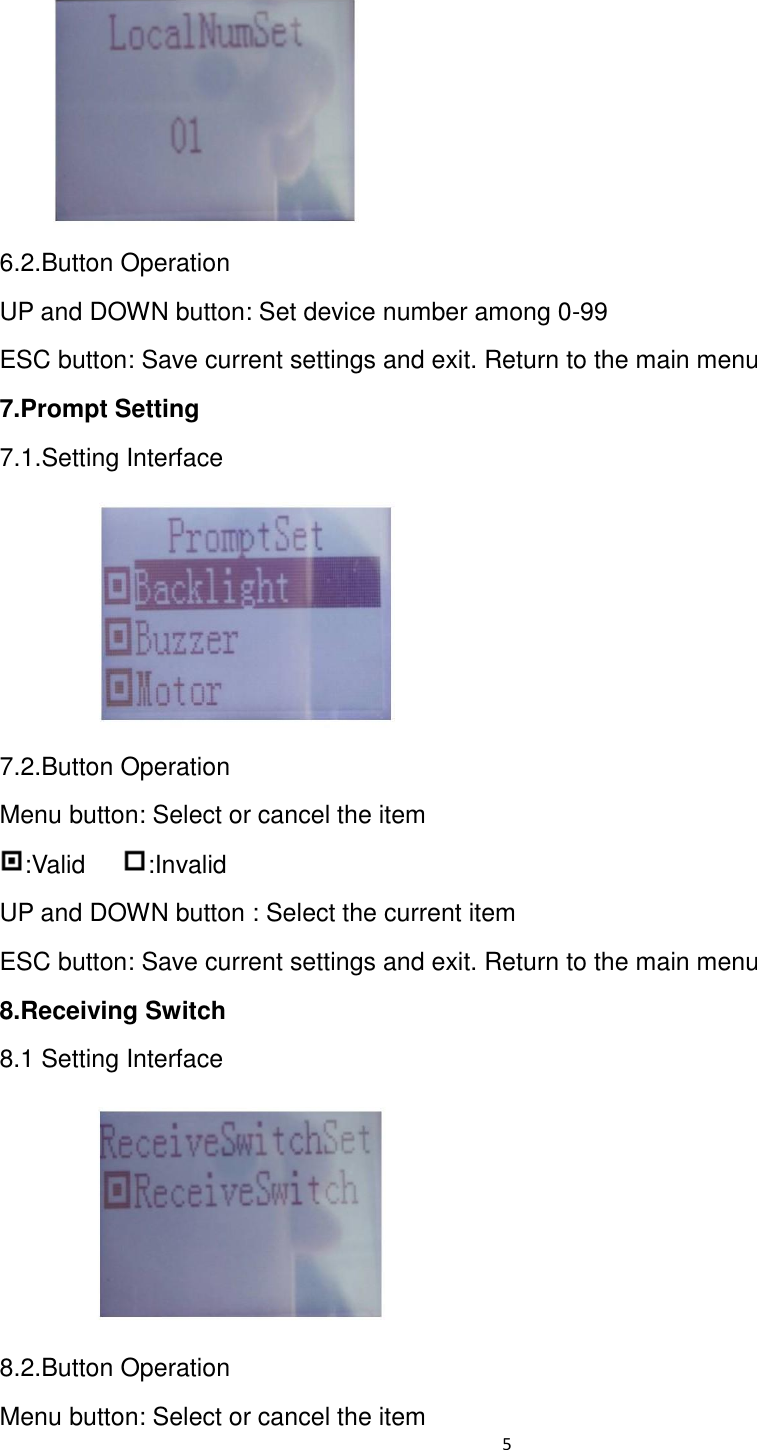
5   6.2.Button Operation UP and DOWN button: Set device number among 0-99 ESC button: Save current settings and exit. Return to the main menu 7.Prompt Setting         7.1.Setting Interface      7.2.Button Operation Menu button: Select or cancel the item :Valid    :Invalid UP and DOWN button : Select the current item ESC button: Save current settings and exit. Return to the main menu 8.Receiving Switch 8.1 Setting Interface      8.2.Button Operation Menu button: Select or cancel the item
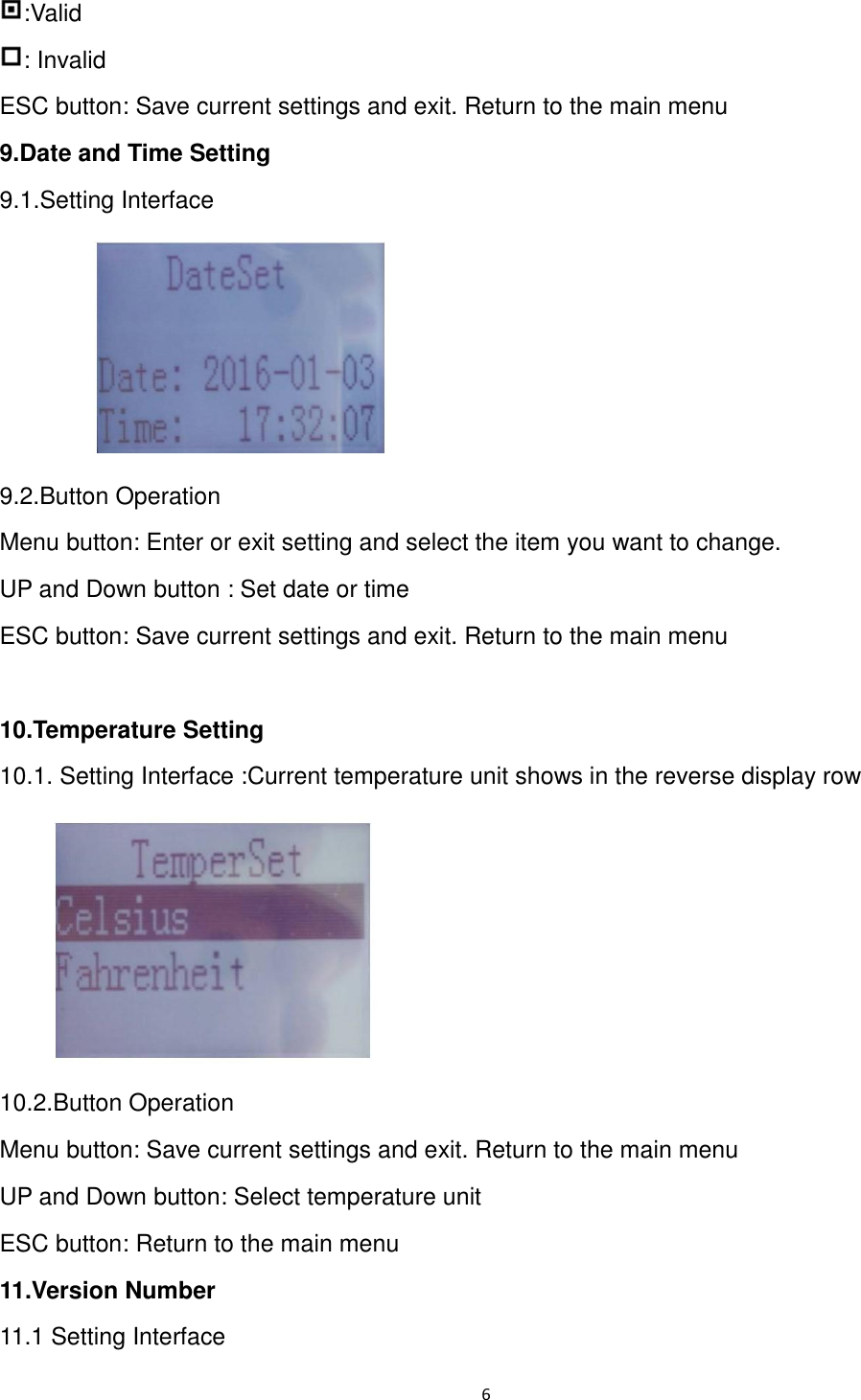
6  :Valid : Invalid ESC button: Save current settings and exit. Return to the main menu 9.Date and Time Setting         9.1.Setting Interface  9.2.Button Operation Menu button: Enter or exit setting and select the item you want to change.   UP and Down button : Set date or time ESC button: Save current settings and exit. Return to the main menu  10.Temperature Setting   10.1. Setting Interface :Current temperature unit shows in the reverse display row    10.2.Button Operation Menu button: Save current settings and exit. Return to the main menu UP and Down button: Select temperature unit ESC button: Return to the main menu 11.Version Number 11.1 Setting Interface
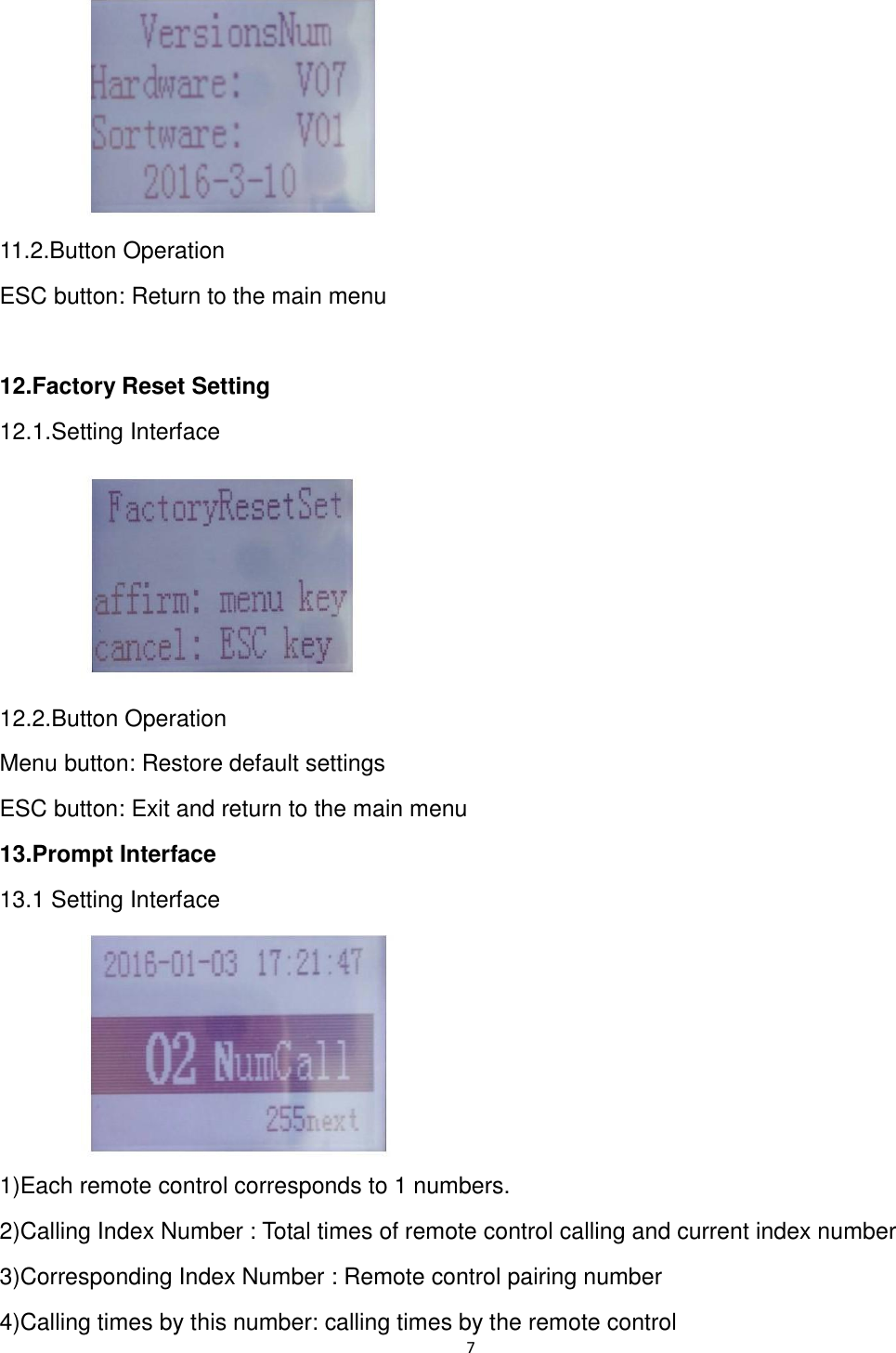
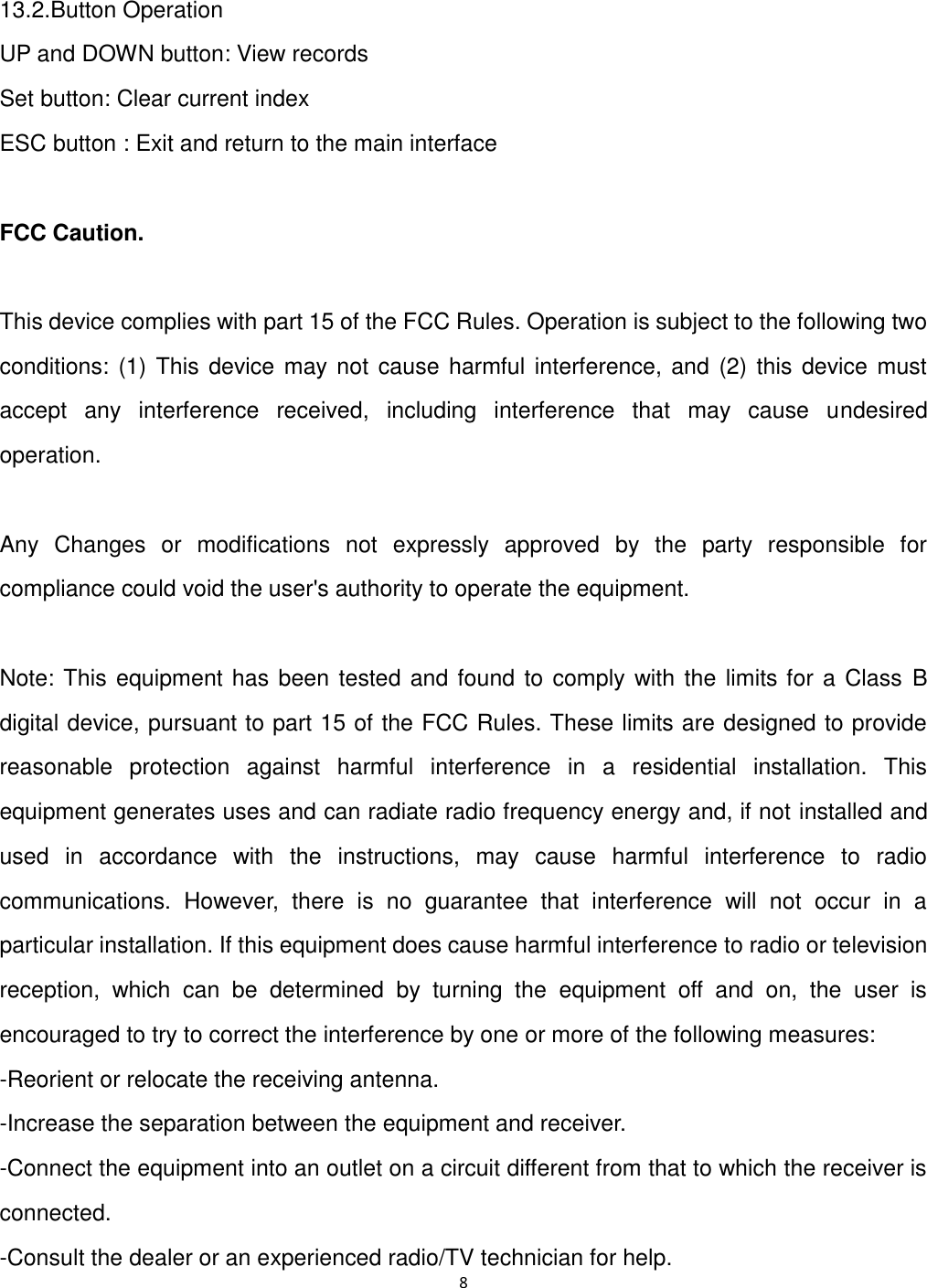
7       11.2.Button Operation ESC button: Return to the main menu  12.Factory Reset Setting 12.1.Setting Interface    12.2.Button Operation Menu button: Restore default settings ESC button: Exit and return to the main menu 13.Prompt Interface 13.1 Setting Interface        1)Each remote control corresponds to 1 numbers. 2)Calling Index Number : Total times of remote control calling and current index number 3)Corresponding Index Number : Remote control pairing number   4)Calling times by this number: calling times by the remote control
8   13.2.Button Operation UP and DOWN button: View records Set button: Clear current index   ESC button : Exit and return to the main interface  FCC Caution.  This device complies with part 15 of the FCC Rules. Operation is subject to the following two conditions: (1) This  device may not  cause harmful interference, and  (2) this device must accept  any  interference  received,  including  interference  that  may  cause  undesired operation.  Any  Changes  or  modifications  not  expressly  approved  by  the  party  responsible  for compliance could void the user's authority to operate the equipment.  Note: This equipment has been tested and found to comply with the limits for a Class B digital device, pursuant to part 15 of the FCC Rules. These limits are designed to provide reasonable  protection  against  harmful  interference  in  a  residential  installation.  This equipment generates uses and can radiate radio frequency energy and, if not installed and used  in  accordance  with  the  instructions,  may  cause  harmful  interference  to  radio communications.  However,  there  is  no  guarantee  that  interference  will  not  occur  in  a particular installation. If this equipment does cause harmful interference to radio or television reception,  which  can  be  determined  by  turning  the  equipment  off  and  on,  the  user  is encouraged to try to correct the interference by one or more of the following measures: -Reorient or relocate the receiving antenna. -Increase the separation between the equipment and receiver. -Connect the equipment into an outlet on a circuit different from that to which the receiver is connected. -Consult the dealer or an experienced radio/TV technician for help.

Navigation menu