Practecol GZ180 ALL-IN-ONE HD Wi-Fi CAMERA User Manual

Practecol, LLC ALL-IN-ONE HD Wi-Fi CAMERA

User manual

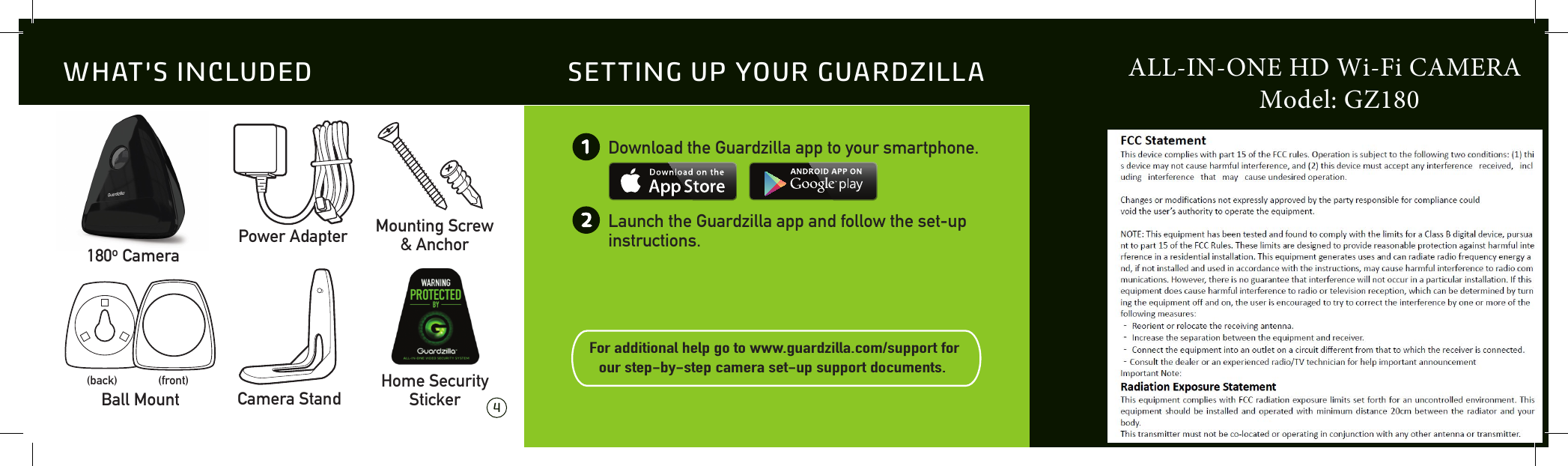
 4 5Download the Guardzilla app to your smartphone.Launch the Guardzilla app and follow the set-up instructions.For additional help go to www.guardzilla.com/support for our step-by-step camera set-up support documents.  12SETTING UP YOUR GUARDZILLA180o CameraMounting Screw& AnchorPower AdapterBall Mount(back) (front)Camera StandHome SecurityStickerWHAT’S INCLUDED ALL-IN-ONE HD Wi-Fi CAMERA                    Model: GZ180
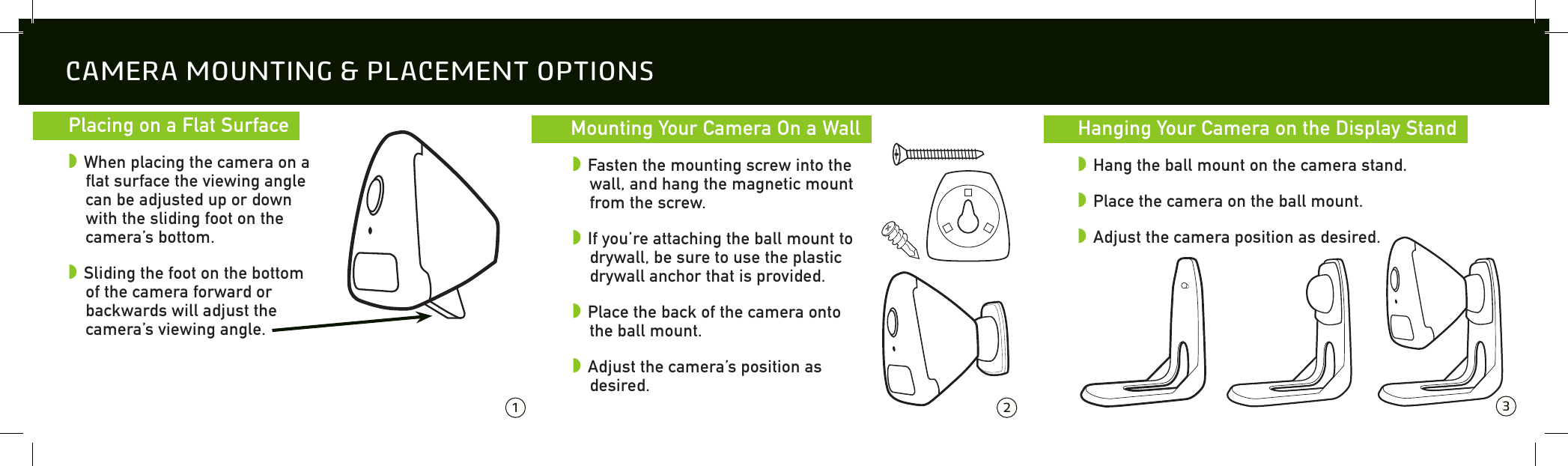
  Placing on a Flat Surface  w When placing the camera on a flat surface the viewing angle can be adjusted up or down with the sliding foot on the camera’s bottom.w Sliding the foot on the bottom of the camera forward or backwards will adjust the camera’s viewing angle.CAMERA MOUNTING & PLACEMENT OPTIONS 1 2 3  Mounting Your Camera On a Wall  w Fasten the mounting screw into the wall, and hang the magnetic mount from the screw.w If you’re attaching the ball mount to drywall, be sure to use the plastic drywall anchor that is provided.w Place the back of the camera onto the ball mount. w Adjust the camera’s position as desired.  Hanging Your Camera on the Display Stand  w Hang the ball mount on the camera stand.w Place the camera on the ball mount.w Adjust the camera position as desired.

Navigation menu