Qingdao Yeelink Information Technology YLDD04YL Yeelight Lightstrip Plus User Manual Pitaya plus 201800205

Qingdao Yeelink Information Technology Co., Ltd. Yeelight Lightstrip Plus Pitaya plus 201800205

User Manual

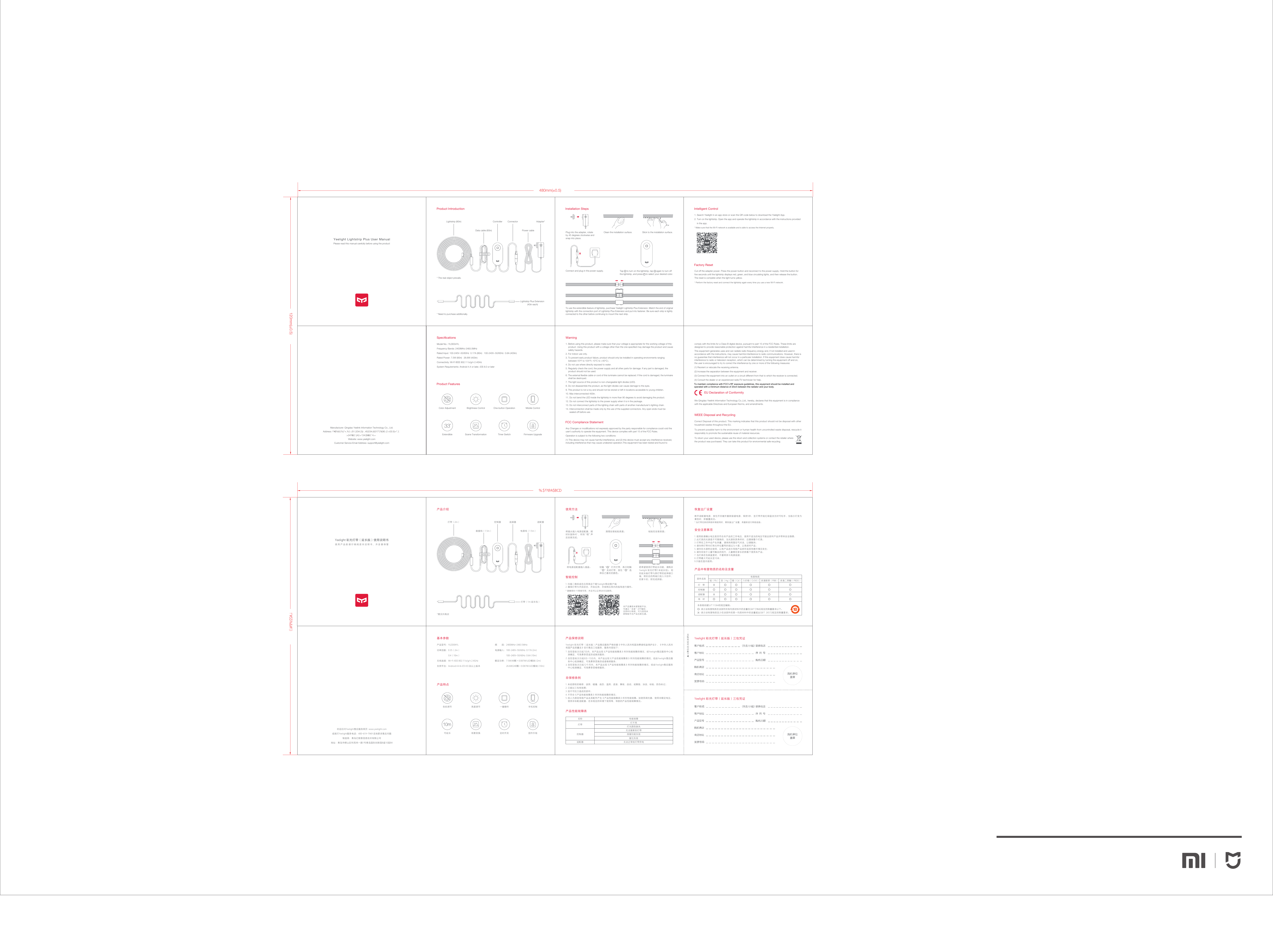
480mm(±0.5)120mm(±0.5)Yeelight Lightstrip Plus User ManualPlease read this manual carefully before using the productProduct Introduction  Installation StepsStick to the installation surface. Clean the installation surface. Tap     to turn on the lightstrip, tap     again to turn offthe lightstrip, and press     to select your desired color. Intelligent Control Manufacturer: Qingdao Yeelink Information Technology Co., Ltd.Address: !"#$%&'(%)*+,%'(-./01.2/34.2)(-..452/34.(6217'("8(90:;2.<03:3(=*,'(>24?@2.'(A3.+*24'(B@2.*4.+Website: www.yeelight.comCustomer Service Email Address: support@yeelight.comFactory Reset Warning To use the extendible feature of lightstrip, purchase Yeelight Lightstrip Plus Extension. Match the end of original lightstrip with the connection port of Lightstrip Plus Extension and put into fastener. Be sure each strip is tightly connected to the other before continuing to mount the next strip.1. Before using this product, please make sure that your voltage is appropriate for the working voltage of this product. Using this product with a voltage other than the one specified may damage the product and cause safety hazards.2. For indoor use only.3. To prevent early product failure, product should only be installed in operating environments ranging between:10℉ to 104℉(-10℃ to +40℃).4. Do not use where directly exposed to water.5. Regularly check the cord, the power supply and all other parts for damage. If any part is damaged, the product should not be used. 6. The external flexible cable or cord of this luminaire cannot be replaced. If the cord is damaged, the luminaire shall be destroyed. 7. The light source of this product is non-changeable light diodes (LED).8. Do not disassemble the product, as the light diodes can cause damage to the eyes. 9. This product is not a toy and should not be stored or left in locations accessible to young children.10. Max interconnected 400in.11. Do not bend the LED inside the lightstrip in more than 90 degrees to avoid damaging the product.12. Do not connect the lightstrip to the power supply when it is in the package.13. Do not interconnect parts of this lighting chain with parts of another manufacturer’s lighting chain.14. Interconnection shall be made only by the use of the supplied connectors. Any open ends must be sealed-off before use.1. Search Yeelight in an app store or scan the QR code below to download the Yeelight App.2. Turn on the lightstrip. Open the app and operate the lightstrip in accordance with the instructions providedin the app.* Make sure that the Wi-Fi network is available and is able to access the Internet properly.Cut off the adapter power. Press the power button and reconnect to the power supply. Hold the button for five seconds until the lightstrip displays red, green, and blue circulating lights, and then release the button. The reset is complete when the light turns yellow.* Perform the factory reset and connect the lightstrip again every time you use a new Wi-Fi network.EU Declaration of ConformityWe Qingdao Yeelink Information Technology Co.,Ltd., hereby, declares that this equipment is in compliance with the applicable Directives and European Norms, and amendments.  * The real object prevails.Lightstrip Plus Extension (40in each)* Need to purchase additionally.Speci cationsProduct Features Model No.: YLDD04YLFrequency Bands: 2400MHz-2483.5MHzRated Input: 100-240V~50/60Hz  0.17A (80in)   100-240V~50/60Hz  0.6A (400in)Rated Power: 7.5W (80in)   26.6W (400in)Connectivity: Wi-Fi IEEE 802.11 b/g/n 2.4GHzSystem Requirements: Android 4.4 or later, iOS 8.0 or laterMobile ControlFirmware UpgradeTimer SwitchBrightness ControlScene TransformationOne-button OperationColor AdjustmentExtendibleController ConnectorLightstrip (80in) Adapter*Power cableData cable (60in)Connect and plug in the power supply. %.$??@A$BCD!"#$$%&#'()1. 扫描二维码或在应用商店下载Yeelight移动客户端;2. 确保灯带为开启状态,开启应用,并按照应用内的指导进行操作。* 请确保Wi-Fi网络可用,并且可以正常访问互联网。本产品兼容米家智能平台,可通过“米家”APP操控,支持MIUI系统,可与其他米家智能平台产品互联互通。断开适配器电源,按住开关键并重新接通电源,保持5秒,至灯带开始红绿蓝流光时可松手,当指示灯变为黄色时,即重置成功。* 当灯带在新的网络环境使用时,需恢复出厂设置,再重新进行网络连接。部件名称灯     带适配器铅(Pb) 汞(Hg) 镉(Cd) 六价铬(Cr(VI)) 多溴联苯(PBB) 多溴二苯醚(PBDE)有害物质控制器线     材表示该有害物质在该部件所有均质材料中的含量在GB/T $%5&$规定的限量要求以下。表示该有害物质至少在该部件的某一均质材料中的含量超出GB/T  26572规定的限量要求。本表格依据SJ/T 11364的规定编制。欢迎访问Yeelight售后服务网页  www.yeelight.com或拨打Yeelight服务电话:400-619-7969 咨询更多售后问题制造商:青岛亿联客信息技术有限公司地址:青岛市崂山区科苑纬一路1号青岛国际创新园B座10层B4使用方法产品介绍智能控制恢复出厂设置产品中有害物质的名称及含量1. 使用前请确认电压是否符合本产品的工作电压,使用不适当的电压可能会损坏产品并带来安全隐患;2. 此灯具的光源是不可替换的,当光源到其寿终时,应替换整个灯具;3. 灯带在工作中会产生热量,请保持周围空气对流,以便散热;4. 请勿将灯带内灯珠元件位置弯折超过九十度,以免损坏产品;5. 请勿在水源附近使用,以免产品进水导致产品损坏或其他意外情况发生;6. 请勿存放于儿童可触及的地方,儿童需在家长的照看下使用本产品;7. 当灯具在包装盒里时,不要将其与电源连接;8. 灯带最大可延长至10米;9.只能在室内使用。安全注意事项Yeelight 彩光灯带(延长版)三包凭证Yeelight 彩光灯带(延长版)三包凭证产品保修说明1. 未经授权的维修、误用、碰撞、疏忽、滥用、进液、事故、改动,或撕毁、涂改、标贴、防伪标记;2. 已超过三包有效期;3. 因不可抗力造成的损坏;4. 不符合《产品性能故障表》所列性能故障的情况;5. 因人为原因导致产品及其配件产生《产品性能故障表》所列性能故障。如使用调光器、使用非额定电压、使用非标配适配器、在非规定的环境下使用等,导致的产品性能故障情况。非保修条例灯带名称灯不亮灯光颜色缺失性能故障按键功能失效复位失效无法搜索到灯带控制器无法正常给灯带供电适配器产品性能故障表产品特点基本参数产品型号:YLDD04YL功率因数:0.35(2m)0.4(10m)无线连接:Wi-Fi IEEE 802.11 b/g/n 2.4GHz支持平台:Android 4.4 & iOS 8.0 及以上版本粘贴在安装表面。轻触“     ”打开灯带,再次轻触“     ”关闭灯带,按住“     ”选择自己喜欢的颜色。清理安装粘贴表面。若希望使用灯带延长功能,请购买Yeelight 彩光灯带(1米延长包)。 轻扣延长版灯带与原灯带的延伸接口端,将扣合的两端口放入卡扣中,扣紧卡扣,即完成拼接。 手机控制固件升级定时开关亮度调节场景变换一键操作色彩调节可延长控制器灯带(2m) 适配器数据线(1.5m) 电源线(1.5m)连接器灯带(1m 延长包)频         段:2400MHz-2483.5MHz电源输入:100-240V~50/60Hz  0.17A (2m)  100-240V~50/60Hz  0.6A (10m)额定功率:7.5W(48颗×0.087W/LED模块) (2m) 26.6W(240颗×0.087W/LED模块) (10m)Yeelight 彩光灯带(延长版)使用说明书使用产品前请仔细阅读本说明书,并妥善保管*需另外购买将电源适配器插入插座。Yeelight 彩光灯带 (延长版)产品售后服务严格依据《中华人民共和国消费者权益保护法》、《中华人民共和国产品质量法》实行售后三包服务,服务内容如下:1. 自您签收次日起7日内,本产品出现《产品性能故障表》所列性能故障的情况,经Yeelight售后服务中心检测确定,可免费享受退货或换货服务;2. 自您签收次日起8日-15日内,本产品出现《产品性能故障表》所列性能故障的情况,经由Yeelight售后服务中心检测确定,可免费享受换货或者维修服务;3. 自您签收次日起12个月内,本产品出现《产品性能故障表》所列性能故障的情况,经由Yeelight售后服务中心检测确定,可免费享受维修服务。FCC Compliance StatementAny Changes or modifications not expressly approved by the party responsible for compliance could void the user’s authority to operate the equipment. This device complies with part 15 of the FCC Rules.Operation is subject to the following two conditions: (1) This device may not cause harmful interference, and (2) this device must accept any interference received, including interference that may cause undesired operation.This equipment has been tested and found to Correct Disposal of this product. This marking indicates that this product should not be disposal with other household wastes throughout the EU.To prevent possible harm to the environment or human health from uncontrolled waste disposal, rescycle it responsibly to promote the sustainable reuse of material resources.To return your used device, please use the return and collection systems or contact the retailer wherethe product was purchased. They can take this product for environmental safe recycling.  WEEE Disposal and Recyclingcomply with the limits for a Class B digital device, pursuant to part 15 of the FCC Rules. These limits are designed to provide reasonable protection against harmful interference in a residential installation.This equipment generates uses and can radiate radio frequency energy and, if not installed and used in accordance with the instructions, may cause harmful interference to radio communications. However, there is no guarantee that interference will not occur in a particular installation. If this equipment does cause harmful interference to radio or television reception, which can be determined by turning the equipment off and on, the user is encouraged to try to correct the interference by one or more of the following measures:(1) Reorient or relocate the receiving antenna.(2) Increase the separation between the equipment and receiver.(3) Connect the equipment into an outlet on a circuit different from that to which the receiver is connected.(4) Consult the dealer or an experienced radio/TV technician for help.将插头插入电源适配器,顺时针旋转45',听到“嗒”声后安装完成。Plug into the adapter, rotate by 45 degrees clockwise and snap into place.To maintain compliance with FCC’s RF exposure guidelines, this equipment should be installed and operated with a minimum distance of 20cm between the radiator and your body.

Navigation menu