Quanzhou YANTON Electronics T-X8PLUS POC Radio User Manual

Quanzhou YANTON Electronics Co., Ltd. POC Radio

User Manual

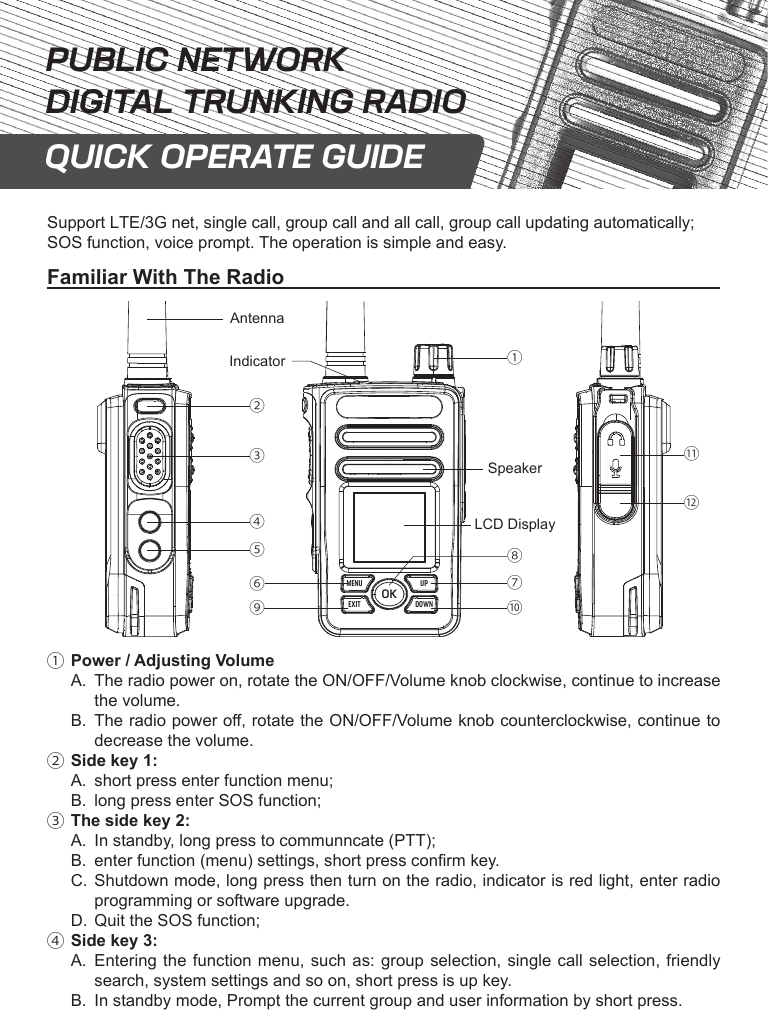
Support LTE/3G net, single call, group call and all call, group call updating automatically;  SOS function, voice prompt. The operation is simple and easy.Familiar With The RadioOKMENUEXITUPDOWNacdefibAntennaSpeakerLCD DisplayklghIndicatorja.Power / Adjusting VolumeA.  The radio power on, rotate the ON/OFF/Volume knob clockwise, continue to increase the volume.B.  The radio power o, rotate the ON/OFF/Volume knob counterclockwise, continue to decrease the volume.b.Side key 1:A.  short press enter function menu;B.  long press enter SOS function;c.The side key 2:A.  In standby, long press to communncate (PTT);B.  enter function (menu) settings, short press conrm key.C.  Shutdown mode, long press then turn on the radio, indicator is red light, enter radio programming or software upgrade.D.  Quit the SOS function;d.Side key 3:A.  Entering the function menu, such as: group selection, single call selection, friendly search, system settings and so on, short press is up key.B.  In standby mode, Prompt the current group and user information by short press.PUBLIC NETWORKDIGITAL TRUNKING RADIOQUICK OPERATE GUIDE
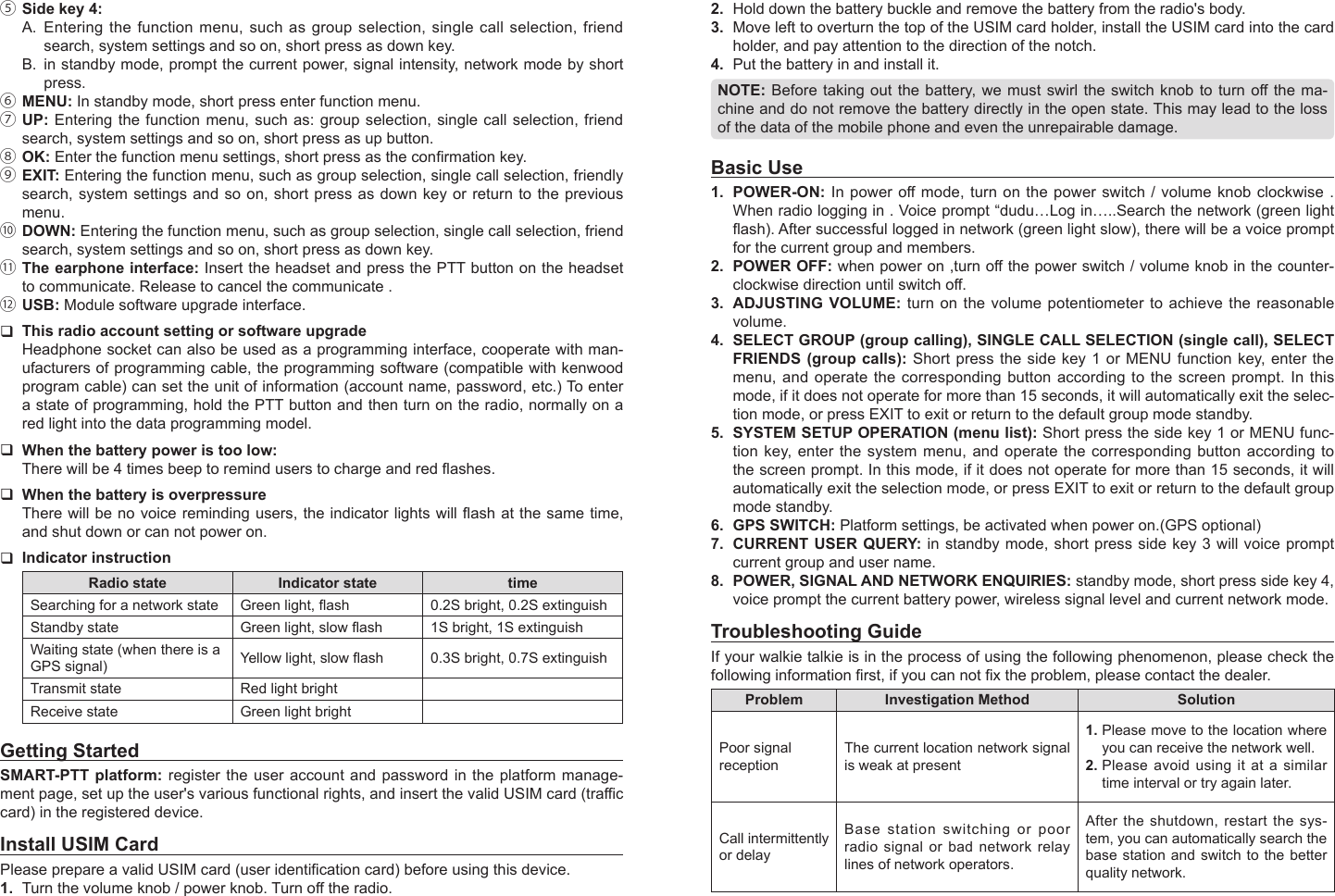
2.  Hold down the battery buckle and remove the battery from the radio's body.3.  Move left to overturn the top of the USIM card holder, install the USIM card into the card holder, and pay attention to the direction of the notch.4.  Put the battery in and install it.NOTE: Before taking out the  battery, we must swirl the switch knob to turn o the ma-chine and do not remove the battery directly in the open state. This may lead to the loss of the data of the mobile phone and even the unrepairable damage.Basic Use1.  POWER-ON:  In power o mode, turn  on the power  switch / volume knob clockwise  . When radio logging in . Voice prompt “dudu…Log in…..Search the network (green light ash). After successful logged in network (green light slow), there will be a voice prompt for the current group and members.2.  POWER OFF: when power on ,turn o the power switch / volume knob in the counter-clockwise direction until switch o.3.  ADJUSTING VOLUME: turn on the volume potentiometer to achieve the reasonable volume.4.  SELECT GROUP (group calling), SINGLE CALL SELECTION (single call), SELECT FRIENDS (group calls): Short press the side key 1 or MENU function key, enter the menu, and operate the corresponding button according to the screen prompt. In this mode, if it does not operate for more than 15 seconds, it will automatically exit the selec-tion mode, or press EXIT to exit or return to the default group mode standby.5.  SYSTEM SETUP OPERATION (menu list): Short press the side key 1 or MENU func-tion key, enter the system menu, and operate the corresponding button according to the screen prompt. In this mode, if it does not operate for more than 15 seconds, it will automatically exit the selection mode, or press EXIT to exit or return to the default group mode standby.6.  GPS SWITCH: Platform settings, be activated when power on.(GPS optional)7.  CURRENT USER QUERY: in standby mode, short press side key 3 will voice prompt current group and user name.8.  POWER, SIGNAL AND NETWORK ENQUIRIES: standby mode, short press side key 4, voice prompt the current battery power, wireless signal level and current network mode.Troubleshooting GuideIf your walkie talkie is in the process of using the following phenomenon, please check the following information rst, if you can not x the problem, please contact the dealer.Problem Investigation Method SolutionPoor signal receptionThe current location network signal is weak at present1. Please move to the location where you can receive the network well.2. Please avoid using it at a similar time interval or try again later.Call intermittently or delayBase station switching or poor radio signal or bad network relay lines of network operators.After the shutdown, restart the sys-tem, you can automatically search the base station and switch to the better quality network.e.Side key 4:A.  Entering the function menu, such as group selection, single call selection, friend search, system settings and so on, short press as down key.B.  in standby mode, prompt the current power, signal intensity, network mode by short press.f.MENU: In standby mode, short press enter function menu.g.UP: Entering the function menu, such as: group selection, single call selection, friend search, system settings and so on, short press as up button.h.OK: Enter the function menu settings, short press as the conrmation key.i.EXIT: Entering the function menu, such as group selection, single call selection, friendly search, system settings and so on, short press as down key or return to the previous menu.j.DOWN: Entering the function menu, such as group selection, single call selection, friend search, system settings and so on, short press as down key.k.The earphone interface: Insert the headset and press the PTT button on the headset to communicate. Release to cancel the communicate .l.USB: Module software upgrade interface. This radio account setting or software upgradeHeadphone socket can also be used as a programming interface, cooperate with man-ufacturers of programming cable, the programming software (compatible with kenwood program cable) can set the unit of information (account name, password, etc.) To enter a state of programming, hold the PTT button and then turn on the radio, normally on a red light into the data programming model. When the battery power is too low:There will be 4 times beep to remind users to charge and red ashes. When the battery is overpressureThere will be no voice reminding users, the indicator lights will ash at the same time, and shut down or can not power on. Indicator instructionRadio state Indicator state timeSearching for a network state Green light, ash 0.2S bright, 0.2S extinguishStandby state Green light, slow ash 1S bright, 1S extinguishWaiting state (when there is a GPS signal) Yellow light, slow ash 0.3S bright, 0.7S extinguishTransmit state Red light brightReceive state Green light brightGetting StartedSMART-PTT platform: register the user account and password in the platform manage-ment page, set up the user's various functional rights, and insert the valid USIM card (trac card) in the registered device.Install USIM CardPlease prepare a valid USIM card (user identication card) before using this device.1.  Turn the volume knob / power knob. Turn o the radio.
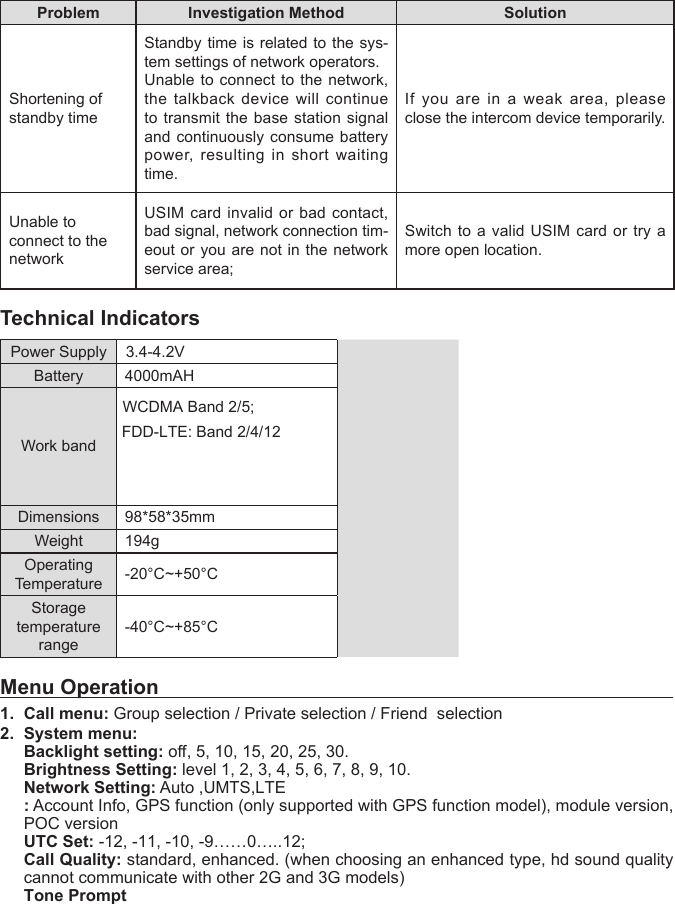
Problem Investigation Method SolutionShortening of standby timeStandby time is related to the sys-tem settings of network operators.Unable to connect to the network, the talkback device will continue to transmit the base station signal and continuously consume battery power, resulting in short waiting time.If you are in a weak area, please close the intercom device temporarily.Unable to connect to the networkUSIM card invalid or bad contact, bad signal, network connection tim-eout or you are not in the network service area;Switch to a valid USIM card or try a more open location.Technical IndicatorsPower Supply 3.4-4.2VBattery  4000mAHWork bandWCDMA Band 2/5;FDD-LTE: Band 2/4/12Dimensions 98*58*35mmWeight 194gOperating Temperature -20°C~+50°CStoragetemperature range-40°C~+85°CMenu Operation1. Call menu: Group selection / Private selection / Friend  selection2. System menu:Backlight setting: o, 5, 10, 15, 20, 25, 30.Brightness Setting: level 1, 2, 3, 4, 5, 6, 7, 8, 9, 10.Network Setting: Auto ,UMTS,LTE: Account Info, GPS function (only supported with GPS function model), module version,POC versionUTC Set: -12, -11, -10, -9……0…..12;Call Quality: standard, enhanced. (when choosing an enhanced type, hd sound qualitycannot communicate with other 2G and 3G models)Tone Prompt
    SAR tests are conducted using standard operating positions accepted by the FCC with the walkie talkie transmitting at its highest certified power level in all tested frequency bands, although the SAR is determined at the highest certified power level, the actual SAR level of the walkie talkie while operating can be well below the maximum value. Before a new model is aavailable for sale to the public, it must be tested and certified to the FCC that it does not exceed the exposure limit established by the FCC, tests for each product are performed in positions and locations as required by the FCC.   For body worn operation, this device has been tested and meets the FCC RF exposure when used with an accessory designated for this product or when used with an accessory that Contains no metal. To maintaion compliance with the FCC RF exposure guideline,hold the transimitter and antenna at least 2.5 centimeters from your face and speak in a normal voice,with the antenna pointed up and away from the face. This equipment comply with FCC radiation exposure limits set forth for an uncontrolled environmenr.

Navigation menu