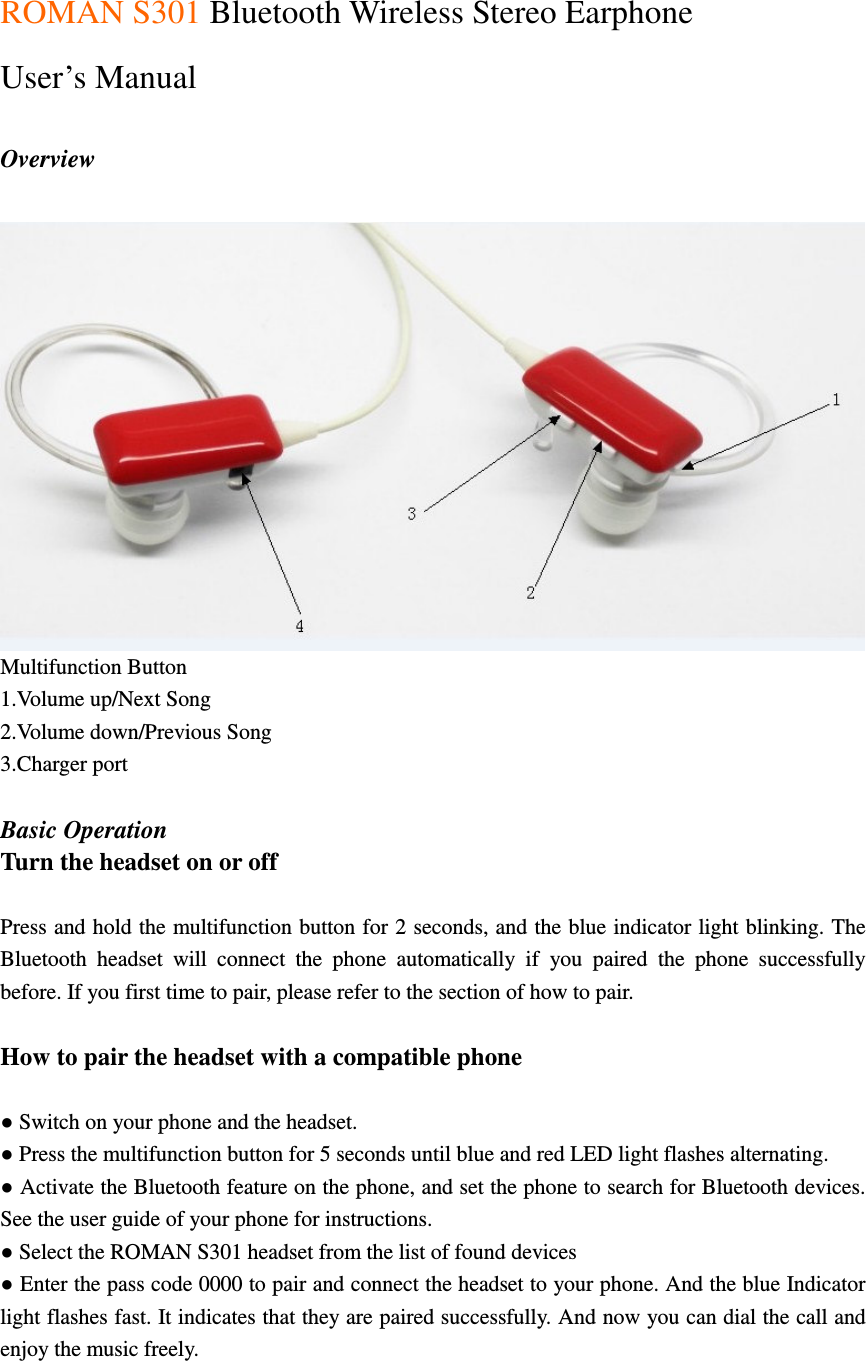
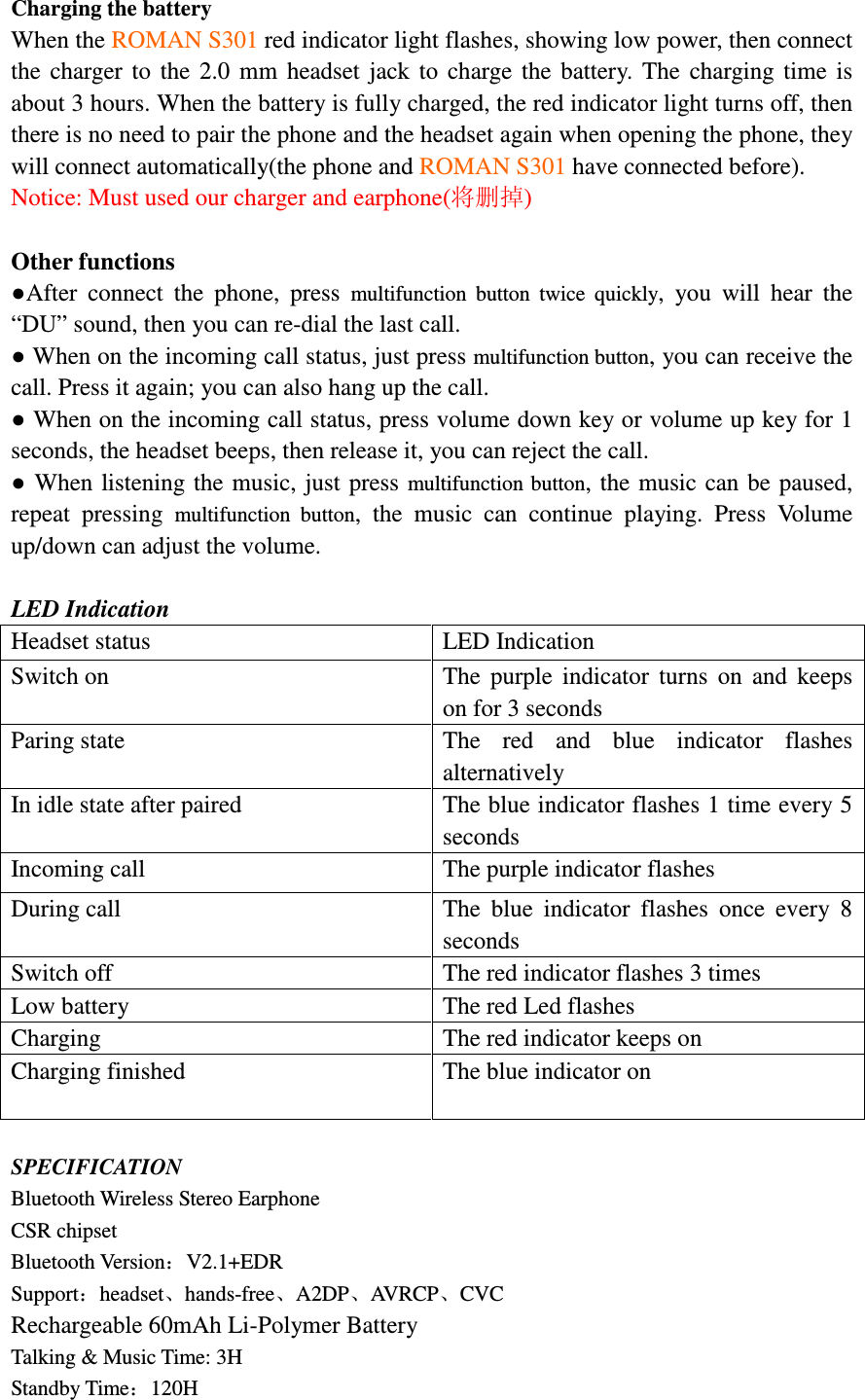
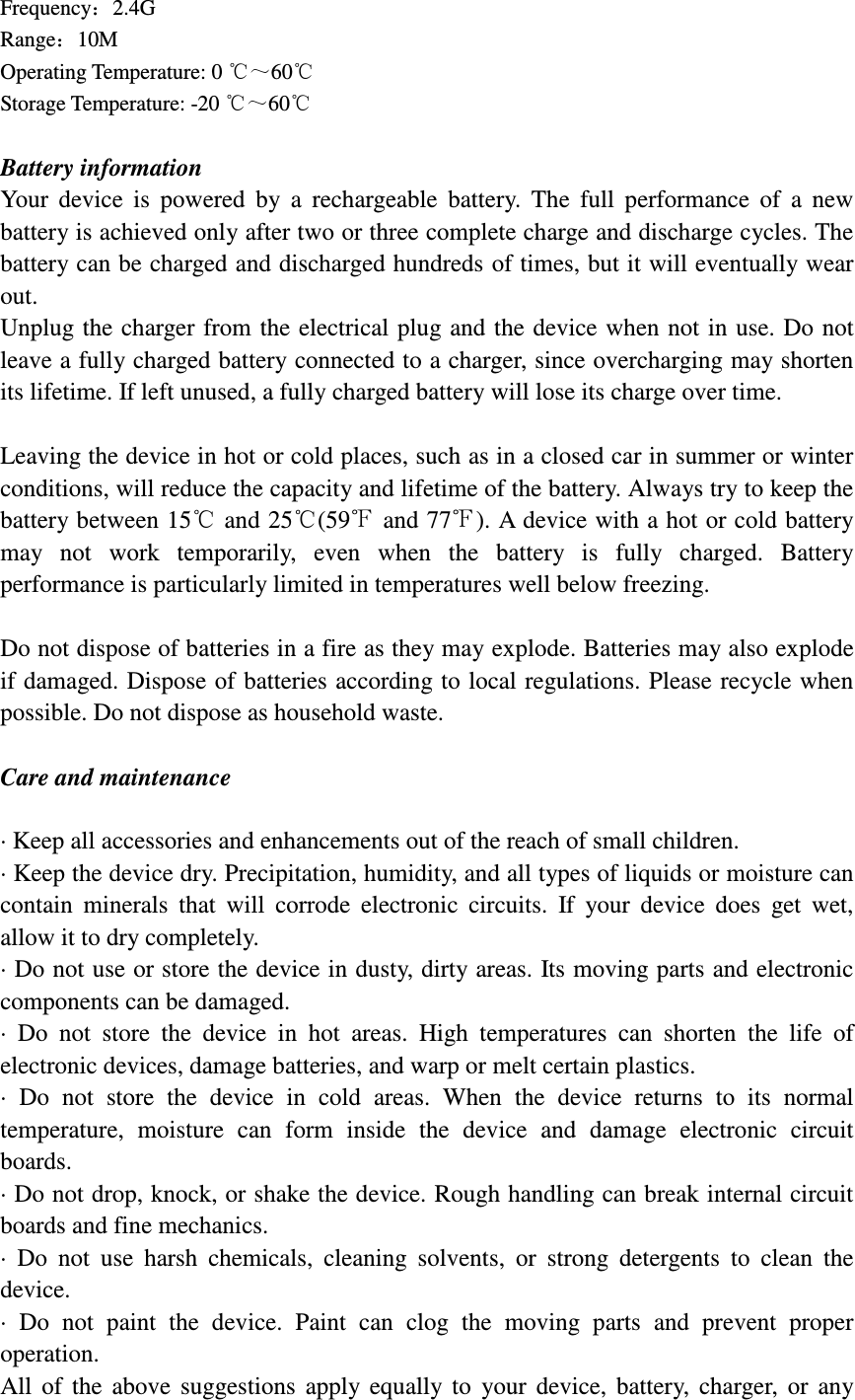
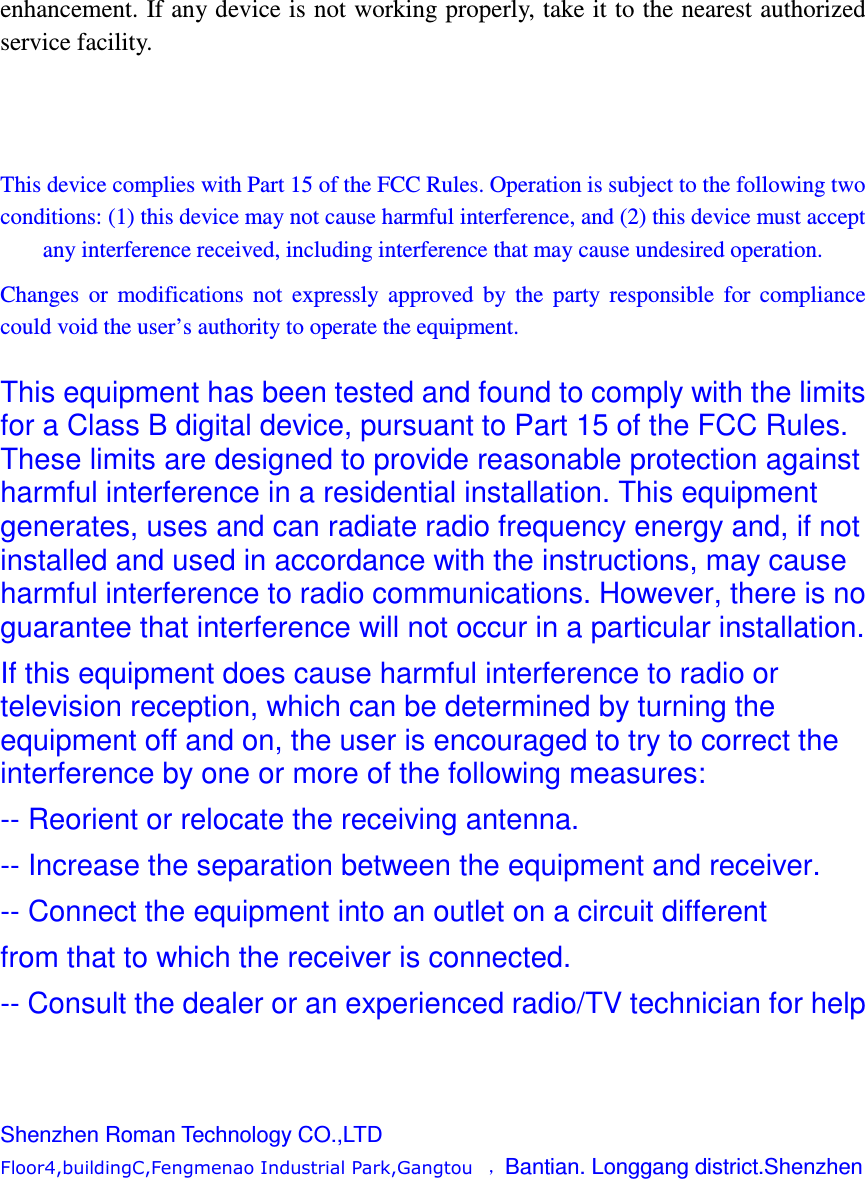
ROMAN TECHNOLOGY BC5 Bluetooth headset User Manual S301

SHENZHEN ROMAN TECHNOLOGY CO.,LTD. Bluetooth headset S301

user manual

ROMAN S301 Bluetooth Wireless Stereo Earphone   User’s Manual    Overview  Multifunction Button 1.Volume up/Next Song 2.Volume down/Previous Song 3.Charger port  Basic Operation Turn the headset on or off  Press and hold the multifunction button for 2 seconds, and the blue indicator light blinking. The Bluetooth  headset  will  connect  the  phone  automatically  if  you  paired  the  phone  successfully before. If you first time to pair, please refer to the section of how to pair.  How to pair the headset with a compatible phone  ● Switch on your phone and the headset. ● Press the multifunction button for 5 seconds until blue and red LED light flashes alternating. ● Activate the Bluetooth feature on the phone, and set the phone to search for Bluetooth devices. See the user guide of your phone for instructions. ● Select the ROMAN S301 headset from the list of found devices ● Enter the pass code 0000 to pair and connect the headset to your phone. And the blue Indicator light flashes fast. It indicates that they are paired successfully. And now you can dial the call and enjoy the music freely.
Charging the battery When the ROMAN S301 red indicator light flashes, showing low power, then connect the  charger  to  the  2.0  mm  headset  jack  to  charge  the  battery.  The  charging  time  is about 3 hours. When the battery is fully charged, the red indicator light turns off, then there is no need to pair the phone and the headset again when opening the phone, they will connect automatically(the phone and ROMAN S301 have connected before). Notice: Must used our charger and earphone(将删掉)  Other functions ●After  connect  the  phone,  press  multifunction  button  twice  quickly,  you  will  hear  the “DU” sound, then you can re-dial the last call. ● When on the incoming call status, just press multifunction button, you can receive the call. Press it again; you can also hang up the call. ● When on the incoming call status, press volume down key or volume up key for 1 seconds, the headset beeps, then release it, you can reject the call. ● When listening the music, just press multifunction button, the music can be  paused, repeat  pressing  multifunction  button,  the  music  can  continue  playing.  Press  Volume up/down can adjust the volume.  LED Indication Headset status  LED Indication Switch on  The  purple  indicator  turns  on  and  keeps on for 3 seconds Paring state  The  red  and  blue  indicator  flashes alternatively In idle state after paired  The blue indicator flashes 1 time every 5 seconds Incoming call  The purple indicator flashes   During call  The  blue  indicator  flashes  once  every  8 seconds Switch off  The red indicator flashes 3 times Low battery  The red Led flashes   Charging  The red indicator keeps on   Charging finished  The blue indicator on   SPECIFICATION Bluetooth Wireless Stereo Earphone                                                               CSR chipset                                                     Bluetooth Version:V2.1+EDR                                    Support:headset、hands-free、A2DP、AVRCP、CVC                                                        Rechargeable 60mAh Li-Polymer Battery   Talking & Music Time: 3H                                                                                         Standby Time:120H
Frequency:2.4G                                                  Range:10M                 Operating Temperature: 0 ℃~60℃ Storage Temperature: -20 ℃~60℃  Battery information Your  device  is  powered  by  a  rechargeable  battery.  The  full  performance  of  a  new battery is achieved only after two or three complete charge and discharge cycles. The battery can be charged and discharged hundreds of times, but it will eventually wear out.   Unplug the  charger from the electrical plug and  the device when not in use. Do not leave a fully charged battery connected to a charger, since overcharging may shorten its lifetime. If left unused, a fully charged battery will lose its charge over time.  Leaving the device in hot or cold places, such as in a closed car in summer or winter conditions, will reduce the capacity and lifetime of the battery. Always try to keep the battery between 15  and 25 (59℃ ℃ ℉ and 77℉). A device with a hot or cold battery may  not  work  temporarily,  even  when  the  battery  is  fully  charged.  Battery performance is particularly limited in temperatures well below freezing.  Do not dispose of batteries in a fire as they may explode. Batteries may also explode if damaged. Dispose of batteries according to local regulations. Please recycle when possible. Do not dispose as household waste.  Care and maintenance  · Keep all accessories and enhancements out of the reach of small children. · Keep the device dry. Precipitation, humidity, and all types of liquids or moisture can contain  minerals  that  will  corrode  electronic  circuits.  If  your  device  does  get  wet, allow it to dry completely. · Do not use or store the device in dusty, dirty areas. Its moving parts and electronic components can be damaged. ·  Do  not  store  the  device  in  hot  areas.  High  temperatures  can  shorten  the  life  of electronic devices, damage batteries, and warp or melt certain plastics. ·  Do  not  store  the  device  in  cold  areas.  When  the  device  returns  to  its  normal temperature,  moisture  can  form  inside  the  device  and  damage  electronic  circuit boards. · Do not drop, knock, or shake the device. Rough handling can break internal circuit boards and fine mechanics. ·  Do  not  use  harsh  chemicals,  cleaning  solvents,  or  strong  detergents  to  clean  the device. ·  Do  not  paint  the  device.  Paint  can  clog  the  moving  parts  and  prevent  proper operation. All  of  the  above  suggestions  apply  equally  to  your  device,  battery,  charger,  or  any
enhancement. If any device is not working properly, take it to the nearest authorized service facility.    This device complies with Part 15 of the FCC Rules. Operation is subject to the following two conditions: (1) this device may not cause harmful interference, and (2) this device must accept any interference received, including interference that may cause undesired operation. Changes  or  modifications  not  expressly  approved  by  the  party  responsible  for  compliance could void the user’s authority to operate the equipment.  This equipment has been tested and found to comply with the limits for a Class B digital device, pursuant to Part 15 of the FCC Rules. These limits are designed to provide reasonable protection against harmful interference in a residential installation. This equipment generates, uses and can radiate radio frequency energy and, if not installed and used in accordance with the instructions, may cause harmful interference to radio communications. However, there is no guarantee that interference will not occur in a particular installation. If this equipment does cause harmful interference to radio or television reception, which can be determined by turning the equipment off and on, the user is encouraged to try to correct the interference by one or more of the following measures: -- Reorient or relocate the receiving antenna. -- Increase the separation between the equipment and receiver. -- Connect the equipment into an outlet on a circuit different from that to which the receiver is connected. -- Consult the dealer or an experienced radio/TV technician for help    Shenzhen Roman Technology CO.,LTD Floor4,buildingC,Fengmenao Industrial Park,Gangtou   ,Bantian. Longgang district.Shenzhen

Navigation menu