Ralinwi Nanjing Electronic Technology TINYCON tiny embedded Wi-Fi module User Manual

Ralinwi Nanjing Electronic Technology Co., Ltd. tiny embedded Wi-Fi module

User manual

       TinyCon_CLI                  Var:V1.0.1 Date:2014/08/211 Ralinwi Nanjing electronic technology co., LTD.
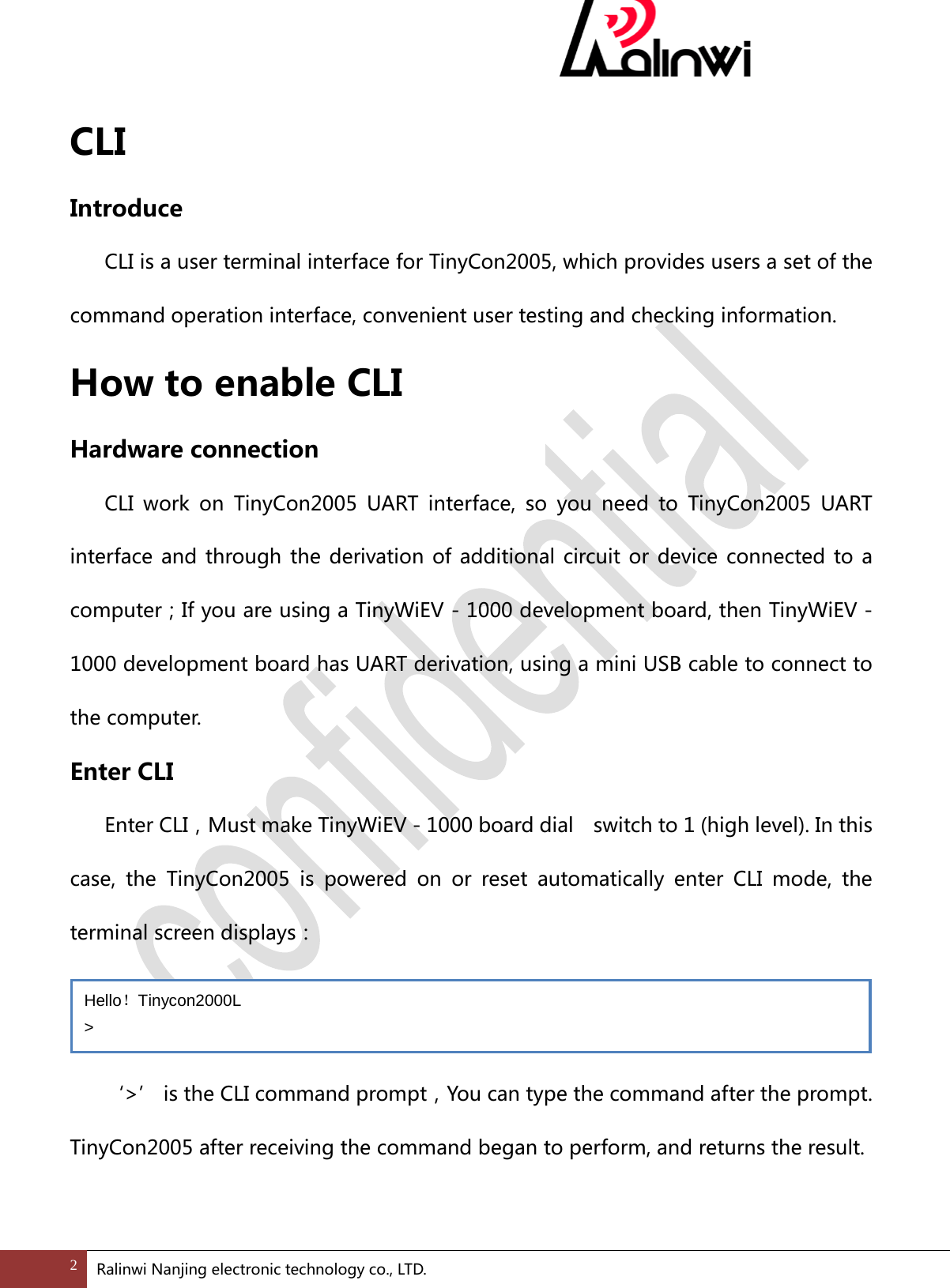
 CLI Introduce  CLI is a user terminal interface for TinyCon2005, which provides users a set of the command operation interface, convenient user testing and checking information. How to enable CLI Hardware connection  CLI work on TinyCon2005 UART interface, so you need to TinyCon2005 UART interface and through the derivation of additional circuit or device connected to a computer;If you are using a TinyWiEV - 1000 development board, then TinyWiEV - 1000 development board has UART derivation, using a mini USB cable to connect to the computer. Enter CLI   Enter CLI,Must make TinyWiEV - 1000 board dial    switch to 1 (high level). In this case, the TinyCon2005 is powered on or reset automatically enter CLI mode, the terminal screen displays:   ‘>’ is the CLI command prompt,You can type the command after the prompt. TinyCon2005 after receiving the command began to perform, and returns the result.  Hello!Tinycon2000L > 2 Ralinwi Nanjing electronic technology co., LTD.
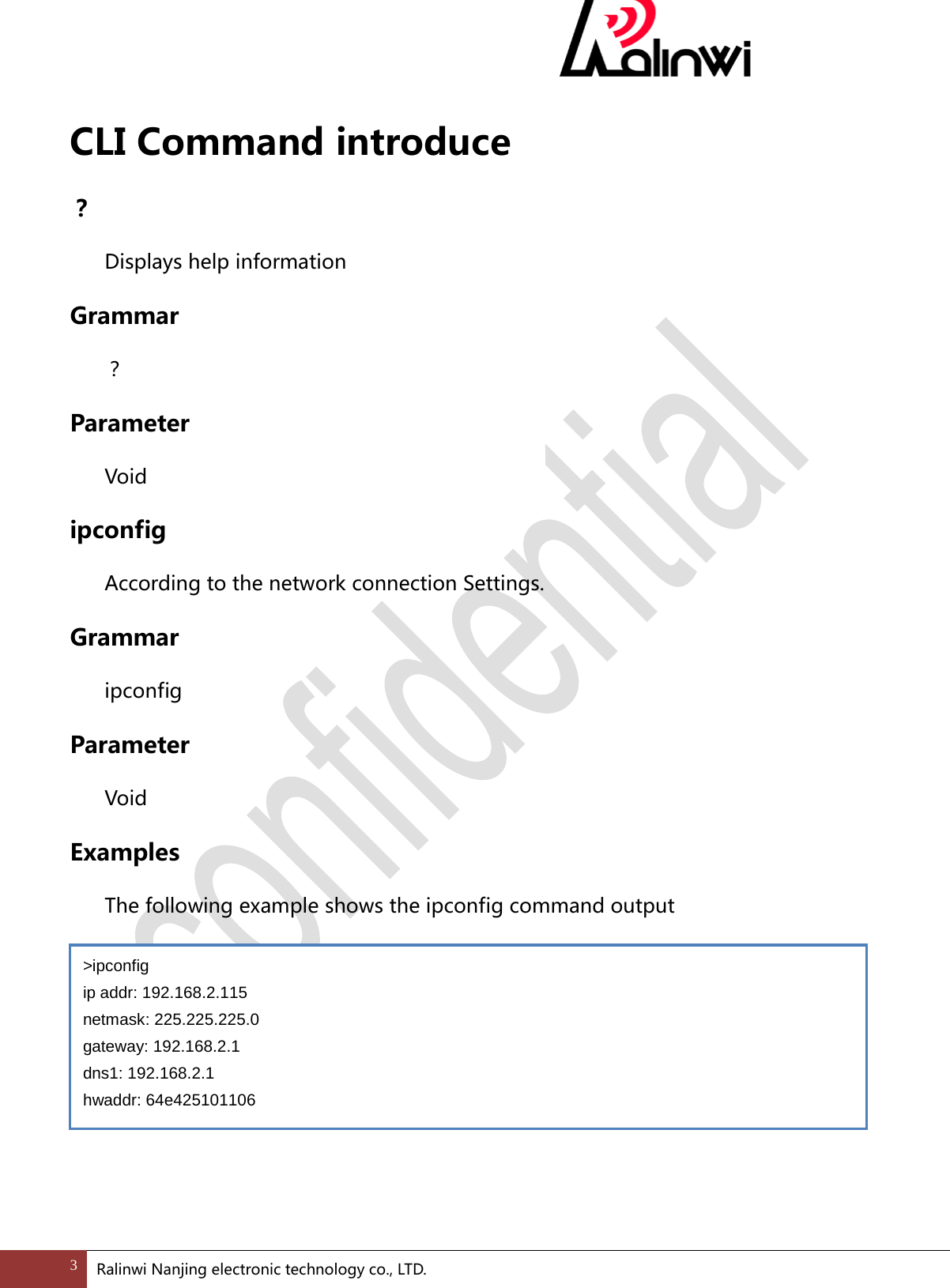
 CLI Command introduce ?  Displays help information Grammar  ? Parameter  Void ipconfig According to the network connection Settings. Grammar  ipconfig   Parameter  Void Examples  The following example shows the ipconfig command output       >ipconfig ip addr: 192.168.2.115 netmask: 225.225.225.0 gateway: 192.168.2.1 dns1: 192.168.2.1 hwaddr: 64e425101106 3 Ralinwi Nanjing electronic technology co., LTD.
 ping Through to the other host sends the ICMP Echo Request to check whether the connection is normal. Grammar  ping [target_name] [count]   Parameter  target_name:Specify the target name, IP address or host name.  count:Specifies the number of Echo Request message to be sent.The default is 4. Examples  The following example shows the output of the ping command:           To ping the target address for 192.168.2.108 and sent 10 Echo Request message,   input:  reset system reset Grammar >ping 192.168.2.108 10  > ping 192.168.2.108 PING 192.168.2.108(192.168.2.108): 120(148) data bytes 128 bytes from 192.168.2.108: icmp_seq=1 time=24 ms 128 bytes from 192.168.2.108: icmp_seq=2 time=32 ms 128 bytes from 192.168.2.108: icmp_seq=3 time=26 ms 128 bytes from 192.168.2.108: icmp_seq=4 time=20 ms --- 192.168.2.108 ping statistics --- 4 packets transmitted, 4 received, 0% packet loss, time 102 ms 4 Ralinwi Nanjing electronic technology co., LTD.
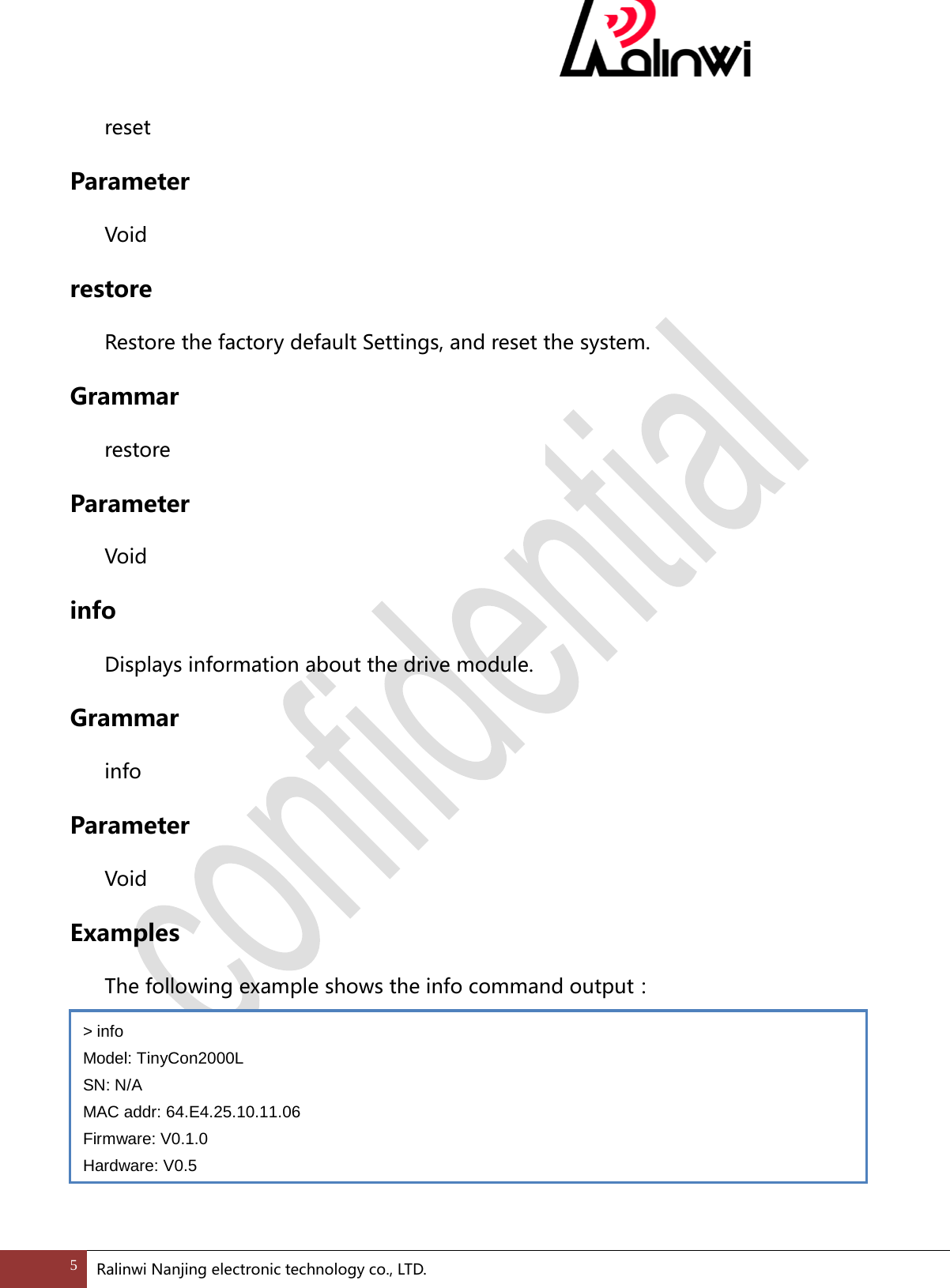
  reset Parameter  Void restore Restore the factory default Settings, and reset the system. Grammar  restore Parameter  Void info Displays information about the drive module. Grammar  info Parameter  Void Examples  The following example shows the info command output:     > info Model: TinyCon2000L SN: N/A MAC addr: 64.E4.25.10.11.06 Firmware: V0.1.0 Hardware: V0.5 5 Ralinwi Nanjing electronic technology co., LTD.
 iw  iw is a set of commands used to dynamic configuration module of WLAN. iw connect  With the given Parameter to connect an AP. Grammar  iw connect <SSID, [key], [wep_key id ]>   Parameter  SSID Specified SSID to connect AP, if there are Spaces among SSID is needed to use "" SSID included. For example:“ test 123”.  [key] Set keys. if the security type for wep, Set keys type 5 or 13 ASCII characters; If the security type for wpa_psk, wpa2_psk input 8 ~ 63 ASCII characters.  [wep_key id] Set the wep key serial number, 0 ~ 3. Examples  SSID to connect to the test, encryption mode to open AP, input:  SSID to connect to the test, for WEP encryption mode, the key is 12345, AP wep_key id 0, input:  >iw connect test  >iw connect test 12345 0  6 Ralinwi Nanjing electronic technology co., LTD.
  SSID to connect to the test, encryption mode to connected wpa2-psk, key for 12345678 AP, input:  iw disconnect  Disconnect with the AP. Grammar  iw disconnect   Parameter  Void Examples  Need to disconnect from the current AP connection, input:    iw ap  create the AP mode Grammar  iw ap <SSID> <channel> [<WPA2 PSK>]   Parameter  SSID Specified to create AP SSID.  channel Specify to create AP channel. >iw connect test 12345678  >iw disconnect  7 Ralinwi Nanjing electronic technology co., LTD.
  [WPA2 PSK] Specify to create AP key, this is optional. Don't use that encryption is open, if used, the encryption mode is WPA2, 8 ~ 63 ASCII characters must be entered. Examples  Need to set the ssid to test, channel 1, encryption mode for the open AP, input:   Need to set the ssid to test, channel 1, encryption mode is WPA2, the key is 12345678, input:  iw scan  Command equipment to perform scan, and return the scan results. Grammar  iw scan Parameter  Void Notes:  This command will trigger device performs a scan;Command will block until the return to the scan results.  Scan the format of the returned results  BSSID  RSSI  SECURITY  WPS-ID  SSID  Examples >iw ap test 1  >iw connect test 1 12345678  8 Ralinwi Nanjing electronic technology co., LTD.
  The following example shows the scan command output:     iw rssi  Show the current rssi. Grammar  iw rssi   Parameter  Void Examples  The following example shows the rssi output of commands:  iw info  Show the current configuration module of WLAN. Grammar  iw info Parameter  Void Examples > iw scan BSSID             RSSI SECURITY WPS-ID SSID 00:22:c3:81:98:3a -94  WPA/WPA2 -1     New AP d4:ca:6d:87:28:ba -94  WPA/WPA2 -1     aibo 00:22:c3:81:96:24 -94  WPA/WPA2 -1     woxu wireless [3 : 3] >iw rssi RSSI=-60 9 Ralinwi Nanjing electronic technology co., LTD.
  The following example shows the info command output:       iw sc    Using simple_config to connect to the Internet Grammar  iw sc     Examples  control module quick access networks with android APP , the result of the example below shows that this command:          > iw info RSSI: -60 state: running op mode: station security: wpa2-psk SSID: aibo channel: 6 > iw sc SC Start [1]Perform channel-round scan *ch1*ch2*ch3*ch4*ch5*ch6*ch7*ch8*ch9*ch10*ch11 Start scan to learn AP's security mode: * 3 [AP Profile] ssid: New AP security: WPA2 password: 1234567899 Try to connect target AP +++++++ connected to New AP DHCP: Started netif_set_ipaddr: netif address being changed netif: IP address of interface st set to 192.168.2.111 netif: netmask of interface st set to 255.255.255.0 netif: GW address of interface st set to 192.168.2.1 SC End(0) 10 Ralinwi Nanjing electronic technology co., LTD.
  cfg   cfg is a set of commands, used in DUT mode set and get the module parameters. cfg s wifi ssid Set the needs to connect a AP. Grammar cfg s wifi ssid <SSID> Parameter   SSID Specified SSID to connect AP, if there are Spaces among SSID is needed to use "" SSID included. For example:“ test 123”. Examples  To connect to the AP, SSID is aibo, input:      cfg s wifi key Set the needs to connect the AP's key Grammar cfg s wifi key [key] Parameter   [key] Set keys. if the security type for wep, Set keys type 5 or 13 ASCII characters; If > cfg s wifi ssid aibo  11 Ralinwi Nanjing electronic technology co., LTD.
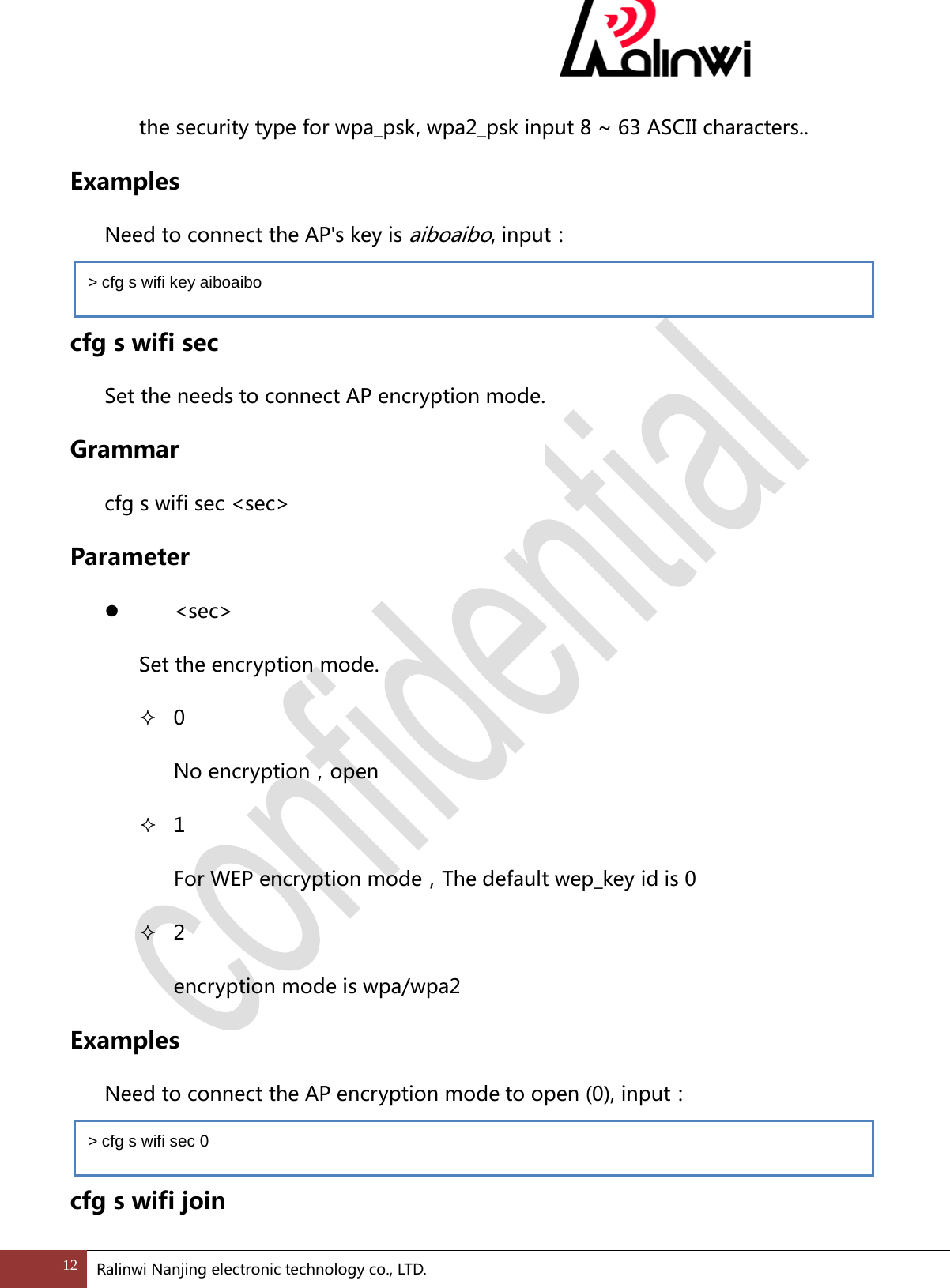
 the security type for wpa_psk, wpa2_psk input 8 ~ 63 ASCII characters.. Examples  Need to connect the AP's key is aiboaibo, input:  cfg s wifi sec Set the needs to connect AP encryption mode. Grammar cfg s wifi sec <sec> Parameter   <sec> Set the encryption mode.  0 No encryption,open  1 For WEP encryption mode,The default wep_key id is 0  2 encryption mode is wpa/wpa2 Examples  Need to connect the AP encryption mode to open (0), input:  cfg s wifi join > cfg s wifi key aiboaibo > cfg s wifi sec 0 12 Ralinwi Nanjing electronic technology co., LTD.
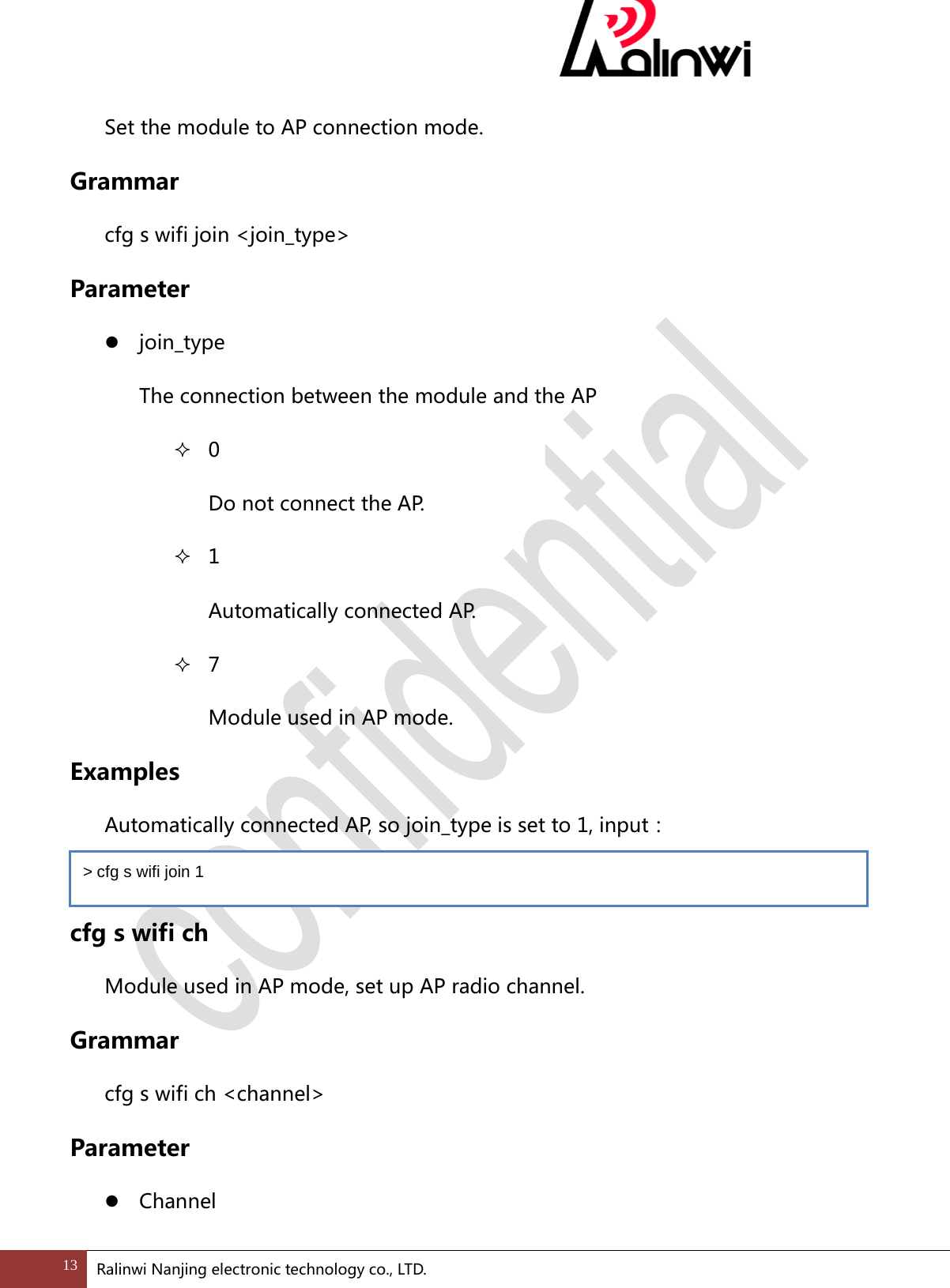
 Set the module to AP connection mode. Grammar cfg s wifi join <join_type> Parameter  join_type The connection between the module and the AP  0   Do not connect the AP.  1   Automatically connected AP.  7   Module used in AP mode. Examples  Automatically connected AP, so join_type is set to 1, input:    cfg s wifi ch Module used in AP mode, set up AP radio channel. Grammar cfg s wifi ch <channel> Parameter  Channel > cfg s wifi join 1 13 Ralinwi Nanjing electronic technology co., LTD.
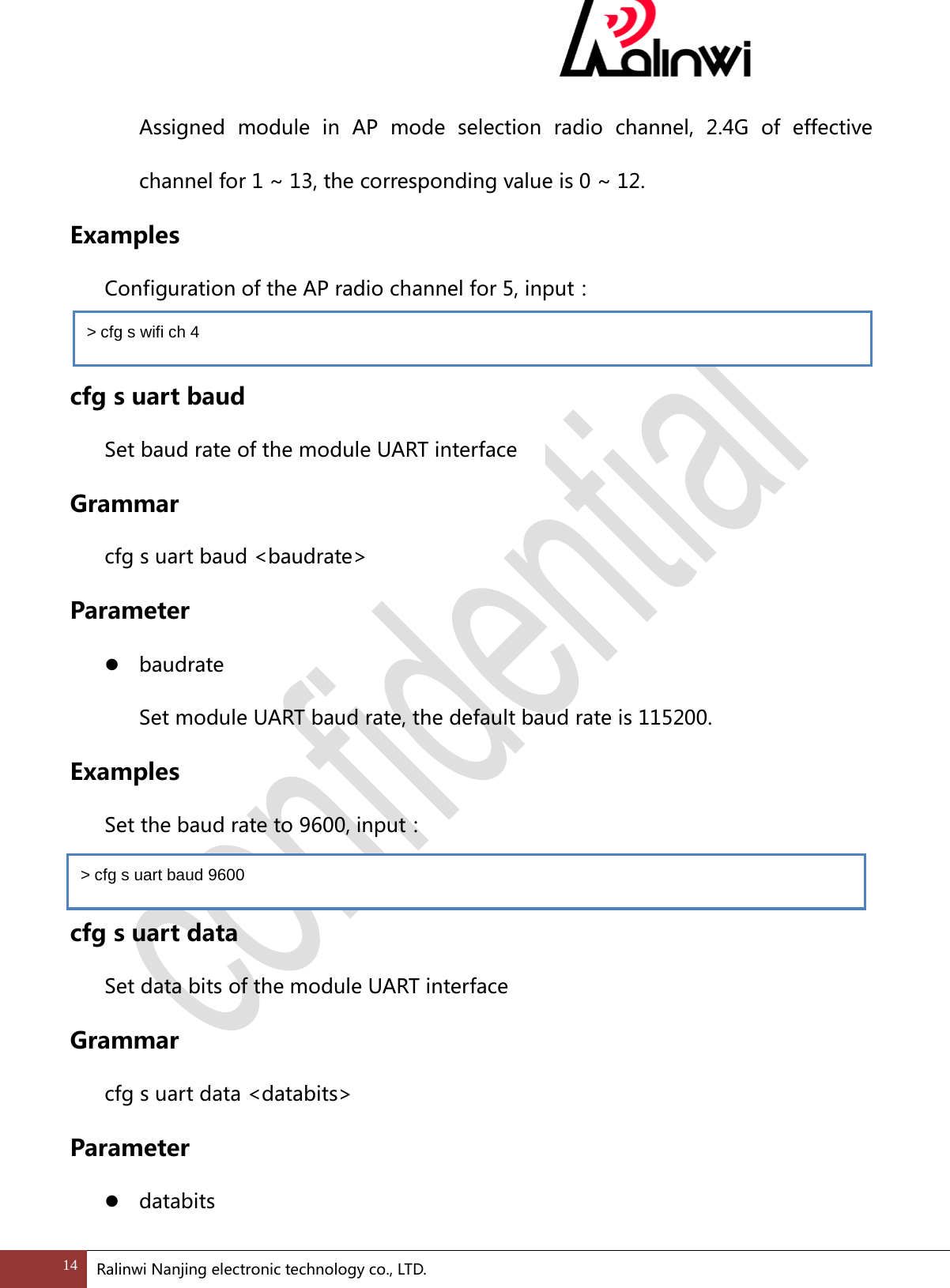
 Assigned module in AP mode selection radio channel, 2.4G of effective channel for 1 ~ 13, the corresponding value is 0 ~ 12. Examples  Configuration of the AP radio channel for 5, input:    cfg s uart baud   Set baud rate of the module UART interface   Grammar cfg s uart baud <baudrate> Parameter  baudrate   Set module UART baud rate, the default baud rate is 115200. Examples  Set the baud rate to 9600, input:  cfg s uart data Set data bits of the module UART interface Grammar cfg s uart data <databits> Parameter  databits   > cfg s wifi ch 4 > cfg s uart baud 9600 14 Ralinwi Nanjing electronic technology co., LTD.
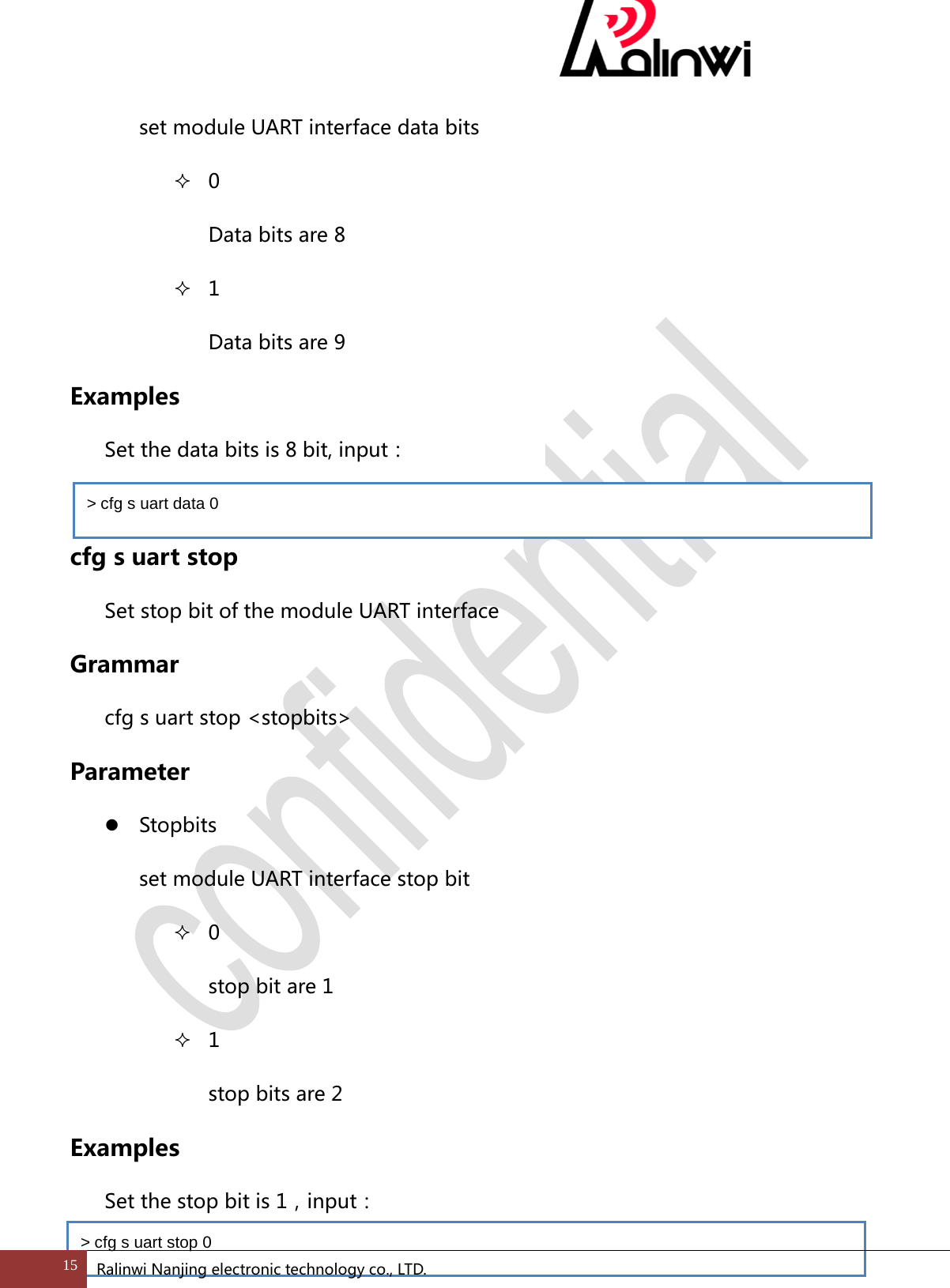
 set module UART interface data bits  0 Data bits are 8    1 Data bits are 9   Examples  Set the data bits is 8 bit, input:  cfg s uart stop Set stop bit of the module UART interface Grammar cfg s uart stop <stopbits> Parameter  Stopbits set module UART interface stop bit  0 stop bit are 1  1 stop bits are 2 Examples   Set the stop bit is 1,input: > cfg s uart data 0 > cfg s uart stop 0 15 Ralinwi Nanjing electronic technology co., LTD.
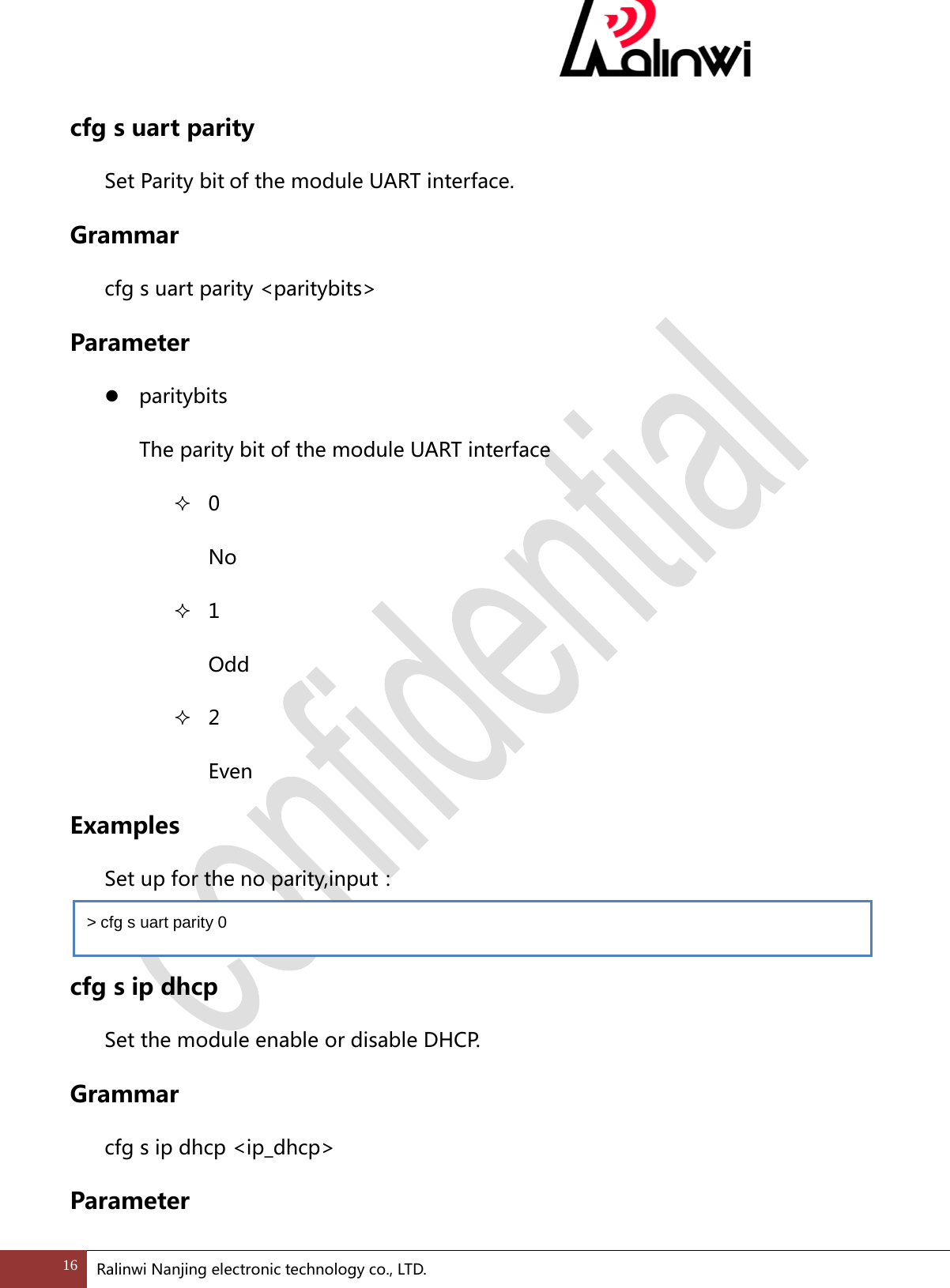
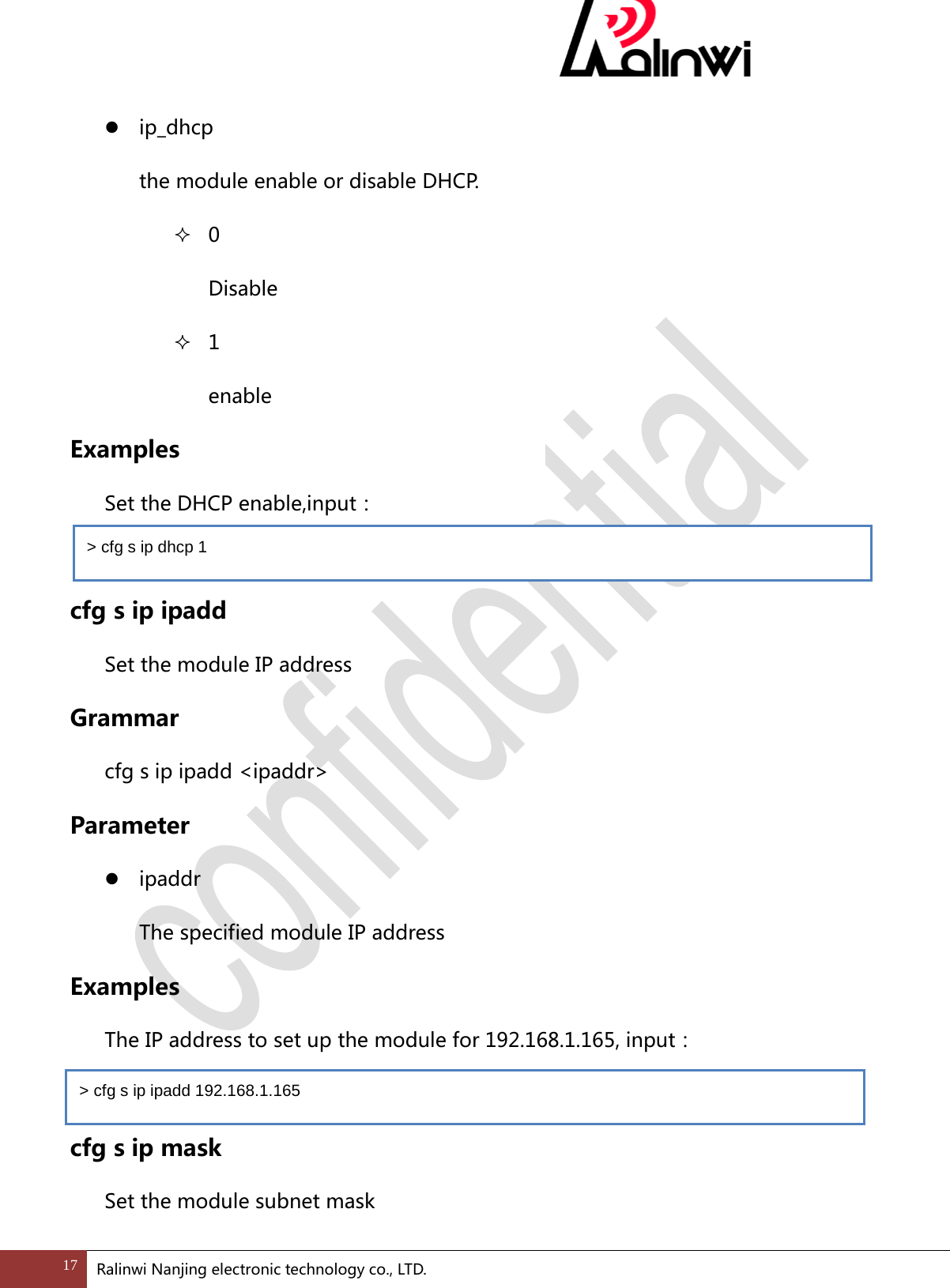
 cfg s uart parity Set Parity bit of the module UART interface. Grammar cfg s uart parity <paritybits> Parameter  paritybits   The parity bit of the module UART interface  0 No  1 Odd  2 Even Examples   Set up for the no parity,input:    cfg s ip dhcp Set the module enable or disable DHCP.   Grammar cfg s ip dhcp <ip_dhcp> Parameter > cfg s uart parity 0 16 Ralinwi Nanjing electronic technology co., LTD.
  ip_dhcp   the module enable or disable DHCP.  0 Disable  1 enable Examples   Set the DHCP enable,input:    cfg s ip ipadd Set the module IP address Grammar cfg s ip ipadd <ipaddr> Parameter  ipaddr   The specified module IP address Examples  The IP address to set up the module for 192.168.1.165, input:  cfg s ip mask Set the module subnet mask > cfg s ip dhcp 1 > cfg s ip ipadd 192.168.1.165 17 Ralinwi Nanjing electronic technology co., LTD.
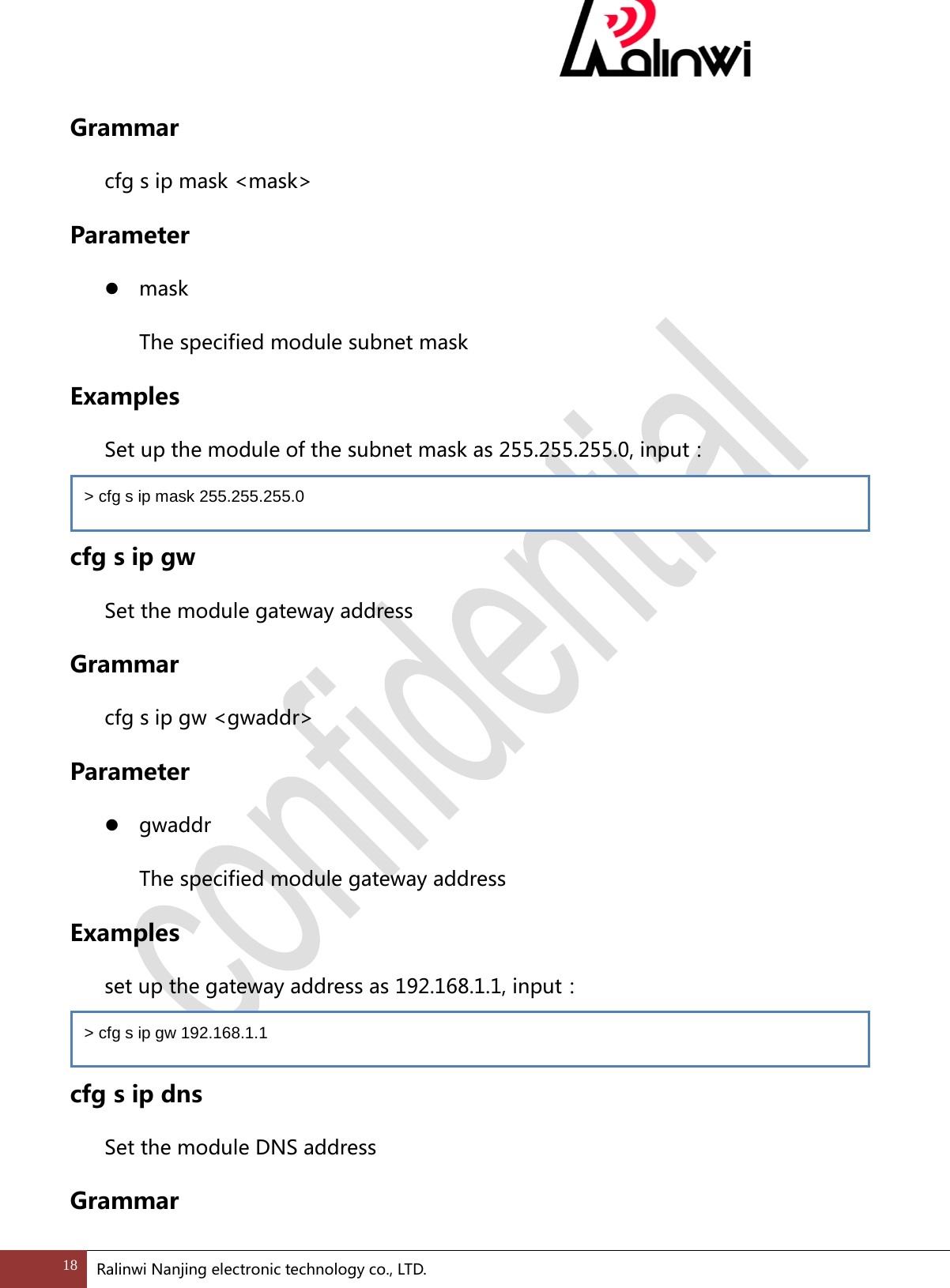
 Grammar cfg s ip mask <mask> Parameter  mask   The specified module subnet mask Examples   Set up the module of the subnet mask as 255.255.255.0, input:  cfg s ip gw Set the module gateway address Grammar cfg s ip gw <gwaddr> Parameter  gwaddr   The specified module gateway address Examples  set up the gateway address as 192.168.1.1, input:  cfg s ip dns Set the module DNS address Grammar > cfg s ip mask 255.255.255.0 > cfg s ip gw 192.168.1.1 18 Ralinwi Nanjing electronic technology co., LTD.
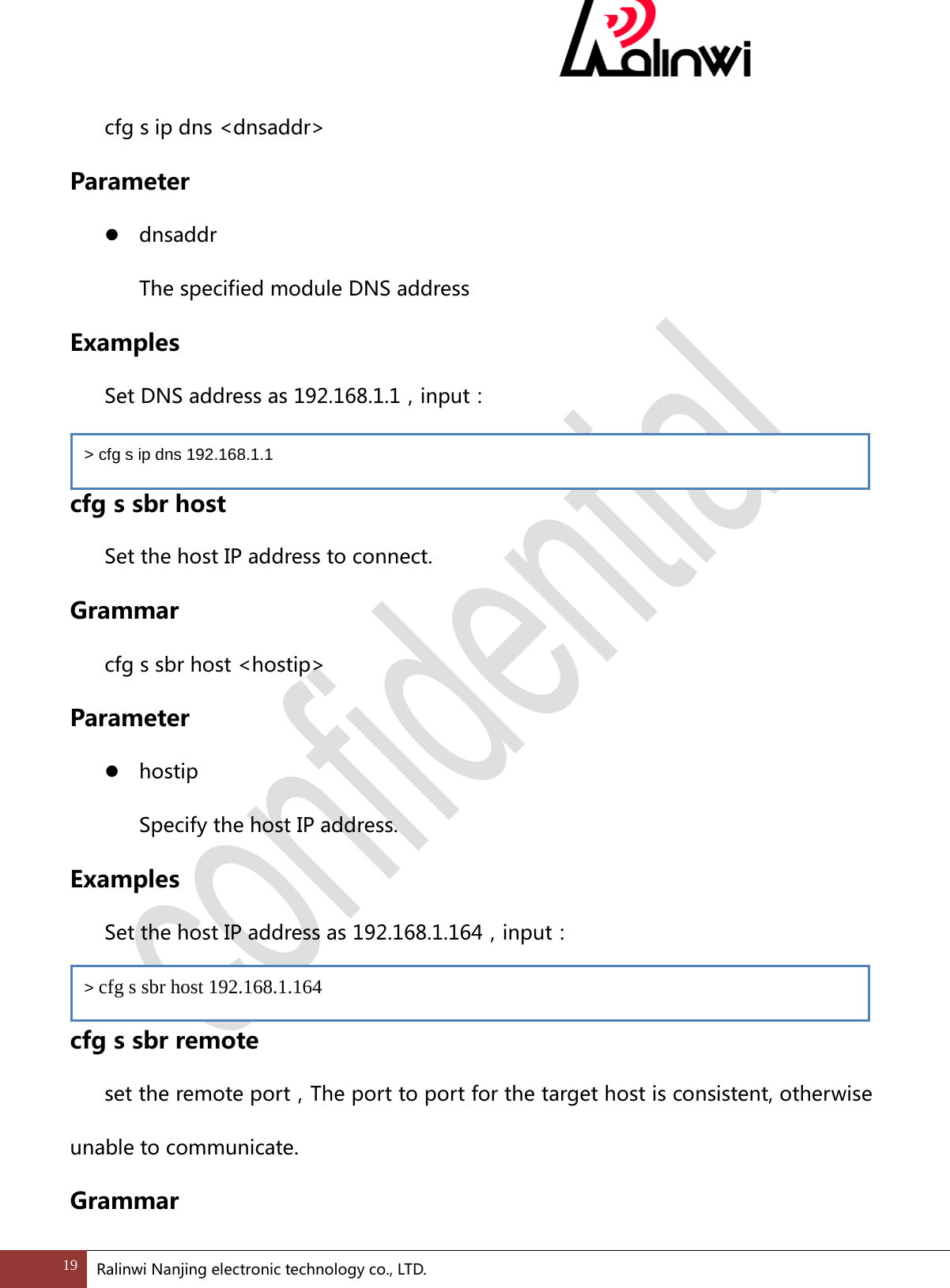
 cfg s ip dns <dnsaddr> Parameter  dnsaddr   The specified module DNS address Examples   Set DNS address as 192.168.1.1,input:  cfg s sbr host Set the host IP address to connect. Grammar cfg s sbr host <hostip> Parameter  hostip   Specify the host IP address. Examples  Set the host IP address as 192.168.1.164,input:    cfg s sbr remote set the remote port,The port to port for the target host is consistent, otherwise unable to communicate. Grammar > cfg s ip dns 192.168.1.1 > cfg s sbr host 192.168.1.164 19 Ralinwi Nanjing electronic technology co., LTD.
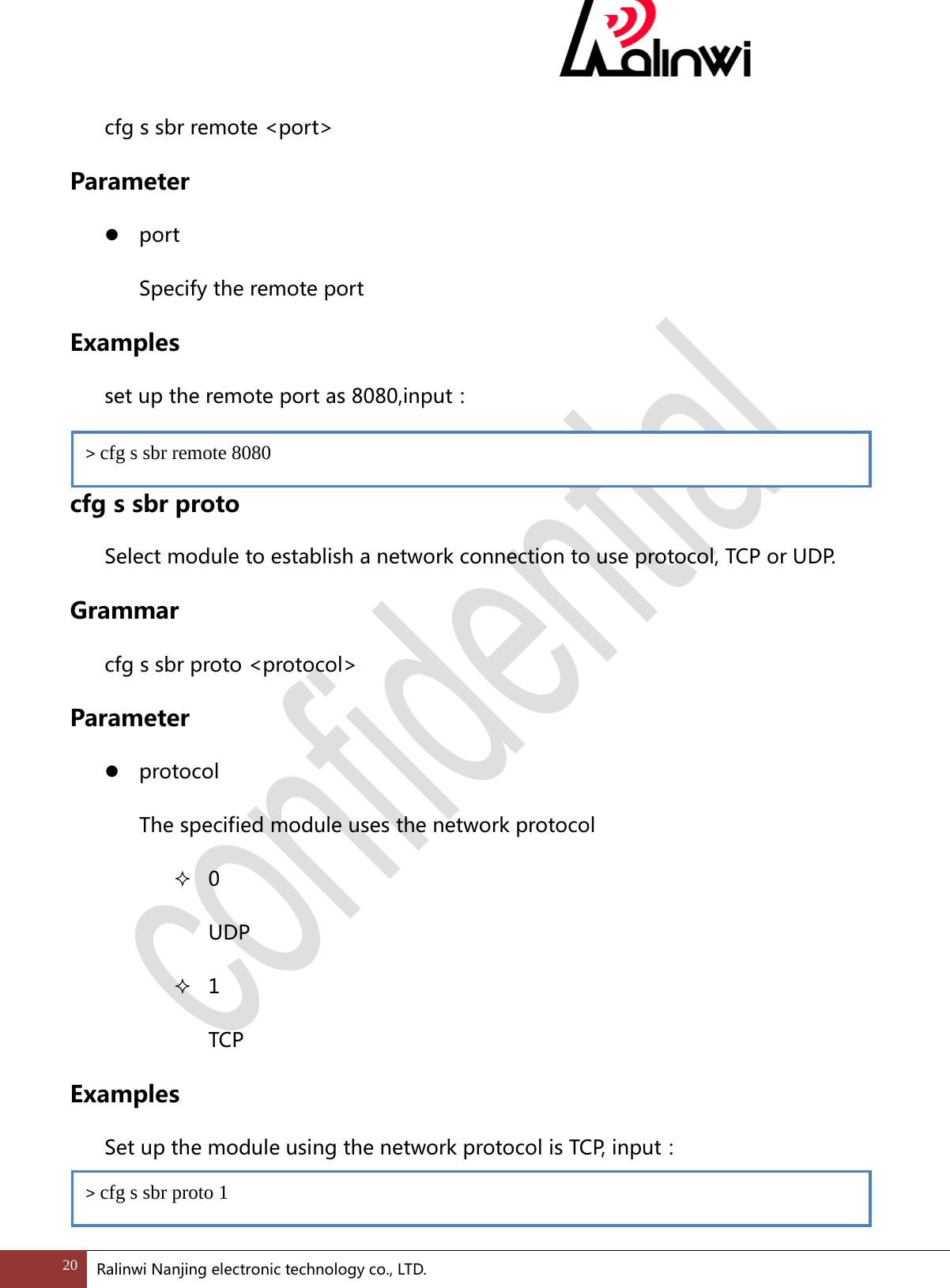
 cfg s sbr remote <port> Parameter  port Specify the remote port Examples  set up the remote port as 8080,input:    cfg s sbr proto Select module to establish a network connection to use protocol, TCP or UDP. Grammar cfg s sbr proto <protocol> Parameter  protocol   The specified module uses the network protocol  0 UDP  1 TCP Examples   Set up the module using the network protocol is TCP, input:  > cfg s sbr remote 8080 > cfg s sbr proto 1 20 Ralinwi Nanjing electronic technology co., LTD.
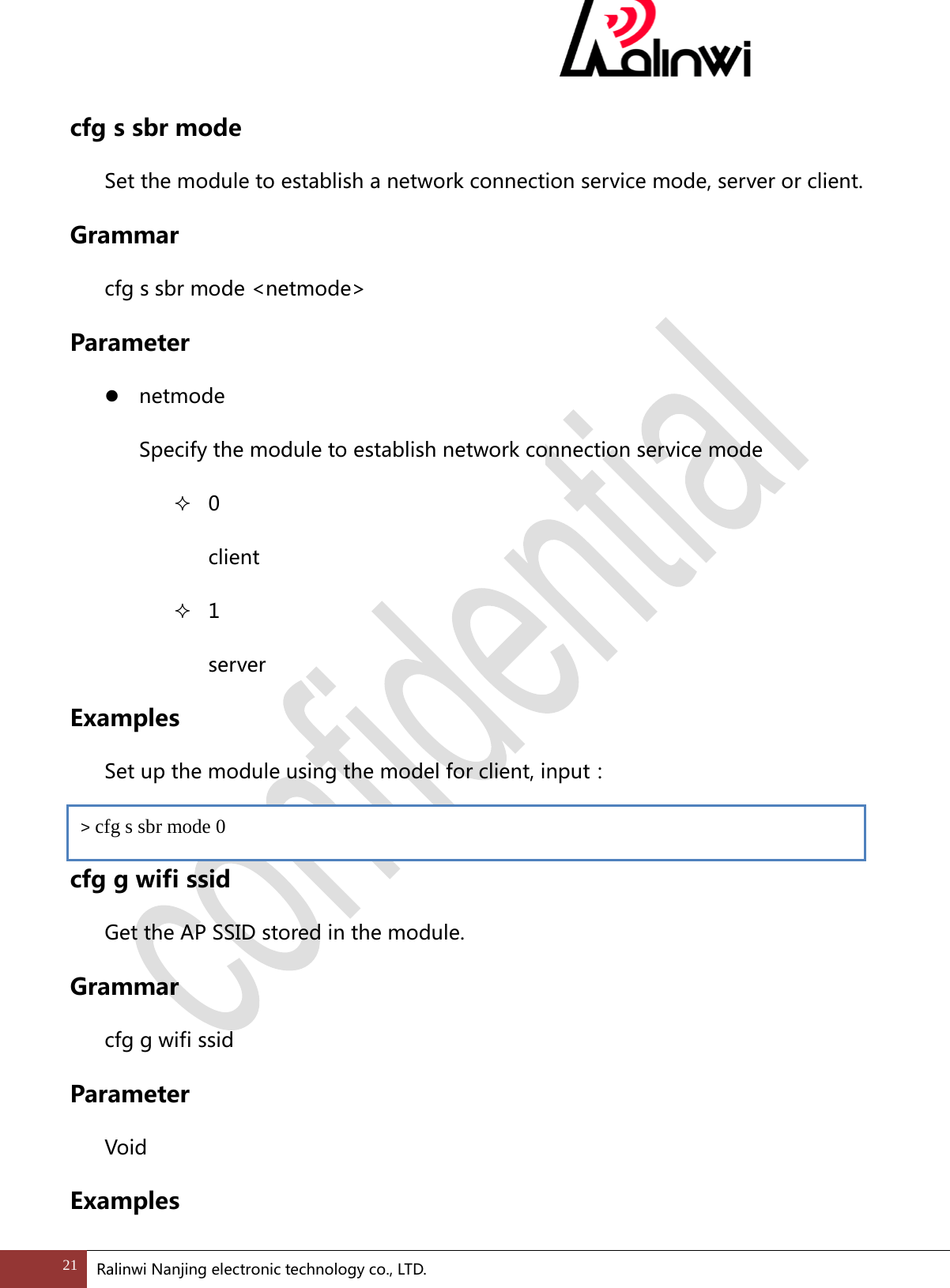
 cfg s sbr mode Set the module to establish a network connection service mode, server or client. Grammar cfg s sbr mode <netmode> Parameter  netmode   Specify the module to establish network connection service mode  0 client  1 server Examples  Set up the module using the model for client, input:  cfg g wifi ssid Get the AP SSID stored in the module. Grammar cfg g wifi ssid Parameter Void Examples > cfg s sbr mode 0 21 Ralinwi Nanjing electronic technology co., LTD.
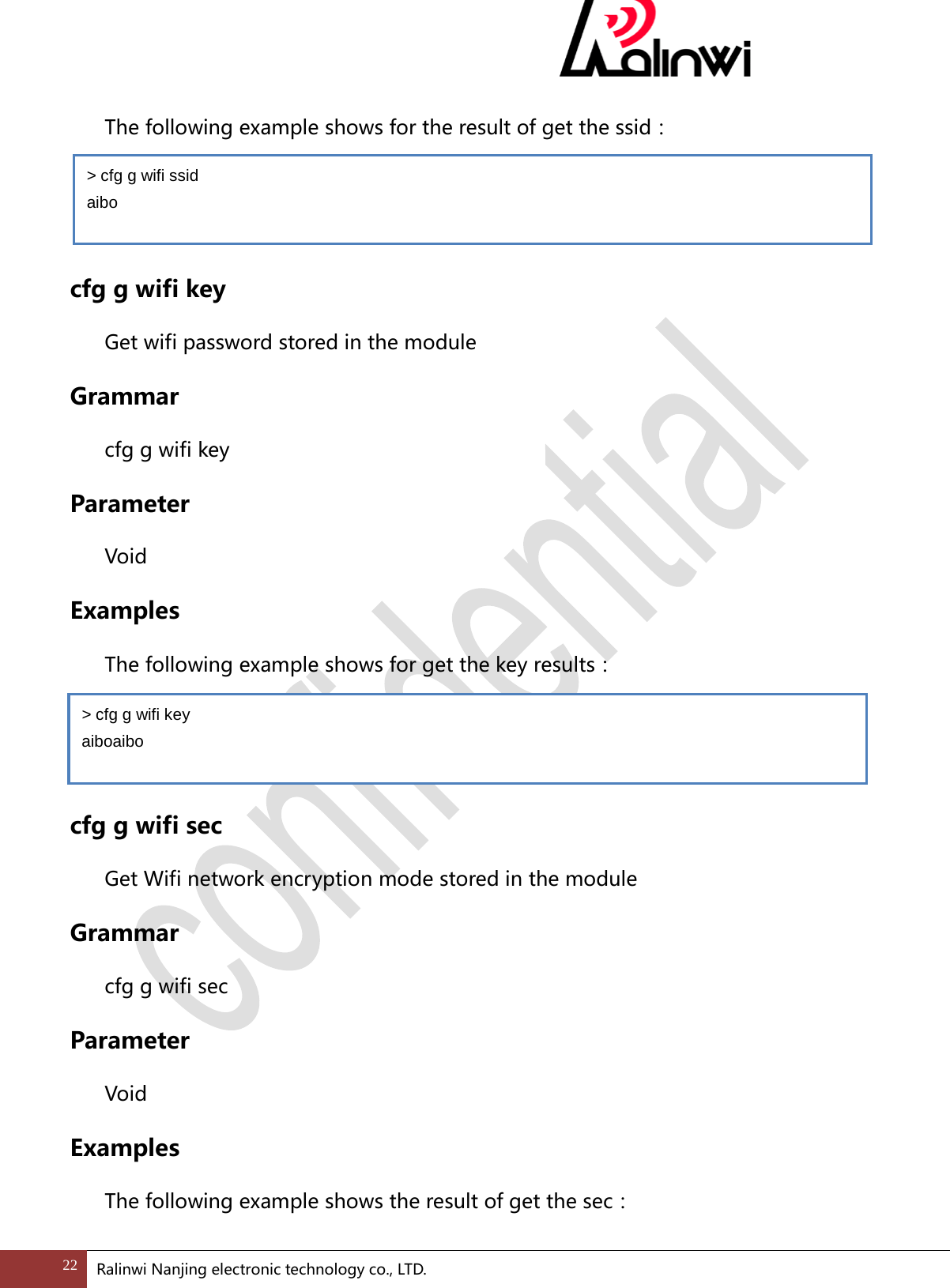
 The following example shows for the result of get the ssid:   cfg g wifi key Get wifi password stored in the module Grammar cfg g wifi key Parameter  Void Examples The following example shows for get the key results:   cfg g wifi sec Get Wifi network encryption mode stored in the module Grammar cfg g wifi sec Parameter  Void Examples The following example shows the result of get the sec: > cfg g wifi ssid   aibo > cfg g wifi key aiboaibo 22 Ralinwi Nanjing electronic technology co., LTD.
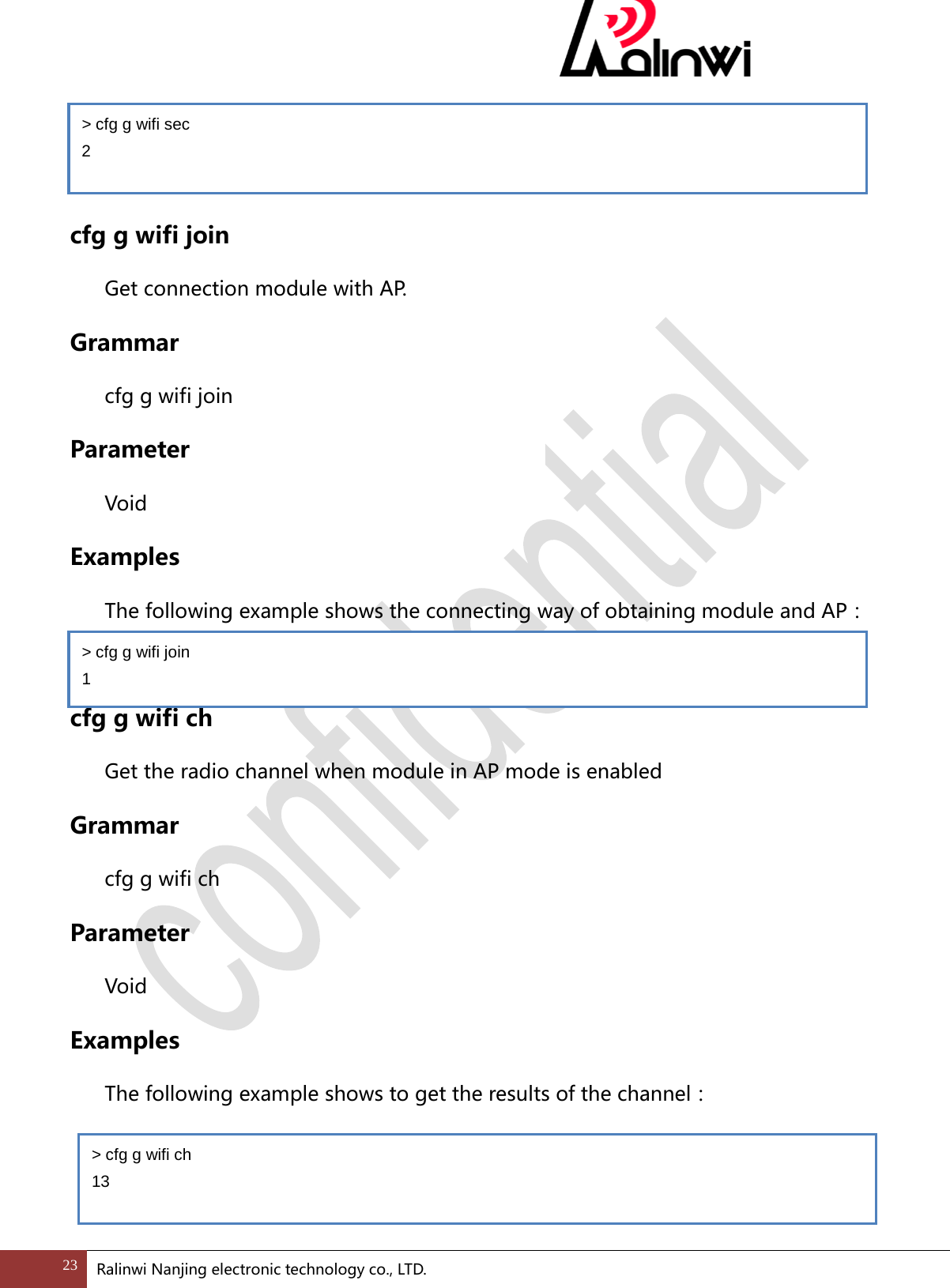
   cfg g wifi join Get connection module with AP. Grammar cfg g wifi join Parameter  Void Examples The following example shows the connecting way of obtaining module and AP:  cfg g wifi ch Get the radio channel when module in AP mode is enabled Grammar cfg g wifi ch Parameter  Void Examples The following example shows to get the results of the channel:   > cfg g wifi join 1 > cfg g wifi ch 13 > cfg g wifi sec 2 23 Ralinwi Nanjing electronic technology co., LTD.
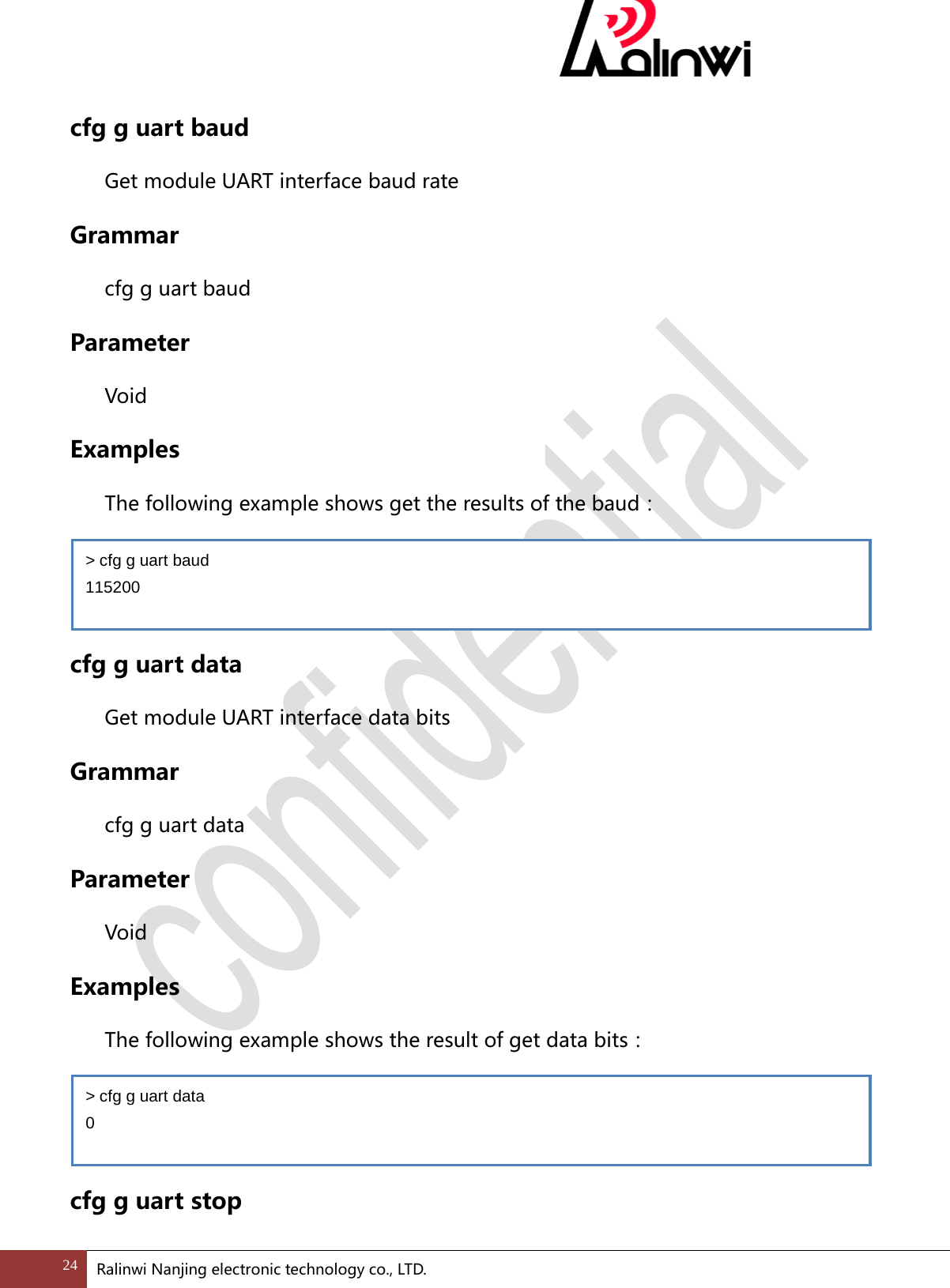
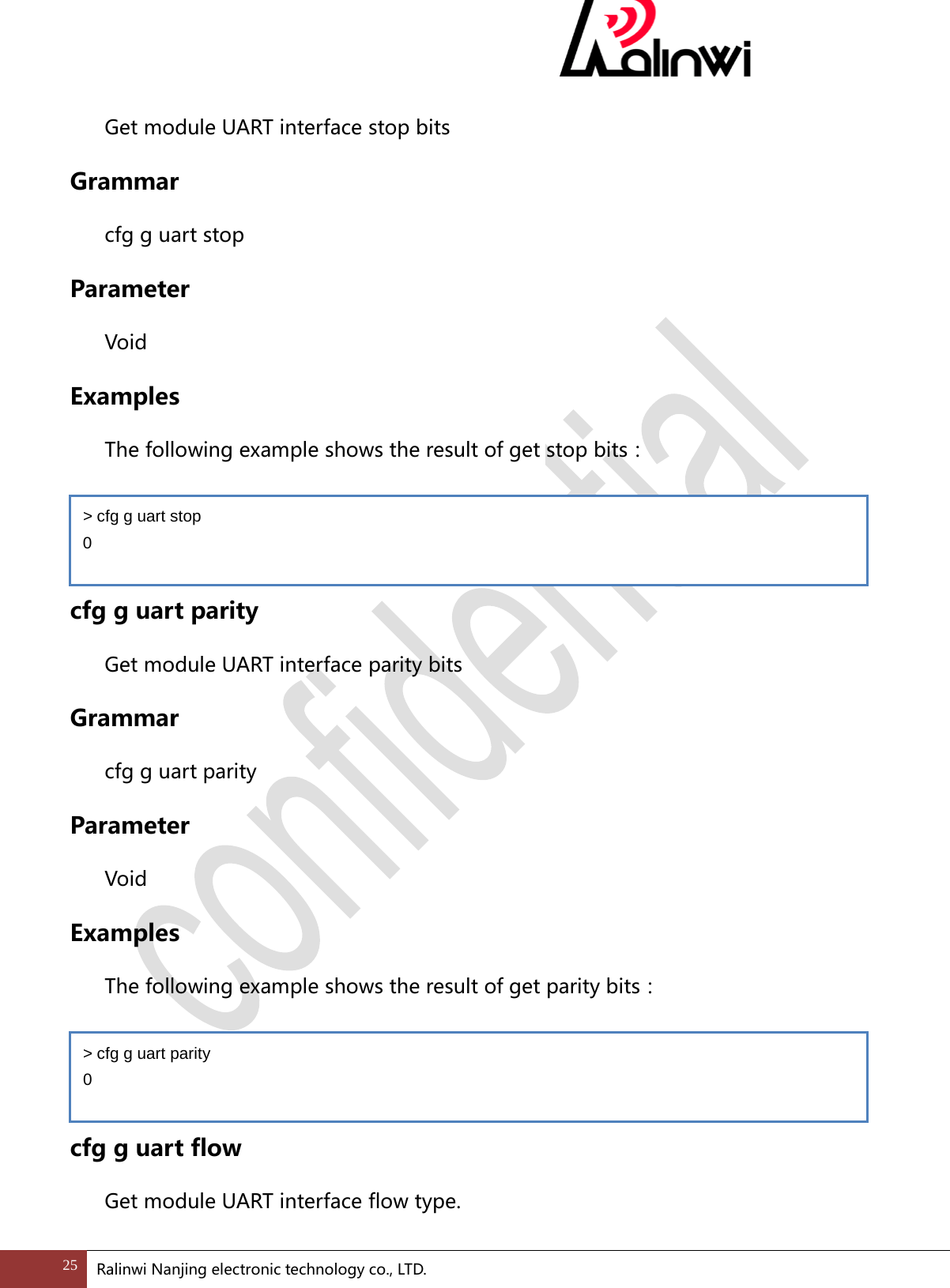
 cfg g uart baud Get module UART interface baud rate Grammar cfg g uart baud Parameter  Void Examples The following example shows get the results of the baud:   cfg g uart data Get module UART interface data bits Grammar cfg g uart data Parameter  Void Examples The following example shows the result of get data bits:   cfg g uart stop > cfg g uart baud 115200 > cfg g uart data 0 24 Ralinwi Nanjing electronic technology co., LTD.
 Get module UART interface stop bits Grammar cfg g uart stop Parameter  Void Examples The following example shows the result of get stop bits:   cfg g uart parity Get module UART interface parity bits Grammar cfg g uart parity Parameter  Void Examples The following example shows the result of get parity bits:   cfg g uart flow Get module UART interface flow type. > cfg g uart stop 0 > cfg g uart parity 0 25 Ralinwi Nanjing electronic technology co., LTD.
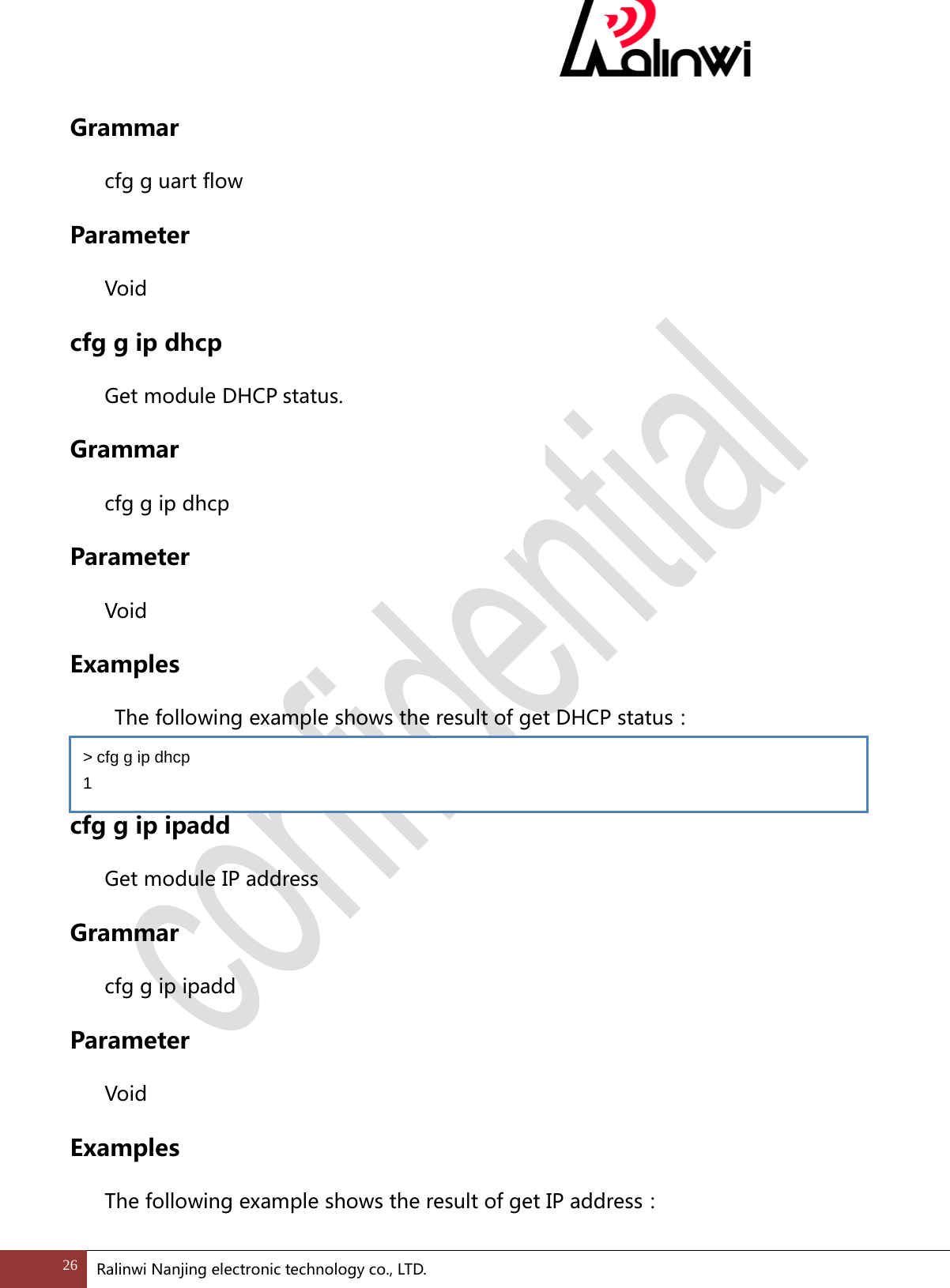
 Grammar cfg g uart flow Parameter  Void cfg g ip dhcp Get module DHCP status. Grammar cfg g ip dhcp Parameter  Void Examples  The following example shows the result of get DHCP status:  cfg g ip ipadd Get module IP address Grammar cfg g ip ipadd Parameter  Void Examples The following example shows the result of get IP address: > cfg g ip dhcp 1 26 Ralinwi Nanjing electronic technology co., LTD.
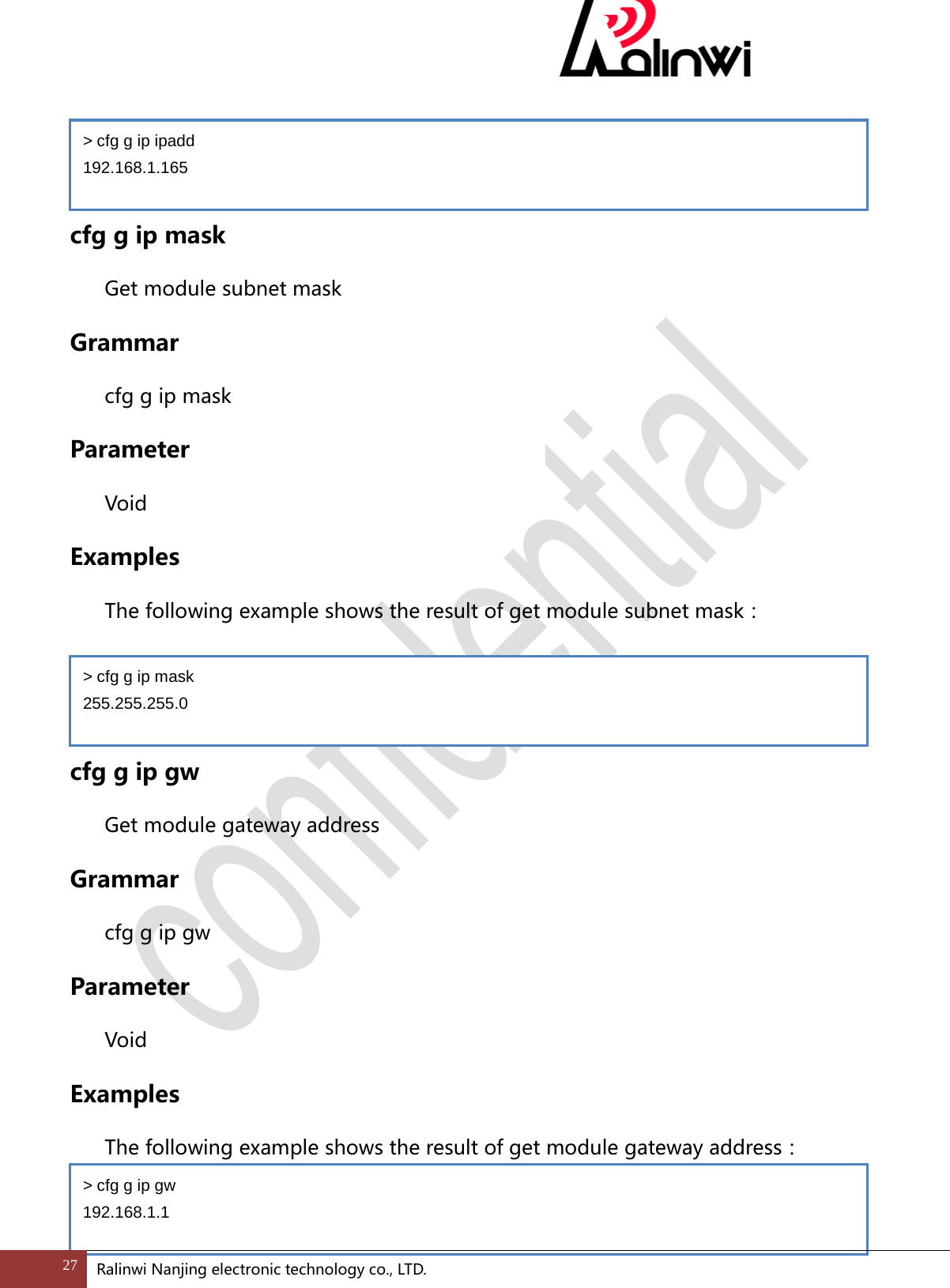
   cfg g ip mask Get module subnet mask Grammar cfg g ip mask Parameter  Void Examples The following example shows the result of get module subnet mask:   cfg g ip gw Get module gateway address Grammar cfg g ip gw Parameter  Void Examples The following example shows the result of get module gateway address:  > cfg g ip ipadd 192.168.1.165 > cfg g ip mask 255.255.255.0 > cfg g ip gw 192.168.1.1 27 Ralinwi Nanjing electronic technology co., LTD.
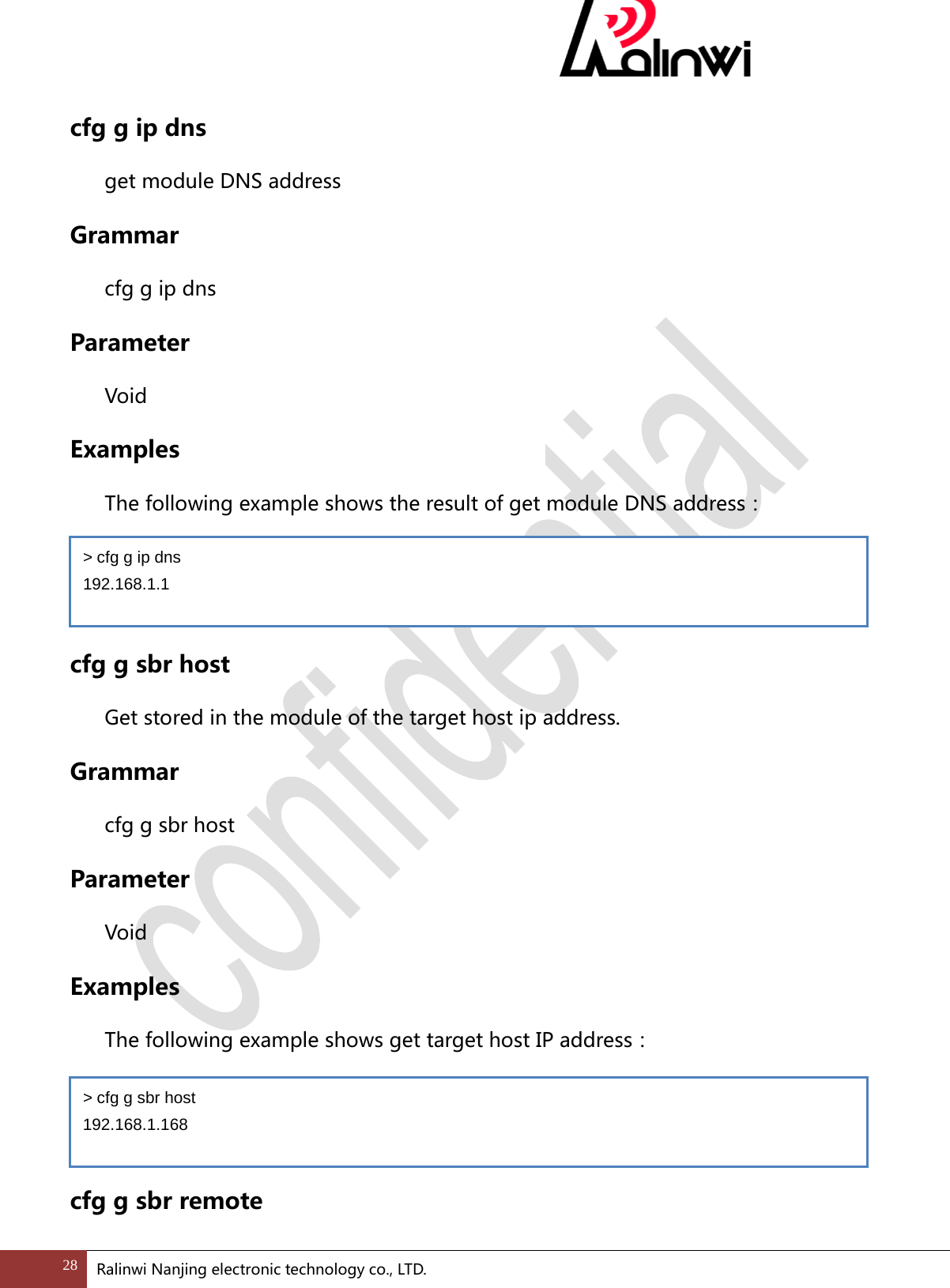
 cfg g ip dns get module DNS address Grammar cfg g ip dns Parameter  Void Examples The following example shows the result of get module DNS address:   cfg g sbr host Get stored in the module of the target host ip address. Grammar cfg g sbr host Parameter  Void Examples The following example shows get target host IP address:   cfg g sbr remote > cfg g ip dns 192.168.1.1 > cfg g sbr host 192.168.1.168 28 Ralinwi Nanjing electronic technology co., LTD.
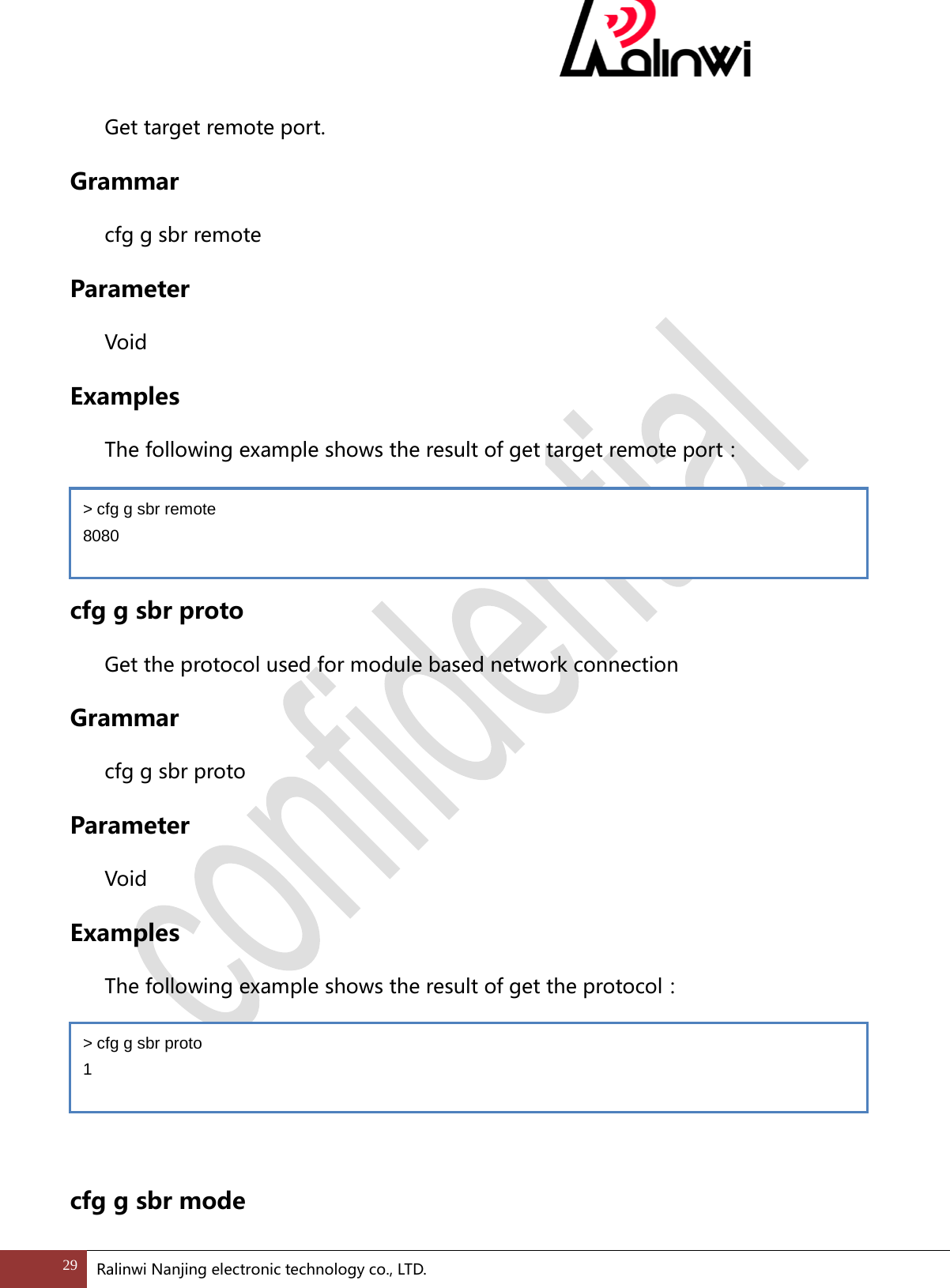
 Get target remote port. Grammar cfg g sbr remote Parameter  Void Examples The following example shows the result of get target remote port:   cfg g sbr proto Get the protocol used for module based network connection Grammar cfg g sbr proto Parameter  Void Examples The following example shows the result of get the protocol:    cfg g sbr mode > cfg g sbr remote 8080 > cfg g sbr proto 1 29 Ralinwi Nanjing electronic technology co., LTD.
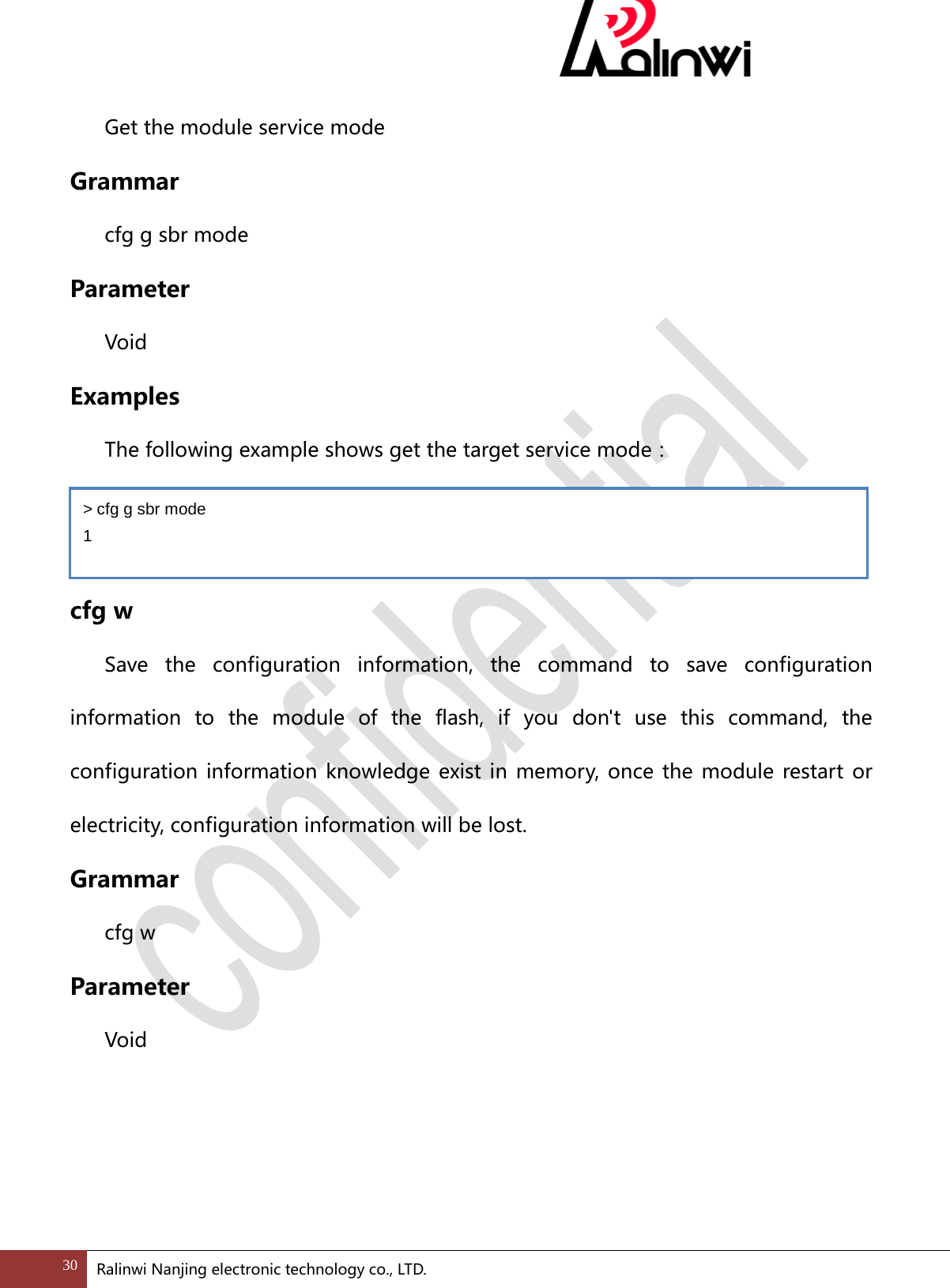
 Get the module service mode Grammar cfg g sbr mode Parameter  Void Examples The following example shows get the target service mode:   cfg w  Save the configuration information, the command to save configuration information to the module of the flash, if you don't use this command, the configuration information knowledge exist in memory, once the module restart or electricity, configuration information will be lost. Grammar cfg w Parameter  Void > cfg g sbr mode 1 30 Ralinwi Nanjing electronic technology co., LTD.
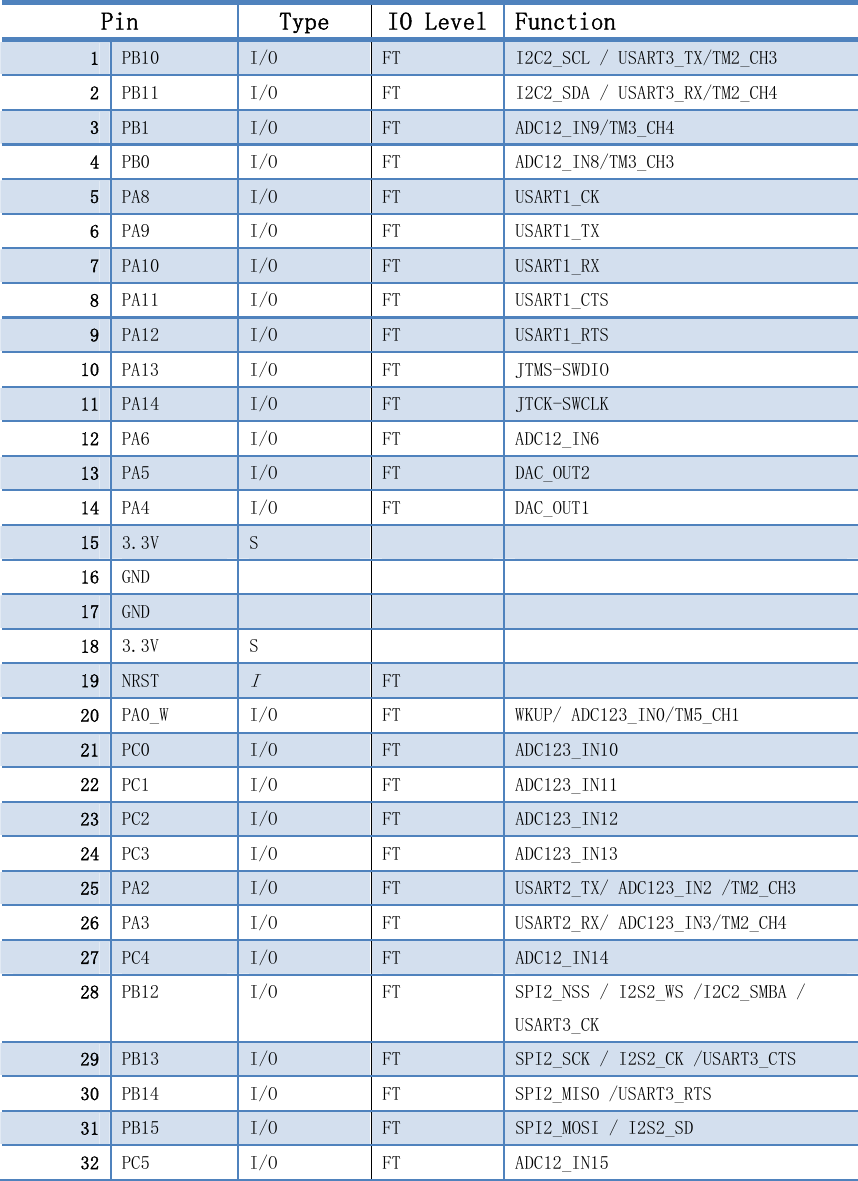
Pin  Type  IO Level Function 1  PB10  I/O  FT  I2C2_SCL / USART3_TX/TM2_CH3 2  PB11  I/O  FT  I2C2_SDA / USART3_RX/TM2_CH4 3  PB1  I/O  FT  ADC12_IN9/TM3_CH4 4  PB0  I/O  FT  ADC12_IN8/TM3_CH3 5  PA8  I/O  FT  USART1_CK 6  PA9  I/O  FT  USART1_TX 7  PA10  I/O  FT  USART1_RX 8  PA11  I/O  FT  USART1_CTS 9  PA12  I/O  FT  USART1_RTS 10  PA13  I/O  FT  JTMS-SWDIO 11  PA14  I/O  FT  JTCK-SWCLK 12  PA6  I/O  FT  ADC12_IN6 13  PA5  I/O  FT  DAC_OUT2 14  PA4  I/O  FT  DAC_OUT1 15  3.3V  S     16  GND       17  GND       18  3.3V  S     19  NRST I FT   20  PA0_W  I/O  FT  WKUP/ ADC123_IN0/TM5_CH1  21  PC0  I/O  FT  ADC123_IN10 22  PC1  I/O  FT  ADC123_IN11 23  PC2  I/O  FT  ADC123_IN12 24  PC3  I/O  FT  ADC123_IN13 25  PA2  I/O  FT  USART2_TX/ ADC123_IN2 /TM2_CH3 26  PA3  I/O  FT  USART2_RX/ ADC123_IN3/TM2_CH4 27  PC4  I/O  FT  ADC12_IN14 28  PB12  I/O  FT  SPI2_NSS / I2S2_WS /I2C2_SMBA / USART3_CK  29  PB13  I/O  FT  SPI2_SCK / I2S2_CK /USART3_CTS 30  PB14  I/O  FT  SPI2_MISO /USART3_RTS 31  PB15  I/O  FT  SPI2_MOSI / I2S2_SD  32  PC5  I/O  FT  ADC12_IN15

Navigation menu