Rich Trend Enterprise GE00057 SMILEY BT SPEAKER AST User Manual

Rich Trend Enterprise Hong Kong Co. Ltd. SMILEY BT SPEAKER AST Users Manual

Users Manual

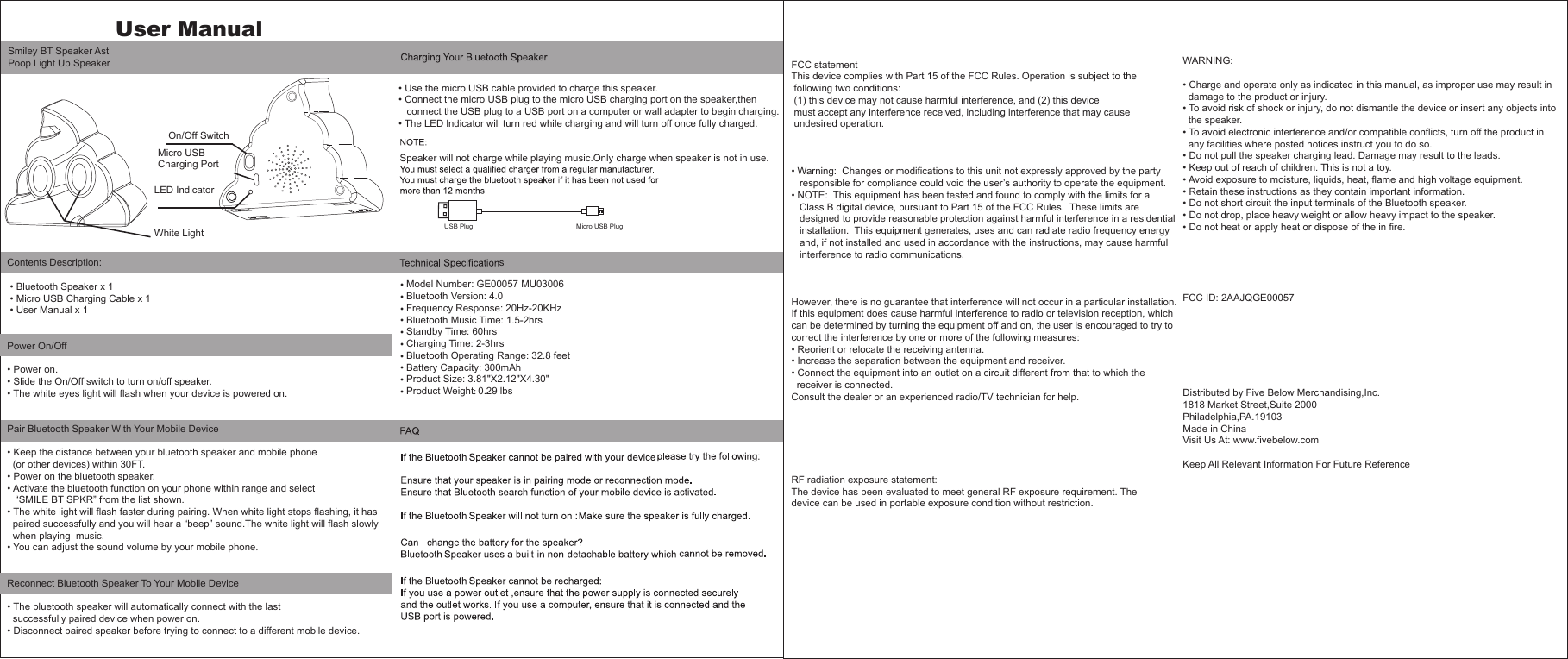
Contents Description: • Bluetooth Speaker x 1 • Micro USB Charging Cable x 1 • User Manual x 1   Power On/Off• Power on.• Slide the On/Off switch to turn on/off speaker.• The white eyes light will flash when your device is powered on. Pair Bluetooth Speaker With Your Mobile Device• Keep the distance between your bluetooth speaker and mobile phone  (or other devices) within 30FT.• Power on the bluetooth speaker.• Activate the bluetooth function on your phone within range and select    “SMILE BT SPKR” from the list shown.• The white light will flash faster during pairing. When white light stops flashing, it has   paired successfully and you will hear a “beep” sound.The white light will flash slowly   when playing  music.• You can adjust the sound volume by your mobile phone.Reconnect Bluetooth Speaker To Your Mobile Device• The bluetooth speaker will automatically connect with the last   successfully paired device when power on.• Disconnect paired speaker before trying to connect to a different mobile device.FCC statementThis device complies with Part 15 of the FCC Rules. Operation is subject to the  following two conditions:  (1) this device may not cause harmful interference, and (2) this device  must accept any interference received, including interference that may cause  undesired operation.• Warning:  Changes or modifications to this unit not expressly approved by the party    responsible for compliance could void the user’s authority to operate the equipment.• NOTE:  This equipment has been tested and found to comply with the limits for a    Class B digital device, pursuant to Part 15 of the FCC Rules.  These limits are    designed to provide reasonable protection against harmful interference in a residential    installation.  This equipment generates, uses and can radiate radio frequency energy    and, if not installed and used in accordance with the instructions, may cause harmful    interference to radio communications.However, there is no guarantee that interference will not occur in a particular installation.  If this equipment does cause harmful interference to radio or television reception, which can be determined by turning the equipment off and on, the user is encouraged to try to correct the interference by one or more of the following measures:• Reorient or relocate the receiving antenna.• Increase the separation between the equipment and receiver.• Connect the equipment into an outlet on a circuit different from that to which the   receiver is connected.Consult the dealer or an experienced radio/TV technician for help.RF radiation exposure statement:The device has been evaluated to meet general RF exposure requirement. The device can be used in portable exposure condition without restriction.USB Plug                                                        Micro USB PlugLED IndicatorMicro USB Charging PortOn/Off SwitchWhite LightWARNING:• Charge and operate only as indicated in this manual, as improper use may result in   damage to the product or injury.• To avoid risk of shock or injury, do not dismantle the device or insert any objects into   the speaker.• To avoid electronic interference and/or compatible conflicts, turn off the product in   any facilities where posted notices instruct you to do so.• Do not pull the speaker charging lead. Damage may result to the leads.• Keep out of reach of children. This is not a toy.• Avoid exposure to moisture, liquids, heat, flame and high voltage equipment.• Retain these instructions as they contain important information.• Do not short circuit the input terminals of the Bluetooth speaker.• Do not drop, place heavy weight or allow heavy impact to the speaker.• Do not heat or apply heat or dispose of the in fire.FCC ID: 2AAJQGE00057Distributed by Five Below Merchandising,Inc.1818 Market Street,Suite 2000Philadelphia,PA.19103Made in ChinaVisit Us At: www.fivebelow.comKeep All Relevant Information For Future ReferenceUser Manual                             • Use the micro USB cable provided to charge this speaker.• Connect the micro USB plug to the micro USB charging port on the speaker,then   connect the USB plug to a USB port on a computer or wall adapter to begin charging.• The LED lndicator will turn red while charging and will turn off once fully charged.Model Number: GE00057 MU03006Bluetooth Version: 4.0 Frequency Response: 20Hz-20KHzBluetooth Music Time: 1.5-2hrsStandby Time: 60hrsCharging Time: 2-3hrsBluetooth Operating Range: 32.8 feetBattery Capacity: 300mAhProduct Size: 3.81"X2.12"X4.30"    Product Weight: 0.29 lbsSpeaker will not charge while playing music.Only charge when speaker is not in use.••••••••••sSmiley BT Speaker AstPoop Light Up Speaker

Navigation menu