SOUNDESCAPES I360 Bluetooth device User Manual A4D I360 10105A I360

SOUNDESCAPES, INC Bluetooth device A4D I360 10105A I360

A4D-I360 & 10105A-I360 User Manual

Quick Start GuideiB ACTIVE SPORTBAND
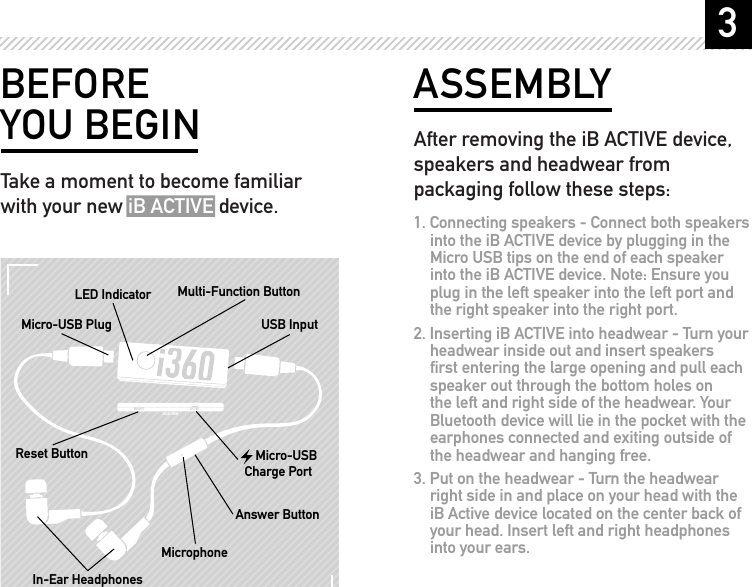
3BEFORE YOU BEGINTake a moment to become familiar with your new iB ACTIVE device.RESET DC IN SIDE VIEWMulti-Function ButtonIn-Ear HeadphonesReset ButtonUSB InputMicro-USB PlugLED IndicatorAnswer ButtonMicrophone     Micro-USB Charge PortASSEMBLYAfter removing the iB ACTIVE device, speakers and headwear from packaging follow these steps:1. Connecting speakers - Connect both speakers into the iB ACTIVE device by plugging in the Micro USB tips on the end of each speaker into the iB ACTIVE device. Note: Ensure you plug in the left speaker into the left port and the right speaker into the right port.2. Inserting iB ACTIVE into headwear - Turn your headwear inside out and insert speakers first entering the large opening and pull each speaker out through the bottom holes on the left and right side of the headwear. Your Bluetooth device will lie in the pocket with the earphones connected and exiting outside of the headwear and hanging free.3. Put on the headwear - Turn the headwear right side in and place on your head with the iB Active device located on the center back of your head. Insert left and right headphones into your ears.
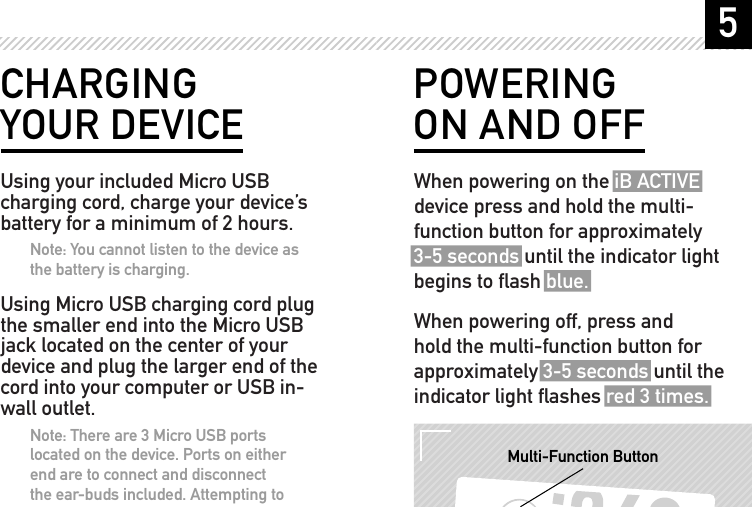
5POWERING ON AND OFFWhen powering on the iB ACTIVE device press and hold the multi-function button for approximately 3-5 seconds until the indicator light begins to flash blue.When powering off, press and hold the multi-function button for approximately 3-5 seconds until the indicator light flashes red 3 times.RESET DC IN SIDE VIEWMulti-Function ButtonCHARGING YOUR DEVICEUsing your included Micro USB charging cord, charge your device’s battery for a minimum of 2 hours.Note: You cannot listen to the device as the battery is charging.Using Micro USB charging cord plug the smaller end into the Micro USB jack located on the center of your device and plug the larger end of the cord into your computer or USB in-wall outlet.Note: There are 3 Micro USB ports located on the device. Ports on either end are to connect and disconnect the ear-buds included. Attempting to connect your Micro USB charging cord to these ports will not charge your device. Ensure you connect your Micro USB charging cord to the center port.
7HANDS-FREE CALLSAfter successfully pairing your iB ACTIVE as specified on page 6 and if you have paired with a mobile phone, you will now be able to make and receive calls hands-free using the iB ACTIVE device.Receiving a Call – When receiving an incoming call you will hear a ring tone through your headphones. If music is playing when the call is received, it is automatically paused. Press the button located on the microphone to answer the call.During a Call – When on a call and a second inbound call is coming in on the other line you will hear an alert in your headphone.Ending a Call – To end the call in progress press the button located on the microphone and music will start playing where you left off.Make a Call – If your phone supports this feature using the button on the Microphone located on the headphone wire, hold down the button until you hear a prompt from your phone.LISTENING TO MUSICPause/Play Function - In order to pause and play your music, press the button located on the microphone.CONNECTING WIRELESSLYFollow these steps below to pair (connect) your iB ACTIVE device to your Bluetooth enabled phone or music player:1. Turn off any Bluetooth devices previously paired with your iB ACTIVE device.2. Turn Bluetooth feature on your phone or music player to (ON) or (VISIBLE). 3. Turn on iB ACTIVE device and hold down the circle power button until light flashes red/blue.4. Place phone or music player in search mode Note: this will allow your phone to find the  iB ACTIVE device.5. Select “i360” from your phone or music player once search results complete.6. Select OK or Yes to pair iB ACTIVE with your phone or music player. 7. If prompted to enter a passkey enter “0000”. The light that was flashing red/blue should now be flashing blue only. If this is happening your iB ACTIVE is successfully paired to your phone or music player. Press play on your phone or music player and give it a try.
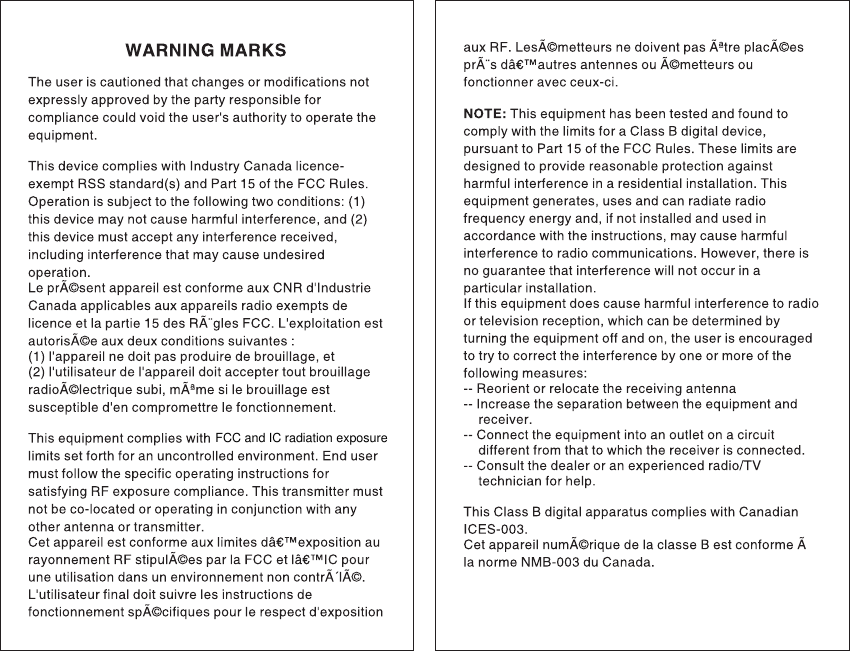
FCC and IC radiation exposure
PATENT PENDING Copyright © 2007 Soudescapes, Inc. All rights reserved. “i360”,  i360 Logo, “I/THREE/SIXTY”, “Music Infused Apparel”, “iB” and “iB Active” are trademarks of Soundescapes Inc. Certain other product names, brand names may be trademarks or designations of their respective owners. Made in China.

Navigation menu