STANLEY GMT Hardware TSTBT02 Bluetooth Adapter User Manual Stanley BTA User Guide

STANLEY GMT Hardware Co., LTD. Bluetooth Adapter Stanley BTA User Guide

Manual

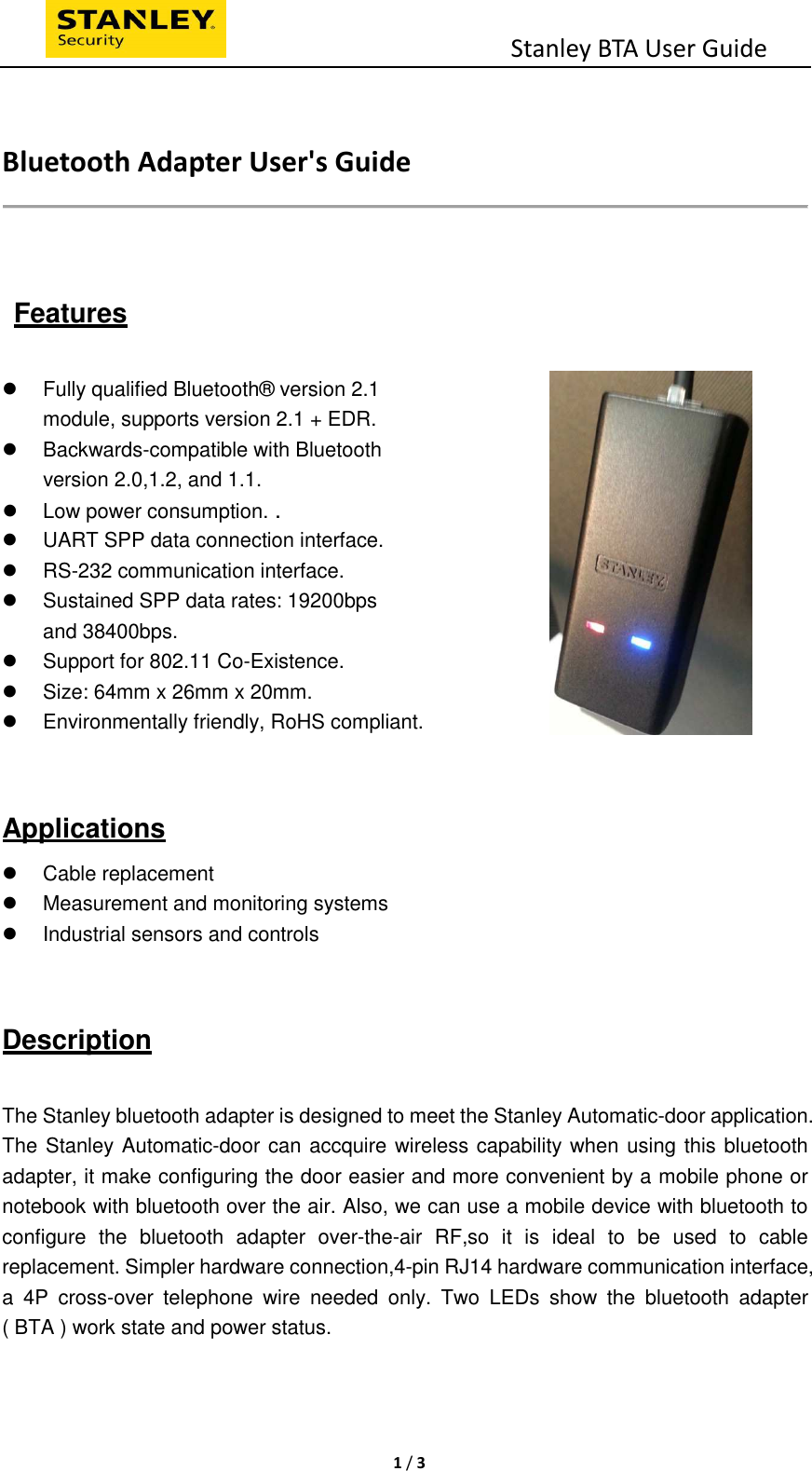
                                          Stanley BTA User Guide  1 / 3    Bluetooth Adapter User's Guide     Features    Fully qualified Bluetooth® version 2.1   module, supports version 2.1 + EDR.     Backwards-compatible with Bluetooth   version 2.0,1.2, and 1.1.     Low power consumption. .    UART SPP data connection interface.     RS-232 communication interface.   Sustained SPP data rates: 19200bps   and 38400bps.     Support for 802.11 Co-Existence.     Size: 64mm x 26mm x 20mm.   Environmentally friendly, RoHS compliant.  Applications   Cable replacement   Measurement and monitoring systems   Industrial sensors and controls   Description    The Stanley bluetooth adapter is designed to meet the Stanley Automatic-door application. The Stanley Automatic-door can accquire wireless capability when using this bluetooth adapter, it make configuring the door easier and more convenient by a mobile phone or notebook with bluetooth over the air. Also, we can use a mobile device with bluetooth to configure  the  bluetooth  adapter  over-the-air  RF,so  it  is  ideal  to  be  used  to  cable replacement. Simpler hardware connection,4-pin RJ14 hardware communication interface, a  4P  cross-over  telephone  wire  needed  only.  Two  LEDs  show  the  bluetooth  adapter ( BTA ) work state and power status.
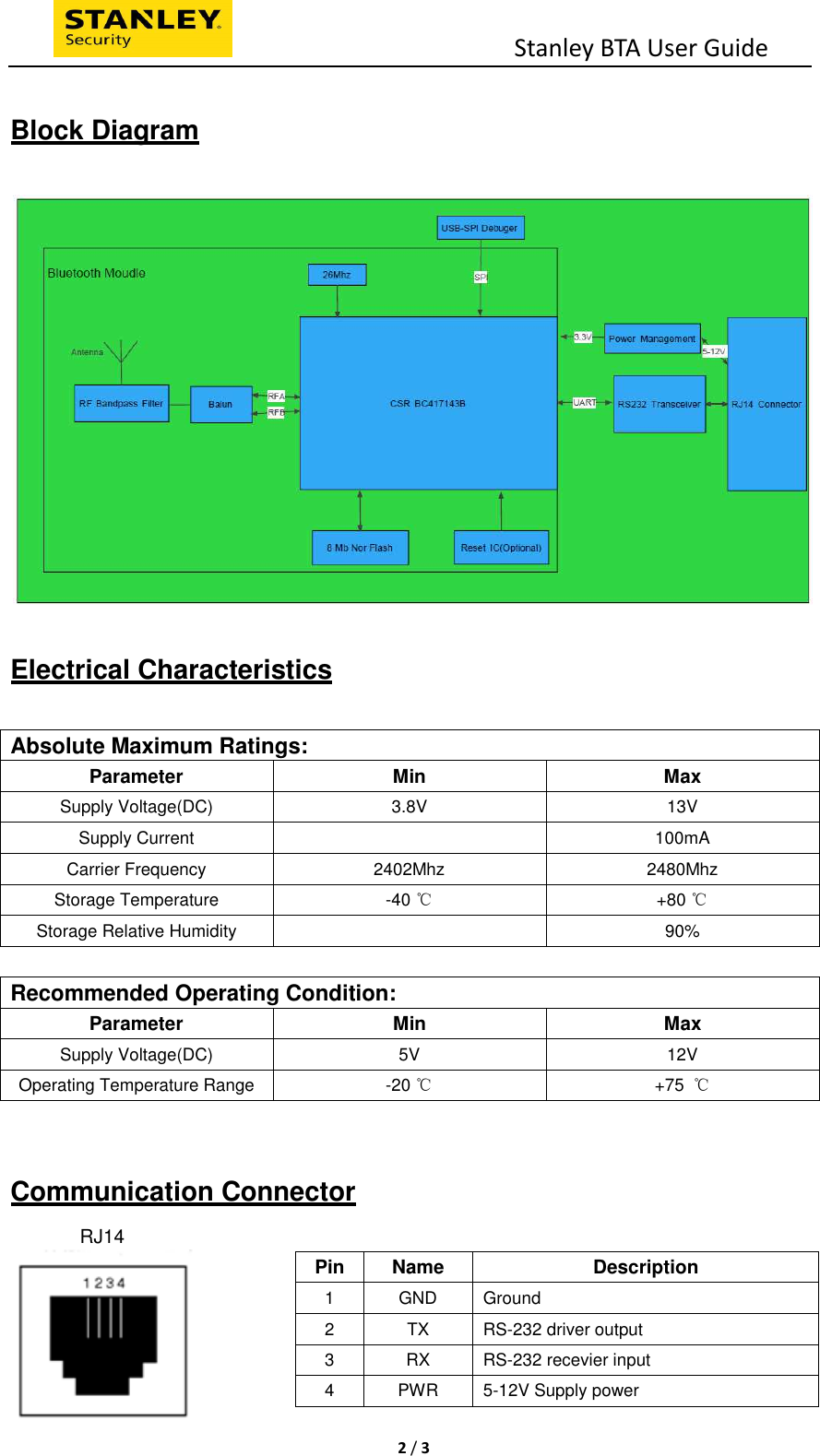
                                          Stanley BTA User Guide  2 / 3   Block Diagram    Electrical Characteristics  Absolute Maximum Ratings:   Parameter Min Max Supply Voltage(DC)  3.8V  13V Supply Current      100mA Carrier Frequency  2402Mhz  2480Mhz Storage Temperature    -40   ℃  +80 ℃ Storage Relative Humidity    90%  Recommended Operating Condition:   Parameter  Min  Max Supply Voltage(DC)  5V  12V Operating Temperature Range  -20   ℃  +75  ℃  Communication Connector                RJ14   Pin  Name  Description 1  GND  Ground 2  TX  RS-232 driver output 3  RX  RS-232 recevier input 4  PWR  5-12V Supply power
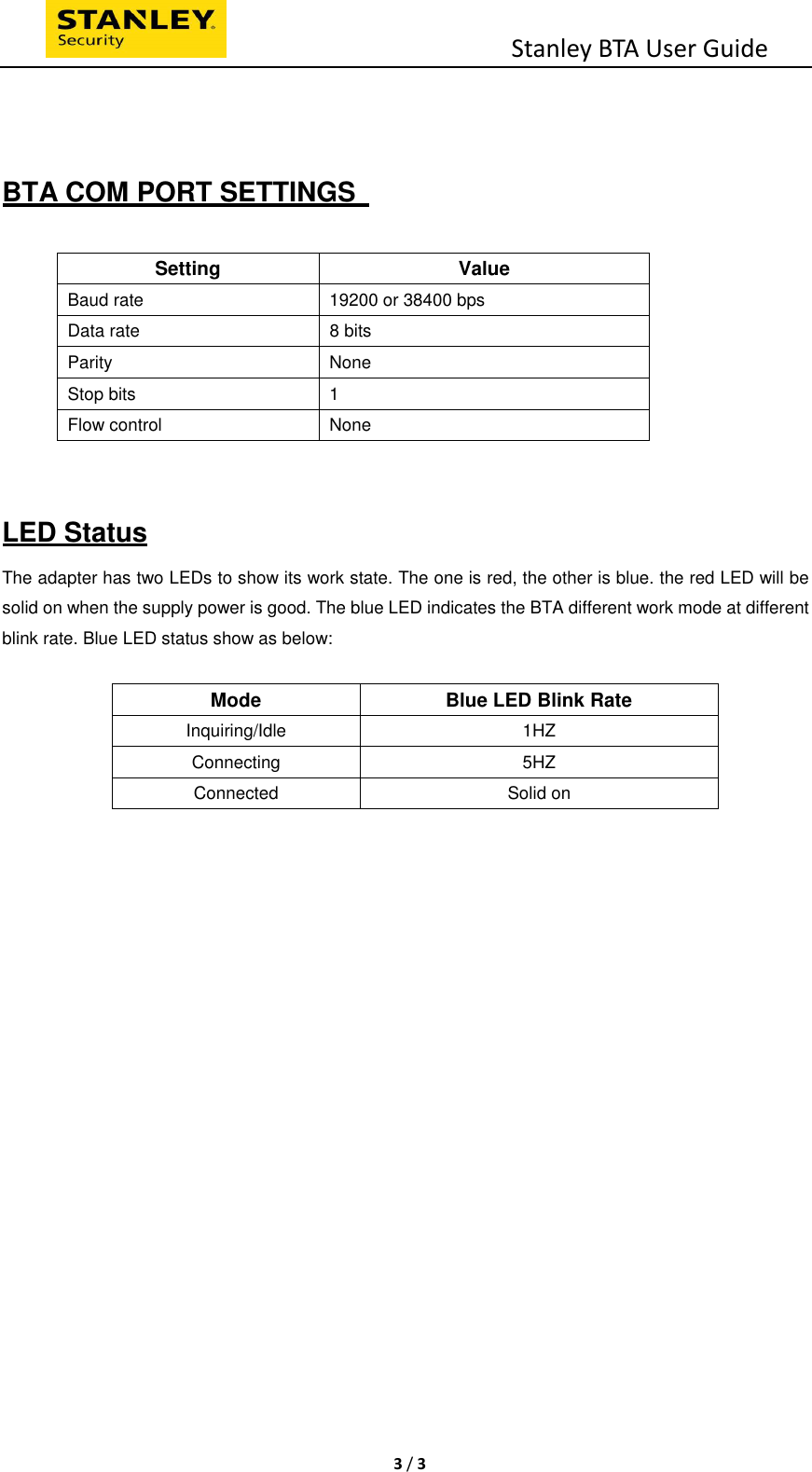
                                          Stanley BTA User Guide  3 / 3    BTA COM PORT SETTINGS    Setting  Value Baud rate  19200 or 38400 bps Data rate  8 bits Parity  None Stop bits  1 Flow control  None   LED Status The adapter has two LEDs to show its work state. The one is red, the other is blue. the red LED will be solid on when the supply power is good. The blue LED indicates the BTA different work mode at different blink rate. Blue LED status show as below:  Mode Blue LED Blink Rate Inquiring/Idle  1HZ Connecting  5HZ Connected  Solid on
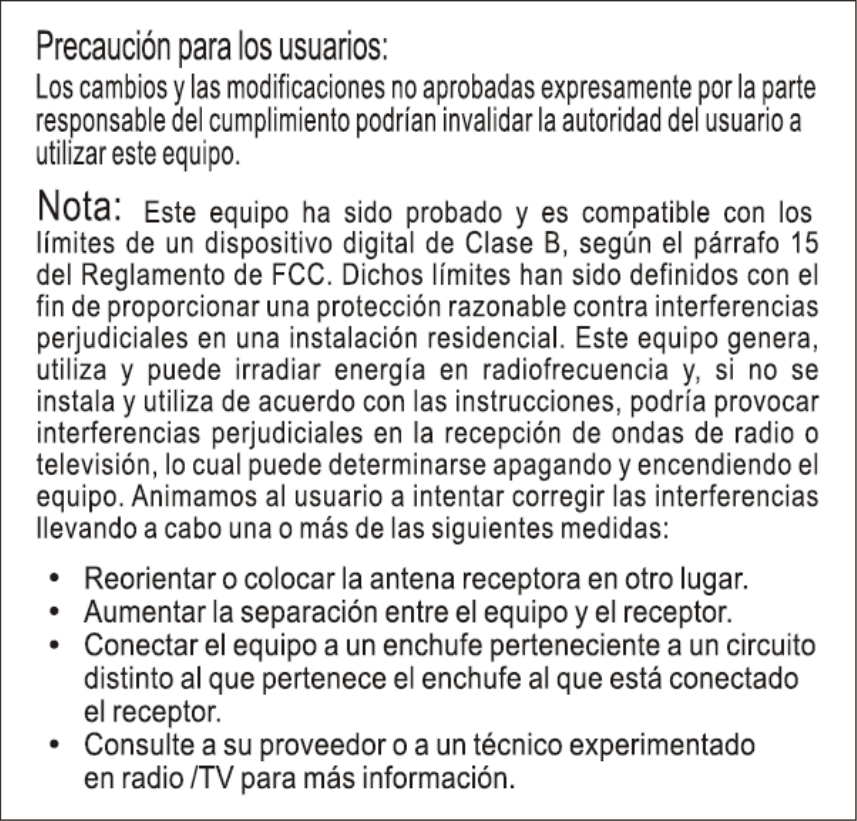
FCC STATEMENT:This device complies with Part 15 of the FCC Rules. Operation is subject to the followingtwo conditions:(1) This device may not cause harmful interference, and(2) This device must accept any interference received, including interference that maycause undesired operation.Warning: Changes or modifications not expressly approved by the party responsible forcompliance could void the user's authority to operate the equipment.NOTE: This equipment has been tested and found to comply with the limits for a Class Bdigital device, pursuant to Part 15 of the FCC Rules. These limits are designed to providereasonable protection against harmful interference in a residential installation.This equipment generates uses and can radiate radio frequency energy and, if notinstalled and used in accordance with the instructions, may cause harmful interference toradio communications. However, there is no guarantee that interference will not occur in aparticular installation. If this equipment does cause harmful interference to radio ortelevision reception, which can be determined by turning the equipment off and on, theuser is encouraged to try to correct the interference by one or more of the followingmeasures:Reorient or relocate the receiving antenna.Increase the separation between the equipment and receiver.Connect the equipment into an outlet on a circuit different from that to which the receiveris connected.Consult the dealer or an experienced radio/TV technician for help.FCC Radiation Exposure Statement:This equipment complies with FCC radiation exposure limits set forth for an uncontrolledenvironment. This equipment should be installed and operated with minimum distance20cm between the radiator & your body.
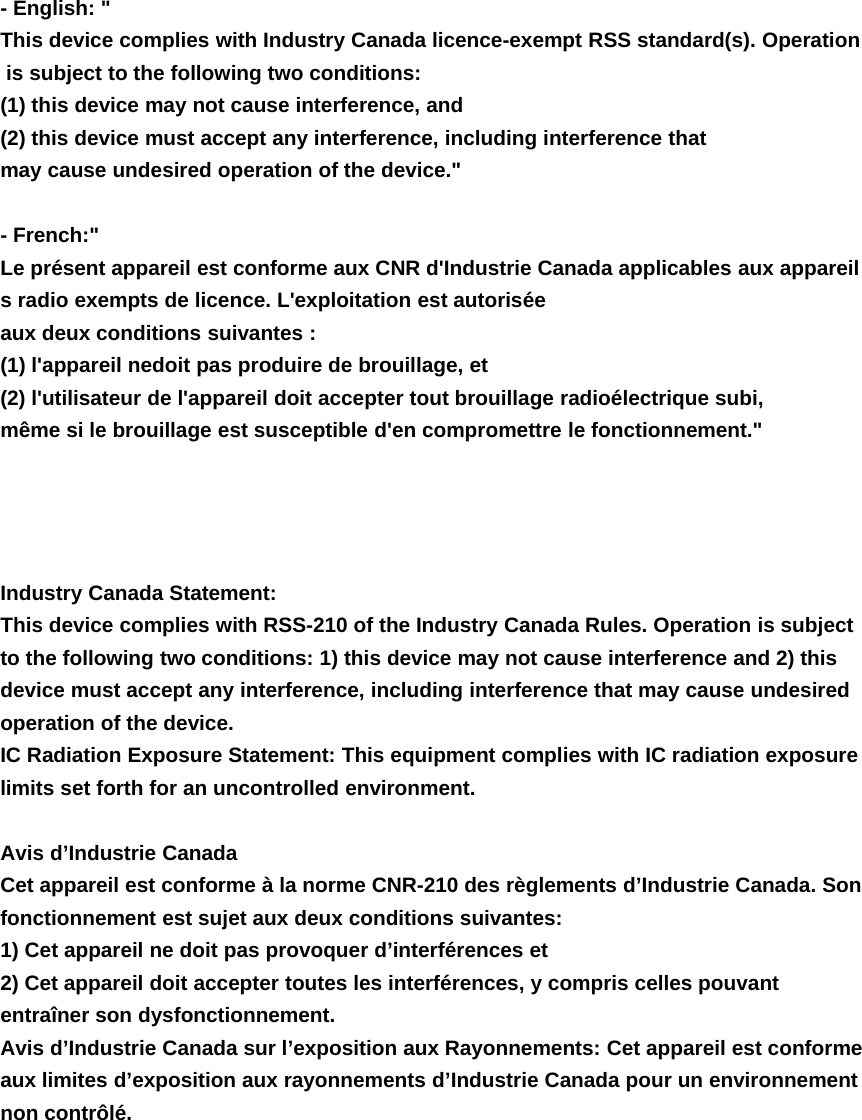
- English: "This device complies with Industry Canada licence-exempt RSS standard(s). Operationis subject to the following two conditions:(1) this device may not cause interference, and(2) this device must accept any interference, including interference thatmay cause undesired operation of the device."-French:"Le présent appareil est conforme aux CNR d'Industrie Canada applicables aux appareils radio exempts de licence. L'exploitation est autoriséeaux deux conditions suivantes :(1) l'appareil nedoit pas produire de brouillage, et(2) l'utilisateur de l'appareil doit accepter tout brouillage radioélectrique subi,même si le brouillage est susceptible d'en compromettre le fonctionnement."Industry Canada Statement:This device complies with RSS-210 of the Industry Canada Rules. Operation is subjectto the following two conditions: 1) this device may not cause interference and 2) thisdevice must accept any interference, including interference that may cause undesiredoperation of the device.IC Radiation Exposure Statement: This equipment complies with IC radiation exposurelimits set forth for an uncontrolled environment.Avis d’Industrie CanadaCet appareil est conforme à la norme CNR-210 des règlements d’Industrie Canada. Sonfonctionnement est sujet aux deux conditions suivantes:1) Cet appareil ne doit pas provoquer d’interférences et2) Cet appareil doit accepter toutes les interférences, y compris celles pouvantentraîner son dysfonctionnement.Avis d’Industrie Canada sur l’exposition aux Rayonnements: Cet appareil est conformeaux limites d’exposition aux rayonnements d’Industrie Canada pour un environnementnon contrôlé.

Navigation menu