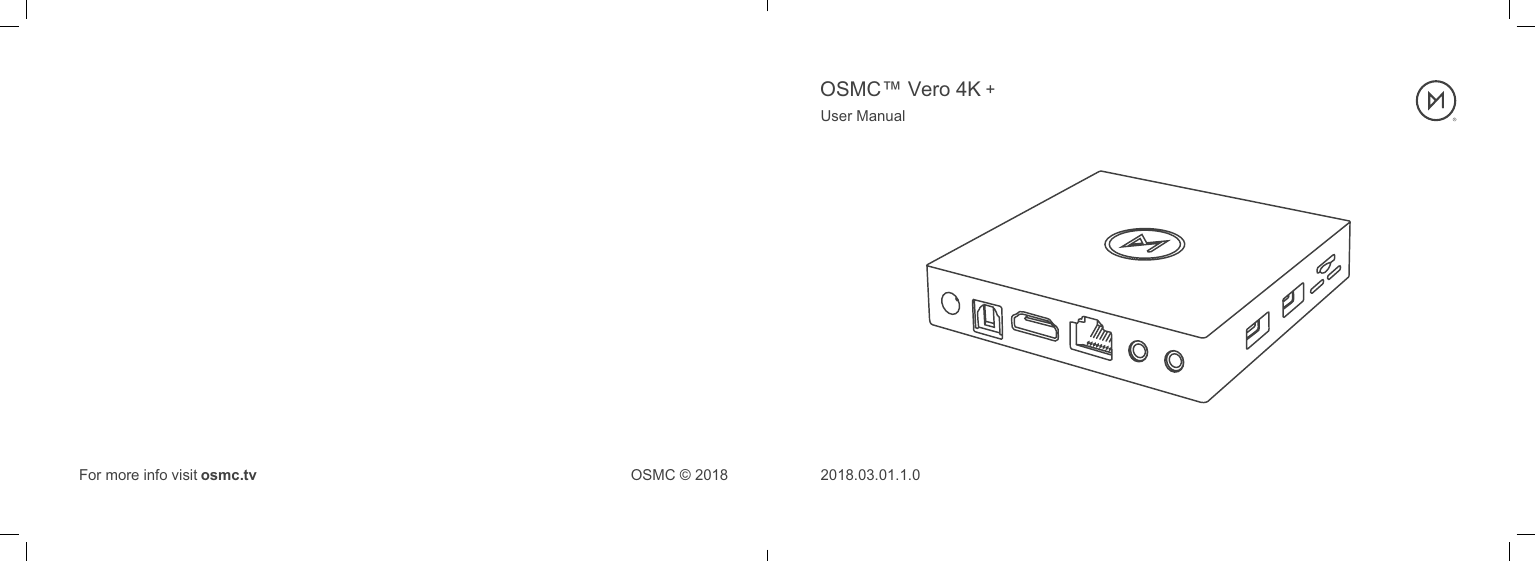
Sam Nazarko VERO4K OSMC Vero 4K + User Manual Vero 4k Manual Spreads 1

Sam Nazarko Trading Ltd OSMC Vero 4K + Vero 4k Manual Spreads 1

Users Manual

2018.03.01.1.0User ManualOSMC © 2018For more info visit osmc.tvOSMC™ Vero 4K +
1. Quick Start Guide2. Troubleshooting3. Getting further help and support4. Safety Information5. Warranty InformationTable of Contents
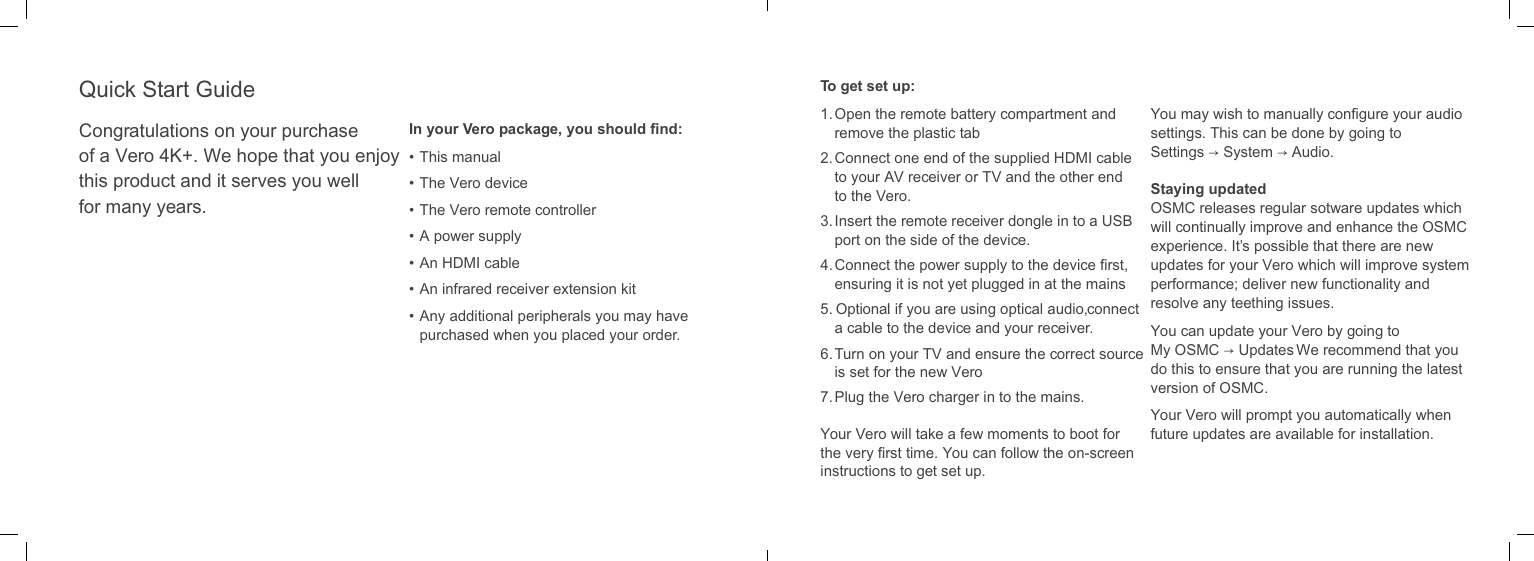
Congratulations on your purchase of a Vero 4K+. We hope that you enjoy this product and it serves you well for many years.In your Vero package, you should find:• This manual• The Vero device• The Vero remote controller• A power supply• An HDMI cable• An infrared receiver extension kit•  Any additional peripherals you may have purchased when you placed your order.Quick Start Guide To get set up:1.  Open the remote battery compartment and remove the plastic tab2.  Connect one end of the supplied HDMI cable to your AV receiver or TV and the other end to the Vero.3.  Insert the remote receiver dongle in to a USB port on the side of the device.4.  Connect the power supply to the device first, ensuring it is not yet plugged in at the mains5.  Optional: if you are using optical audio, connect a cable to the device and your receiver.6.  Turn on your TV and ensure the correct source is set for the new Vero7.  Plug the Vero charger in to the mains.Your Vero will take a few moments to boot for the very first time. You can follow the on-screen instructions to get set up.You may wish to manually configure your audio settings. This can be done by going toSettings → System → Audio.Staying updatedOSMC releases regular sotware updates which will continually improve and enhance the OSMC experience. It’s possible that there are new updates for your Vero which will improve system performance; deliver new functionality and resolve any teething issues. You can update your Vero by going to My OSMC → Updates. We recommend that you do this to ensure that you are running the latest version of OSMC. Your Vero will prompt you automatically when future updates are available for installation.
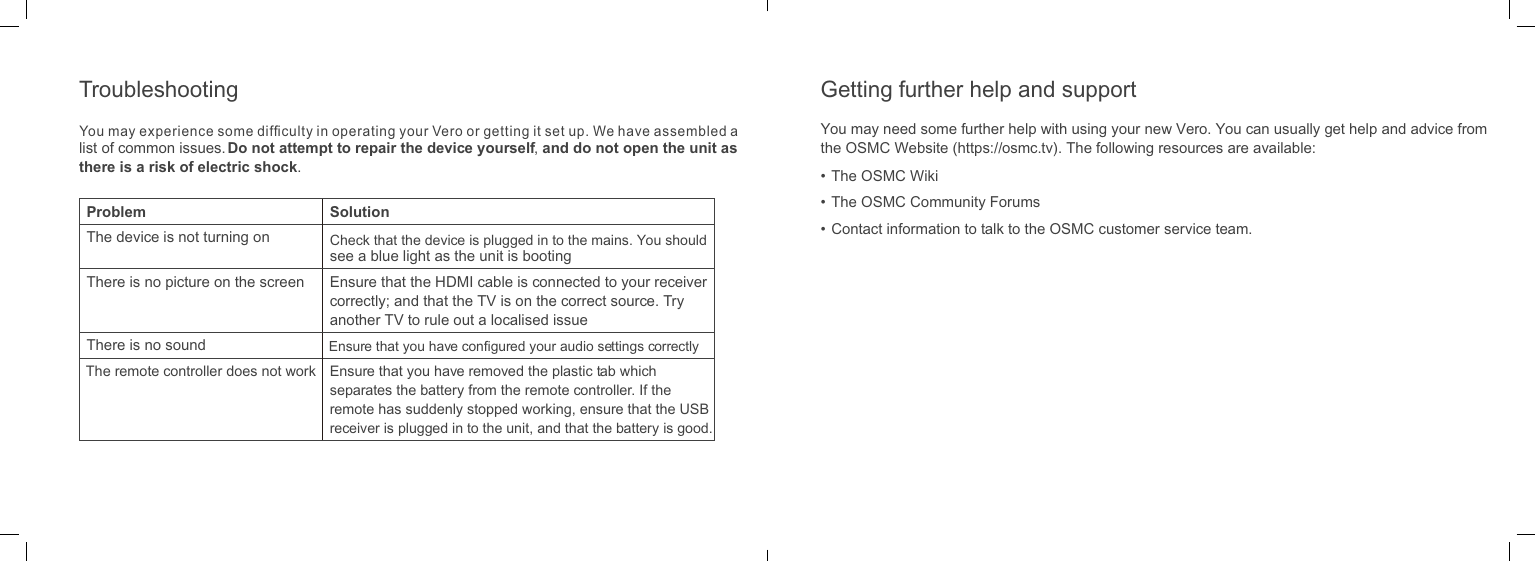
list of common issues. Do not attempt to repair the device yourself, and do not open the unit as there is a risk of electric shock.Problem SolutionThe device is not turning on Check that the device is plugged in to the mains. You should see a blue light as the unit is bootingThere is no picture on the screen Ensure that the HDMI cable is connected to your receiver correctly; and that the TV is on the correct source. Try another TV to rule out a localised issueThere is no sound Ensure that you have configured your audio settings correctlyThe remote controller does not work Ensure that you have removed the plastic tab which separates the battery from the remote controller. If the remote has suddenly stopped working, ensure that the USB receiver is plugged in to the unit, and that the battery is good.You may need some further help with using your new Vero. You can usually get help and advice from the OSMC Website (https://osmc.tv). The following resources are available:• The OSMC Wiki• The OSMC Community Forums•  Contact information to talk to the OSMC customer service team.Getting further help and supportTroubleshootingYou may experience some difficulty in operating your Vero or getting it set up. We have assembled a
OSMC offers a one year warranty for this product. This OSMC limited warranty covers your Vero hardware product, along with any accessories received with the hardware product, (“Warranted Product”) under normal use conditions for manufacturing defects or hardware component failures in your Warranted Product that is still within warranty. Accessories sold separately are covered by the applicable warranty accompanying the accessory. This warranty is for the original owner only and cannot be transferred to another party (including a buyer of a used Warranted Product). If you give or sell the Warranted Product, this Limited Warranty will end although this does not affect any rights that the new owner has under applicable consumer laws.OSMC will repair, or if repair is not reasonably possible, replace your defective Warranted Product. Replacement parts and/or products may include new or refurbished parts or products and are warranted only until the expiration of the original Warranty Period.This does not affect any rights that you have under applicable consumer laws including the right to claim a refund.OSMC is not responsible for any interoperability or compatibility issues that may arise when (a) products, sotware, or options not supplied or supported by OSMC are used; (b) configurations not supported, provided or approved by OSMC are used; (c) parts intended for one system are installed in another system of a different make or model.FCC and CE Compliance StatementThis equipment has been tested and found to comply with the limits for a Class B digital device, pursuant to part 15 of the FCC Rules. These limits are designed to provide reasonable protection against harmful interference in a residential installation. This equipment generates, uses and can radiate radio frequency energy and, if not installed and used in accordance with the instructions, may cause harmful interference to radio communications. However, there is no guarantee that interference will not occur in a particular installation.If this equipment does cause harmful interference to radio or television reception, which can be determined by turning the equipment off and on, the user is encouraged to try to correct the interference by one or more of the following measures:Reorient or relocate the receiving antenna.• Increase the separation between the equipment and receiver.• Connect the equipment into an outlet on a circuit diferent from that to which the receiver is connected.• Consult the dealer or an experienced radio/TV technician for help.This equipment has been tested and found to comply with the EMC Directive 2004/108/EC and Low Voltage Directive 2006/95/EC.Warranty InformationSafety Information
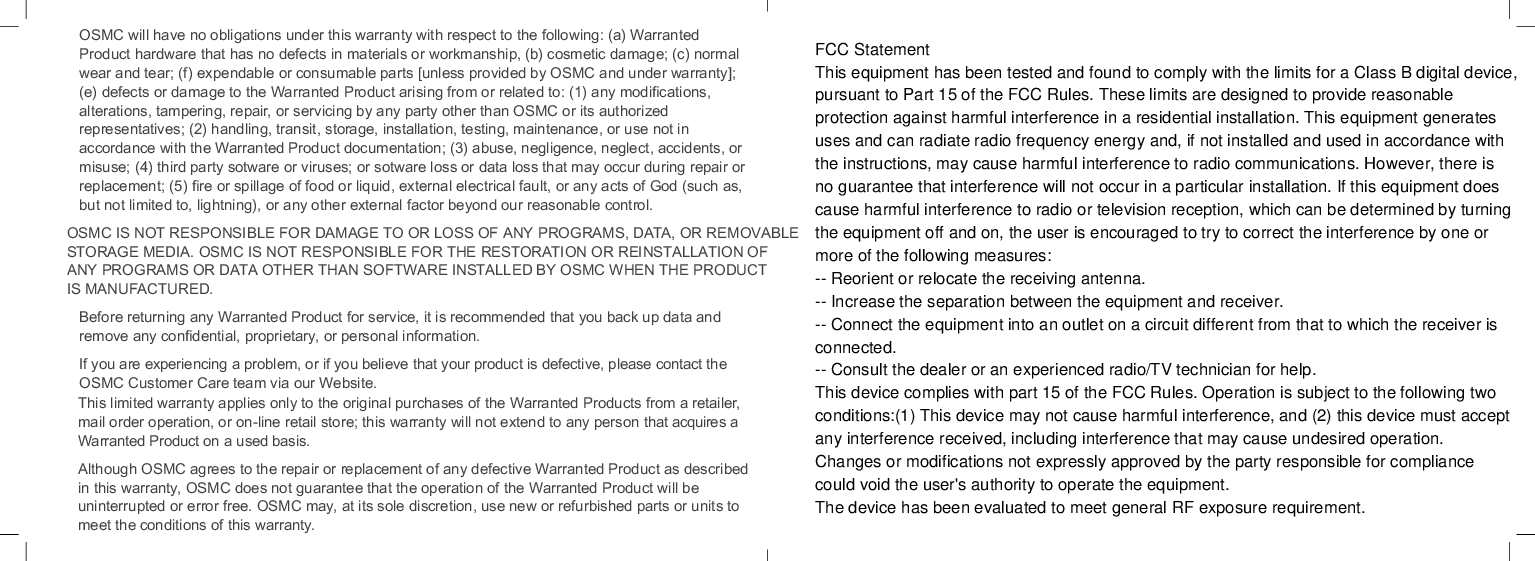
OSMC will have no obligations under this warranty with respect to the following: (a) Warranted Product hardware that has no defects in materials or workmanship, (b) cosmetic damage; (c) normal wear and tear; (f) expendable or consumable parts [unless provided by OSMC and under warranty]; (e) defects or damage to the Warranted Product arising from or related to: (1) any modifications, alterations, tampering, repair, or servicing by any party other than OSMC or its authorized representatives; (2) handling, transit, storage, installation, testing, maintenance, or use not in accordance with the Warranted Product documentation; (3) abuse, negligence, neglect, accidents, or misuse; (4) third party sotware or viruses; or sotware loss or data loss that may occur during repair or replacement; (5) fire or spillage of food or liquid, external electrical fault, or any acts of God (such as, but not limited to, lightning), or any other external factor beyond our reasonable control.OSMC IS NOT RESPONSIBLE FOR DAMAGE TO OR LOSS OF ANY PROGRAMS, DATA, OR REMOVABLE STORAGE MEDIA. OSMC IS NOT RESPONSIBLE FOR THE RESTORATION OR REINSTALLATION OF ANY PROGRAMS OR DATA OTHER THAN SOFTWARE INSTALLED BY OSMC WHEN THE PRODUCT IS MANUFACTURED.Before returning any Warranted Product for service, it is recommended that you back up data and remove any confidential, proprietary, or personal information.If you are experiencing a problem, or if you believe that your product is defective, please contact the OSMC Customer Care team via our Website. This limited warranty applies only to the original purchases of the Warranted Products from a retailer, mail order operation, or on-line retail store; this warranty will not extend to any person that acquires a Warranted Product on a used basis.Although OSMC agrees to the repair or replacement of any defective Warranted Product as described in this warranty, OSMC does not guarantee that the operation of the Warranted Product will be uninterrupted or error free. OSMC may, at its sole discretion, use new or refurbished parts or units to meet the conditions of this warranty.FCC StatementThis equipment has been tested and found to comply with the limits for a Class B digital device,pursuant to Part 15 of the FCC Rules. These limits are designed to provide reasonableprotection against harmful interference in a residential installation. This equipment generatesuses and can radiate radio frequency energy and, if not installed and used in accordance withthe instructions, may cause harmful interference to radio communications. However, there isno guarantee that interference will not occur in a particular installation. If this equipment doescause harmful interference to radio or television reception, which can be determined by turningthe equipment off and on, the user is encouraged to try to correct the interference by one ormore of the following measures:-- Reorient or relocate the receiving antenna.-- Increase the separation between the equipment and receiver.-- Connect the equipment into an outlet on a circuit different from that to which the receiver isconnected.-- Consult the dealer or an experienced radio/TV technician for help.This device complies with part 15 of the FCC Rules. Operation is subject to the following twoconditions:(1) This device may not cause harmful interference, and (2) this device must acceptany interference received, including interference that may cause undesired operation.Changes or modifications not expressly approved by the party responsible for compliancecould void the user's authority to operate the equipment.The device has been evaluated to meet general RF exposure requirement.
FCCRadiationExposureStatement:ThisequipmentcomplieswiththeFCCRFradiationexposurelimitssetforthforanuncontrolledenvironment.Thisequipmentshouldbeinstalledandoperatedwithaminimumdistanceof20cmbetweentheradiatorandanypartofyourbody.

Navigation menu