Samsung Electronics Co SCHI925U Portable Tablet Computer with Multi-band CDMA/LTE, WLAN and Bluetooth User Manual i925
Samsung Electronics Co Ltd Portable Tablet Computer with Multi-band CDMA/LTE, WLAN and Bluetooth i925
Contents
- 1. Users Manual 1
- 2. Users Manual 2
- 3. Health/Safety/Warranty Guide
- 4. User Manual 1
Health/Safety/Warranty Guide
![14Tests for each model mobile device are performed in positions and locations (e.g. near the body) as required by the FCC.For typical operations, this mobile device has been tested and meets FCC SAR guidelines.Use of other accessories may not ensure compliance with FCC RF exposure guidelines. The FCC has granted an Equipment Authorization for this mobile device with all reported SAR levels evaluated as in compliance with the FCC RF exposure guidelines. This [mobile phone/tablet/device] has a FCC ID number: A3LSCHI925U [Model Number: SCH-I925U] and the specific SAR levels for this [mobile phone/tablet/device] can be found at the following FCC website: http://www.fcc.gov/oet/ea/.The SAR information for this device can also be found on Samsung’s website: http://www.samsung.com/sar. SAR information on this and other model mobile devices can be accessed online on the FCC's website through http://transition.fcc.gov/oet/rfsafety/sar.html. To find information that pertains to a particular model mobile device, this site uses the mobile device FCC ID number, which is usually printed somewhere on the case of the mobile device. i925.book Page 14 Monday, January 21, 2013 9:29 AMDRAFT FOR INTERNAL USE ONLY](https://usermanual.wiki/Samsung-Electronics-Co/SCHI925U.Health-Safety-Warranty-Guide/User-Guide-1886261-Page-20.png)
![Health and Safety Information 37• Reduce risk of repetitive motion injuries. When you repetitively perform actions, such as pressing keys, drawing characters on a touch screen with your fingers, or playing games, you may experience occasional discomfort in your hands, neck, shoulders, or other parts of your body. When using your device for extended periods, hold the device with a relaxed grip, press the keys lightly, and take frequent breaks. If you continue to have discomfort during or after such use, stop use and see a physician.• If your device has a camera flash or light, do not use the flash or light close to the eyes of people or pets. [122011]i925.book Page 37 Monday, January 21, 2013 9:29 AMDRAFT FOR INTERNAL USE ONLY](https://usermanual.wiki/Samsung-Electronics-Co/SCHI925U.Health-Safety-Warranty-Guide/User-Guide-1886261-Page-43.png)
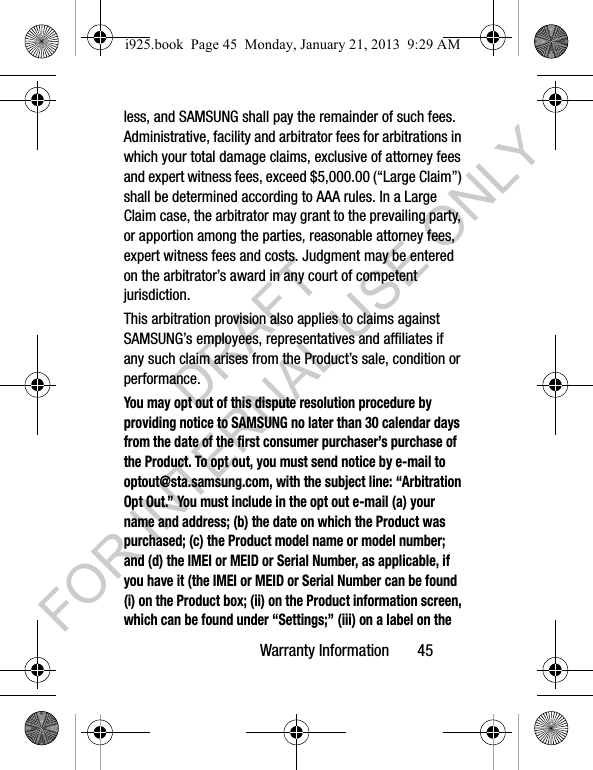
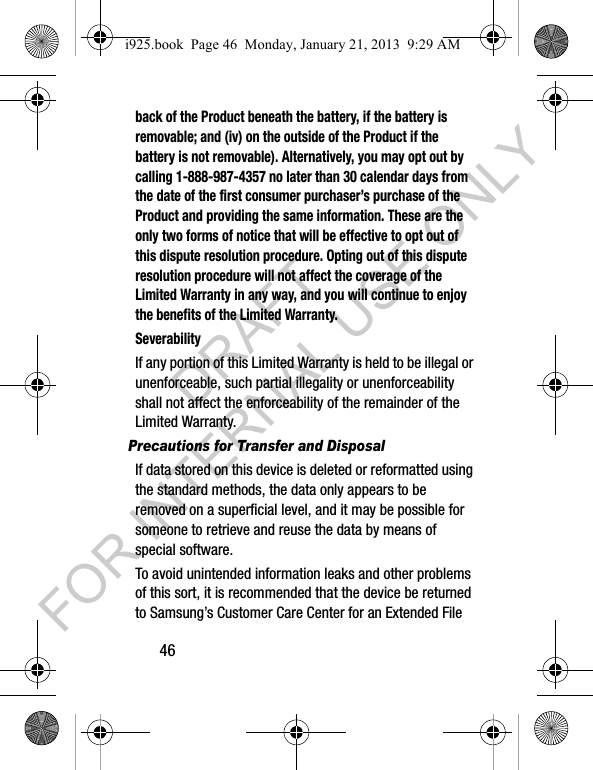
![Warranty Information 47System (EFS) Clear which will eliminate all user memory and return all settings to default settings. Please contact the Samsung Customer Care Center for details.Important! Please provide warranty information (proof of purchase) to Samsung’s Customer Care Center in order to provide this service at no charge. If the warranty has expired on the device, charges may apply.Samsung Telecommunications America, LLC1301 E. Lookout DriveRichardson, Texas 75082Phone: 1-800-SAMSUNGPhone: 1-888-987-HELP (4357)©2012 Samsung Telecommunications America. All rights reserved.No reproduction in whole or in part allowed without prior written approval. Specifications and availability subject to change without notice. [111611]End User License Agreement for SoftwareIMPORTANT. READ CAREFULLY: This End User License Agreement ("EULA") is a legal agreement between you (either an individual or a single entity) and Samsung Electronics Co., Ltd. ("Samsung Electronics Co.") for i925.book Page 47 Monday, January 21, 2013 9:29 AMDRAFT FOR INTERNAL USE ONLY](https://usermanual.wiki/Samsung-Electronics-Co/SCHI925U.Health-Safety-Warranty-Guide/User-Guide-1886261-Page-53.png)
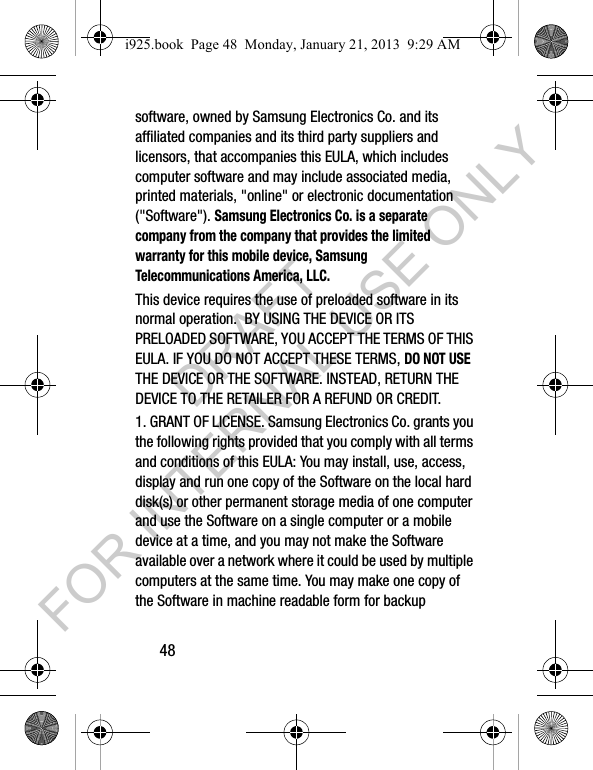
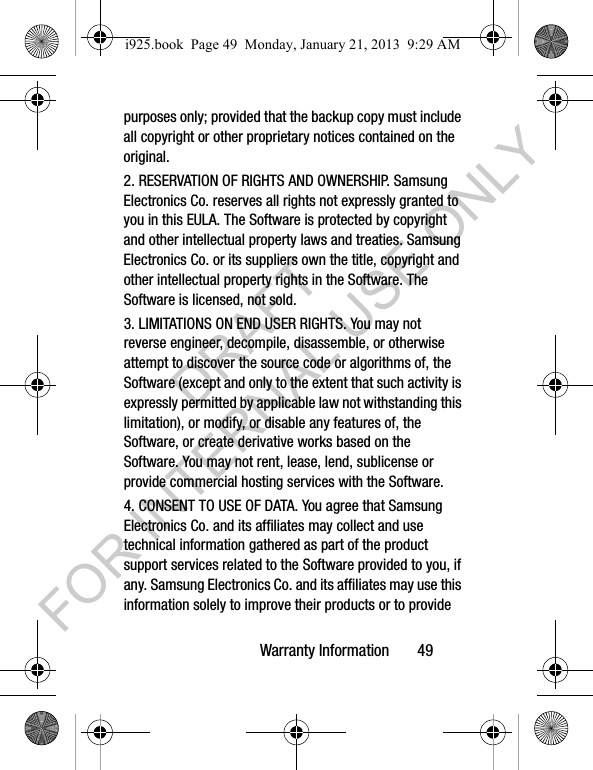
![60name or model number; and (d) the IMEI or MEID or Serial Number, as applicable, if you have it (the IMEI or MEID or Serial Number can be found (i) on the device box; (ii) on the device information screen, which can be found under "Settings;" (iii) on a label on the back of the device beneath the battery, if the battery is removable; and (iv) on the outside of the device if the battery is not removable). Alternatively, you may opt out by calling 1-888-987-4357 no later than 30 calendar days from the date of the first consumer purchaser's purchase of the device and providing the same information. These are the only two forms of notice that will be effective to opt out of this dispute resolution procedure. Opting out of this dispute resolution procedure will not affect your use of the device or its preloaded Software, and you will continue to enjoy the benefits of this license.16. ENTIRE AGREEMENT; SEVERABILITY. This EULA is the entire agreement between you and Samsung Electronics Co. relating to the Software and supersedes all prior or contemporaneous oral or written communications, proposals and representations with respect to the Software or any other subject matter covered by this EULA. If any provision of this EULA is held to be void, invalid, unenforceable or illegal, the other provisions shall continue in full force and effect. [101212]i925.book Page 60 Monday, January 21, 2013 9:29 AMDRAFT FOR INTERNAL USE ONLY](https://usermanual.wiki/Samsung-Electronics-Co/SCHI925U.Health-Safety-Warranty-Guide/User-Guide-1886261-Page-66.png)