Senior Technologies IDUT001 Door Monitor User Manual 0163 390 Universal Tester

Senior Technologies Inc Door Monitor 0163 390 Universal Tester

User Manual

Read these instructions, particularly the Warnings and Cautions,before using the WanderGuard®Universal Tester. Failure to doso could result in injury or death to a person in your care.WARNINGOperating InstructionsWanderGuard®Universal TesterModel 180290163-390
FCC ID:LA5IDUT001This device complies with Part 15 of the FCC rules. Operation is subject to thefollowing two conditions: 1) this device may not cause harmful interference, and2) this device must accept any interference received, including interference thatmay cause undesired operation.Changes or modifications not expressly approved by Stanley SeniorTechnologies could void the user's authority to operate the equipment.All content herein is the property of The Stanley Works, its Affiliates, or theircontent suppliers and is protected by United States and international copyrightlaws. The compilation of all content is likewise the exclusive property of TheStanley Works (or the Affiliate identified in any copyright notice) and is protectedby United States and international copyright laws.The trademarks, service marks and logos (the 'Trademarks') used and displayedin this publication are registered and unregistered Trademarks of The StanleyWorks, its Affiliates and others. Nothing herein should be construed as granting,by implication, estoppel or otherwise, any license or right to use any Trademarkdisplayed herein without the prior consent of the Trademark owner. ARIAL,AUTISM ALLY, AUTISM ALLY design, the CATCH-ALL design, SENIORTECHNOLOGIES, TABS, TIM, WANDERGUARD, and the WANDERGUARDdesign are some of the registered and unregistered trademarks owned by TheStanley Works and/or its Affiliates ("Stanley Trademarks"). Stanley Trademarksmay not be used in connection with any product or service that is notmanufactured by or under license from The Stanley Works or its appropriateAffiliate.©2006 Printed in USA
2Test bracelets daily as detailed in these instructions, in thebracelet instructions, and the WanderGuard®Door Monitor UserManual. Record the results in the resident’s records. It isimportant to test the bracelet before putting it into use and dailythereafter. Failure to do so could result in injury to or death to aperson in your care.WARNINGDispose of the Universal Tester immediately when low battery isindicated on the display.When testing the bracelet, make regular inspections to check forfrayed or loose bands.Stanley-Senior Technologies recommends the removal of thebracelet during x-ray or MRI procedures.Changes or modifications not expressly approved by Stanley-Stenior Technologies could void the user’s authority to operatethe equipment.CAUTION
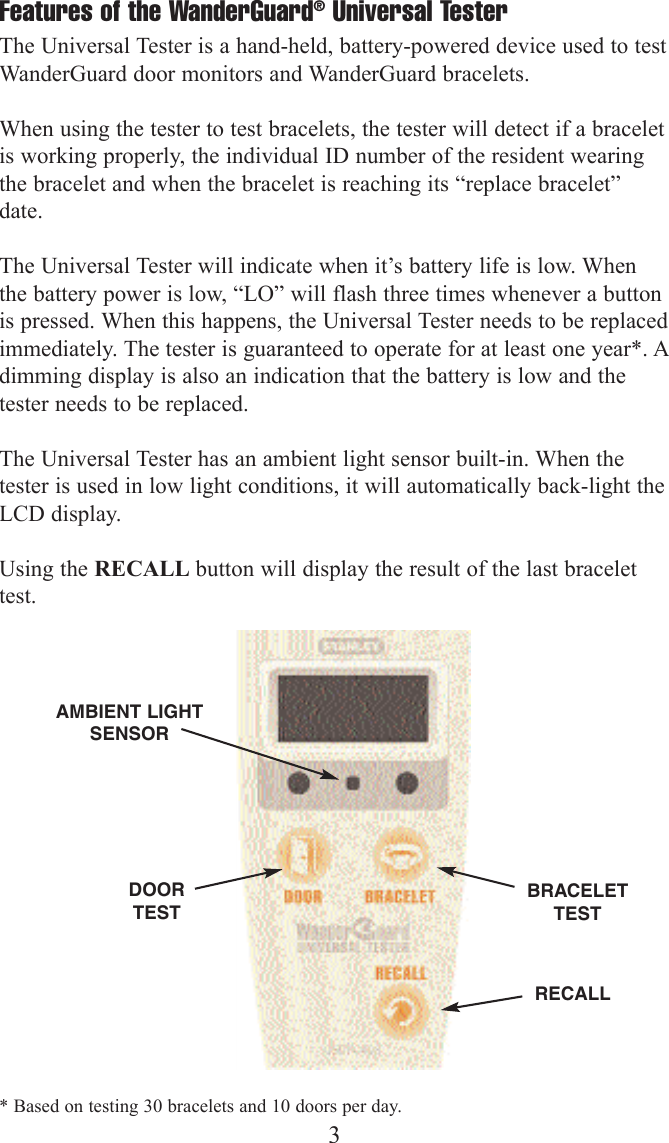
Features of the WanderGuard®Universal Tester The Universal Tester is a hand-held, battery-powered device used to testWanderGuard door monitors and WanderGuard bracelets.  When using the tester to test bracelets, the tester will detect if a braceletis working properly, the individual ID number of the resident wearingthe bracelet and when the bracelet is reaching its “replace bracelet”date.The Universal Tester will indicate when it’s battery life is low. Whenthe battery power is low, “LO” will flash three times whenever a buttonis pressed. When this happens, the Universal Tester needs to be replacedimmediately. The tester is guaranteed to operate for at least one year*. Adimming display is also an indication that the battery is low and thetester needs to be replaced. The Universal Tester has an ambient light sensor built-in. When thetester is used in low light conditions, it will automatically back-light theLCD display.Using the RECALL button will display the result of the last bracelettest.3DOORTESTBRACELETTESTRECALLAMBIENT LIGHTSENSOR* Based on testing 30 bracelets and 10 doors per day.
4Testing Door MonitorsThe Universal Tester will test all WanderGuard®door monitors except theFirstQTM series. Test door monitors at least weekly on each shift with allsurrounding power devices turned on to maximize possibleelectromagnetic interference. If using a PIR device, refer to theinstructions that are shipped with it.To test a WanderGuard door monitor that has WanderGuard®SystemStatus Display installed:1. Open the door(s).2. Move to 3' in front of the middle of the door, or middle of doorway iftesting a double door system, and hold the tester at waist level.3. Press the DOOR button. The LED above the button will turn on andsegments on the LCD display will animate indicating the tester istransmitting. “??????” will be displayed on the System Status Display.(A single button press activates the tester for 2 seconds, or the buttoncan be held down to transmit continuously.)4. Repeat Steps 2 and 3, holding the tester at ankle, knee, and head level.5. Move to the right side of the door and repeat Steps 2 through 4.6.  Move to the left side of the door and repeat Steps 2 through 4. To test a WanderGuard door monitor WITHOUT a WanderGuard®System Status Display installed:1. Open the door(s).2. Move to 3' in front of the middle of the door, or middle of doorway iftesting a double door system, and hold the tester at waist level.3. Press the DOOR button. The LED above the button will turn on andsegments on the LCD display will animate indicating the tester istransmitting. The alarm on the door monitor will sound. Reset thealarm.  (A single button press activates the tester for 2 seconds, or thebutton can be held down to transmit continuously.)4. Repeat Steps 2 and 3, holding the tester at ankle, knee, and head level.5. Move to the right side of the door and repeat Steps 2 through 4.6.  Move to the left side of the door and repeat Steps 2 through 4. If the alarm does not sound, make sure the door is open and the tester iswithin 3' of the monitor. If the alarm still does not sound, contact SeniorTechnologies’ Technical Service at 800-824-2996.
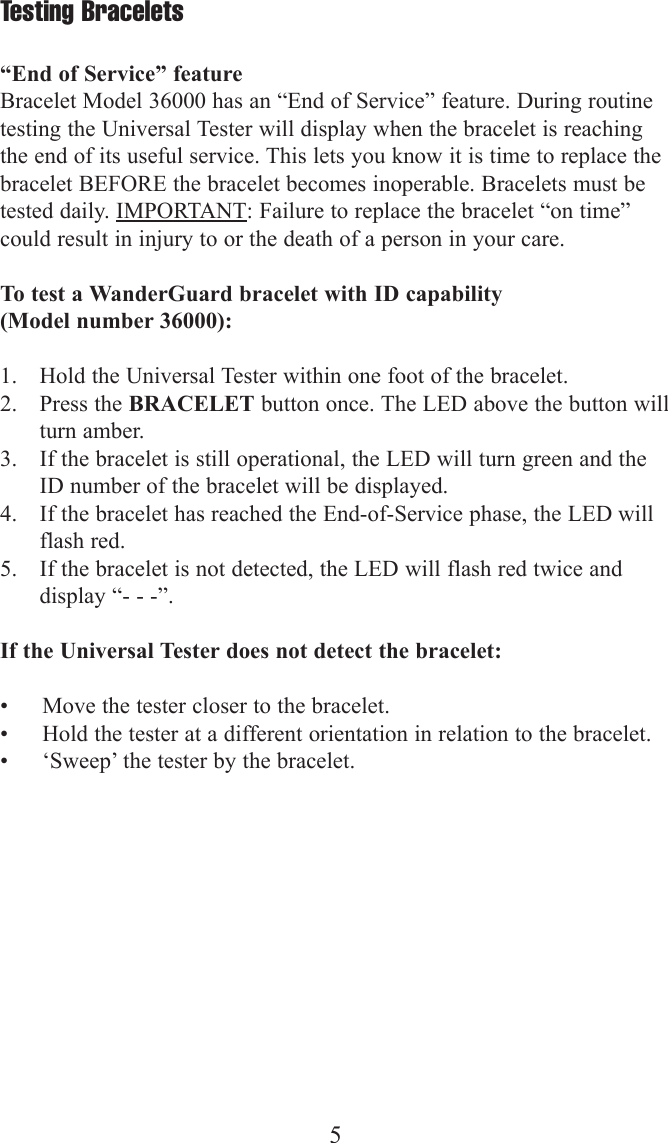
5Testing Bracelets“End of Service” featureBracelet Model 36000 has an “End of Service” feature. During routinetesting the Universal Tester will display when the bracelet is reachingthe end of its useful service. This lets you know it is time to replace thebracelet BEFORE the bracelet becomes inoperable. Bracelets must betested daily. IMPORTANT: Failure to replace the bracelet “on time”could result in injury to or the death of a person in your care.To test a WanderGuard bracelet with ID capability (Model number 36000):1. Hold the Universal Tester within one foot of the bracelet.2. Press the BRACELET button once. The LED above the button willturn amber.3. If the bracelet is still operational, the LED will turn green and theID number of the bracelet will be displayed.4. If the bracelet has reached the End-of-Service phase, the LED willflash red.5. If the bracelet is not detected, the LED will flash red twice anddisplay “- - -”.If the Universal Tester does not detect the bracelet:• Move the tester closer to the bracelet.• Hold the tester at a different orientation in relation to the bracelet.• ‘Sweep’ the tester by the bracelet.
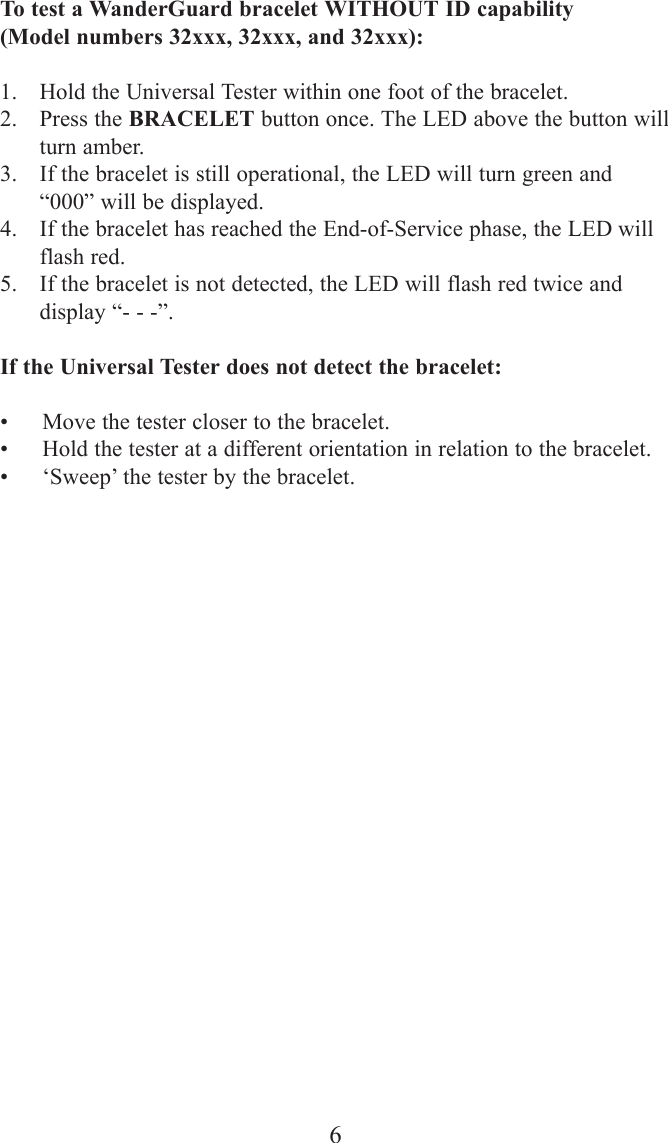
6To test a WanderGuard bracelet WITHOUT ID capability (Model numbers 32xxx, 32xxx, and 32xxx):1. Hold the Universal Tester within one foot of the bracelet.2. Press the BRACELET button once. The LED above the button willturn amber.3. If the bracelet is still operational, the LED will turn green and“000” will be displayed.4. If the bracelet has reached the End-of-Service phase, the LED willflash red.5. If the bracelet is not detected, the LED will flash red twice anddisplay “- - -”.If the Universal Tester does not detect the bracelet:• Move the tester closer to the bracelet.• Hold the tester at a different orientation in relation to the bracelet.• ‘Sweep’ the tester by the bracelet.
7For assistance, please call Stanley-Senior Technologies at 800-824-2996 or 402-475-4002Mailing address:  Stanley-Senior Technologies •  P. O. Box 80238  Lincoln, NE 68501-0238Shipping address:  Stanley-Senior Technologies• 1620 N. 20th  Lincoln, NE 68503-1103

Navigation menu