Signcomplex SC-WC12 LED Remote Controller Series User Manual WC 12

Signcomplex Limited LED Remote Controller Series WC 12

Users Manual

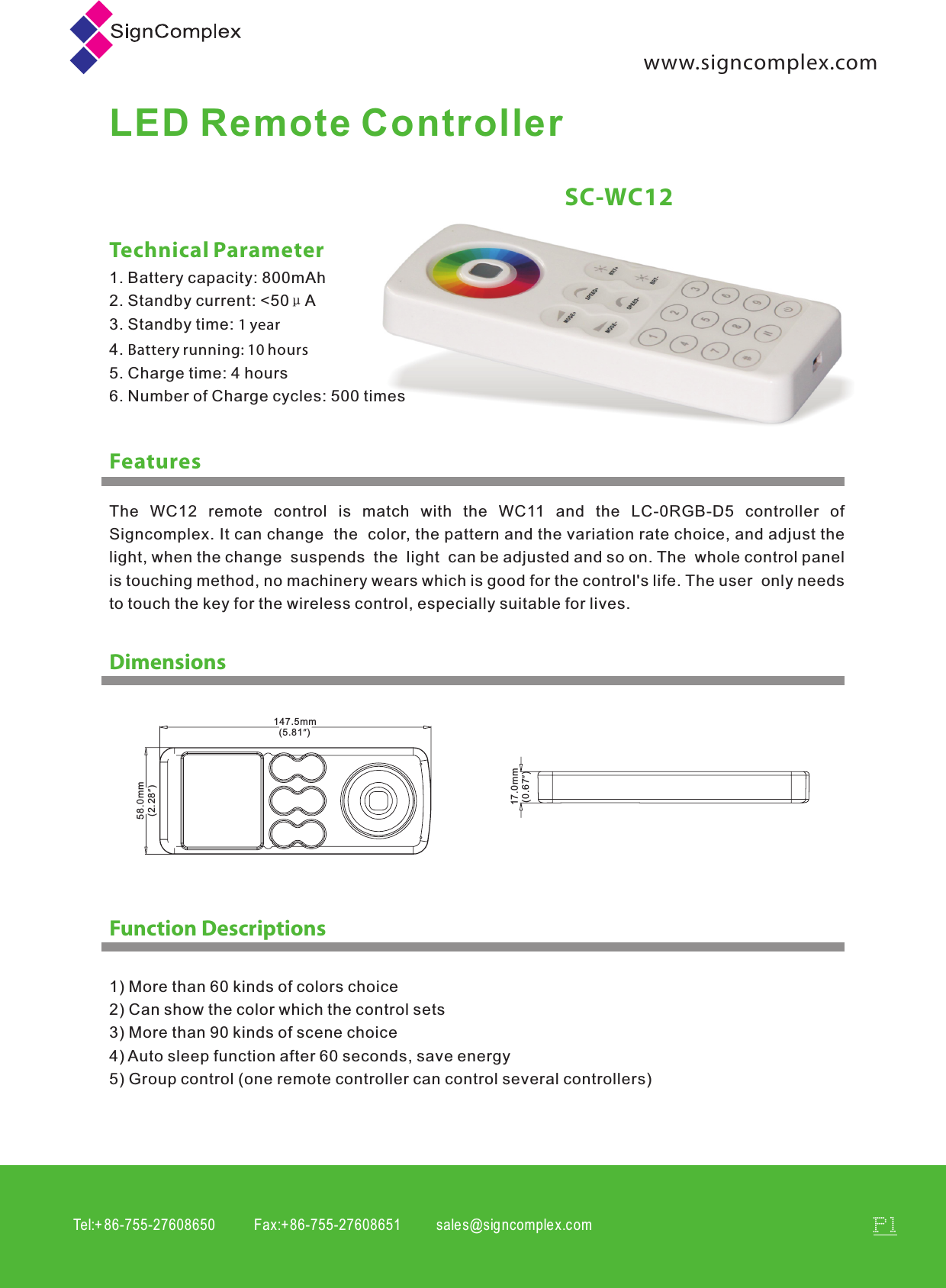
Tel:+ 86-755-27608650           Fax:+86-755-27608651          sales@signcomplex.c omP1www.signcomplex.comLED Remote ControllerFeaturesSC-WC12Technical Parameter1. Battery capacity: 800mAh2. Standby current: <50μA3. Standby time: 1 year4. Battery running: 10 hours5. Charge time: 4 hours6. Number of Charge cycles: 500 timesDimensionsFunction Descriptions1) More than 60 kinds of colors choice2) Can show the color which the control sets3) More than 90 kinds of scene choice4) Auto sleep function after 60 seconds, save energy5) Group control (one remote controller can control several controllers)147.5mm  (5.81”) 58.0mm  (2.28”) 17.0mm  (0.67”)The  WC12  remote  control  is  match  with  the  WC11  and  the  LC-0RGB-D5  controller  of Signcomplex. It can change  the  color, the pattern and the variation rate choice, and adjust the light, when the change  suspends  the  light  can be adjusted and so on. The  whole control panel is touching method, no machinery wears which is good for the control's life. The user  only needs to touch the key for the wireless control, especially suitable for lives.
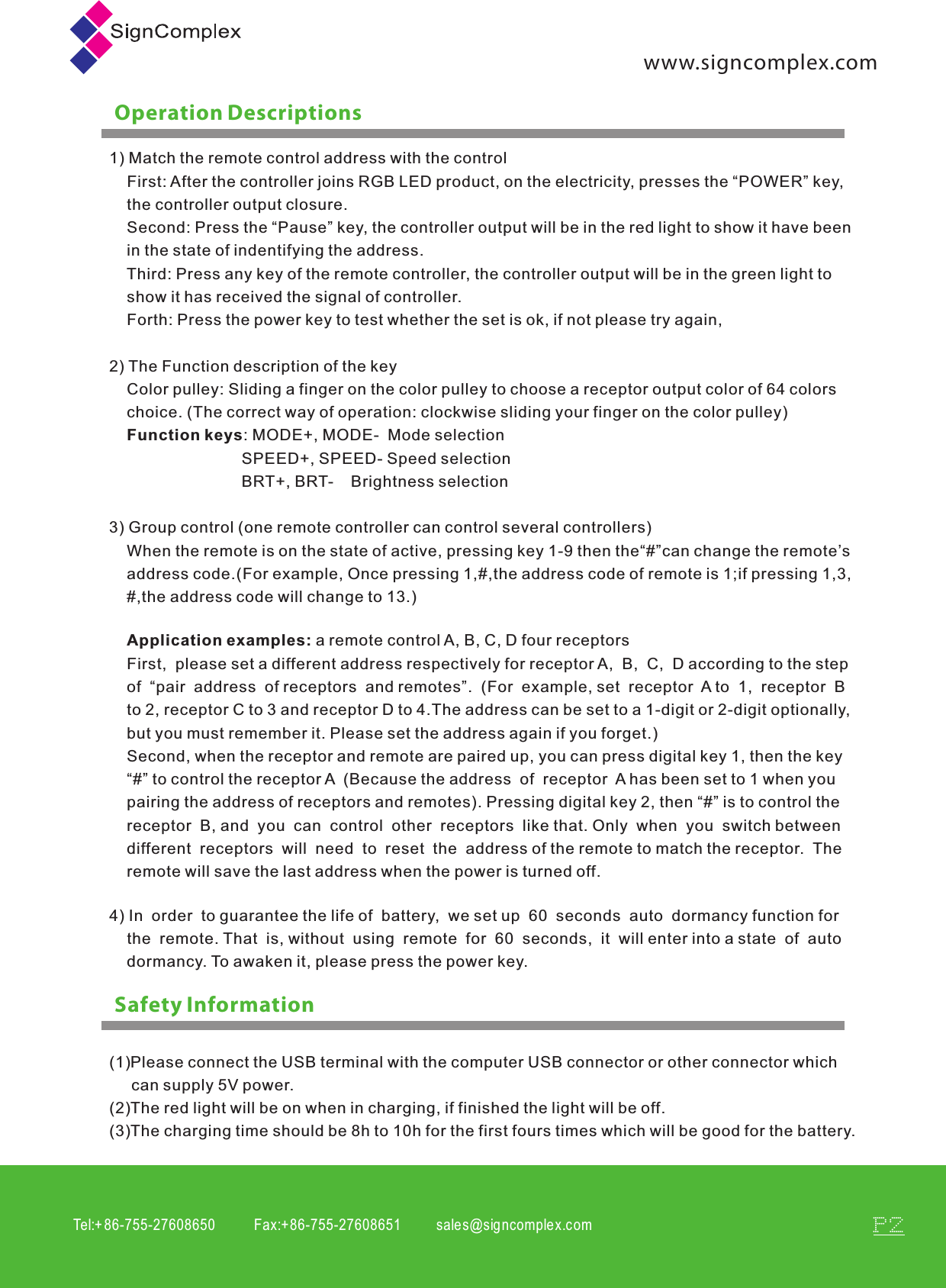
Tel:+ 86-755-27608650           Fax:+86-755-27608651          sales@signcomplex.c omP2www.signcomplex.comOperation DescriptionsSafety Information1) Match the remote control address with the control    First: After the controller joins RGB LED product, on the electricity, presses the “POWER” key,     the controller output closure.    Second: Press the “Pause” key, the controller output will be in the red light to show it have been     in the state of indentifying the address.    Third: Press any key of the remote controller, the controller output will be in the green light to     show it has received the signal of controller.    Forth: Press the power key to test whether the set is ok, if not please try again,2) The Function description of the key    Color pulley: Sliding a finger on the color pulley to choose a receptor output color of 64 colors     choice. (The correct way of operation: clockwise sliding your finger on the color pulley)    Function keys: MODE+, MODE-  Mode selection                              SPEED+, SPEED- Speed selection                              BRT+, BRT-    Brightness selection3) Group control (one remote controller can control several controllers)    When the remote is on the state of active, pressing key 1-9 then the“#”can change the remote’s     address code.(For example, Once pressing 1,#,the address code of remote is 1;if pressing 1,3,    #,the address code will change to 13.) First,  please set a different address respectively for receptor A,  B,  C,  D according to the step of  “pair  address  of receptors  and remotes”.  (For  example, set  receptor  A to  1,  receptor  B  to 2, receptor C to 3 and receptor D to 4.The address can be set to a 1-digit or 2-digit optionally,but you must remember it. Please set the address again if you forget.)Second, when the receptor and remote are paired up, you can press digital key 1, then the key “#” to control the receptor A  (Because the address  of  receptor  A has been set to 1 when you pairing the address of receptors and remotes). Pressing digital key 2, then “#” is to control the receptor  B, and  you  can  control  other  receptors  like that. Only  when  you  switch between different  receptors  will  need  to  reset  the  address of the remote to match the receptor.  The remote will save the last address when the power is turned off.Application examples: a remote control A, B, C, D four receptors4) In  order  to guarantee the life of  battery,  we set up  60  seconds  auto  dormancy function for     the  remote. That  is, without  using  remote  for  60  seconds,  it  will enter into a state  of  auto     dormancy. To awaken it, please press the power key. (1)Please connect the USB terminal with the computer USB connector or other connector which      can supply 5V power.(2)The red light will be on when in charging, if finished the light will be off.(3)The charging time should be 8h to 10h for the first fours times which will be good for the battery.
www.signcomplex.comTel:+ 86-755-27608650           Fax:+86-755-27608651          sales@signcomplex.c omP3Signcomplex  warrants  this  product  (“Product”) against defects in material or  workmanship for a period  of  three  years from the  date  of  purchase.  If this Product  is  determined  to be  defective, Signcomplex will repair or replace the Product,at its option.This warranty does not cover cosmetic  damage  or  damage  due to  acts  of  God,  accident,  misuse, abuse, negligence, commercial use, or  modification  of , or  to  any  part  of  the  Product. This  warranty  does not cover damage due to improper operation or maintenance, connection to improper  voltage supply ,  or  attempted repair by anyone than a facility authorized by Signcomplex to service the Product.Repair  or replacement as provided  under  this  warranty is the exclusive remedy of the customer. Signcomplex  shall  not  be  liable  for  any  incidental or consequential damages for breach of any express or  implied warranty on this  Product except  to  the  extent  prohibited  by  applicable  law, any  implied  warranty  of  merchantability  or  fitness  for a particular  purpose  on  this  Product  is limited in duration to the duration of this limited warranty. Some states do not  allow  the  exclusion  or  limitation  of incidental or consequential damages, or allow limitations  on how long an  implied warranty lasts,  so  the  above  limitations  or  exclusions may not apply to you. This warranty gives you specific legal rights, and you may have  other  rights which vary from state to state.Only Signcomplex may change, amend or modify the terms of this Limited Warranty and any  such change ,  amendment  or  modification shall be in writing and is sued  by  Signcomplex .  To obtain warranty service and shipping information call  +86  755  2760  8650 or  e-mail info@signcomplex.com .You must provide proof of purchase in the form of a bill of sale  or  receipted invoice  which is evidence that the  Product is  within the warranty  period to  obtain  warranty  service.  Consumers have legal rights under  applicable  national  legislation  governing  the  sale  of  consumer  goods.  Such rights are not affected by the warranties provision  outlined  in  this document.Signcomplex Limited WarrantyRoHSCOMPLIANTwarranty 3 years
FCC warning: This device complies with Part 15 of the FCC Rules. Operation is subject to the following two conditions: (1) this device may not cause harmful interference, and (2) this device must accept any interference received, including interference that may cause undesired operation. changes or modifications not expressly approved by the party responsible for compliance could void the user's authority to operate the equipment. NOTE: This equipment has been tested and found to comply with the limits for a Class B digital device, pursuant to Part 15 of the FCC Rules. These limits are designed to provide reasonable protection against harmful interference in a residential installation. This equipment generates, uses and can radiate radio frequency energy and, if not installed and used in accordance with the instructions, may cause harmful interference to radio communications. However, there is no guarantee that interference will not occur in a particular installation. If this equipment does cause harmful interference to radio or television reception, which can be determined by turning the equipment off and on, the user is encouraged to try to correct the interference by one or more of the following measures: -- Reorient or relocate the receiving antenna. -- Increase the separation between the equipment and receiver. -- Connect the equipment into an outlet on a circuit different from that to which the receiver is connected. -- Consult the dealer or an experienced radio/TV technician for help. RF warning statement: The device has been evaluated to meet general RF exposure requirement. The device can be used in portable exposure condition without restriction.

Navigation menu