Speed Dragon Multimedia SPEED7830 PART 15 CLASS B COMPUTING DEVICE PERIPHERAL User Manual MANL U2LAN M1 EN 280205 CE

Speed Dragon Multimedia Ltd PART 15 CLASS B COMPUTING DEVICE PERIPHERAL MANL U2LAN M1 EN 280205 CE

USERS MANUAL

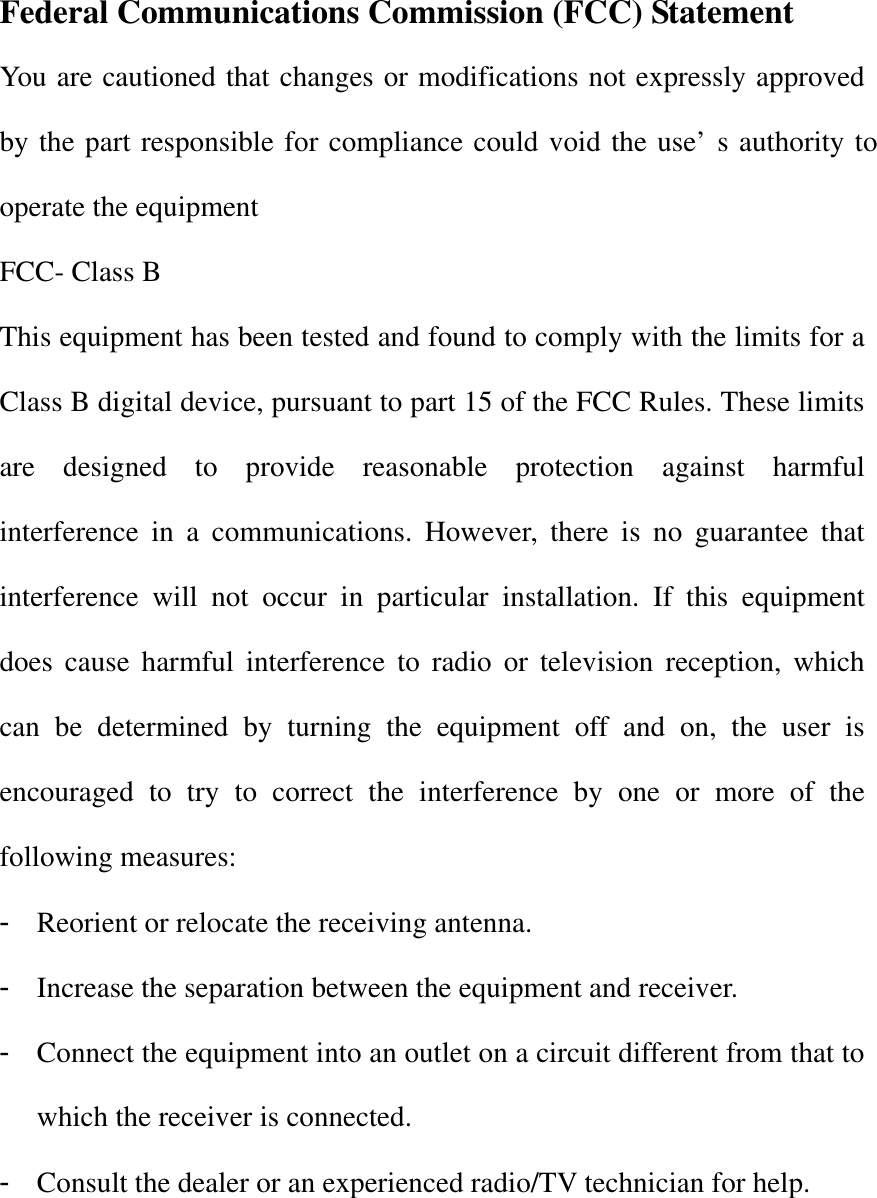
Federal Communications Commission (FCC) Statement You are cautioned that changes or modifications not expressly approved by the part responsible for compliance could void the use’s authority to operate the equipment FCC- Class B This equipment has been tested and found to comply with the limits for a Class B digital device, pursuant to part 15 of the FCC Rules. These limits are designed to provide reasonable protection against harmful interference in a communications. However, there is no guarantee that interference will not occur in particular installation. If this equipment does cause harmful interference to radio or television reception, which can be determined by turning the equipment off and on, the user is encouraged to try to correct the interference by one or more of the following measures: - Reorient or relocate the receiving antenna. - Increase the separation between the equipment and receiver. - Connect the equipment into an outlet on a circuit different from that to which the receiver is connected. - Consult the dealer or an experienced radio/TV technician for help.
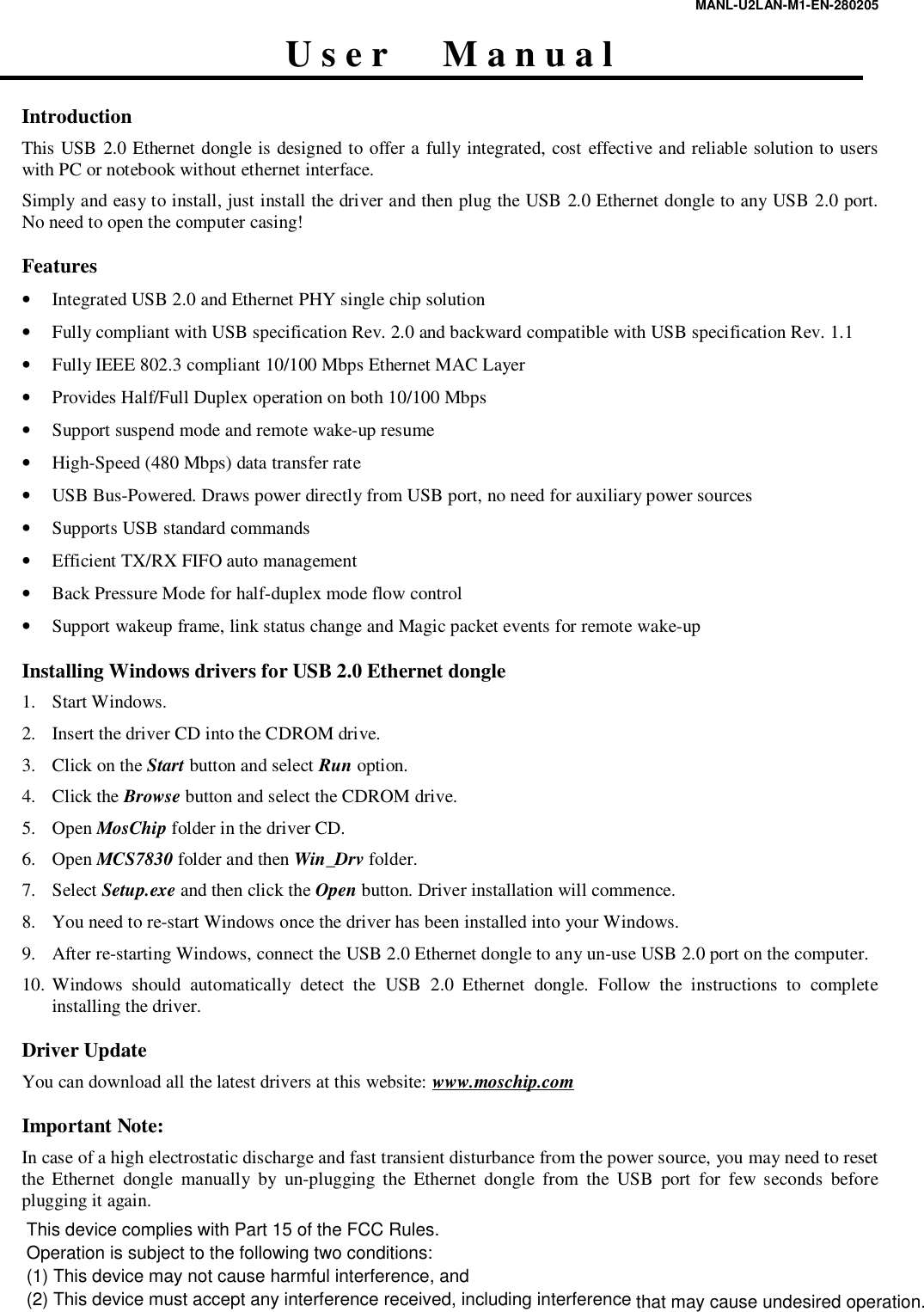
MANL-U2LAN-M1-EN-280205  U s e r      M a n u a l  Introduction This USB 2.0 Ethernet dongle is designed to offer a fully integrated, cost effective and reliable solution to users with PC or notebook without ethernet interface.  Simply and easy to install, just install the driver and then plug the USB 2.0 Ethernet dongle to any USB 2.0 port. No need to open the computer casing!  Features • Integrated USB 2.0 and Ethernet PHY single chip solution • Fully compliant with USB specification Rev. 2.0 and backward compatible with USB specification Rev. 1.1 • Fully IEEE 802.3 compliant 10/100 Mbps Ethernet MAC Layer  • Provides Half/Full Duplex operation on both 10/100 Mbps • Support suspend mode and remote wake-up resume • High-Speed (480 Mbps) data transfer rate • USB Bus-Powered. Draws power directly from USB port, no need for auxiliary power sources • Supports USB standard commands • Efficient TX/RX FIFO auto management • Back Pressure Mode for half-duplex mode flow control • Support wakeup frame, link status change and Magic packet events for remote wake-up  Installing Windows drivers for USB 2.0 Ethernet dongle 1. Start Windows. 2. Insert the driver CD into the CDROM drive. 3. Click on the Start button and select Run option. 4. Click the Browse button and select the CDROM drive. 5. Open MosChip folder in the driver CD. 6. Open MCS7830 folder and then Win_Drv folder. 7. Select Setup.exe and then click the Open button. Driver installation will commence. 8. You need to re-start Windows once the driver has been installed into your Windows. 9. After re-starting Windows, connect the USB 2.0 Ethernet dongle to any un-use USB 2.0 port on the computer. 10. Windows should automatically detect the USB 2.0 Ethernet dongle. Follow the instructions to complete installing the driver.   Driver Update You can download all the latest drivers at this website: www.moschip.com    Important Note: In case of a high electrostatic discharge and fast transient disturbance from the power source, you may need to reset the Ethernet dongle manually by un-plugging the Ethernet dongle from the USB port for few seconds before plugging it again.  This device complies with Part 15 of the FCC Rules.Operation is subject to the following two conditions:(1) This device may not cause harmful interference, and (2) This device must accept any interference received, including interference that may cause undesired operation.

Navigation menu