Star Systems DORADOWF RFID Handheld data collector User Manual Dorado

Star Systems International Limited RFID Handheld data collector Dorado

User Manual

                                DORADO Handheld Reader    User Manual              Shielded USB cable with a ferrite core must be used with this unit to ensure compliance with the Class B FCC limits.
 1 DORADO Handheld Reader   Product introduction                                Model:Dorado       DORADO Handheld Reader,applies sensor and wireless RFID technology, with UHF module produced in America built inside, and is able to read ID cards, display data, store data and transmit data through wireless technology all at once. The product has PC plastic housing of high resistance, and is waterproof, dust-proof, anti-static and durable. The outstanding features of the handheld reader are user-friendly, of low power consumption and high precision, quick response and easily portable.   。  Contents                                 This user manual provides operation and service instruction of DORADO handheld reader, and is composed of six chapters.  Chapter One: Safety warnings This chapter gives precautions and safety warnings.  Chapter Two: Settings and operation instruction This chapter illustrates settings of the product and how to operate.  Chapter Three:Maintenance This chapter provides instructions on daily maintenance of the products.  Chapter Four:Trouble-Shooting This chapter gives solutions for frequently seen troubles.  Chapter Five:Technical specification This chapter introduces the technical spec and working standard of this product.  Chapter Six:Product service and technical support This chapter shows access to service and technical supports.
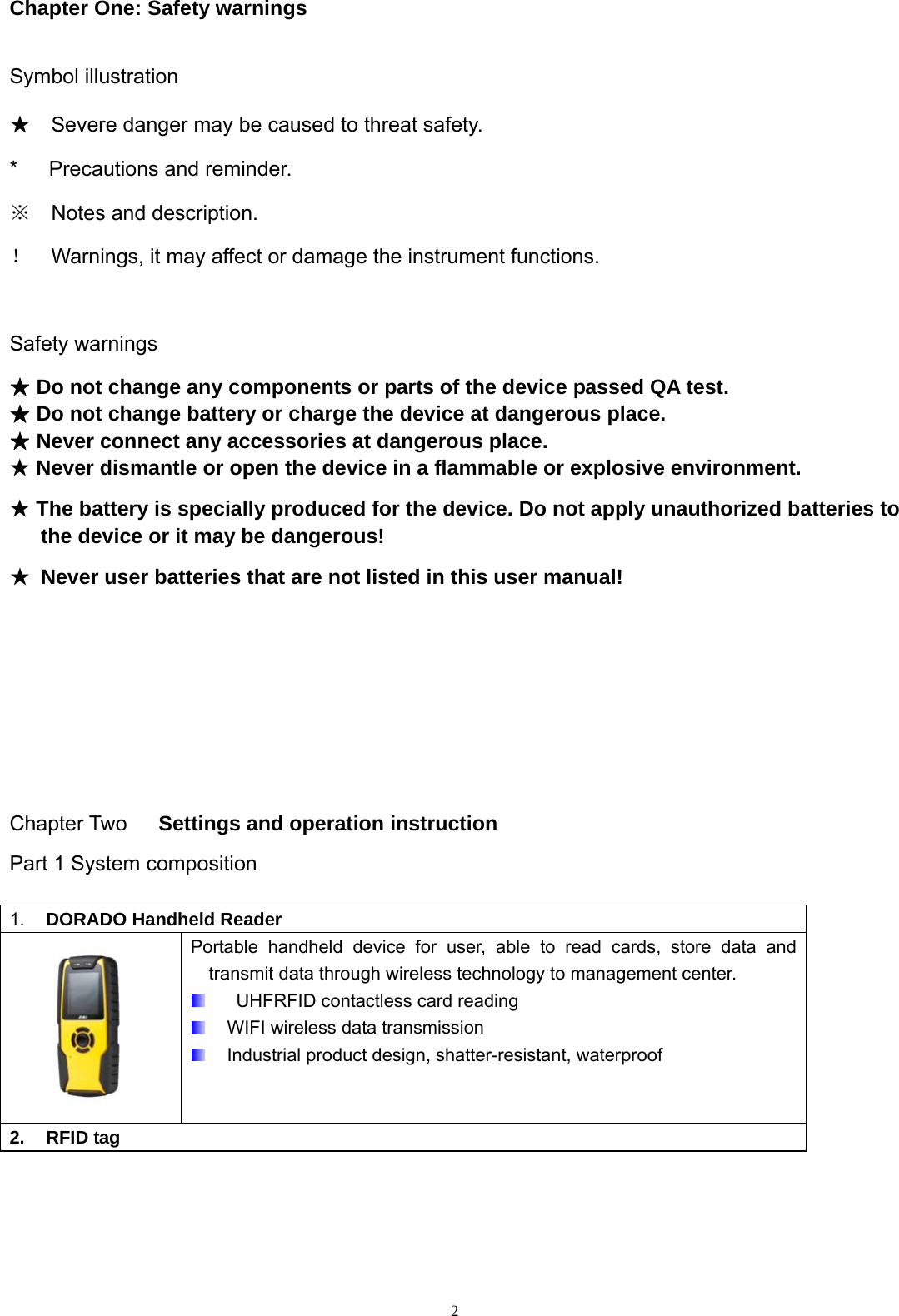
 2Chapter One: Safety warnings  Symbol illustration ★  Severe danger may be caused to threat safety. *   Precautions and reminder. ※  Notes and description. !  Warnings, it may affect or damage the instrument functions.    Safety warnings ★ Do not change any components or parts of the device passed QA test. ★ Do not change battery or charge the device at dangerous place. ★ Never connect any accessories at dangerous place. ★ Never dismantle or open the device in a flammable or explosive environment. ★ The battery is specially produced for the device. Do not apply unauthorized batteries to the device or it may be dangerous! ★ Never user batteries that are not listed in this user manual!     Chapter Two   Settings and operation instruction Part 1 System composition 1.  DORADO Handheld Reader  Portable handheld device for user, able to read cards, store data and transmit data through wireless technology to management center.     UHFRFID contactless card reading   WIFI wireless data transmission   Industrial product design, shatter-resistant, waterproof 2. RFID tag
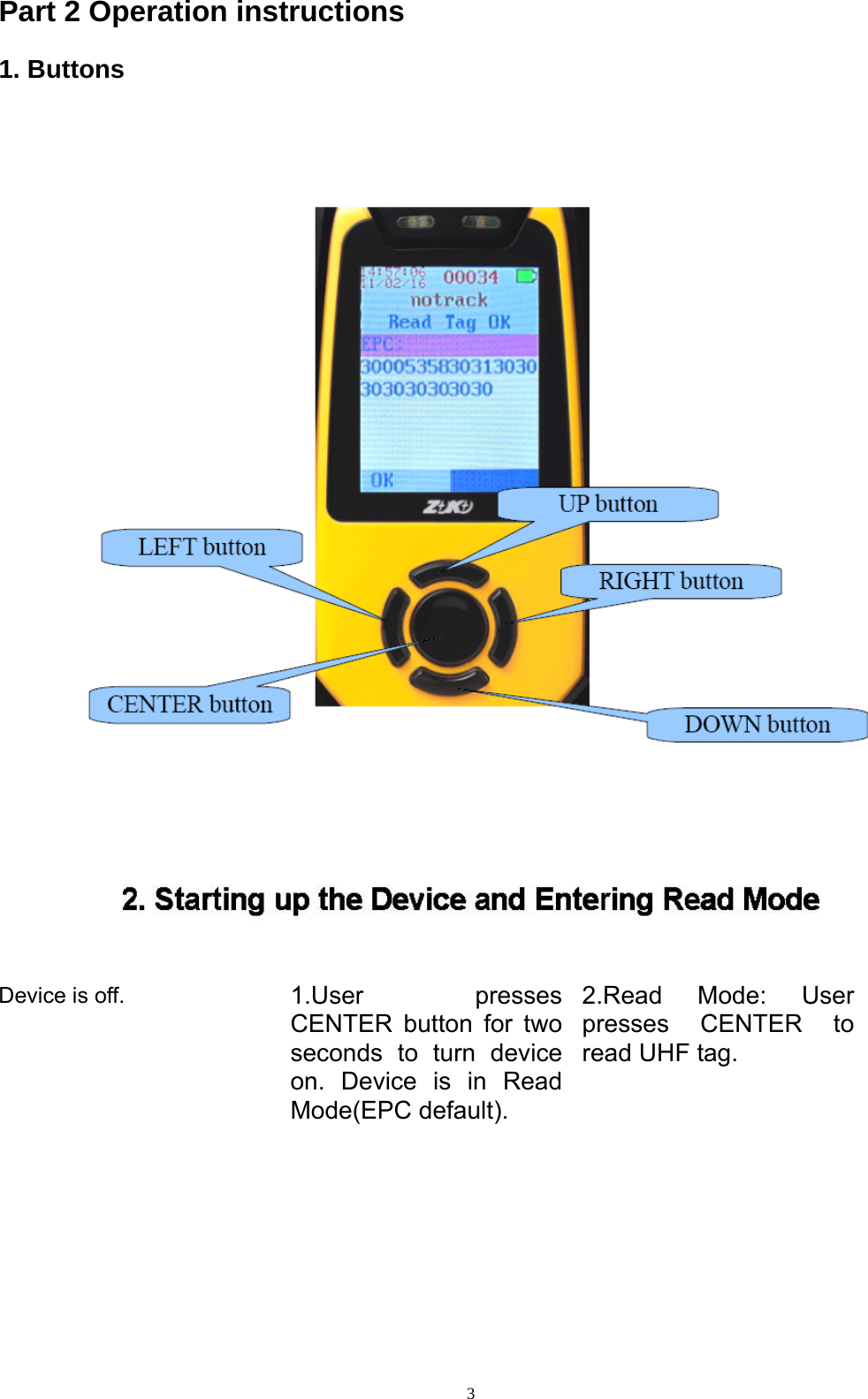
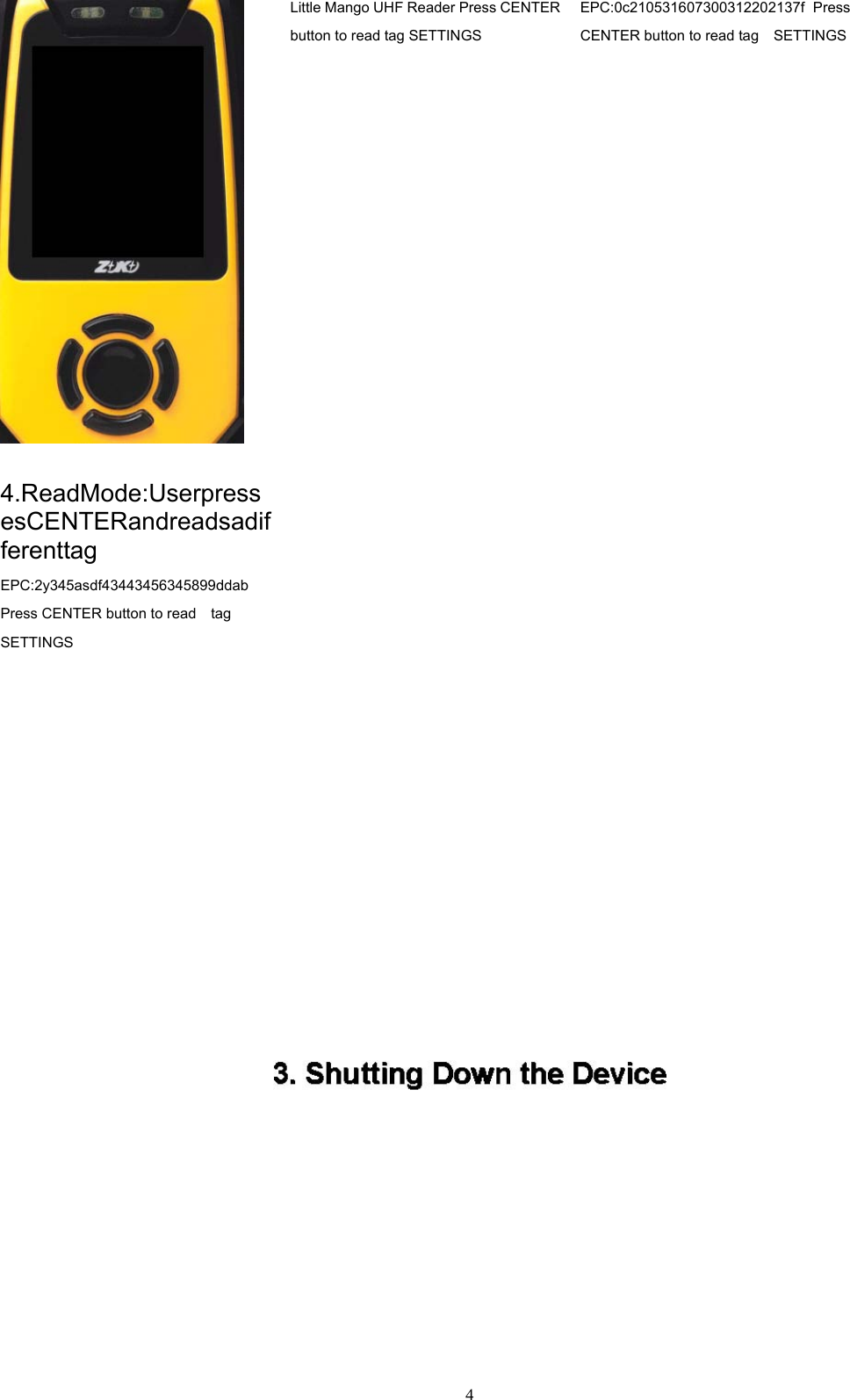
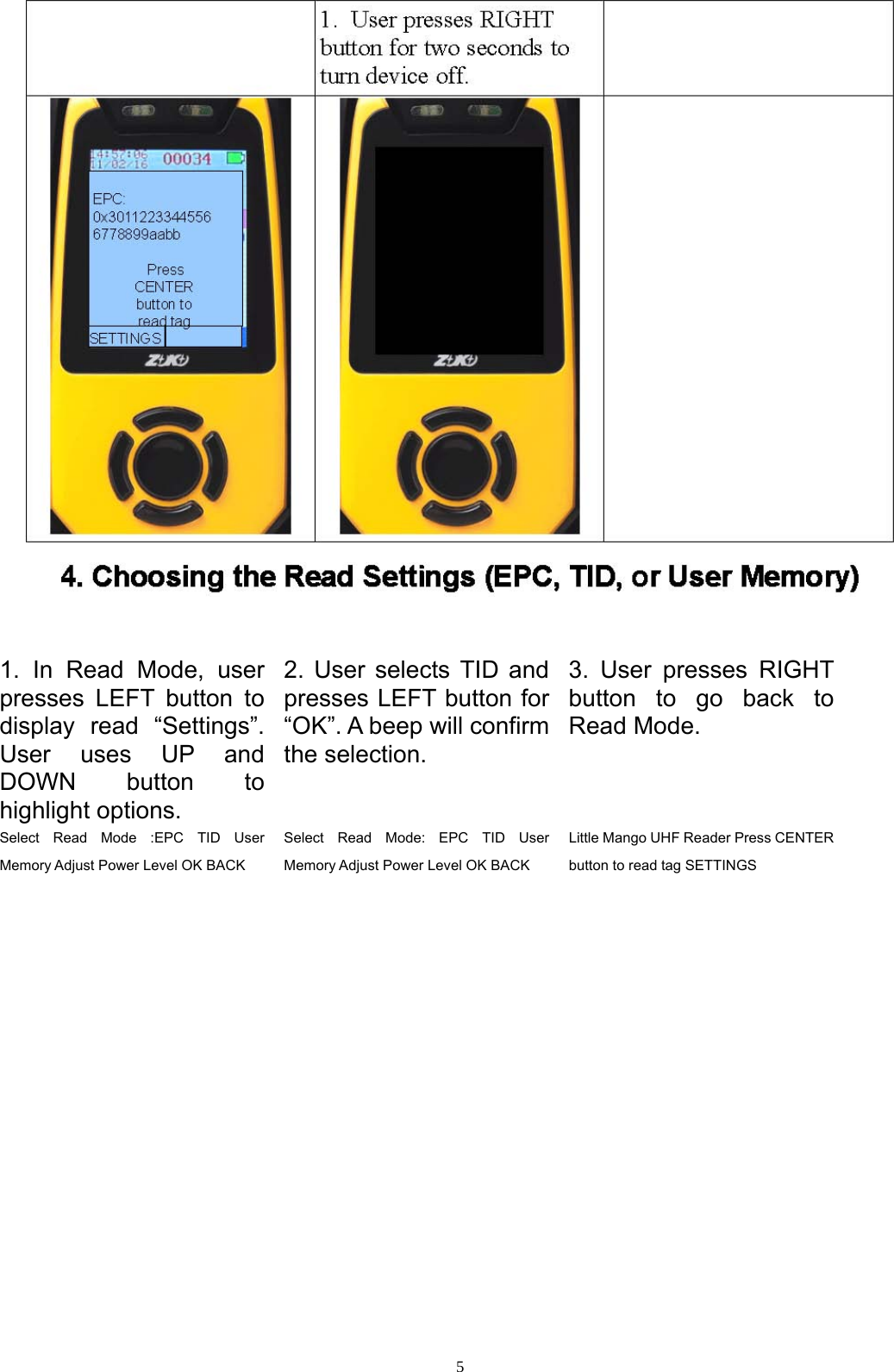
 3Part 2 Operation instructions 1. Buttons          Device is off.  1.User presses CENTER button for two seconds to turn device on. Device is in Read Mode(EPC default). 2.Read Mode: User presses CENTER to read UHF tag.
 4 Little Mango UHF Reader Press CENTER button to read tag SETTINGS EPC:0c210531607300312202137f Press CENTER button to read tag    SETTINGS 4.ReadMode:UserpressesCENTERandreadsadifferenttag   EPC:2y345asdf43443456345899ddab  Press CENTER button to read    tag   SETTINGS
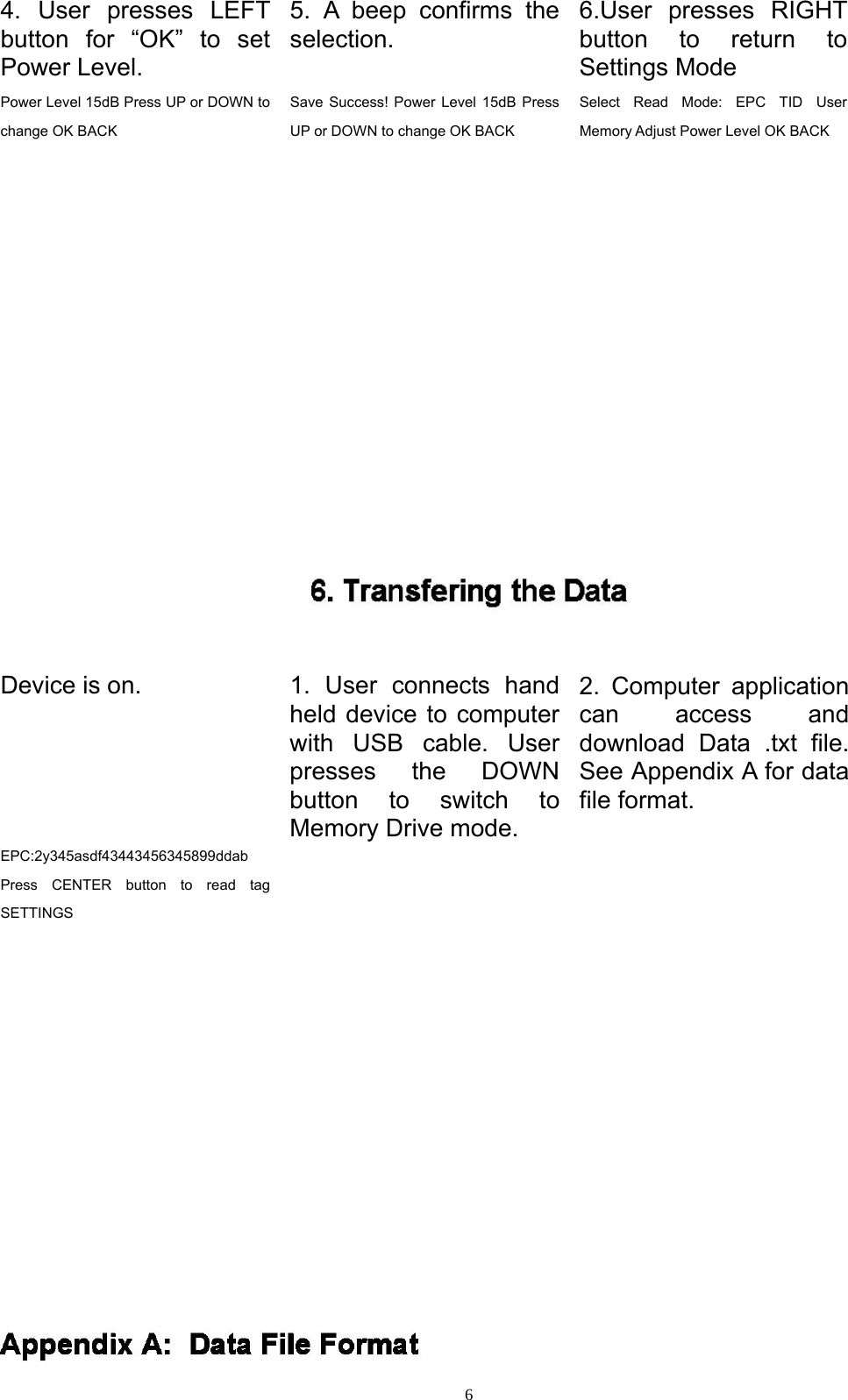
 5  1. In Read Mode, user presses LEFT button to display read “Settings”. User uses UP and DOWN button to highlight options. 2. User selects TID and presses LEFT button for “OK”. A beep will confirm the selection. 3. User presses RIGHT button to go back to Read Mode. Select Read Mode :EPC TID User Memory Adjust Power Level OK BACK Select Read Mode: EPC TID User Memory Adjust Power Level OK BACK Little Mango UHF Reader Press CENTER button to read tag SETTINGS
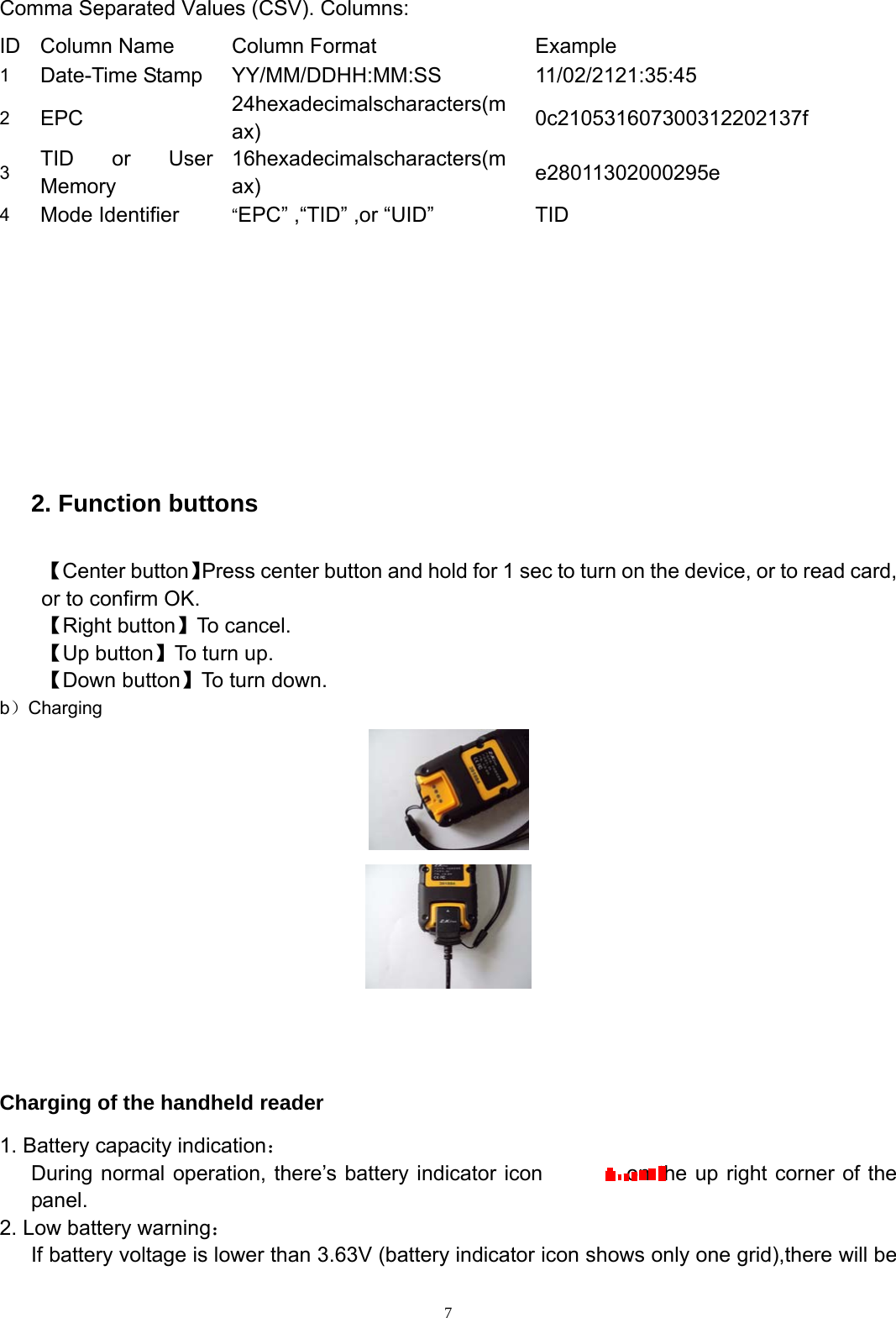
 64. User presses LEFT button for “OK” to set Power Level. 5. A beep confirms the selection. 6.User presses RIGHT button to return to Settings Mode Power Level 15dB Press UP or DOWN to change OK BACK Save Success! Power Level 15dB Press UP or DOWN to change OK BACK Select Read Mode: EPC TID User Memory Adjust Power Level OK BACK   Device is on.   1. User connects hand held device to computer with USB cable. User presses the DOWN button to switch to Memory Drive mode. 2. Computer application can access and download Data .txt file. See Appendix A for data file format. EPC:2y345asdf43443456345899ddab Press CENTER button to read tag SETTINGS
 7Comma Separated Values (CSV). Columns: ID  Column Name  Column Format  Example   1   Date-Time Stamp  YY/MM/DDHH:MM:SS 11/02/2121:35:45 2   EPC   24hexadecimalscharacters(max)  0c210531607300312202137f 3   TID or User Memory 16hexadecimalscharacters(max)  e28011302000295e  4   Mode Identifier  “EPC” ,“TID” ,or “UID”  TID            2. Function buttons    【Center button】Press center button and hold for 1 sec to turn on the device, or to read card, or to confirm OK. 【Right button】To cancel. 【Up button】To turn up. 【Down button】To turn down. b)Charging      Charging of the handheld reader 1. Battery capacity indication:       During normal operation, there’s battery indicator icon        on the up right corner of the panel. 2. Low battery warning:       If battery voltage is lower than 3.63V (battery indicator icon shows only one grid),there will be
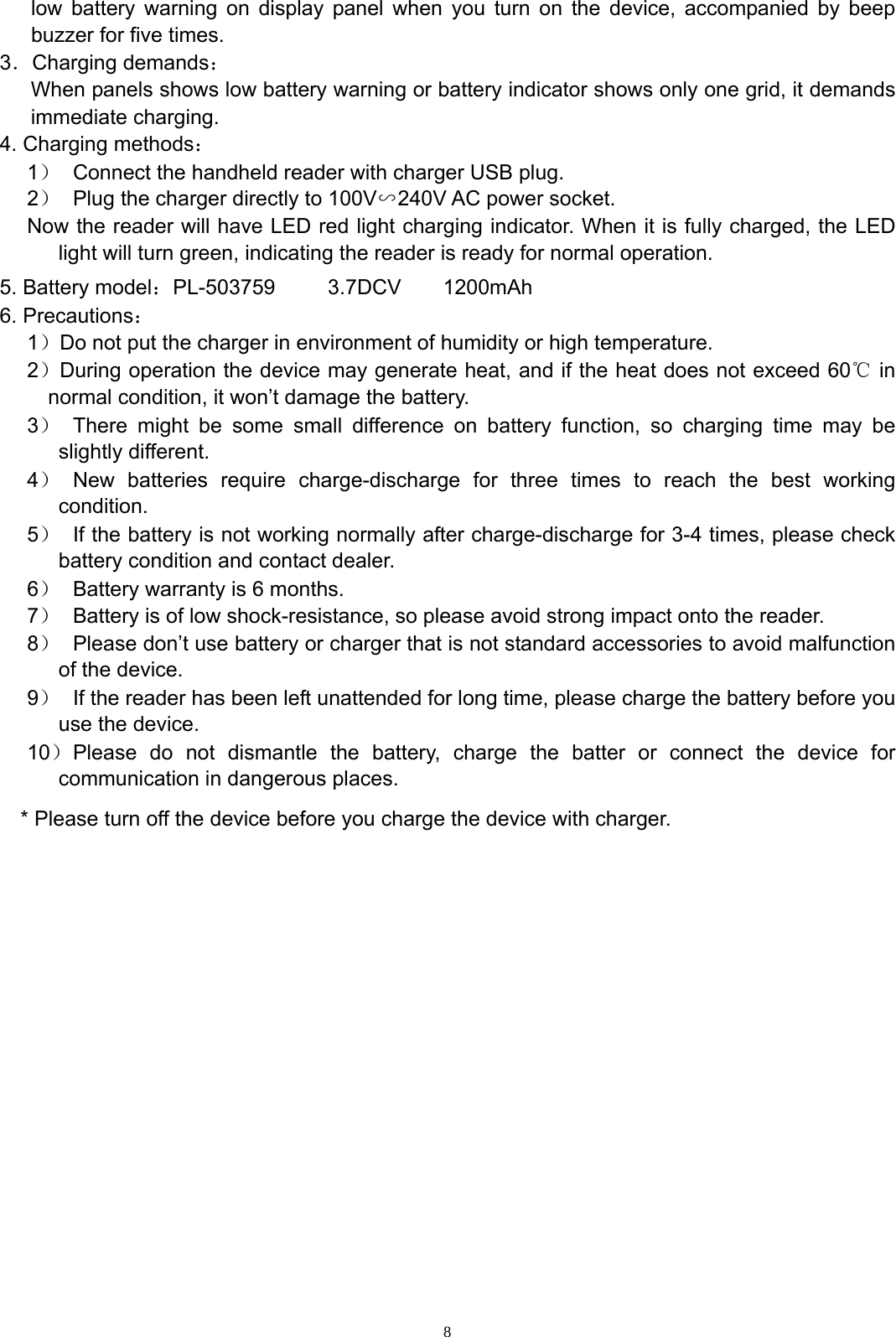
 8low battery warning on display panel when you turn on the device, accompanied by beep buzzer for five times. 3.Charging demands: When panels shows low battery warning or battery indicator shows only one grid, it demands immediate charging. 4. Charging methods: 1)  Connect the handheld reader with charger USB plug. 2)  Plug the charger directly to 100V∽240V AC power socket.   Now the reader will have LED red light charging indicator. When it is fully charged, the LED light will turn green, indicating the reader is ready for normal operation. 5. Battery model:PL-503759     3.7DCV    1200mAh 6. Precautions: 1)Do not put the charger in environment of humidity or high temperature. 2)During operation the device may generate heat, and if the heat does not exceed 60℃ in normal condition, it won’t damage the battery. 3)  There might be some small difference on battery function, so charging time may be slightly different.   4) New batteries require charge-discharge for three times to reach the best working condition. 5)  If the battery is not working normally after charge-discharge for 3-4 times, please check battery condition and contact dealer. 6)  Battery warranty is 6 months. 7)  Battery is of low shock-resistance, so please avoid strong impact onto the reader. 8)  Please don’t use battery or charger that is not standard accessories to avoid malfunction of the device. 9)  If the reader has been left unattended for long time, please charge the battery before you use the device. 10) Please do not dismantle the battery, charge the batter or connect the device for communication in dangerous places.   * Please turn off the device before you charge the device with charger.
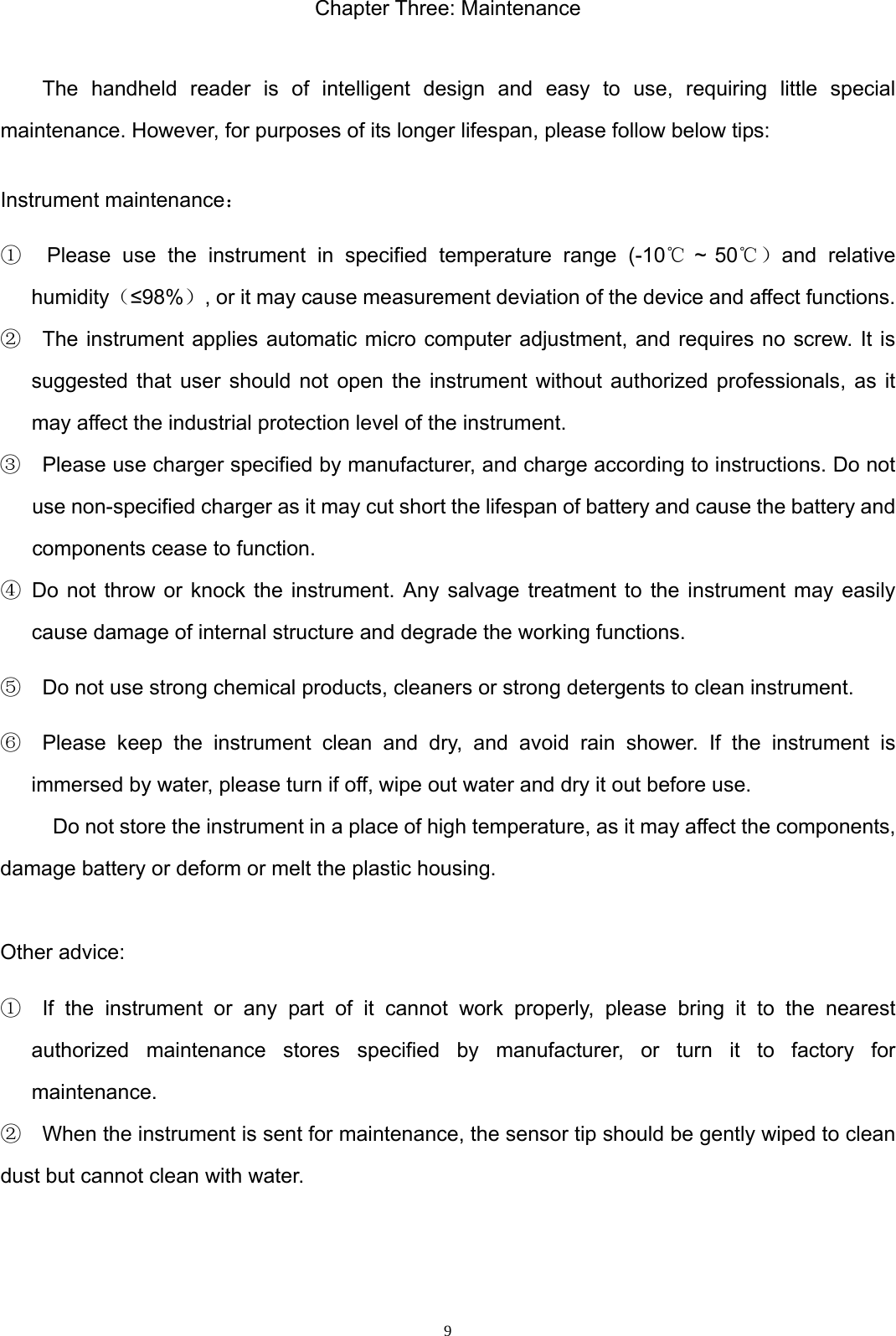
 9Chapter Three: Maintenance  The handheld reader is of intelligent design and easy to use, requiring little special maintenance. However, for purposes of its longer lifespan, please follow below tips:   Instrument maintenance: ①  Please use the instrument in specified temperature range (-10℃ ~ 50℃)and relative humidity(≤98%), or it may cause measurement deviation of the device and affect functions.   ②  The instrument applies automatic micro computer adjustment, and requires no screw. It is suggested that user should not open the instrument without authorized professionals, as it may affect the industrial protection level of the instrument. ③    Please use charger specified by manufacturer, and charge according to instructions. Do not use non-specified charger as it may cut short the lifespan of battery and cause the battery and components cease to function. ④ Do not throw or knock the instrument. Any salvage treatment to the instrument may easily cause damage of internal structure and degrade the working functions.   ⑤    Do not use strong chemical products, cleaners or strong detergents to clean instrument. ⑥  Please keep the instrument clean and dry, and avoid rain shower. If the instrument is immersed by water, please turn if off, wipe out water and dry it out before use.   Do not store the instrument in a place of high temperature, as it may affect the components, damage battery or deform or melt the plastic housing.  Other advice: ①  If the instrument or any part of it cannot work properly, please bring it to the nearest authorized maintenance stores specified by manufacturer, or turn it to factory for maintenance.  ②    When the instrument is sent for maintenance, the sensor tip should be gently wiped to clean dust but cannot clean with water.
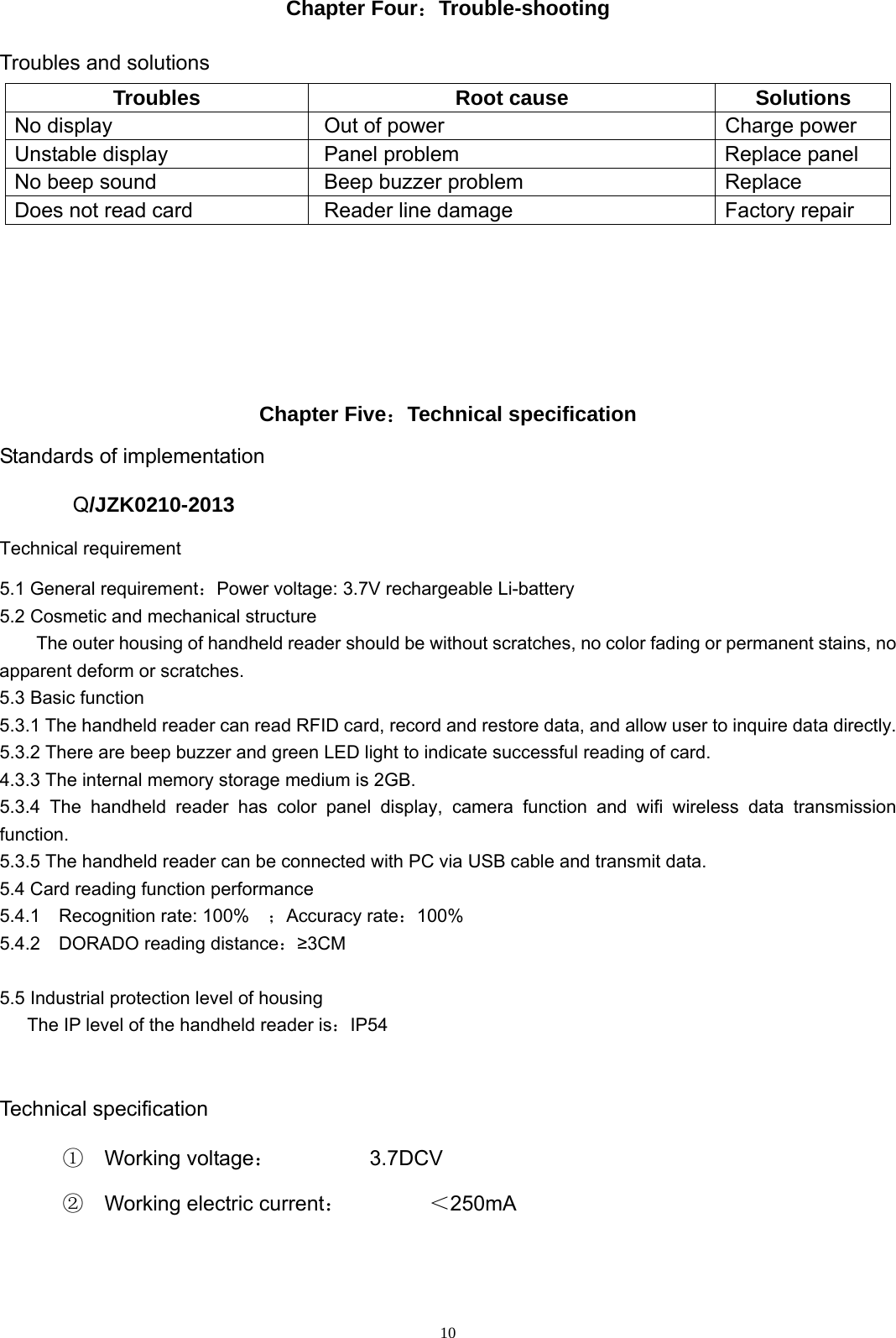
 10Chapter Four:Trouble-shooting  Troubles and solutions Troubles Root cause Solutions No display  Out of power  Charge power Unstable display  Panel problem Replace panel No beep sound  Beep buzzer problem  Replace Does not read card  Reader line damage  Factory repair       Chapter Five:Technical specification Standards of implementation Q/JZK0210-2013 Technical requirement 5.1 General requirement:Power voltage: 3.7V rechargeable Li-battery 5.2 Cosmetic and mechanical structure The outer housing of handheld reader should be without scratches, no color fading or permanent stains, no apparent deform or scratches. 5.3 Basic function 5.3.1 The handheld reader can read RFID card, record and restore data, and allow user to inquire data directly. 5.3.2 There are beep buzzer and green LED light to indicate successful reading of card. 4.3.3 The internal memory storage medium is 2GB. 5.3.4 The handheld reader has color panel display, camera function and wifi wireless data transmission function.  5.3.5 The handheld reader can be connected with PC via USB cable and transmit data. 5.4 Card reading function performance 5.4.1  Recognition rate: 100%  ;Accuracy rate:100% 5.4.2  DORADO reading distance:≥3CM  5.5 Industrial protection level of housing       The IP level of the handheld reader is:IP54  Technical specification ①  Working voltage:         3.7DCV  ②  Working electric current:        <250mA
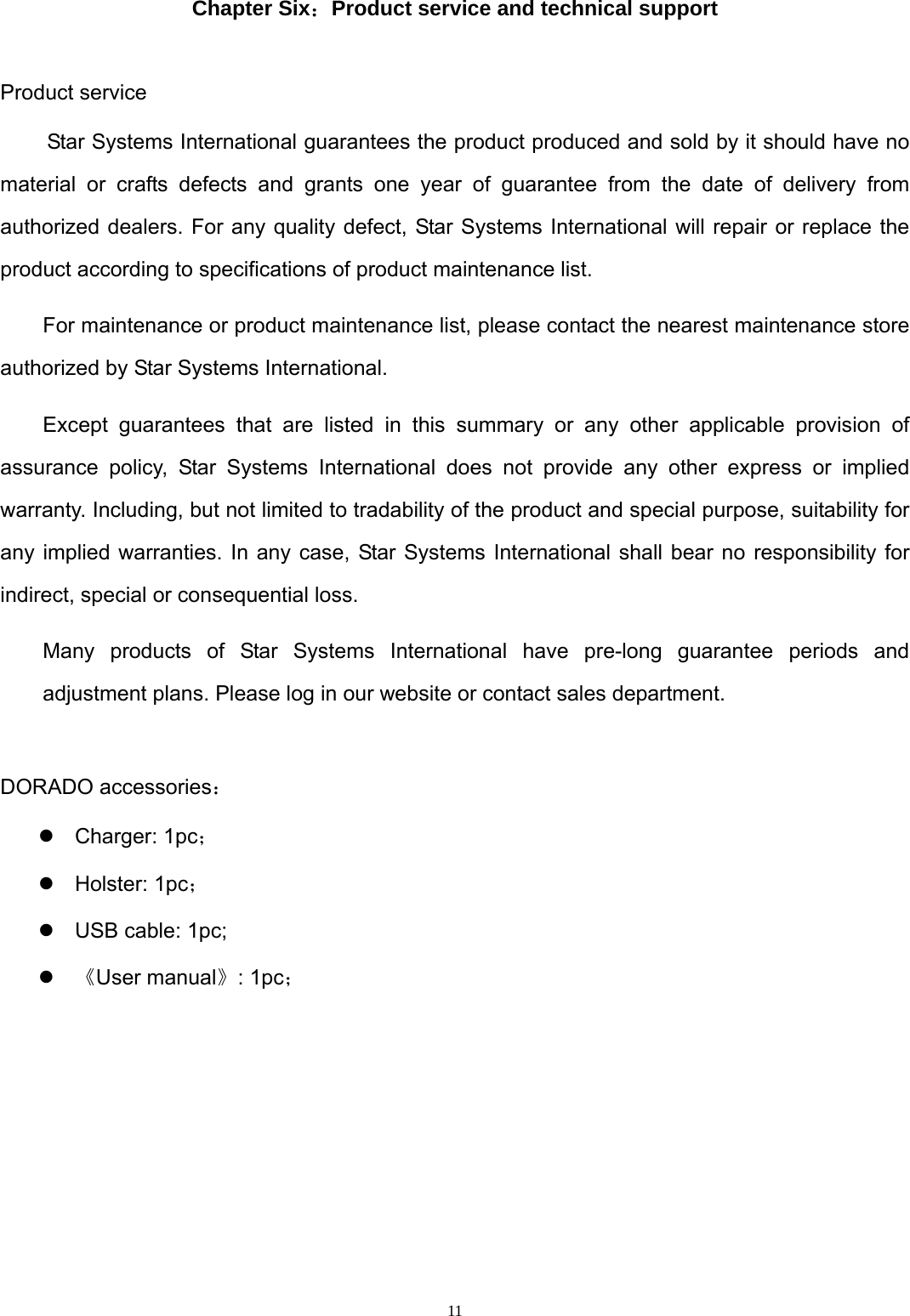
 11 Chapter Six:Product service and technical support  Product service Star Systems International guarantees the product produced and sold by it should have no material or crafts defects and grants one year of guarantee from the date of delivery from authorized dealers. For any quality defect, Star Systems International will repair or replace the product according to specifications of product maintenance list.   For maintenance or product maintenance list, please contact the nearest maintenance store authorized by Star Systems International. Except guarantees that are listed in this summary or any other applicable provision of assurance policy, Star Systems International does not provide any other express or implied warranty. Including, but not limited to tradability of the product and special purpose, suitability for any implied warranties. In any case, Star Systems International shall bear no responsibility for indirect, special or consequential loss. Many products of Star Systems International have pre-long guarantee periods and adjustment plans. Please log in our website or contact sales department.  DORADO accessories: z Charger: 1pc; z Holster: 1pc; z  USB cable: 1pc; z 《User manual》: 1pc;
 12  Warning:   Changes or modifications to this unit not expressly approved by the party responsible for compliance could void the user’s authority to operate the equipment. NOTE:   This equipment has been tested and found to comply with the limits for a Class B digital device, pursuant to Part 15 of the FCC Rules.  These limits are designed to provide reasonable protection against harmful interference in a residential installation.  This equipment generates, uses and can radiate radio frequency energy and, if not installed and used in accordance with the instructions, may cause harmful interference to radio communications.  However, there is no guarantee that interference will not occur in a particular installation.   If this equipment does cause harmful interference to radio or television reception, which can be determined by turning the equipment off and on, the user is encouraged to try to correct the interference by one or more of the following measures:   Reorient or relocate the receiving antenna.  Increase the separation between the equipment and receiver.  Connect the equipment into an outlet on a circuit different from that to which the receiver is connected.  Consult the dealer or an experienced radio/TV technician for help.                   This device complies with Part 15 of the FCC Rules.                    Operation is subject to the following two conditions:                      (1) this device may not cause harmful interference, and                     (2) this device must accept any interference received,    including interference that may cause undesired operation.

Navigation menu