Supremia plc HUGONX8252 Bluetooth Stereo Headset User Manual

Supremia International plc Bluetooth Stereo Headset

User Manual

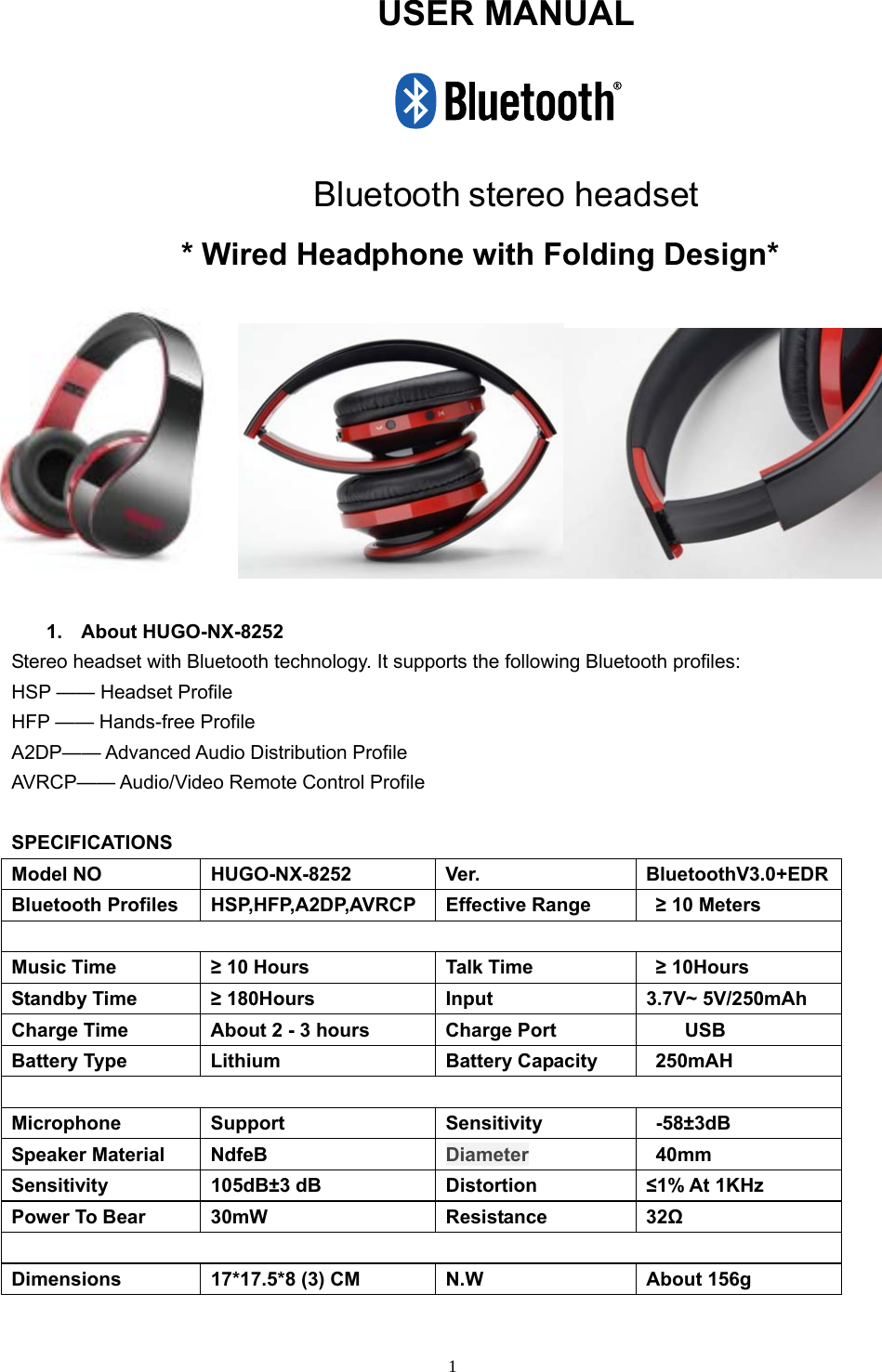
 1USER MANUAL   Bluetooth stereo headset * Wired Headphone with Folding Design*   1. About HUGO-NX-8252 Stereo headset with Bluetooth technology. It supports the following Bluetooth profiles: HSP —— Headset Profile HFP —— Hands-free Profile A2DP—— Advanced Audio Distribution Profile AVRCP—— Audio/Video Remote Control Profile  SPECIFICATIONS Model NO  HUGO-NX-8252  Ver.  BluetoothV3.0+EDR Bluetooth Profiles  HSP,HFP,A2DP,AVRCP  Effective Range  ≥ 10 Meters  Music Time  ≥ 10 Hours  Talk Time  ≥ 10Hours Standby Time  ≥ 180Hours  Input  3.7V~ 5V/250mAh Charge Time  About 2 - 3 hours    Charge Port          USB Battery Type  Lithium  Battery Capacity  250mAH  Microphone Support  Sensitivity  -58±3dB Speaker Material  NdfeB  Diameter  40mm Sensitivity 105dB±3 dB  Distortion  ≤1% At 1KHz Power To Bear  30mW  Resistance  32Ω  Dimensions  17*17.5*8 (3) CM  N.W  About 156g
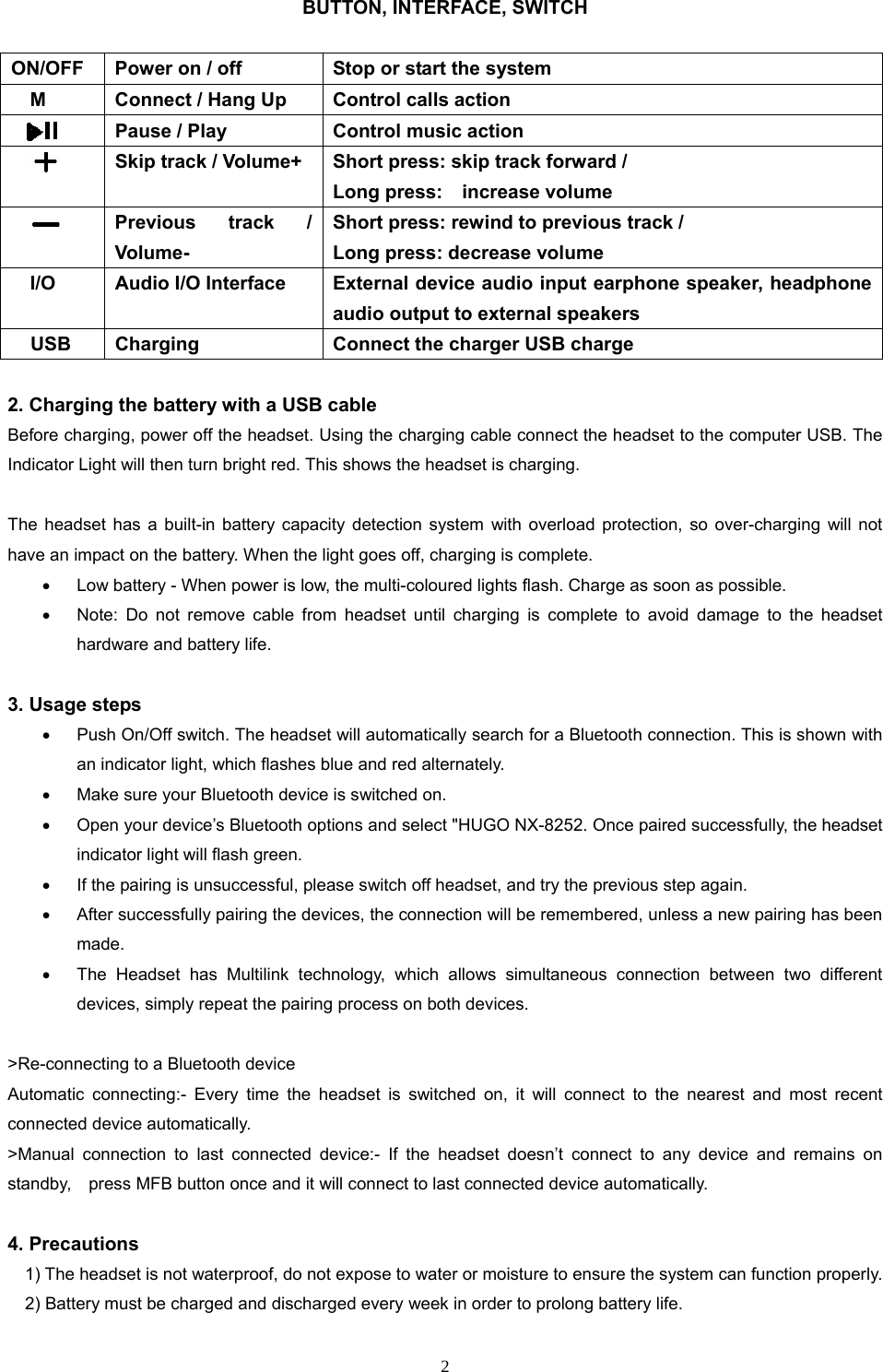
 2BUTTON, INTERFACE, SWITCH   2. Charging the battery with a USB cable   Before charging, power off the headset. Using the charging cable connect the headset to the computer USB. The Indicator Light will then turn bright red. This shows the headset is charging.    The headset has a built-in battery capacity detection system with overload protection, so over-charging will not have an impact on the battery. When the light goes off, charging is complete.   Low battery - When power is low, the multi-coloured lights flash. Charge as soon as possible.   Note: Do not remove cable from headset until charging is complete to avoid damage to the headset hardware and battery life.  3. Usage steps   Push On/Off switch. The headset will automatically search for a Bluetooth connection. This is shown with an indicator light, which flashes blue and red alternately.   Make sure your Bluetooth device is switched on.   Open your device’s Bluetooth options and select "HUGO NX-8252. Once paired successfully, the headset indicator light will flash green.     If the pairing is unsuccessful, please switch off headset, and try the previous step again.     After successfully pairing the devices, the connection will be remembered, unless a new pairing has been made.   The Headset has Multilink technology, which allows simultaneous connection between two different devices, simply repeat the pairing process on both devices.  >Re-connecting to a Bluetooth device Automatic connecting:- Every time the headset is switched on, it will connect to the nearest and most recent connected device automatically. >Manual connection to last connected device:- If the headset doesn’t connect to any device and remains on standby,    press MFB button once and it will connect to last connected device automatically.  4. Precautions         1) The headset is not waterproof, do not expose to water or moisture to ensure the system can function properly.             2) Battery must be charged and discharged every week in order to prolong battery life. ON/OFF  Power on / off  Stop or start the system M  Connect / Hang Up  Control calls action     Pause / Play  Control music action  Skip track / Volume+  Short press: skip track forward /   Long press:    increase volume  Previous track / Volume- Short press: rewind to previous track /   Long press: decrease volume   I/O  Audio I/O Interface  External device audio input earphone speaker, headphone audio output to external speakers USB  Charging  Connect the charger USB charge
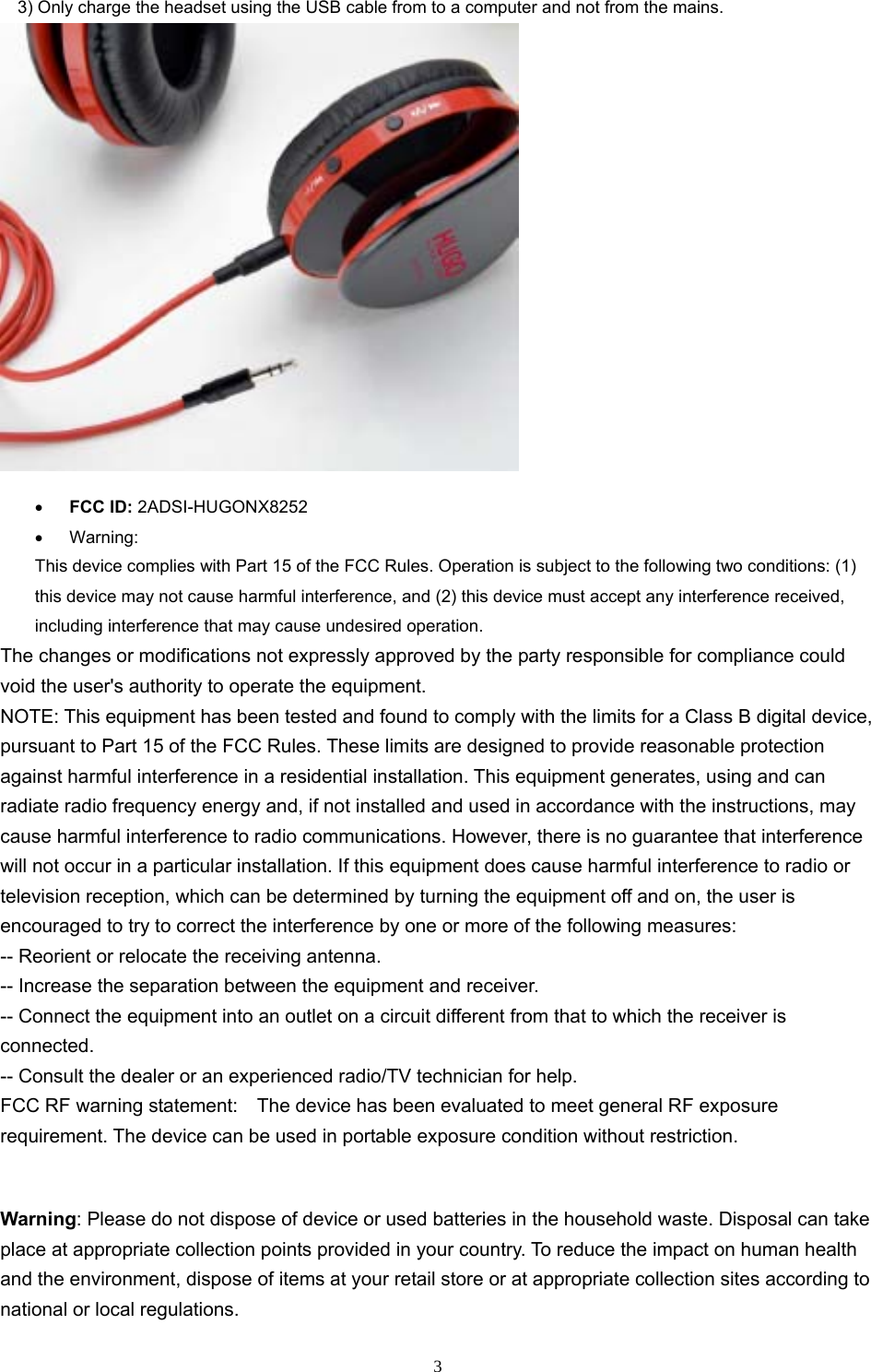
33) Only charge the headset using the USB cable from to a computer and not from the mains.FCC ID: 2ADSI-HUGONX8252Warning:This device complies with Part 15 of the FCC Rules. Operation is subject to the following two conditions: (1) this device may not cause harmful interference, and (2) this device must accept any interference received, including interference that may cause undesired operation. The changes or modifications not expressly approved by the party responsible for compliance could void the user's authority to operate the equipment. NOTE: This equipment has been tested and found to comply with the limits for a Class B digital device, pursuant to Part 15 of the FCC Rules. These limits are designed to provide reasonable protection against harmful interference in a residential installation. This equipment generates, using and can radiate radio frequency energy and, if not installed and used in accordance with the instructions, may cause harmful interference to radio communications. However, there is no guarantee that interference will not occur in a particular installation. If this equipment does cause harmful interference to radio or television reception, which can be determined by turning the equipment off and on, the user is encouraged to try to correct the interference by one or more of the following measures: -- Reorient or relocate the receiving antenna. -- Increase the separation between the equipment and receiver. -- Connect the equipment into an outlet on a circuit different from that to which the receiver is connected. -- Consult the dealer or an experienced radio/TV technician for help. FCC RF warning statement:    The device has been evaluated to meet general RF exposure requirement. The device can be used in portable exposure condition without restriction. Warning: Please do not dispose of device or used batteries in the household waste. Disposal can take place at appropriate collection points provided in your country. To reduce the impact on human health and the environment, dispose of items at your retail store or at appropriate collection sites according to national or local regulations.
 4 Warning: Changes or modifications to this unit not expressly approved by the party responsible for compliance could void the user’s authority to operate the equipment.  Note: This equipment has been tested and found to comply with the limits for a Class B digital device, pursuant to Part 15 of the FCC Rules. These limits are designed to provide reasonable protection against harmful interference in a residential installation. This equipment generate, uses and can radiate radio frequency energy and, if not installed and used in accordance with the instructions, may cause harmful interference to radio communications. However, there is no guarantee that interference will not occur in a particular installation. If this equipment does cause harmful interference to radio or television reception, which can be determined by turning the equipment off and on, the user is encouraged to try to correct the interference by one or more of the following measures: ● Reorient or relocate the receiving antenna. ● Increase the separation between the equipment and receiver. ● Connect the equipment into an outlet on a circuit different from that to which the receiver is connected. ● Consult the dealer or an experienced radio/TV technician for help.  The device has been evaluated to meet general RF exposure requirement. The device can be used in portable exposure condition without restriction.  PO14509 PG144610 Made In China

Navigation menu