Tonika Electronics Technology TA-387 Bluetooth Speaker User Manual Manual

Tonika Electronics Technology (Shenzhen) Co., Ltd. Bluetooth Speaker Manual

Contents

Manual

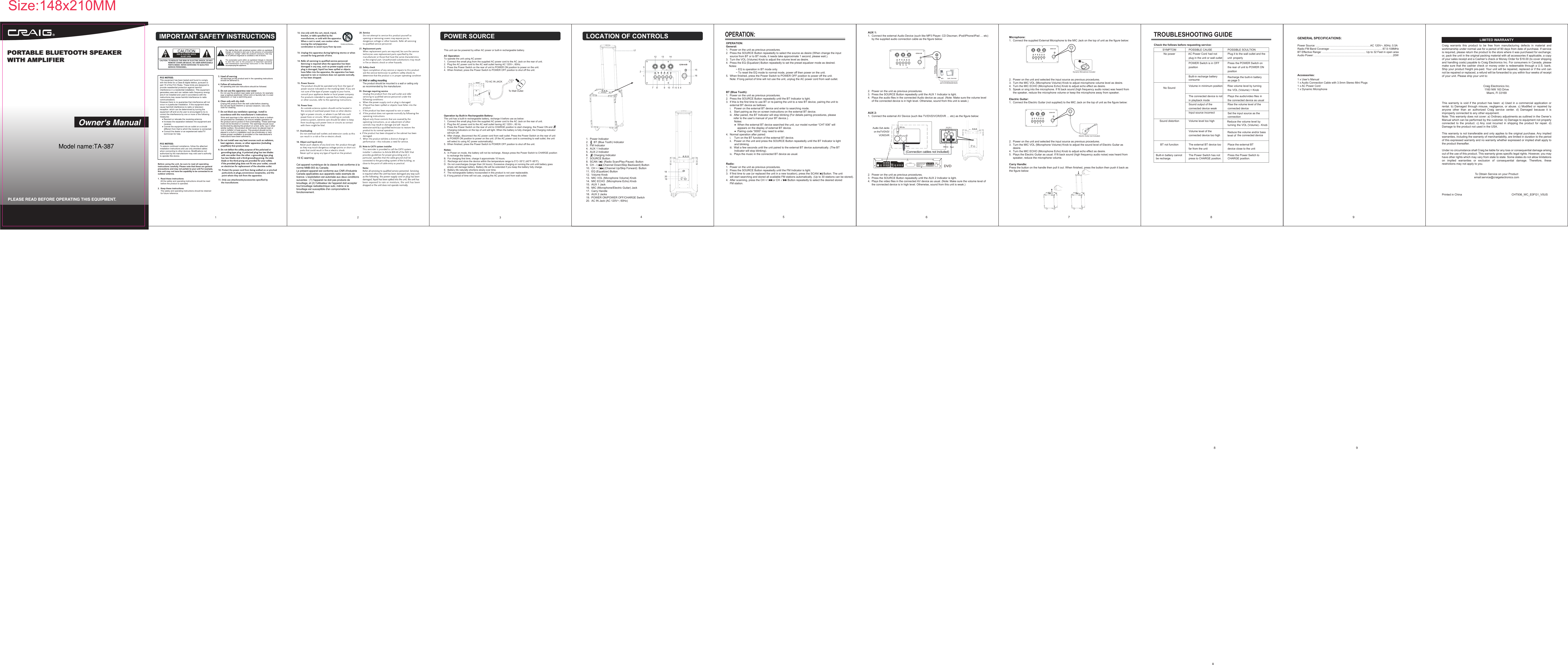
1.  Power Indicator2.       BT (Blue Tooth) Indicator3.  FM Indicator4.  AUX 1 Indicator5.  AUX 2 Indicator6.       Charging Indicator7.  SOURCE Button8.  SCAN /    (Radio Scan/Play-Pause) Button9.  CH - /    (Channel Down/Skip Backward) Button10.  CH + /       (Channel Up/Skip Forward) Button11.  EQ (Equalizer) Button12.  Volume Knob13.  MIC VOL (Microphone Volume) Knob14.  MIC ECHO  (Microphone Echo) Knob15.  AUX 1 Jack16.  MIC (Microphone/Electric Guitar) Jack17.  Carry Handle18.  AUX 2 Jacks19.  POWER ON/POWER OFF/CHARGE Switch20.  AC IN Jack (AC 120V~; 60Hz)OPERATION:General:1.  Power on the unit as previous procedures.2.  Press the SOURCE Button repeatedly to select the source as desire (When change the input      source from BT or to BT mode, it needs take approximate 1 second, please wait.).3.  Turn the VOL (Volume) Knob to adjust the volume level as desire.4.  Press the EQ (Equalizer) Button repeatedly to set the preset equalizer mode as desired.     Notes:             ~ EQ is operation in BT mode only.             ~ To reset the EQ mode to normal mode, power off then power on the unit.5.  When finished, press the Power Switch to POWER OFF position to power off the unit.     Note: If long period of time will not use the unit, unplug the AC power cord from wall outlet.BT (Blue Tooth):1.  Power on the unit as previous procedures.2.  Press the SOURCE Button repeatedly until the BT Indicator is light.3.  If this is the first time to use BT or re-pairing the unit to a new BT device, pairing the unit to      external BT device as bellows:     i.    Power on the external BT device and enter to searching mode.      ii.   Start pairing as the on screen instructions on the external BT device.      iii.  After paired, the BT Indicator will stop blinking (For details pairing procedures, please           refer to the user’s manual of your BT device.).   Notes:           ●  When the external BT device searched the unit, our model number “CHT 936” will                appears on the display of external BT device.           ●  Pairing code “0000” may need to enter.4.  Normal operation after paired:     i.    Turn on the BT function of the external BT device.     ii.   Power on the unit and press the SOURCE Button repeatedly until the BT Indicator is light            and blinking.     iii.  Wait a few seconds until the unit paired to the external BT device automatically. (The BT            Indicator will stop blinking).     iv.  Plays the music in the connected BT device as usual.Radio:1.  Power on the unit as previous procedures.2.  Press the SOURCE Button repeatedly until the FM Indicator is light.3.  If first time to use (or replaced the unit in a new location), press the SCAN/      Button. The unit      will start searching and stored all available FM stations automatically. (Up to 30 stations can be stored).4.  After scanning, press the CH +/       or CH -/       Button repeatedly to select the desired stored       FM station.  12TO AC IN JACKTo Wall Outlet4 56OPERATION:789GENERAL SPECIFICATIONS:Accessories:Before using the unit, be sure to read all operatinginstructions carefully. Please note that these are generalprecautions and may not pertain to your unit For example,this unit may not have the capability to be connected to anoutdoor antenna.1.  Read these instructions     All the safety and operating instructions should be read      before the product is operated.2.  Keep these instructions     The sately and operating instructions should be retained      for future reference.POWER SOURCETROUBLESHOOTING GUIDECheck the follows before requesting service:1 x User’s Manual1 x Audio Connection Cable with 3.5mm Stereo Mini Plugs1 x AC Power Cord1 x Dynamic Microphone      1231712 13 14151671820198 109 11 6 5 4SYMPTOM POSSIBLE CAUSE  No power had notplug in the unit or wall outletPlug it to the wall outlet and the properlyPOWER Switch is in OFFpositionPress the POWER Switch onthe rear of unit to POWER ONposition No Sound Volume in minimum position       Rise volume level by turning theThe connected device is notin playback modePlays the audio/video files inthe connected device as usualSound output of theconnected device weakRise the volume level of theconnected deviceInput source incorrectconnectionSound distortion Volume level too highturning theVolume level of theconnected device too high the connected deviceBT not function The external BT device toofar from the unitPlace the external BTdevice close to the unitSet the input source as theReduce the volume level byPOSSIBLE SOULTIONVOL (Volume) + KnobVOL (Volume) - KnobReduce the volume and/or bass level ofCraig  warrants  this  product  to  be  free  from  manufacturing  defects  in  material  andworkmanship under normal use for a period of 90 days from date of purchase. If serviceis required, please return the product to the store where it was purchased for exchange;or, pack the unit in the original packing material with all accessories if applicable, a copyof your sales receipt and a Cashier’s check or Money Order for $18.00 (to cover shippingand handling costs) payable to Craig Electronics Inc. For consumers in Canada, pleasemake sure that the cashier check or money order is redeemable through a U.S. bank.Ship your product freight pre-paid. Your unit will be repaired, replaced or if the unit cannot be repaired or replaced, a refund will be forwarded to you within four weeks of receiptof your unit. Please ship your unit to:Craig Electronics Inc.1160 NW 163 DriveMiami, Fl 33169This warranty is void if the product has been: a) Used in a commercial application or rental. b) Damaged through  misuse,  negligence,  or abuse. c) Modified  or  repaired  by anyone  other  than  an  authorized  Craig  service  center.  d)  Damaged  because  it  is improperly connected to any other equipment.Note: This warranty does not cover: a) Ordinary adjustments as outlined in the Owner’s Manual which can be performed by the customer. b) Damage to equipment not properly connected  to  the  product.  c) Any  cost  incurred  in  shipping  the  product  for  repair.  d) Damage to the product not used in the USA.This warranty is not transferable and only applies to the original purchase. Any implied warranties, including the warranty of merchantability, are limited in duration to the period of this expressed warranty and no warranty whether expressed or implied shall apply to the product thereafter.Under no circumstance shall Craig be liable for any loss or consequential damage arising out of the use of this product. This warranty gives specific legal rights. However, you may have other rights which may vary from state to state. Some states do not allow limitations on  implied  warranties  or  exclusion  of  consequential  damage.  Therefore,  these restrictions may not apply to you.To Obtain Service on your Productemail:service@craigelectronics.comPrinted in China  CHT936_WC_E0FG1_V0USLIMITED WARRANTYPower Source: ……………………………………………………AC 120V~, 60Hz; 0.5ARadio FM Band Coverage: ………………………………………………… 87.5-108MHzBT Effective Range: ………………………………………… Up to 32 Feet in open area Audio Power: ……………………………………………………………………………20W AC Power CordCHARGEAUX 2:1.  Connect the external AV Device (such like TV/DVD/VCR/DVR … etc) as the figure below:2.  Power on the unit as previous procedures.3.  Press the SOURCE Button repeatedly until the AUX 2 Indicator is light.4.  Plays the video files in the connected AV device as usual. (Note: Make sure the volume level of      the connected device is in high level. Otherwise, sound from this unit is weak.)AUX 1:1.  Connect the external Audio Device (such like MP3 Player; CD Discman; iPod/iPhone/iPad … etc)      by the supplied audio connection cable as the figure below:2.  Power on the unit as previous procedures.3.  Press the SOURCE Button repeatedly until the AUX 1 Indicator is light.4.  Plays the audio files in the connected Audio device as usual. (Note: Make sure the volume level      of the connected device is in high level. Otherwise, sound from this unit is weak.)Built-in battery cannot be recharge.The Power Switch has not press to CHARGE position.Press the Power Switch to CHARGE position.Built-in recharge battery consume Recharge the built-in battery as page 5unitMicrophone:1.  Connect the supplied External Microphone to the MIC Jack on the top of unit as the figure below:2.  Power on the unit and selected the input source as previous procedures.3.  Turn the MIC VOL (Microphone Volume) Knob to adjust microphone volume level as desire.4.  Turn the MIC ECHO (Microphone Echo) Knob to adjust echo effect as desire.5.  Speak or sing into the microphone. If fit back sound (high frequency audio noise) was heard from      the speaker, reduce the microphone volume or keep the microphone away from speaker.Electric Guitar:1.  Connect the Electric Guitar (not supplied) to the MIC Jack on the top of unit as the figure below:2.  Power on the unit and selected the input source as previous procedures.3.  Turn the MIC VOL (Microphone Volume) Knob to adjust the sound level of Electric Guitar as      desire.4.  Turn the MIC ECHO (Microphone Echo) Knob to adjust echo effect as desire.5.  Plays the Electric Guitar as usual. If fit back sound (high frequency audio noise) was heard from      speaker, reduce the microphone volume.Carry Handle: Press the button on the handle then pull it out. When finished, press the button then push it back as the figure below: CHARGEDynamic Microphone IncludedElectric Guitar (not Included)Size:148x210MMThis unit can be powered by either AC power or built-in rechargeable battery.AC Operation:To operate the unit using AC power:1.  Connect the small plug from the supplied AC power cord to the AC Jack on the rear of unit. 2.  Plug the AC power cord to the AC wall outlet having AC 120V~, 60Hz.3.  Press the Power Switch on the rear of unit to POWER ON position to power on the unit. 4.  When finished, press the Power Switch to POWER OFF position to shut off the unit.Operation by Built-in Rechargeable Battery:The unit has a built-in rechargeable battery, recharge it before use as below:1.  Connect the small plug from the supplied AC power cord to the AC Jack on the rear of unit. 2.  Plug the AC power cord to the AC wall outlet having AC 120V~, 60 Hz.3.  Press the Power Switch on the rear of unit to CHARGE position to start charging, the Power ON and           Charging indicators on the top of unit will light. When the battery is fully charged, the Charging indicator      will turn off.4.  After charge, disconnect the AC power cord from wall outlet. Press the Power Switch on the rear of unit      to POWER ON position to power on the unit. (If the AC power cord is connecting to wall outlet, the unit      will select to using AC power automatically).5.  When finished, press the Power Switch to POWER OFF position to shut off the unit.Notes: A.  In Power on mode, the battery will not be recharge. Always press the Power Switch to CHARGE position      to recharge the battery.B.  For charging first time, charge it approximate 10 hours. C.  Recharge and store the device within the temperature range to 5°C~35°C (40°F~95°F).D.  Do not overcharges (longer than 24 hours). Excessive charging or running the unit until battery goes      empty will damage battery. Battery life will be extended if you keep the battery fully charge.E.  Battery life naturally shortens slowly over time.F.  The rechargeable battery incorporated in this product is not user replaceable.G. If long period of time will not use, unplug the AC power cord from wall outlet. AUX 1 ipad, discman8 9PORTABLE BLUETOOTH SPEAKER WITH AMPLIFIERPORTABLE BLUETOOTH SPEAKER WITH AMPLIFIER CHARGE8Modèle: CHT936VEUILLEZ LIRE AVANT DE FAIRE FONCTIONNER CET APPAREIL.Modelo: CHT936POR FAVOR LEA ESTE MANUAL ANTES DE UTILIZAR ESTE EQUIPO.Size: 148.5(W) x 210(H)mm (A5)Model name:TA-38719 IC warning:  Cet appareil numérique de la classe B est conforme à la norme NMB-003 du Canada. Le présent appareil est conforme aux CNR d'Industrie Canada applicables aux appareils radio exempts de licence. L'exploitation est autorisée aux deux conditions suivantes : (1) l'appareil ne doit pas produire de brouillage, et (2) l'utilisateur de l'appareil doit accepter tout brouillage radioélectrique subi, même si le brouillage est susceptible d'en compromettre le fonctionnement.

Navigation menu