Unixtar Technology UT-20NP02 USB 2.0 Card Bus User Manual USB 2 0 CardBus UPVUCC

Unixtar Technology USB 2.0 Card Bus USB 2 0 CardBus UPVUCC

User Manual

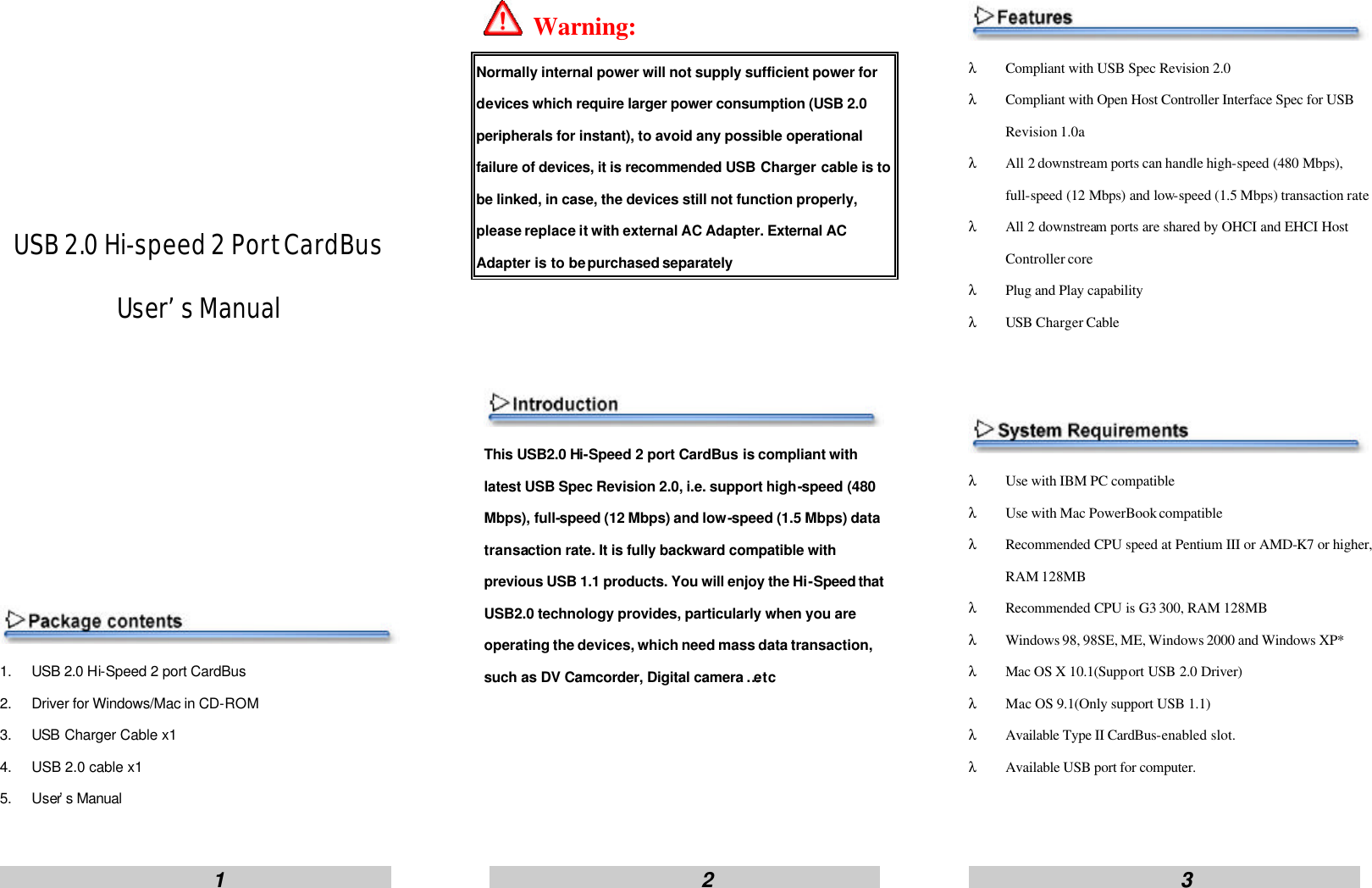
                        1                                                      2                                                     3                           USB 2.0 Hi-speed 2 Port CardBus User’s Manual          1. USB 2.0 Hi-Speed 2 port CardBus 2. Driver for Windows/Mac in CD-ROM 3. USB Charger Cable x1 4. USB 2.0 cable x1 5. User’s Manual   Warning: Normally internal power will not supply sufficient power for devices which require larger power consumption (USB 2.0 peripherals for instant), to avoid any possible operational failure of devices, it is recommended USB Charger cable is to be linked, in case, the devices still not function properly, please replace it with external AC Adapter. External AC Adapter is to be purchased separately    This USB2.0 Hi-Speed 2 port CardBus is compliant with latest USB Spec Revision 2.0, i.e. support high-speed (480 Mbps), full-speed (12 Mbps) and low-speed (1.5 Mbps) data transaction rate. It is fully backward compatible with previous USB 1.1 products. You will enjoy the Hi-Speed that USB2.0 technology provides, particularly when you are operating the devices, which need mass data transaction, such as DV Camcorder, Digital camera …etc      λ Compliant with USB Spec Revision 2.0 λ Compliant with Open Host Controller Interface Spec for USB Revision 1.0a λ All 2 downstream ports can handle high-speed (480 Mbps), full-speed (12 Mbps) and low-speed (1.5 Mbps) transaction rate λ All 2 downstream ports are shared by OHCI and EHCI Host Controller core   λ Plug and Play capability λ USB Charger Cable    λ Use with IBM PC compatible λ Use with Mac PowerBook compatible λ Recommended CPU speed at Pentium III or AMD-K7 or higher, RAM 128MB λ Recommended CPU is G3 300, RAM 128MB λ Windows 98, 98SE, ME, Windows 2000 and Windows XP* λ Mac OS X 10.1(Support USB 2.0 Driver) λ Mac OS 9.1(Only support USB 1.1) λ Available Type II CardBus-enabled slot. λ Available USB port for computer.
                        4                                                      5                                                     6                     1. Turn on your computer and insert the Driver CD. And desktop will show the USB 2.0 Hi-speed PCI Card Window (or click CD-ROM:\ setup.exe). Please click [Install USB 2.0 driver] to install USB 2.0 driver. 2. After s etup is completed, select [Yes, I want to restart my computer now.], and click [Close] button, computer will restart automatically. 3. After computer is restarted completely, connect USB Charger Cable to the USB port of your computer or plug external AC Adapter into the power socket. 4. Connect USB Charger Cable or external AC Adapter power cord to the USB2.0 Hi-Speed 2 port CardBus jack. 5. Push firmly unit USB2.0 Hi-Speed 2 port CardBus clicks into available Type II CardBus-enabled slot of your computer. 6. Turn on your computer, the Windows will detect a new USB device and run Add New Hardware Wizard, NEC PCI to USB Enhanced Host Controller, USB 2.0 Root Hub Device , and NEC PCI to USB Open Host Controller.         1. Turn on your computer and insert the Driver CD. And open the Driver CD, Double-click the   icon 2. After s etup is completed, click [Restart] button. 3. After computer is restarted completed, connect USB Charger Cable to the USB port of your computer or plug external AC Adapter into the power socket. 4. Connect USB Charger Cable or external AC Adapter power cord to the USB2.0 Hi-Speed 2 port CardBus jack. 5. Push firmly unit USB2.0 Hi-Speed 2 port CardBus clicks into available Type II CardBus-enabled slot. 6. Verify that the card is seen by your computer by clicking Apple System Profiler. Then, click the Devices and Volumes tab.  NOTE:   1. If you want to update the driver, please visit http://www.orangeware.com/usb2oem.html and read the ReadMe.doc file before installation. 2. Mac OS 9.x only support USB 1.1, no support USB 2.0        Interface 2 USB Type- A ports Standards Compliance Meets USB 2.0 specs EHCI and OHCI compatible Transaction Speed Support high speed (480 Mbps)       and full speed (12 Mbps)       and low speed(1.5 Mbps) Operating temperature 0 to 70 Operating humidity 5% to 90% (non-condensing) Dimension 114.0 mm (L) x 53.8 mm (W) x 14.25 mm (H) Weight 40 gram External AC adapter Index (Option) Input: 100-120V~0.5A MAX 50-60Hz,Output: +5V / 1.2A     Limited Warranty One year
                        1                                                      2                                                     3                     INFORMATION TO USER: This equipment has been tested and found to comply with the limits of a Class B digital device, pursuant to Part  15 of the FCC Rules.  These limits are designed to provide reasonable protection against harmful interference in a residential installation. This equipment generates,uses and can radiate radio frequency energy and,if not installed and   used in accordance with the instructions,  may cause harmful interference to radio  communications.  However, there is no guarantee that interference will not occur in a   particular installation; if this equipment does cause harmful interference to radio or television reception, which can be determined by turning the equipment off and on , the user is encouraged to try to correct the interference by one or more of the following measures:  1.    Reorient/Relocate the receiving antenna. 2.    Increase the separation between the equipment and receiver.  3.    Connect the equipment into an outlet on a circuit difference from that to which the   receiver is connected. 4.   Consult the dealer or an experienced radio/TV technician for help. (If the Shielded Interface cable(s) was used during the final tests, add the following   statement:) Shielded Interface Cable has to be used to ensure product compliance  CAUTION:Changes or modifications not expressly approved by the manufacturer   responsible for compliance could void the user’s authority to operate the equipment

Navigation menu