Win Accord 6226-121INCH Digital Photo Frame User Manual p 1 to 3

WIN ACCORD LTD., Digital Photo Frame p 1 to 3

Contents

user manual p 1 to 3

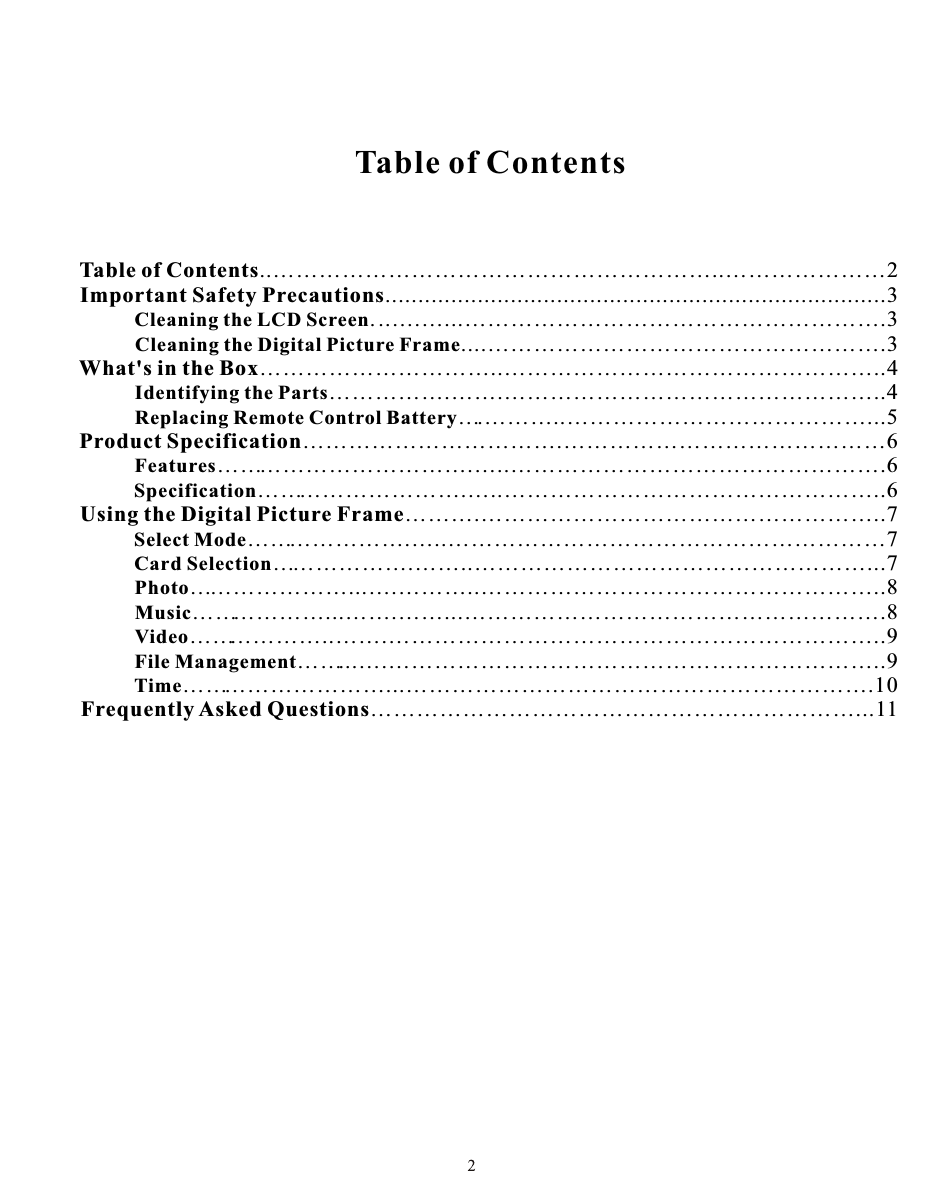
Table of ContentsTable of Contents..…………………………………………………..…………………2Important Safety Precautions............................................................................3      Cleaning the LCD Screen. ..….…...……………………………………………….3Cleaning the Digital Picture Frame....…………………………………………….3What's in the Box…………………………..…………………………………………..4Identifying the Parts…………….…….…………………………………………..4Replacing Remote Control Battery….………..…………………………………...5Product Specification…………………………….……………………………………6Features…………………………….…..………………………………………….6Specification……………………….…..…………………………………………..6Using the Digital Picture Frame……….……………………………………………..7Select Mode………………….…..…………………………………………………7Card Selection……………….……..……………………………………………...7Photo…………………...….………..……………………………………………..8Music………………...…….……...……………………………………………….8Video………………..…….………………………………………………………..9File Management……...….………………………………………………………..9Time………………………...…………………………………………………….10Frequently Asked Questions………………………………………………………...11
Important Safety PrecautionsAlways follow these basic safety precautions when using your Digital Picture Frame. This will reduce the risk of fire, electric shock, and injury.Warning: To reduce the risk of fire or shock hazard, do not expose this product to rain or                    moisture.Warning:  To prevent the risk of electric shock, do not remove the cover. There are no                     user-serviceable parts inside. Refer all servicing to qualified personnel.  The Digital Picture Frame is for indoor use only.  Unplug the Digital Picture Frame before performing care and maintenance.  Do not clock the ventilation holes on the back of the Digital Picture Frame at any time.  Keep your Digital Picture Frame out of direct sunlight and heat sources.  Protect the power cord. Route power cords so that they are not likely to be walked on    or pinched by items places on or against them. Pay particular attention to the point            where the cord attaches to the Digital Picture Frame.       Only use the AC adapter included with the Digital Picture Frame. Using any other power           adapter will void your warranty.       Unplug the power cord from the outlet when the unit is not in use.Cleaning the LCD ScreenTreat the screen gently.To clean fingerprints or dust from the LCD screen, it is recommended to use a soft, non-abrasivecloth such as a camera lens cloth to clean the LCD screen.If you use a commercial LCD cleaning kit, do not apply the cleaning liquid directly to the LCDscreen. Clean the LCD screen with cleaning cloth moistened with the liquid.Cleaning the Digital Picture FrameClean the outer surface of the Digital Picture Frame (excluding the screen) with a soft cloth dampened with water.

Navigation menu