Xiamen Intretech 0000G2 MEMOBIRD User Manual

Xiamen Intretech Inc. MEMOBIRD

User manual

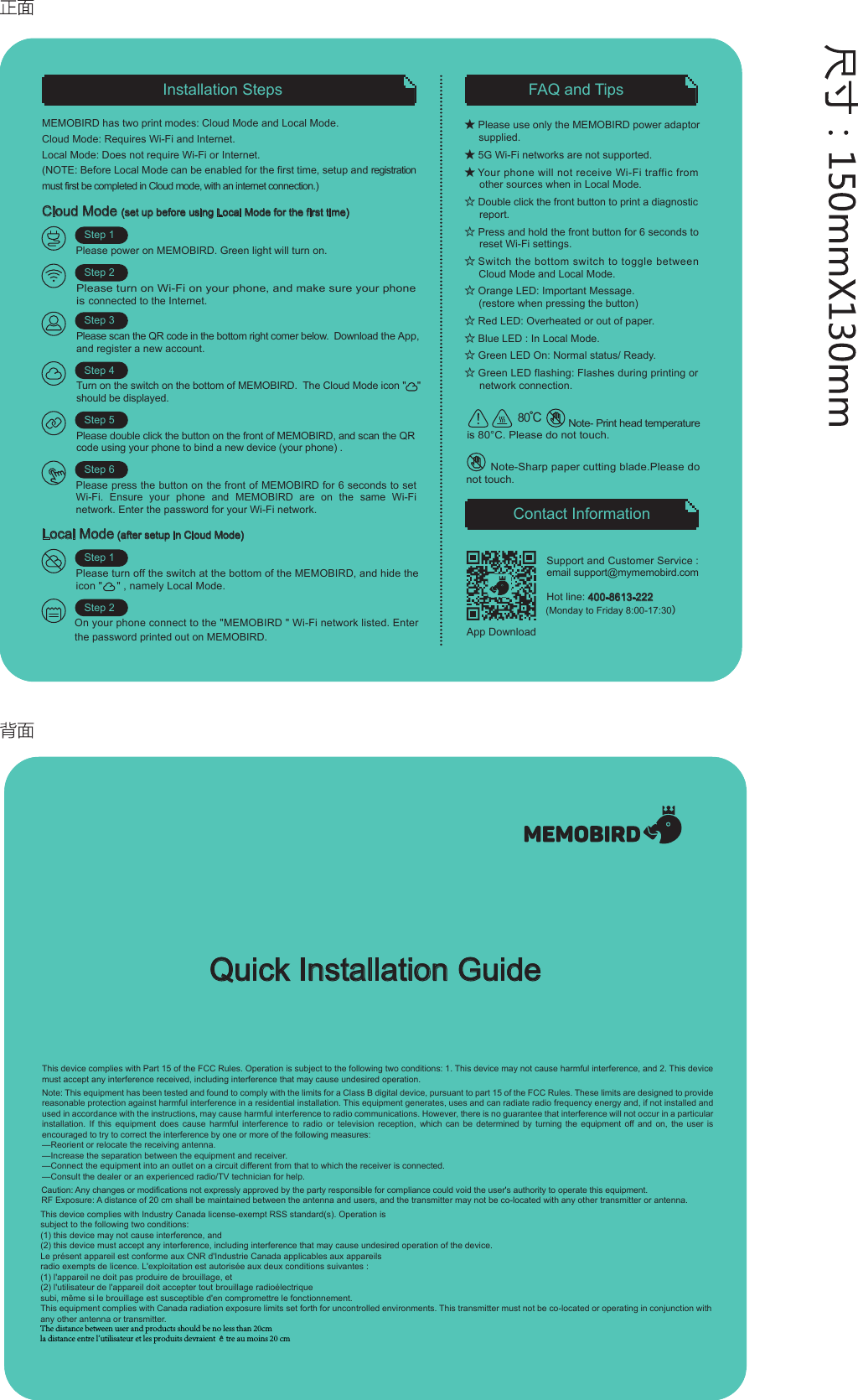
FAQ and TipsContact InformationInstallation StepsCloud Mode (set up before using Local Mode for the first time)Please power on MEMOBIRD. Green light will turn on.Step 1Step 2Step 3Step 4Step 5Support and Customer Service :  email support@mymemobird.comHot line: 400-8613-222 (Monday to Friday 8:00-17:30)Step 6★ Please use only the MEMOBIRD power adaptor supplied.★ 5G Wi-Fi networks are not supported.★ Your phone will not receive Wi-Fi traffic from       other sources when in Local Mode.☆ Double click the front button to print a diagnostic      report.☆ Press and hold the front button for 6 seconds to      reset Wi-Fi settings.☆ Switch the bottom switch to toggle betweenCloud Mode and Local Mode.☆ Orange LED: Important Message.(restore when pressing the button) ☆ Red LED: Overheated or out of paper.☆ Blue LED : In Local Mode.  ☆ Green LED On: Normal status/ Ready.☆ Green LED flashing: Flashes during printing or      network connection.MEMOBIRD has two print modes: Cloud Mode and Local Mode.Cloud Mode: Requires Wi-Fi and Internet.Local Mode: Does not require Wi-Fi or Internet.(NOTE: Before Local Mode can be enabled for the first time, setup and registration must first be completed in Cloud mode, with an internet connection.)Quick Installation GuideTurn on the switch on the bottom of MEMOBIRD.  The Cloud Mode icon "    "    should be displayed. Please turn on Wi-Fi on your phone, and make sure your phone is connected to the Internet.Please scan the QR code in the bottom right comer below.  Download the App, and register a new account.Please double click the button on the front of MEMOBIRD, and scan the QR code using your phone to bind a new device (your phone) .Please press the button on the front of MEMOBIRD for 6 seconds to set Wi-Fi. Ensure your phone and MEMOBIRD are on the same Wi-Fi network. Enter the password for your Wi-Fi network. Local Mode (after setup in Cloud Mode) Please turn off the switch at the bottom of the MEMOBIRD, and hide the icon "     " , namely Local Mode.Step 1Step 2On your phone connect to the "MEMOBIRD " Wi-Fi network listed. Enter the password printed out on MEMOBIRD.                Note- Print head temperature is 80°C. Please do not touch.80℃App DownloadThis device complies with Part 15 of the FCC Rules. Operation is subject to the following two conditions: 1. This device may not cause harmful interference, and 2. This device must accept any interference received, including interference that may cause undesired operation.Note: This equipment has been tested and found to comply with the limits for a Class B digital device, pursuant to part 15 of the FCC Rules. These limits are designed to provide reasonable protection against harmful interference in a residential installation. This equipment generates, uses and can radiate radio frequency energy and, if not installed and used in accordance with the instructions, may cause harmful interference to radio communications. However, there is no guarantee that interference will not occur in a particular installation. If this equipment does cause harmful interference to radio or television reception, which can be determined by turning the equipment off and on, the user is encouraged to try to correct the interference by one or more of the following measures:—Reorient or relocate the receiving antenna.—Increase the separation between the equipment and receiver.—Connect the equipment into an outlet on a circuit different from that to which the receiver is connected.—Consult the dealer or an experienced radio/TV technician for help.Caution: Any changes or modifications not expressly approved by the party responsible for compliance could void the user's authority to operate this equipment.RF Exposure: A distance of 20 cm shall be maintained between the antenna and users, and the transmitter may not be co-located with any other transmitter or antenna.This device complies with Industry Canada license-exempt RSS standard(s). Operation is subject to the following two conditions: (1) this device may not cause interference, and (2) this device must accept any interference, including interference that may cause undesired operation of the device. Le présent appareil est conforme aux CNR d'Industrie Canada applicables aux appareils radio exempts de licence. L'exploitation est autorisée aux deux conditions suivantes : (1) l'appareil ne doit pas produire de brouillage, et (2) l'utilisateur de l'appareil doit accepter tout brouillage radioélectrique subi, même si le brouillage est susceptible d'en compromettre le fonctionnement.This equipment complies with Canada radiation exposure limits set forth for uncontrolled environments. This transmitter must not be co-located or operating in conjunction with any other antenna or transmitter.        Note-Sharp paper cutting blade.Please do not touch.The distance between user and products should be no less than 20cmla distance entre l'utilisateur et les produits devraient être au moins 20 cm

Navigation menu